

Social
0.0
5.00B
4.5
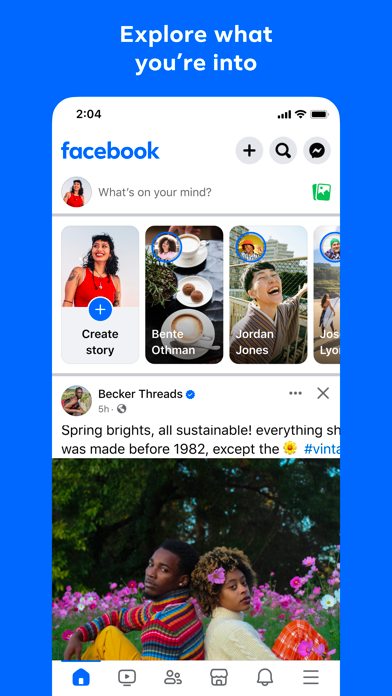
Facebook Lite is a streamlined version of the popular social media platform designed specifically for users who want to stay connected without using too much data or device storage. This mobile app is built to run smoothly even on low-end smartphones or slower internet connections, making it an excellent choice for those who need reliable access to their social network without the heavy features of the full Facebook app. As an Android app, Facebook Lite offers a simplified, efficient user experience that caters to a wide range of devices and network conditions.
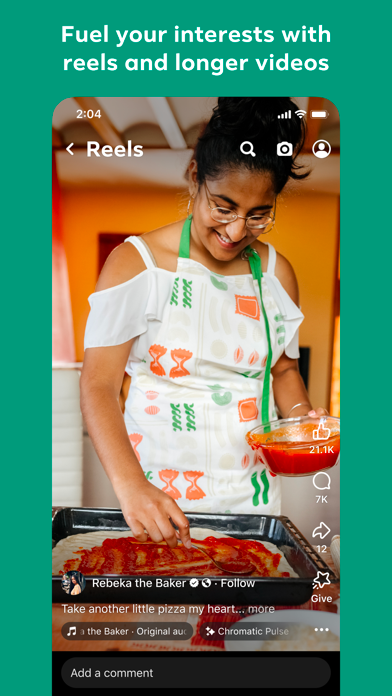
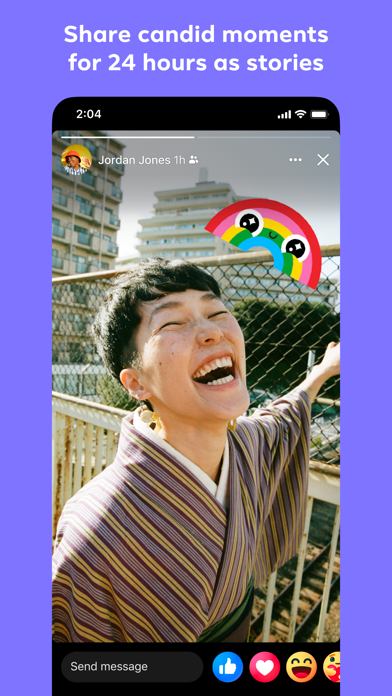
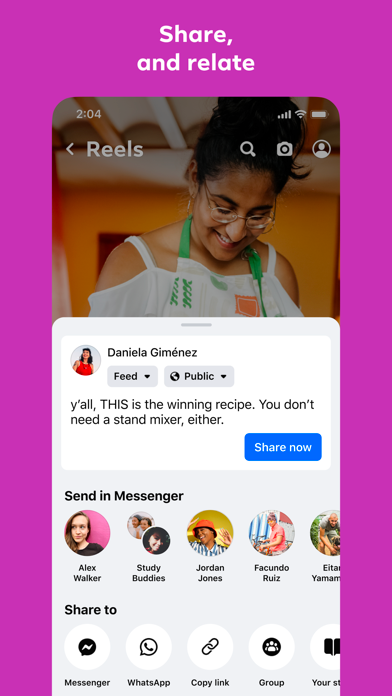
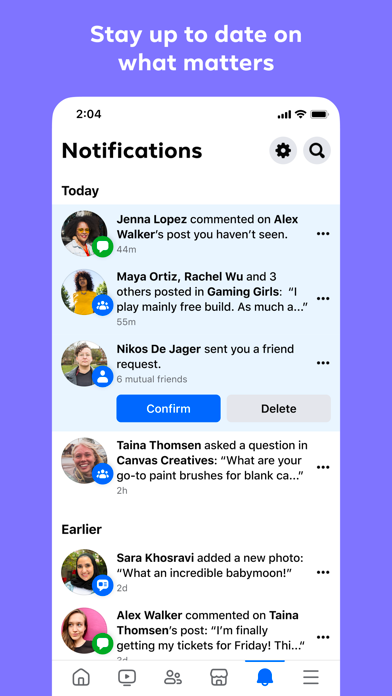
The primary purpose of Facebook Lite is to provide a fast, easy way to send messages, share updates, and connect with friends and family. It features key app functionalities such as news feed browsing, photo sharing, notifications, and messaging, all optimized to ensure minimal data consumption and quick load times. For users seeking an app-based solution that keeps them connected on the go, Facebook Lite is a dependable choice that prioritizes core social features without unnecessary clutter. This makes it an ideal launcher app for those who prefer a straightforward, reliable social media experience on their mobile device.
This mobile app is especially beneficial for users who prefer a simple yet effective social media experience. It's ideal for individuals with older Android devices or those living in areas with limited internet access. If you value a straightforward app that emphasizes core social features without unnecessary bloat, Facebook Lite is a great fit. Small storage capacity, lower data consumption, and fast load times make it perfect for budget-conscious users or anyone looking for a reliable social connection without sacrificing performance.
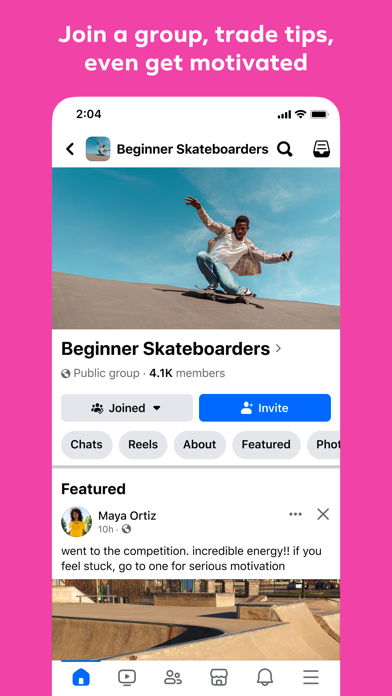
People who frequently travel or have inconsistent internet connections will find this app-based solution invaluable because of its offline features and efficient data use. It caters to busy professionals, students, and communities that need quick access to updates, messaging, and social interactions on a daily basis. Whether you're managing a community group or staying in touch with friends and family, Facebook Lite provides the essential app experience in a lightweight package, making social media more accessible anytime, anywhere.
Choosing Facebook Lite means opting for a mobile app that combines simplicity with robust app features, ensuring a reliable and efficient social media experience. Unlike many other social apps, Facebook Lite is designed specifically with low-resource devices in mind, helping users stay connected without draining battery life or data. Its optimized app features include fast loading times, offline access, and a no-frills interface, making it a go-to social media solution for those who need a straightforward and trustworthy platform.
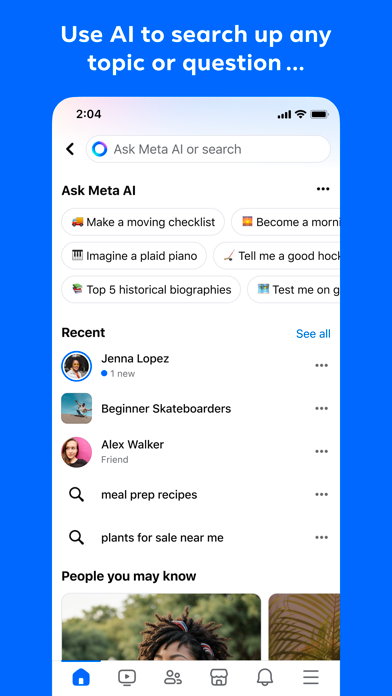
This app-based solution addresses common challenges such as slow network speeds and limited device storage, offering a streamlined experience that's both easy to use and dependable. Facebook Lite stands out by maintaining core functionalities like messaging, notifications, and media sharing, while minimizing unnecessary features that can hinder performance. With its reputation for stability and simplicity, Facebook Lite has earned the trust of millions worldwide, especially among users seeking an effective Android app for social networking on their terms. Its focus on delivering a reliable app experience makes it an excellent choice for anyone needing quick, hassle-free access to social media activities.
Lightweight App
Faster Load Times
Less Battery Consumption
Basic Features Retained
Accessible on Low-Connectivity Networks
Limited Features
Simplified Interface
No Support for Some Media Formats
Limited Customization Options
Occasional Sync Delays
Social
4.5

Social
4.6

Social
4.3

Social
4.7

Social
4.8

Social
4.5
Social
4.8

Social
4.3

Social
4.5

Social
4.7

Social
4.5

Social
4.1

Social
4.7

Shopping
4.7

Social
4

Personalization
3.9

Productivity
4.9

Video Players & Editors
4.6

Social
4.3

Communication
4.7

Entertainment
4.7

Communication
4.5