Menu
Talking Tom Cat

Talking Tom Cat

4.1
Advertisement

Information

Category:

Casual

Price:

0.0

Downloads:

0.50B

Rating:

4.1

Advertisement

Overview

About Talking Tom Cat

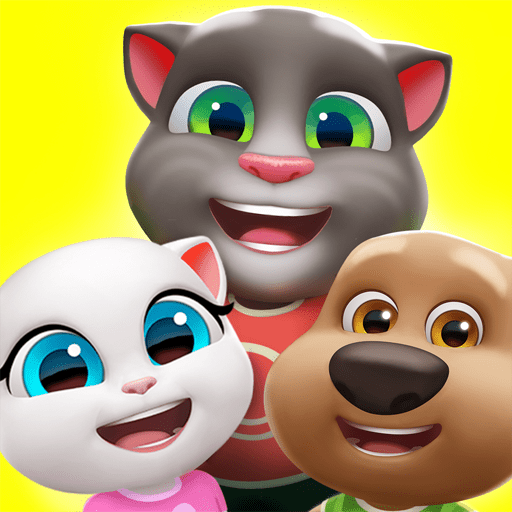
Talking Tom Cat is a popular mobile app designed for entertainment and fun. It features a lively virtual cat that users can interact with in various ways, making it an engaging experience for all ages. As one of the most well-known virtual pet apps available on both Android and iOS platforms, Talking Tom Cat has gained a reputation for its user-friendly interface and interactive features.

Core Features

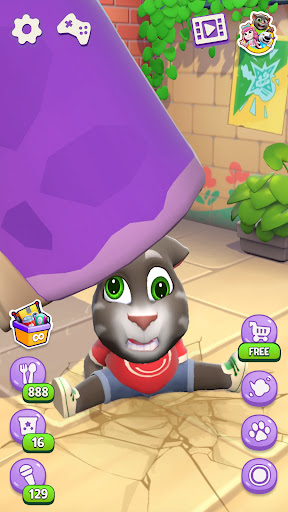
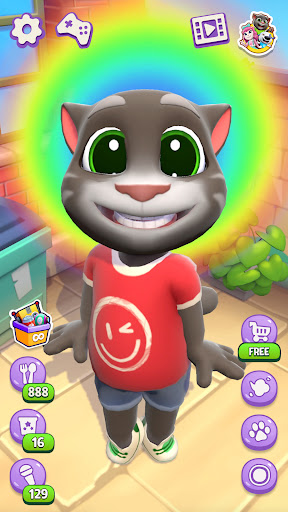
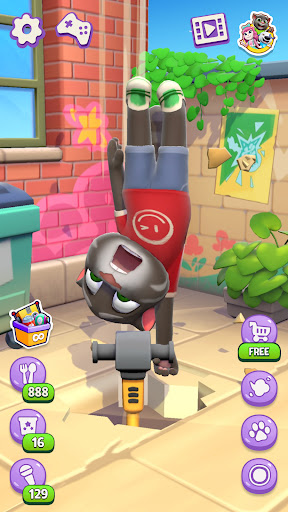
  • The app features an interactive talking Tom character that responds to your voice commands and touch, creating a lively and immersive experience for users of all ages.
  • With customizable options, you can change Tom's appearance, hats, and accessories, allowing users to personalize their interaction and boost engagement with the app experience.
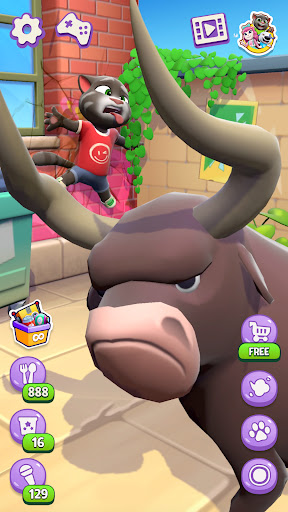
  • It includes mini-games and fun activities that keep users entertained, making this mobile app a versatile entertainment solution suitable for quick leisure breaks.
  • The app provides a seamless interface with smooth animations and real-time responses, ensuring a delightful user experience on Android devices and other platforms.
  • Talking Tom Cat features offline mode, enabling users to enjoy the app's core features without internet connectivity, an important aspect of many app features.
  • Push notifications keep users updated about new features and seasonal events, enhancing user retention and trustworthiness of the app as a reliable entertainment source.

Who This App Is For

This mobile app is perfect for children, teenagers, and even adults who love lighthearted entertainment and interactive experiences. Its intuitive design makes it accessible for users new to smartphones, ensuring that anyone can enjoy talking to Tom and exploring its app features without complication. Parents often choose this app as a safe and fun alternative for their children, thanks to its playful nature and absence of intrusive ads.

Many users turn to Talking Tom Cat when looking for a quick diversion or a fun way to express themselves. Its app experience is especially popular during long commutes, family gatherings, or moments of downtime. Those interested in a versatile app-based solution for entertainment will likely find this Android app a delightful choice, as it combines humor, customization, and interactivity all in one package.

Why Choose This App

Talking Tom Cat stands out among other entertainment apps because of its engaging app features and consistent app experience. It combines humor with interactivity, providing a unique way for users to connect with a lively virtual pet. This app offers a level of personalization and responsiveness that many similar apps lack, making the user feel genuinely involved in the interaction.

What sets it apart is its reliability and continuous updates, which demonstrate the developer's commitment to trustworthiness. The app features a well-designed interface that is easy to navigate, even for younger users or those who prefer simple controls. When selecting an Android app for entertainment or an app-based solution for lighthearted fun, Talking Tom Cat's strong emphasis on quality, safety, and user-centered design makes it a compelling option for a broad audience.

pros

Engaging and entertaining interactions

User-friendly interface

Customizable features

Frequent content updates

Offline functionality

Cons

Limited originality in content

High battery consumption

In-app advertisements

Limited educational value

Occasional lag or glitching
Advertisement
Download From Google Play

Frequently Asked Questions

How do I start playing Talking Tom Cat for the first time?

Download and install the app, open it, and tap 'Start' to begin. You can immediately interact with Tom by poking, talking, or feeding him to explore his reactions.

Can I customize Tom's appearance or behavior?

Currently, Talking Tom Cat offers limited customization. To explore more features, go to the app's main menu and look for settings or in-app options.

How can I make Tom repeat what I say?

Tap the microphone icon or ask Tom directly after opening the app, and he will repeat your words in his humorous voice.

What are the main interactive features of the app?

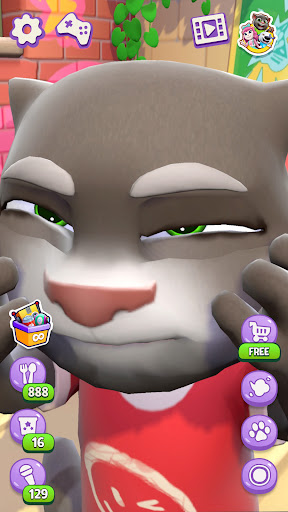
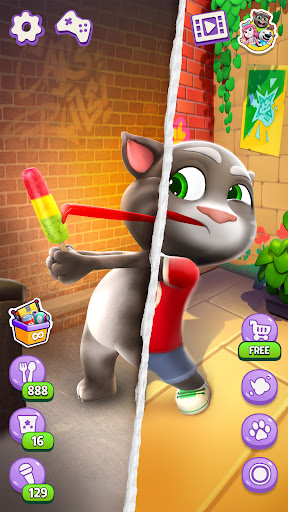
Key features include poking Tom's face or body, talking to him, feeding him, and watching his reactions, which add humor and engagement.

How do I poke Tom, and what reactions can I expect?

Simply tap different parts of Tom's body to see various reactions, from wild movements to funny sounds, making gameplay amusing and unpredictable.

Are there in-app purchases, and how do I access them?

Yes, in-app purchases are available for extra features. Access them through the settings menu under 'Shop' or 'In-App Purchases'.

Is there a subscription service available for Talking Tom Cat?

The app currently does not offer a subscription; however, you can purchase individual items or upgrades via in-app purchases in the shop section.

How do I troubleshoot if Talking Tom Cat crashes or freezes?

Restart your device, ensure your app is updated via the app store, and check internet connection if needed. Contact support@outfit7.com if problems persist.

Can I share my funny moments with Tom on social media?

Yes, you can record or share funny clips directly from the app using built-in sharing options to social media platforms.

Where can I find more help or customer support for Talking Tom Cat?

Visit the support page or email support@outfit7.com for assistance with technical issues or questions about the app.
Show more