

Educational
0.0
0.05B
4.4
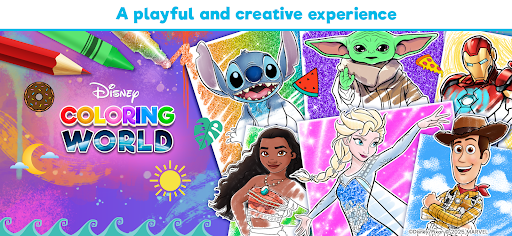
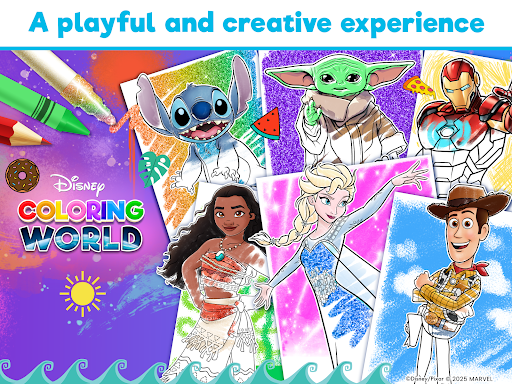
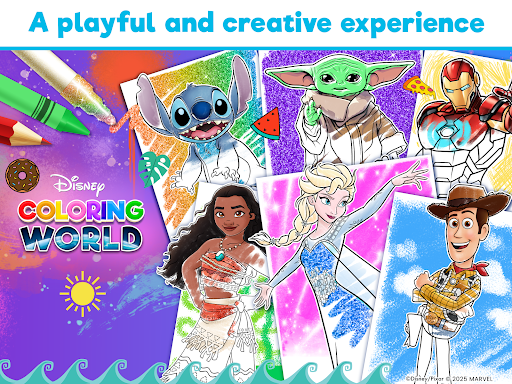
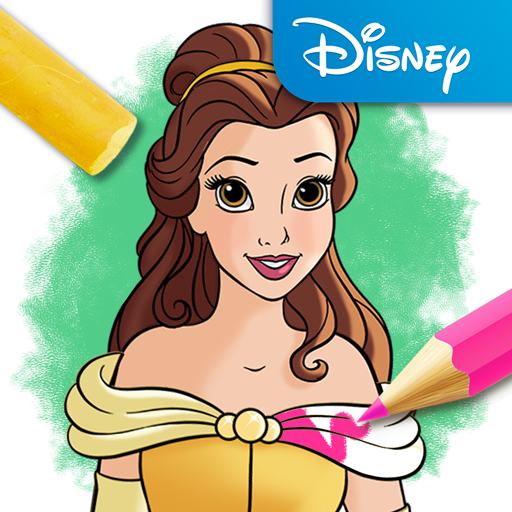
Disney Coloring World is an engaging mobile app designed for fans of Disney and Pixar characters who love to bring their favorite characters to life through coloring. This educational app offers a fun way for children to explore a wide range of Disney-themed images, making it an excellent choice for parents seeking a safe, child-friendly activity. As a popular Android app, Disney Coloring World provides a simple and intuitive interface that makes it easy for kids to navigate without much help. Throughout the app experience, children can enjoy exploring their creativity in a safe environment that promotes learning and amusement.
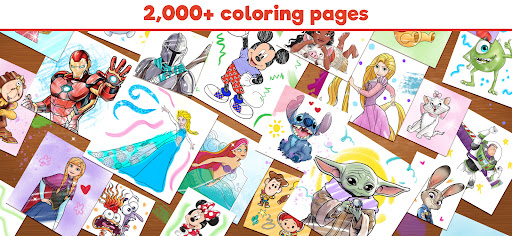
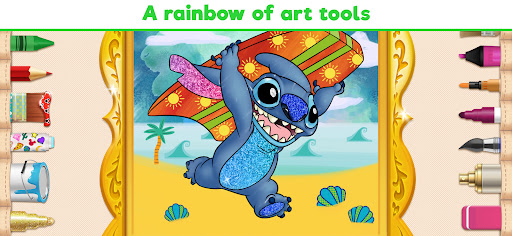
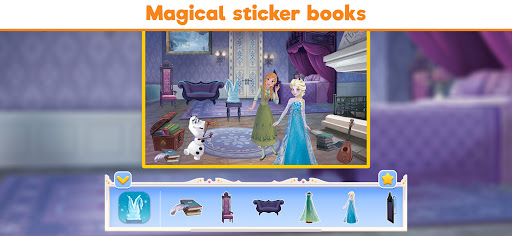
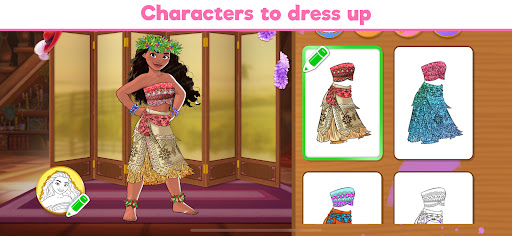
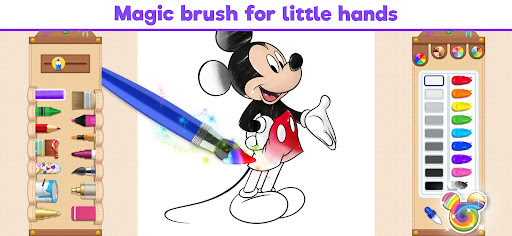
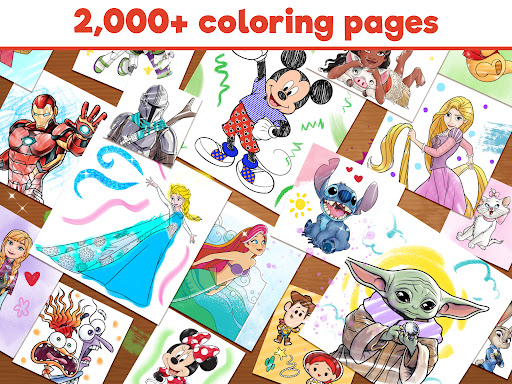
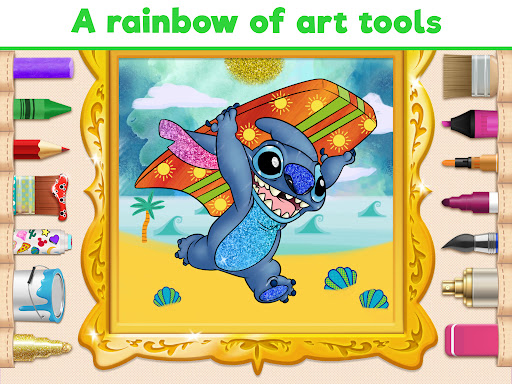
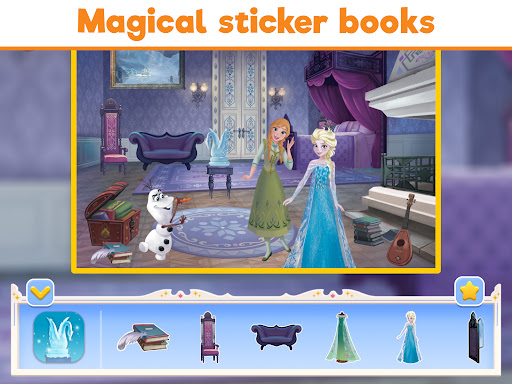
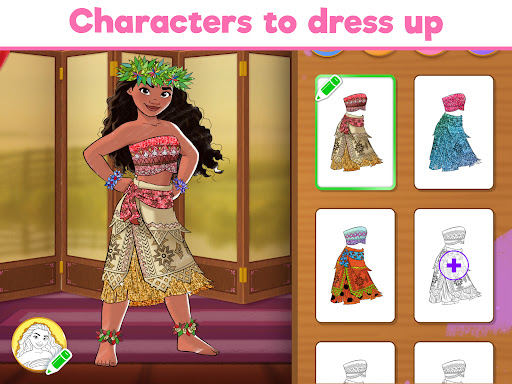
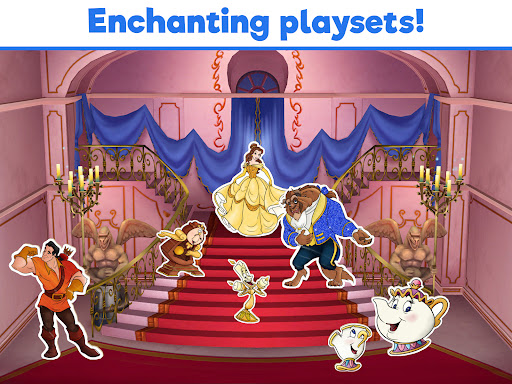
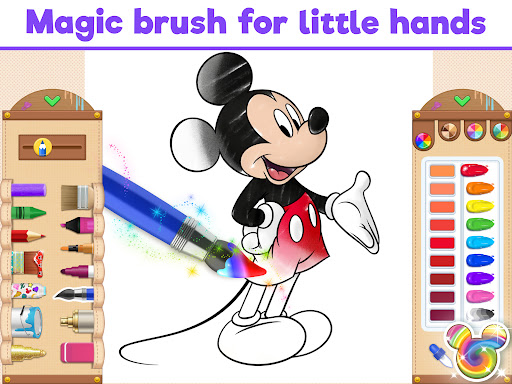
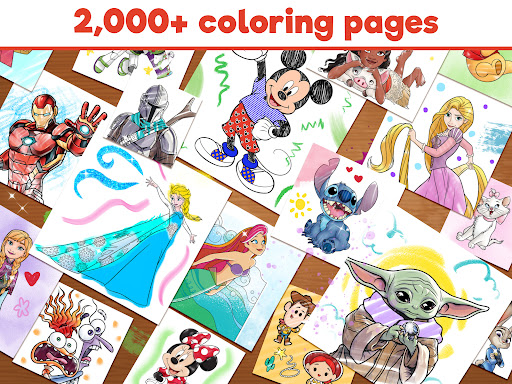
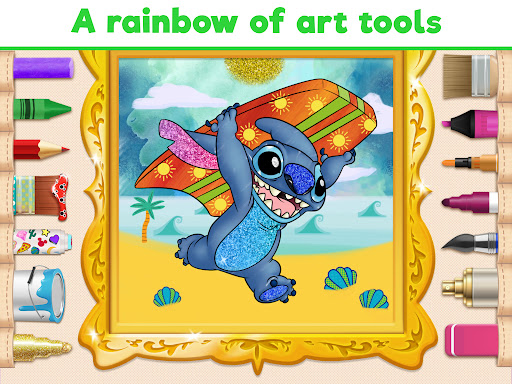
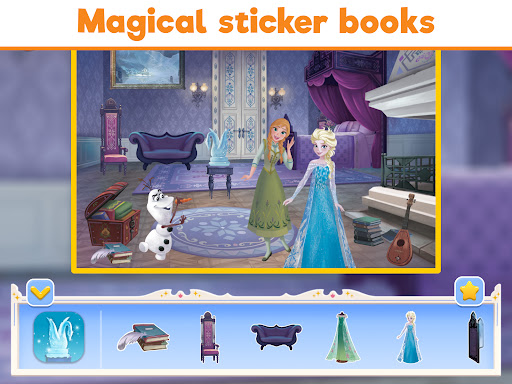
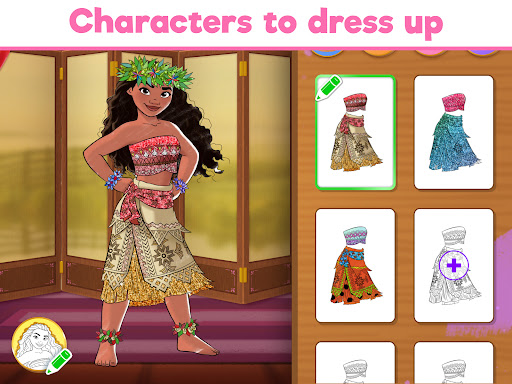
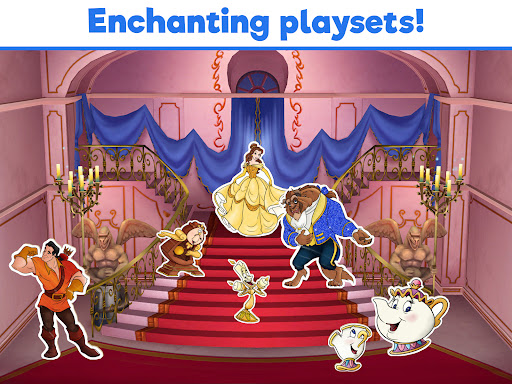
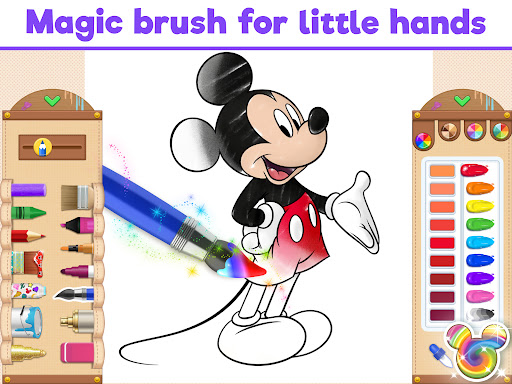
The primary purpose of Disney Coloring World is to serve as an app-based solution for kids to practice coloring skills while familiarizing themselves with beloved Disney characters. The app features a variety of coloring pages, including scenes from animated movies and classic characters, all accessible with a few taps. Its engaging app features also include different coloring tools, such as brushes, fills, and stickers, which help to enhance the fun and educational value. Designed with young users in mind, Disney Coloring World combines entertainment with skill development, making it a trusted choice for parents and a delightful experience for children. As a launcher app for creative activities, it truly stands out among other educational apps in the same category.
This educational mobile app is primarily for children aged 3 to 10 who love Disney characters and enjoy creative activities like coloring. Parents, teachers, and caregivers looking for a safe, engaging, and educational app-based solution will find it especially useful. The app's user-friendly design makes it accessible for young children learning to navigate digital interfaces, fostering independence and artistic skills.
Beyond children, this app appeals to homeschooling families and educators seeking a fun way to introduce kids to art and Disney themes in a structured manner. Whether used during playtime, as part of a classroom activity, or for quiet time at home, the app creates a stimulating environment that encourages imagination and fine motor skills development. Its offline capabilities also make it suitable for use in environments with limited internet access.
Choosing Disney Coloring World offers a compelling mix of entertainment and learning that enhances the overall app experience. Unlike many other coloring apps, this one combines beautiful Disney imagery with intuitive app features designed for young users. Its extensive library of images and the variety of app features keep children engaged for hours, making it a top choice among educational apps for kids.
This app stands out because it provides an ad-free, safe environment where children can freely explore their creativity without distractions. Its simple and engaging interface, coupled with the ability to share their artwork easily, makes it an appealing app-based solution for parents and educators alike. Whether for home use or classroom activities, Disney Coloring World delivers a trusted, high-quality app experience that fosters artistic growth while ensuring child safety.
Wide Variety of Disney Characters
User-Friendly Interface
High-Quality Coloring Tools
Engaging Interactive Features
Regular Content Updates
Limited Customization Options
Occasional App Glitches
In-App Purchases Required for Premium Features
Small Children May Struggle with Controls
Limited Multiplayer Functionality
Educational
4.2
Educational
3.7

Educational
4.1
Educational
4.2
Educational
4.4
Educational
4.3

Educational
4.1

Educational
4.5
Educational
4.1

Educational
4.6

Educational
4.2
Educational
4.6

Social
4.7

Shopping
4.7

Social
4

Personalization
3.9

Productivity
4.9

Video Players & Editors
4.6

Social
4.3

Communication
4.7

Entertainment
4.7

Communication
4.5