

Educational
0.0
0.05B
3.7
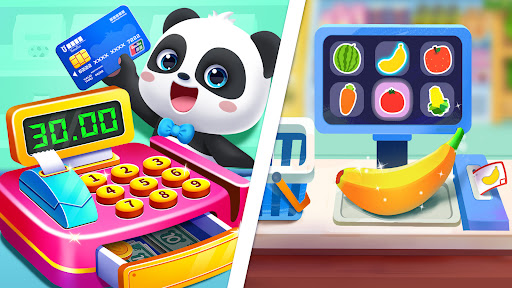
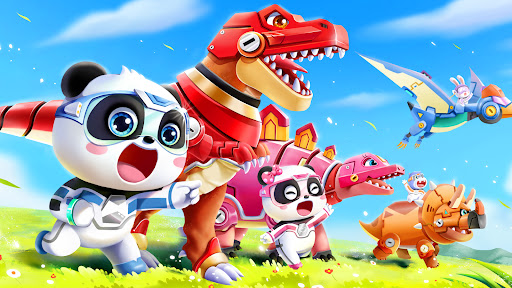
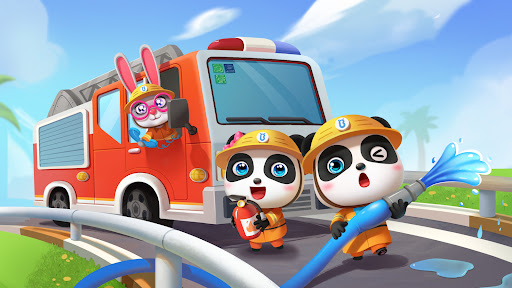
BabyBus Kids: Play & Learn is a well-designed educational mobile app that aims to help young children develop essential skills through engaging activities. Available as an Android app, it offers a safe and user-friendly environment tailored for early learners. With its colorful interface and intuitive navigation, BabyBus Kids: Play & Learn makes learning fun and accessible for kids and peace of mind for parents.
This educational app is primarily designed for preschoolers and early primary school children, typically aged 2 to 6 years old. Parents searching for a reliable and engaging app to supplement their child's early education will find BabyBus Kids: Play & Learn to be an ideal choice. It caters to caregivers who want a trustworthy app that combines fun with fundamental learning skills, promoting healthy cognitive development through engaging activities.
In addition, this app serves parents and educators looking for an effective app-based solution to complement classroom activities or home learning. Whether your child is just starting to learn essential skills or needs extra practice outside of school hours, BabyBus Kids: Play & Learn offers a safe, interactive environment. It is especially useful for busy families who need flexible learning options, thanks to offline mode and easy-to-use features that foster independent learning and curiosity in young children.
BabyBus Kids: Play & Learn offers a compelling combination of educational value and user-friendly design that sets it apart from other apps in the crowded learning space. Its rich app features include a variety of games, interactive lessons, and progress tracking, all aimed at nurturing early childhood skills in a safe environment. Unlike many alternatives, this Android app emphasizes child safety with an ad-free experience and parental controls, building trust with caregivers seeking a secure educational app.
What makes BabyBus Kids stand out is its focus on delivering a high-quality app experience based on educational principles and engaging content. Its intuitive interface and offline capabilities ensure that children can learn anytime and anywhere, without relying solely on internet access. Whether used as a supplement to school curricula or a standalone early childhood education tool, this app provides a well-rounded, reliable app-based solution to support your child's learning journey. Its proven app features and expert design make it a dependable choice for parents dedicated to fostering their child's curiosity and foundational skills.
Engaging and colorful interface
Educational content aligned with early learning standards
User-friendly navigation for young children
Parental controls and activity tracking
Variety of learning activities
Limited offline content
Some games may be too repetitive
In-app purchases could be confusing for children
Language options are somewhat limited
Some users report occasional app crashes
Educational
4.2
Educational
3.7

Educational
4.1

Educational
4.2

Educational
4.4
Educational
4.3

Educational
4.1

Educational
4.5

Educational
4.1

Educational
4.6

Educational
4.2

Educational
4.6

Social
4.7

Shopping
4.7

Social
4

Personalization
3.9

Productivity
4.9

Video Players & Editors
4.6

Social
4.3

Communication
4.7

Entertainment
4.7

Communication
4.5