

Tools
0.0
0.50B
4.7
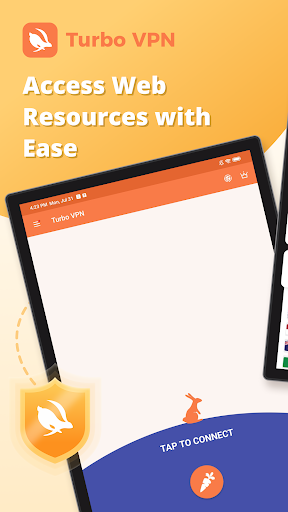
Turbo VPN - Secure VPN Proxy is a widely used mobile app designed to enhance your online privacy and security. As a trusted Android app, it offers a straightforward way to protect your internet connection, especially when you're using public Wi-Fi networks. Whether you're browsing, streaming, or working online, Turbo VPN provides a reliable solution to keep your data safe from prying eyes. Its user-friendly interface makes it accessible even for those new to VPN services, allowing you to connect quickly without any technical hassle.
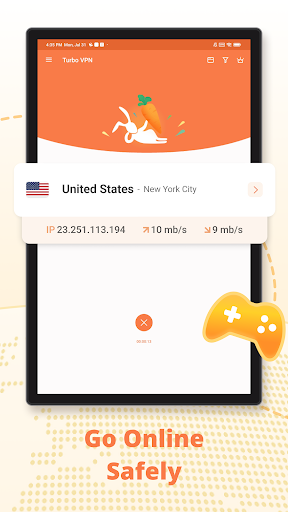
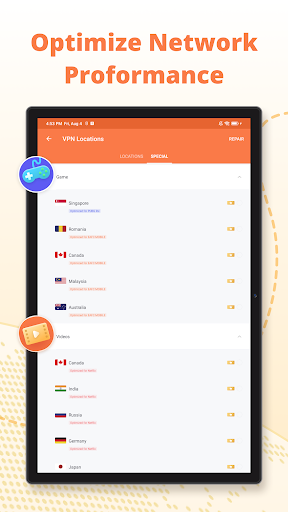
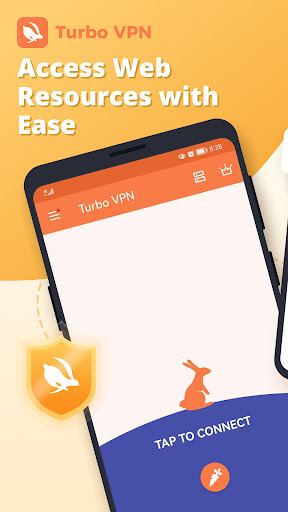
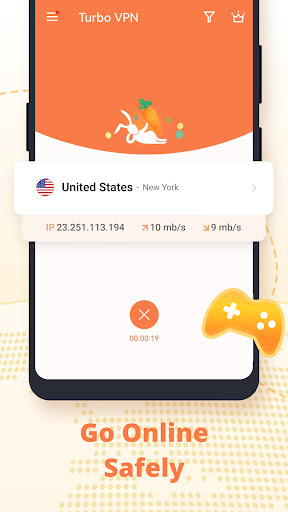
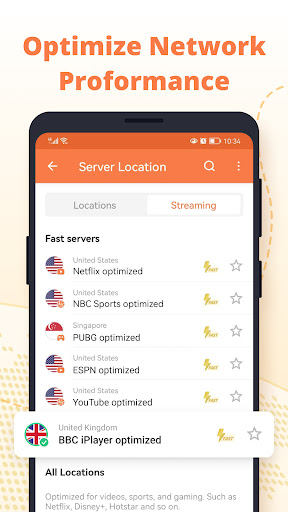
The primary purpose of Turbo VPN is to offer an efficient app-based solution for secure internet access. The app features include fast connection speeds, multiple server locations, and simple one-tap connectivity. If you're looking for a launcher app to quickly activate a VPN connection on your Android device, Turbo VPN fits that role well. The app experience is designed to be intuitive, letting you toggle protection easily while browsing or streaming content privately. Overall, Turbo VPN is a dependable tool for maintaining your privacy and bypassing regional restrictions seamlessly on your Android device.
This mobile app is ideal for anyone who values online privacy and wants to browse securely on their Android device. Whether you're a casual internet user, a frequent traveler, or someone who needs to access restricted content, Turbo VPN - Secure VPN Proxy is designed for you. Its ease of use and reliable performance make it suitable for users across all age groups, especially those who prefer simple yet effective app experiences on their smartphones or tablets.
Target users include students, remote workers, expatriates, and anyone needing a quick and safe way to browse the web or access app-based solutions from different locations. For individuals concerned about data security on public Wi-Fi, this VPN provides peace of mind by encrypting your connection. Additionally, if you're an avid streamer or use location-based apps frequently, Turbo VPN helps you bypass geo-blocks with its vast server network. Overall, this Android app caters to a broad audience seeking a trustworthy and efficient mobile solution for secure internet access.
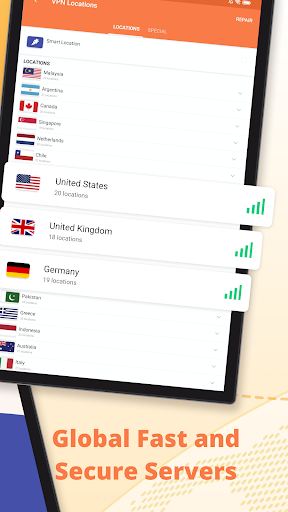
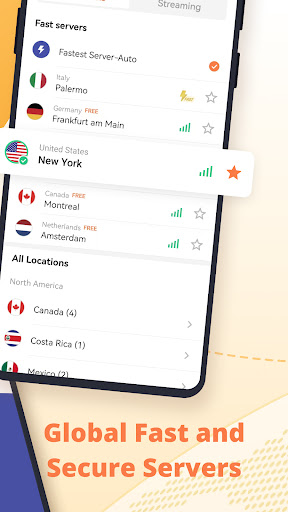
Turbo VPN - Secure VPN Proxy stands out among other VPN apps thanks to its reliable app features and straightforward approach to online security. It offers a seamless app experience that combines speed, security, and simplicity, making it a compelling choice for users seeking an effective app-based solution. The app's extensive server network ensures stable and fast connections, which is crucial for streaming or quick browsing, especially on Android devices. Its focus on user privacy, along with an intuitive interface, helps users stay secure without complicated setups or confusing menus.
What truly makes Turbo VPN a standout option is its commitment to providing a trustworthy and transparent service. Unlike some free VPNs that compromise user data, Turbo VPN emphasizes safety and privacy, backed by reputable infrastructure and clear policies. It solves common issues like slow speeds and connectivity drops, ensuring your app experience is smooth. Plus, its ability to work smoothly as a launcher app on Android enhances convenience, allowing you to activate VPN protection with minimal effort. For anyone seeking a dependable, easy-to-use app that addresses key security needs while maintaining high performance, Turbo VPN offers a solid and trustworthy mobile app solution.
Strong security features
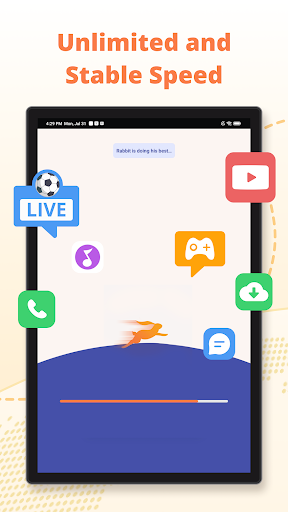
Fast connection speeds
User-friendly interface
Multiple server locations
No-log policy
Limited free bandwidth
Occasional connection drops
Premium subscription required for full features
Limited server locations in some regions
Possible slow speeds during peak hours

Tools
4.5

Tools
4.8
Tools
4.7

Tools
4.5

Tools
4.3

Tools
4.5

Tools
4.6

Tools
4.3

Tools
4.3

Tools
4.8

Tools
4.3

Tools
4.3

Social
4

Shopping
4.5

Social
4

Personalization
3.9

Productivity
4.8

Video Players & Editors
3.5

Social
4.3

Communication
4.7

Entertainment
3.9

Communication
4.2