

Lifestyle
0.0
0.05B
4.6
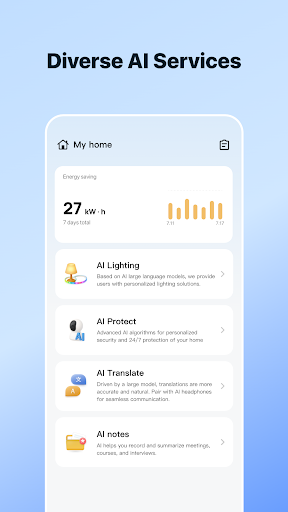
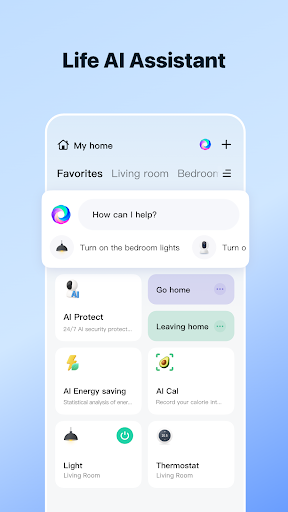
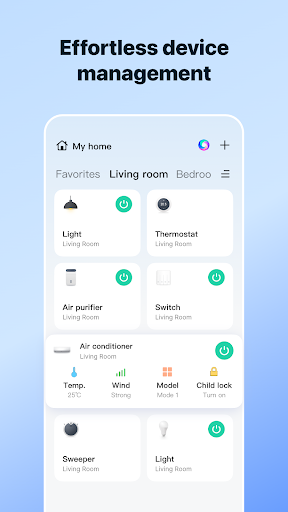
Smart Life - Smart Living is a versatile mobile app designed to help users manage and control their smart devices seamlessly. Available on both Android and iOS, this app serves as a central hub for your connected home and lifestyle gadgets. Whether you're aiming to turn on lights, adjust thermostats, or monitor security cameras, Smart Life makes it straightforward to do so from your smartphone. Its user-friendly interface and intuitive controls place the power of smart device management right in your hands, making everyday living more comfortable and convenient.
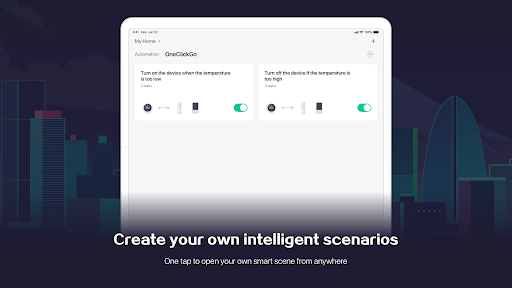
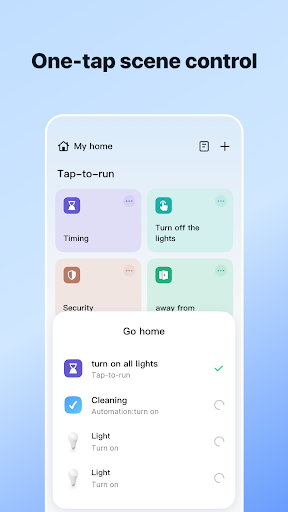
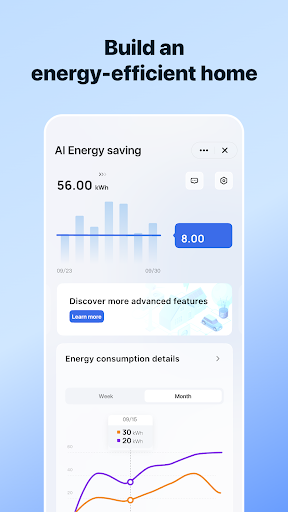
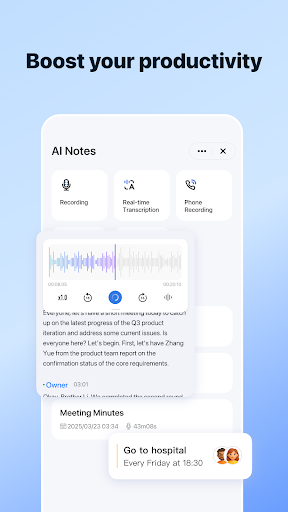
The primary purpose of the Smart Life app is to provide an all-in-one app-based solution for controlling a wide range of smart home products. The app features include remote device management, automation rules, scheduling, and real-time notifications. Designed to enhance your app experience, Smart Life integrates well with voice assistants and offers compatibility with various smart device brands. Whether you're setting up a new smart home or looking for an efficient launcher app for your lifestyle, Smart Life aims to deliver a reliable and secure platform to streamline your digital life.
If you find yourself interested in enhancing your lifestyle with smart technology, then the Smart Life - Smart Living app is a perfect choice for individuals of all ages who want a practical and straightforward app experience. Whether you're a homeowner looking to automate your household or a tech enthusiast eager to explore innovative app features, this mobile app caters to a broad demographic. Its user-friendly design makes it accessible even for those who aren't tech-savvy, ensuring everyone can enjoy the benefits of smart living.
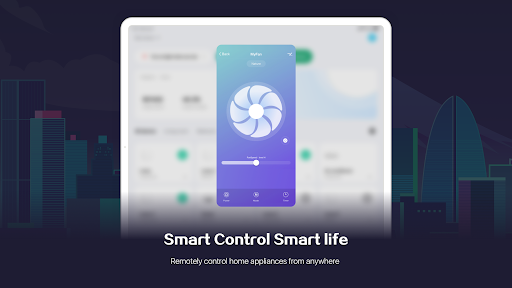
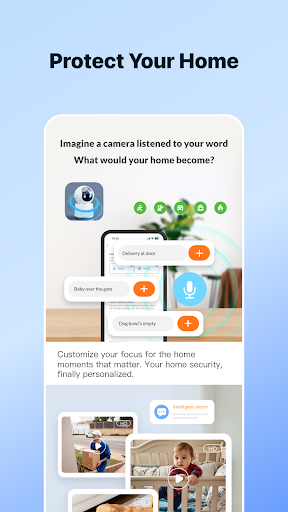
This app-based solution is especially useful for busy professionals, parents managing family routines, or seniors seeking simple device control options. With the ability to remotely monitor and manage devices, users can save time, enhance security, and create a more comfortable environment. Practical scenarios include controlling lighting and appliances when away from home, setting customized routines for daily comfort, or managing security cameras seamlessly through the app. Wherever convenience and smart living are priorities, the Smart Life app provides an effective experience tailored to your needs.
What sets the Smart Life - Smart Living app apart from others in its category is its robust combination of app features and overall experience. Designed as a comprehensive app-based solution, it offers a reliable, highly customizable platform for managing a wide range of smart devices. Its core features include real-time sync, automation routines, and secure device management, all integrated into an easy-to-navigate Android app.
Users benefit from a smooth app experience that prioritizes both functionality and security. Unlike many alternatives, this app supports offline control, ensuring you remain connected to your devices even without an internet connection. Its versatility and wide compatibility make it suitable for various smart home setups, giving users confidence in its reliability and performance. Whether you're new to smart living or an experienced enthusiast, choosing the Smart Life app means opting for an established, trusted solution that consistently delivers on its promises, making your lifestyle smarter, safer, and more efficient.
Intuitive User Interface
Wide Device Compatibility
Effective Smart Automation
Remote Control Functionality
Regular Updates
Occasional Connectivity Issues
Limited Customization Options
Learning Curve for New Users
Incomplete Localization
Limited Integration with Other Ecosystems
Lifestyle
4.8

Lifestyle
4.8

Lifestyle
4.3
Lifestyle
4.6
Lifestyle
4.6

Lifestyle
3.5

Lifestyle
4.5

Lifestyle
4.5

Lifestyle
4.6

Lifestyle
4.3

Lifestyle
4.5

Lifestyle
4.8

Social
4

Shopping
4.5

Social
4

Personalization
3.9

Productivity
4.8

Video Players & Editors
3.5

Social
4.3

Communication
4.7

Entertainment
3.9

Communication
4.2