

Casual
0.0
1.00M
3.5
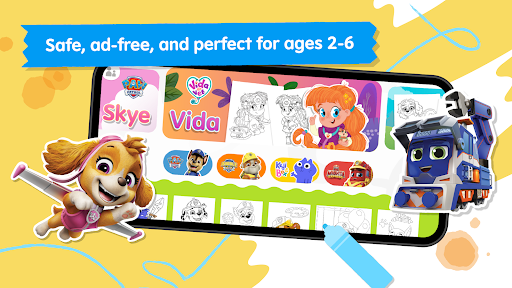
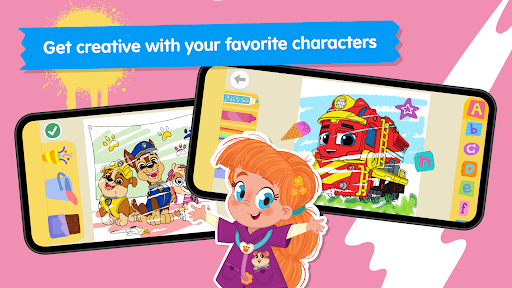
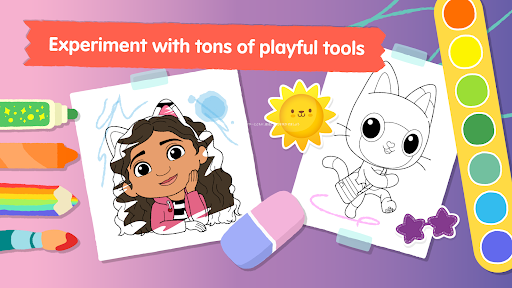
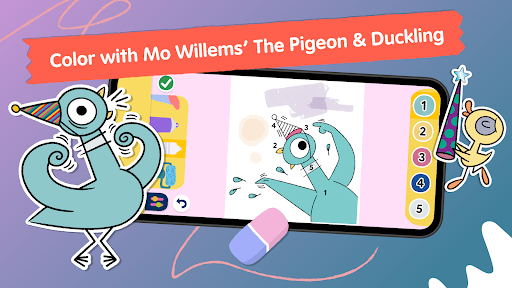
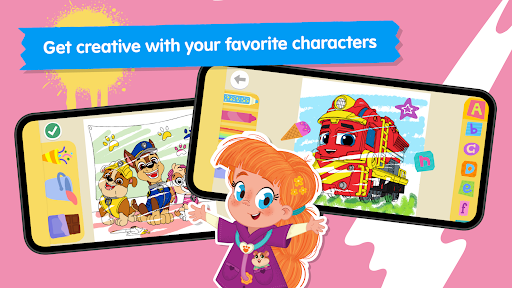
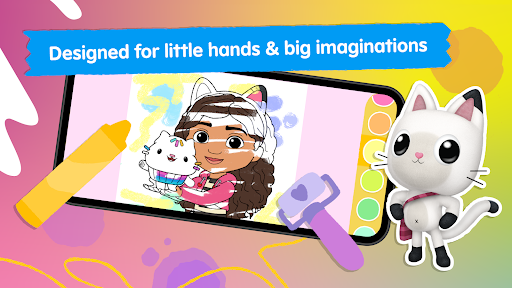
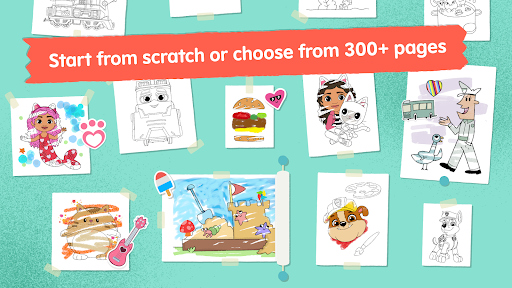
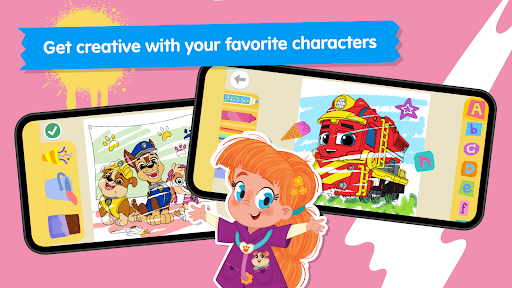
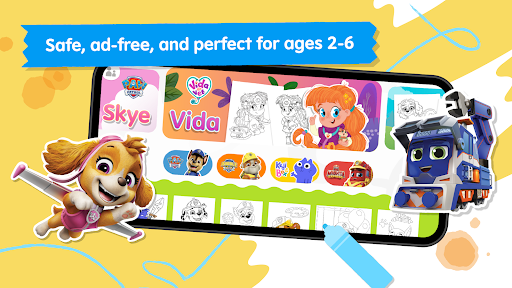
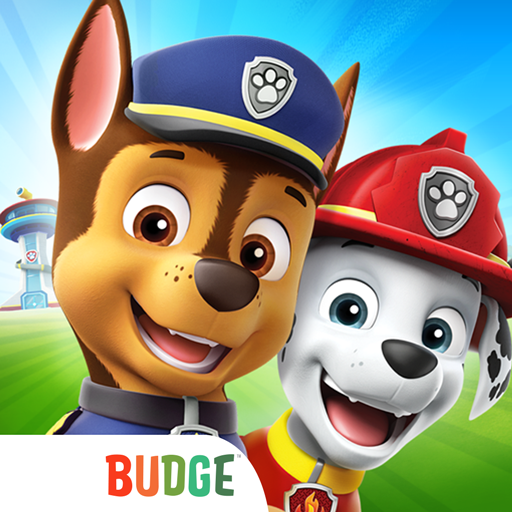
Crayon Club: Color PAW Patrol is a charming mobile app designed for young children who love coloring and exploring creative activities. It's part of the popular PAW Patrol universe, providing a fun and engaging way for kids to develop their artistic skills on their tablets or smartphones. This app features an intuitive interface, making it easy for little ones to navigate and enjoy their coloring experience without needing much assistance.
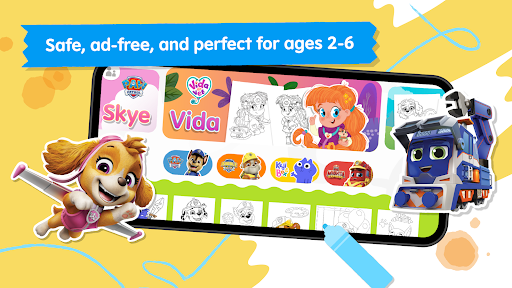
This mobile app is designed primarily for children aged 3 to 8 who love the adventures of PAW Patrol. Parents and guardians seeking a safe, educational, and entertaining app experience will find it especially suitable. The app provides a trusted platform where young users can explore their creativity without exposure to inappropriate content, thanks to its child-friendly design and parental controls.
If you're looking for an app-based solution that combines learning and play, Crayon Club: Color PAW Patrol is ideal for scenarios like car rides, quiet time, or weekend activities. It supports kids during their early developmental stages by offering interactive coloring, storytelling, and puzzle activities. Teachers and caregivers can also use this Android app to enhance classroom activities, providing children with engaging ways to learn about teamwork and problem-solving through familiar characters and themed challenges.
Choosing Crayon Club: Color PAW Patrol ensures a high-quality app experience filled with engaging app features carefully crafted for young users. This app stands out for its user-friendly interface, safe environment, and rich content tailored to children's interests and developmental needs. Unlike many other apps, it combines creative coloring with interactive storytelling, making it both educational and entertaining, which naturally enhances child engagement and learning outcomes.
What truly sets this Android app apart is its focus on trustworthiness and comprehensive app-based solutions. It offers offline capabilities, ensuring children can enjoy their favorite activities anywhere without constant internet access. The app features regular updates, providing fresh content that encourages ongoing exploration. Its emphasis on safety, combined with educational value, makes Crayon Club: Color PAW Patrol a reliable choice for parents looking to foster creativity and provide a fun, meaningful app experience for their kids, built on a solid foundation of expertise and quality standards.
Engaging and colorful design
Interactive activities enhance learning
Simple and user-friendly interface
Educational content aligned with preschool themes
Includes familiar Paw Patrol characters to increase engagement
Limited variety of activities
Occasional slower loading times on older devices
Lack of adjustable difficulty levels
No progress saving feature for certain activities
Limited content updates beyond initial release

Casual
4.3

Casual
4.6

Casual
4.7

Casual
4.4

Casual
4.2
Casual
4.4
Casual
4.1

Casual
4.8

Casual
4.7

Casual
4.8

Casual
4.5
Casual
4.3

Social
4

Shopping
4.5

Social
4

Personalization
3.9

Productivity
4.8

Video Players & Editors
3.5

Social
4.3

Communication
4.7

Entertainment
3.9

Communication
4.2