Photo & video
Inmatrix LTD
PC
Windows 10 version 0.0 or higher
Integrated Keyboard
Integrated Mouse
750 MB
Arabic, Hebrew, Korean, Basque, Hungarian, Polish, French, Indonesian, Portuguese, German, Italian
Zoom Player for Windows, developed by Inmatrix LTD, positions itself as a comprehensive and customizable media playback solution designed for both casual viewers and media enthusiasts alike. With a focus on delivering smooth performance and user-friendly features, it aims to stand out in the crowded landscape of media players.
The application is crafted and maintained by Inmatrix LTD, a dedicated team known for creating reliable video playback tools. Their expertise shines through in the software's robustness and flexibility, positioning Zoom Player as a serious contender in the media player arena.
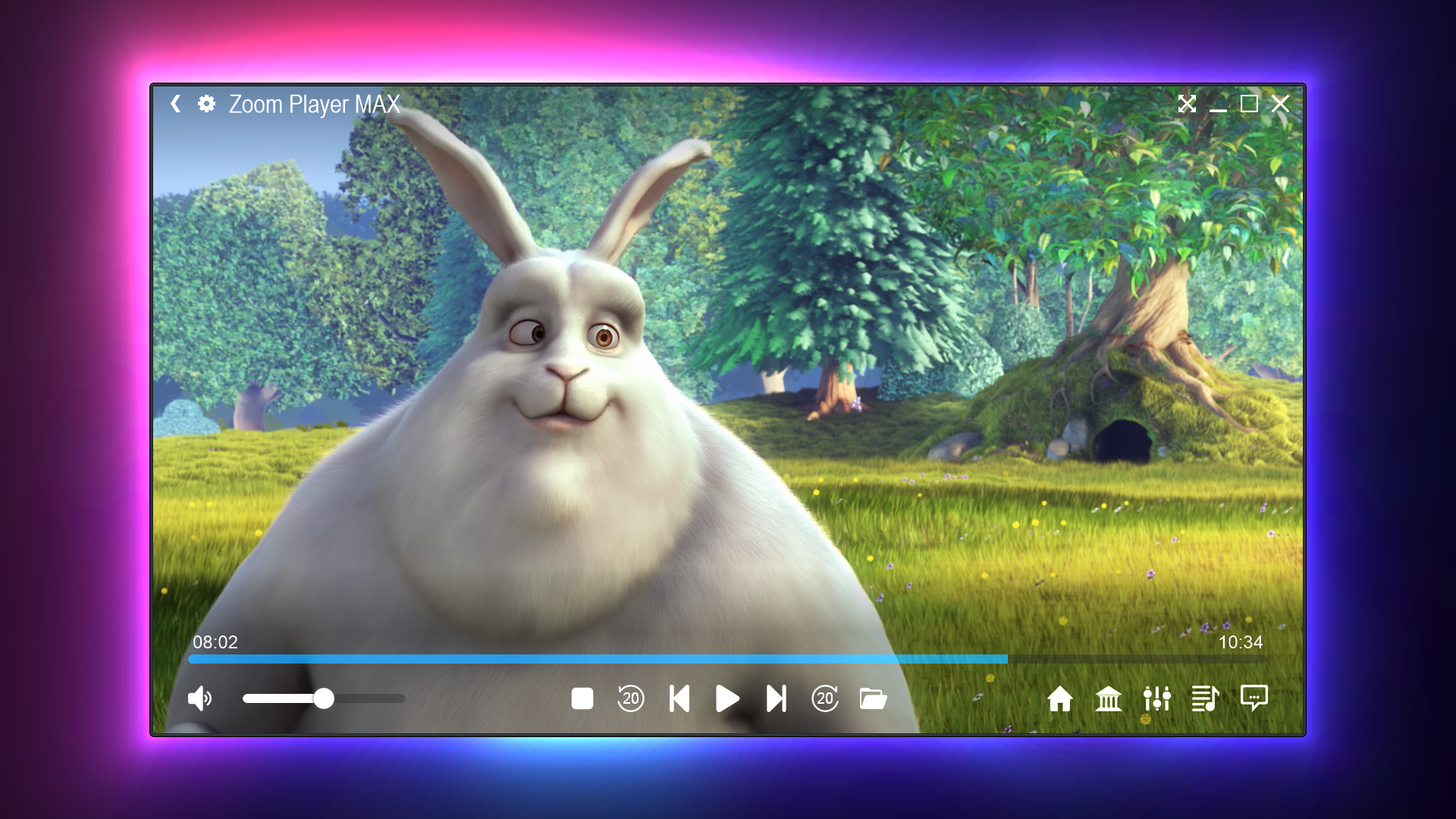
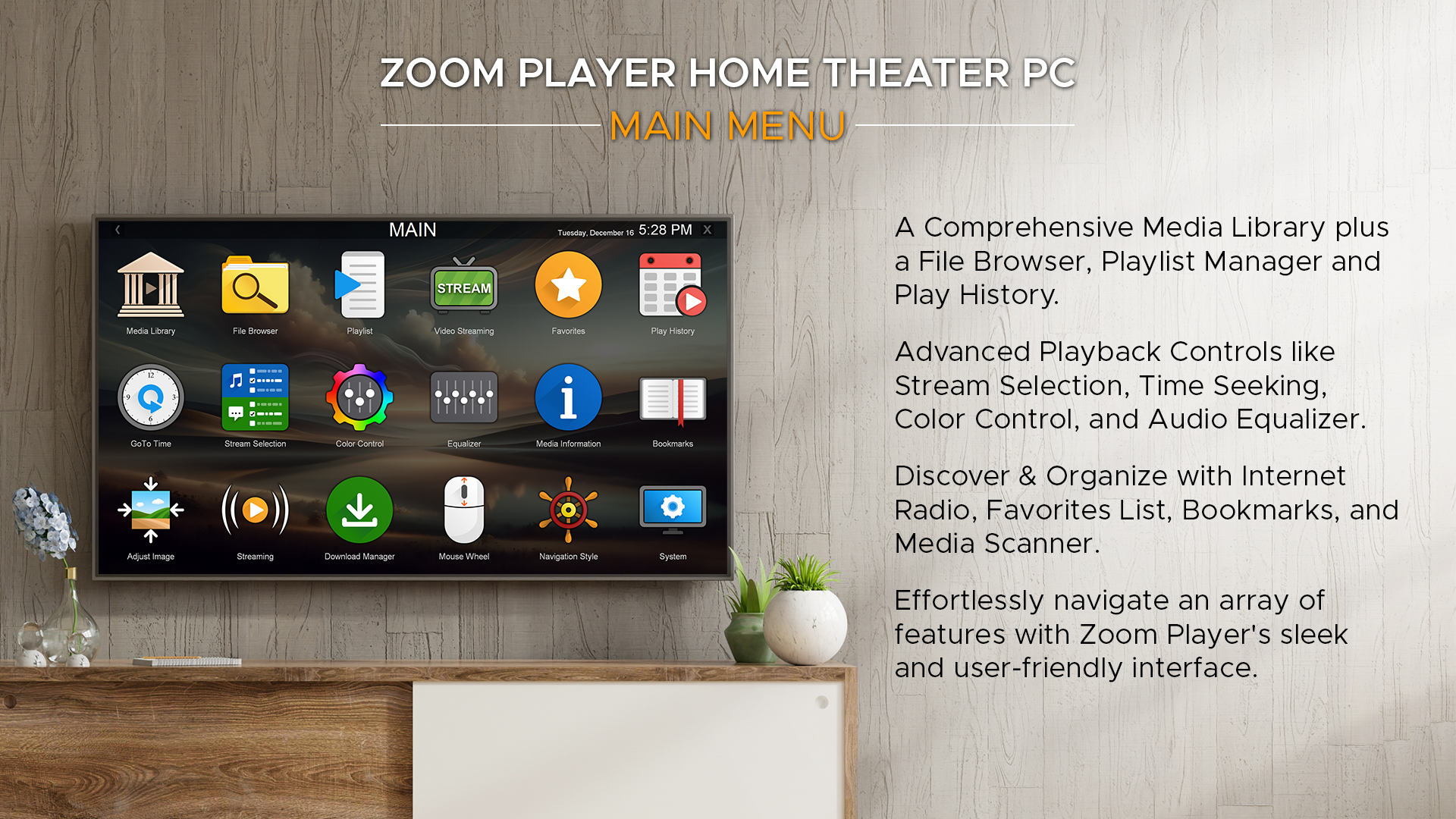
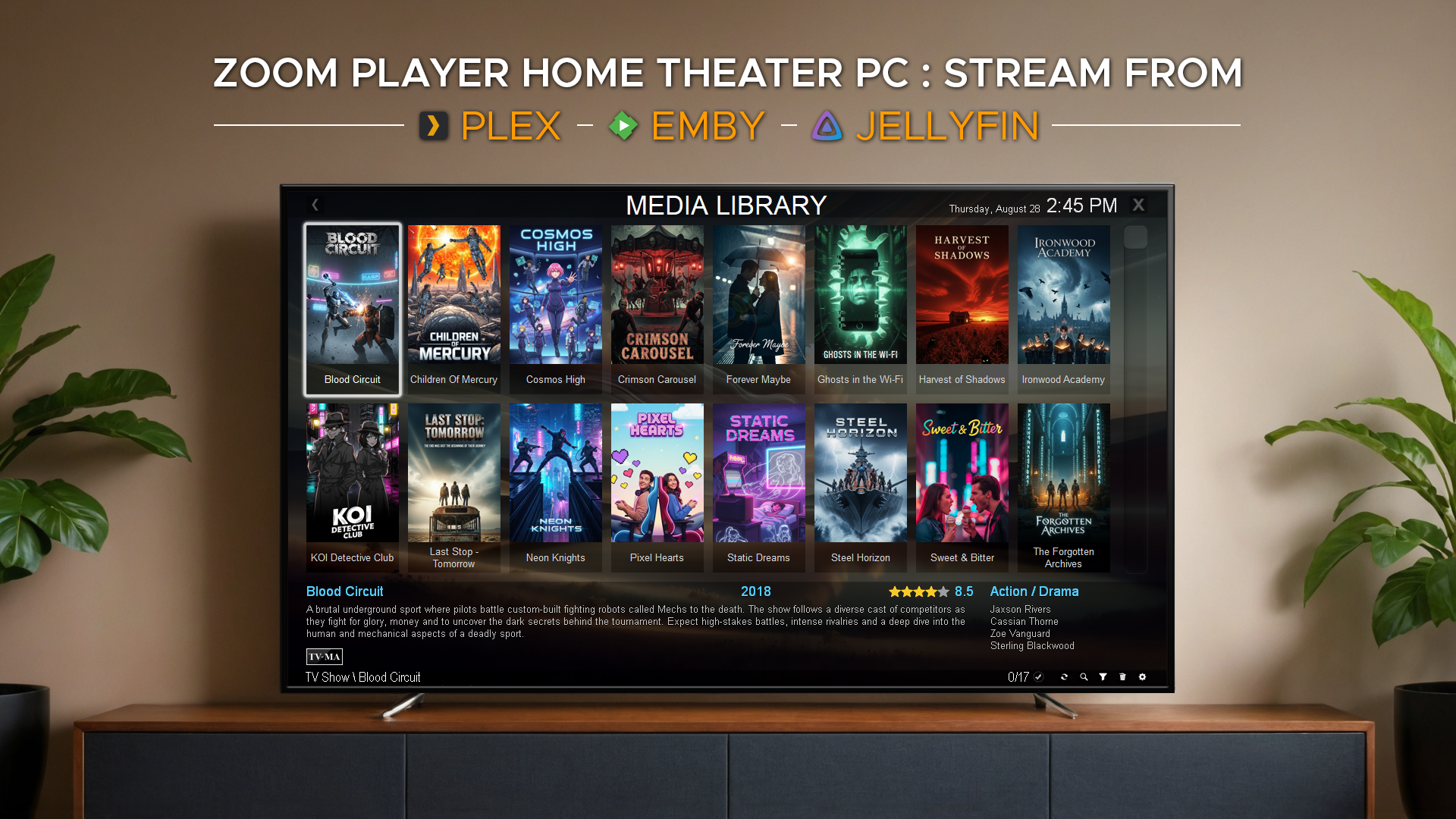
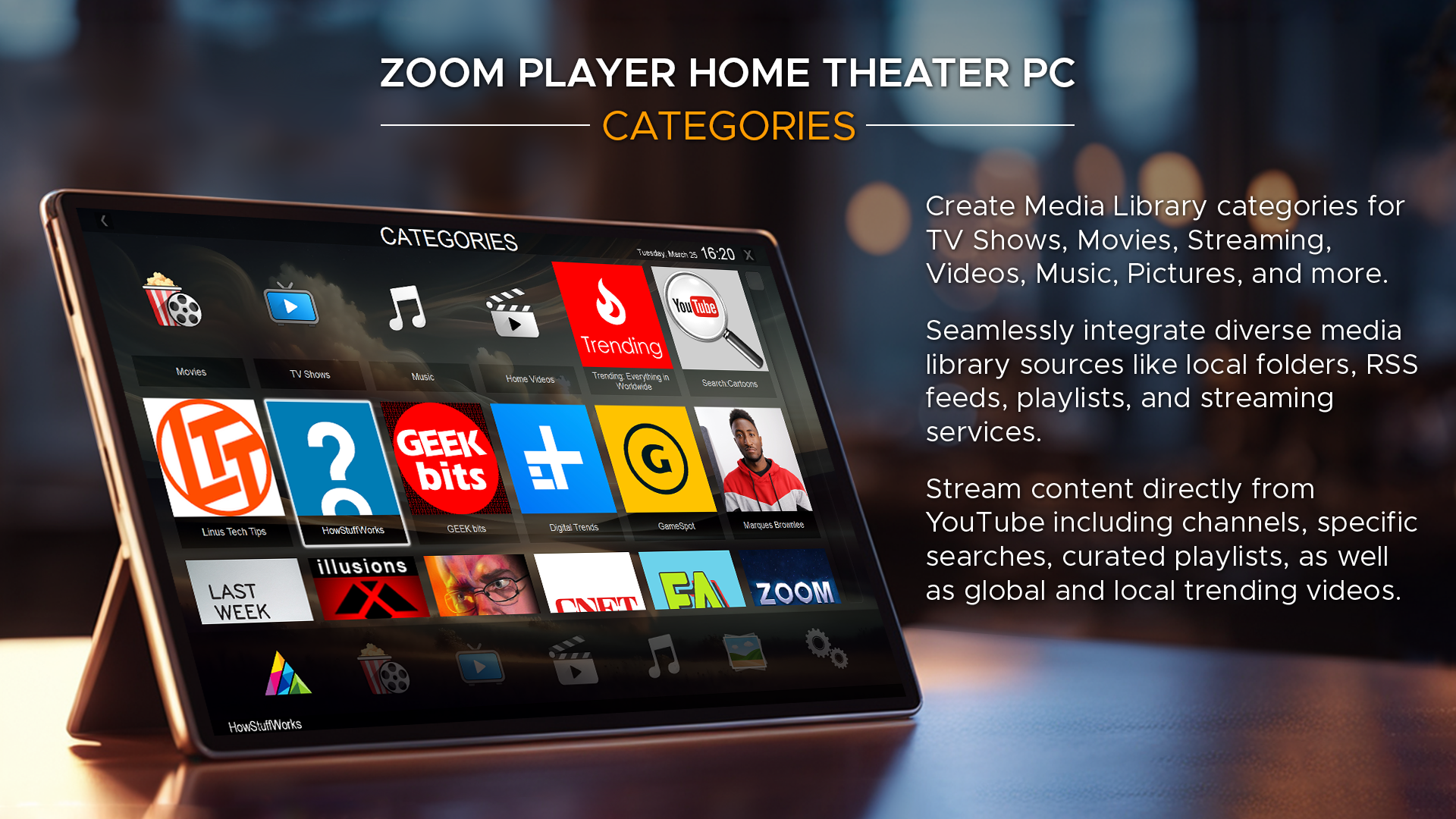
Imagine stepping into a cozy, well-organized home theater—Zoom Player greets you with a clean, thoughtfully designed interface that balances simplicity and functionality. Navigation feels fluid, akin to gliding effortlessly across familiar territory. Learning curves are gentle; even newcomers can quickly grasp essential controls, while power users can dive deeper into the myriad of customization options. It's like having a private cinema experience that adapts to your preferences without overwhelming you with complexity.
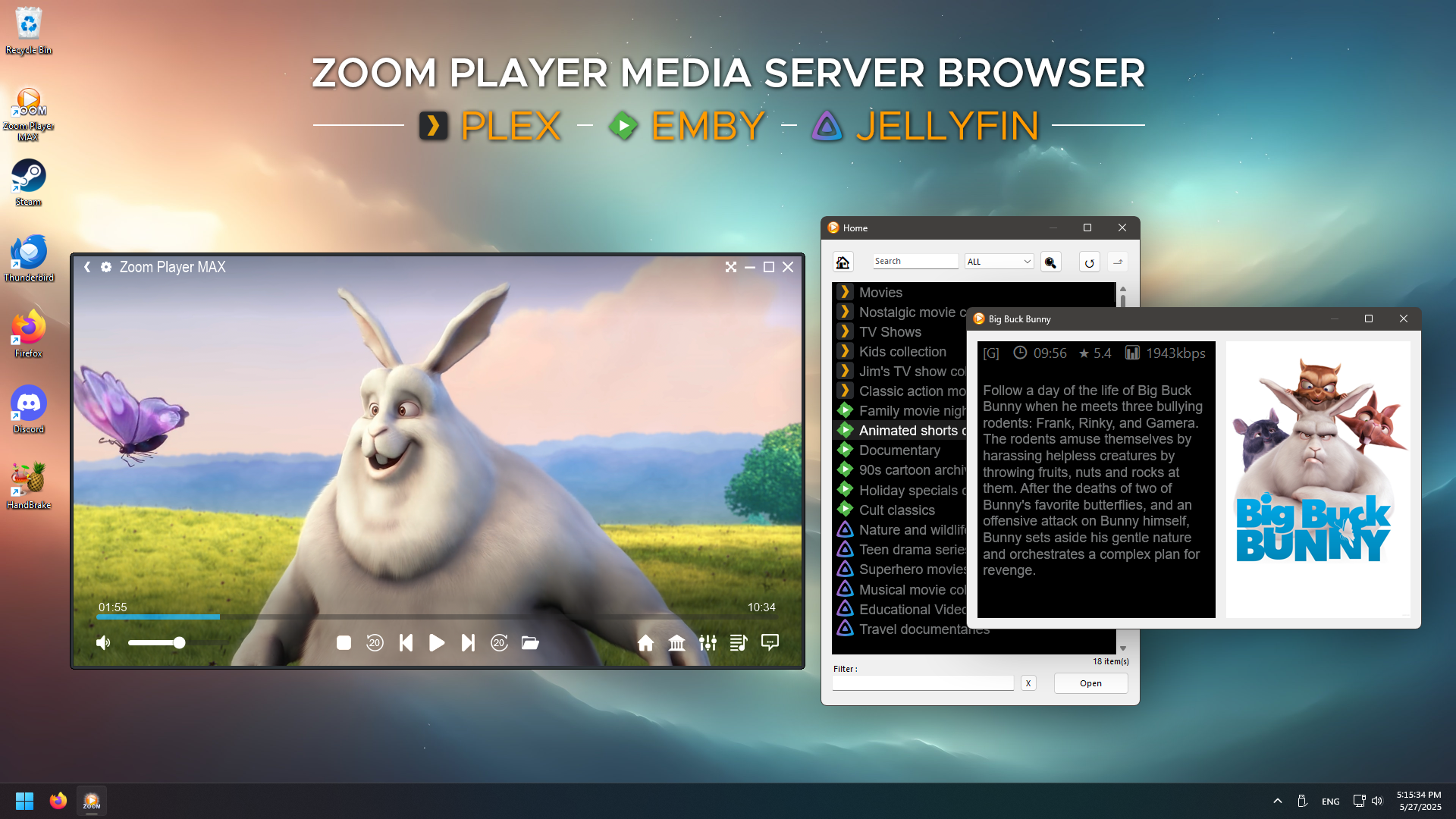
The standout feature of Zoom Player is its broad format support. Unlike many media players that require third-party codecs or plugins, Zoom Player natively supports an extensive range of video formats—from common MP4 and MKV to niche formats. For users who regularly handle diverse media files, it's akin to having a universal remote that controls all your devices seamlessly. This reduces frustration and ensures your media library plays smoothly without hiccups.
Zoom Player allows users to personalize their interface with multiple skins and theme options. Whether you prefer a minimalist look for quick access or a more elaborate design for aesthetic pleasure, the software adapts easily. Furthermore, adjusting playback options—like aspect ratio, subtitles, and color settings—is straightforward. Such customizability makes it feel like your own tailor-made cinema at home, with controls that fit your viewing mood.
One of its most impressive features is the scripting support and remote control integration. Tech-savvy users can automate playlists, trigger scripts for special effects, or schedule recordings. Meanwhile, remote control compatibility turns your smartphone into a media commander, letting you manage playback from the comfort of your sofa. This convergence of automation and remote access transforms the app into a truly versatile media hub, much like having a dedicated media butler at your beck and call.
Zoom Player's interface strikes a fine balance between simplicity for newcomers and advanced controls for veterans. Its smooth operation and quick response times make it feel reliable—no lag, no delays. Compared to other media players, its depth of customization and scripting capabilities set it apart, making it more than just a viewer but a platform for media enthusiasts who love tweaking and optimizing their setup.
If you're searching for a robust media player with extensive format support and deep customization options, Zoom Player is a compelling choice. It's especially recommended for users who appreciate fine-tuning their media environment or seek automation features. However, those expecting a flashy, media-sharing-centric app may find it less focused on social features.
I'd rate Zoom Player as a highly reliable, versatile, and user-centric media player—ideal for those who demand control and performance without unnecessary bloat. Whether for casual viewing or advanced media management, it's worth trying out as your primary playback tool. Think of it as your trusty media Swiss Army knife—compact, capable, and ready for all your entertainment needs.
Intuitive User Interface
Wide Format Support
Advanced Playback Features
Flexible Skins and Customization
Regular Updates and Support
Steep Learning Curve
Occasional Compatibility Glitches
High System Resource Usage
Limited Free Version Features
Interface Customization Can Be Complex

for Windows
 5
5

for Windows
4.9

for Windows
4.8

for Windows
4.8

for Windows
4.8

for Windows
4.7

for Windows
4.7

for Windows
4.7

for Windows
4.7

for Windows
4.7

for Windows
4.7

for Windows
4.7

for Windows
5

for Windows
5

for Windows
5

for Windows
5

for Windows
5

for Windows
5

for Windows
5

for Windows
5

for Windows
5

for Windows
5