Classics
Sparkling Society Games
PC, Mobile, Surface Hub, HoloLens
Windows 10 version 19041.0 or higher
Version 10
Not specified
Dutch, English, Filipino, French, German, Indonesian, Italian, Japanese, Korean, Malay, Polish, Portuguese, Spanish, Thai, Vietnamese
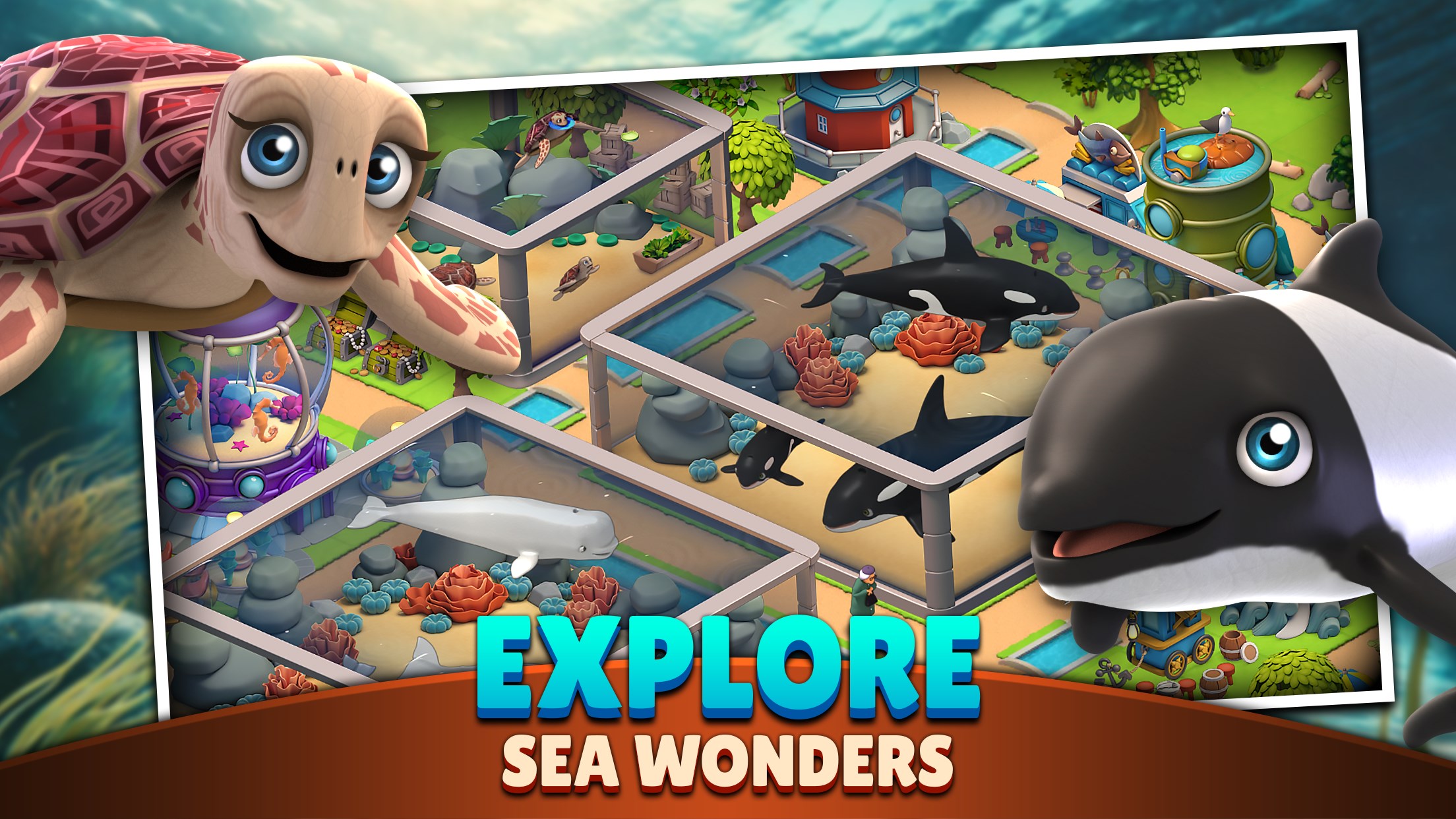
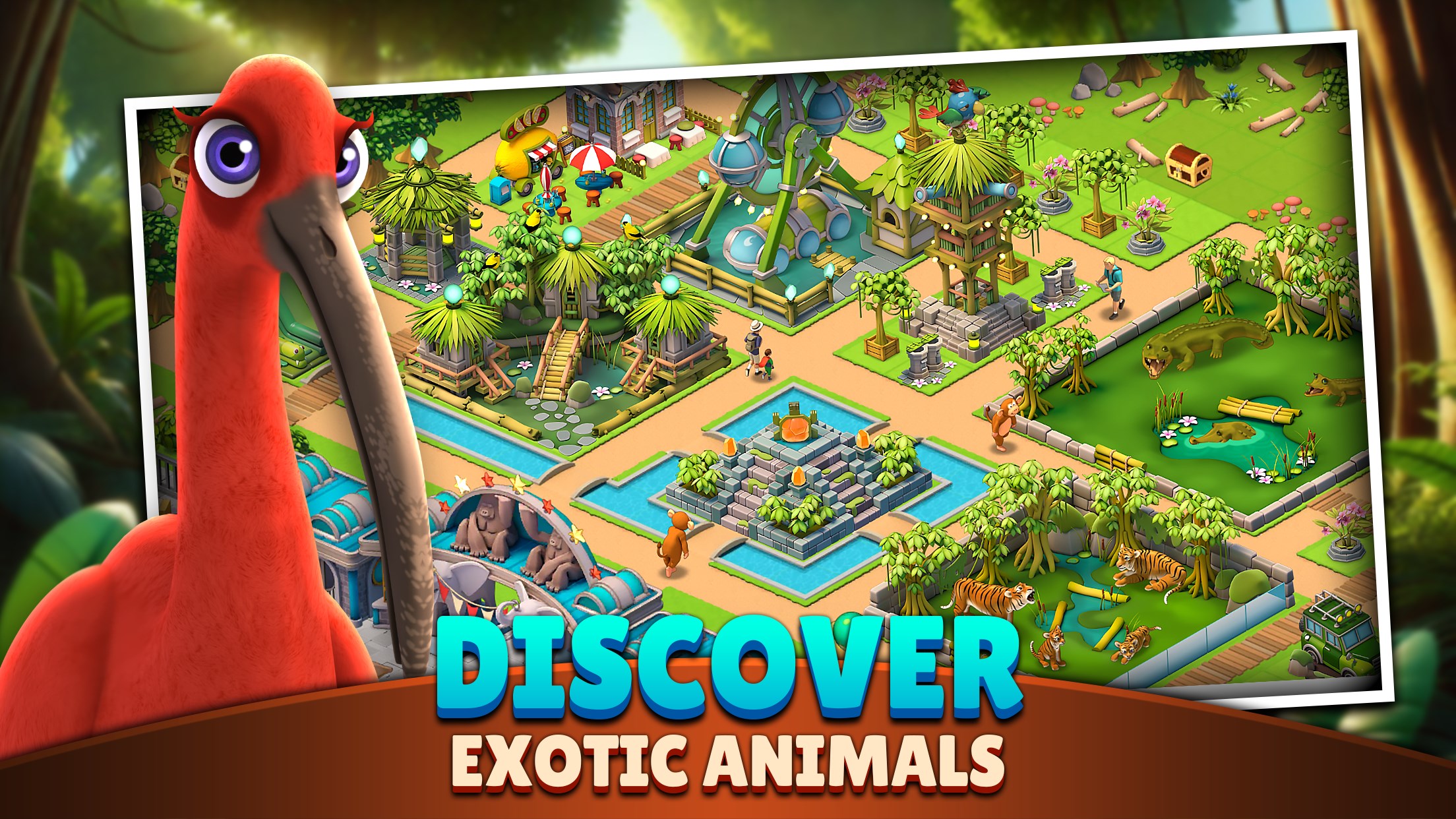
If you've ever dreamed of building and managing your own zoo filled with exotic creatures and lush habitats, Zoo Life: Animal Park Game offers a charming virtual playground to indulge that passion. Combining strategic management with engaging gameplay, this app invites players to create and nurture their very own animal sanctuary, right from their Windows device.
Developed by Sparkling Society Games and published by Sparkling Society Games B.V., Zoo Life stands out as a captivating simulation experience tailored for animal enthusiasts and casual gamers alike. The app's key highlights include:
The target audience primarily includes casual gaming enthusiasts, zoo lovers, and younger players looking to experience the joys and challenges of animal park management in a user-friendly digital setting.
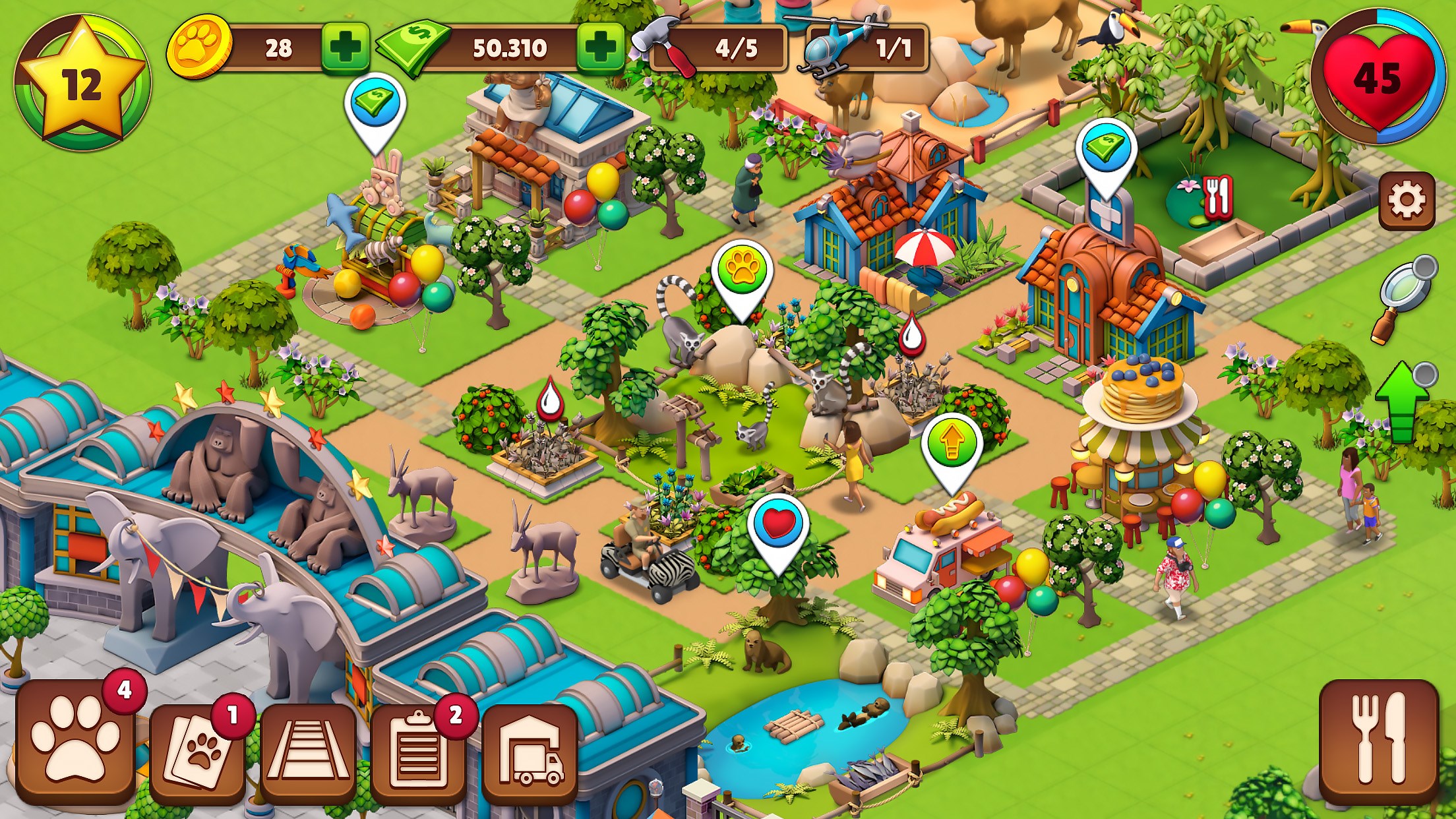
Zoo Life's interface resembles a vibrant, colorful landscape—think of stepping into a miniature safari park where every click leads to a new discovery. The design is intuitive, with clear icons and a logical layout that makes navigation feel natural, even for newcomers.
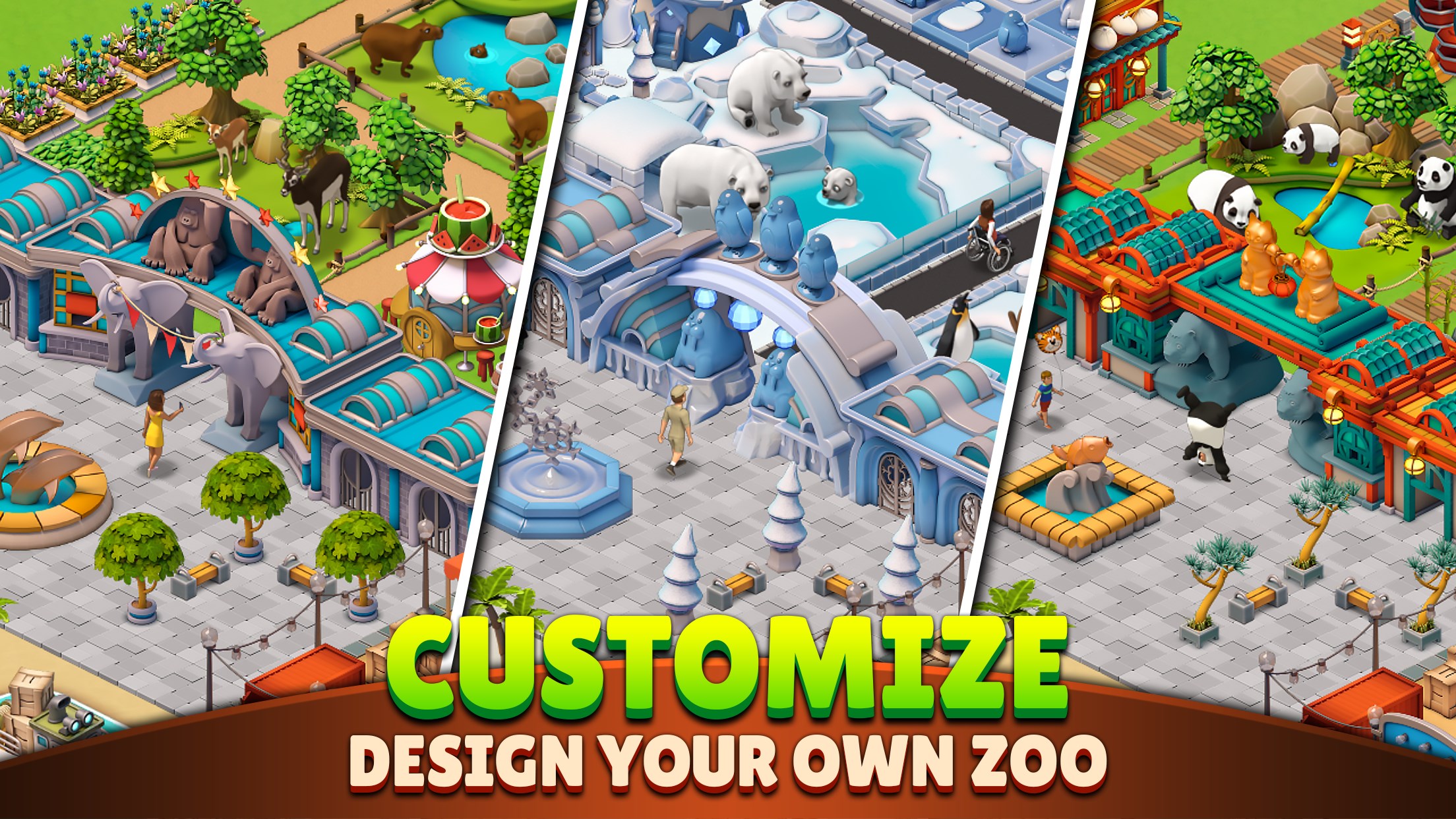
Operation smoothness is notably commendable; transitions between different menus and actions are seamless, ensuring players remain immersed without frustrating delays. The learning curve is gentle: beginners can quickly grasp basics like placing animals and building facilities, while seasoned players will appreciate advanced options such as breeding strategies or customizing zoo aesthetics. The game also offers helpful tips and tutorials, reducing the intimidation often felt in simulation games.
Compared to other zoo simulation apps, Zoo Life crafts its niche through its emphasis on vibrant, cartoonish visuals and a relaxed, approachable gameplay style. Its attention to detail in habitat design and animal behaviors provides an immersive experience that feels both playful and authentic. Notably, the app's most distinctive feature is its "Animal Interaction System," where players can observe, feed, and even breed animals, fostering a deeper connection with their virtual creatures. This level of interaction brings a layer of life and personality to the zoo that many similar applications lack.
Furthermore, the gamified quests serve as an engaging narrative thread, motivating players to explore different zoo layouts and conservation themes, subtly educating while entertaining. These elements combine to make Zoo Life more than just a management simulator—it's a lively virtual ecosystem bursting with charm and possibilities.
Overall, Zoo Life is a solid choice for anyone seeking a friendly and colorful zoo simulation experience. Its ease of use, charming aesthetic, and the interactive animal management system make it an enjoyable app for players of all ages. I would recommend it especially to casual gamers or animal lovers who appreciate a relaxing, creative outlet amid their busy routines.
For the best experience, approach the game with patience to unlock all the customization options and enjoy the process of building your dream zoo step by step. Dive into the quests, experiment with different animal habitats, and most importantly—have fun creating your virtual wildlife oasis!
Engaging Animal Collection and Care
High-Quality Graphics
User-Friendly Interface
Regular Updates with New Content
In-Game Rewards and Progression System
In-App Purchases May Be Necessary
Limited Offline Functionality
Potential Replay Fatigue
Occasional Interface Glitches
Limited Customization Options
for Windows
 4.9
4.9

for Windows
4.9

for Windows
4.9

for Windows
4.8

for Windows
4.8

for Windows
4.8

for Windows
4.8

for Windows
4.7

for Windows
4.7

for Windows
4.7

for Windows
4.7

for Windows
4.7

for Windows
5

for Windows
5

for Windows
5

for Windows
5

for Windows
5

for Windows
5

for Windows
5

for Windows
5

for Windows
5

for Windows
5