Classics
Sparkling Society Games
PC, Mobile, Surface Hub, HoloLens
Windows 10 version 19041.0 or higher
Version 10
Not specified
Chinese (Simplified), Chinese (Traditional Chinese), Dutch, English, Filipino, French, German, Indonesian, Italian, Japanese, Korean, Malay, Polish, Portuguese, Russian, Spanish, Thai, Turkish, Vietnamese
Zoo Island: Wild Family Park is a delightful simulation game that immerses players into a lively, beautifully crafted zoo universe, right on their Windows devices. With its charming visuals and engaging gameplay, it offers a perfect escape into the animal kingdom for casual gamers and animal lovers alike.
The game is brought to you by Sparkling Society Games, a reputable team known for their creative approach to casual simulation titles. Their experience shines through in the thoughtful design and user-friendly interface of Zoo Island: Wild Family Park.
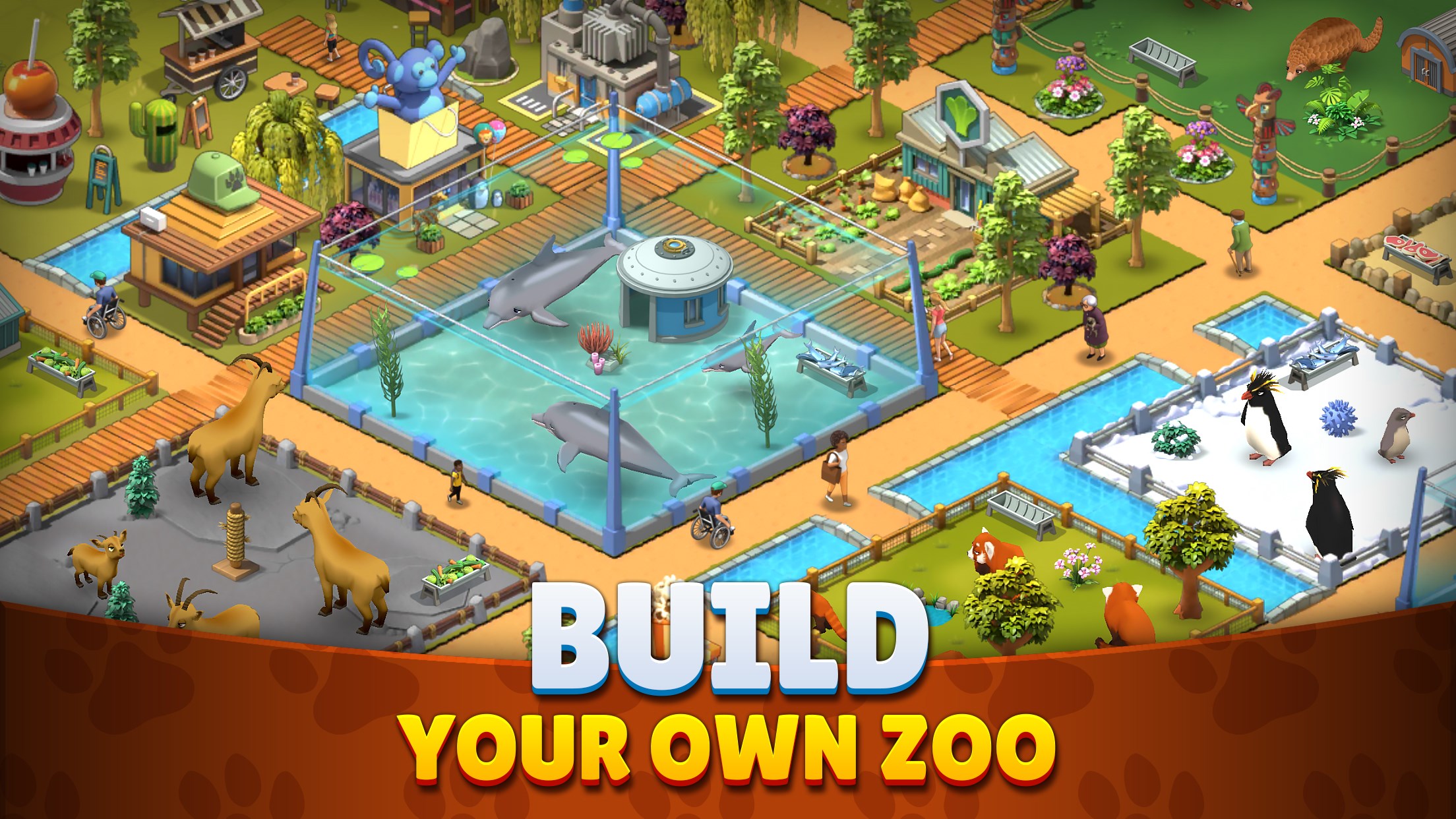
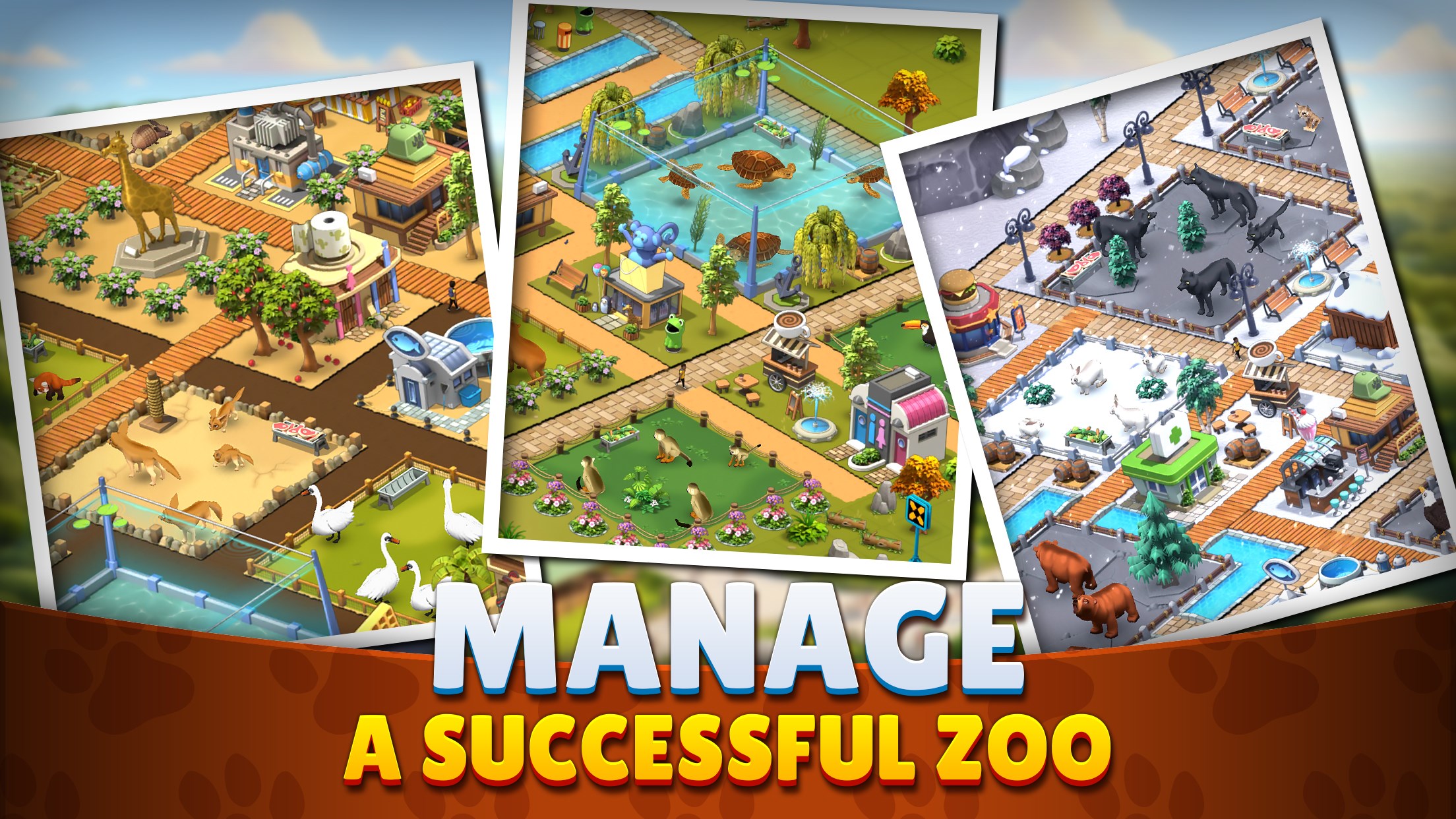
Imagine stepping into a lush, bustling zoo where every corner is alive with the sounds of animals and the laughter of visitors. Zoo Island: Wild Family Park neatly combines the charm of wildlife with the satisfying mechanics of management sims, making it a game that's both relaxing and stimulating. It's like tending to your own mini, colorful jungle—where each animal adds its own flavor to the vibrant ecosystem.
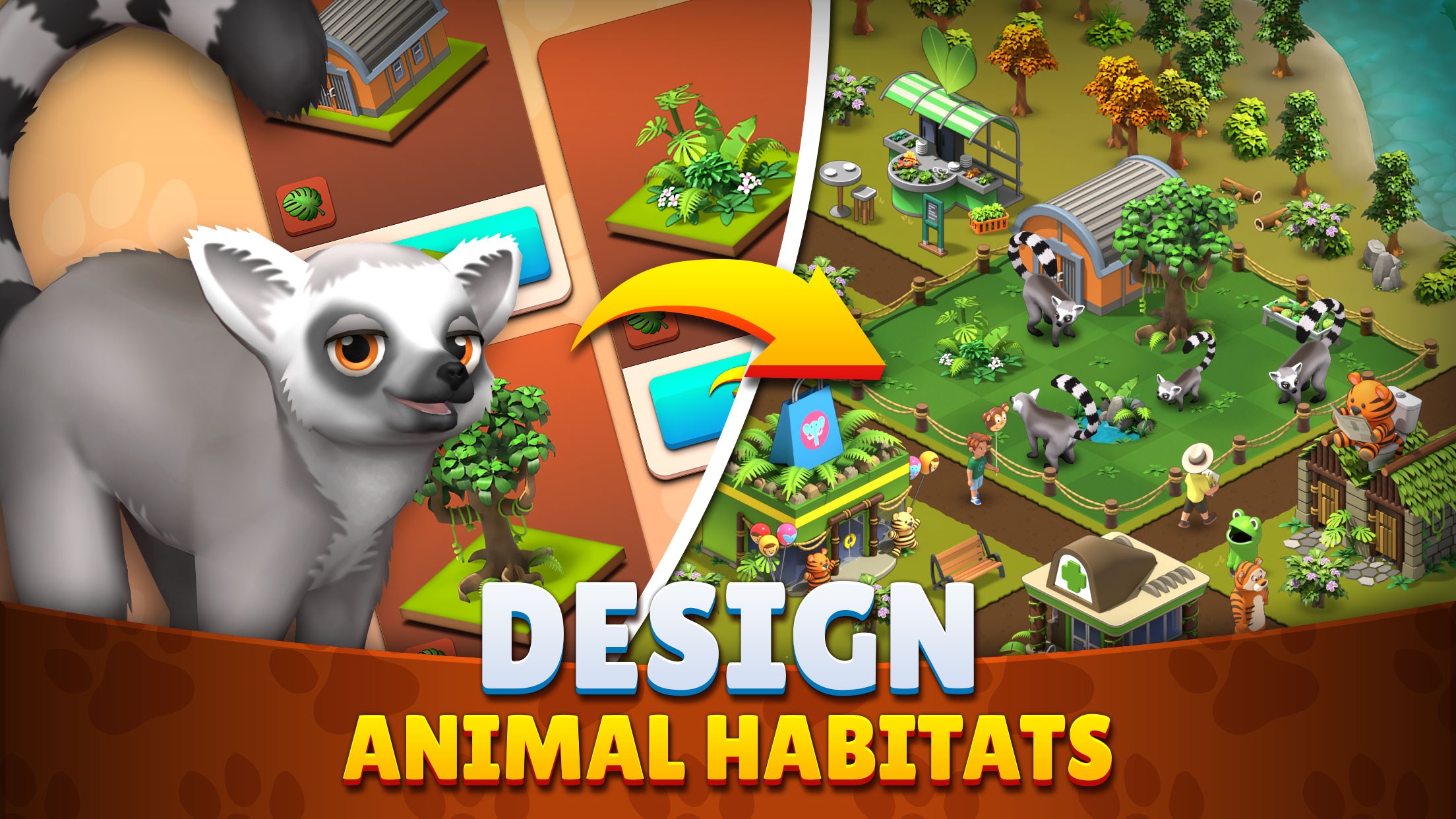
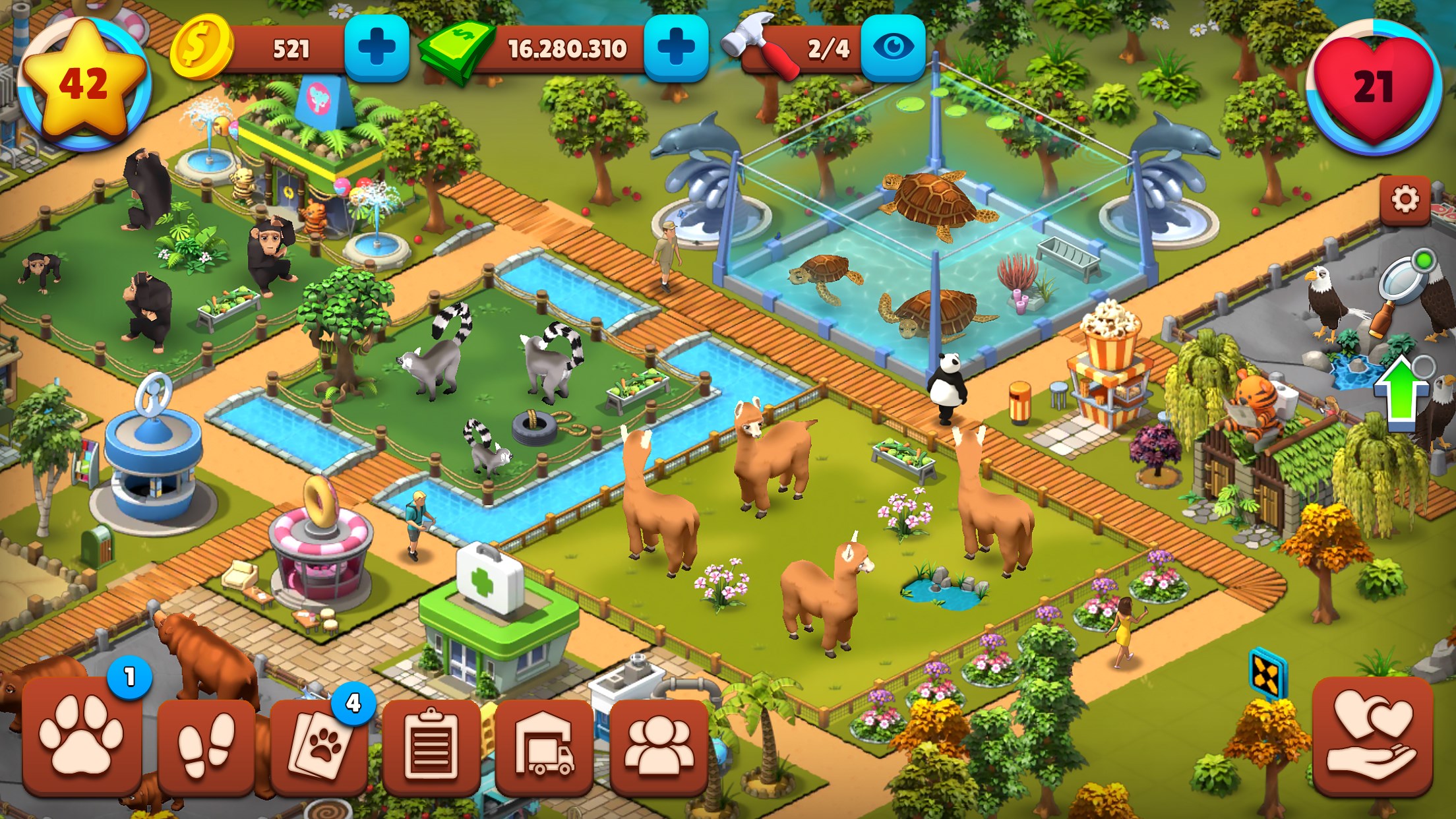
One of the most captivating aspects of Zoo Island is its built-in creativity. You start with a modest plot of land, but as you unlock new species and features, your zoo transforms into a diverse, sprawling habitat. The interface makes this process intuitive—dragging and dropping elements, selecting from a variety of attractions, and customizing enclosures. The game's graphics make this feel akin to planting a miniature rainforest or savannah right on your desktop. The visual design's clarity and cheerful style make the management process feel like a rewarding journey—like organizing a lively outdoor festival filled with furry, feathered, and scaled guests.
Zoo Island shines in its core gameplay mechanics. The animal care system mimics real-world zoo operations, requiring feeding, habitat maintenance, and health management. Meanwhile, attracting visitors involves strategic placement of facilities and attractions, ensuring a steady flow of happy guests. The game strikes a good balance—learning the mechanics is straightforward, with a gentle learning curve that invites experimentation without frustration. Fluid animations and quick response times across gameplay actions make managing your zoo feel seamless—the difference between a sluggish simulation and a lively, buzzing park is notable.
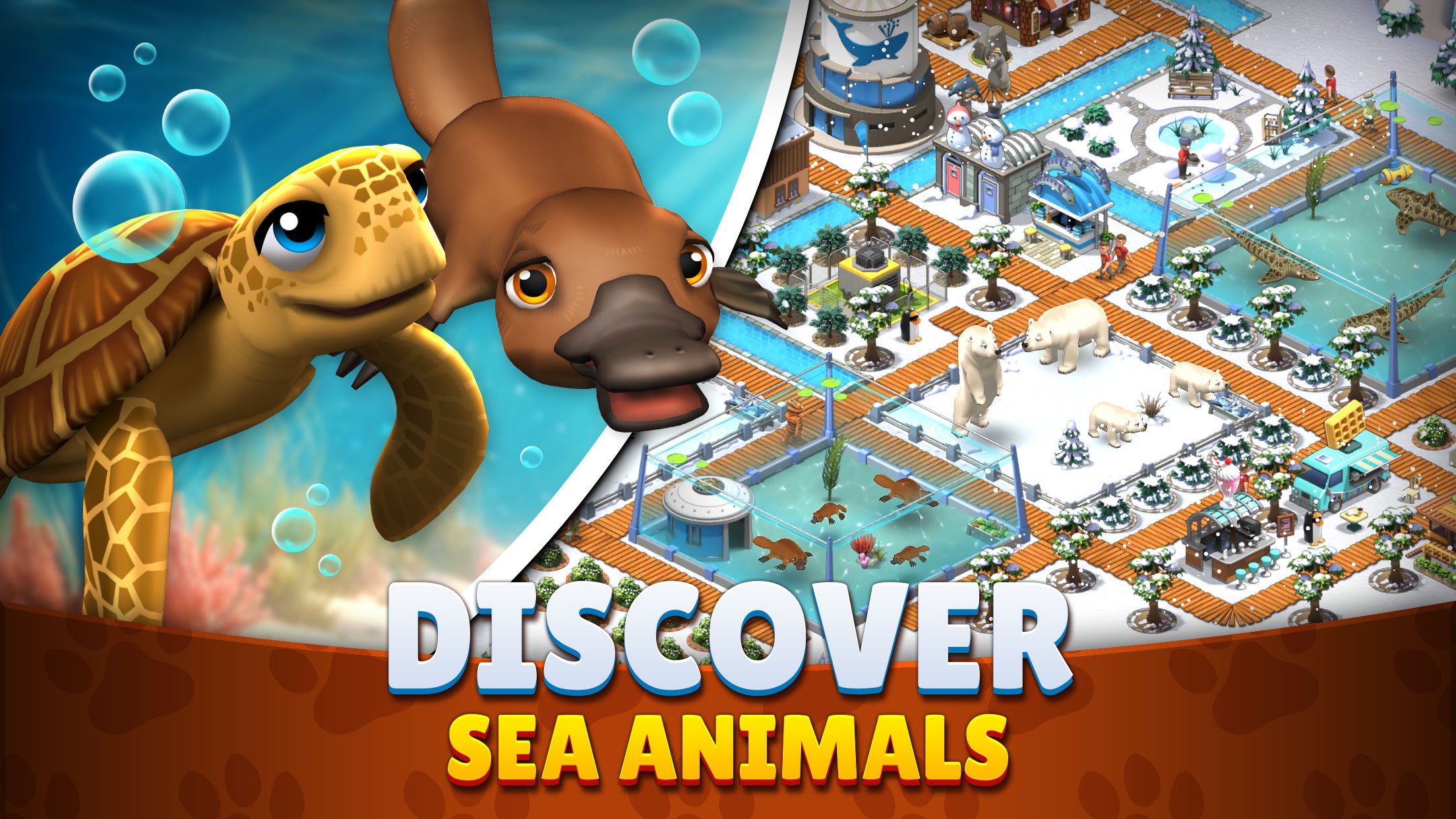
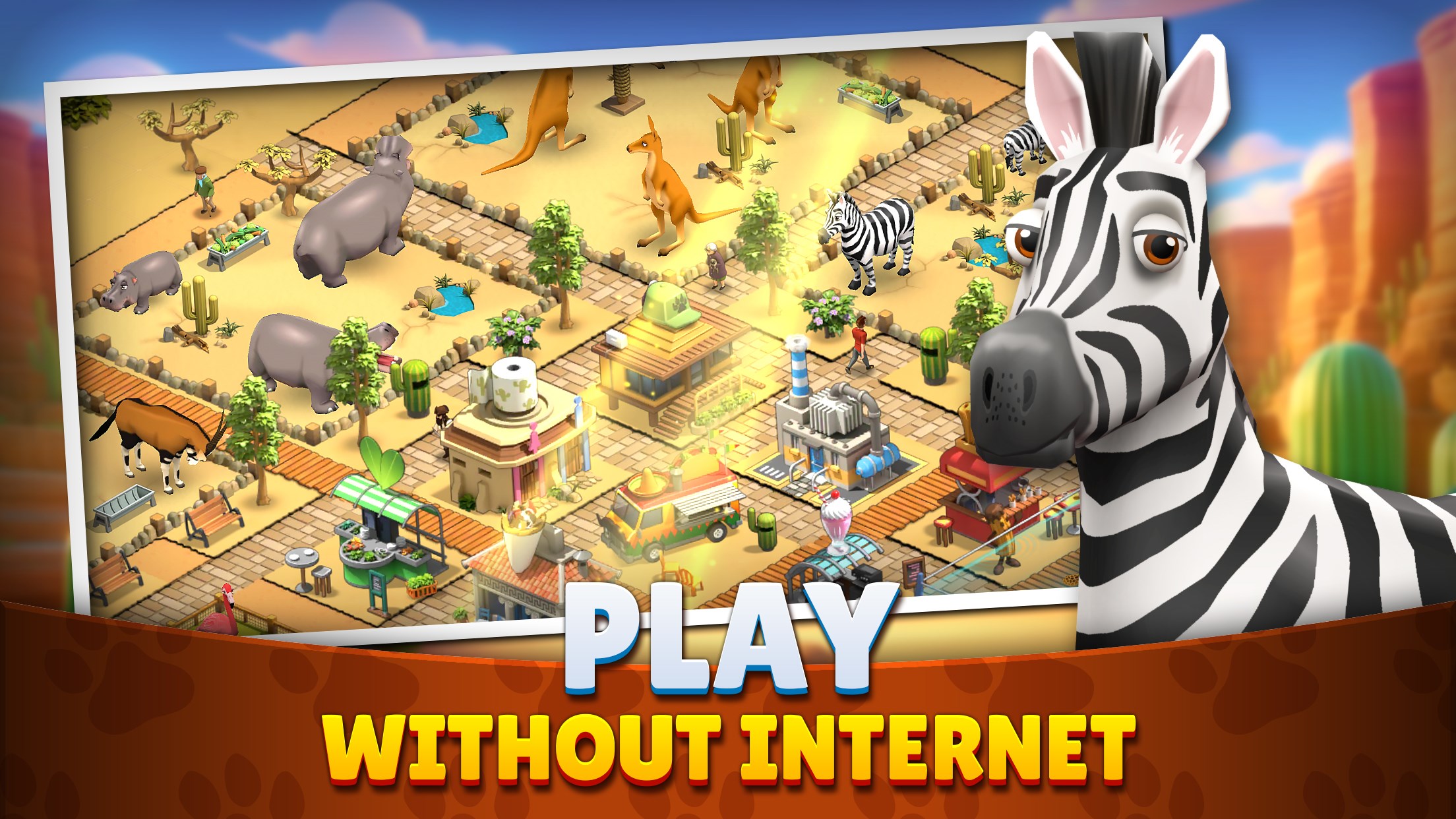
What truly sets Zoo Island apart from many similar title is its emphasis on ecological diversity and customization depth. Unlike some management games that focus heavily on task repetition, Zoo Island encourages creativity—players can design themed zones, from jungle safaris to aquatic exhibits, creating a zoo that's as unique as a fingerprint. Furthermore, its approachable interface combined with rich visual storytelling make it accessible for younger players while still engaging for adult hobbyists. Compared to more generic simulations, Zoo Island offers a more vibrant, interactive experience that emphasizes the wonder of wildlife conservation and habitat design.
I'd recommend Zoo Island: Wild Family Park to anyone who enjoys relaxing, colorful simulation games with a touch of wildlife wonder. It's especially suitable for casual players or families seeking a wholesome, engaging experience on their Windows devices. Its standout features—particularly the animal customization and vibrant visuals—make it a notable contender in the casual management genre. For those looking for a game that combines gentle strategic planning with delightful visuals and interactive fun, this app is worth a try. Just be prepared to spend some rewarding time building your own lively wildlife sanctuary—your virtual zoo awaits!
Engaging Gameplay Mechanics
Vivid Graphics and Animations
Family-Friendly Content
Regular Updates and New Features
Educational Elements Incorporated
Limited Free Content
Occasional Performance Lag
Navigation Can Be Clunky
Repetitive Tasks
Insufficient Parental Controls

for Windows
 4.9
4.9

for Windows
4.9

for Windows
4.9

for Windows
4.8

for Windows
4.8
for Windows
4.8

for Windows
4.8

for Windows
4.7

for Windows
4.7

for Windows
4.7

for Windows
4.7

for Windows
4.7

for Windows
5

for Windows
5

for Windows
5

for Windows
5

for Windows
5

for Windows
5

for Windows
5

for Windows
5

for Windows
5

for Windows
5