Utilities & tools
Wuhan Net Power Technology Co., Ltd.
PC
Windows 10 version 17763.0 or higher
Integrated Keyboard
Integrated Mouse
Not specified
Chinese (Simplified), English, French, German, Japanese, Korean, Portuguese, Russian, Spanish, Thai, Vietnamese
Zip Unzip by Wuhan Net Power Technology Co., Ltd. is a straightforward yet capable utility designed to simplify the process of managing compressed files like RAR, 7Z, and ZIP formats within the Windows environment. Its focus is on offering users a fast, reliable, and easy-to-use compression tool without unnecessary bloat.
Developed and published by Wuhan Net Power Technology Co., Ltd., this application benefits from a team dedicated to creating efficient and user-friendly utility tools tailored for Windows users. Their approach emphasizes simplicity and performance, making compression and extraction tasks accessible to everyone.
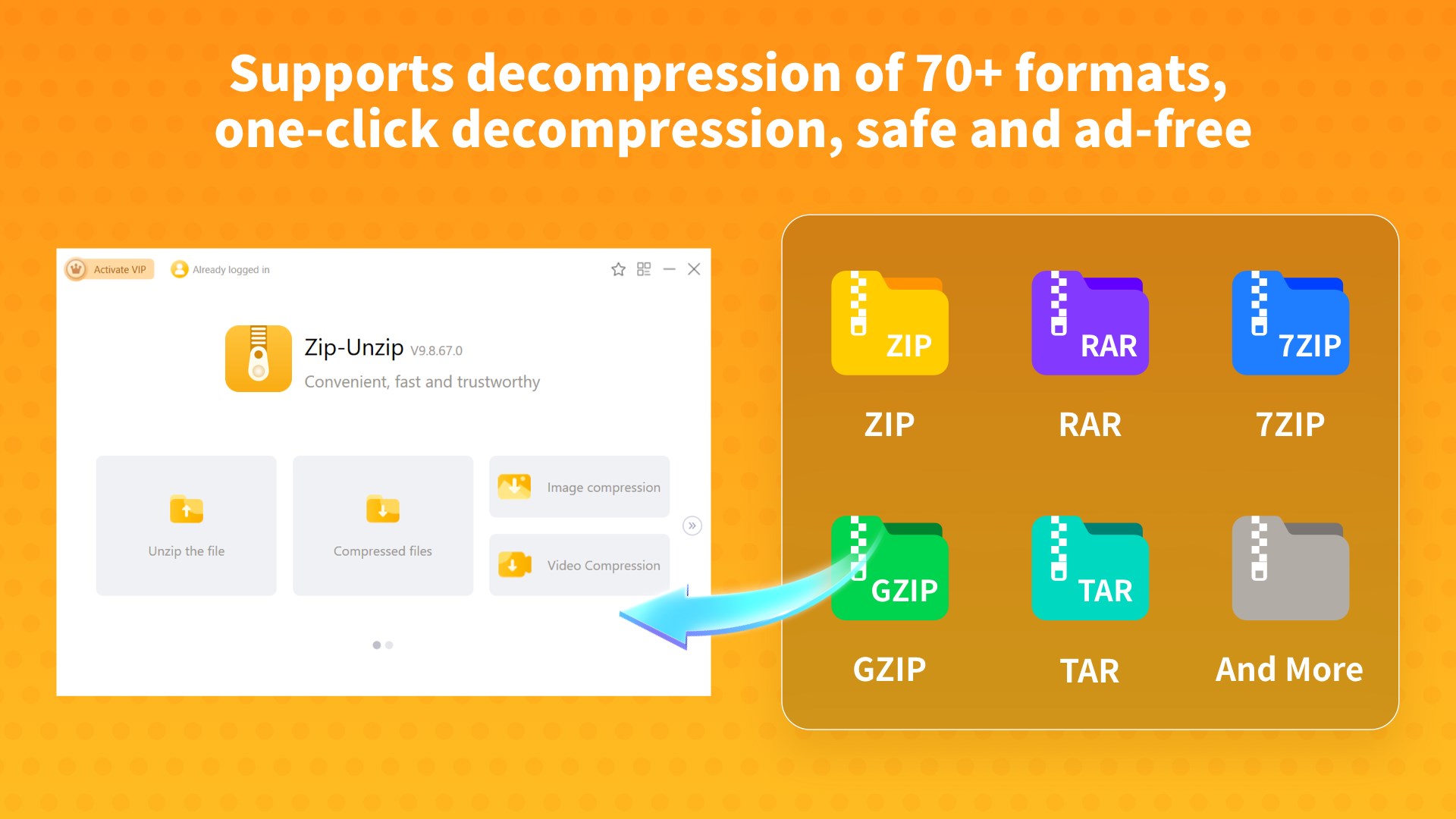
One of Zip Unzip's most distinctive qualities is its support for a broad spectrum of archive formats like RAR, 7Z, and ZIP. Whether you're handling a downloaded software package, a large multimedia collection, or shared documents, this app adapts effortlessly. Imagine having a Swiss Army knife for compressed files—compact, versatile, and always ready at your fingertips. This multi-format flexibility means you no longer need separate tools or additional conversions; everything is consolidated in one lightweight application.
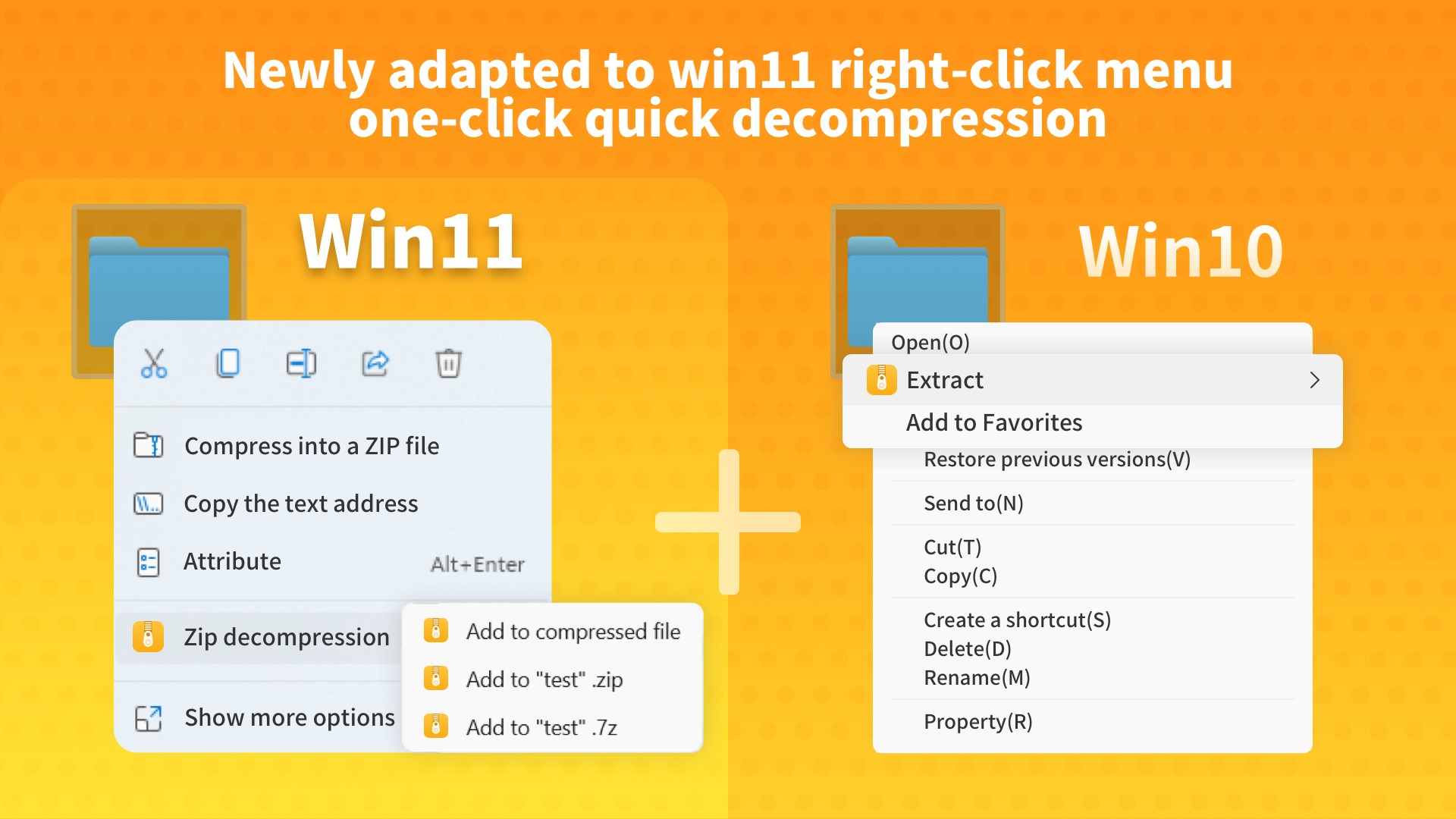
Efficiency is the name of the game. With batch processing capabilities, you can compress or extract multiple files simultaneously—perfect for users dealing with hefty data batches. Plus, the integration directly into Windows Explorer's right-click menu allows for lightning-fast operations without launching the app separately. For instance, right-clicking a folder or multiple files in your desktop makes zip or unzip options instantly accessible, transforming a tedious task into a few quick clicks—akin to having a helpful assistant handy whenever needed.
From the moment you open Zip Unzip, the interface feels familiar yet refined—think of it as the cockpit of a sleek airplane, designed for clarity and ease of use. The layout is uncluttered, with clearly labeled buttons and options, making navigation instinctive even for those new to compression utilities. The app operates smoothly, with rapid responses and minimal lag, providing a satisfying user experience. The learning curve is gentle; with a few attempts, most users can master core functions comfortably. It's like learning to ride a bike with training wheels—initially manageable and ultimately smooth sailing.
While many compression tools focus heavily on advanced features or aggressive marketing, Zip Unzip differentiates itself through its simplicity and seamless integration. Its support for a wide range of formats in a lightweight package means less clutter and more focus on the task at hand. Additionally, the batch operation combined with Windows Explorer context menu support ensures that users are always just a few clicks away from managing their files efficiently. Unlike bulkier, more complicated software, this app appeals to users who want straightforward utility without navigating through complex menus, making it stand out as an everyday tool.
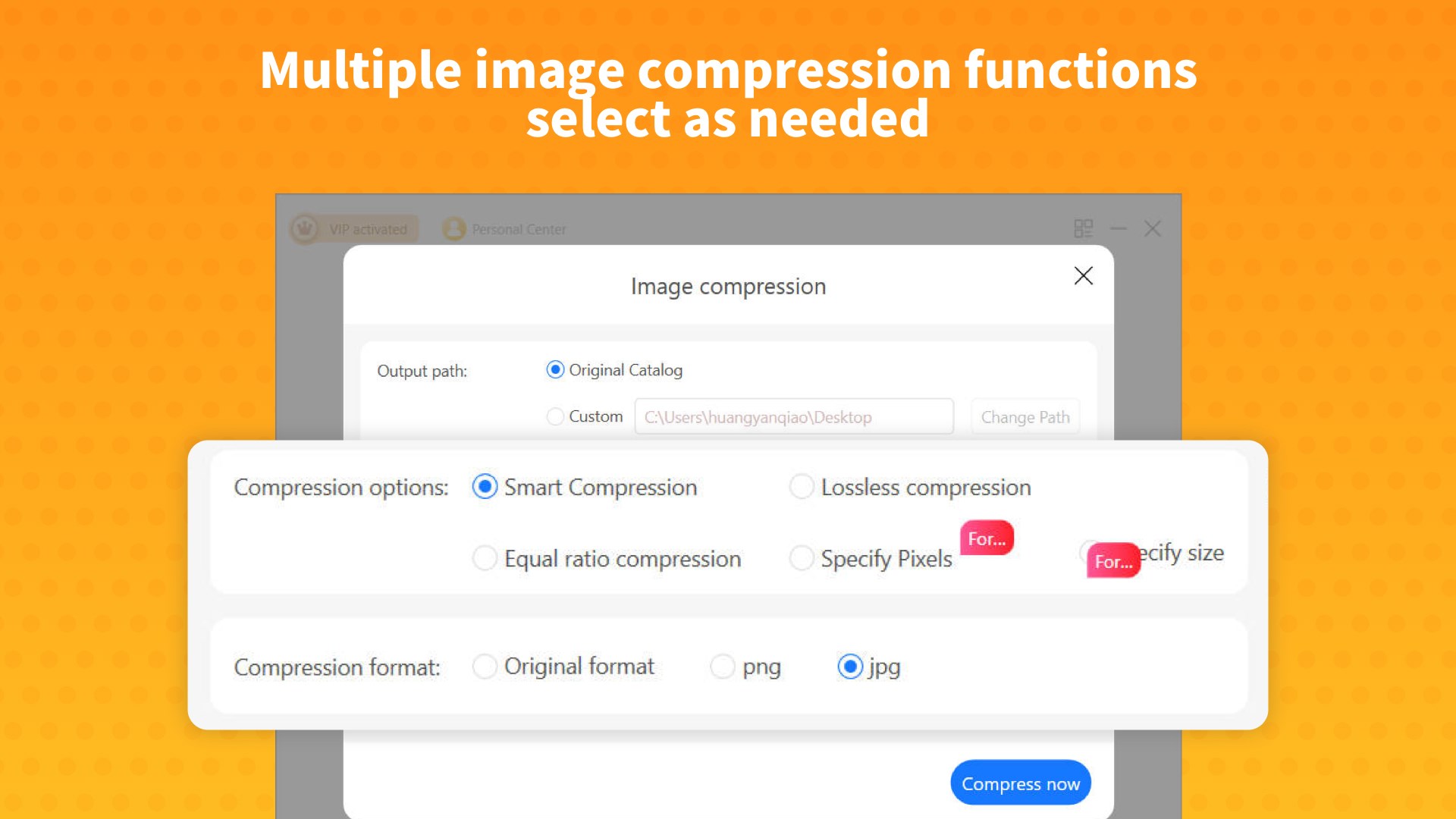
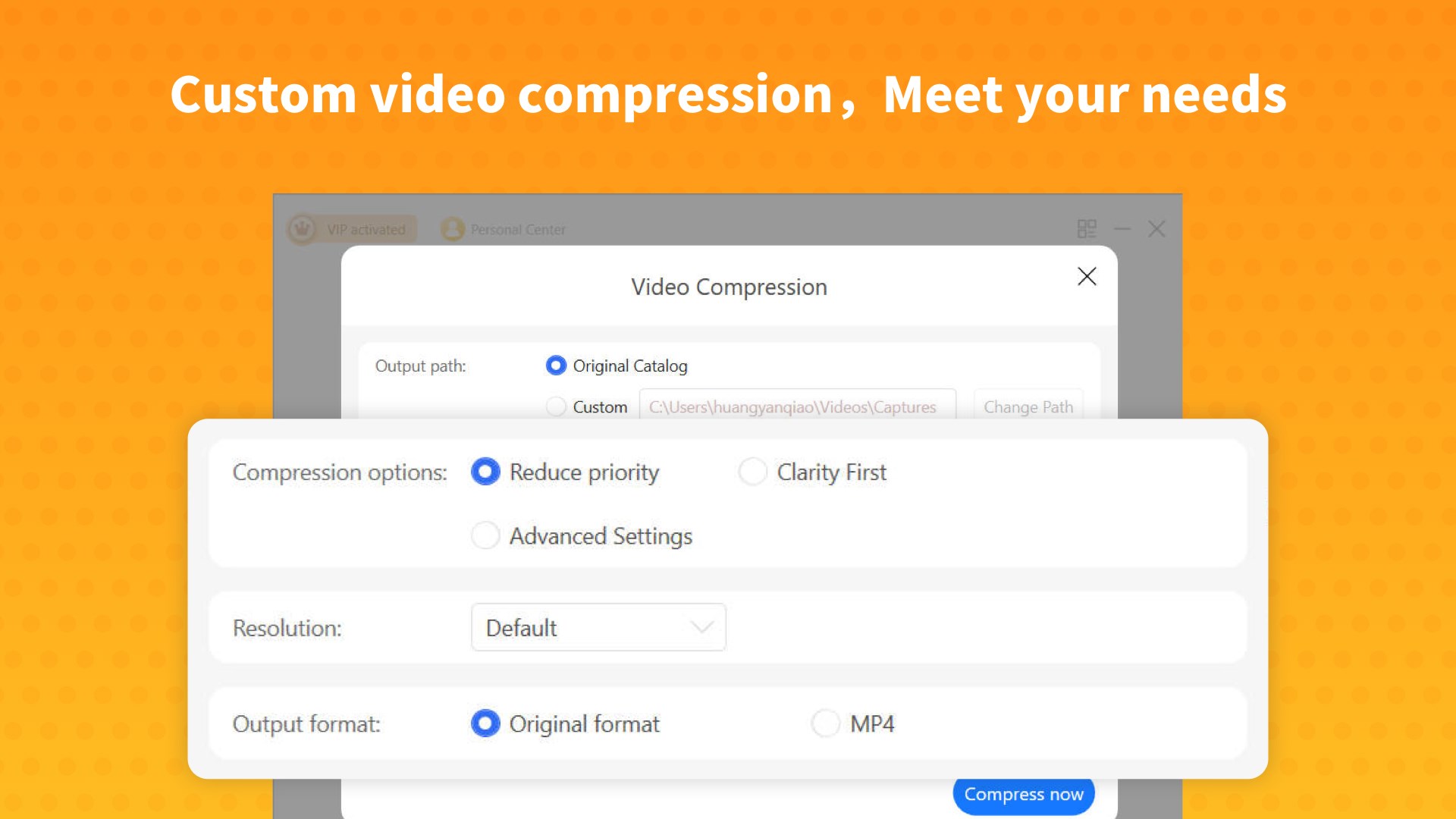
Based on its performance, user-friendly design, and versatile support, I recommend Zip Unzip especially to those who value simplicity and speed. Whether you're a student managing coursework archives, a professional handling project files, or just someone who wants an easy way to compress large videos or photos, this app can meet your needs effectively. It's not overloaded with unnecessary features, but it covers what matters most—reliable, quick, and intuitive compression and extraction. Think of it as your reliable pocket tool—compact, practical, and always ready to help.
User-friendly interface
Supports multiple formats
Fast compression and extraction speeds
Lightweight application
Built-in file preview feature
Limited advanced options
Occasional stability issues during large file operations
No cloud storage integration
In-app advertisements
Limited language options

for Windows
 5
5

for Windows
5

for Windows
5

for Windows
5

for Windows
5

for Windows
4.9

for Windows
4.9

for Windows
4.9

for Windows
4.9

for Windows
4.9

for Windows
4.9

for Windows
4.9

for Windows
5

for Windows
5

for Windows
5
for Windows
5

for Windows
5

for Windows
5

for Windows
5

for Windows
5

for Windows
5

for Windows
5