Card & board
Kelbicom
PC, Mobile, Surface Hub, HoloLens
Windows 10 version 19041.0 or higher
Integrated Keyboard
Integrated Mouse
English (United States)
Yaht 3D for Windows stands out as an engaging adaptation of beloved classic card and dice games, bringing a modern, three-dimensional twist right to your desktop. With its accessible gameplay and vibrant visuals, it invites players of all ages to enjoy casual yet strategic fun in a digital format.
Created and published by Kelbicom, a developer dedicated to transforming traditional gaming experiences into sleek, contemporary applications. Their focus with Yaht 3D is to provide an intuitive, visually appealing platform for everyday gaming enthusiasts seeking quick, social, and enjoyable play sessions.
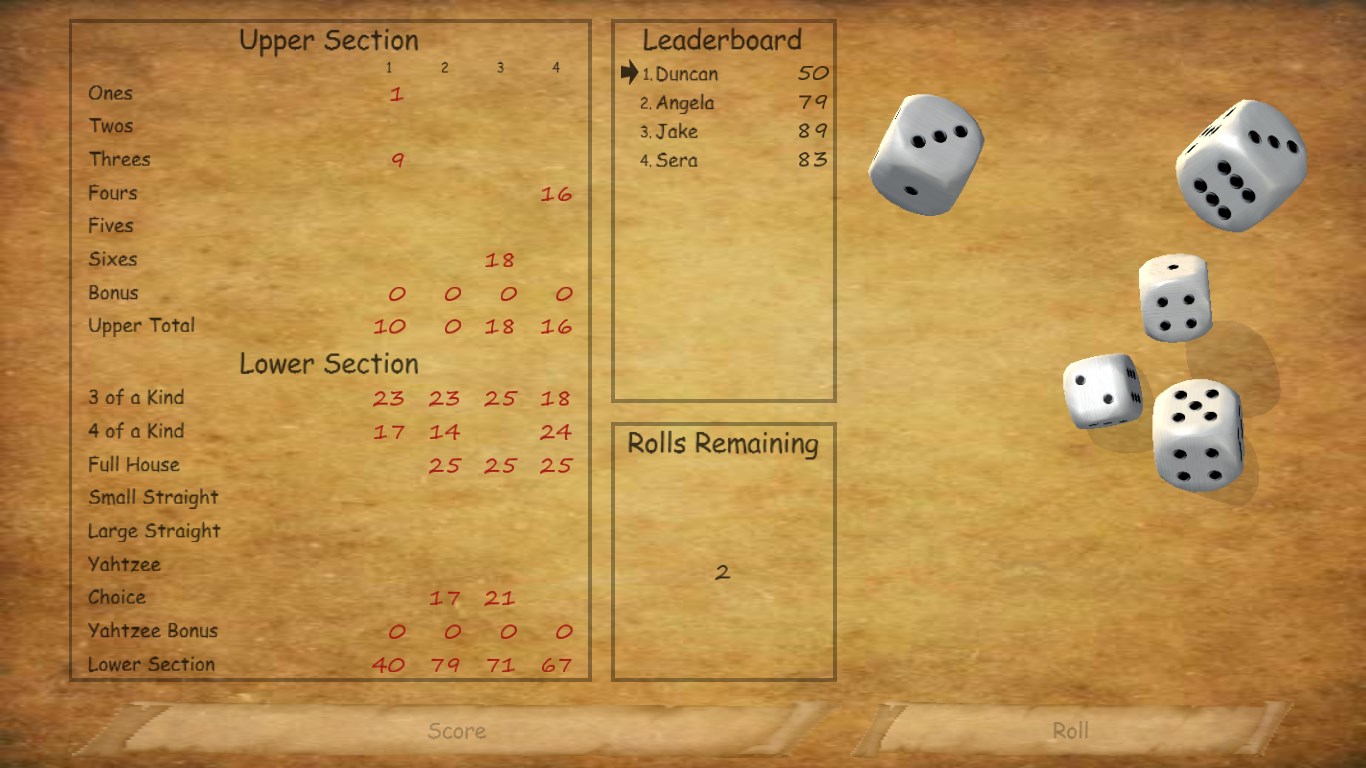
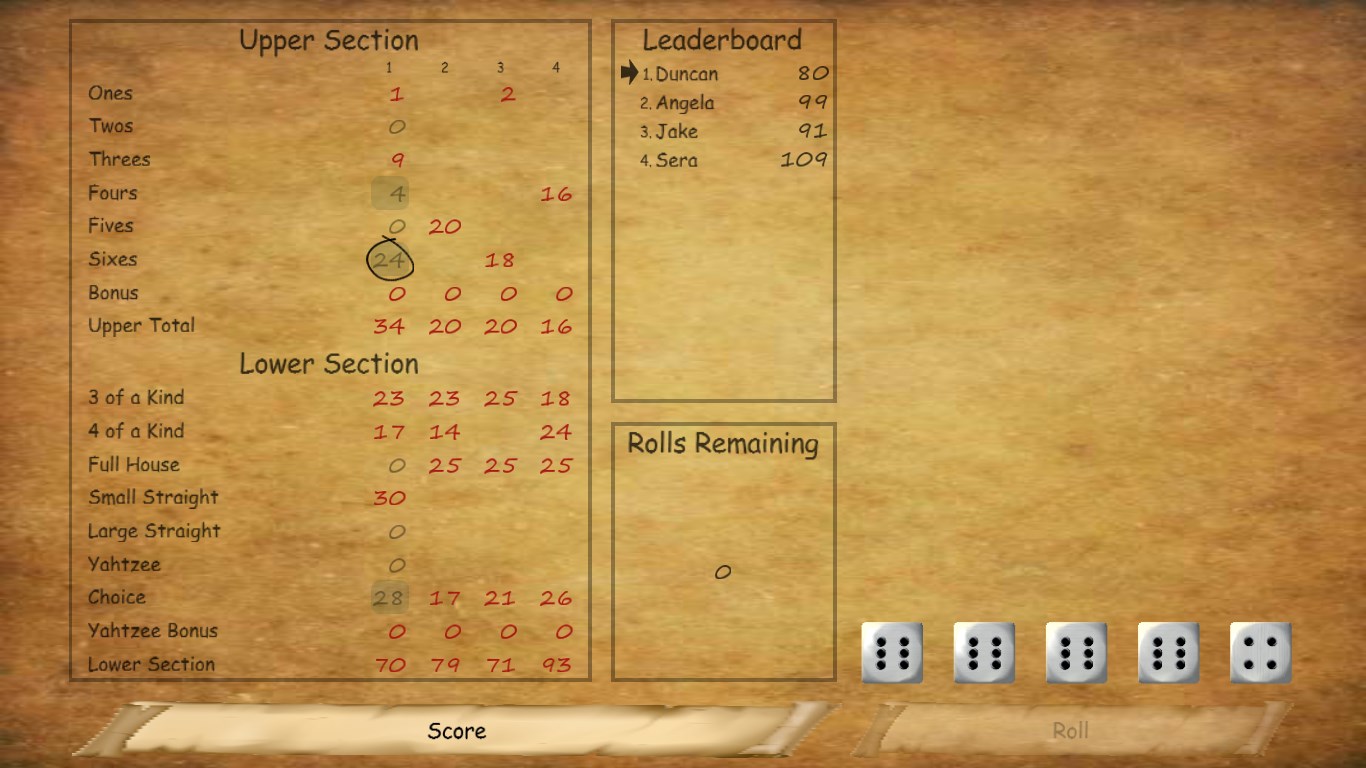
From the moment you launch Yaht 3D, you're greeted by a lively, cartoonish game environment that feels less like staring at a screen and more like sitting around a gaming table with friends. The interface is sleek but unassuming, with clear icons and minimal clutter that make gameplay feel natural. Navigating between game modes takes only a few taps, and the app responds swiftly without lag—an important aspect for maintaining game immersion.
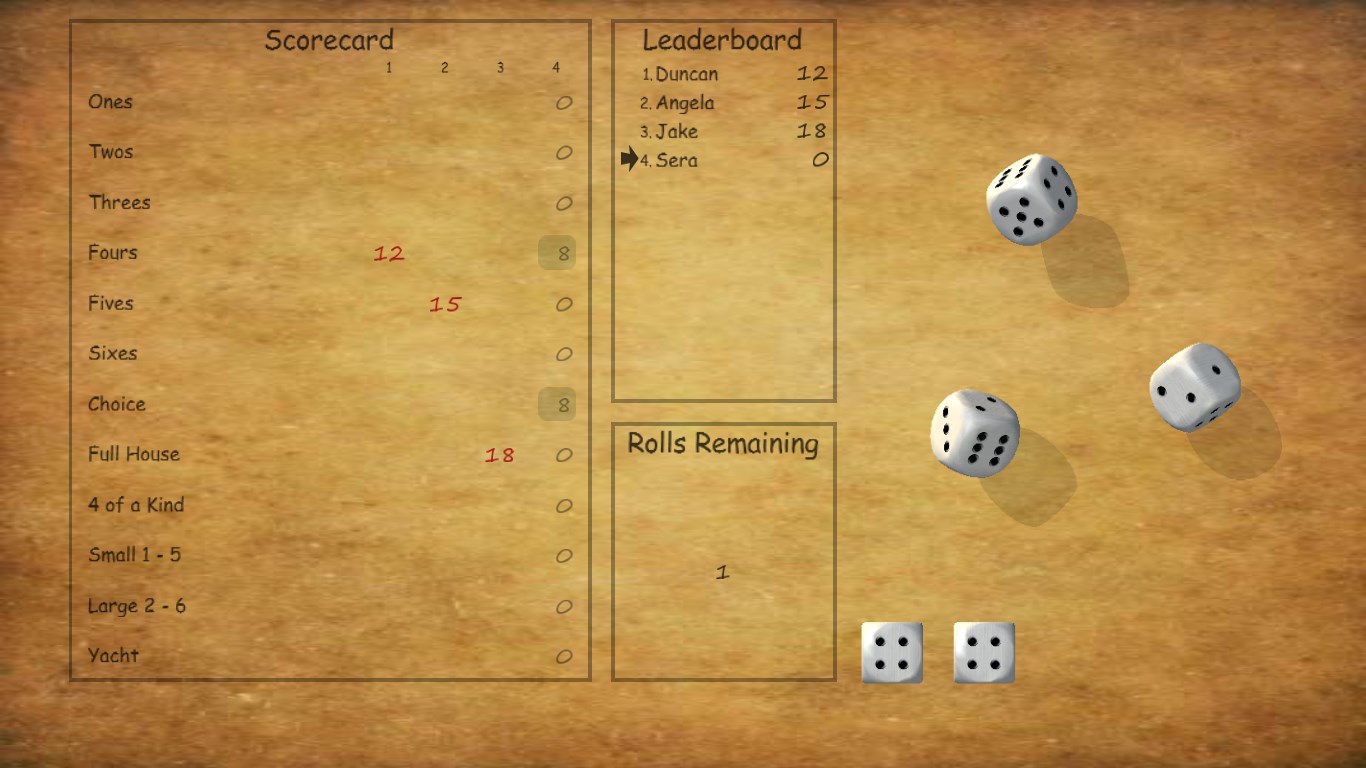
The game's visual style deserves special mention. The use of 3D models for dice, cards, and backgrounds creates a sense of depth that enhances the gaming experience. The color palette is bright and cheerful, making it inviting for all age groups. Accessibility features are well-implemented, ensuring that both casual players and more competitive gamers can enjoy the app comfortably.
Gameplay feels seamless, with fluid animations that make dice rolls and card deals appear natural. The learning curve is gentle: new players can get started with minimal instructions, thanks to clear prompts and tutorials integrated into the app. Experienced players will appreciate the quick match setup and intuitive controls, allowing for a quick game session without unnecessary delays.
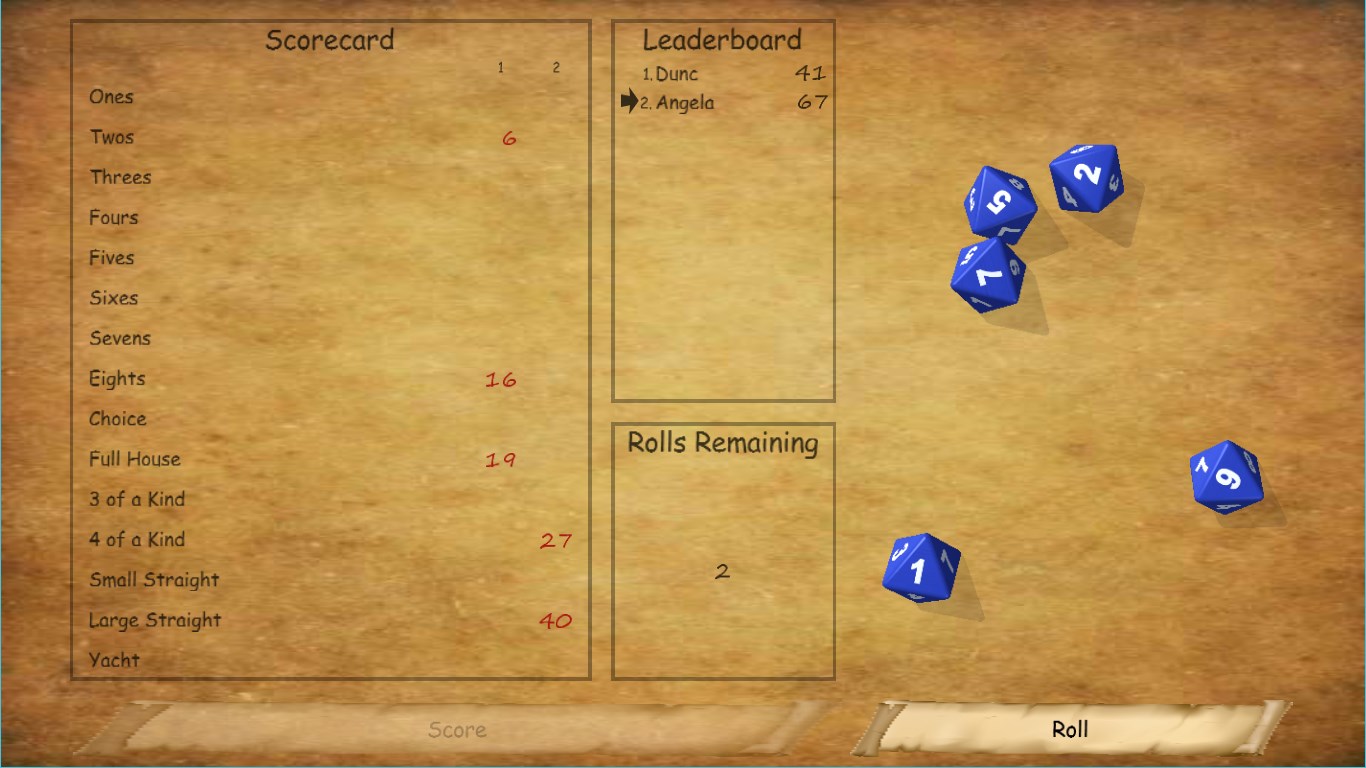
While many digital card and dice applications exist, Yaht 3D distinguishes itself through its rich 3D visualization combined with straightforward, multi-game functionality. Many apps settle for flat, simplistic graphics; in contrast, this app's three-dimensional environment enriches immersion and makes gameplay feel more authentic. Additionally, the inclusion of various game modes within a single platform makes it a versatile choice for groups or casual solitary players alike.
Furthermore, Kelbicom's emphasis on smooth performance and user-friendly design ensures that players new to digital gaming aren't overwhelmed. The online multiplayer feature adds social value, giving friends a virtual space to gather and compete—comparable to gathering around a physical table, but with the convenience of digital connectivity.
Overall, Yaht 3D for Windows offers a well-crafted, engaging experience embodying the charm of traditional games enhanced by modern visual flair. Its particular strengths in immersive 3D design and flexible game options make it a standout in the crowded field of digital card and dice platforms. It's particularly recommended for casual gamers who enjoy quick, social sessions, as well as families seeking a friendly, easy-to-learn digital game.
If you're looking for a game that combines the friendly familiarity of classic card and dice games with a vibrant, contemporary aesthetic, Yaht 3D is certainly worth exploring. Its intuitive interface and fun visuals ensure that you can start playing immediately, making it an inviting choice for both newcomers and seasoned players alike.
Engaging 3D graphics and smooth animations
Intuitive and user-friendly interface
Multiple game modes and difficulty levels
Responsive touch controls
Regular updates with new features and improvements
Limited tutorial for new players
Occasional minor graphical glitches
Battery consumption is slightly high during prolonged play
Sound effects are basic and lack variety
Progression system may feel slow at times

for Windows
 4.9
4.9

for Windows
4.8

for Windows
4.8

for Windows
4.8

for Windows
4.8

for Windows
4.8

for Windows
4.8

for Windows
4.7

for Windows
4.7

for Windows
4.7

for Windows
4.7

for Windows
4.7

for Windows
5

for Windows
5

for Windows
5

for Windows
5

for Windows
5

for Windows
5

for Windows
5

for Windows
5

for Windows
5

for Windows
5