Developer tools
Aadhil RF
PC, Mobile, Xbox console, Surface Hub, HoloLens
Windows 10 version 17763.0 or higher
English (United States)
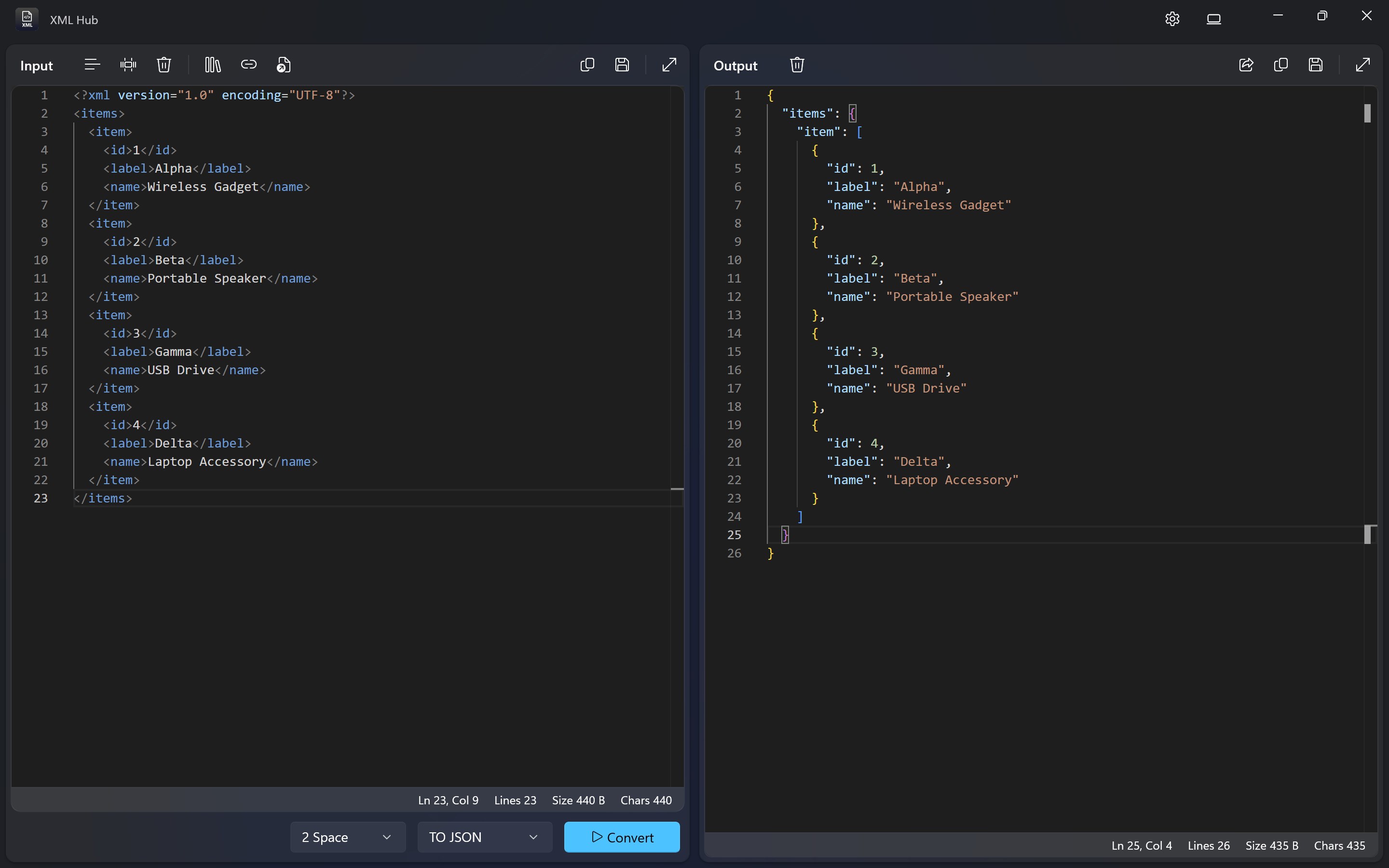
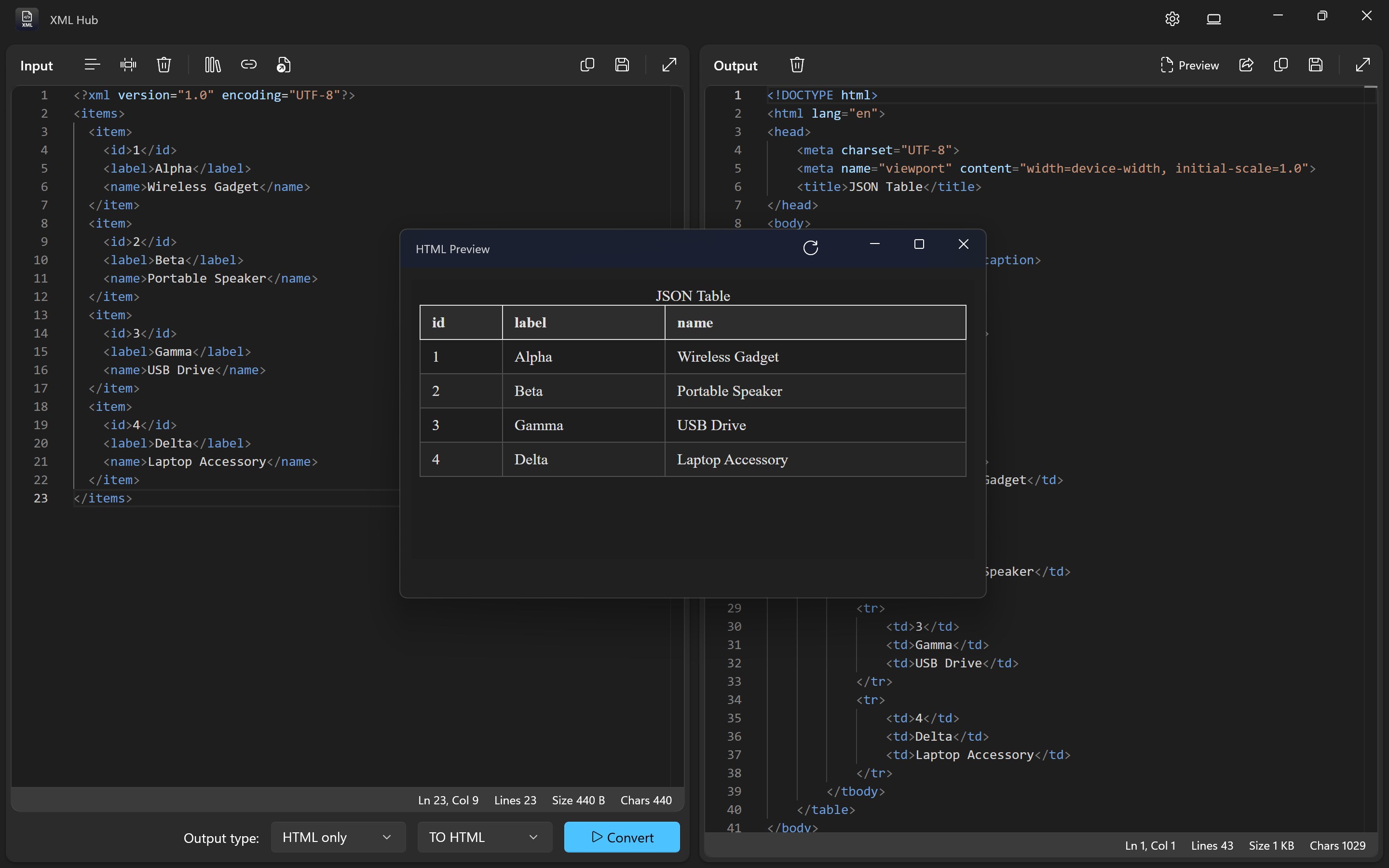
Designed for developers and tech enthusiasts alike, XML Hub for Windows offers a straightforward yet powerful platform to view, edit, and organize XML files with ease.
Developed and published by Aadhil RF, this application stands out as a lightweight but efficient tool tailored for managing XML documents effectively. Its main features include intuitive XML visualization, seamless editing capabilities, and organized file management, making it ideal for users who need a reliable XML tool without the bloat of larger software.
Imagine having a trusty toolbox specifically crafted for XML tasks—no more rummaging through cluttered utilities or wrestling with complex software. XML Hub for Windows positions itself as that user-friendly companion, turning what can be a dry technical chore into a smooth, almost enjoyable experience. Whether you're a developer debugging code, a student learning XML structures, or a hobbyist organizing data, this app aims to streamline your workflow without sacrificing functionality.
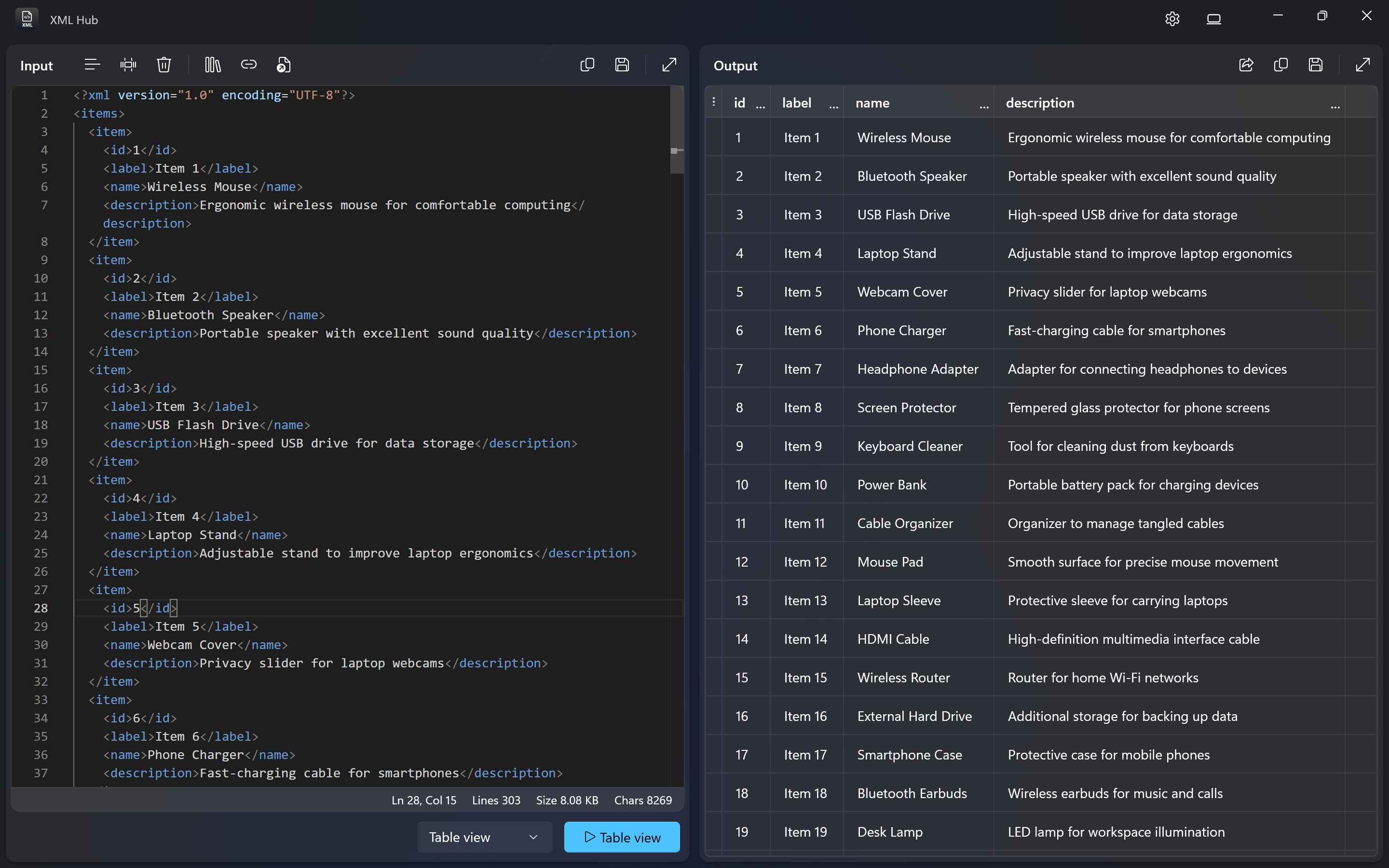
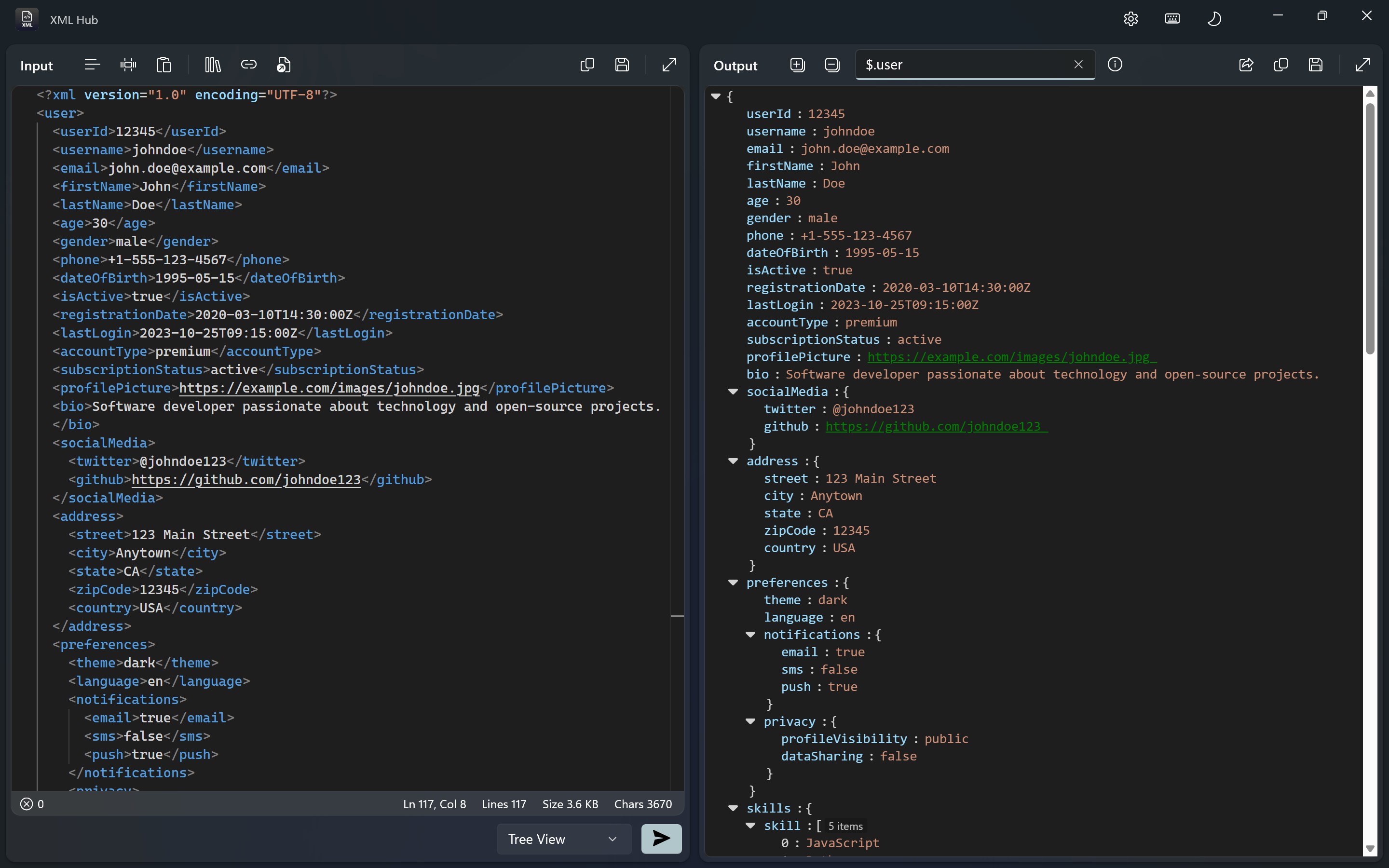
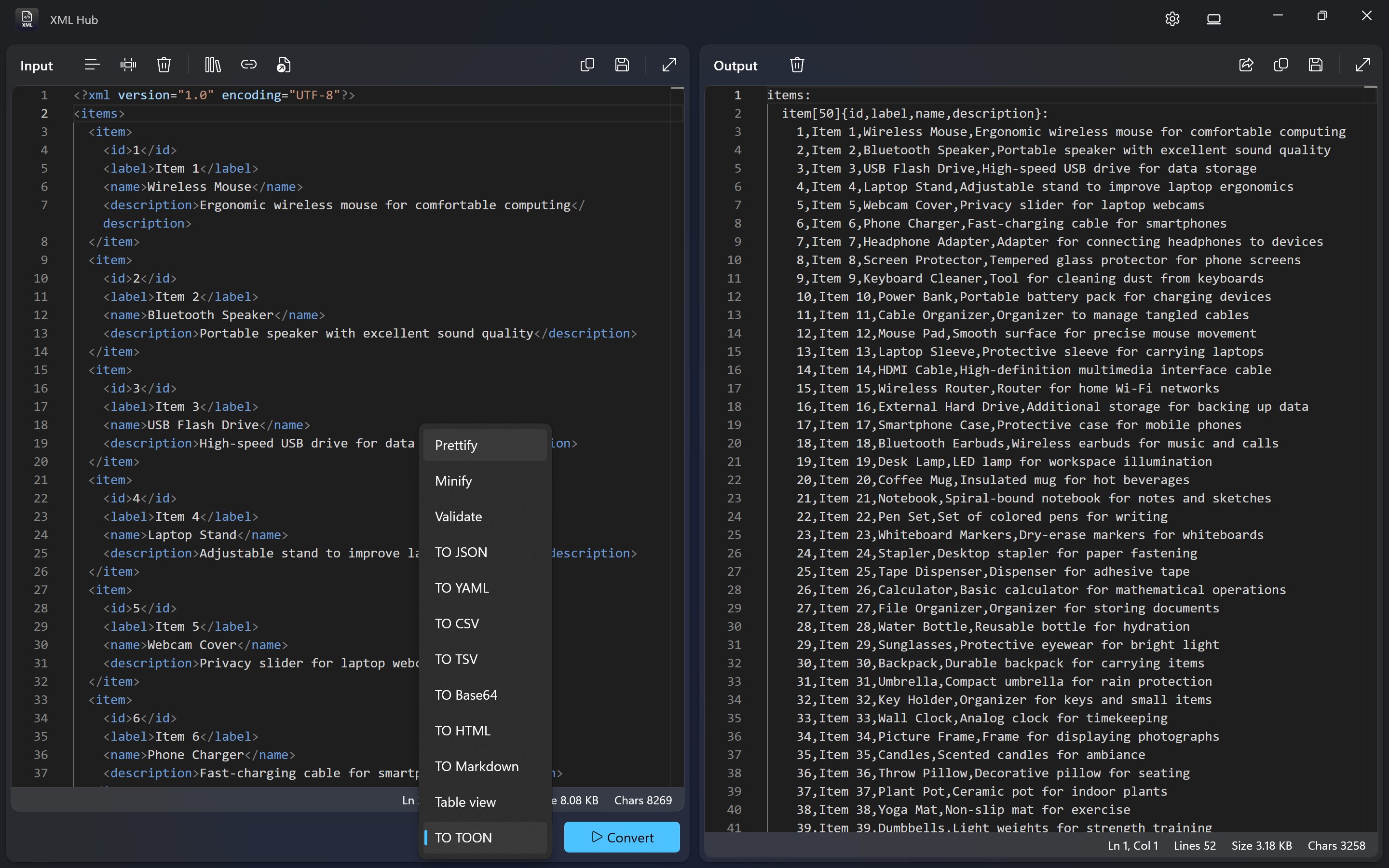
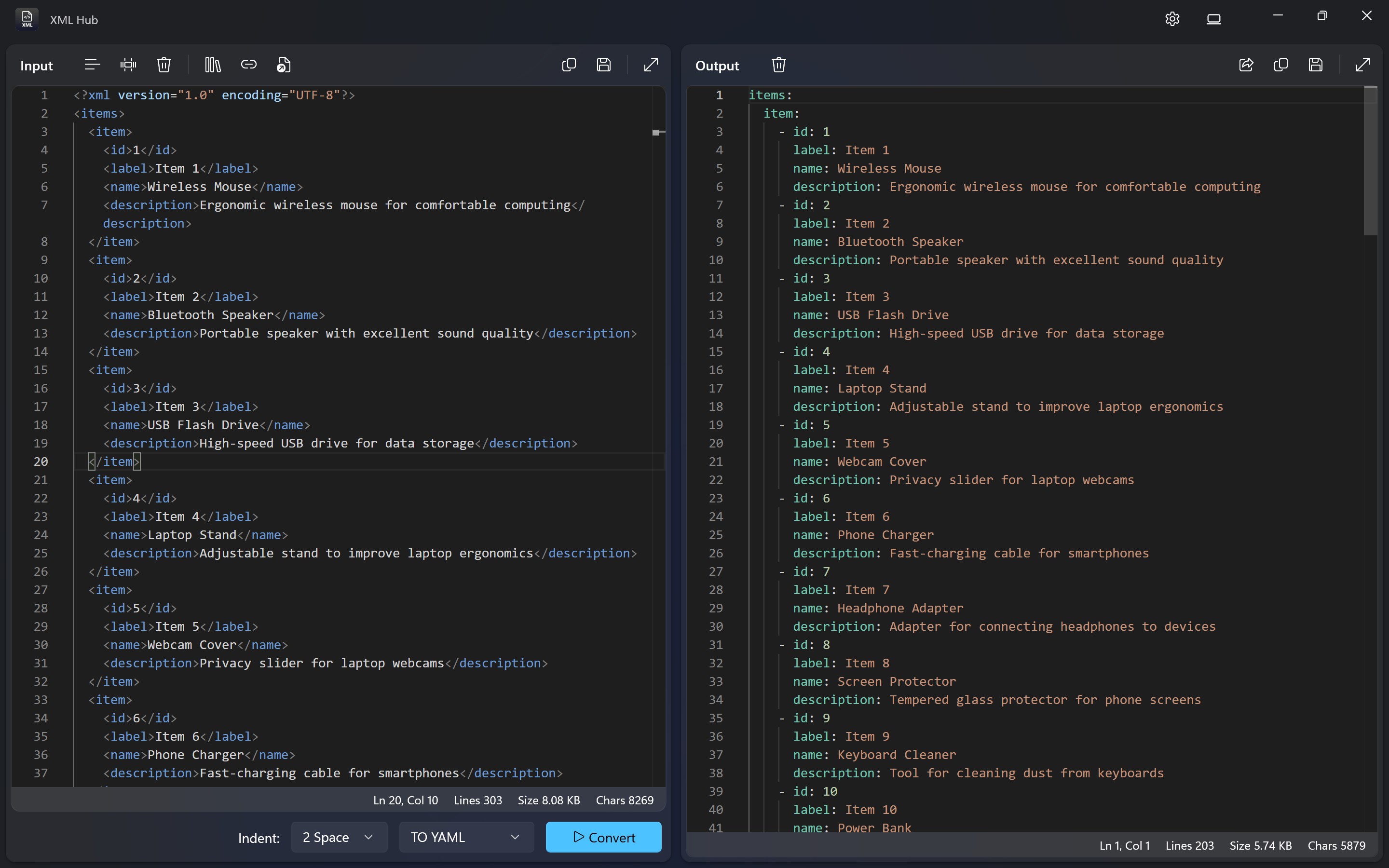
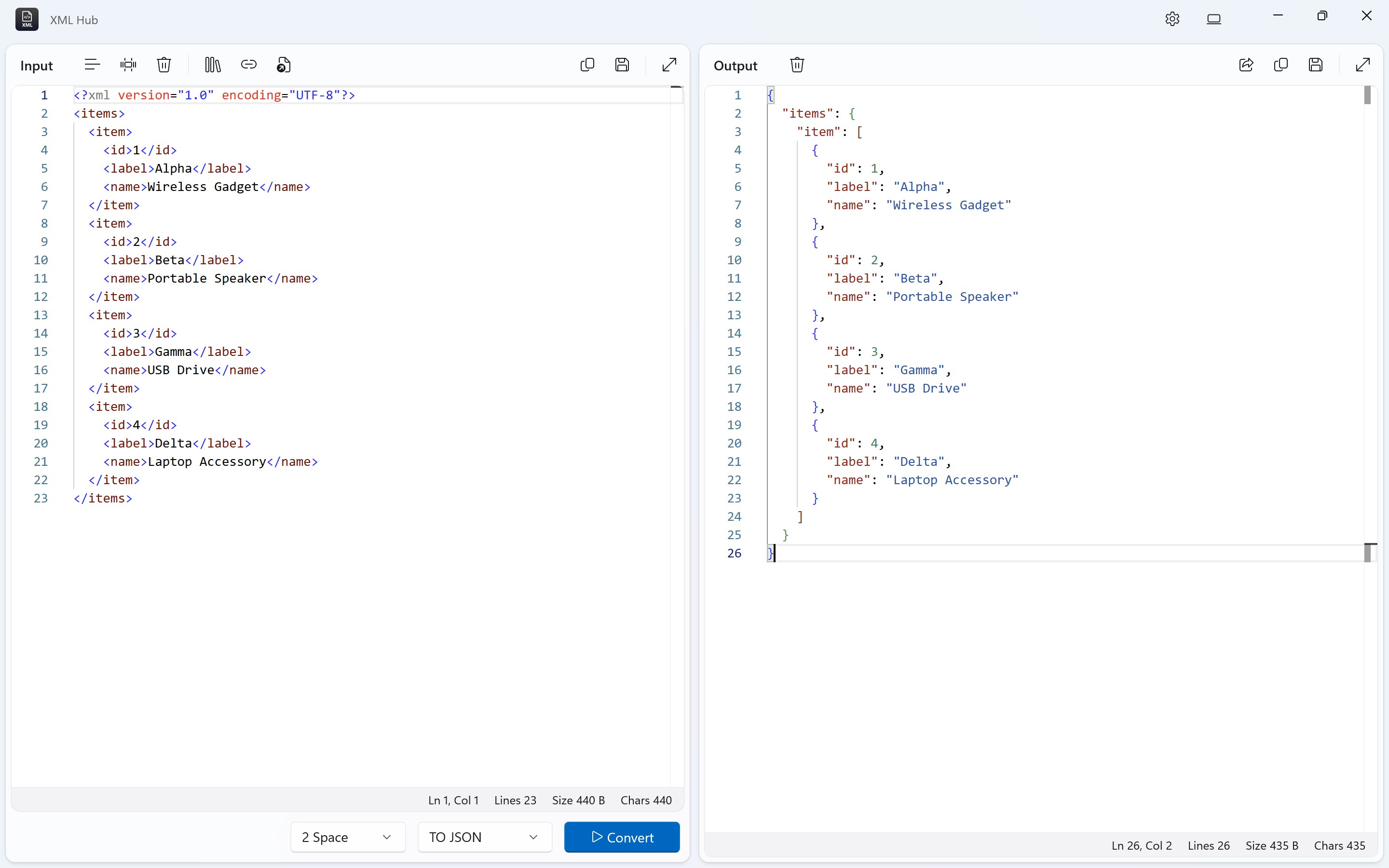
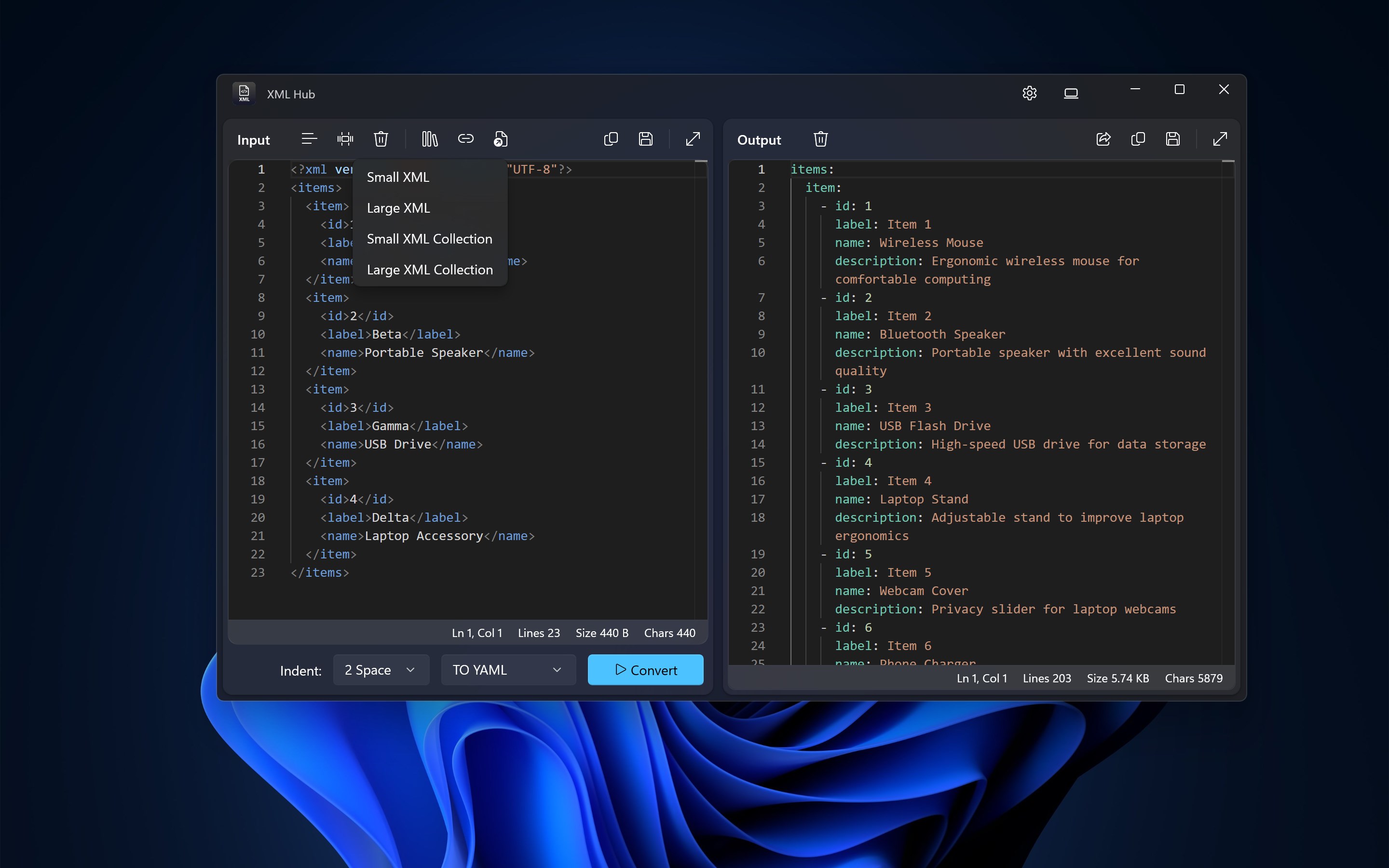
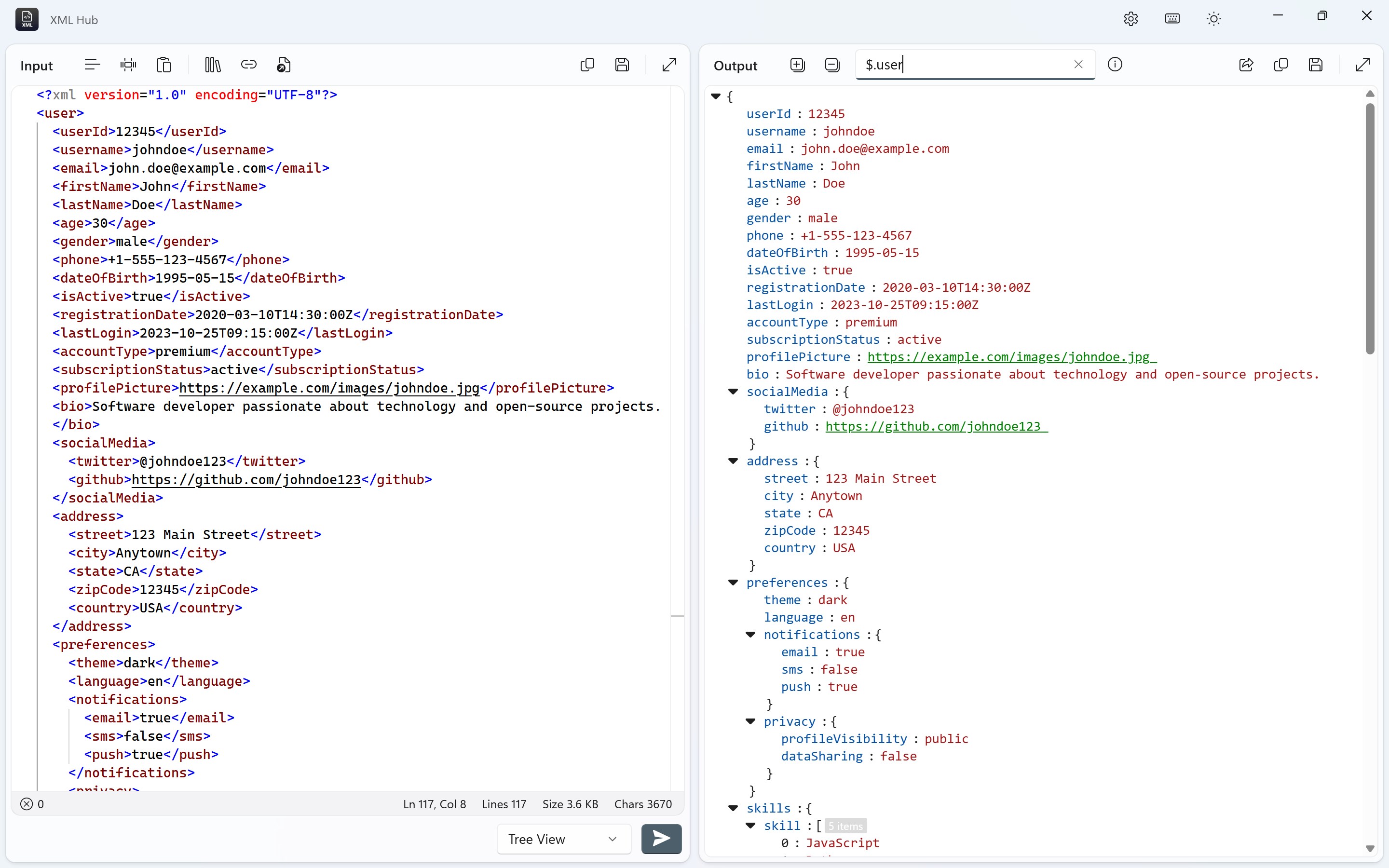
The app's standout feature is its intelligent XML visualization. Once you load an XML document, the interface automatically converts it into a clear, hierarchical tree structure. Think of it as unfolding a nested set of Russian dolls—each level reveals more detail without overwhelming. This visual approach makes understanding complex XML files straightforward and less intimidating, especially for newcomers.
Adjacent to this is the editing function—built with an emphasis on simplicity and precision. Users can directly modify elements, attributes, and values within the visual tree, with real-time validation to prevent common syntax errors. This live checking acts like a helpful guide, ensuring your XML remains well-formed as you go, which is akin to having a trusty co-pilot watching your back.
The interface design opts for a clean, minimalistic aesthetic, resembling a well-organized digital workspace. Navigating through file folders or toggling between views feels smooth—no lag, no jarring transitions—highlighting its efficient coding. The learning curve is gentle; even first-time users can get a handle on basic tasks quickly, thanks to intuitive icons and straightforward menus.
What truly sets XML Hub apart from other developer tools is its focused approach to XML visualization and real-time validation integrated into a lightweight package. Unlike bulkier XML editors that can be overwhelming for such tasks, this app offers just what you need—nothing more, nothing less. Its simplicity doesn't come at the expense of power, making routine XML operations both accessible and dependable.
I'd recommend XML Hub for Windows to anyone who regularly deals with XML files—be it for coding, data management, or learning purposes. Its core strength in visualizing nested structures and providing immediate feedback during editing makes it particularly useful for debugging or validating data quickly. However, for very large XML files or advanced schema management, users might find it a bit limited, so consider it a lightweight companion rather than a comprehensive XML suite.
Overall, if you're searching for a clean, efficient, and user-friendly XML tool that acts like a well-organized digital workshop, XML Hub for Windows is worth keeping in your toolkit. Its focus on core XML tasks, paired with a neat interface and intelligent features, makes it a pleasant surprise in a crowded market.
Intuitive XML editing interface
Supports multiple XML schemas
Built-in syntax highlighting
Rapid file search and navigation
Regular updates and improvements
Limited advanced editing features
Occasional slow performance with very large files
Basic customization options
Limited exporting options
No built-in XML validation against external datasets

for Windows
 5
5

for Windows
4.6

for Windows
4.6

for Windows
4.6

for Windows
4.5

for Windows
4.4

for Windows
4.4

for Windows
4.3

for Windows
4.3

for Windows
4.3

for Windows
4.3

for Windows
4.2

for Windows
5

for Windows
5
for Windows
5

for Windows
5

for Windows
5

for Windows
5

for Windows
5

for Windows
5

for Windows
5

for Windows
5