Productivity
XLSX
PC
Windows 10 version 14393.0 or higher
English (United States)
If you're someone who frequently works with spreadsheets but finds traditional Excel interfaces either overwhelming or sluggish, XLSX for Windows offers a breath of fresh air—an intuitive, streamlined approach to managing your XLSX files without the bulk of traditional office suites. Designed by BREE AI TECH PTE. LTD., this app aims to redefine simplicity and productivity in spreadsheet editing, tailored primarily for power users seeking efficiency without the clutter.
XLSX for Windows is a lightweight application dedicated to opening, editing, and saving XLSX files with minimal fuss. Developed by the innovative team at BREE AI TECH PTE. LTD., the app focuses on providing core functionalities that prioritize workflow efficiency and ease of use. Its standout features include fast file access, straightforward editing tools, and seamless integration with cloud storage services, making it ideal for professionals who need quick, reliable spreadsheet handling. The target audience spans business analysts, students, and busy professionals who require a no-nonsense solution for spreadsheet management without the overhead of full-scale office software.
Imagine navigating your spreadsheet universe with the grace of a well-trained pilot steering through clear skies—XLSX for Windows aims to be your copiloting companion, offering a smooth ride through data. Its minimalistic design belies a thoughtful architecture that respects your time and cognitive load. No more wrestling with convoluted menus or feature bloat; here, efficiency is the name of the game. The app's straightforward interface invites you in like a familiar workspace where every click serves a purpose, not just filling space.
The app excels at enabling rapid file access. Opening large XLSX files is surprisingly swift, thanks to its optimized engine that minimizes lag, even on modest hardware. Importing or exporting files to cloud services like OneDrive or Dropbox is integrated seamlessly, allowing you to maintain your workflow without breaking stride. This core function reduces the time spent on mundane file handling, empowering you to focus on your data.
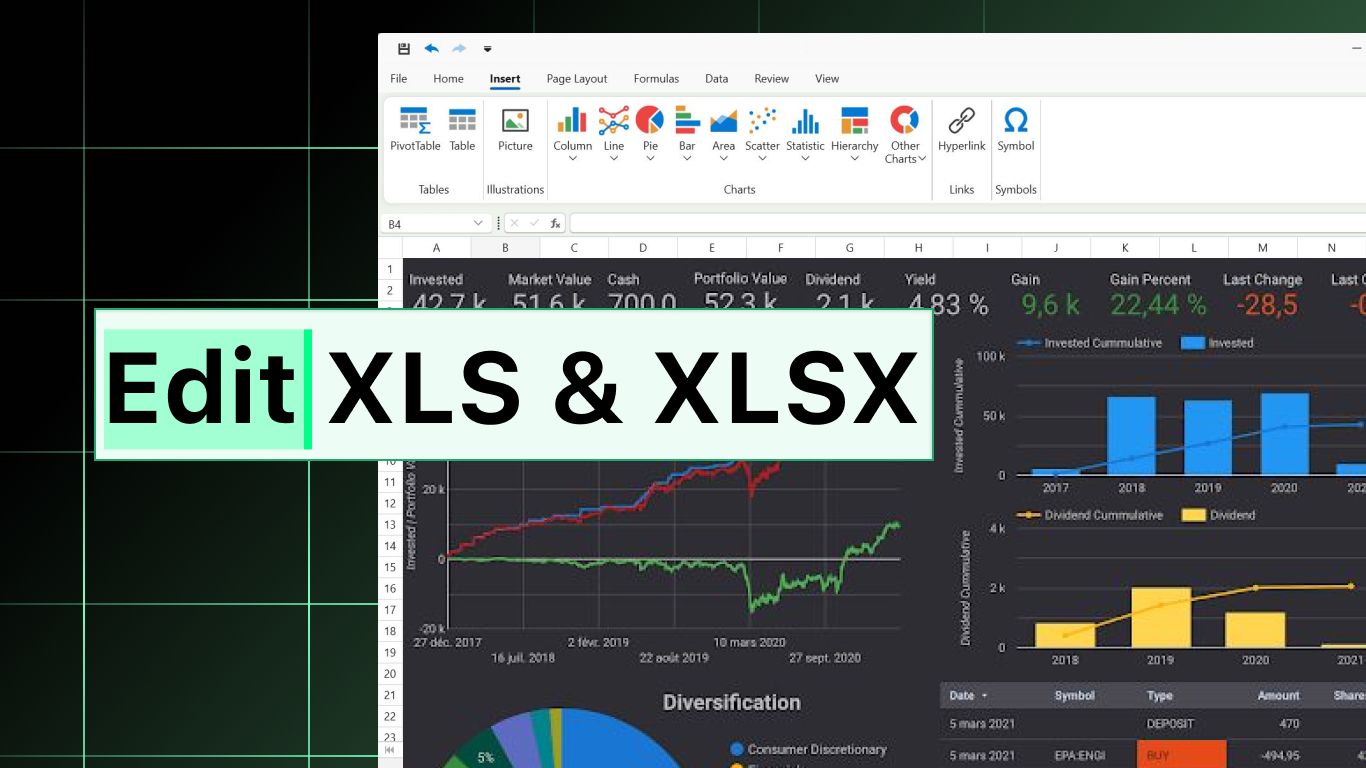
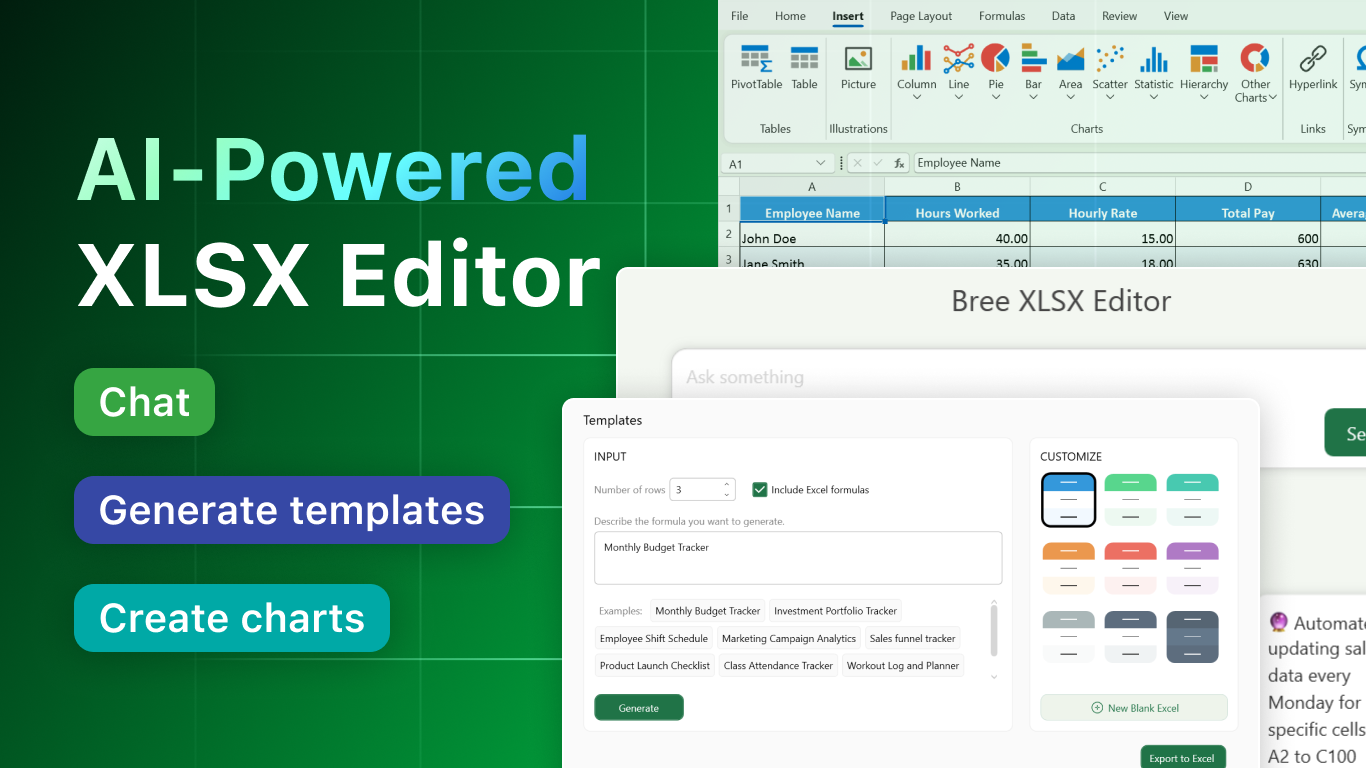
Once inside your spreadsheet, you'll find a clean set of editing features—cell modification, formula input, data sorting, and filtering—all presented in an intuitive layout. The app's design avoids overwhelming users with unnecessary options, ensuring that your learning curve remains shallow. Advanced features like conditional formatting are accessible but do not complicate the interface, striking a perfect balance for those who need efficiency without sacrificing capability.
The real gem of XLSX for Windows lies in its special focus on workflow integration. Unlike traditional office applications laden with superfluous features, this app emphasizes reducing the cognitive load associated with spreadsheet management. It intelligently anticipates user needs, such as auto-saving your progress, quick shortcut keys, and effortless switching between files. The result is a fluid experience that keeps your tasks flowing smoothly, akin to a well-oiled machine—no frustrating pauses or distractions.
The user interface exudes a minimalist charm—clean lines, clear icons, uncluttered workspace—which makes learning and navigating the app a breeze. The operations are remarkably responsive, with immediate feedback on edits and commands, ensuring no lag interrupts your concentration. On usability, XLSX for Windows scores high: even those new to spreadsheet apps can quickly get comfortable, thanks to its logical layout. For seasoned users, the streamlined feature set feels like a breath of fresh air—it offers enough tools to get the job done efficiently without overwhelming complexity.
What sets XLSX for Windows apart from similar lightweight spreadsheet tools is its concerted focus on workflow efficiency and cognitive simplicity. Unlike some rivals flooding users with features that barely get used, this app's "less is more" philosophy reduces mental clutter—allowing users to perform quickly and confidently. Its ability to integrate smoothly into existing workflows—especially with cloud synchronization—makes it a practical choice for professionals who need fast, reliable access to their data across devices. This strategic design prioritizes reducing cognitive load while maintaining enough functionality to handle everyday spreadsheet tasks, making it a compelling alternative to traditional, bulkier solutions.
Overall, XLSX for Windows earns a strong recommendation for users who value speed, simplicity, and effective workflow integration over feature bloat. It's well-suited for quick edits, routine data management, and scenarios where efficiency trumps elaborate options. If you're tired of navigating cumbersome spreadsheets or just need a reliable companion for light to moderate XLSX tasks, this app is worth trying. For power users needing extensive features like macros or advanced analytics, it might fall short, but for nearly everyone else, it's a clear winner—like having a trusted, no-nonsense assistant at your fingertips.
User-friendly interface
Excellent file compatibility
Real-time editing and collaboration
Strong data visualization tools
Regular updates and bug fixes
Limited advanced data analysis features
Occasional syncing delays
Performance issues with very large files
Limited offline functionality
Some features are locked behind a subscription

for Windows
 5
5

for Windows
5

for Windows
4.9

for Windows
4.9

for Windows
4.9

for Windows
4.8

for Windows
4.8

for Windows
4.8

for Windows
4.8

for Windows
4.8

for Windows
4.8

for Windows
4.8

for Windows
5
for Windows
5

for Windows
5

for Windows
5

for Windows
5

for Windows
5

for Windows
5

for Windows
5

for Windows
5
for Windows
5