Developer tools
Bostrot (Eric Trenkel)
PC
Windows 10 version 17763.0 or higher
Integrated Keyboard
Integrated Mouse
Chinese (Simplified), Chinese (Traditional), English (Australia), English (United Kingdom), English (United States), German, Portuguese (Brazil), Portuguese (Portugal), Turkish
For developers and tech enthusiasts looking to streamline their Windows-Linux workflow, WSL Manager for Windows by Bostrot offers a dedicated solution to manage multiple WSL distributions effortlessly. By providing a centralized platform, it transforms the otherwise cumbersome task of handling various Linux environments into a smooth, intuitive experience.
Developed and published by Bostrot, led by Eric Trenkel, this app exemplifies a focus on creating efficient and user-friendly tools for Windows users. With a commitment to enhancing developer productivity, the team values clean interfaces and practical functionality, ensuring users can effectively manage their WSL instances without unnecessary hurdles.
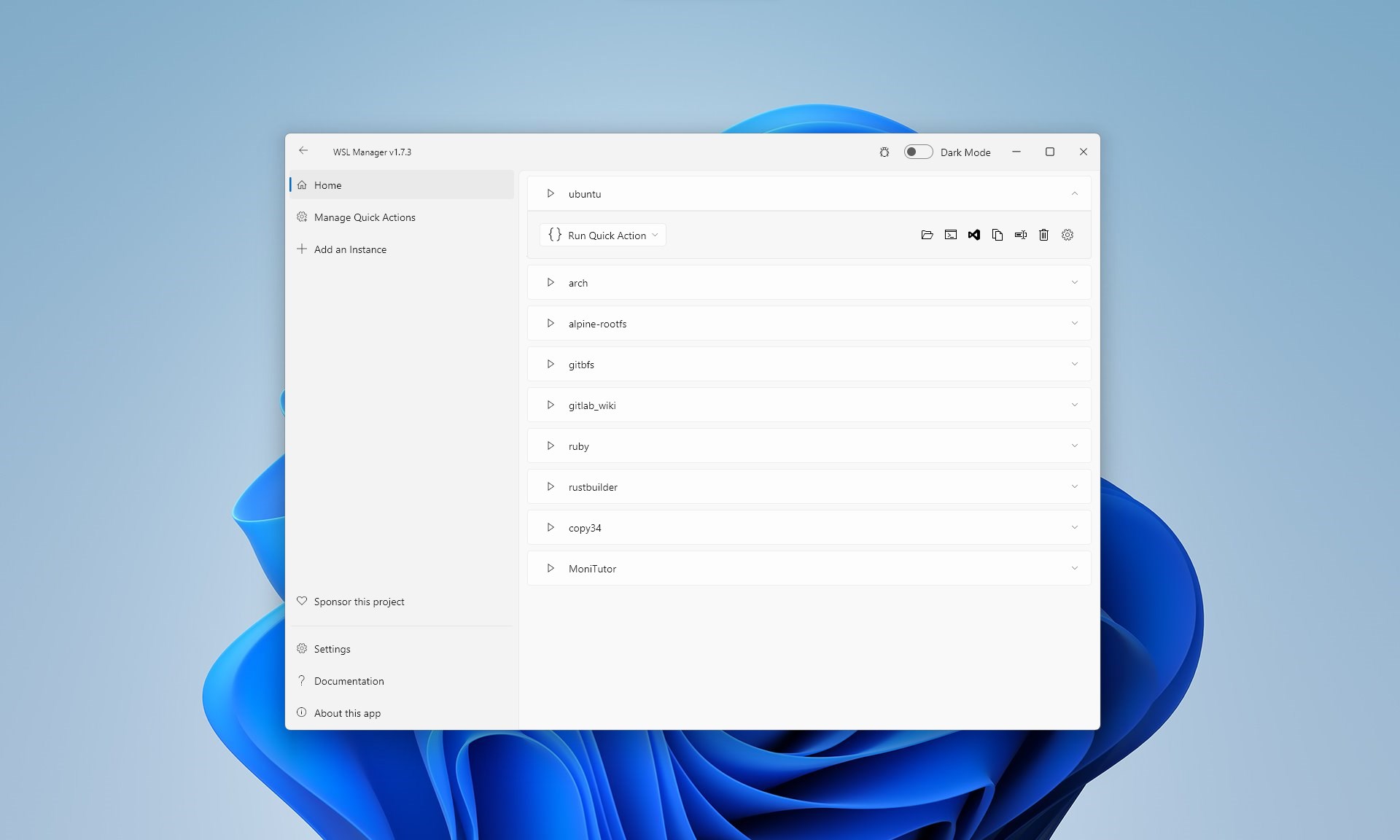
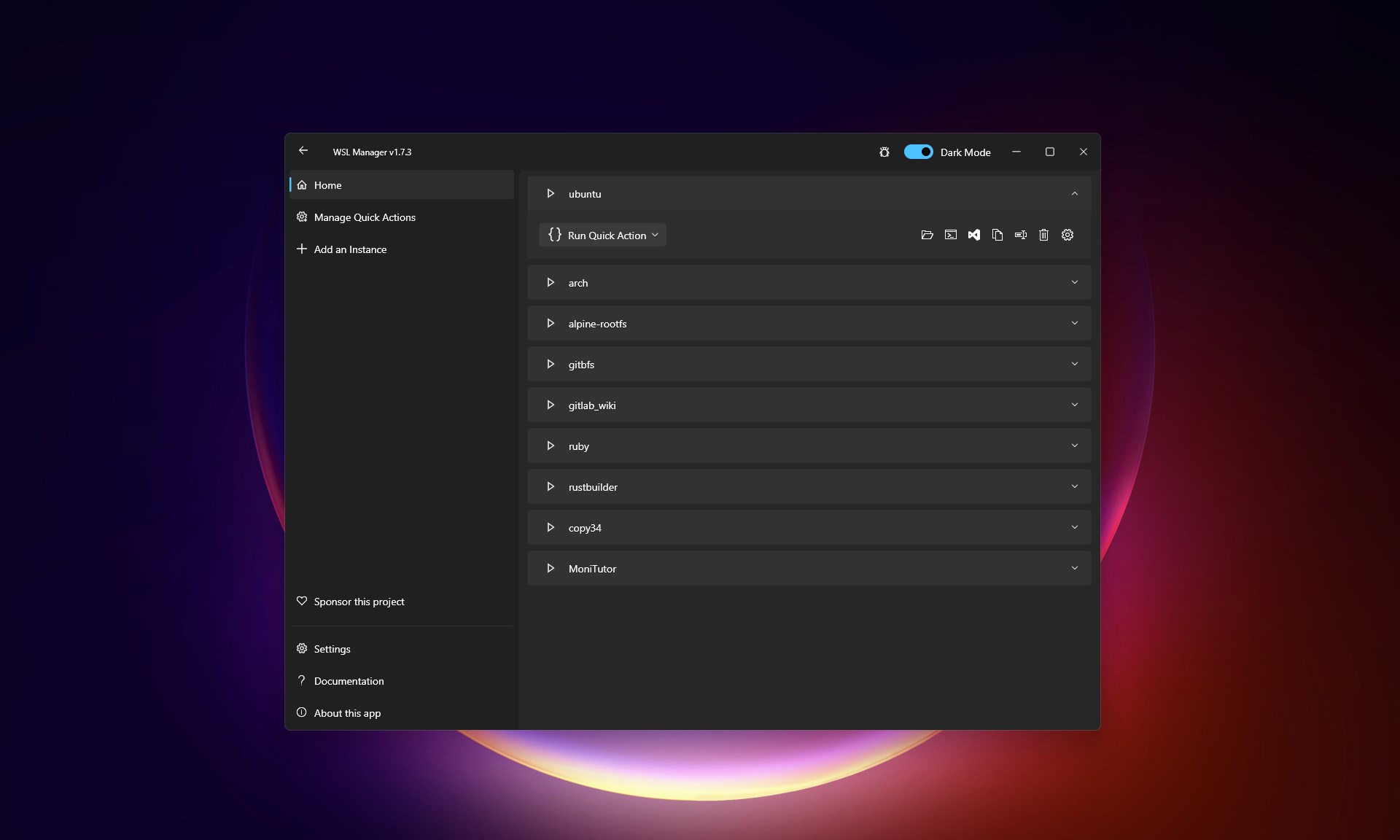
Stepping into the realm of WSL Manager is akin to having your own Linux command center—organized, accessible, and tailored to your workflow. Its interface sports a sleek, modern look that combines minimalism with practical design cues, giving it an approachable feel straight out of the box. Navigating through different WSL distributions is as effortless as flipping through a well-organized photo album—just click and go.
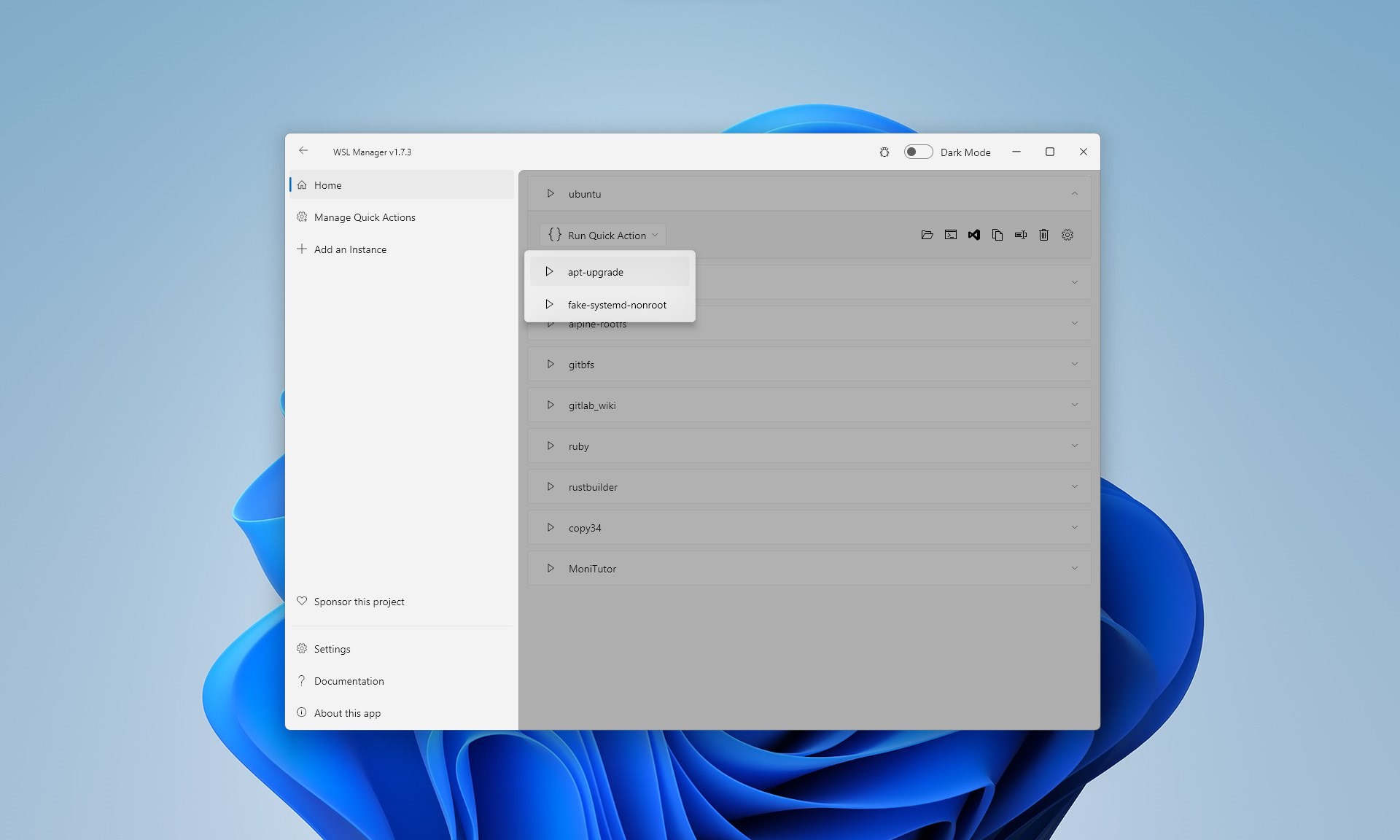
Operations are remarkably responsive; launching a Linux environment or switching profiles feels instant, making interruptions to your workflow minimal. For those familiar with command-line intricacies, WSL Manager offers a gentle learning curve. Its straightforward controls mean less time wrestling with settings and more effort on coding or research.
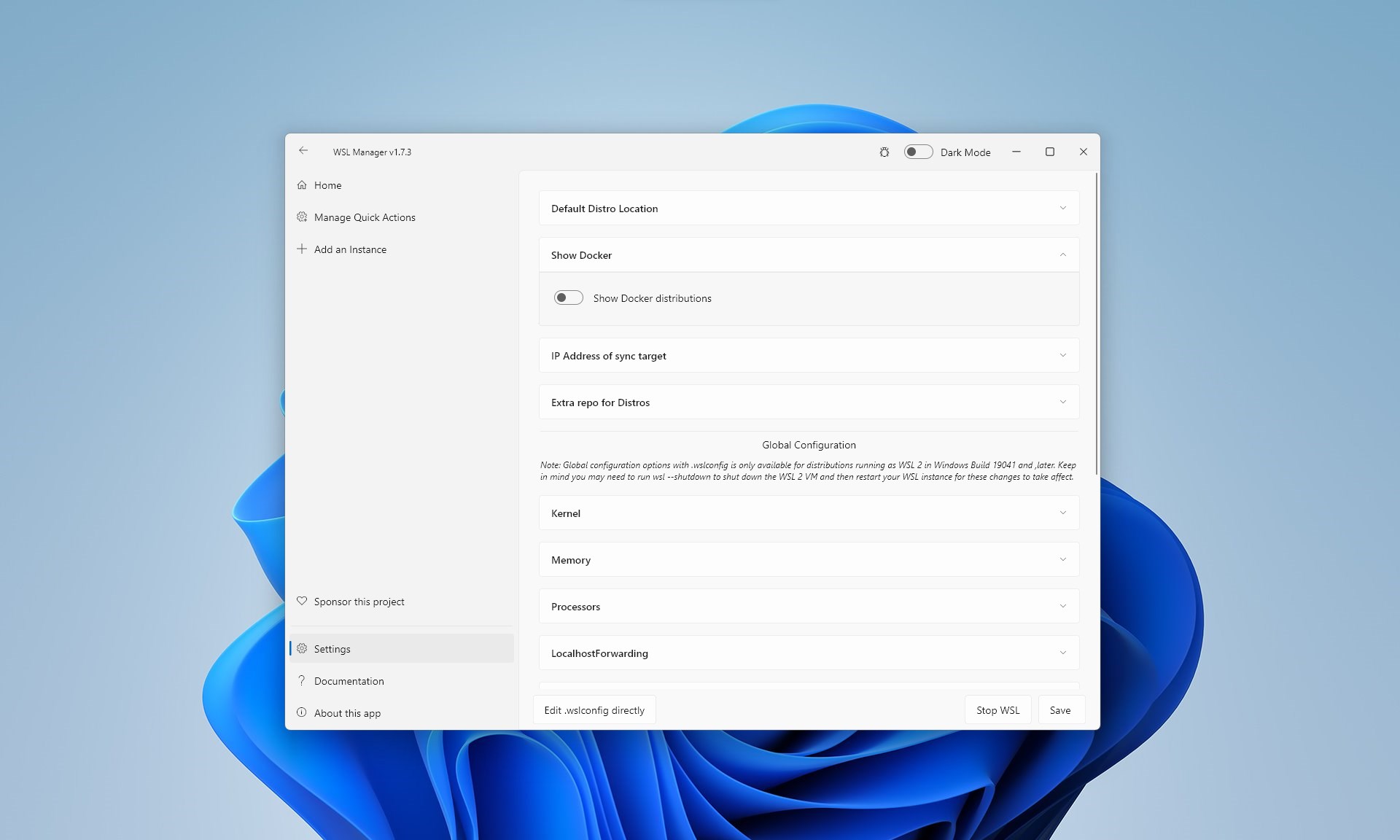
Compared to other developer tools, WSL Manager stakes out a unique niche by focusing exclusively on WSL environments and providing a dedicated management interface. Unlike generic system management apps, it emphasizes clarity and depth—offering granular controls, but wrapped in an intuitive package. This specialization makes it a standout choice for Windows developers embracing Linux shells without the need for complex terminal commands.
Considering its robust feature set, user-friendly design, and targeted focus, WSL Manager for Windows receives a solid recommendation for those who want to deepen their Linux integration on Windows. It's perfect for developers who juggle multiple distributions, IT professionals maintaining diverse Linux environments, and hobbyists exploring different Linux flavors.
Whether you're managing WSL for development, testing, or learning, this app enhances productivity while reducing complexity. For best results, pairing it with a comprehensive code editor or IDE can make your Windows/Linux hybrid workspace even more powerful.
If you're tired of the command-line clutter or looking for a way to visually organize your Linux distributions, WSL Manager is worth a try—think of it as your neatly organized toolbox in a cluttered workshop. It doesn't promise to do everything for you but makes managing your Linux environments significantly simpler and more enjoyable.
Intuitive interface for managing WSL distributions
Seamless integration with Windows system features
Simplifies WSL installation process
Provides real-time updates and notifications
Supports multiple WSL versions simultaneously
Occasional reliability issues during updates
Limited customization options for Linux distributions
High resource consumption during heavy use
Incomplete error messages sometimes hinder troubleshooting
Initial setup can be slow on older hardware

for Windows
 5
5

for Windows
4.6

for Windows
4.6

for Windows
4.6

for Windows
4.5

for Windows
4.4

for Windows
4.4

for Windows
4.3

for Windows
4.3

for Windows
4.3
for Windows
4.3

for Windows
4.2

for Windows
5

for Windows
5
for Windows
5

for Windows
5

for Windows
5

for Windows
5

for Windows
5

for Windows
5

for Windows
5

for Windows
5