Education
PC
Windows 10 version 17763.0 or higher
English (United States)
If you're on the hunt for an engaging, effective tool to help your children improve their handwriting skills, Writing Wizard is a promising choice. Designed specifically for young learners, this Windows app turns the often tedious task of handwriting practice into an interactive adventure that sparks curiosity and confidence.
L'Escapadou, a dedicated team specializing in educational technology, has crafted this app with a clear focus: making handwriting practice fun and accessible. Their experience in creating interactive learning tools shines through in the thoughtful design and user-friendly interface of Writing Wizard.
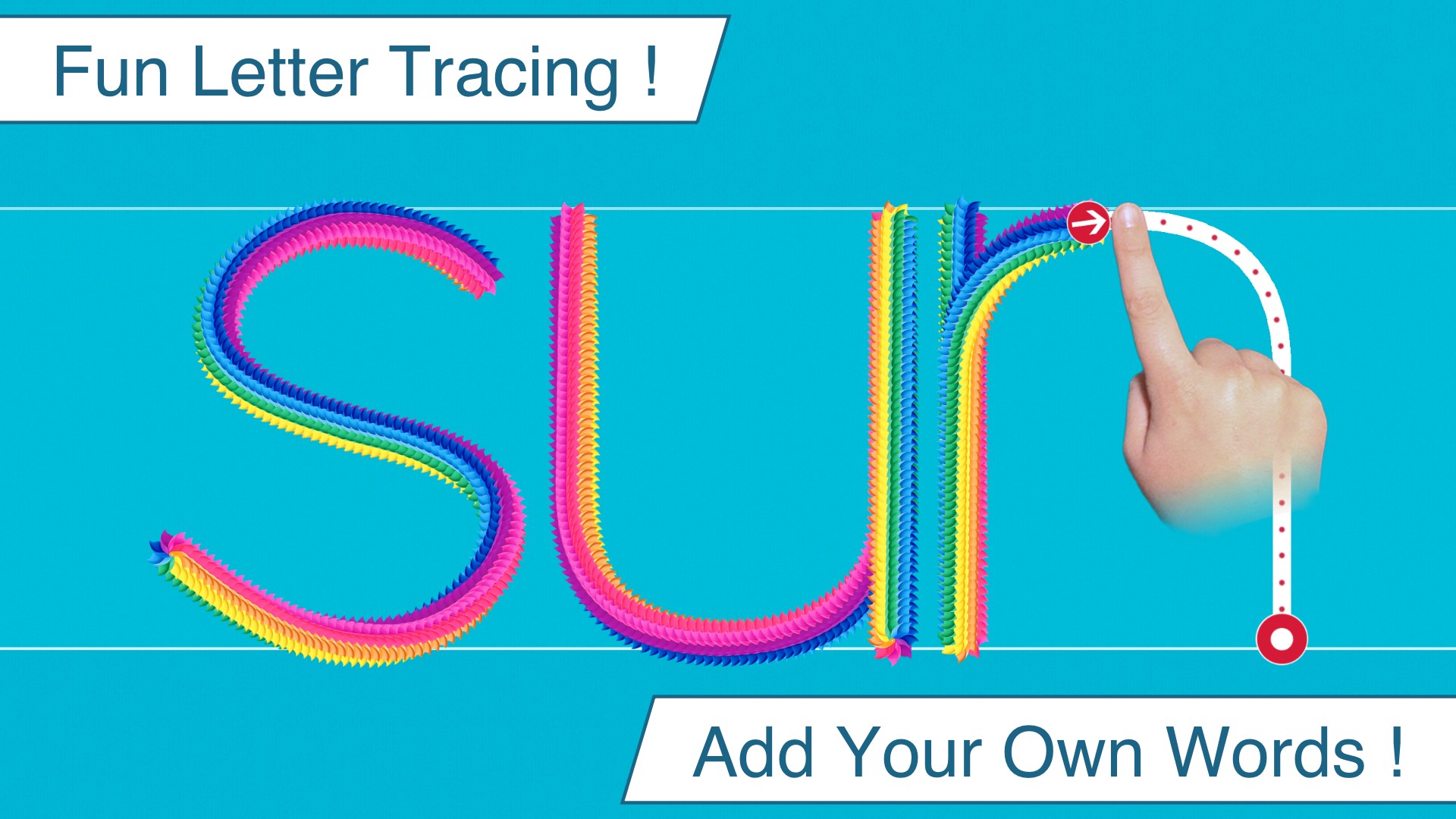
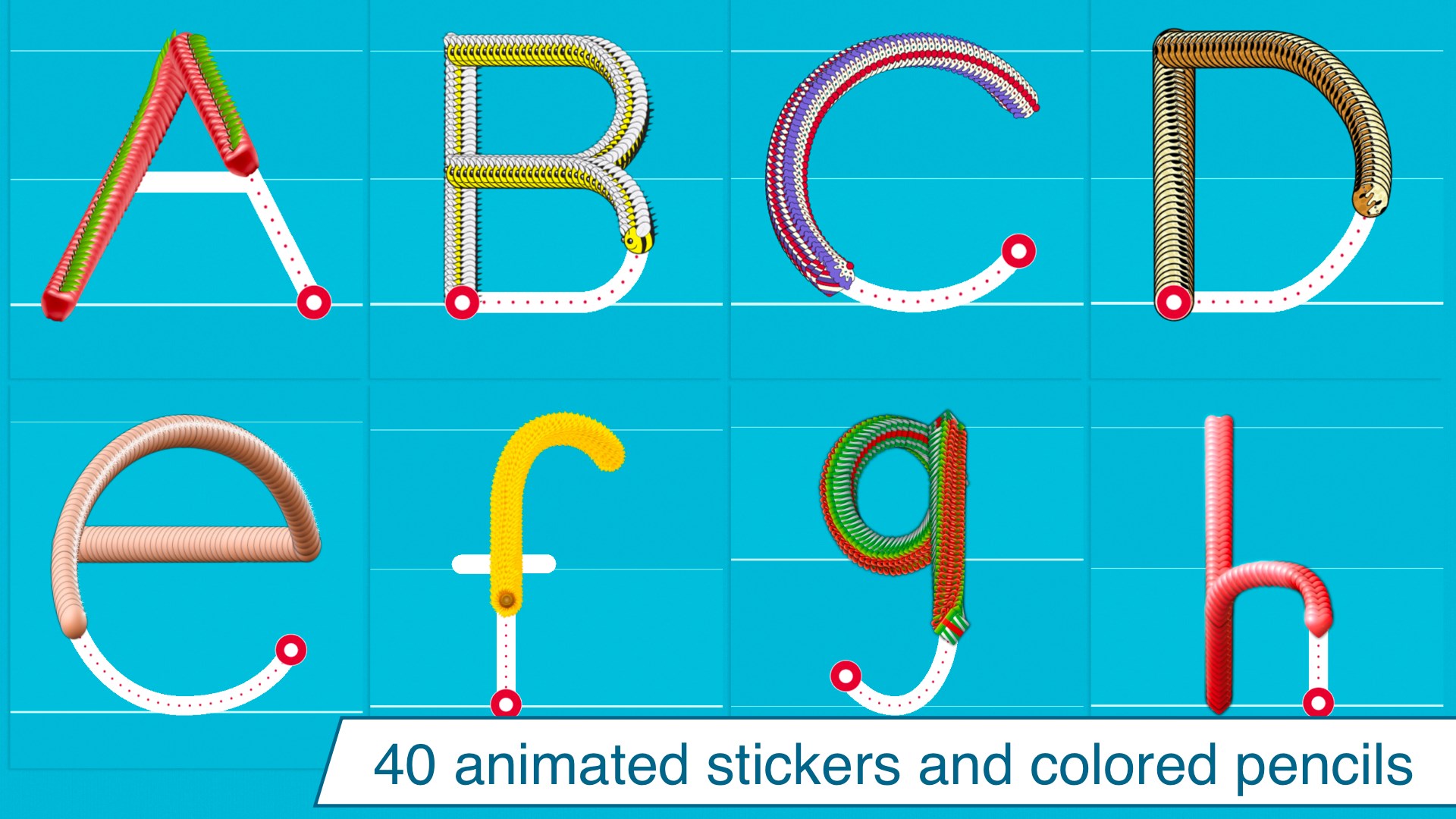
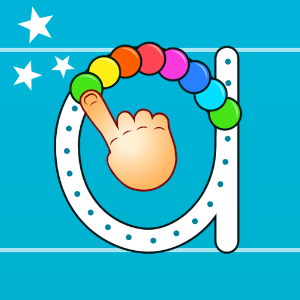
Imagine a colorful, animated playground where each letter is a mini adventure waiting to be explored—that's what Writing Wizard offers. From the moment children open the app, they're greeted with a friendly, intuitive interface that feels more like a game than a workbook. The primary activity—tracing letters—is designed to simulate real handwriting, making practice feel natural and enjoyable. The app's playful animations and sound effects keep young learners hooked, turning repetitive drills into moments of joyful discovery.
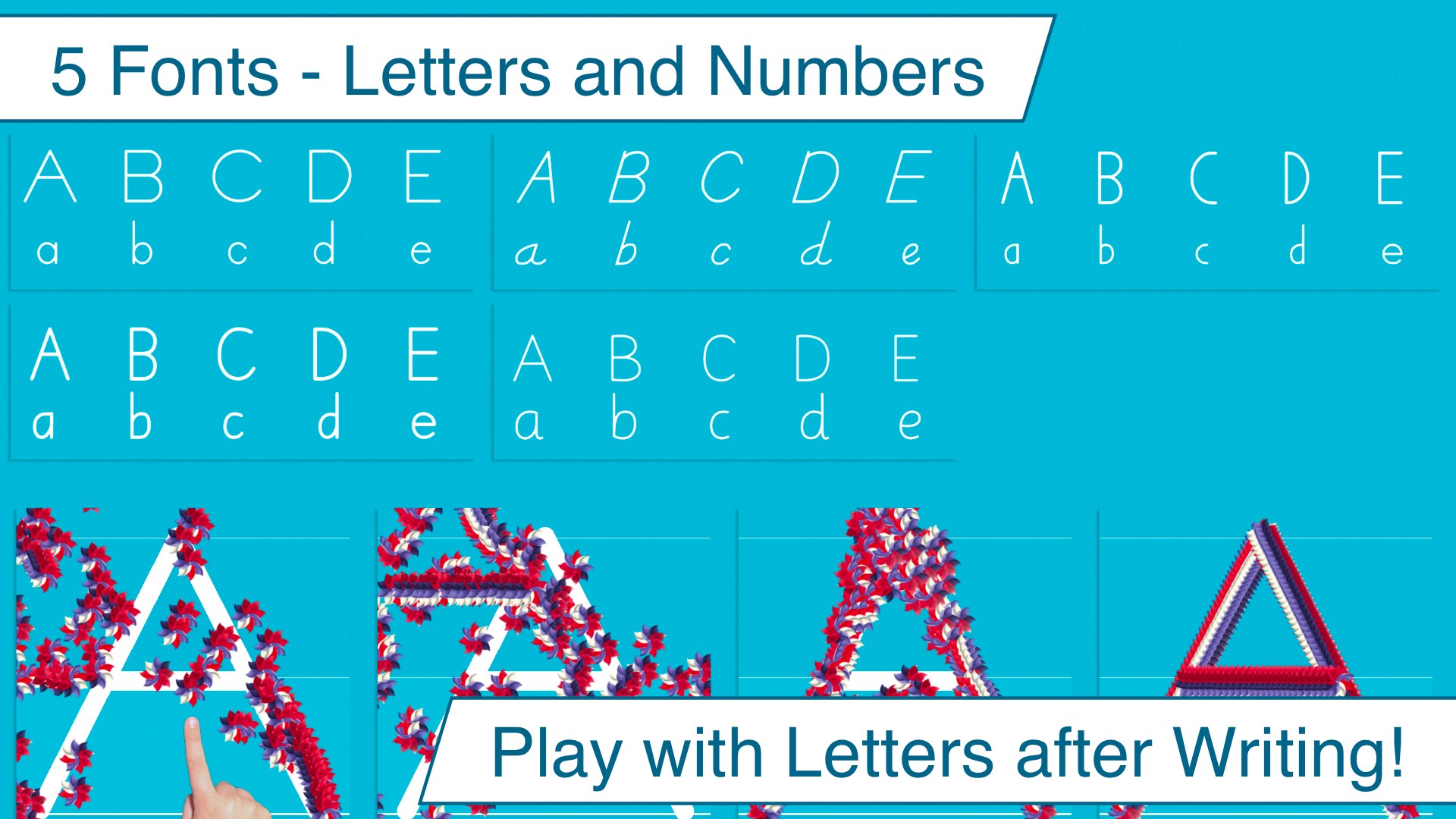
One of the standout features is the customizable tracing module. Parents and teachers can choose different fonts and set specific strokes to match the child's learning level. This flexibility ensures that children aren't overwhelmed but are gradually challenged—akin to climbing a gentle hill rather than a steep mountain. The tracing process is interactive, with visual cues guiding the child's hand, and immediate feedback helps correct mistakes, which is crucial for mastering proper form.
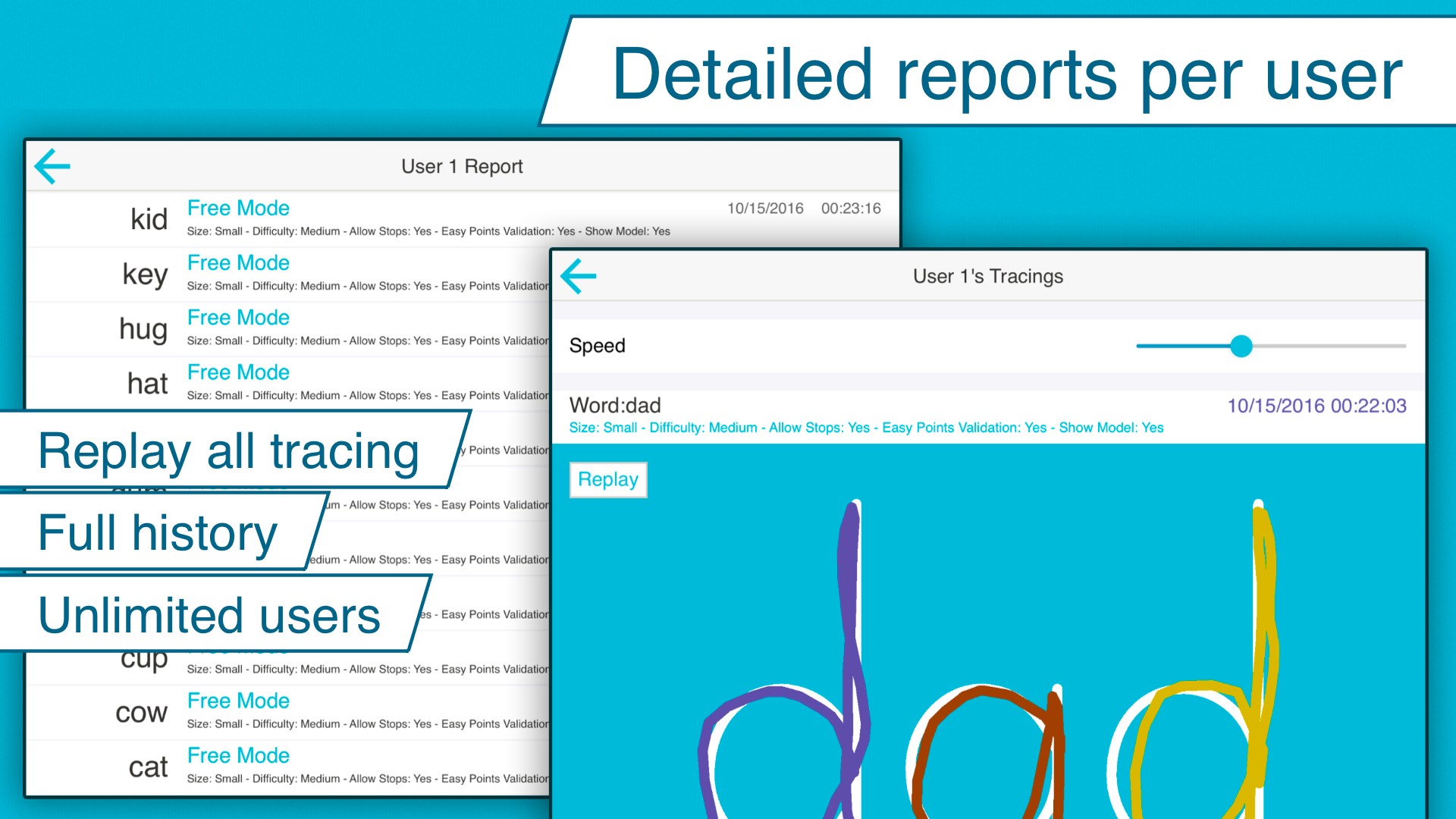
Another core element is the progress tracking system. Through colorful graphs and achievement badges, children see their growth, which fosters a sense of accomplishment and encourages continued practice. This feature is particularly valuable for parents and teachers who want to offer targeted support, as it highlights specific letters or strokes that need more attention.
The interface of Writing Wizard is friendly and appealing without clutter—much like a well-organized art studio. Navigation is intuitive, with large buttons and straightforward menus that suit small fingers and beginner users. Operation flows smoothly, with minimal lag or glitches, creating a seamless experience that doesn't distract from learning. The app's instructions are clear yet simple enough for children to understand and follow independently, trimming down the learning curve to a minimum.
Compared to other educational handwriting apps, Writing Wizard excels with its personalized learning paths. Instead of a one-size-fits-all curriculum, this app enables tailored practice, adjusting to each child's pace and needs. Its content accuracy and authority are reinforced by the ability to customize stroke sequences and practice in multiple languages—making it a versatile tool for diverse learners. This personalization and adaptability are especially vital in early education, giving it a significant edge over more rigid, generic apps.
Overall, Writing Wizard offers a well-rounded handwriting practice experience that balances educational rigor with playful engagement. Its most compelling features—customizable practice routines and progress rewards—make it stand out in the crowded field of early learning apps. I recommend this app for parents and teachers seeking a tailored, interactive approach to handwriting skills, especially for children who need encouragement and a sense of achievement. While it may require some initial setup to customize to each child's level, the thoughtful design ensures that the effort pays off in improved handwriting and boosted confidence.
Intuitive handwriting interface
Interactive learning features
Customizable practice sheets
Immediate feedback system
Offline accessibility
Limited handwriting recognition accuracy
Lacks advanced lesson plans for older children
Navigation could be simplified further
Few customization options for UI themes
Inconsistent response speed on older devices

for Windows
 4.8
4.8

for Windows
4.7

for Windows
4.7

for Windows
4.6

for Windows
4.6

for Windows
4.6

for Windows
4.5

for Windows
4.5

for Windows
4.4

for Windows
4.4

for Windows
4.4

for Windows
4.4

for Windows
5

for Windows
5

for Windows
5

for Windows
5

for Windows
5

for Windows
5

for Windows
5

for Windows
5

for Windows
5

for Windows
5