Classics
PC, Mobile, Surface Hub, HoloLens
Windows 10 version 17763.0 or higher
English (United States)
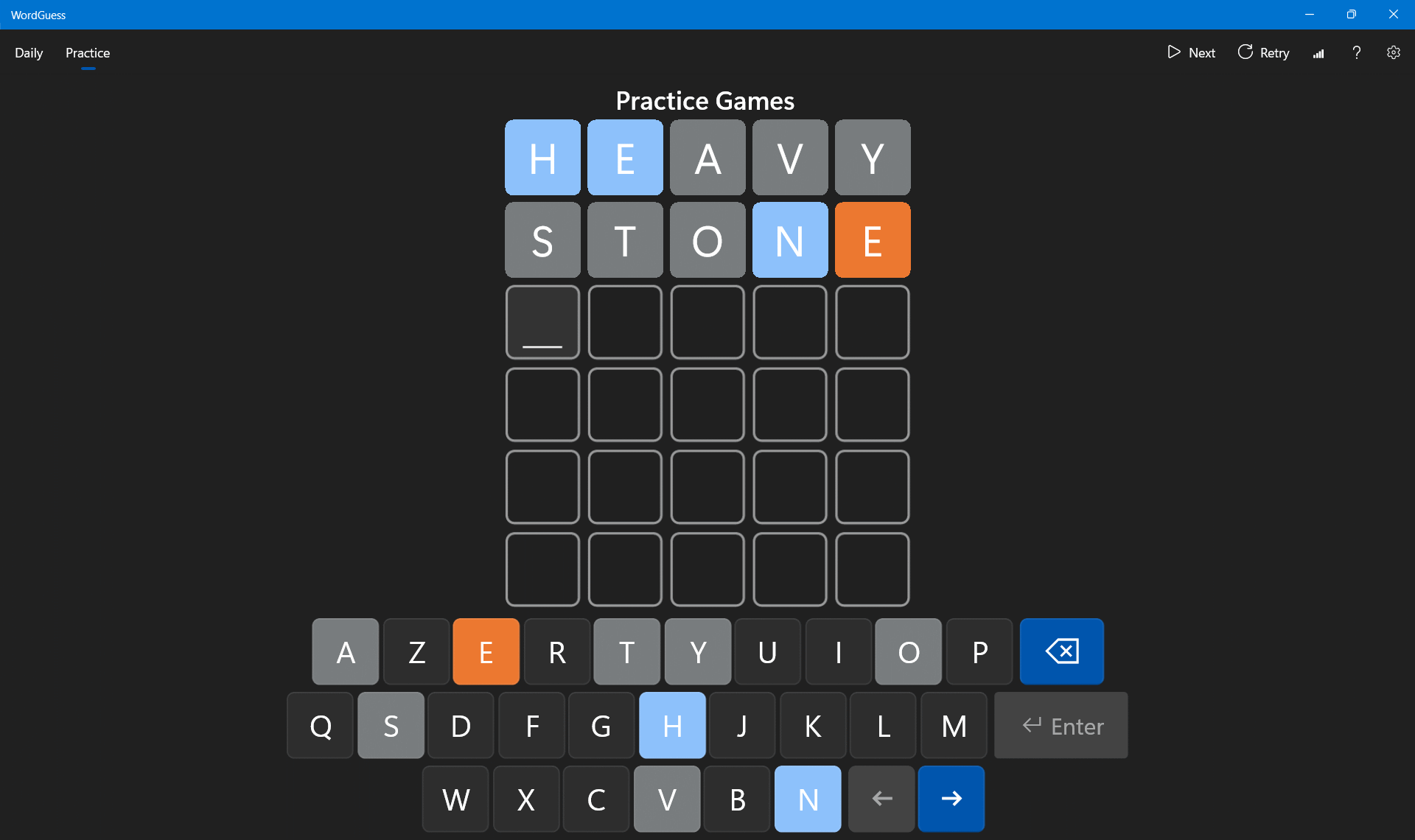
Ever find yourself staring at a jumble of letters, wishing for a fun yet challenging way to expand your vocabulary? WordGuess for Windows offers an engaging twist on classic word puzzles, blending the thrill of word discovery with sleek design and user-friendly gameplay. Whether you're a casual gamer or a language enthusiast, this app promises a rewarding experience without the clutter of unnecessary bells and whistles.
Developed by Reflection IT, WordGuess is a Windows-based word puzzle game designed to entertain and educate simultaneously. The app's primary goal is to help players improve their vocabulary and word recognition skills through various challenging levels and game modes.
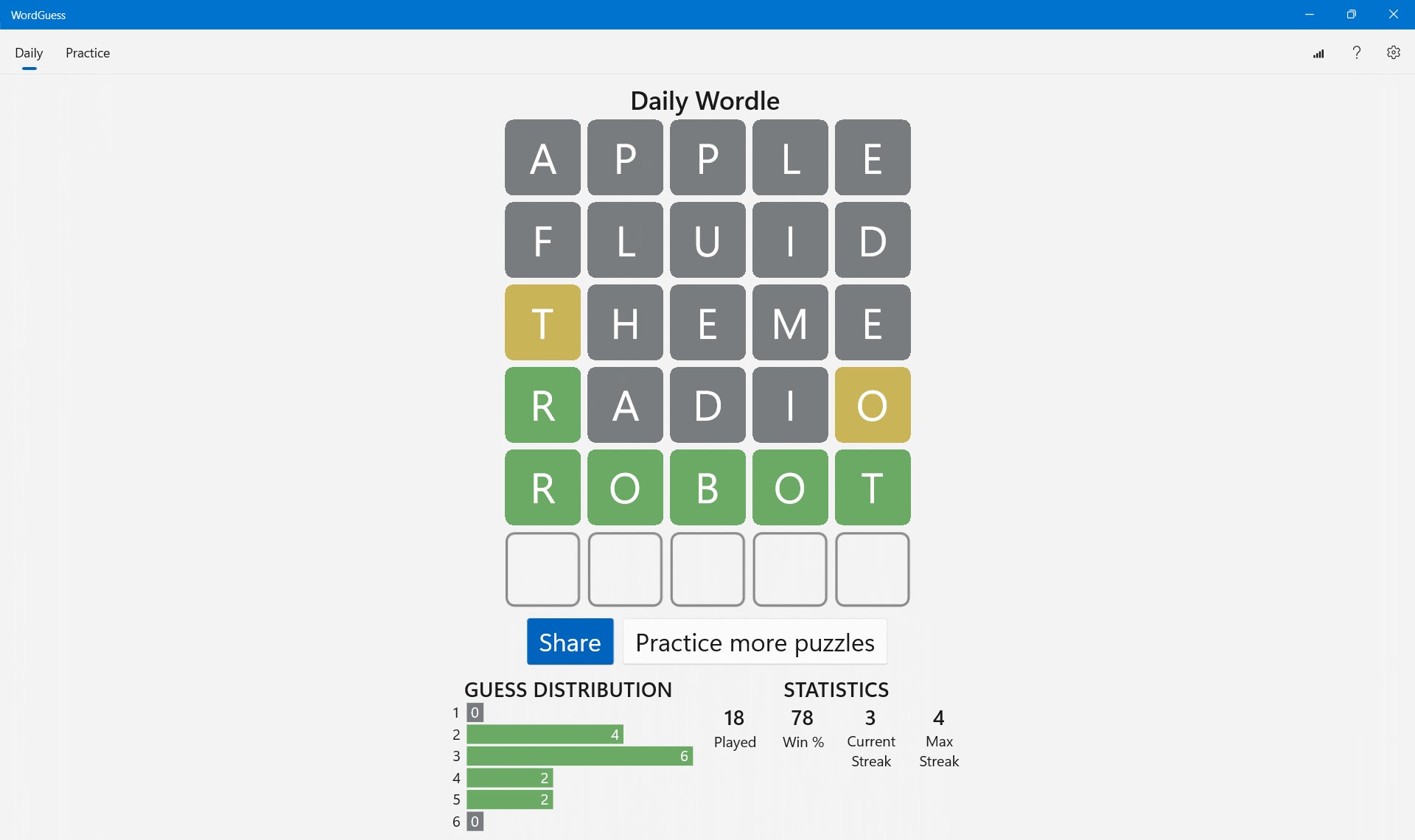
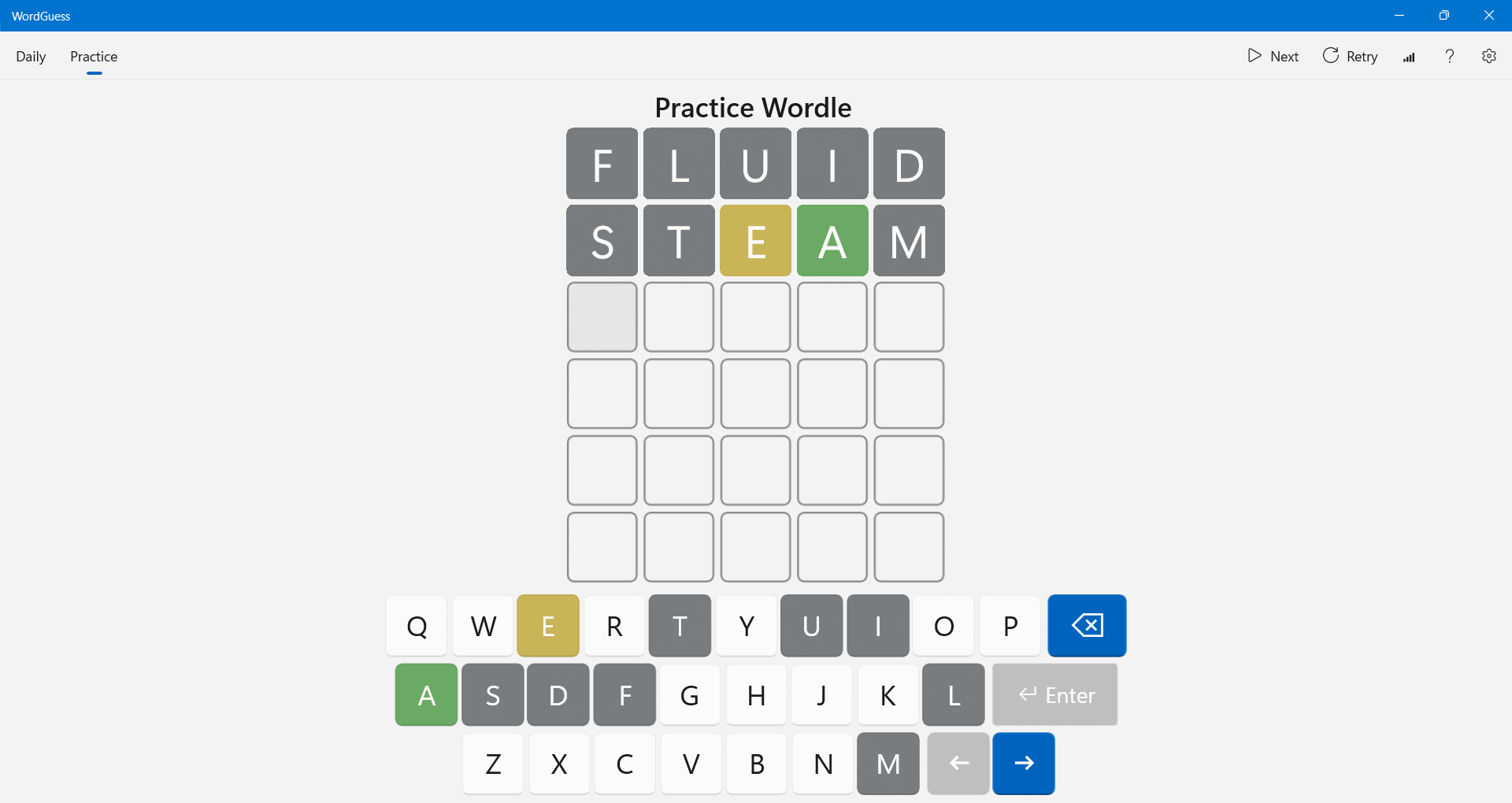
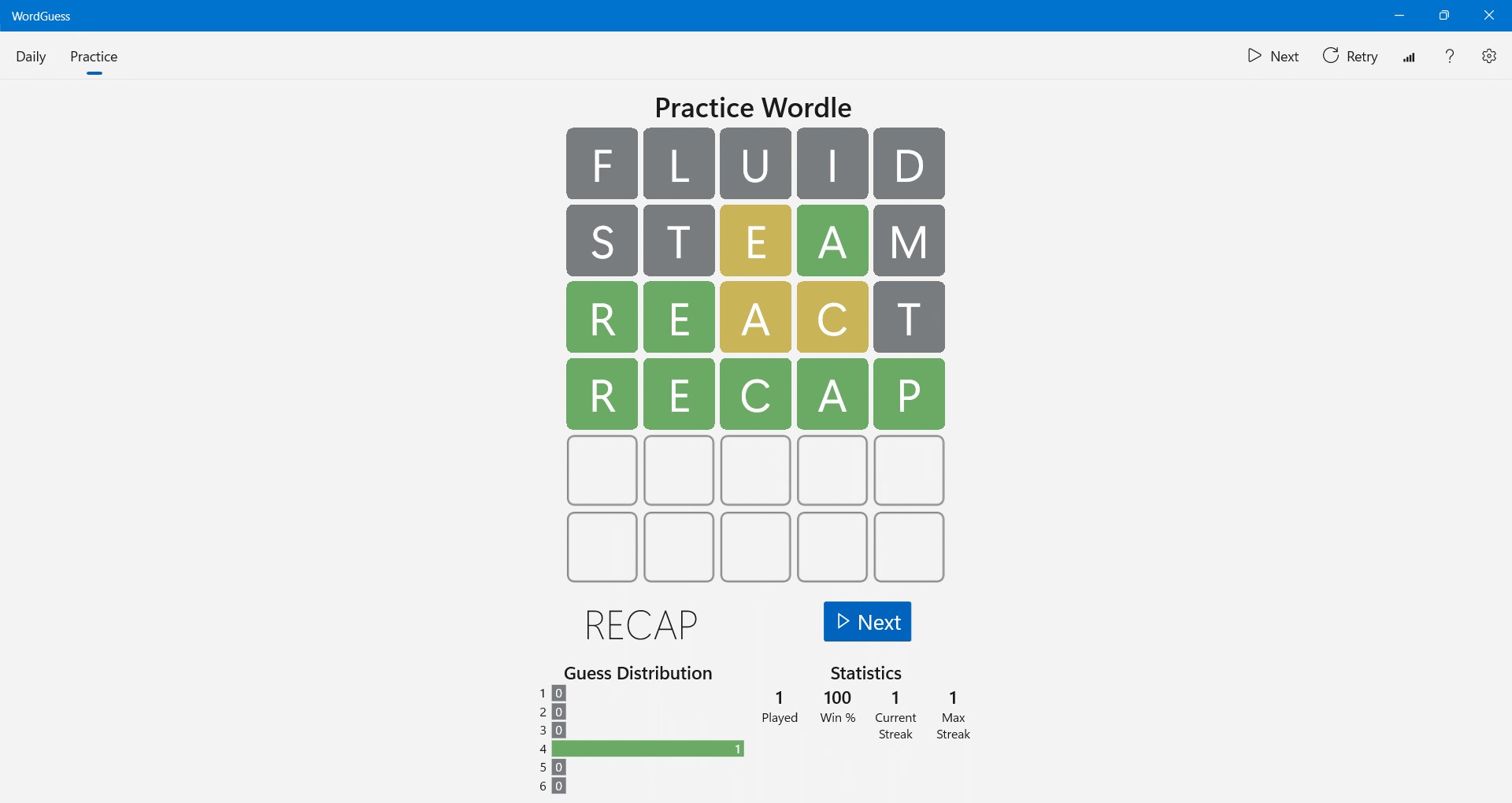
Imagine opening a glossy, inviting puzzle board where letters dance playfully, hinting at hidden words just waiting to be uncovered. WordGuess doesn't just present you with a jumble of letters; it transforms your screen into a captivating playground for your mind. Whether you're waiting in line or relaxing at home, playing this game feels like solving a secret code, one letter at a time — making the process as satisfying as unlocking a treasure chest of knowledge.
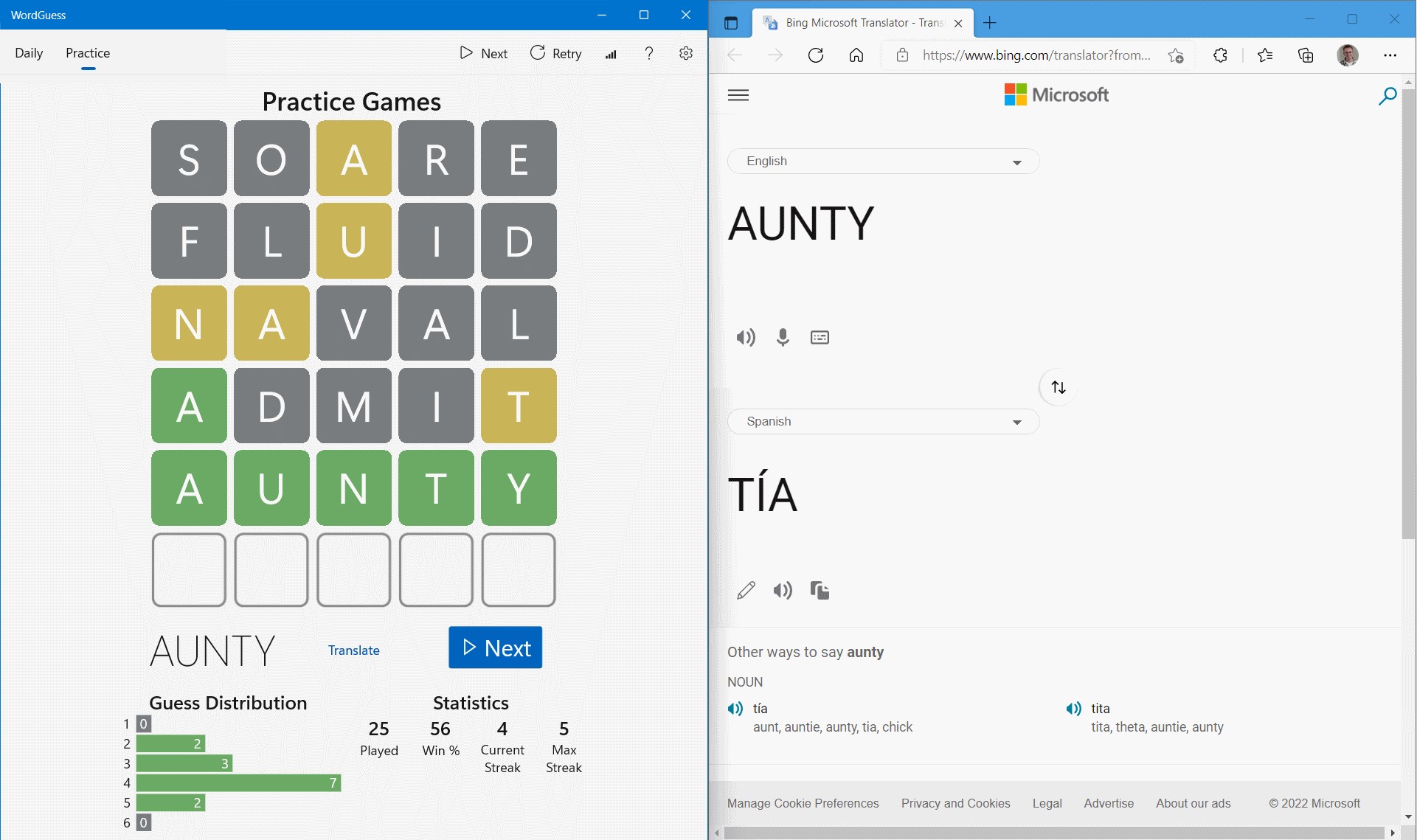
At the heart of WordGuess lies its clever word-building system. Players are given a set of scrambled letters and challenged to form valid words within a time limit. Unlike traditional crossword puzzles or word searches, this game emphasizes strategic selection and quick thinking, fostering a sense of accomplishment with each successful find. The mechanics are straightforward enough for newcomers yet layered enough to keep seasoned players engaged, striking a perfect balance that ensures a steady learning curve.
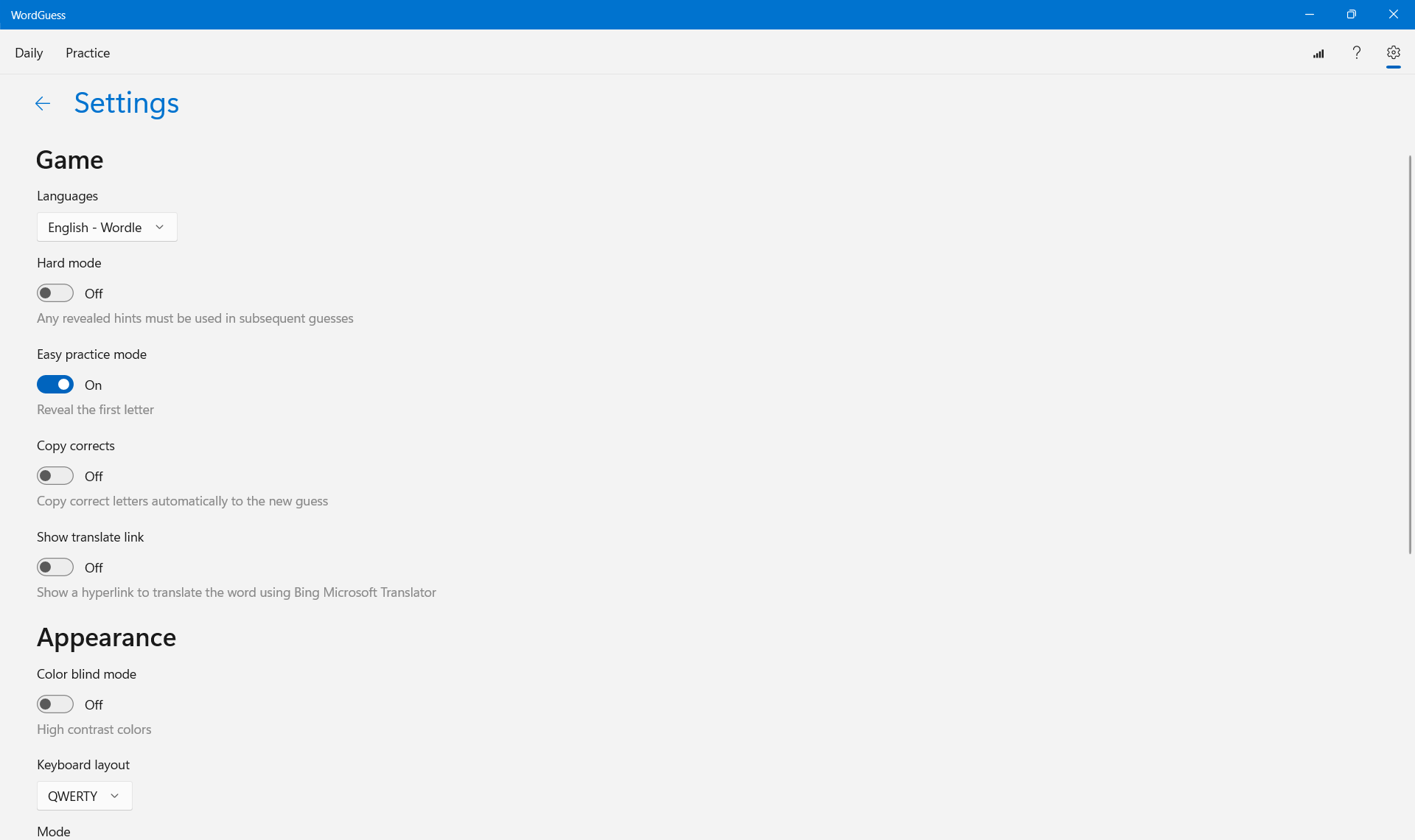
WordGuess excels in offering a variety of difficulty settings. Beginners can enjoy relaxed modes focused on simple words, while advanced levels ramp up the challenge with longer or less common vocabulary. This adaptability ensures players remain motivated as they progress, constantly pushing their boundaries without feeling overwhelmed. Additionally, the game's level design incorporates themed challenges—like culinary terms, scientific vocabulary, or slang—adding educational spice to the experience.
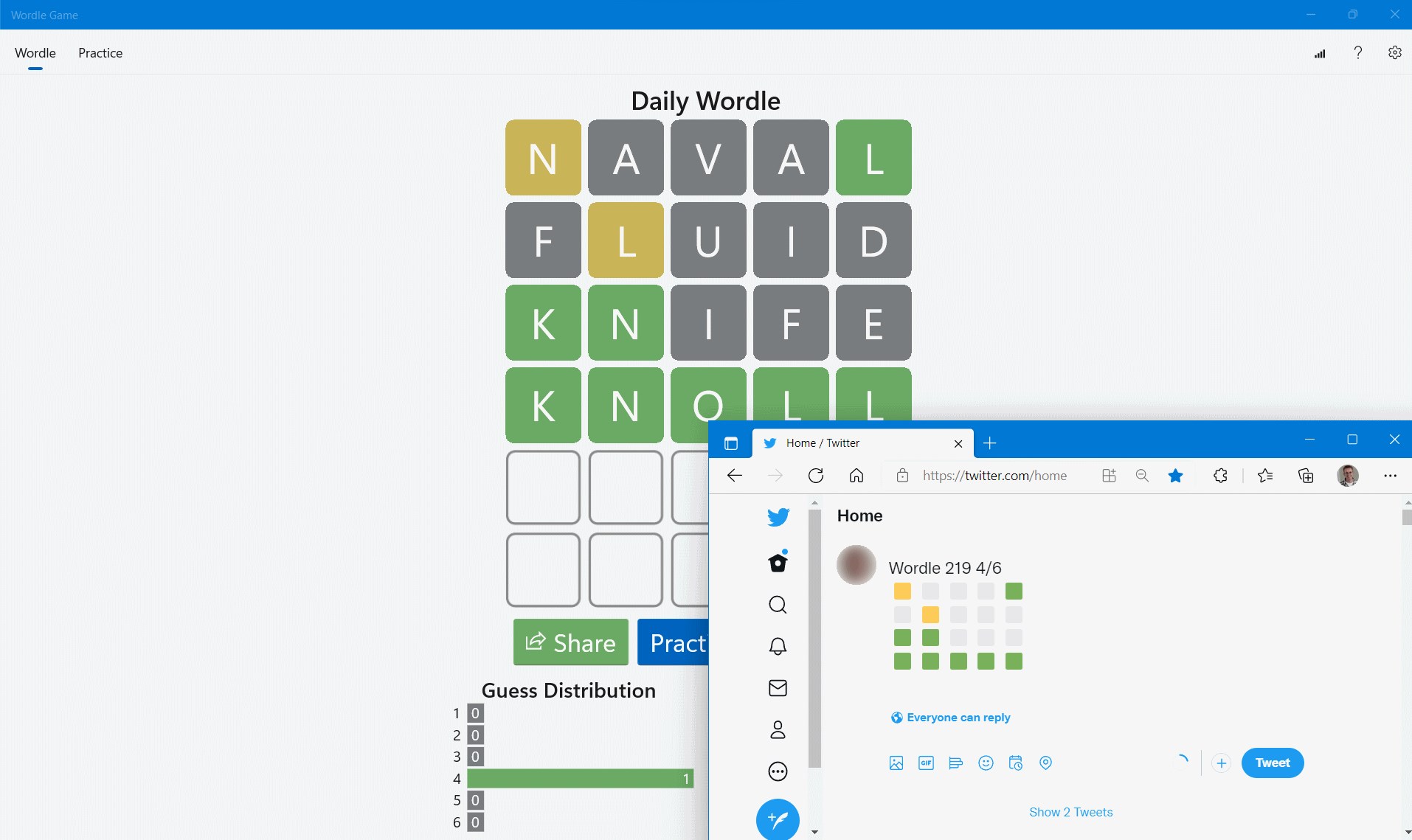
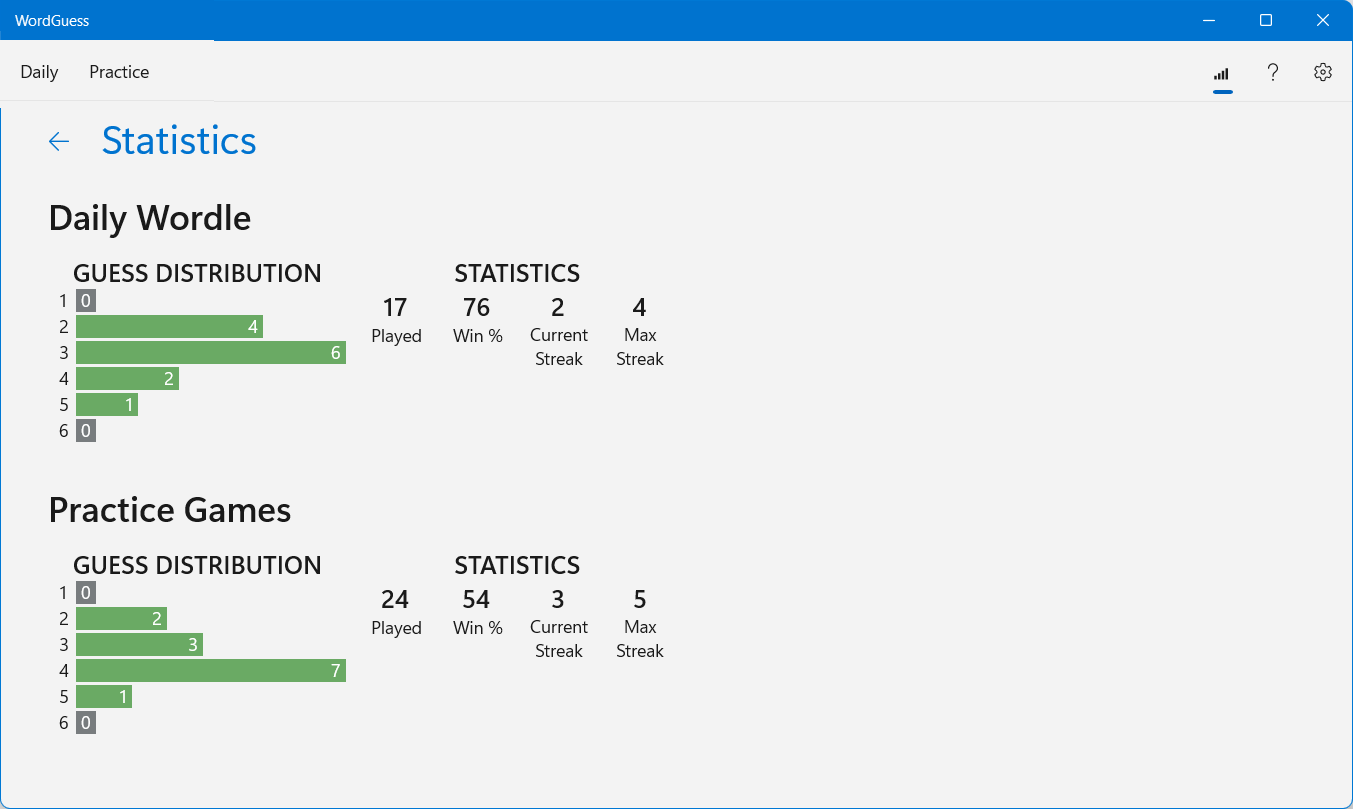
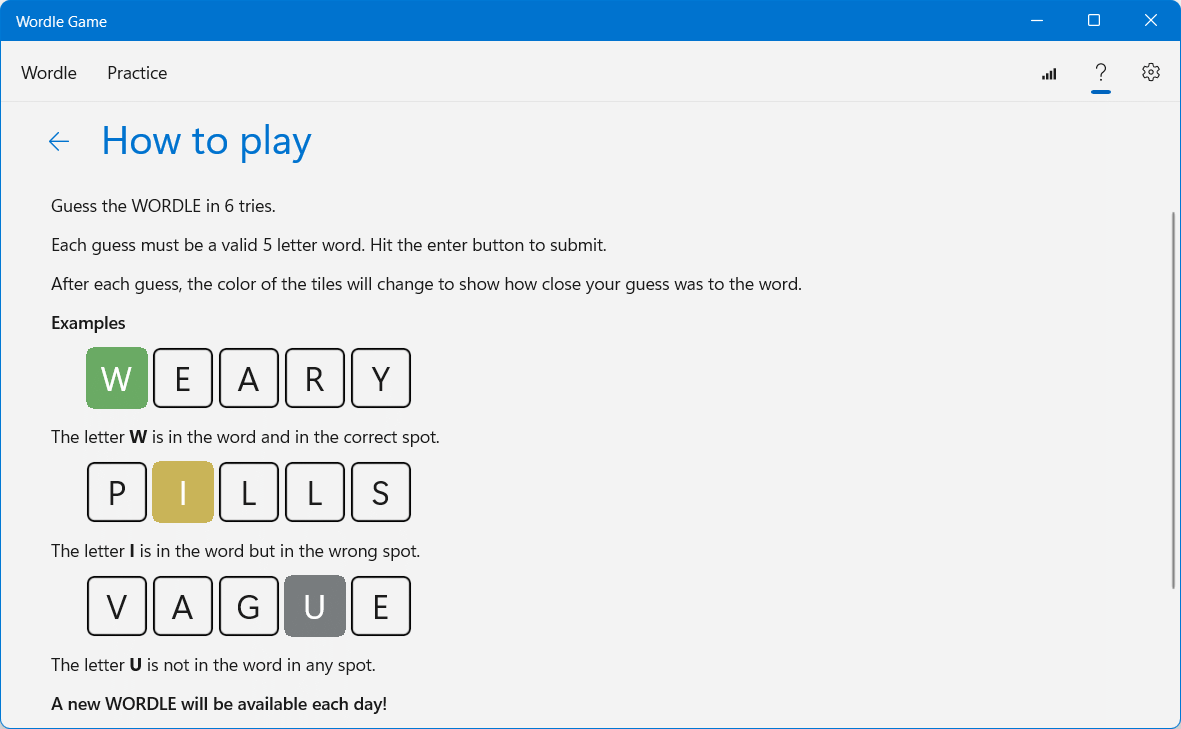
The app boasts a sleek, modern interface with vibrant colors and clear icons, making navigation feel as effortless as flipping through a well-organized book. The gameplay runs smoothly on a range of Windows devices, with quick response times that eliminate frustration. The learning curve is gentle; new users can pick up the game in minutes, thanks to helpful tutorials and intuitive controls. Even during intense puzzle sessions, the seamless performance ensures that your focus remains firmly on the fun and learning aspects rather than technical distractions.
Compared to traditional *classic* word puzzle apps, WordGuess's standout feature lies in its blend of engaging mechanics and educational value. Its unique word suggestions and strategic letter placements set it apart from mere word searches or simple anagram games. The app's ability to adapt to different skill levels and include thematic content makes it not just a game but a versatile learning tool. Moreover, its clean and modern aesthetic offers a refreshingly crisp experience in a crowded app market often dominated by cluttered or overly simplistic designs.
All in all, WordGuess offers a smart, enjoyable, and educational gaming experience suitable for anyone eager to challenge their vocabulary while having fun. Its user-friendly design, adaptable difficulty levels, and innovative word-building mechanics make it a standout choice among word puzzle apps. I'd recommend it for casual players looking for a brain-teasing activity and language learners seeking an entertaining way to enhance their vocabulary. Whether you're gearing up for a quick session or aiming to master increasingly challenging puzzles, WordGuess proves to be a reliable and delightful companion.
User-friendly interface
Variety of word categories
Offline accessibility
Minimal ads and in-app purchases
Performance and speed
Limited multiplayer features
Limited customization options
Dictionary database size
Lack of detailed instructions
No progress sync across devices

for Windows
 4.9
4.9

for Windows
4.9

for Windows
4.9

for Windows
4.8

for Windows
4.8

for Windows
4.8
for Windows
4.8

for Windows
4.7

for Windows
4.7

for Windows
4.7

for Windows
4.7

for Windows
4.7

for Windows
5

for Windows
5

for Windows
5

for Windows
5

for Windows
5

for Windows
5

for Windows
5

for Windows
5

for Windows
5

for Windows
5