Word
PC, Mobile, Surface Hub
Windows 10 version 14393.0 or higher
English (United States)
Word Twist Deluxe is a captivating word puzzle game designed to challenge your vocabulary skills while offering an engaging and addictive gameplay experience. It's perfect for players seeking a blend of mental exercise and fun, all wrapped in a user-friendly interface.
Rolling Donut Apps is a dedicated indie developer specializing in casual and educational games designed to appeal to a broad audience. Their focus centers on creating immersive word and puzzle games that promote cognitive skills and offer satisfying gameplay loops.
One of Word Twist Deluxe's most distinctive features is its use of advanced vocabulary scaling algorithms. Unlike many word games that toss words at you randomly, this app assesses your current vocabulary level through initial challenges and then intelligently adjusts future puzzles. Think of it as having a personal tutor who constantly gauges your progress and gently raises the difficulty, keeping you in the zone of optimal challenge without causing frustration. This personalized approach not only makes the game more engaging but also turns it into an effective vocab-building tool over time.
In the crowded world of word puzzle games, Word Twist Deluxe manages to carve out a unique niche by fostering a healthy balance between solitary practice and social interaction. Whether you're aiming to improve your skills quietly on your own or seeking some friendly competition with friends, the app provides intuitive options. The social mode allows you to compare scores or challenge others, cultivating a sense of community, while the solo mode emphasizes self-paced learning. This dual approach caters to a wide range of player preferences, making vocabulary development both a personal achievement and a shared experience.
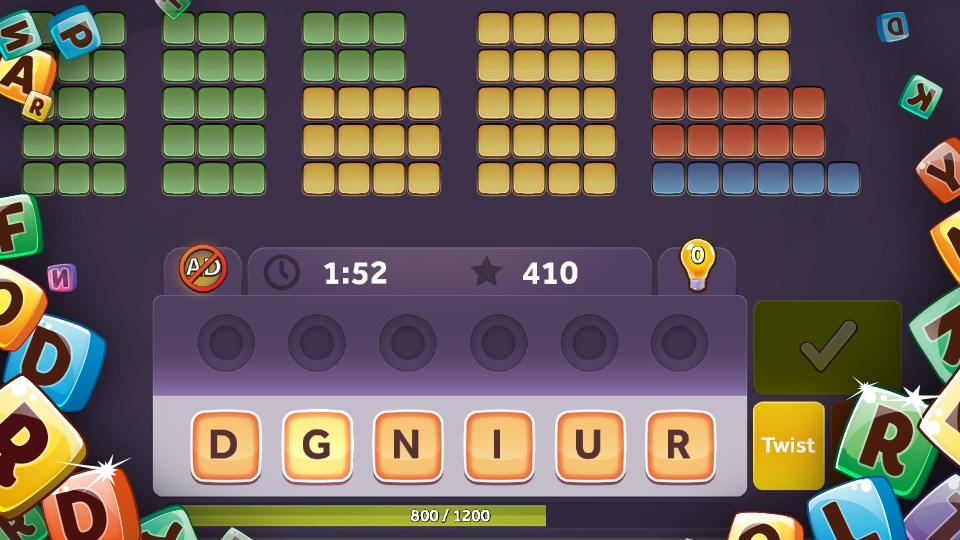
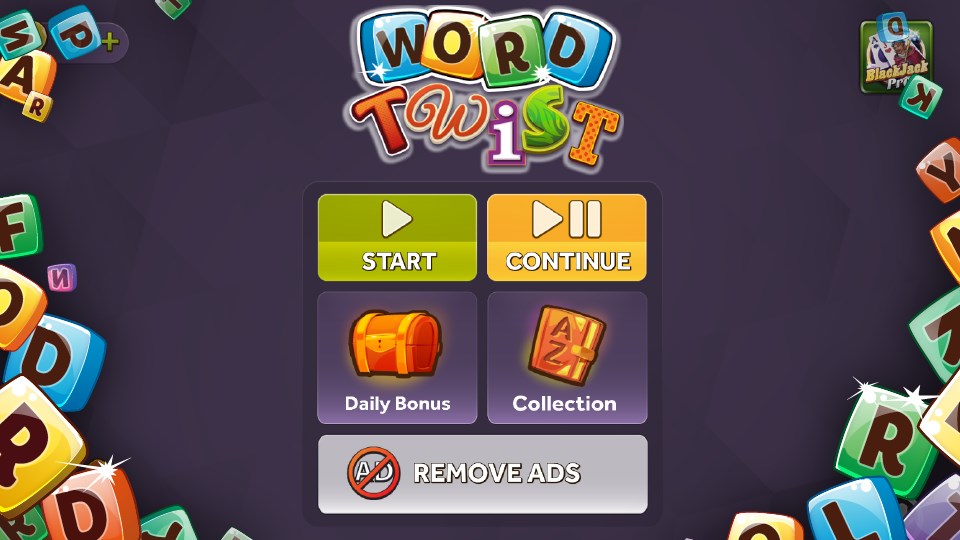
The interface of Word Twist Deluxe boasts a clean, colorful design reminiscent of a cozy puzzle nook—inviting yet uncluttered. Navigation is smooth, with responsive touch controls (or mouse interactions on desktop), making gameplay fluid and frustration-free. The learning curve is gentle; newcomers can pick up the rules within minutes, while seasoned players will appreciate the depth of challenges and the adaptive difficulty system. Overall, it's a well-balanced app that feels crafted with care, turning the often monotonous task of vocabulary building into a delightful mental workout.
Compared to other word apps, Word Twist Deluxe shines with its intelligent vocabulary scaling and sophisticated balance between social and solitary play. It's not just about random word puzzles; it's about evolving your vocabulary in a playful, controlled environment. This makes it particularly suitable for learners, language enthusiasts, or anyone looking to keep their mind sharp in an enjoyable way.
Given its thoughtful design, user-friendly experience, and unique adaptive features, I recommend Word Twist Deluxe to anyone who loves word games but desires a more personalized and engaging journey. Whether you're a casual gamer or a serious vocabulary builder, this app offers a compelling mix of fun and learning.
Engaging Gameplay
User-Friendly Interface
Consistent Updates
Multiple Difficulty Levels
Offline Mode Available
Limited Free Content
Occasional App Crashes
Ads Interrupt Gameplay
Limited Social Features
Graphics Could Be More Dynamic

for Windows
 5
5

for Windows
5

for Windows
5

for Windows
5

for Windows
5

for Windows
5

for Windows
5

for Windows
5

for Windows
5

for Windows
5