Puzzle & trivia
Fons Sonnemans
PC, Mobile, Surface Hub, HoloLens
Windows 10 version 17763.0 or higher
English (United States)
If you're a fan of word games that sharpen your mind while offering a wholesome, relaxing experience, Word Search Crossword Puzzles for Windows by Reflection IT fits the bill perfectly. It's like a cozy corner where word enthusiasts can indulge in their passion without fuss, all wrapped up in a sleek digital package.
This app is developed by Fons Sonnemans and published by Reflection IT, a team dedicated to creating intuitive and engaging puzzle experiences. Their focus clearly emphasizes delivering quality, accessible brain teasers that appeal to casual players and avid word lovers alike.
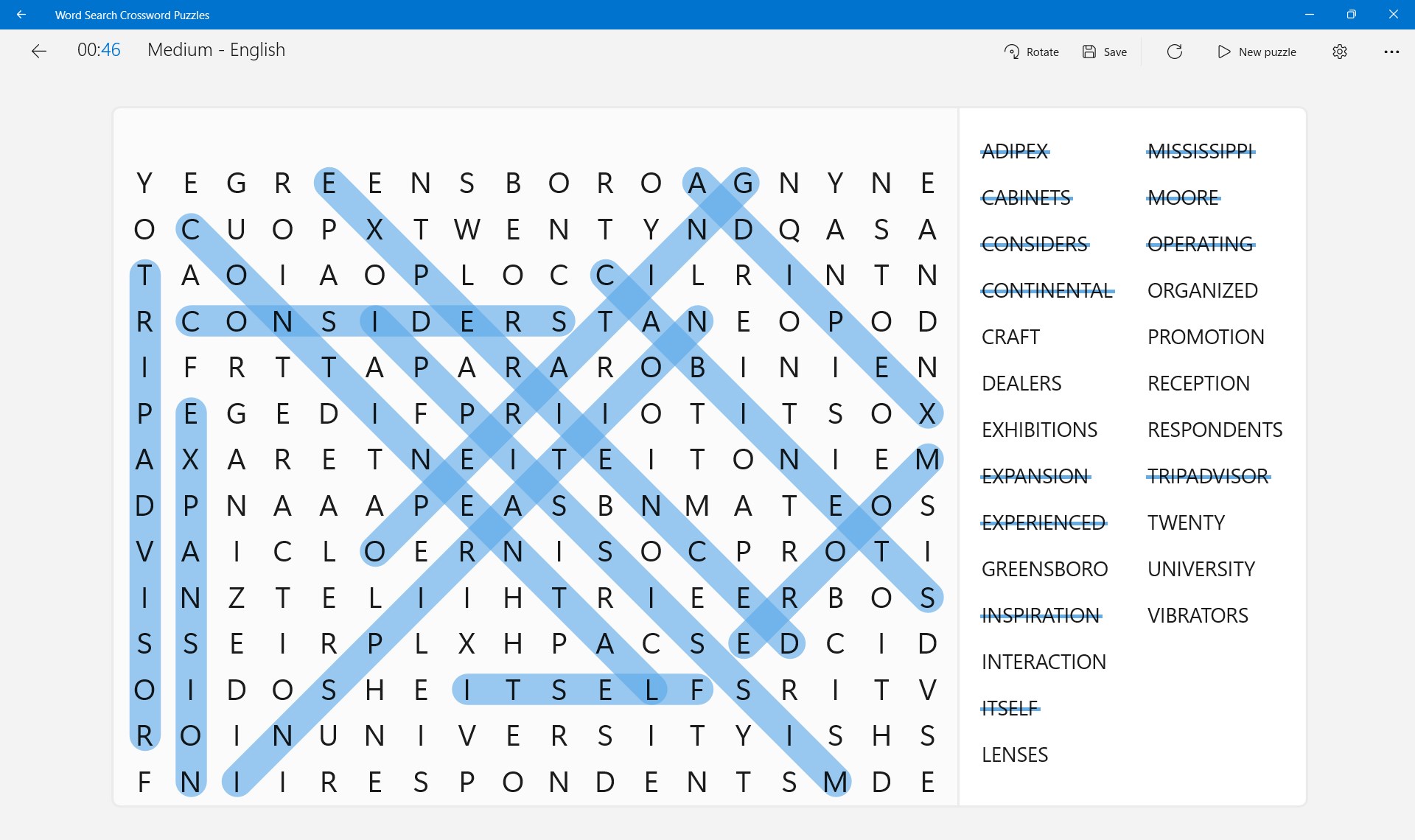
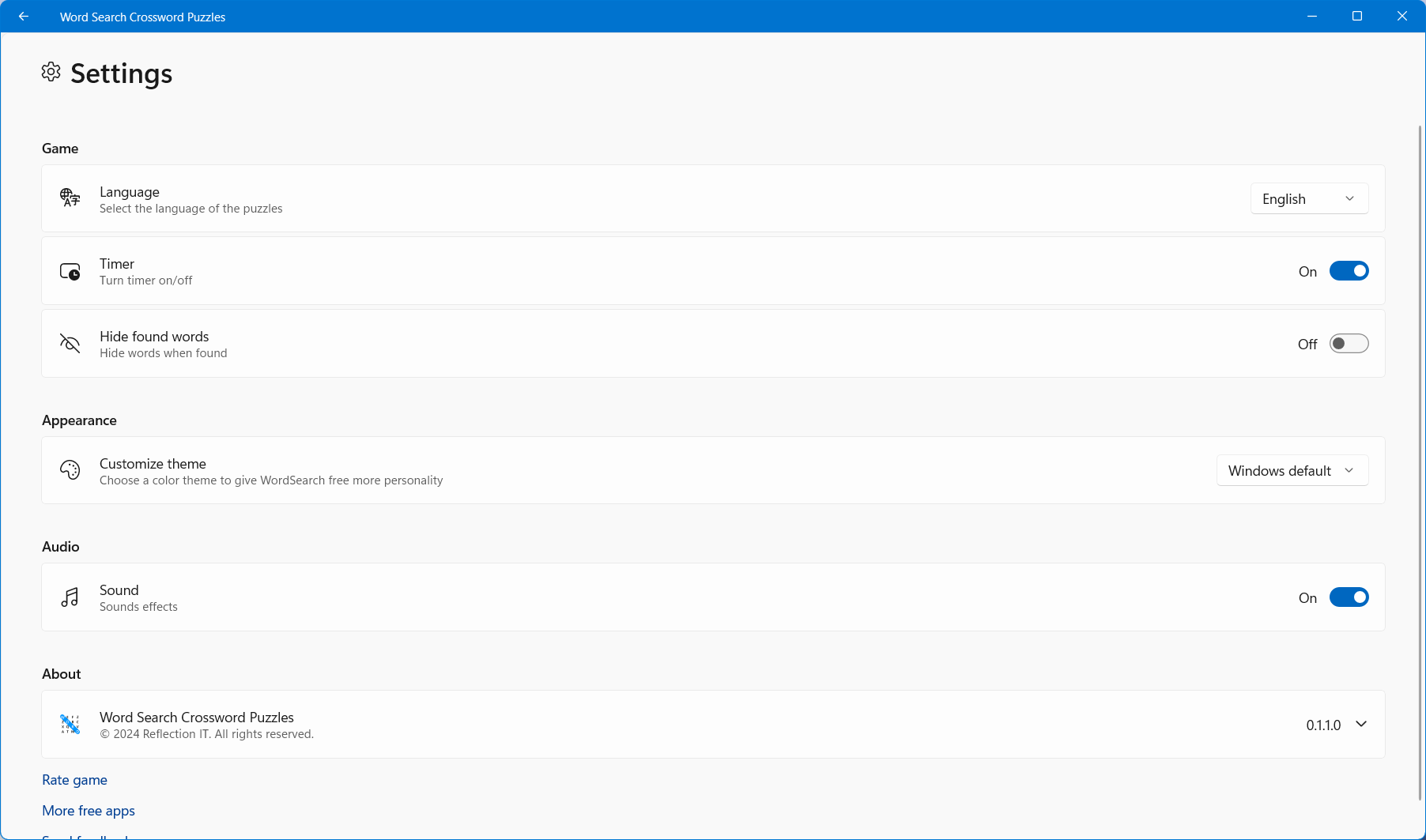
Primarily, this app shines with its simple yet effective interface that minimizes distractions, allowing players to dive straight into the puzzles. Its robust collection of crossword and word search puzzles caters to various difficulty levels, making it suitable for beginners and seasoned wordsmiths. Additionally, the app offers adjustable game settings, such as puzzle size and time limits, enhancing personalization. An often-overlooked gem is its offline accessibility—players can enjoy puzzles anytime, anywhere, without relying on internet connectivity.
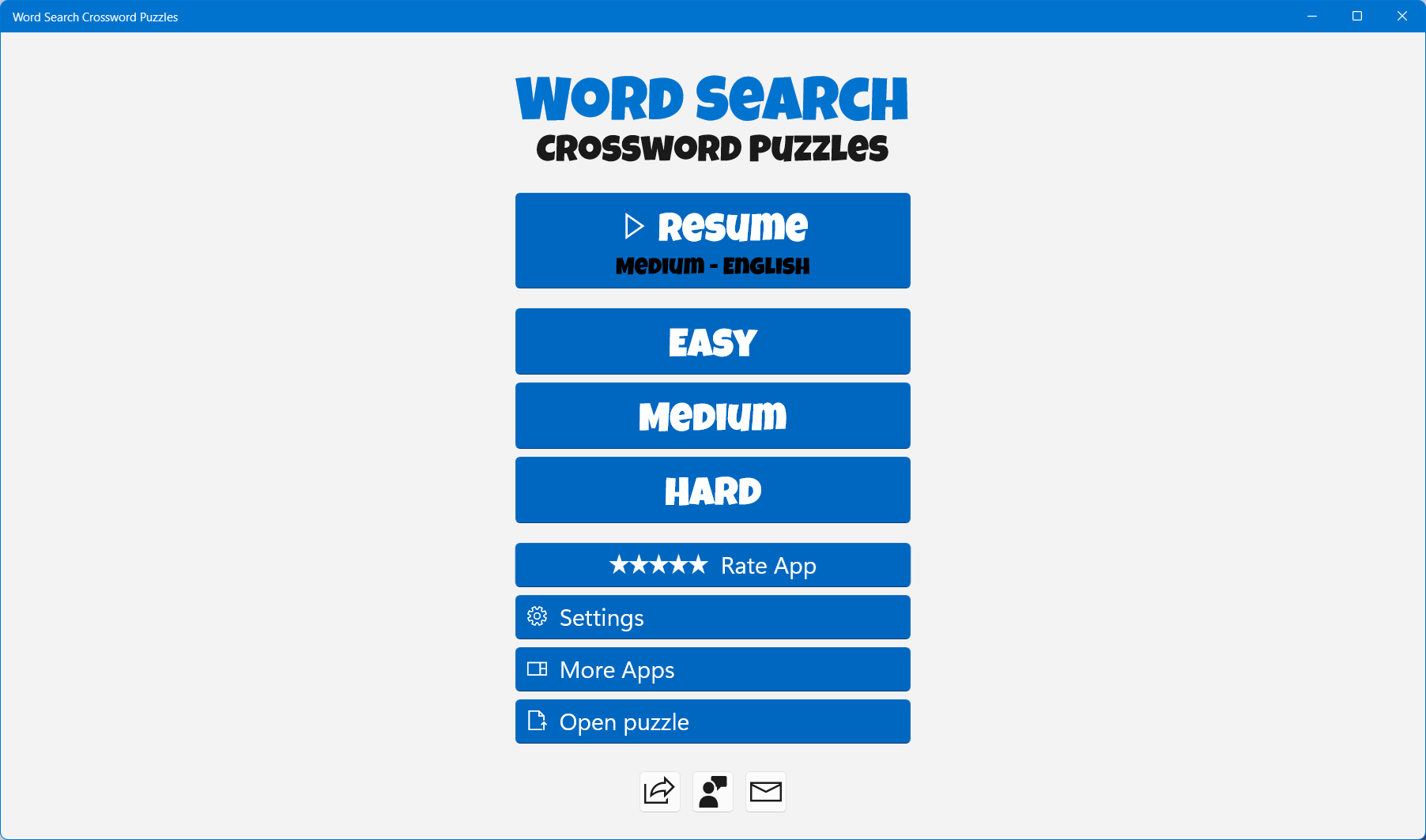
The app boasts a clean, intuitive interface that resembles a well-organized desk—no clutter, just neatly arranged puzzles ready to tackle. The visual design is straightforward, with soft color schemes that are easy on the eyes, making prolonged play sessions comfortable and enjoyable. Navigating through menus is smooth, with clear icons guiding players towards different puzzle categories and difficulty levels, which is especially helpful for newcomers.
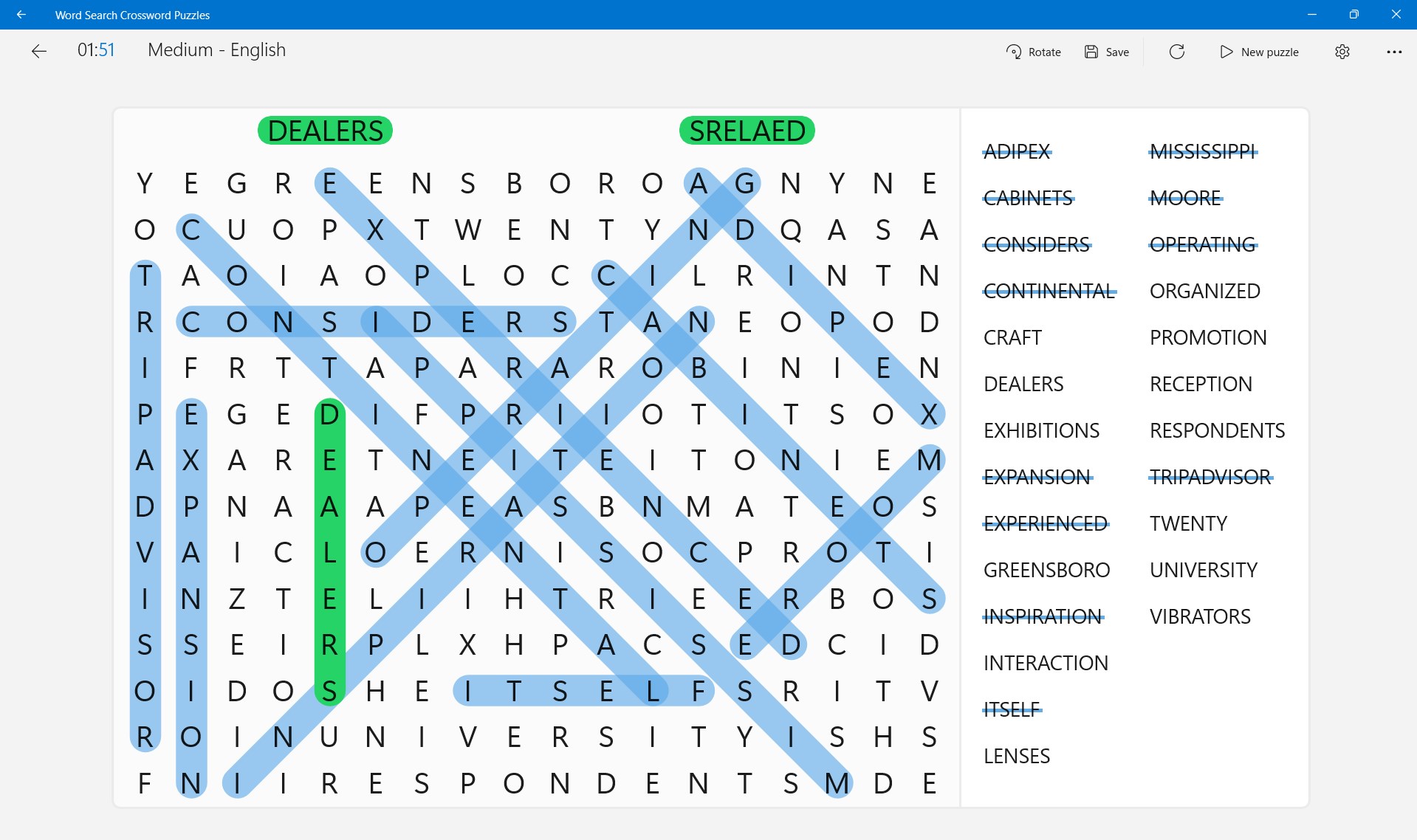
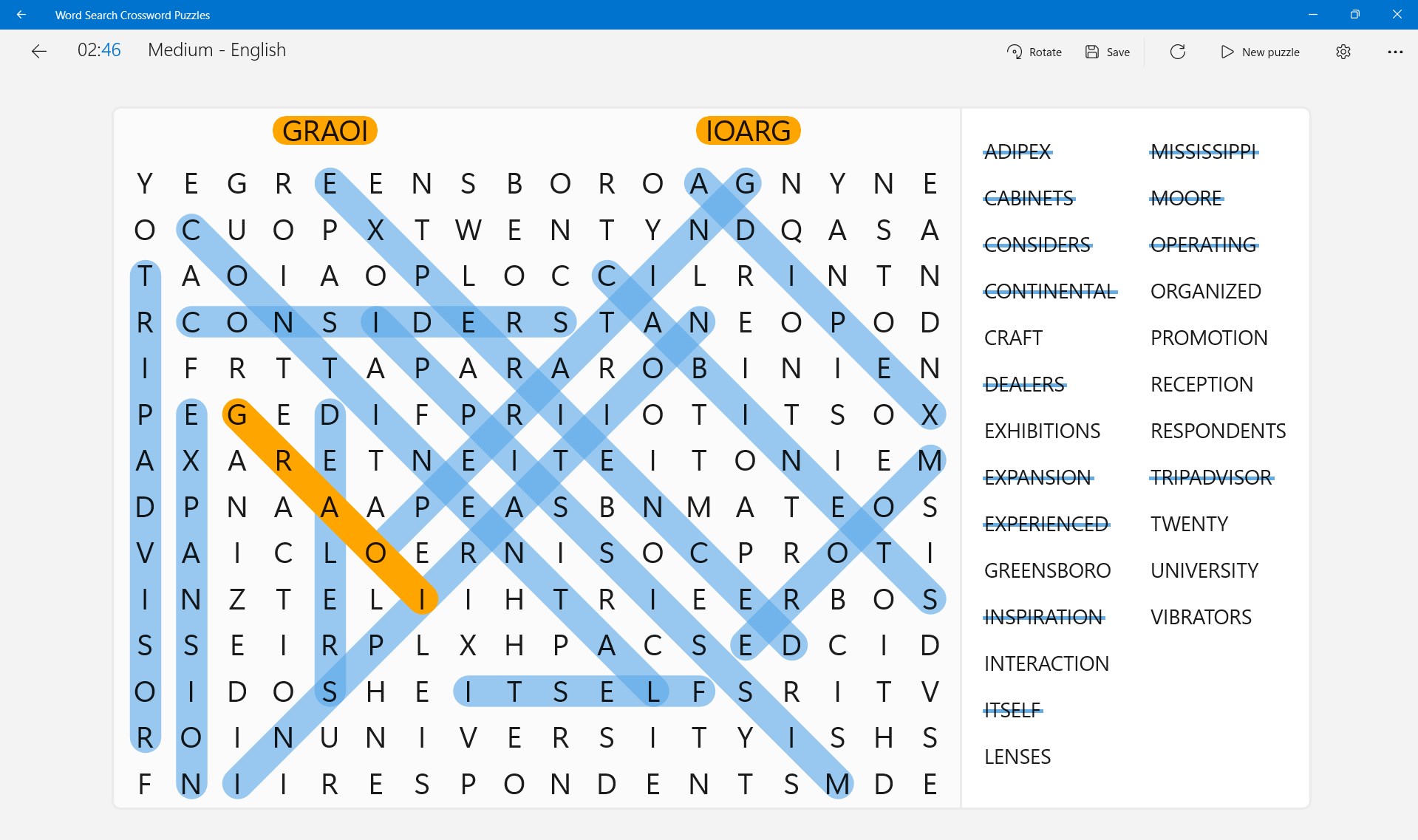
Playing Word Search Crossword Puzzles feels natural, thanks to responsive touch controls and fluid animations. The puzzles are engaging yet don't overwhelm; even complex crosswords are accessible thanks to helpful hints and adjustable difficulty. For users unfamiliar with crossword or word search puzzles, the app offers a gentle learning curve, easily guiding them through the gameplay mechanics—like a friendly guide leading you through a maze of words.
What makes this app stand out among similar puzzle apps is its multi-layered puzzle approach—combining traditional word searches with crossword elements into a unified experience. This hybrid design keeps the gameplay fresh and stimulating. Additionally, the app provides a mini-statistics dashboard that tracks your progress over time, motivating players to improve without any pressure. Compared to other puzzle apps that might stick to just one format, this versatility is its crown jewel, making it appealing for those who crave variety within one app.
Overall, Word Search Crossword Puzzles for Windows strikes a commendable balance between simplicity and depth. Its user-friendly interface, coupled with the innovative blend of puzzle types, offers a distinctive experience in the realm of word games. The app is ideal for casual players wanting a quick mental workout or dedicated puzzle fans seeking new challenges. I'd recommend giving it a try if you're looking for a polished, adaptable word puzzle app that respects your time and brainpower—an inviting digital page in your daily puzzle book.
Extensive Word Search Variety
User-Friendly Interface
Offline Accessibility
Progress Tracking
Regular Content Updates
Limited Puzzle Customization
Ads Interrupt Gameplay
Performance Issues on Older Devices
Limited Hints or Assistance
Lack of Social Sharing Features
for Windows
 4.8
4.8

for Windows
4.8

for Windows
4.8

for Windows
4.8

for Windows
4.8

for Windows
4.8

for Windows
4.8

for Windows
4.8

for Windows
4.7

for Windows
4.7

for Windows
4.7
for Windows
4.7

for Windows
5

for Windows
5

for Windows
5

for Windows
5

for Windows
5

for Windows
5

for Windows
5

for Windows
5

for Windows
5

for Windows
5