Puzzle & trivia
TreeCardGames
PC
Windows 10 version 17763.0 or higher
English, English (United States)
Word Search + for Windows offers a vibrant and engaging take on the timeless word puzzle, perfect for those looking to challenge their vocabulary and cognitive agility in a relaxing yet stimulating environment.
Developed and published by TreeCardGames, this application brings a clean, user-friendly experience to Windows users. The main highlights include:
The app appeals primarily to puzzle lovers, vocabulary builders, and individuals seeking a brain-stimulating break between tasks.
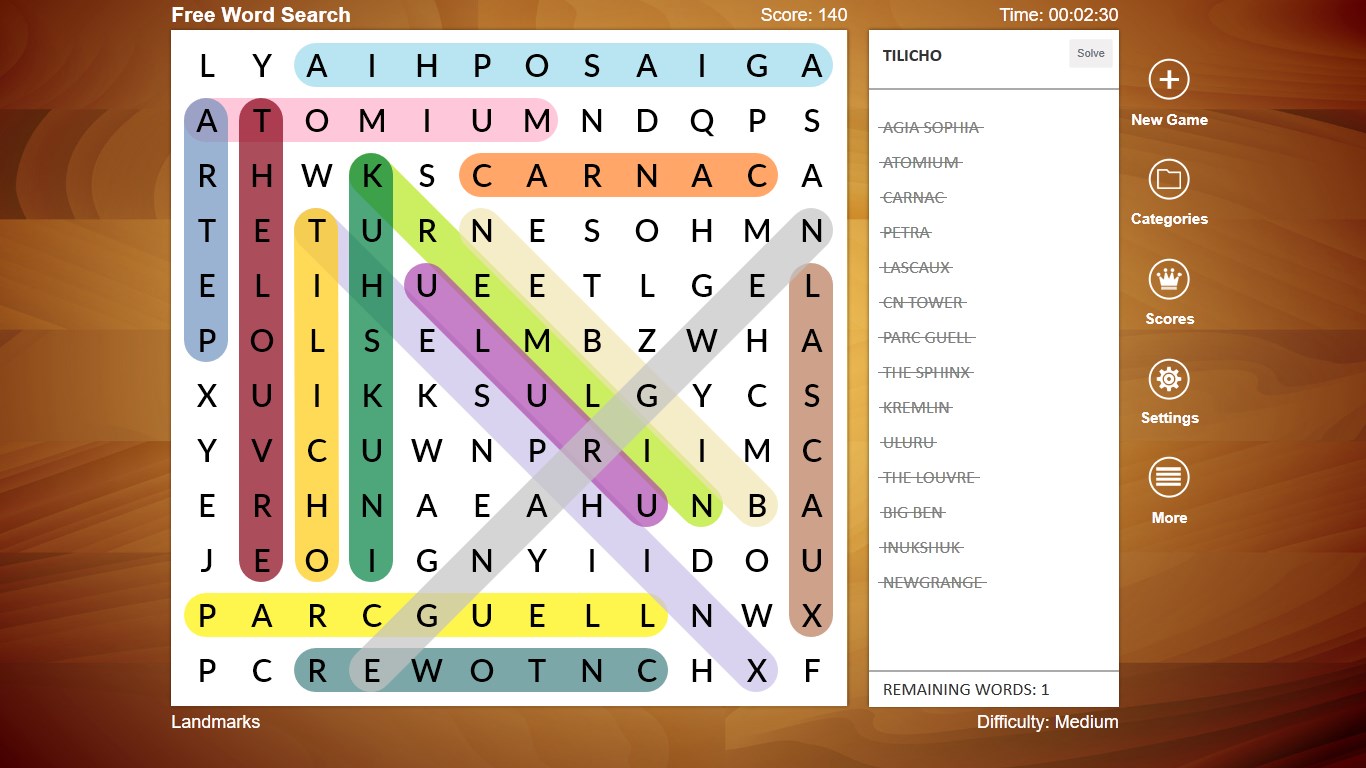
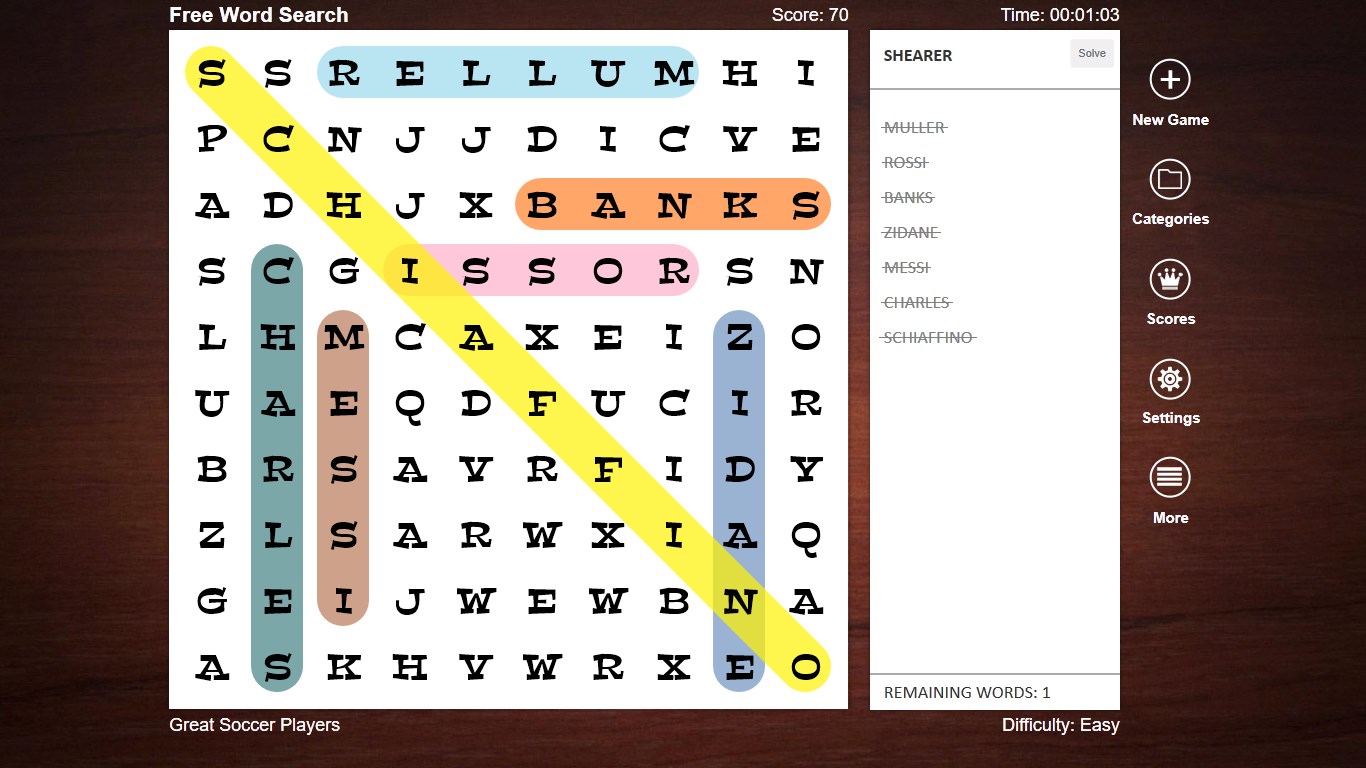
Starting Word Search + feels like stepping into a well-organized library where every puzzle is a new book waiting to be explored. Its inviting interface invites users to dive right in, whether they're sparring with friends over multiplayer modes or relaxing solo with themed puzzles. The gentle color palette and minimalistic design create a calming environment, turning an ordinary moment into an engaging mental workout.
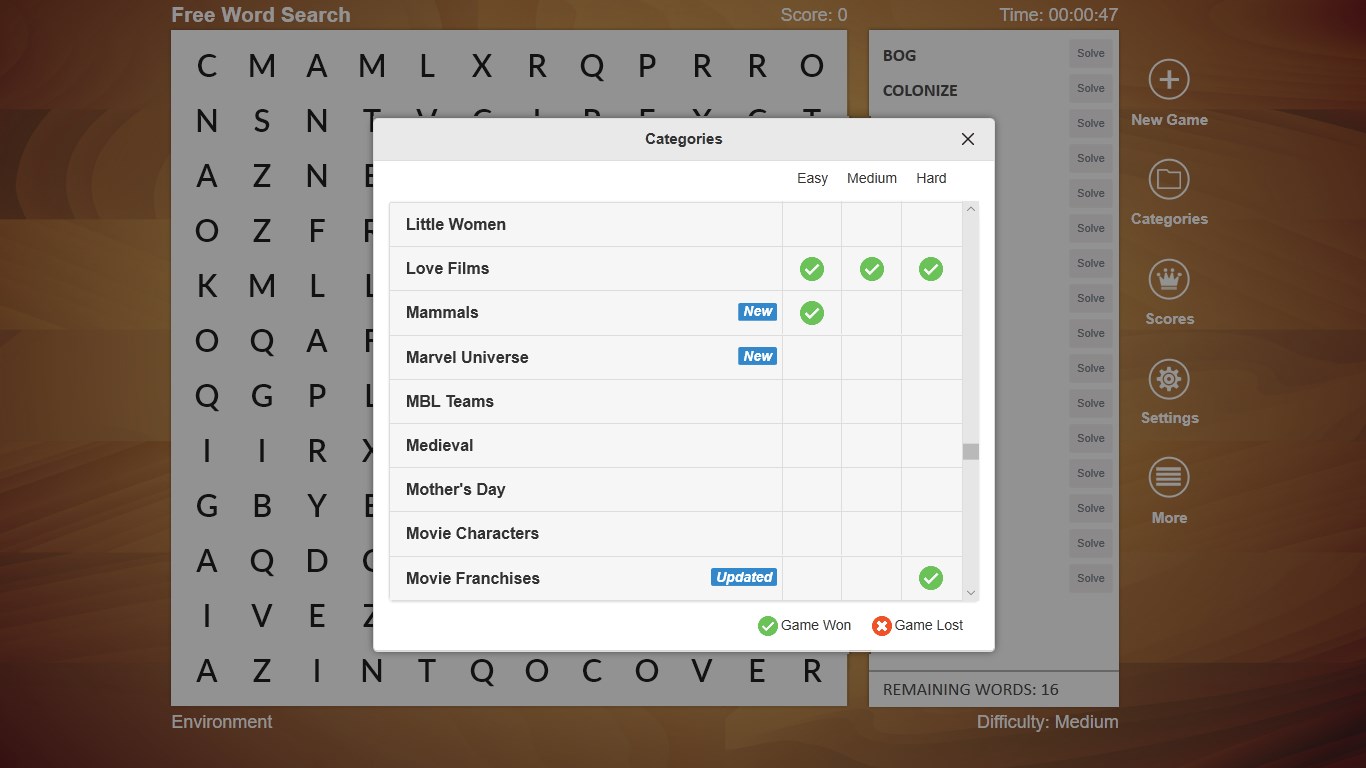
One of this app's standout features is its extensive theme selection—ranging from animals to sports to holidays—that keeps the experience fresh and personalized. Whether you're in the mood for a quick breakfast-themed challenge or a comprehensive vocabulary workout, the choices are plentiful. The thematic overlays are visually appealing but not overwhelming, helping users focus on their search without distraction.
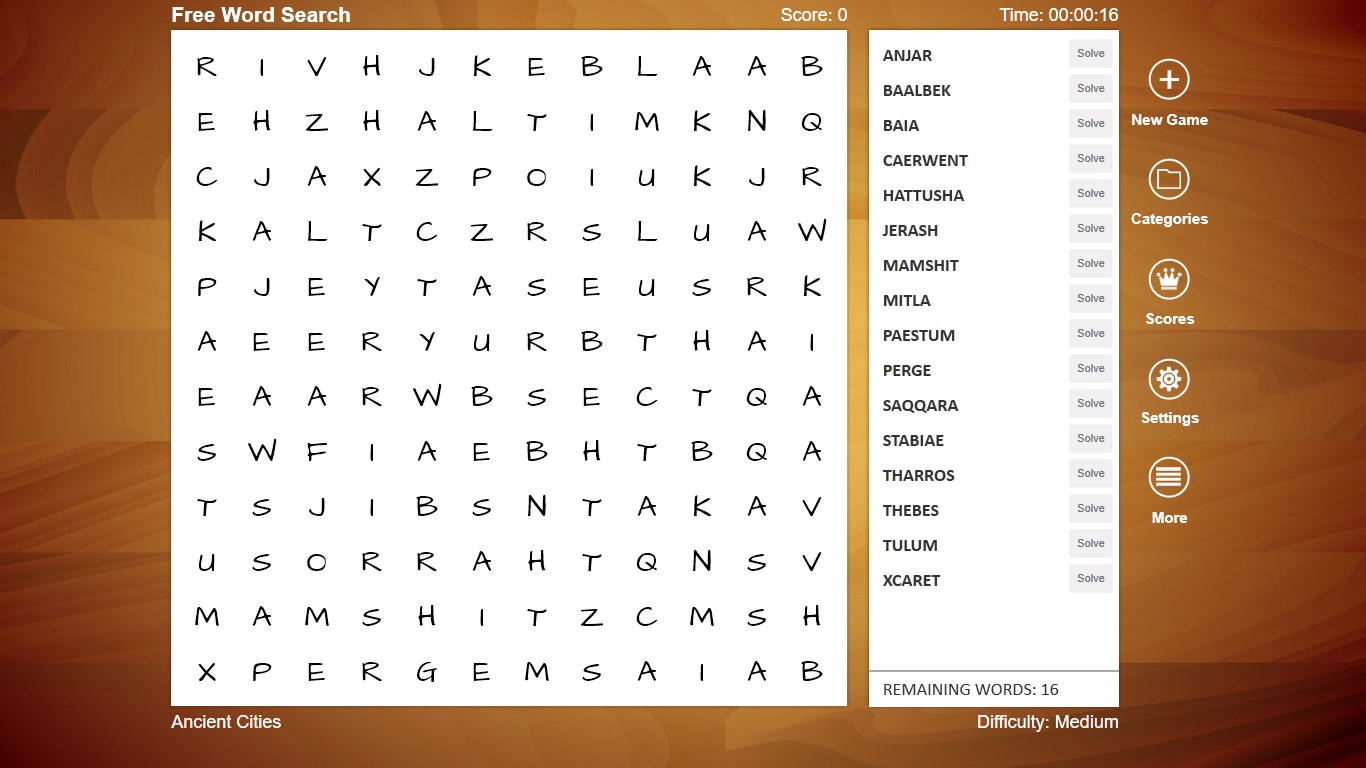
Word Search + doesn't just throw puzzles at you; it thoughtfully adapts to your skill level. Beginners can opt for larger grids with simpler words, while veterans can test their limits with smaller grids packed with complex terminology. Furthermore, the app allows users to create custom puzzles, a feature particularly appreciated by teachers or parents wanting to tailor content for their learners.
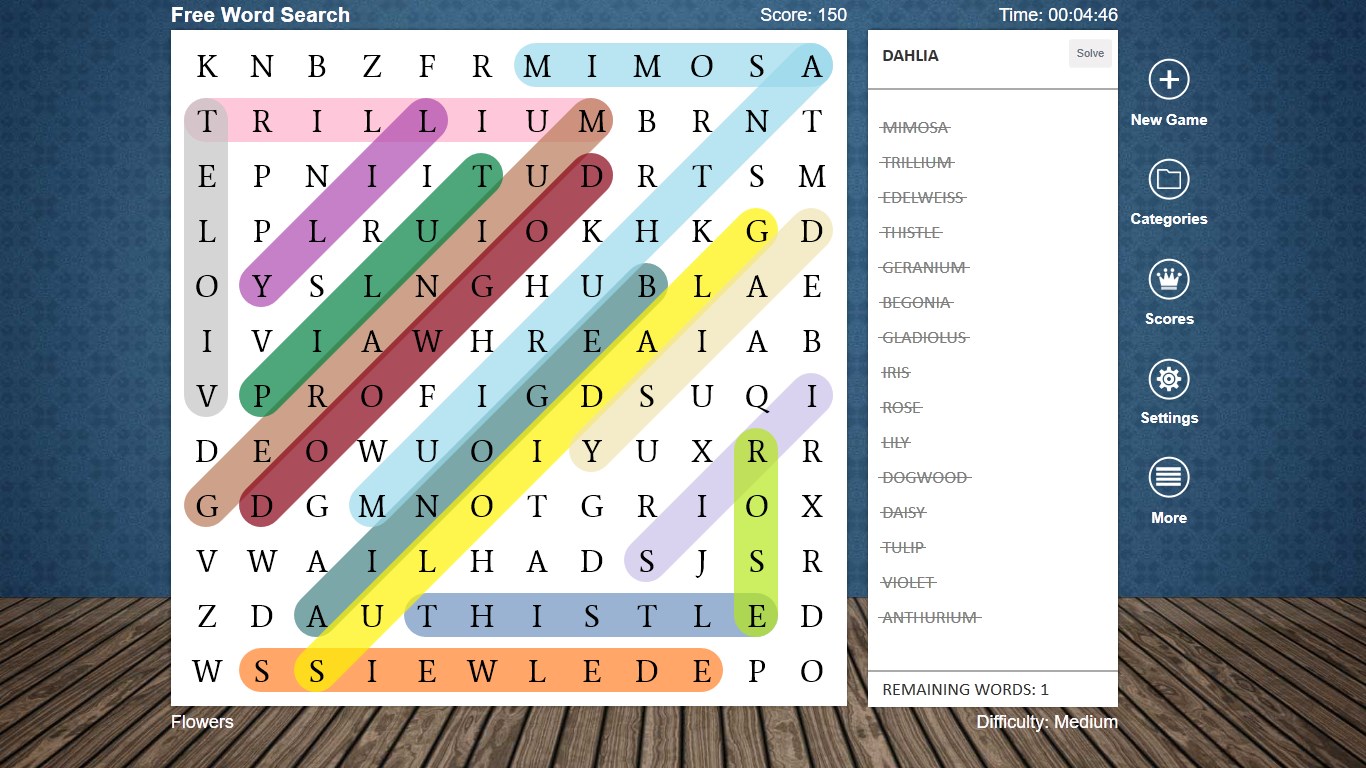
The interface is intuitive: clicking and dragging to highlight words feels natural, akin to tracing a trail of breadcrumbs. The app's responsiveness is impressive, with minimal lag even on lower-spec devices. Learning the controls is straightforward—new users pick it up in a matter of minutes, making it accessible for all age groups. The inclusion of hints and a highlight feature further enhances usability, especially for younger or less experienced players.
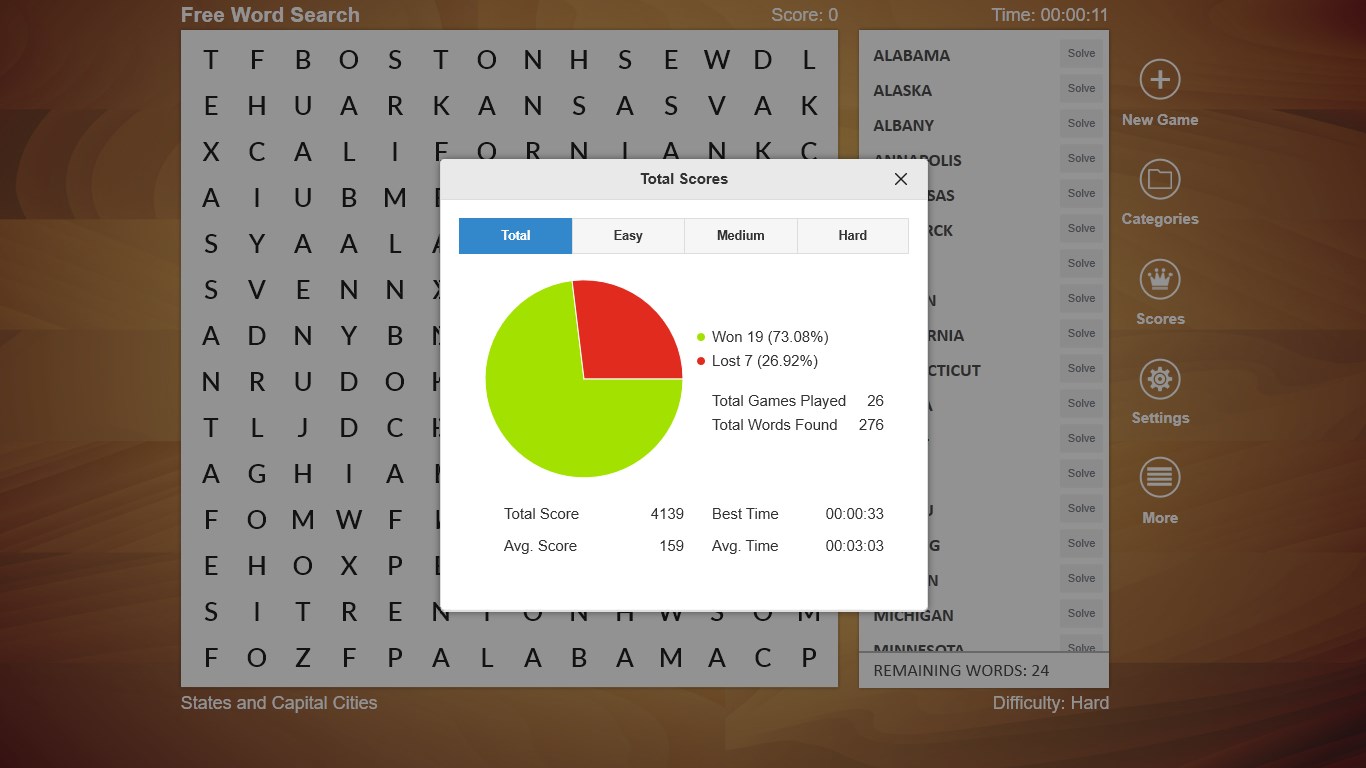
Compared to typical word puzzles, Word Search + shines in its dedication to thematic diversity and customization, seamlessly blending traditional gameplay with modern user experience principles. Its ability to create personalized puzzles and track progress sets it apart, catering both to casual players and those seeking measurable improvement. Furthermore, the clean, distraction-free interface emphasizes ease of use, making the game enjoyable without feeling cluttered, unlike some cluttered puzzle apps.
Overall, Word Search + for Windows is a well-crafted, reliable puzzle app suitable for a wide audience. I recommend it particularly for vocabulary enthusiasts, students, and anyone looking for a friendly brain teaser during coffee breaks or commutes. Its flexibility and thoughtful design make it a daily go-to for relaxing yet stimulating activity. For those who enjoy ongoing progress and tailored puzzles, this app offers a delightful digital playground.
Engaging gameplay
Large variety of puzzles
User-friendly interface
Offline mode support
Regular updates
Limited customization options
Occasional ad interruptions
Lack of multiplayer features
Inconsistent puzzle difficulty
Limited language options
for Windows
 4.8
4.8

for Windows
4.8

for Windows
4.8

for Windows
4.8

for Windows
4.8

for Windows
4.8

for Windows
4.8

for Windows
4.8

for Windows
4.7

for Windows
4.7
for Windows
4.7
for Windows
4.7

for Windows
5

for Windows
5

for Windows
5

for Windows
5

for Windows
5

for Windows
5

for Windows
5

for Windows
5

for Windows
5

for Windows
5