Classics
PC, Mobile, Surface Hub, HoloLens
Windows 10 version 10240.0 or higher
English (United States)
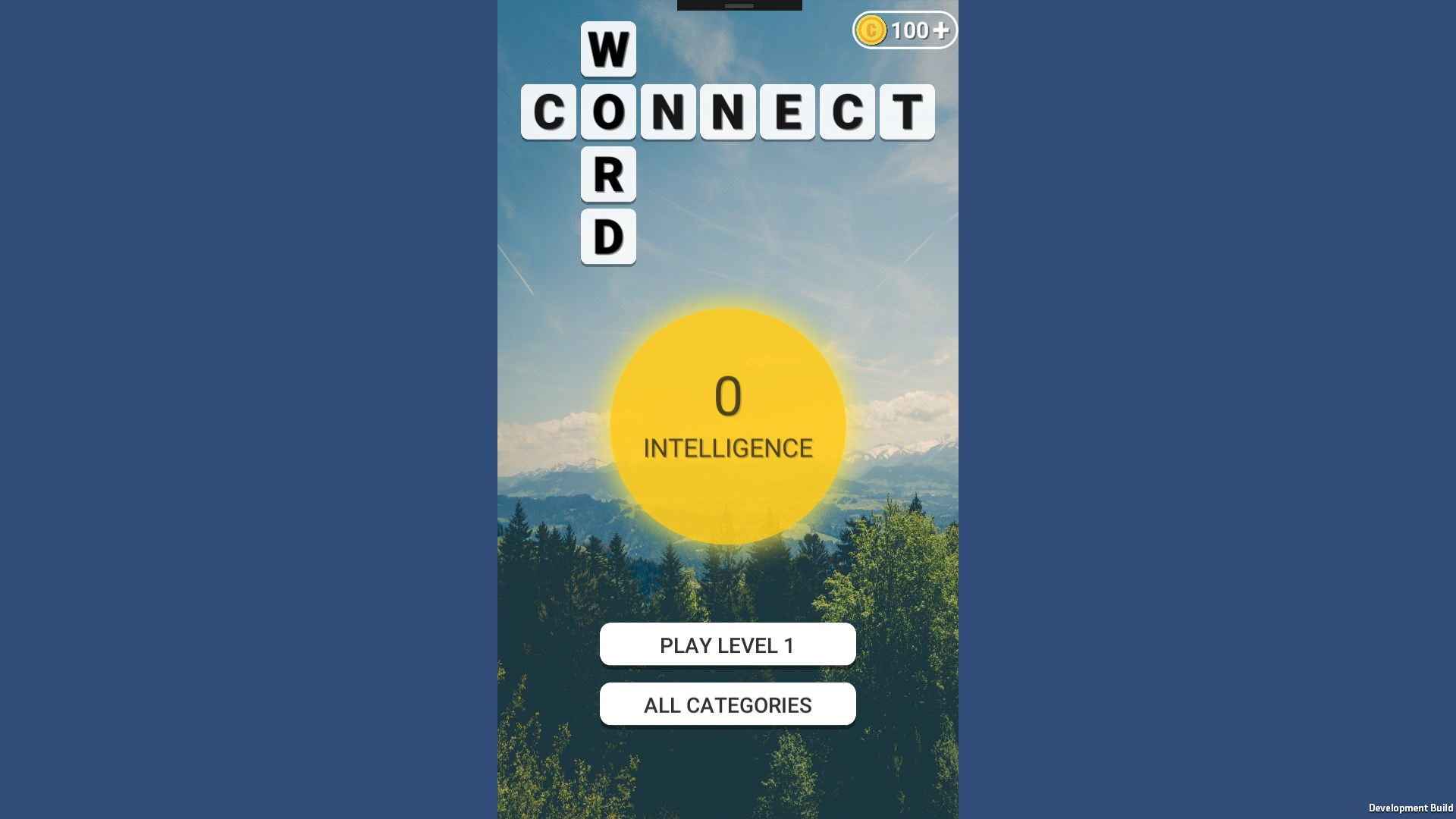
In the bustling universe of word puzzles, finding a game that strikes a perfect balance between fun and challenge while offering a smooth user experience can be like discovering a hidden gem. Word Game - Free offline Word Connect 2021 for Windows steps into this arena, promising an engaging and offline-friendly experience that appeals to puzzle enthusiasts and casual gamers alike.
This application is designed to deliver a classic word connect experience with an offline twist, ideal for quick mental workouts. Developed by Bts Music Game, the team has crafted a straightforward yet compelling game that emphasizes vocabulary building and pattern recognition. Its key features include an extensive library of levels, daily challenges, and offline accessibility. The game primarily targets casual players, students, and anyone looking to sharpen their vocabulary skills during commutes or breaks, without requiring an internet connection or complex controls.
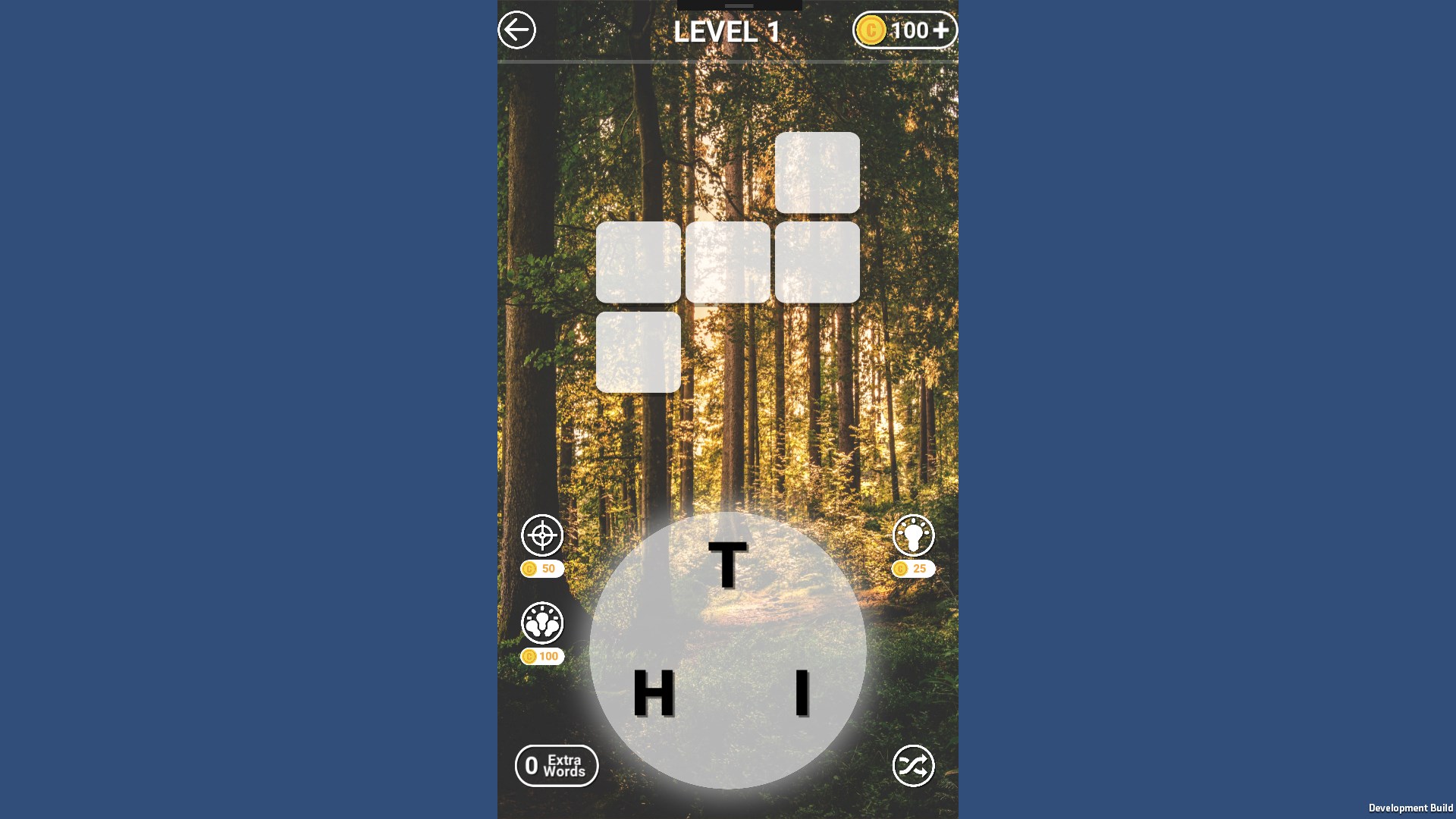
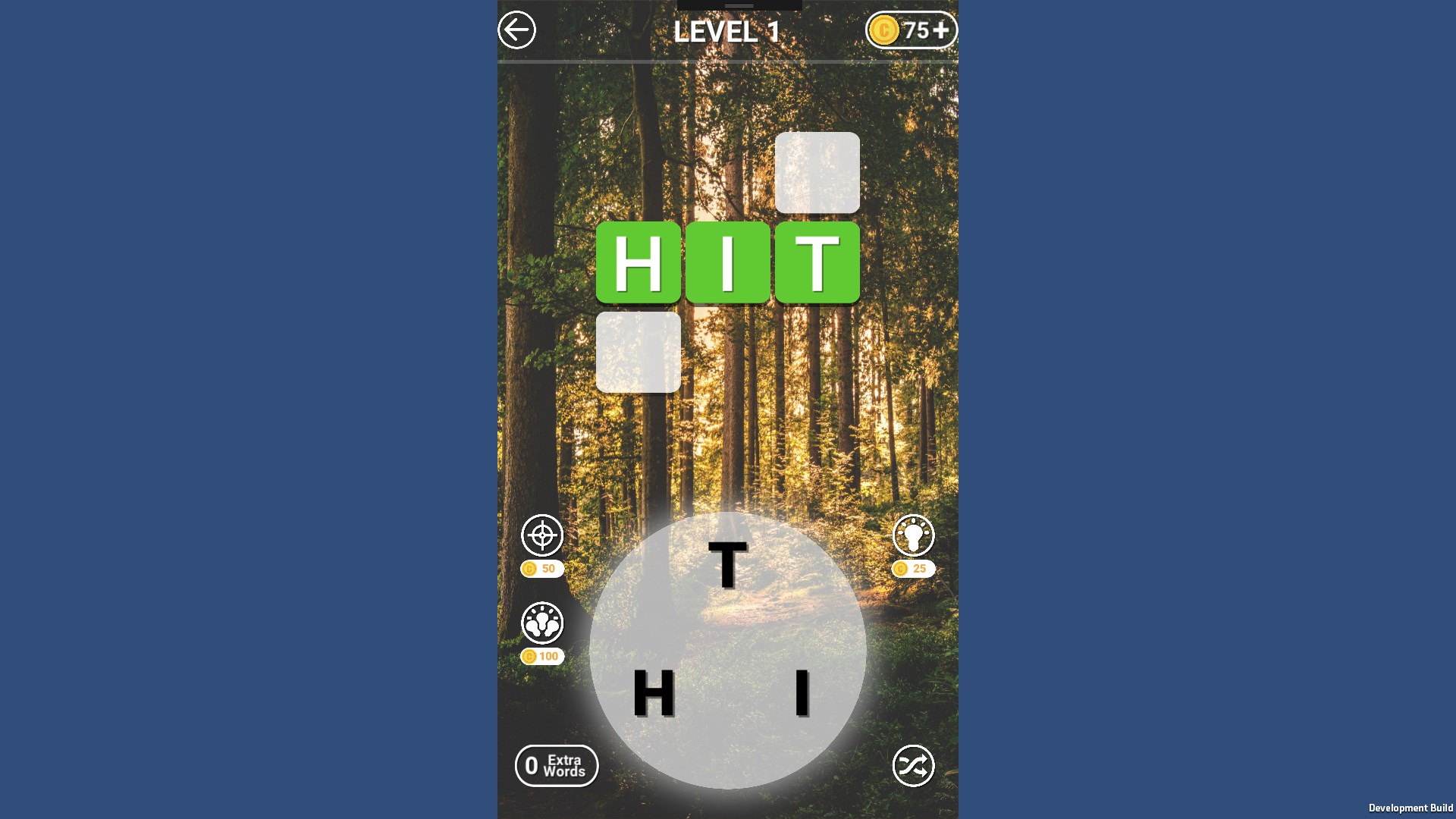
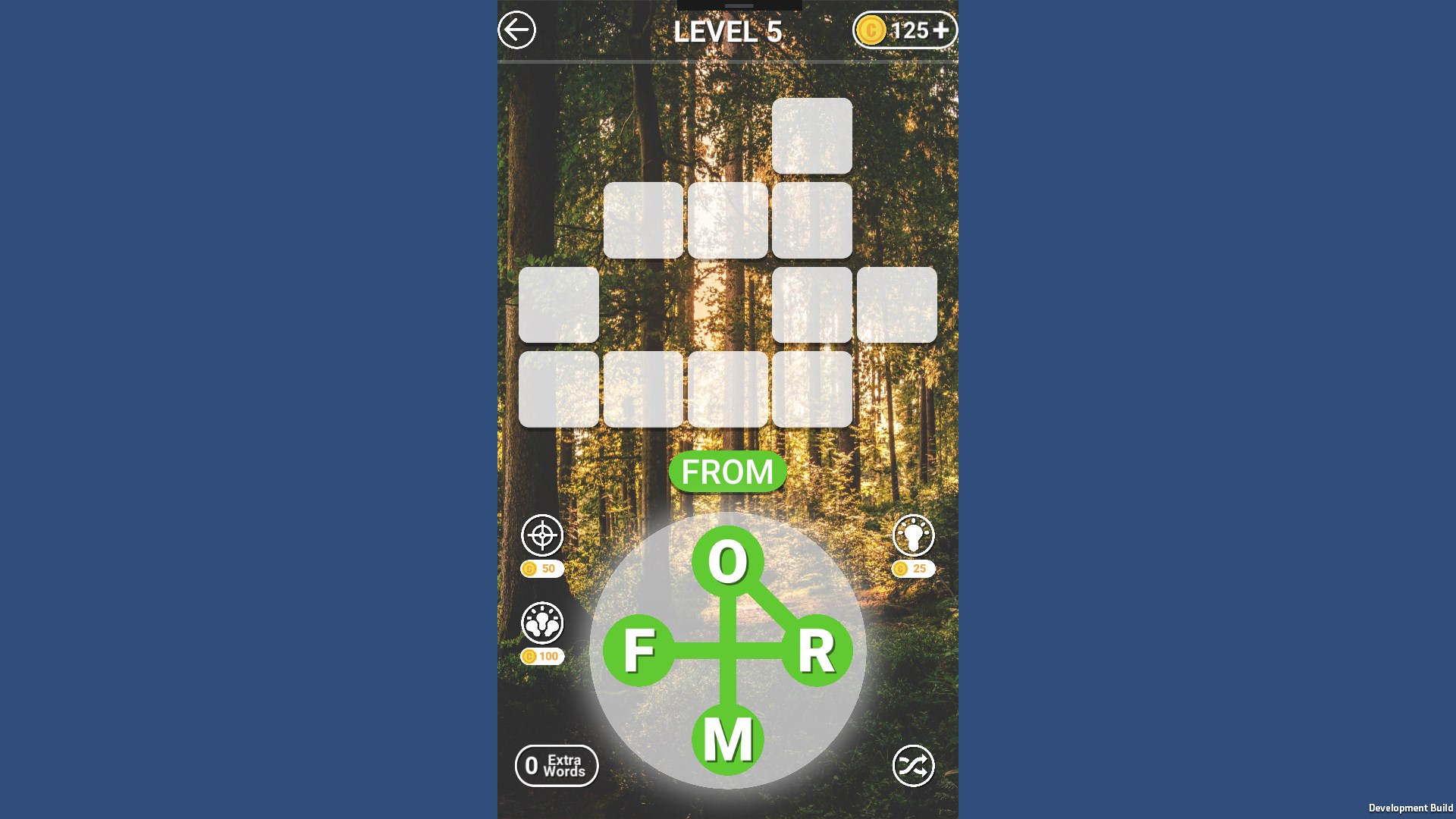
If you're someone who enjoys unraveling words from a jumbled set of letters, this game offers an inviting playground. Imagine sitting comfortably on a cozy park bench, and with just a few swipes, you're assembling words from a scattered pool of letters—that's the core of what Word Connect aims to do. The game's premise is simple but addictive: connect the dots to spell words and clear levels.
What makes this game stand out is its smooth, intuitive core gameplay loop. As you progress, the difficulty gently increases, presenting more complex letter combinations that challenge your vocabulary skills. Its offline design ensures that you can enjoy this mental workout anywhere—be it on a subway, during a flight, or in a quiet café—making it a versatile companion for busy schedules.
The user interface of Word Game - Free offline Word Connect 2021 is clean and straightforward, making it accessible to users of all ages. The vibrant colors and big, tap-friendly buttons resemble the familiar puzzle books many grew up with, but in a digital glow. Navigation feels fluid, and the game responds promptly to touches, providing a glitch-free experience that keeps frustration at bay.
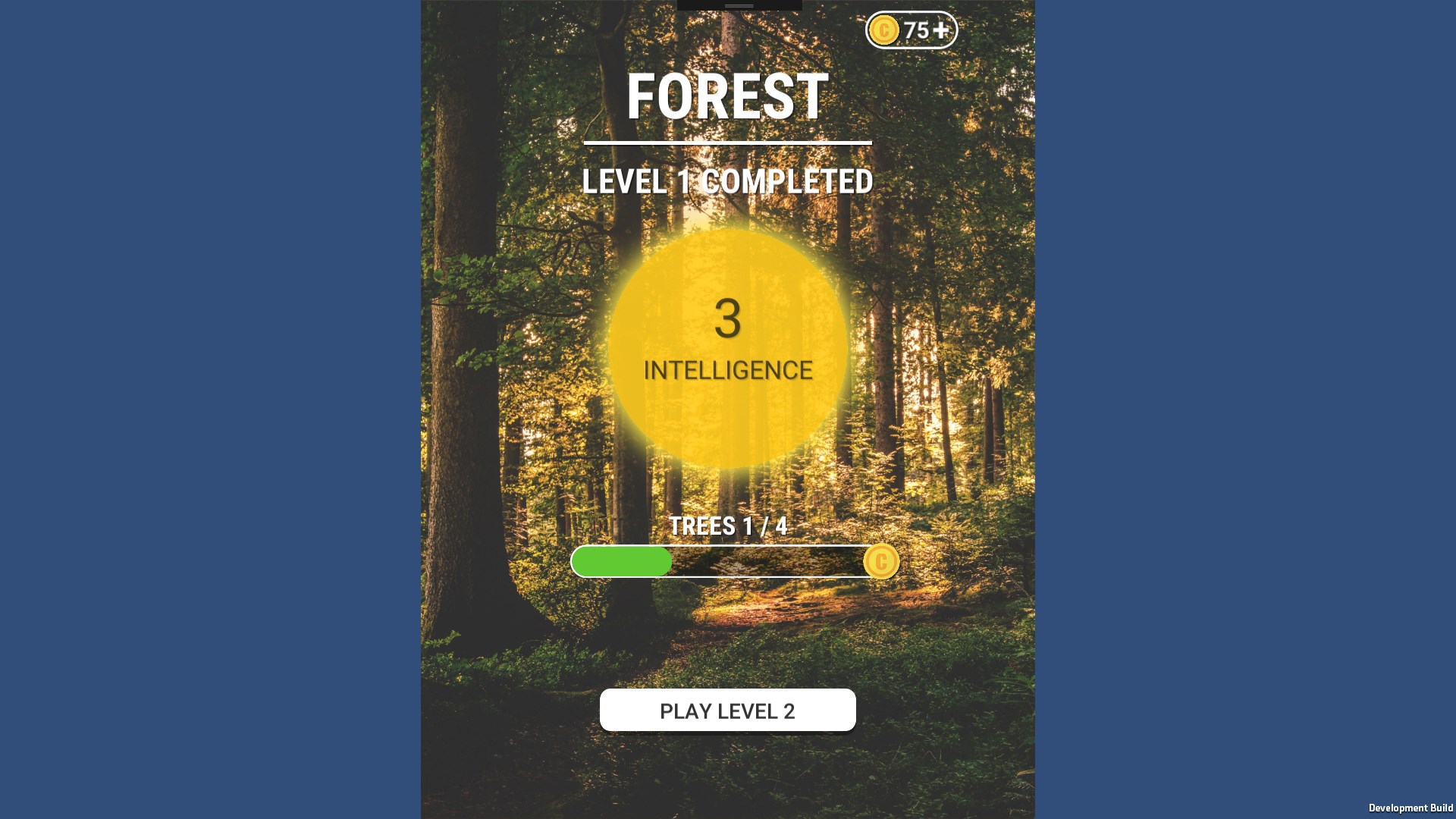
The learning curve is gentle—players are greeted with clear instructions, and the game's minimalist design helps focus on the core activity. Progression is well-managed through easy-to-understand level designs coupled with helpful hints that assist those who get stuck, ensuring a satisfying experience for new and seasoned players alike.
Compared to other word puzzle games, Word Game - Free offline Word Connect 2021's standout feature is its offline capability combined with a robust level system. While many apps require internet access for daily challenges or updates, this game values accessibility, allowing users to play anytime, anywhere. Additionally, its large library of levels keeps players engaged over extended periods, making it more than just a casual pastime.
Another unique aspect is the design focus on calming aesthetics—you won't find cluttered screens or loud ads interrupting gameplay. Instead, the game adopts a serene yet stimulating environment that's perfect for study breaks or unwinding moments. This deliberate simplicity and offline flexibility make it a reliable choice for those who prefer a distraction-free and portable word puzzle experience.
Overall, Word Game - Free offline Word Connect 2021 earns a solid recommendation for puzzle lovers seeking a casual yet stimulating activity. Its core strengths lie in its offline accessibility and straightforward gameplay, which makes it perfect for quick mental exercises or long-term vocabulary building. While it may not reinvent the wheel of word puzzles, its polished design and user-friendly interface make it a dependable choice.
If you enjoy word connection games that do not require an internet connection and appreciate a calm, engaging environment, this app is definitely worth a download. Ideal for learners, casual players, or anyone looking to keep their mind sharp during idle moments, this game offers a peaceful yet challenging escape into the world of words without overwhelming you with ads or complicated mechanics.
User-friendly interface
Offline accessibility
Variety of word puzzles
Free to play
Educational benefits
Limited hints in free mode
Repetitive visuals
Lack of multiplayer features
No daily challenges
Performance issues on older devices

for Windows
 4.9
4.9

for Windows
4.9

for Windows
4.9

for Windows
4.8

for Windows
4.8

for Windows
4.8

for Windows
4.8

for Windows
4.7

for Windows
4.7

for Windows
4.7

for Windows
4.7

for Windows
4.7

for Windows
5

for Windows
5

for Windows
5

for Windows
5

for Windows
5

for Windows
5

for Windows
5

for Windows
5

for Windows
5

for Windows
5