Shooter
id Software
PC
Windows 10 version 18362.0 or higher
English (United States)
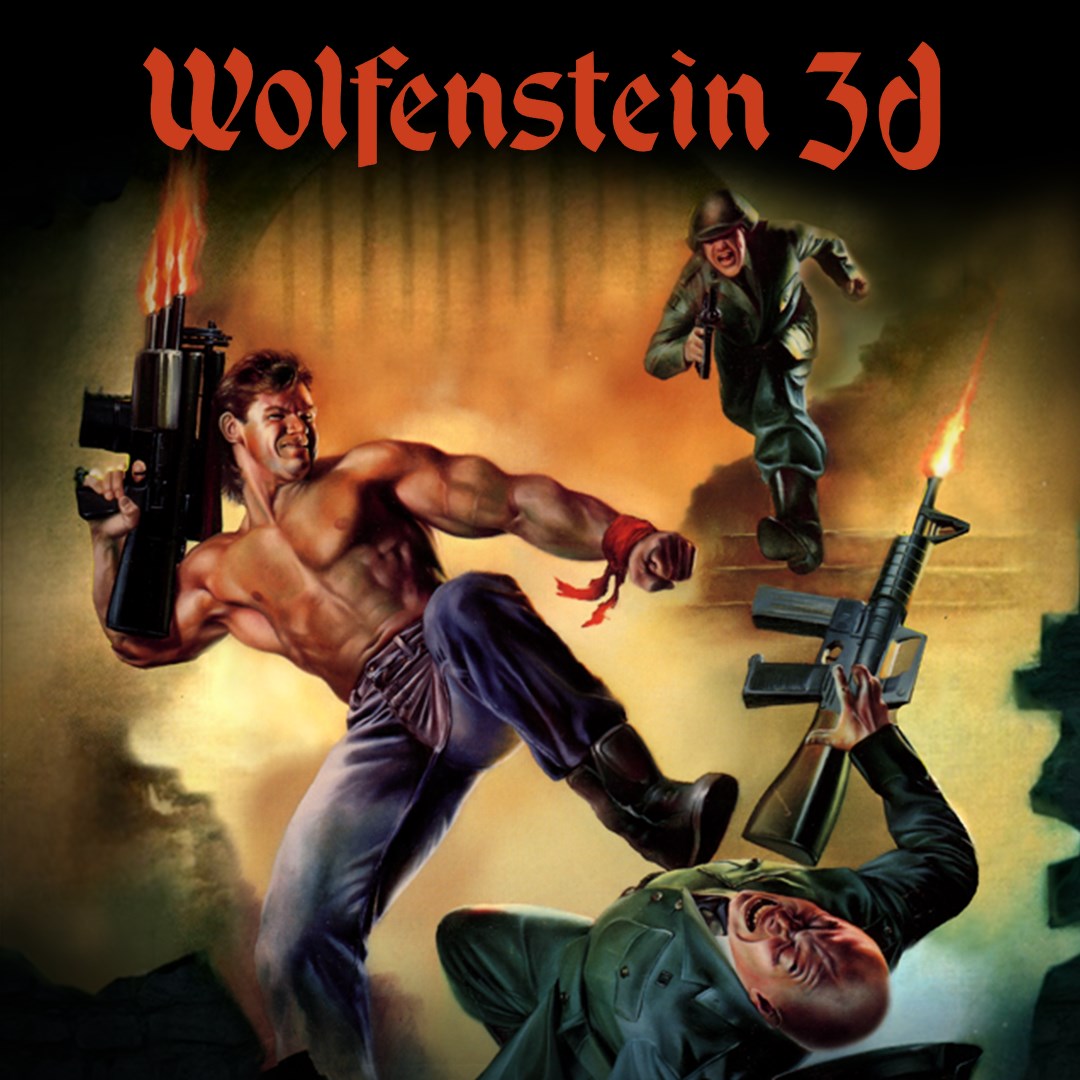
Wolfenstein 3D for Windows offers classic first-person shooter gameplay reanimated for modern audiences, inviting both nostalgia enthusiasts and new gamers to relive the roots of the genre.
This title is a product of the legendary id Software, renowned for pioneering first-person shooters, in collaboration with Bethesda Softworks, ensuring a polished and authentic experience.
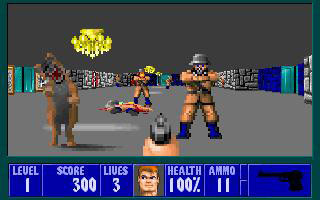
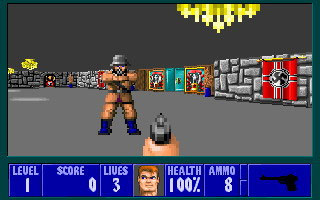
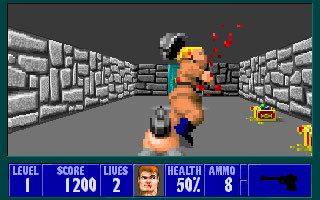
Stepping into Wolfenstein 3D feels like opening a time capsule of gaming history. The game's pixelated corridors and pixel-perfect gunplay transport players straight to the early 90s—when navigating unexpectedly maze-like castles and taking down nazis with pixelated guns was the ultimate thrill. Yet, thanks to modern updates, this age-old gem feels fresh, punchy, and easily approachable, making it a delightful experience for veterans and newcomers alike.
The backbone of Wolfenstein 3D's appeal lies in its straightforward yet challenging gameplay. The core includes exploring linear yet complex levels filled with enemies, secrets, and strategic weapon use. The controls have been optimized for keyboard and mouse, allowing for responsive aiming and movement—crucial for a game where split-second decisions mean survival. Notably, the game maintains the challenging difficulty of the original, rewarding players who hone their reflexes and map awareness.
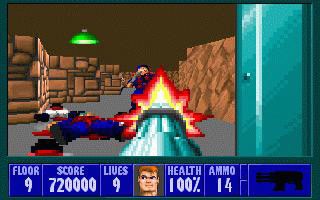
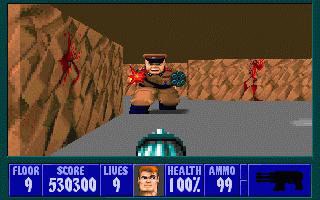
The interface retains a simple, no-frills design reminiscent of early shooter menus, creating an authentic user experience. However, the visual upgrade adds crisp textures and lighting effects that make combat more visceral and levels more atmospheric. The gameplay flows smoothly with minimal lag, and the learning curve is gentle enough for beginners yet stimulating for seasoned players. This balance makes Wolfenstein 3D accessible without sacrificing challenge.
While most modern FPS titles emphasize high-fidelity graphics and complex narratives, Wolfenstein 3D shines by distilling shooting gameplay into core mechanics that emphasize skill and exploration. Its biggest differentiation is its homage to an era where gameplay simplicity fueled innovation—its replayability rooted in mastering levels rather than story progression. For players craving a pure, focused shooter experience with a dose of nostalgia, this version captures a unique charm that most contemporary shooters lack. Additionally, its optimized controls and seamless compatibility make it a practical go-to for quick gameplay sessions.
In conclusion, Wolfenstein 3D for Windows stands out as a genuine homage to gaming history with modern refinements. Its most notable strengths are its faithful recreation of classic mechanics and the visual enhancements that make old-school gameplay visually palatable. If you are someone who appreciates the roots of first-person shooters or wants a straightforward, challenging experience, this title comes highly recommended. Ideal for quick sessions or nostalgic nights, it's a solid choice for both seasoned players and curious newcomers. Just remember, this isn't about flashy graphics or complex stories—it's about pure, unadulterated shooting fun rooted in history.
Authentic Retro Gaming Experience
Smooth Performance
User-Friendly Interface
Compatibility with Various Devices
Affordable Price Point
Limited Modern Features
Absence of Multiplayer Mode
Potential Compatibility Issues on Older Devices
No In-App Purchase Options
No Modern Graphics Settings
for Windows
 4.8
4.8

for Windows
4.7

for Windows
4.7
for Windows
4.7

for Windows
4.7

for Windows
4.7

for Windows
4.6

for Windows
4.6

for Windows
4.6

for Windows
4.6

for Windows
4.5

for Windows
4.5

for Windows
5

for Windows
5

for Windows
5

for Windows
5

for Windows
5

for Windows
5

for Windows
5

for Windows
5

for Windows
5

for Windows
5