Card & board
Dynamic Games Ltd.
Mobile, PC
Windows 8.1 or higher
English (United States)
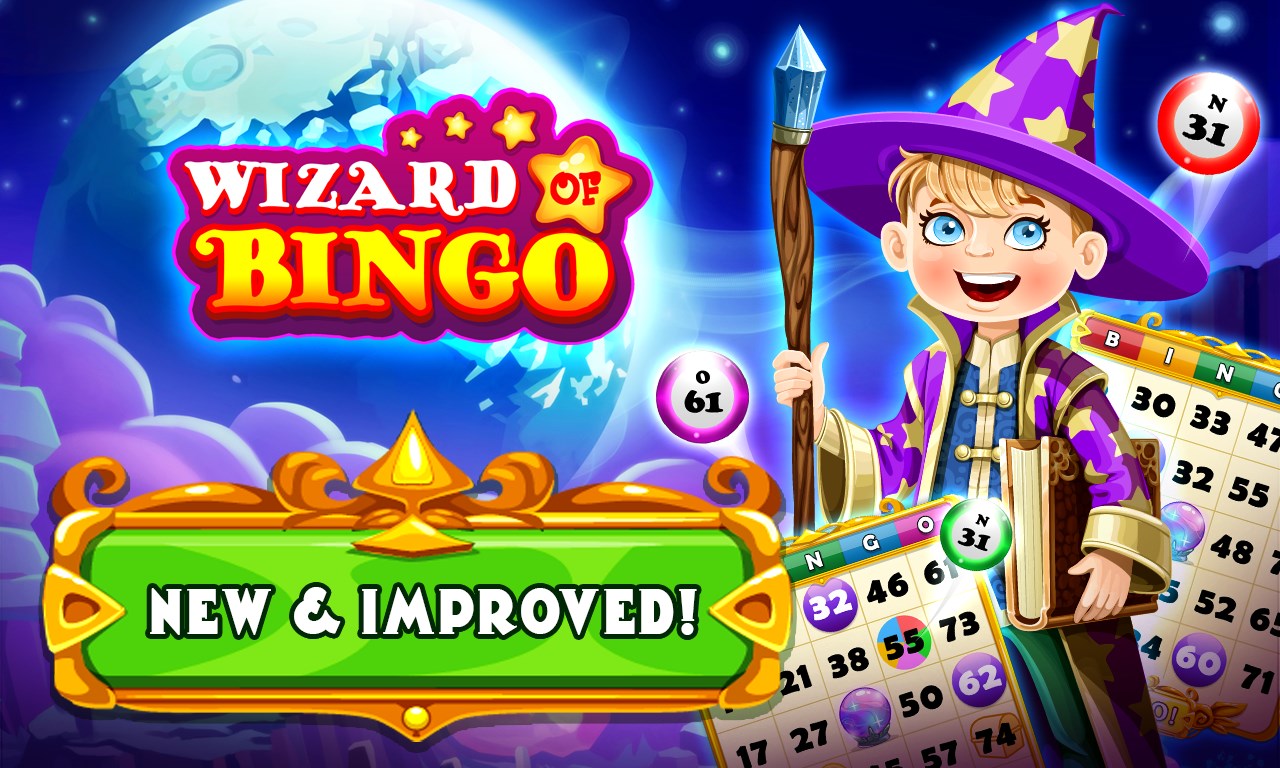
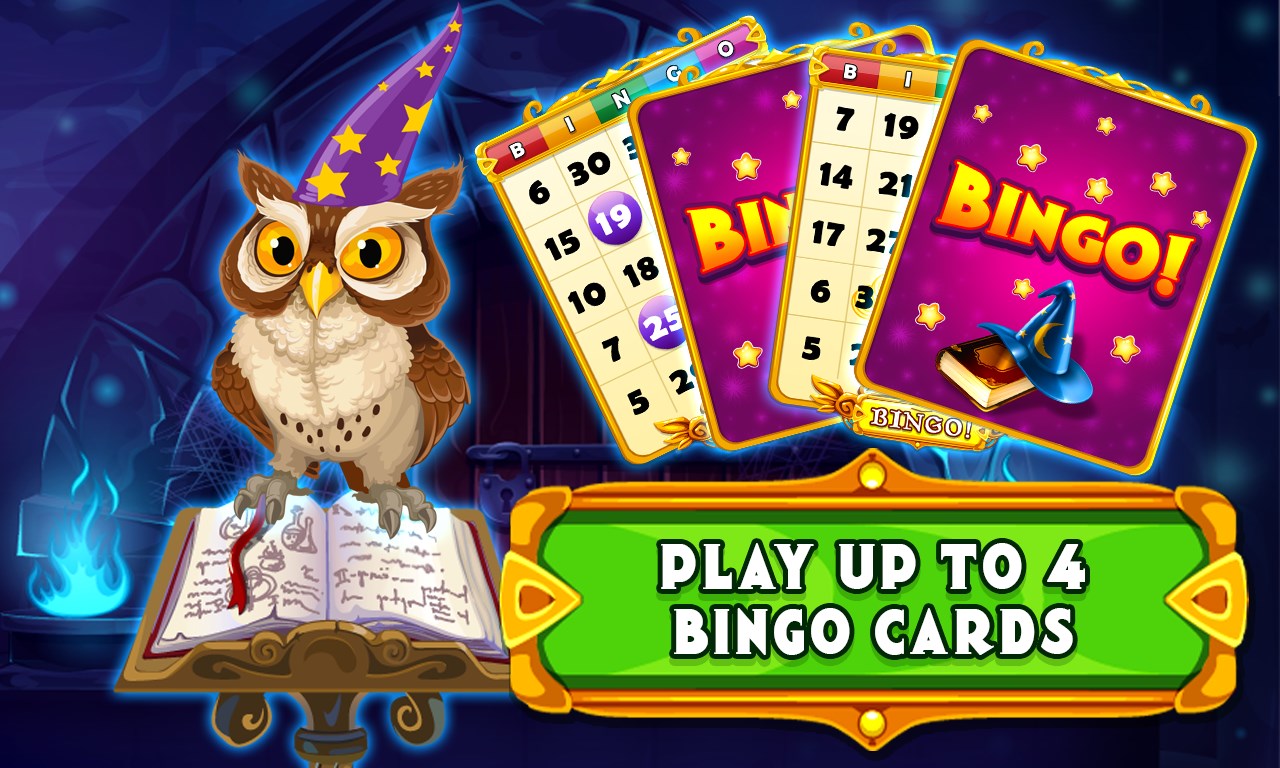
Wizard of Bingo for Windows is an engaging digital variation of the beloved classic game, designed to bring the nostalgic charm of bingo to your PC with a modern, user-friendly twist. Developed and published by Dynamic Games Ltd., this application aims to cater to both casual players and dedicated bingo enthusiasts seeking a smooth and entertaining experience on their Windows devices.
The game's interface adopts a vibrant, clean design reminiscent of a lively bingo hall, but with streamlined controls that make navigation a breeze. Whether you're a seasoned player or a newcomer, you'll find the layout welcoming and easy to grasp—think of it as stepping into a cozy game room designed just for you.
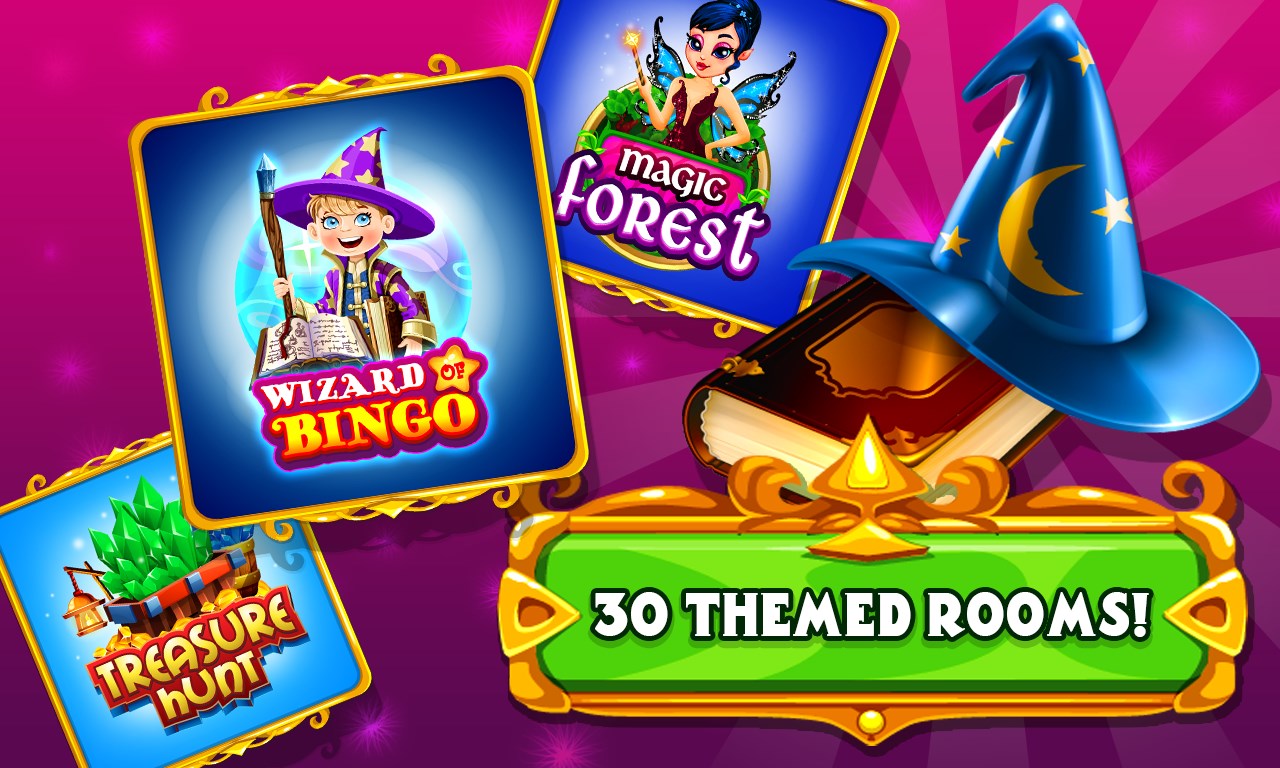
Unlike more static bingo apps, Wizard of Bingo offers multiple game modes—classic, speed, and challenge modes—that cater to different play styles. Additionally, players can customize game themes, dabber styles, and even voice packs, making each session tailor-made for personal enjoyment. This flexibility ensures the game remains fresh and engaging over time.
Visual cues are vivid and animations are smooth, enhancing the overall immersion. Coupled with cheerful sound effects and optional background music, the experience feels lively and authentic. Plus, built-in social features, such as leaderboards and chat, foster a sense of community, transforming solitary gaming into a shared event—a virtual bingo hall where everyone can feel included.
From the moment you launch Wizard of Bingo, it's clear that ease of use was a priority. The menu is well-organized, with clear icons and quick access to game modes, settings, and social features. The game plays smoothly on a range of Windows devices, with responsive controls that respond instantly—no frustrating lag or confusing menus here. Learning the ropes is straightforward, making it accessible for players of all ages and tech skills.
What sets this app apart from fellow bingo games? First, it's the abundance of customization options—think of it as a virtual bingo night where you get to set the mood, style, and pace. Second, its focus on social engagement—integrated chat and leaderboards—fosters a stronger sense of community. Unlike typical standalone bingo apps, this design encourages shared experiences, making every win feel like a celebration with friends, even if they're miles away.
While there are many bingo games available, Wizard of Bingo distinguishes itself with its user-centric design and versatile game modes. Other apps often prioritize either simplicity or elaborate features, but this game strikes a smart balance—delivering engaging gameplay without overwhelming users. Its customization capabilities and social features create a more personalized and lively environment, edging it ahead of many traditional counterparts.
All in all, Wizard of Bingo for Windows is a solid choice for anyone looking to enjoy bingo in a friendly, accessible digital space. Its intuitive interface, vast customization options, and social features make it suitable for casual players wanting light entertainment or dedicated fans seeking a lively virtual bingo hall experience. We recommend giving it a try if you enjoy engaging, community-driven card games—it's like having a cozy bingo night right on your desktop.
User-Friendly Interface
Engaging Graphics and Animations
Interactive Sound Effects
Regular Updates and New Features
Free to Download and Play
Limited Personalization Options
Occasional Ads Disrupt Gameplay
Battery Usage Might Be High
Limited Support for Older Devices
Lack of Multiplayer Mode

for Windows
 4.9
4.9

for Windows
4.8

for Windows
4.8

for Windows
4.8

for Windows
4.8

for Windows
4.8

for Windows
4.8

for Windows
4.7

for Windows
4.7

for Windows
4.7

for Windows
4.7

for Windows
4.7

for Windows
5

for Windows
5

for Windows
5

for Windows
5

for Windows
5

for Windows
5

for Windows
5

for Windows
5

for Windows
5

for Windows
5