Social
PC
Windows 10 version 19041.0 or higher
Afrikaans, Albanian, Arabic, Azerbaijani, Bangla, Bulgarian, Catalan, Chinese (Simplified), Chinese (Traditional), Chinese (Traditional, Hong Kong SAR), Croatian, Czech, Danish, Dutch, English, Estonian, Filipino, Finnish, French, German, Greek, Gujarati, Hebrew, Hindi, Hungarian, Indonesian, Italian, Japanese, Kannada, Kazakh, Kiswahili, Korean, Latvian, Lithuanian, Macedonian, Malay, Malayalam, Marathi, Norwegian (Bokmål), Persian/Farsi, Polish, Portuguese (Brazil), Portuguese (Portugal), Punjabi, Romanian, Russian, Serbian (Latin) (Serbia and Montenegro (Former)), Slovak, Slovenian, Spanish, Swedish, Tamil, Telugu, Thai, Turkish, Ukrainian, Urdu, Uzbek, Vietnamese
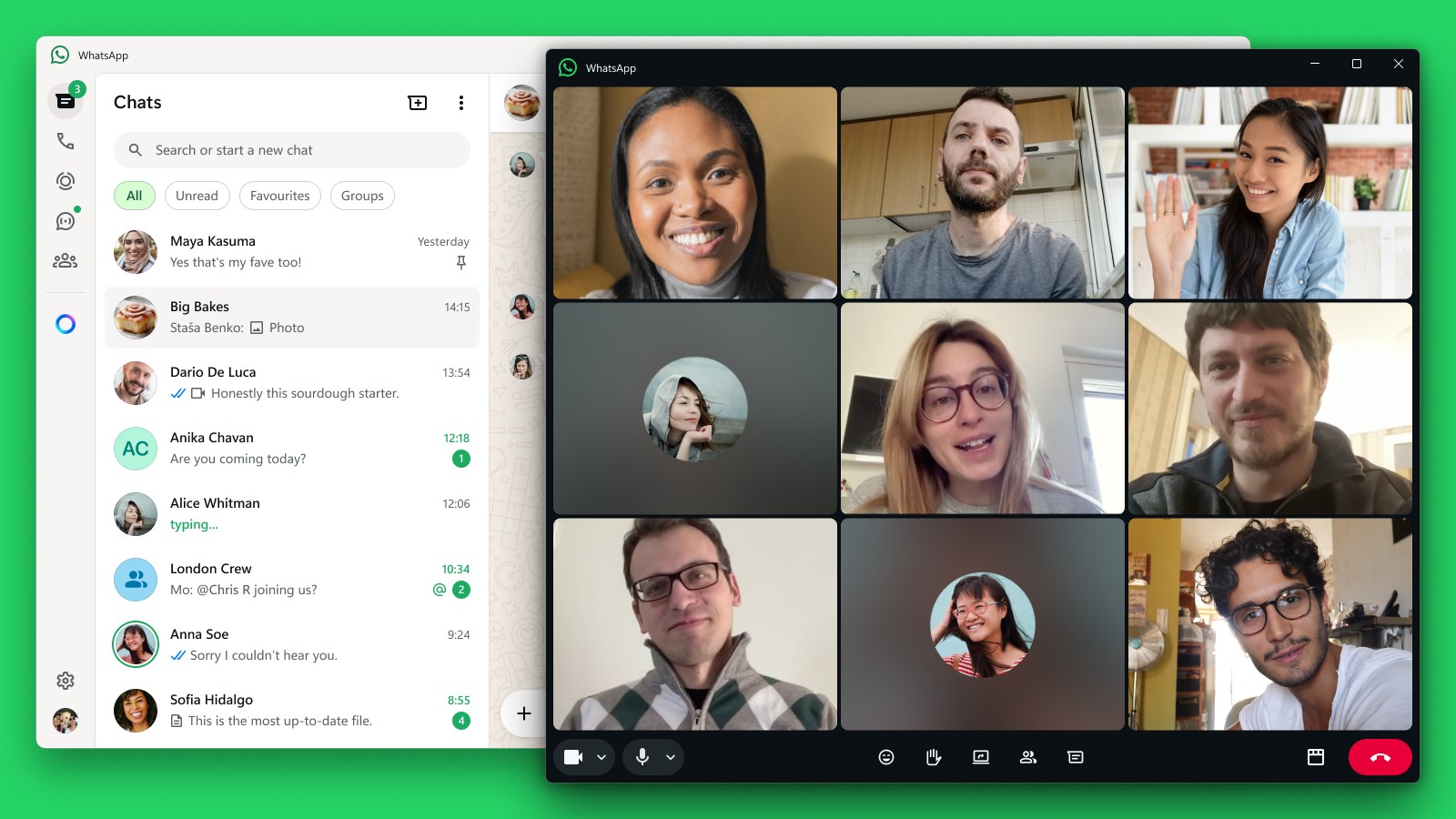
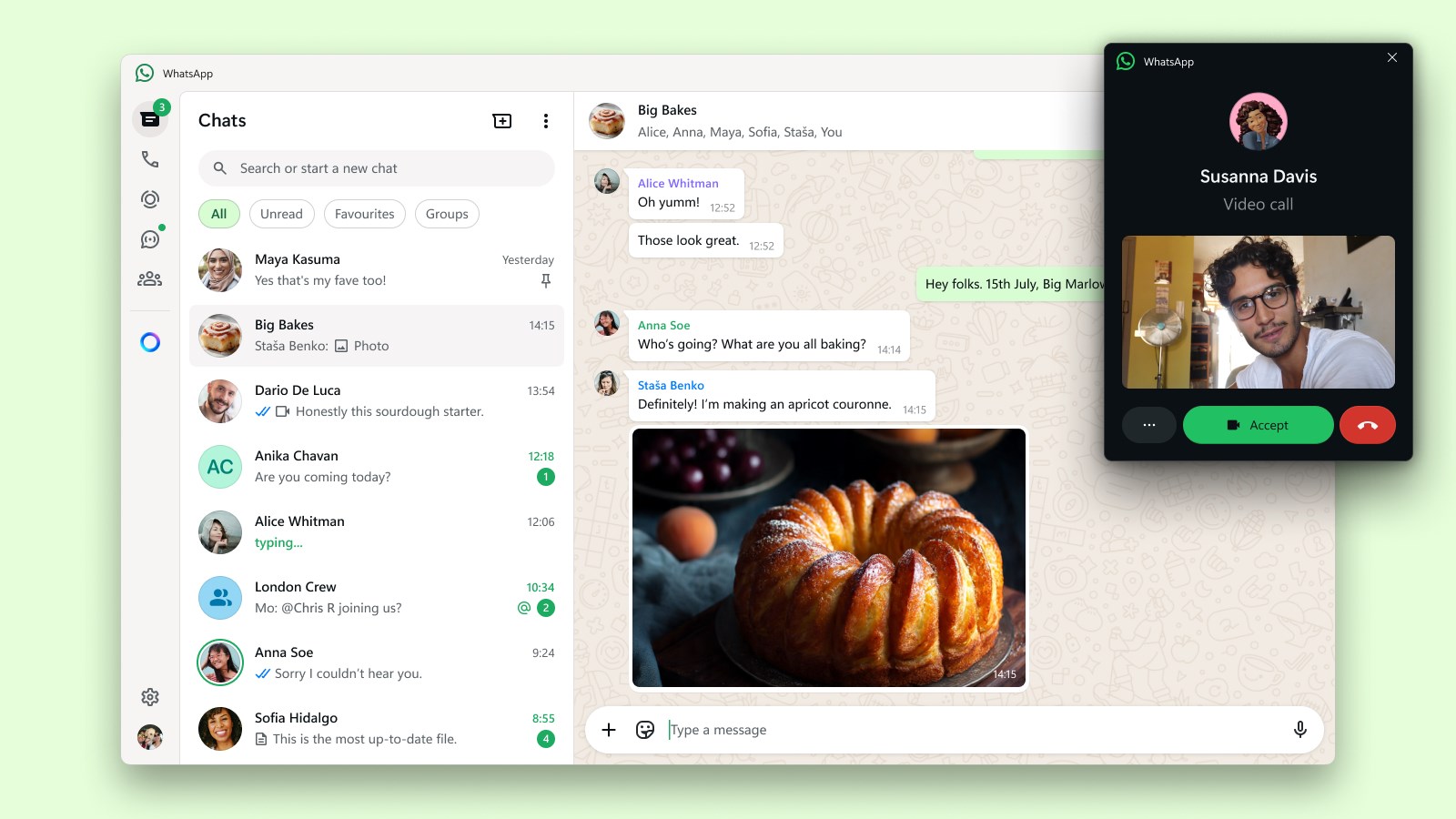
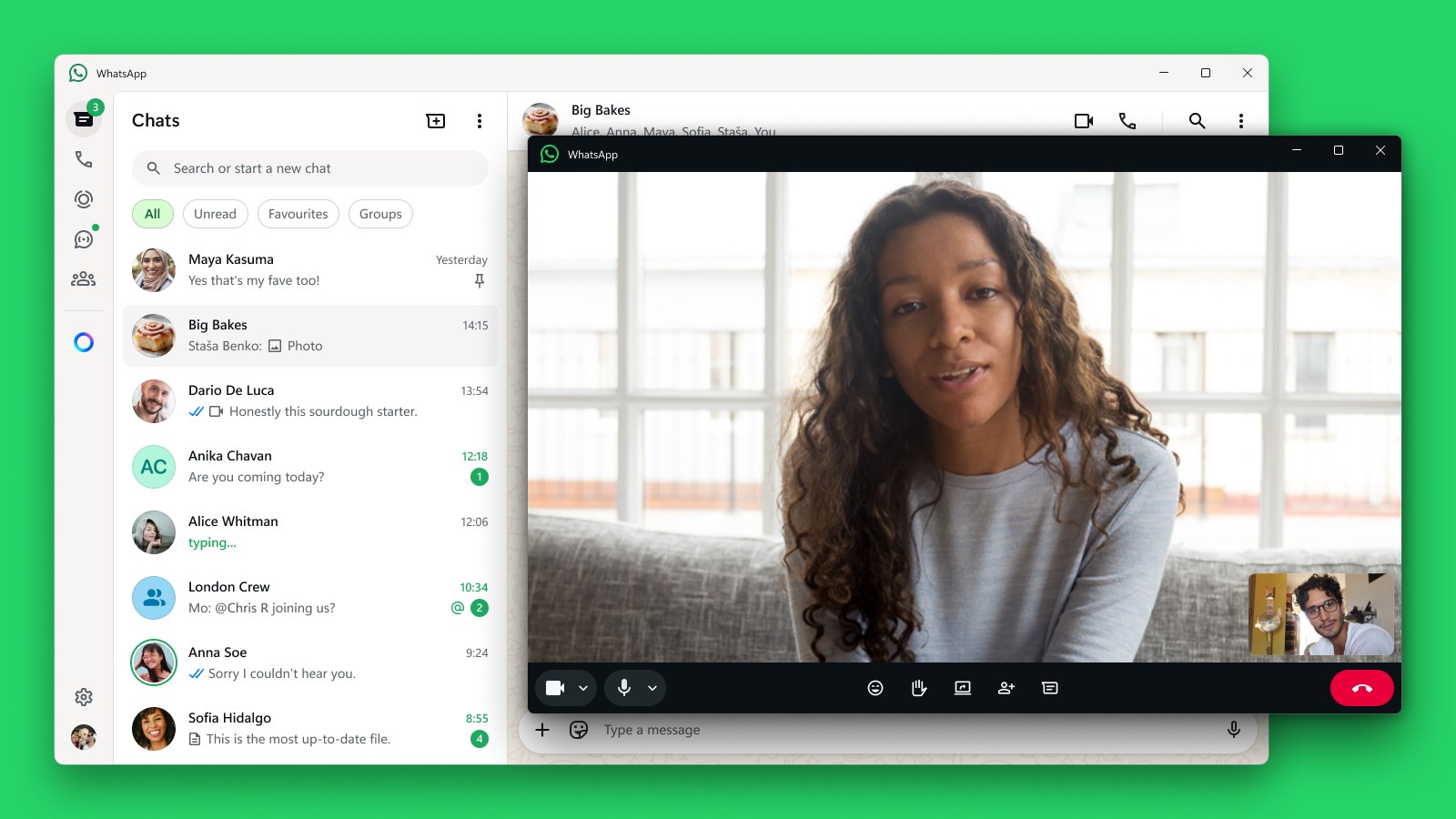
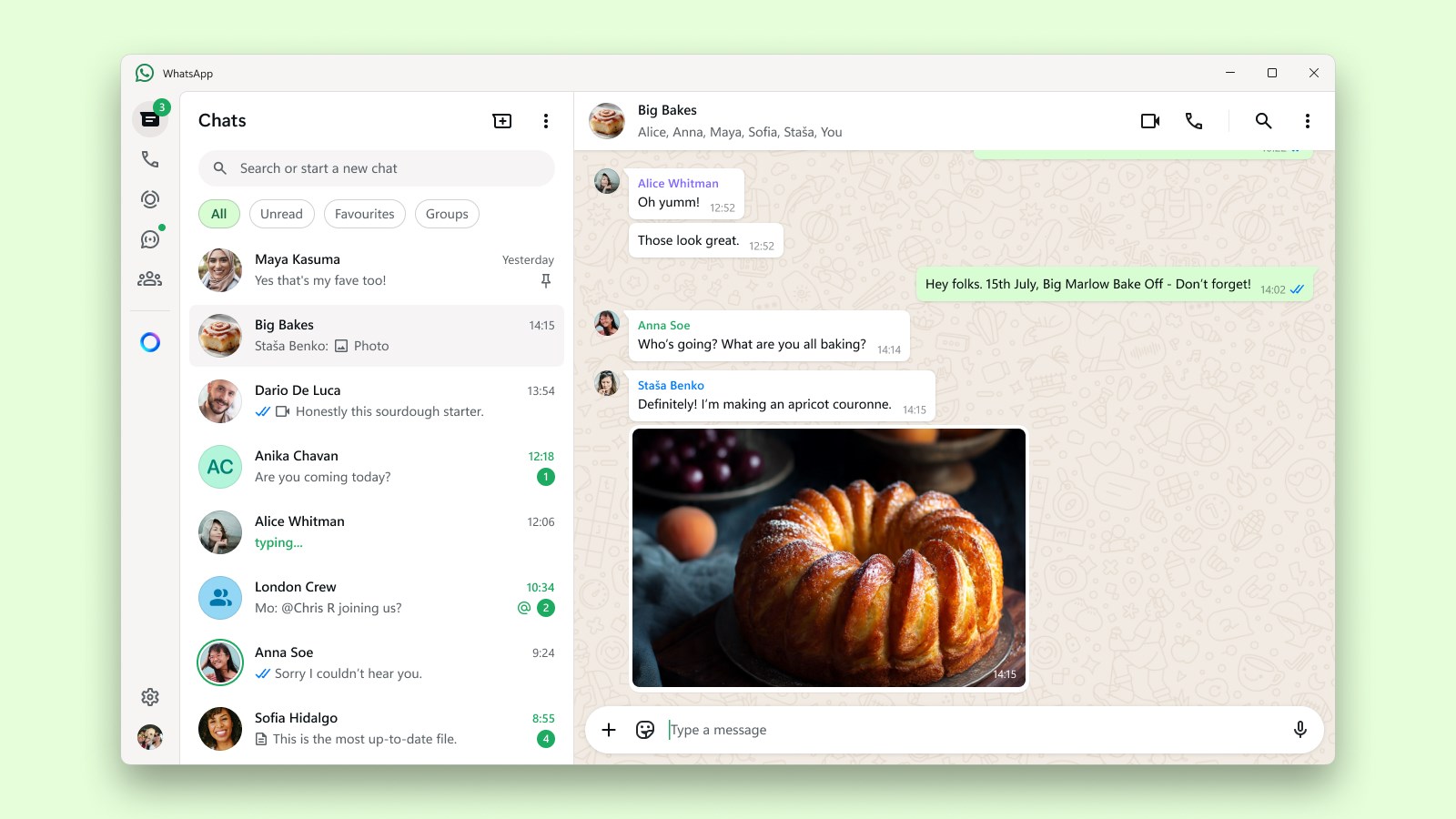
WhatsApp Beta for Windows offers a seamless way to stay connected with your contacts directly from your desktop, combining familiar messaging with innovative features to enhance user experience.
Positioned as a sleek companion to the popular mobile messaging platform, WhatsApp Beta for Windows aims to streamline your communication workflow. Developed by WhatsApp Inc., this app integrates core chat functionalities with advanced personalization and verification tools, making your desktop a powerful hub for interaction. Its main highlights include effortless synchronization with your mobile account, new options for user profile customization and authentic verification, and efficient connection discovery features. Targeting tech-savvy users, professionals, and casual chatterers alike, it caters to anyone wishing to keep their conversations more organized and genuine without the need to pick up their phone constantly.
Stepping into WhatsApp Beta for Windows feels like welcoming a trusted friend into your home—familiar, reliable, yet equipped with exciting new features. The initial setup is smooth—logging in with your existing WhatsApp account is as easy as scanning a QR code on your phone, instantly bridging your mobile chats to your desktop environment. The app's interface maintains WhatsApp's signature clean and intuitive layout, ensuring that even first-time users feel comfortable navigating through conversations, media, and settings. The fluidity of interactions makes typing, reading, and switching chats feel natural, like flipping through a well-organized photo album rather than fumbling through disorganized folders.
One of this app's standout features is its focus on user profile customization and authenticity verification. Unlike traditional chat apps that offer limited options to personalize your profile, WhatsApp Beta for Windows enables you to edit your display name, add profile pictures, and even verify your identity—adding a new layer of trustworthiness to your contacts. This is particularly useful in professional or formal contexts, preventing impersonation and ensuring your conversations remain genuine. Think of it as having a digital ID badge that instantly assures your contacts of your real identity. This feature distinguishes WhatsApp from other social apps that often rely solely on profile pictures or usernames, enhancing the overall authenticity of your connections.
Beyond individual chats, WhatsApp Beta for Windows offers intelligent connection discovery tools, making it easier to find and connect with new contacts or groups. The app suggests potential connections based on your existing network or shared contacts—akin to a friendly matchmaker helping to expand your social circle without the awkwardness. This proactive approach encourages more meaningful interactions and simplifies maintaining your social or professional network directly from your desktop. Compared to other messaging platforms that depend solely on manual searches, this feature provides a helpful nudge towards fostering authentic relationships.
Overall, WhatsApp Beta for Windows is a well-designed extension of the mobile messaging giant, thoughtfully integrating features that enhance trust and connectivity. Its edge lies in providing a more personalized and verified communication environment—factors that matter increasingly in this digital age. The interface's simplicity and smooth operation make it approachable for users of all levels, while the standout features like profile customization and connection discovery give it a touch of sophistication that sets it apart. For those seeking a reliable, feature-rich desktop messaging app with an emphasis on authenticity, this is a solid option to consider.
We recommend giving WhatsApp Beta for Windows a try if you value secure, genuine interactions and want to streamline your communication workflow. It's especially handy for professionals who need verified contacts or users who appreciate personalization in their digital conversations. While still in beta, its stability and feature set promise a promising experience, making it worth adding to your desktop toolkit.
User-friendly interface
Faster updates with new features
Enhanced media sharing capabilities
Improved security features
Cross-platform compatibility
App stability issues
Lag in new feature implementation
Limited customization options
Battery consumption is higher during use
Occasional notification delays

for Windows
 5
5

for Windows
4.9

for Windows
4.8

for Windows
4.7

for Windows
4.7

for Windows
4.6

for Windows
4.6

for Windows
4.5
for Windows
4.5

for Windows
4.5

for Windows
4.5

for Windows
4.4

for Windows
5

for Windows
5

for Windows
5

for Windows
5

for Windows
5
for Windows
5

for Windows
5

for Windows
5

for Windows
5

for Windows
5