Educational
Ganz
PC
Windows 10 version 19041.0 or higher
Version 10
Integrated Keyboard
Integrated Mouse
Version 11
2 GB
English (United States)
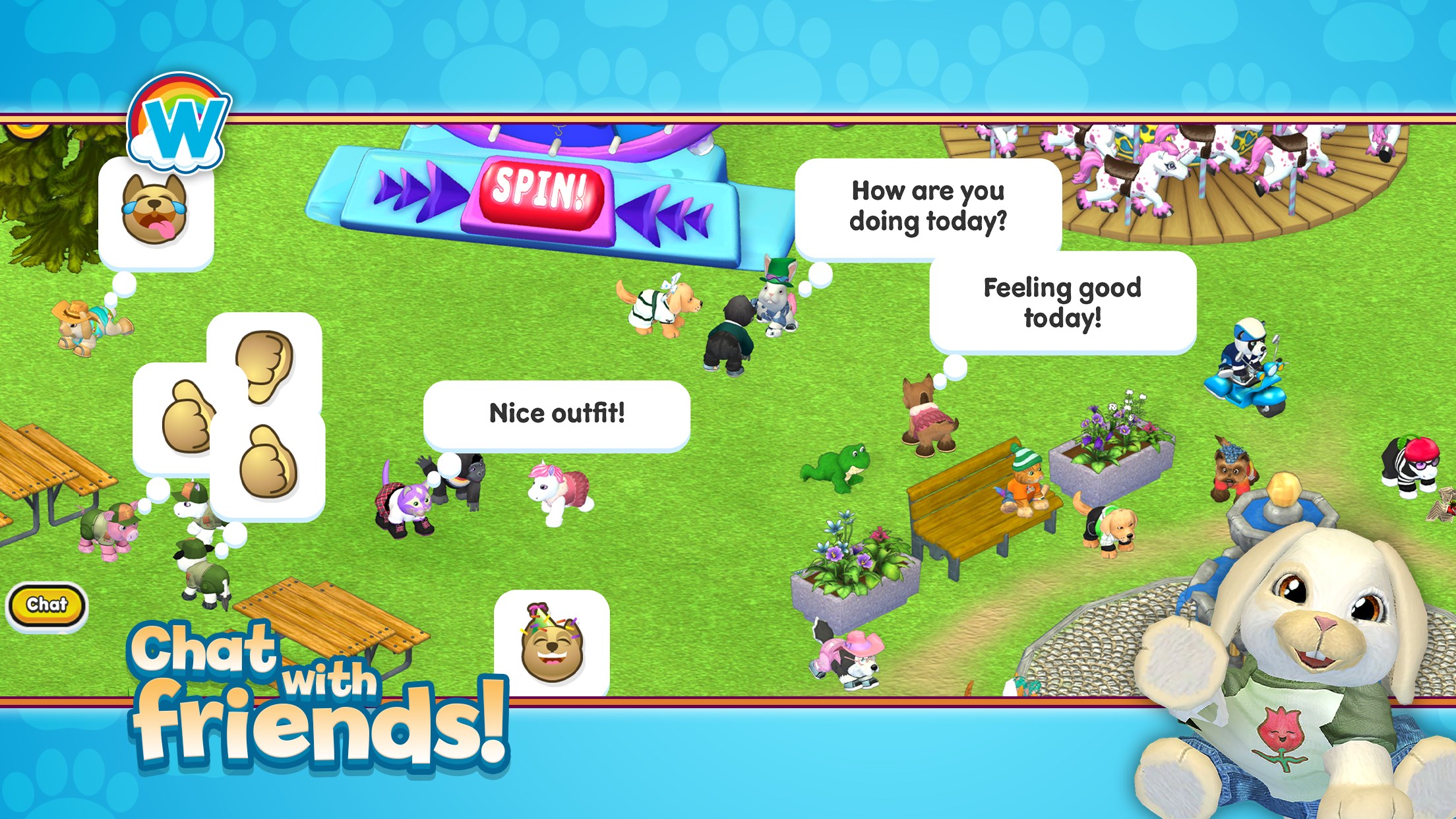
Webkinz® for Windows, developed by Ganz, offers an engaging and interactive virtual pet experience designed to entertain and educate young users. With its charming graphics and immersive gameplay, it aims to create a safe digital environment for children to nurture, play, and learn about responsibility while having fun.
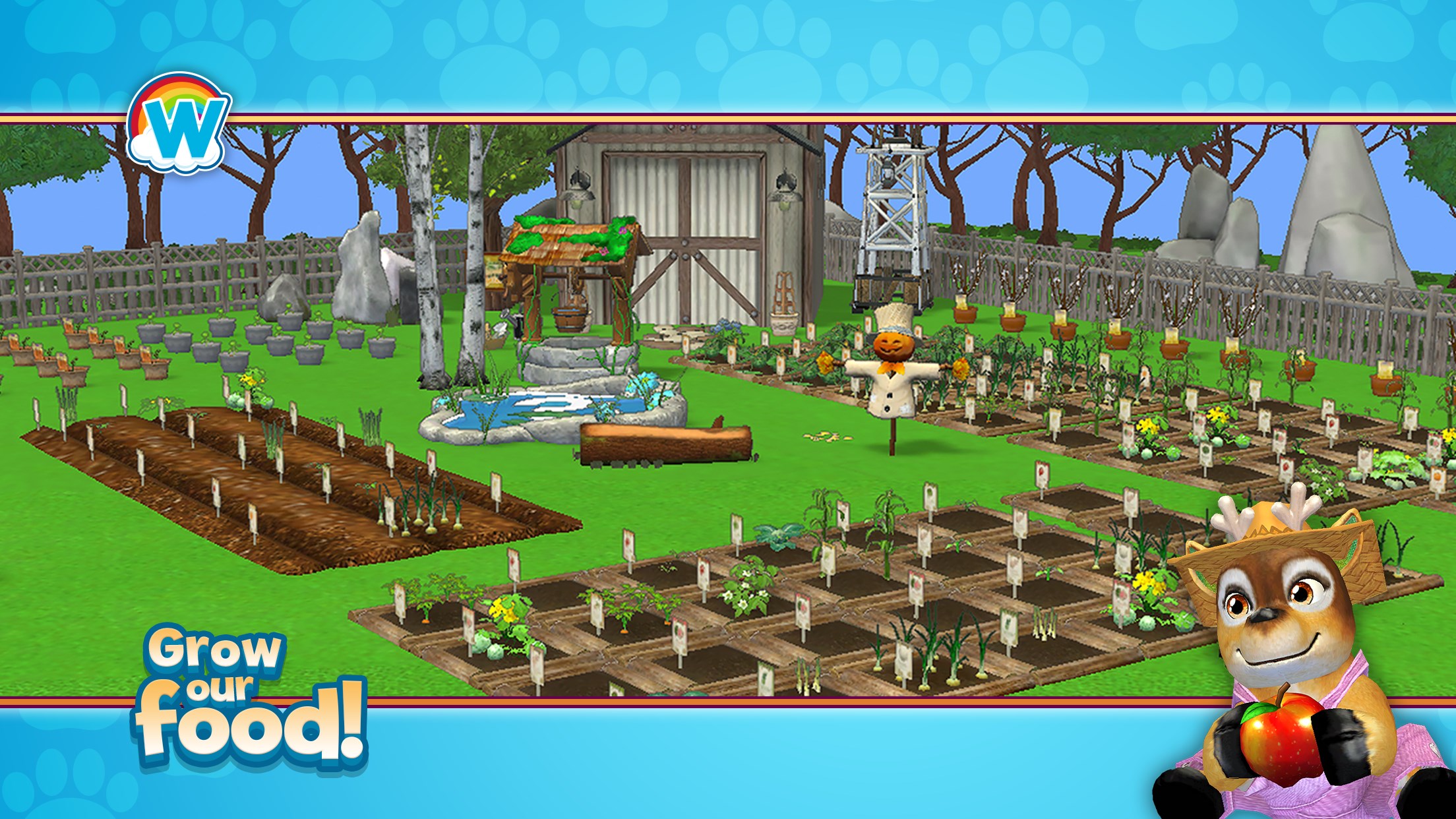
Developed by the reputable Ganz team, Webkinz® for Windows is a digital adaptation of the beloved physical stuffed animals and virtual pet franchise. This application provides a vibrant virtual world where kids can care for their pet, decorate their space, participate in fun activities, and connect with friends in a safe environment. Its key highlights include personalized pet care, interactive mini-games, and creative customization options.
Compared to other educational applications, Webkinz® for Windows uniquely balances learning objectives with engaging gameplay. Its standout features include:
The platform's vibrant, cartoon-like interface and straightforward navigation ensure that children can explore freely without frustration. The game's gentle learning curve, combined with its intuitive design, makes it accessible even for younger users.
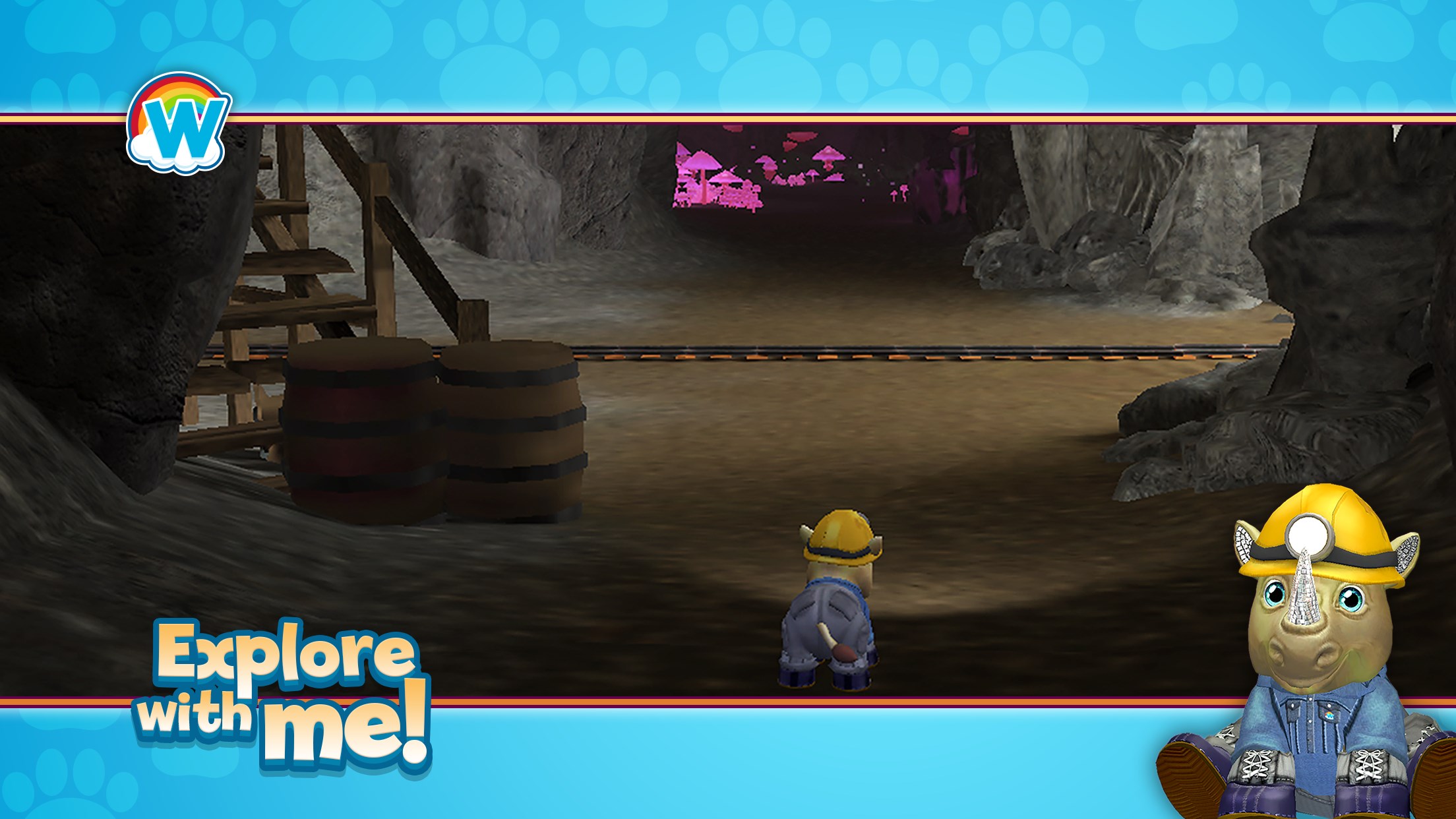
From the moment you launch Webkinz®, the colorful, lively interface draws players into a fantasy realm where pets roam freely and environments burst with personality. For children, this digital universe resembles a bustling neighborhood packed with adventure, filled with animated characters and charming landscapes. The visual design strikes a perfect balance—inviting yet simple enough for young users to navigate confidently.
Operations such as feeding, playing, and decorating are safeguarded by user-friendly menus that feel more like exploring a storybook than managing a complex interface. This ensures a seamless experience that encourages exploration rather than frustration.
What truly sets Webkinz® apart from other educational apps is its ability to blend fun with learning. The mini-games are carefully designed to stimulate cognitive skills—puzzles to develop logic, memory games to reinforce retention—and are embedded within narrative-driven tasks that boost engagement. Unlike typical educational tools that prioritize rote memorization, Webkinz® invites children to learn through immersive gameplay, making knowledge stick through active participation.
For example, caring for a virtual pet teaches responsibility and empathy, while designing and decorating virtual spaces promotes creativity. The platform's system for tracking knowledge retention allows parents and teachers to see how well children apply what they've learned, making it a practical tool for both entertainment and educational assessment.
Webkinz® for Windows is a thoughtfully crafted virtual pet experience that offers more than mere entertainment; it encourages responsible behavior, creativity, and cognitive development. Its intuitive design, combined with compelling interactive elements, makes it suitable for children aged 5-12, especially those who enjoy nurturing characters and exploring colorful worlds.
I would recommend this app to parents looking for an engaging and educational digital activity that fosters ongoing learning while keeping their children entertained. It's also a wonderful way for kids to develop social skills in a safe, monitored environment. While it may not replace more formal educational apps focused solely on academic skills, Webkinz® excels at integrating learning objectives into a fun, memorable universe, making it a valuable addition to a child's digital toolkit.
Engaging gameplay with colorful graphics
User-friendly interface
Educational content included
Regular updates with new content
Parental controls available
In-app purchases can be frequent and may encourage overspending
Some games have loading delays
Limited offline functionality
Interface may be overwhelming for very young children
Customer support responsiveness could be improved

for Windows
 4.8
4.8

for Windows
4.7

for Windows
4.6

for Windows
4.5

for Windows
4.4

for Windows
4.4

for Windows
4.4
for Windows
4.4

for Windows
4.3

for Windows
4.2

for Windows
4.2
for Windows
1.5

for Windows
5

for Windows
5

for Windows
5

for Windows
5

for Windows
5

for Windows
5

for Windows
5

for Windows
5

for Windows
5

for Windows
5