Multimedia design
NCH Software
PC
Windows 10 version 15063.0 or higher
Integrated Keyboard
Integrated Mouse
English (United States)
If you've ever dreamed of being a one-person band or a radio host in your own home, WavePad Audio Editor offers a surprisingly approachable gateway into professional-grade audio editing. Its straightforward tools and thoughtful design make it an appealing choice for hobbyists, podcasters, or anyone wanting to tweak their soundtracks without diving into overly complex software.
WavePad Audio Editor Software Express Edition for Windows is a streamlined yet capable audio editing tool designed to make audio processing accessible and efficient. Developed and published by NCH Software, a veteran in the multimedia and business solutions realm, this application is tailored for quick edits, sound extraction, and basic recording tasks.
Key highlights include high-quality audio editing features, multi-format support, and user-friendly operation—all packaged in a lightweight interface. It caters primarily to casual users, content creators, or entry-level sound engineers who prioritize simplicity without sacrificing core functionalities.
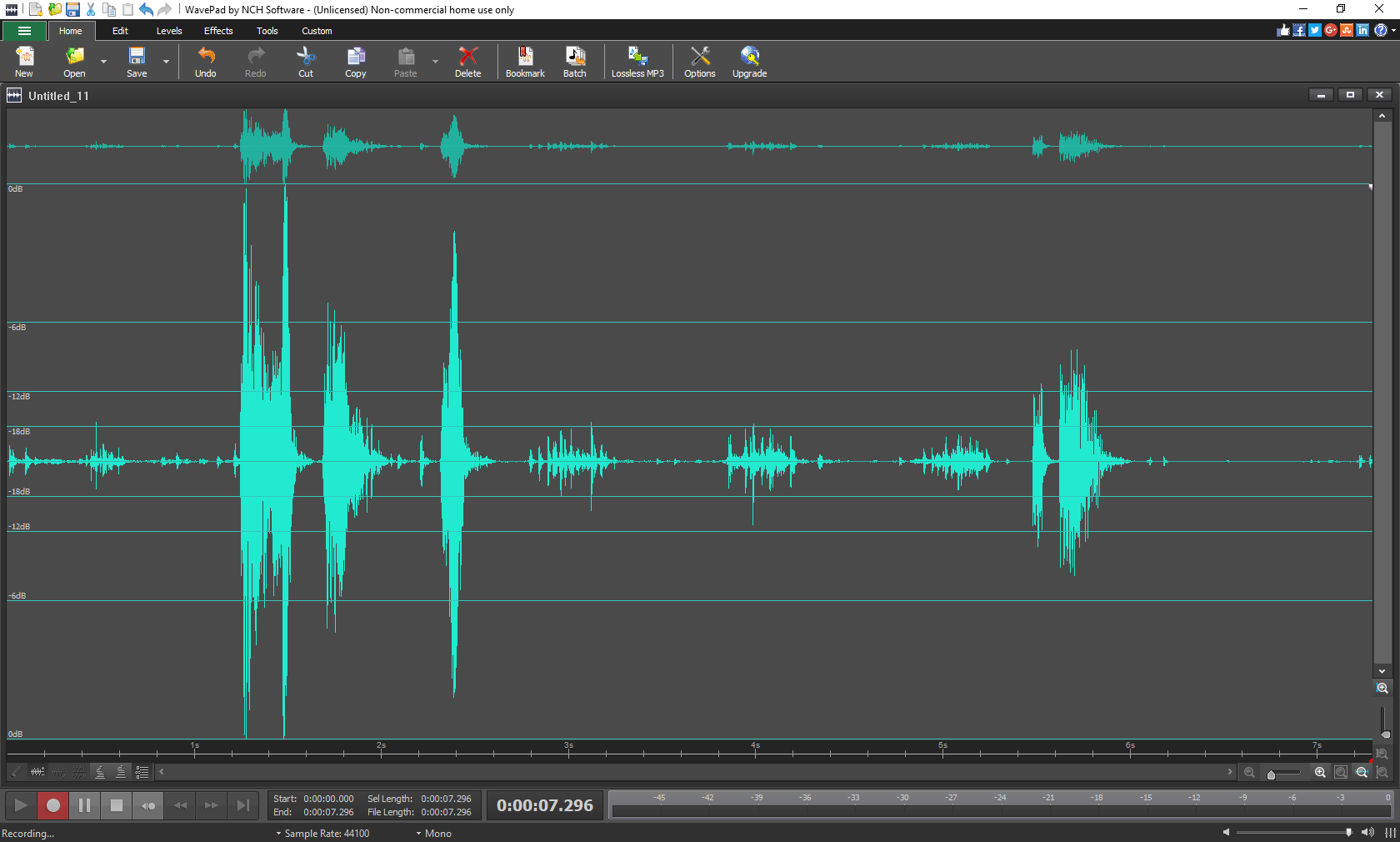
Imagine yourself in a cozy studio corner, fingers poised above your computer's keyboard, ready to craft the perfect podcast intro or clean up a treasured music recording. WavePad turns that vision into reality with an intuitive design and a pleasant workflow that feels less like coding and more like tinkering with a beloved music box. From waveform visualization to effortless edits, it's like having a mini recording studio at your fingertips—without the noise and clutter.
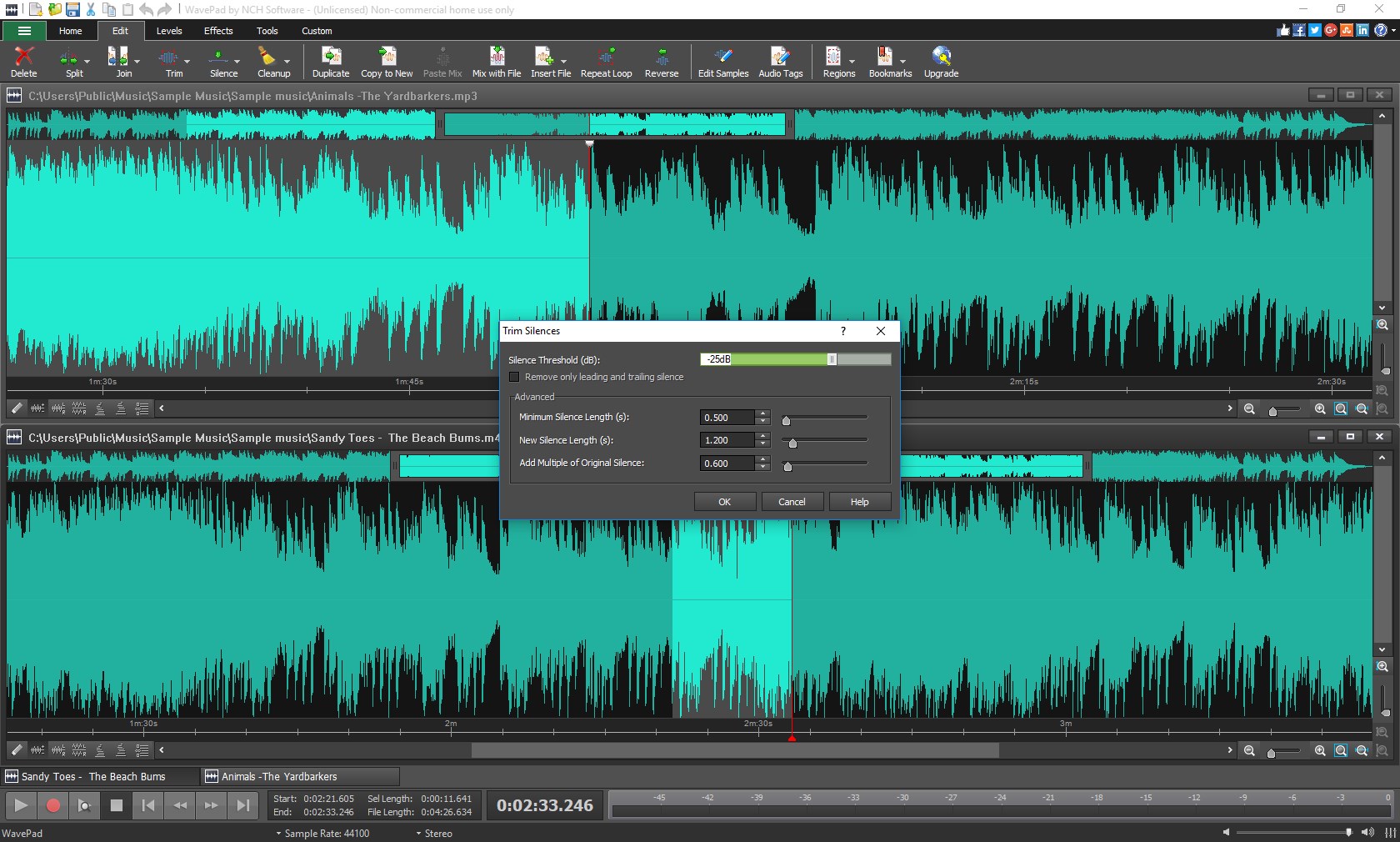
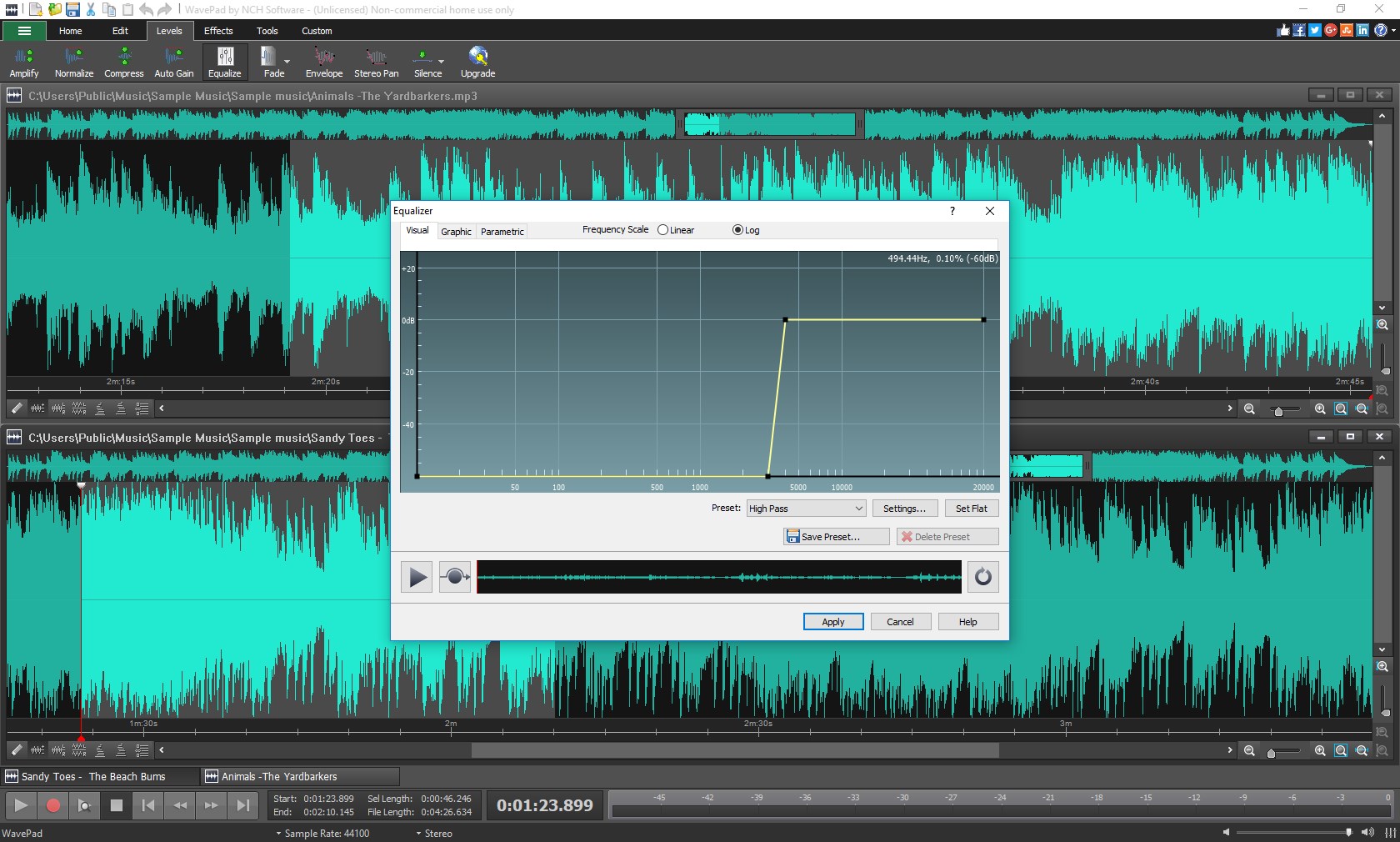
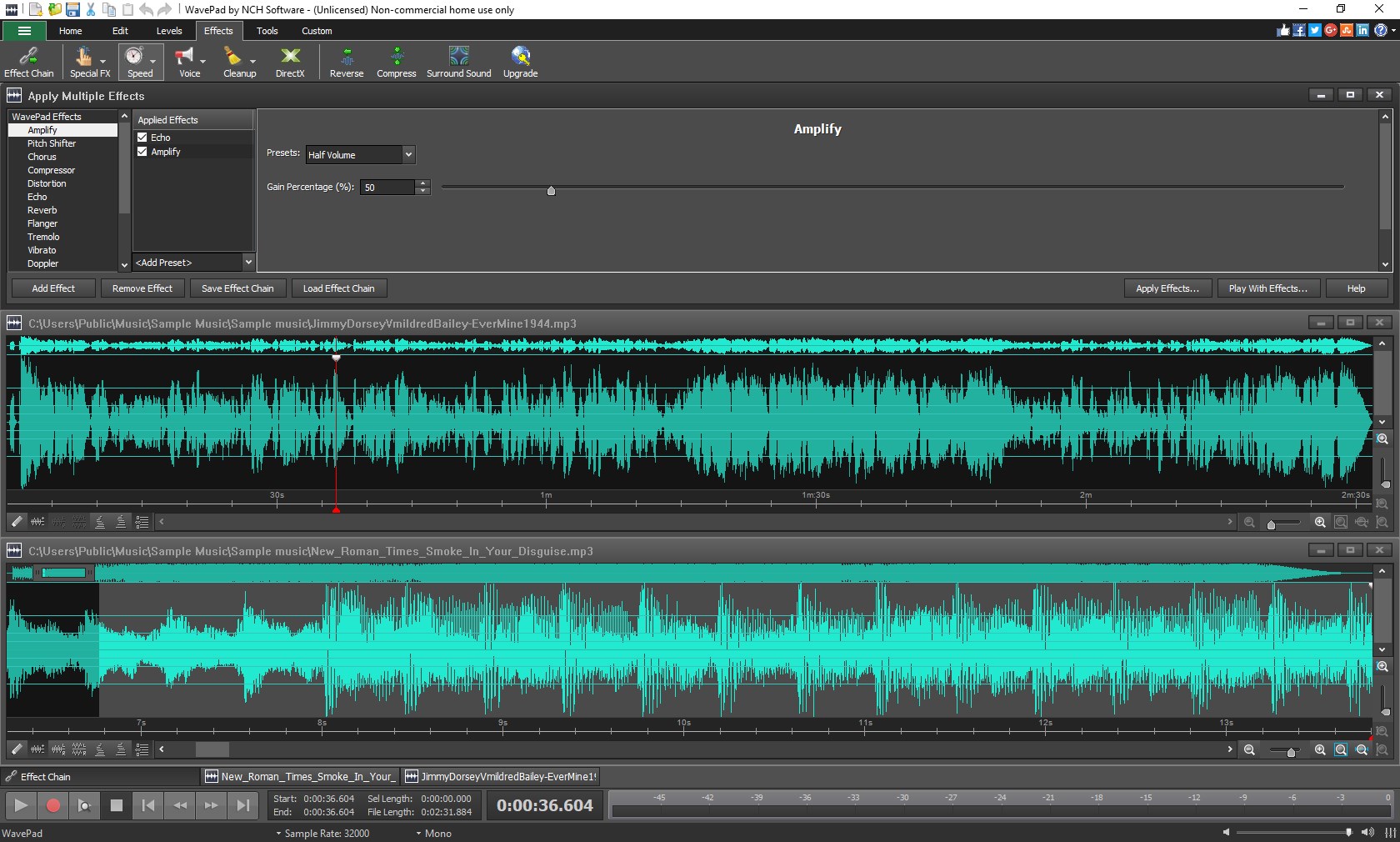
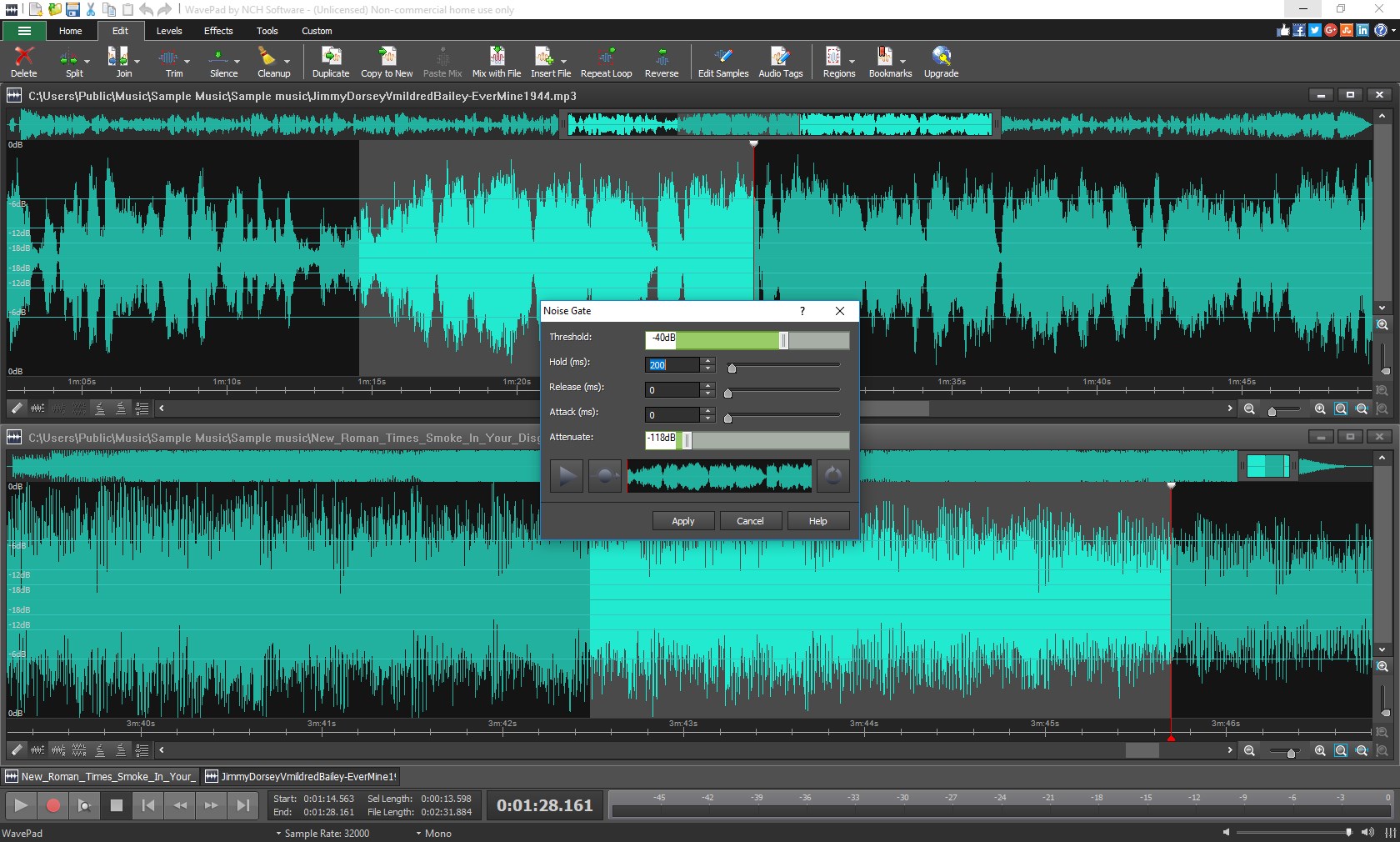
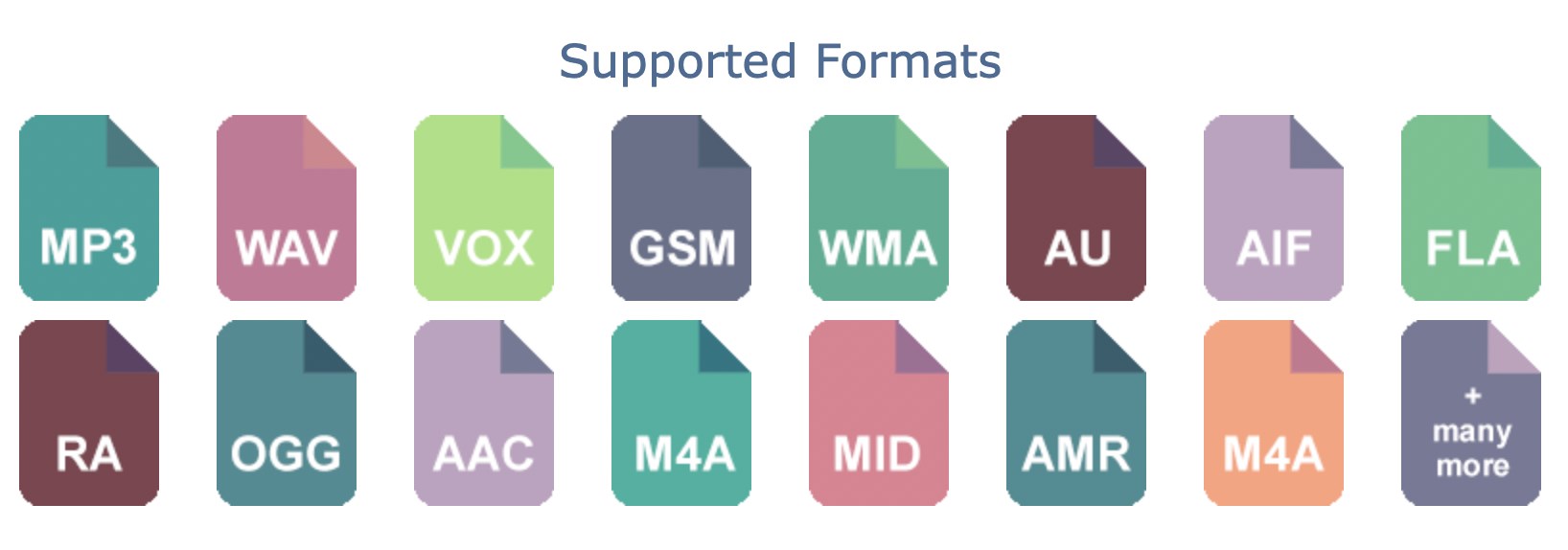
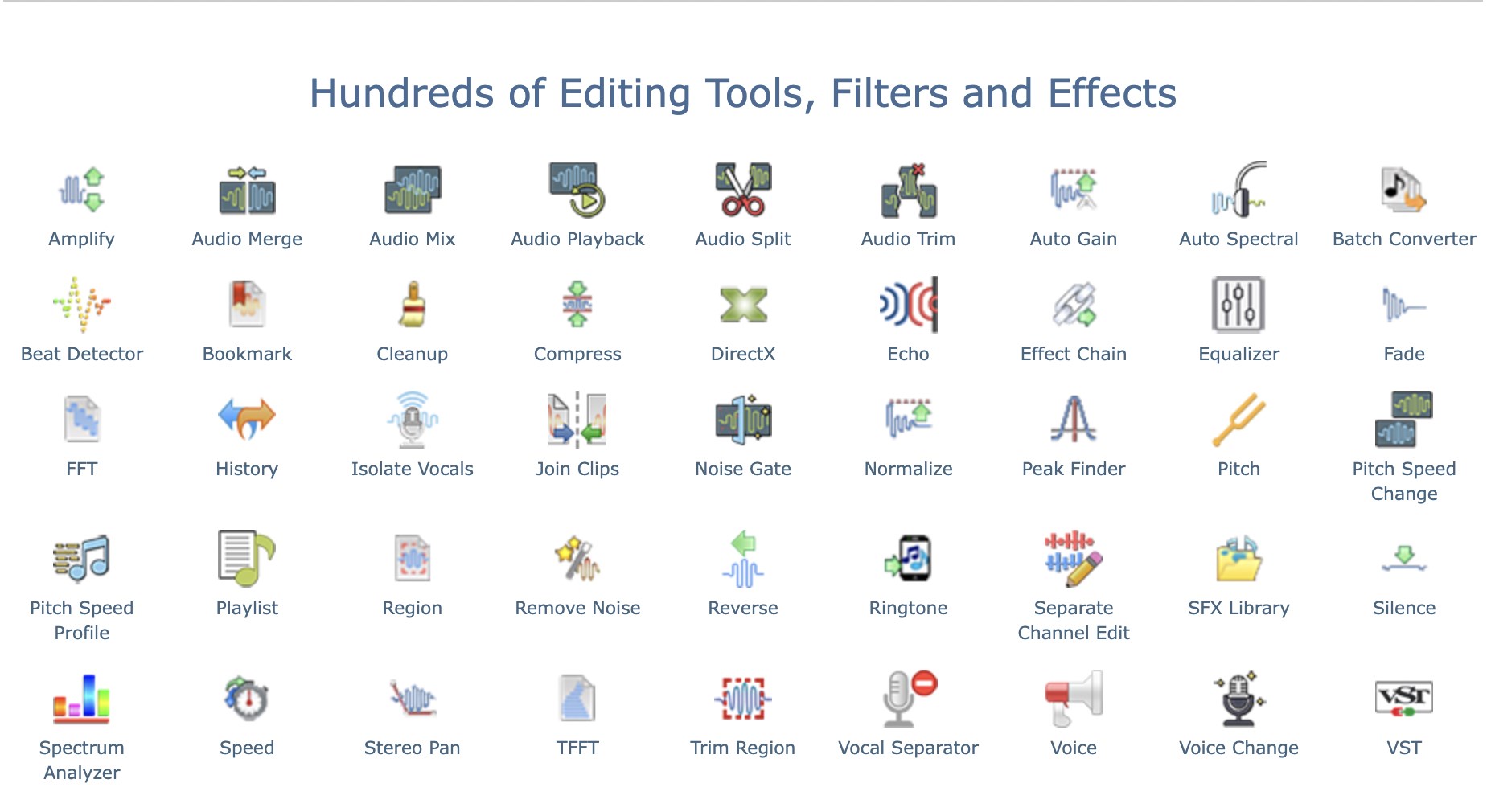
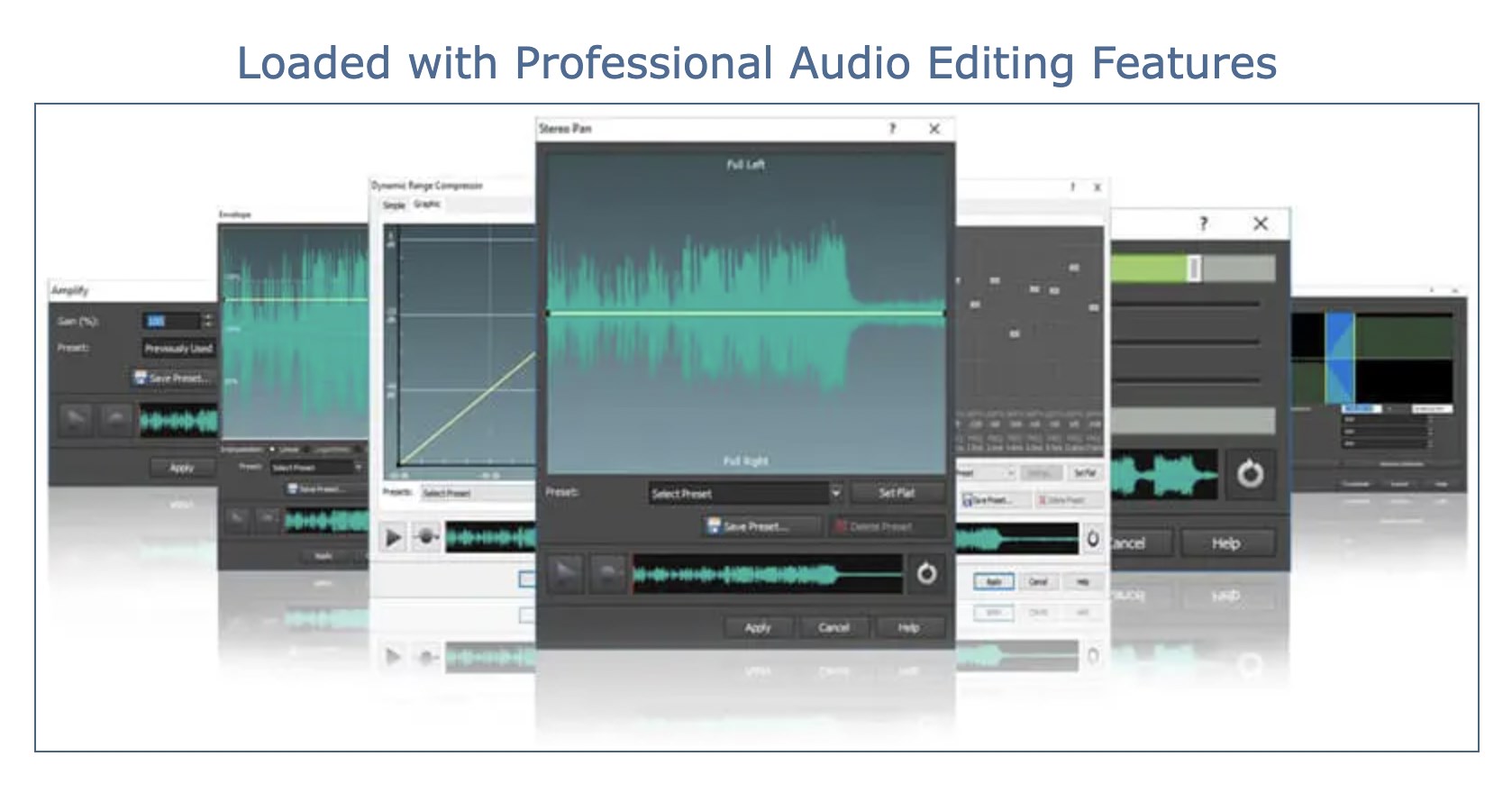
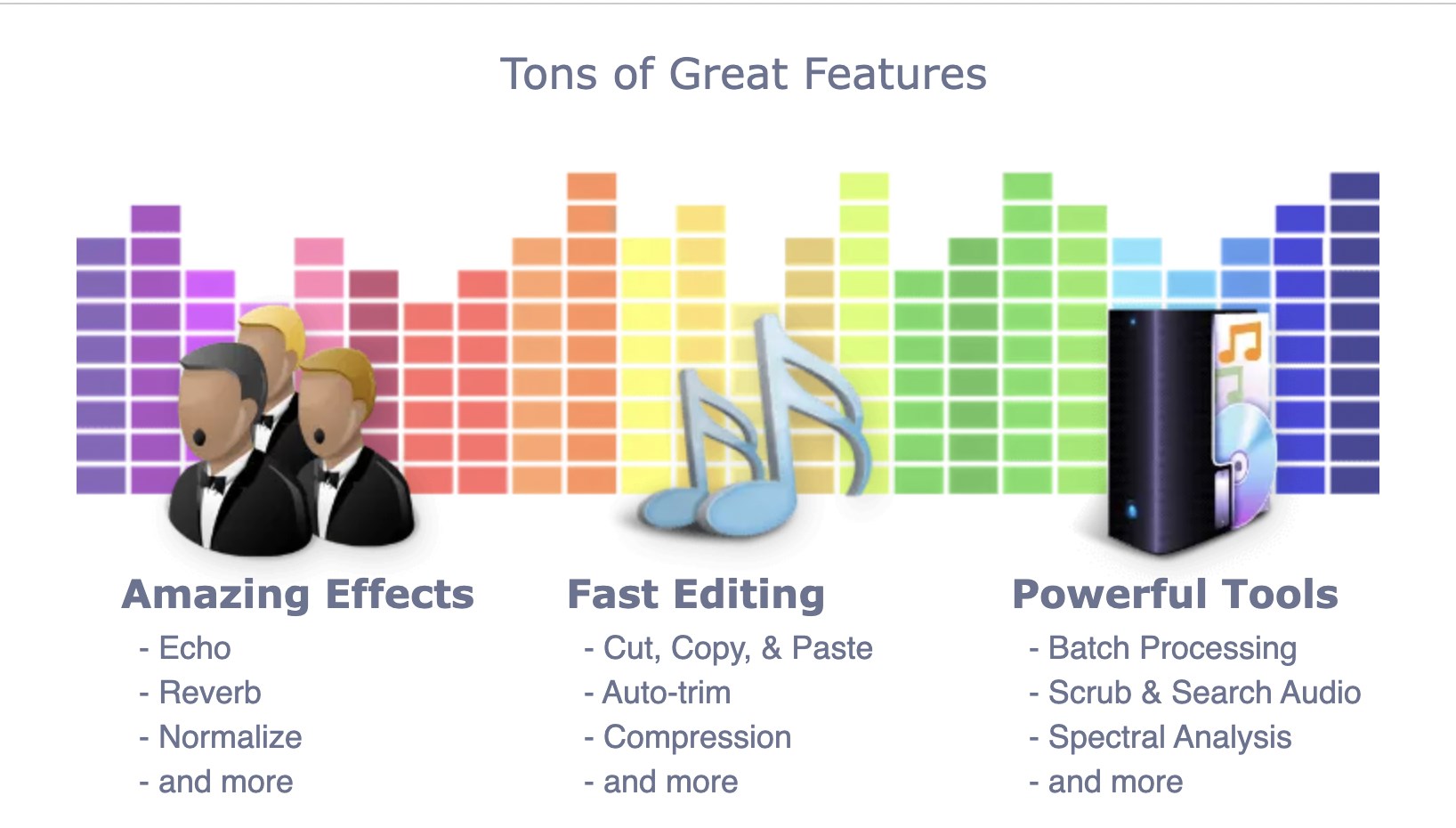
WavePad's editing suite is the heart of its charm. With features like cut, copy, paste, delete, and insert, it offers the basic building blocks of audio manipulation. But what sets it apart is its professional-grade processing options such as noise reduction, echo, normalization, and equalization. These tools enable users to refine their recordings with precision, whether removing background hums or enhancing vocals. Plus, the ability to work with multiple file formats ensures seamless importing and exporting—so you're not boxed in by technical limitations.
The application allows for direct recording within the interface, capturing your voice or instrument in crisp quality. It's like having a portable microphone ready to go. But what's particularly noteworthy is its audio restoration capability; for example, the noise reduction tool is akin to a digital vacuum cleaner for unwanted sounds, turning rough recordings into cleaner audio—ideal for podcasters or interview snippets. The automation features—like batch processing—save time when handling multiple files, making repetitive tasks less of a chore.
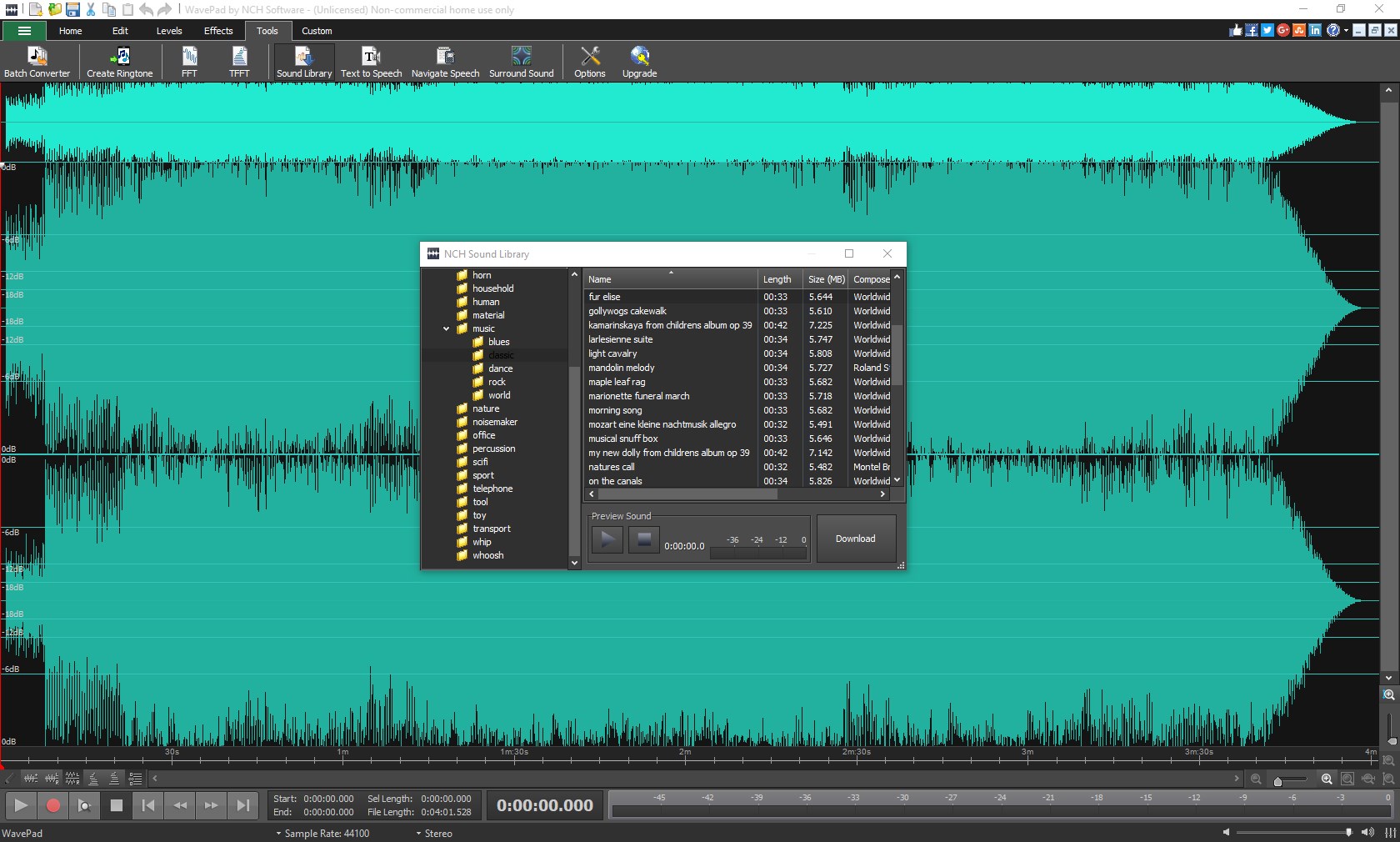
The interface strikes a nice balance—clean, uncluttered, and inviting—like a well-organized desk that encourages creativity. Navigating menus feels intuitive, and the controls are responsive, ensuring that editing sessions flow smoothly without frustrating delays. The learning curve is gentle; even beginners can pick it up quickly, while seasoned users won't find themselves limited. Tutorials and tooltips further ease the onboarding process, turning a newcomer into a confident editor in no time.
Unlike many simplistic audio editors, WavePad's standout feature is its dual focus on straightforward usability and advanced processing options—making it suitable for both casual edits and more meticulous crafts. Its comprehensive restoration tools and batch processing capabilities are especially notable, providing a boost that many competitor apps lack at this price point. The absence of overly complicated workflows, combined with such a robust feature set, grants it a unique edge among multimedia design applications.
All considered, WavePad Audio Editor Express Edition earns a solid recommendation for users seeking a reliable, easy-to-use audio editor with powerful features tucked beneath a friendly interface. It's especially ideal for content creators, students, or amateur audio engineers who want quality results without the steep learning curve. While it may not replace professional-grade tools for complex production tasks, its versatility and thoughtful design make it a valuable addition to any digital toolkit.
User-Friendly Interface
High-Quality Audio Processing
Supports Various Audio Formats
Fast Performance
Basic Editing Tools Include Cut, Copy, Paste
Limited Advanced Features
Watermark in Exported Files
Basic Effects Library
Limited Export Options
Occasional Stability Issues with Large Files

for Windows
 4.8
4.8

for Windows
4.8

for Windows
4.7

for Windows
4.7

for Windows
4.6

for Windows
4.6

for Windows
4.6

for Windows
4.6

for Windows
4.5

for Windows
4.5

for Windows
4.5

for Windows
4.5

for Windows
5

for Windows
5

for Windows
5

for Windows
5

for Windows
5

for Windows
5

for Windows
5

for Windows
5

for Windows
5

for Windows
5