Multimedia design
NCH Software
PC
Windows 10 version 15063.0 or higher
Integrated Keyboard
Integrated Mouse
4 GB
English (United States)
WavePad for Windows is a versatile and intuitive audio editing software designed to cater to both amateur enthusiasts and professional audiophiles alike, offering a comprehensive toolkit for all things sound-related.
Created by NCH Software, a reputable developer known for a suite of reliable multimedia tools, WavePad benefits from years of experience in crafting user-friendly and robust applications that streamline media editing processes.
This application targets musicians, podcasters, voice-over artists, sound editors, and anyone who needs a straightforward yet powerful audio editing solution.
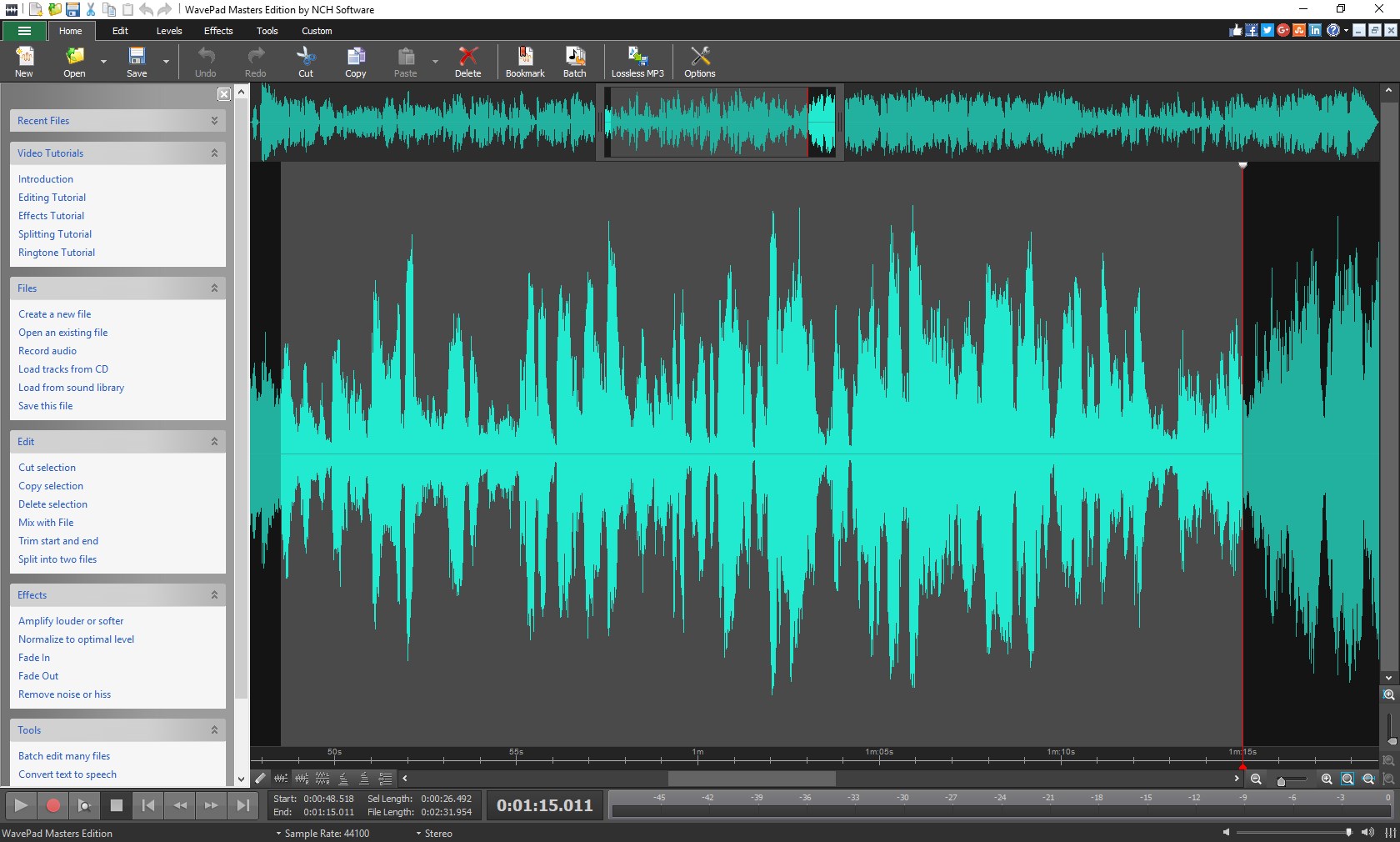
Imagine opening a new audio editing app is akin to stepping into a well-organized studio—there's an inviting clarity that immediate familiarity and ease of use bring. From the moment you launch WavePad, the sleek interface coupled with intuitive controls makes exploring sound editing feel less like navigating a maze and more like tinkering in a creative workshop. Whether you're cutting a podcast segment on your lunch break or meticulously refining a music piece, WavePad promises a smooth journey that doesn't require hours of learning or technical jargon.
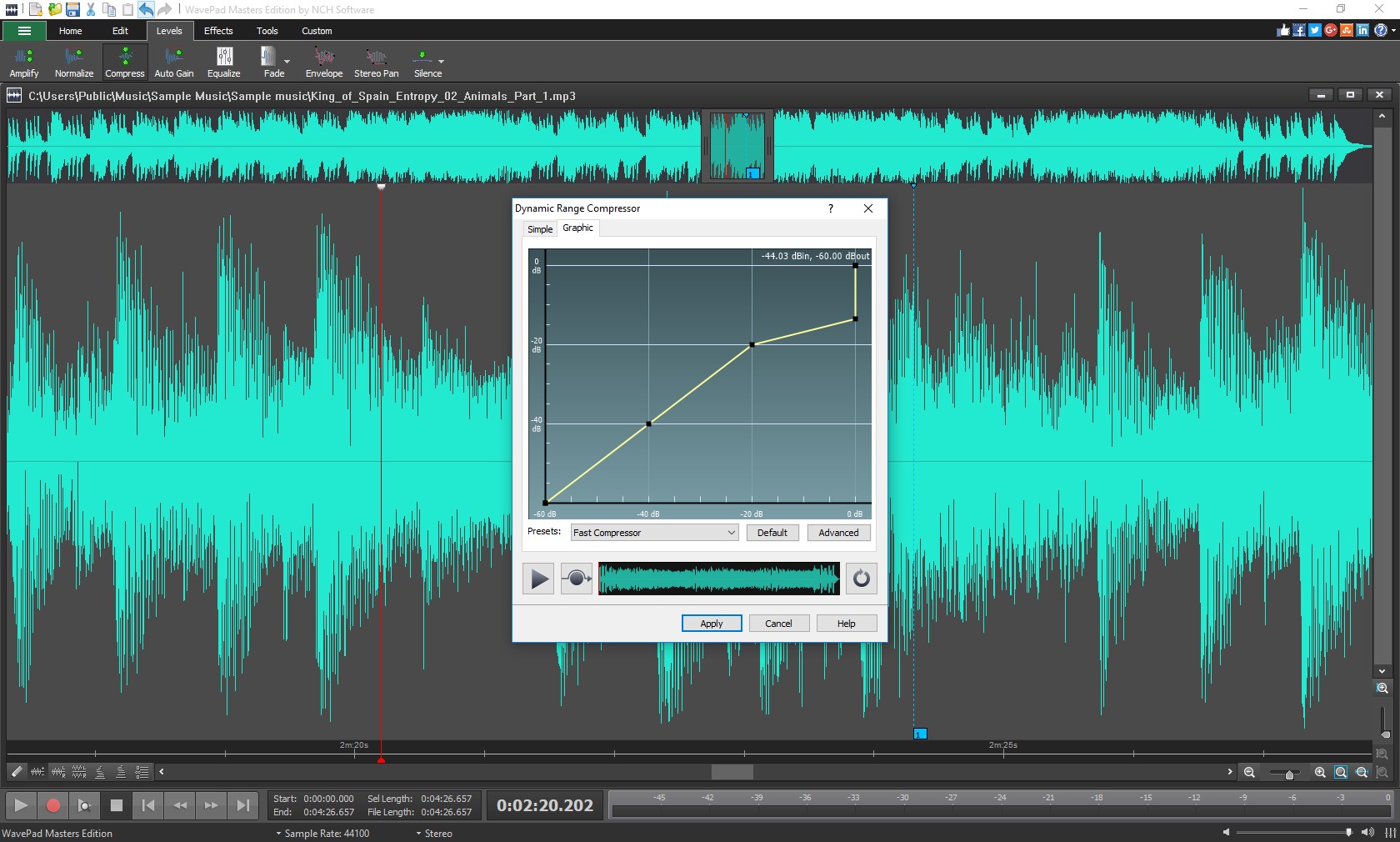
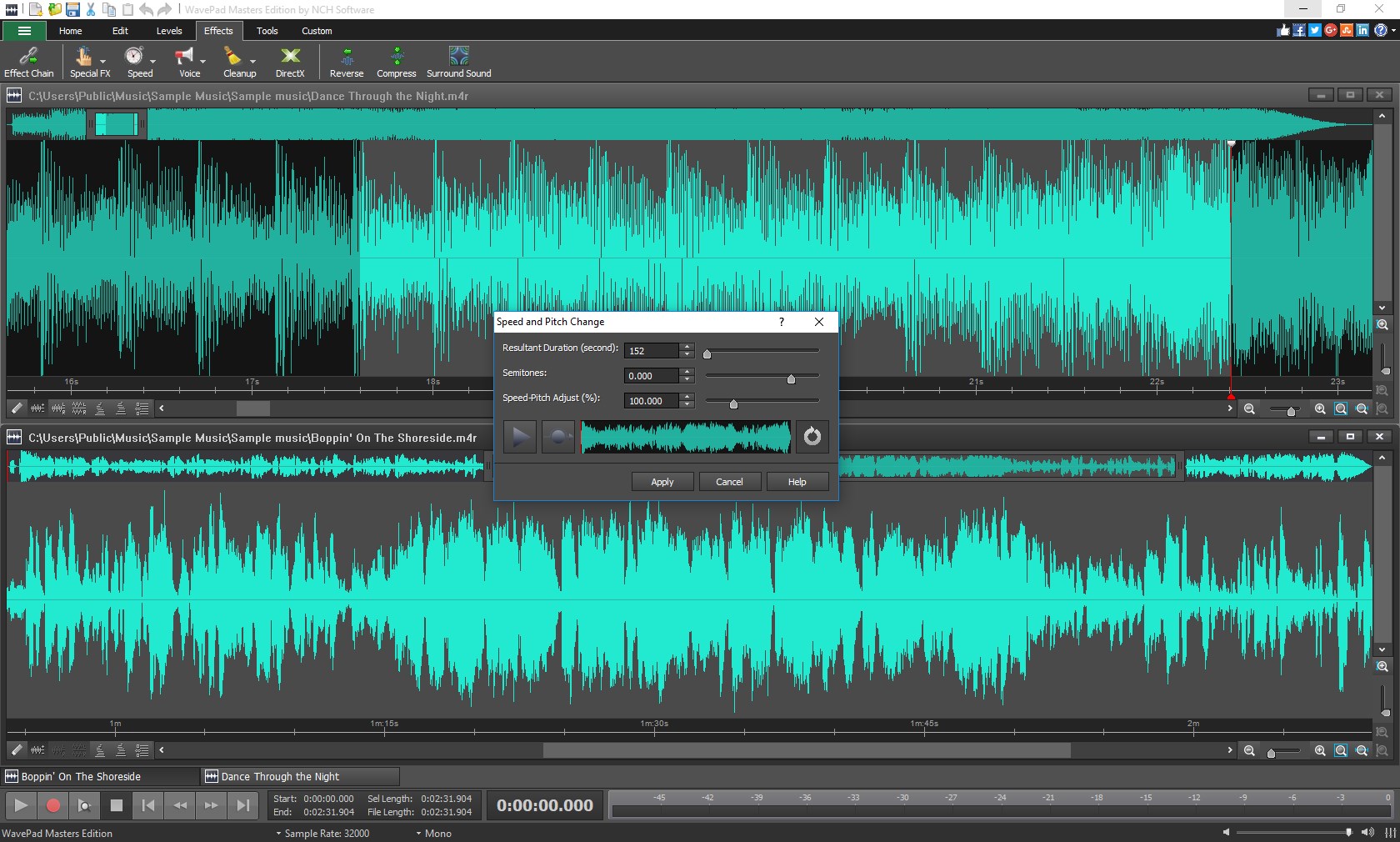
The design of WavePad feels like a well-oiled machine—clean, minimalistic, and thoughtfully laid out. Tools are logically grouped, allowing quick access to editing functions without any clutter. Slider controls and timeline scrubbing make navigating lengthy audio tracks straightforward. The responsiveness of the interface means drag-and-drop operations and effects application are instantaneous, creating a fluid editing experience. Learning curve? Minor—after a quick tutorial, you'd be navigating like a seasoned sound engineer, thanks to clear icons and step-by-step guides integrated into the program.
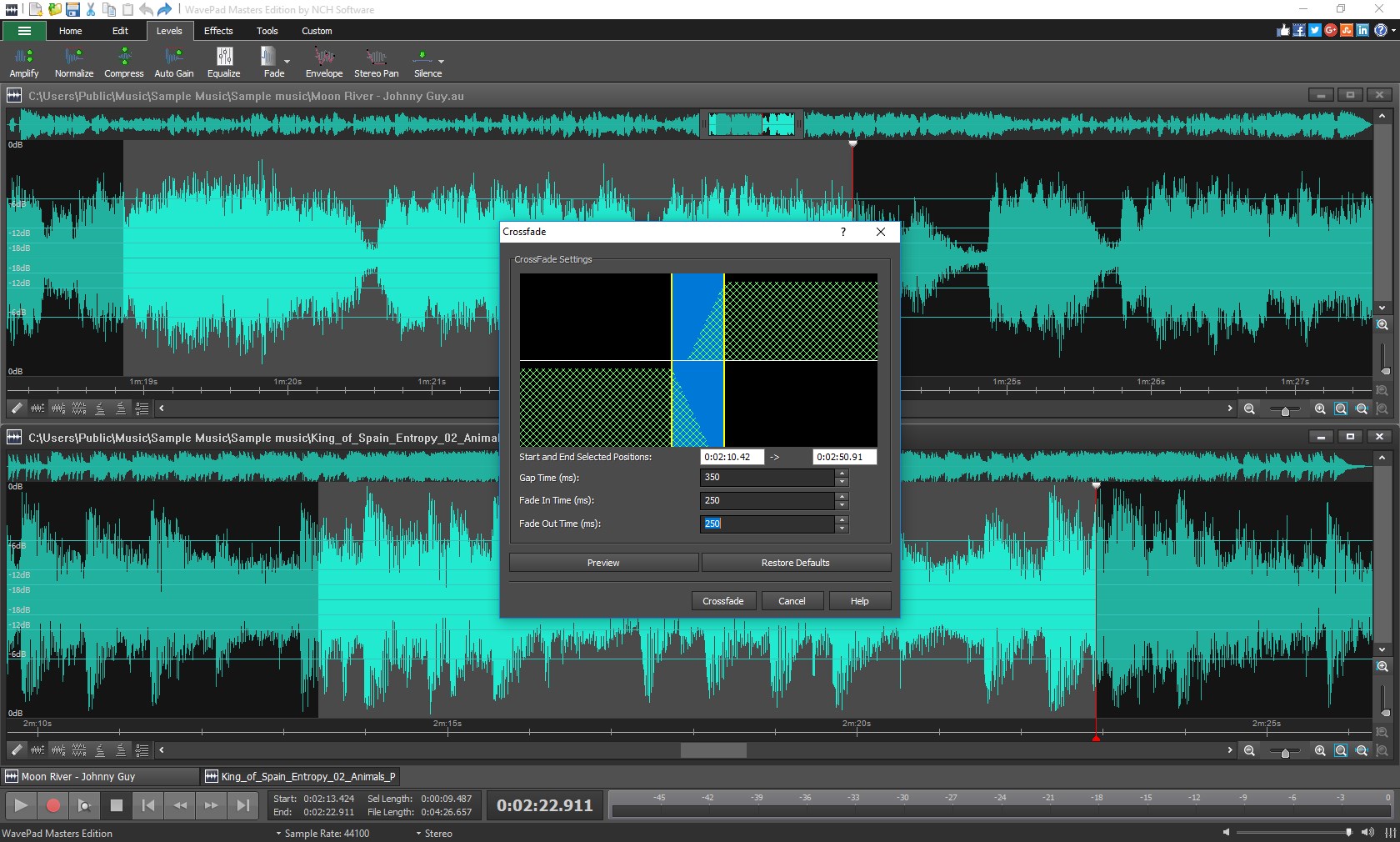
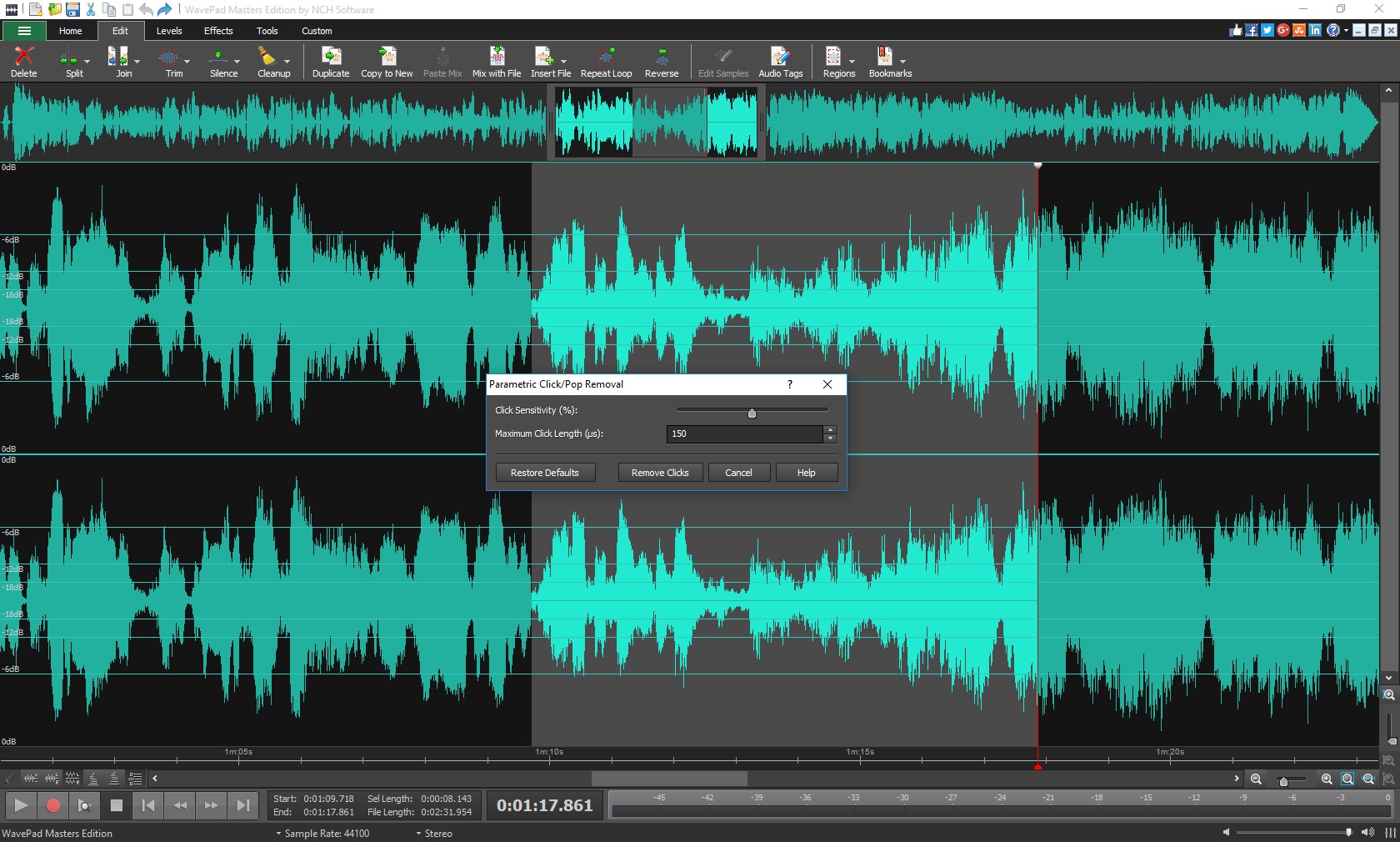
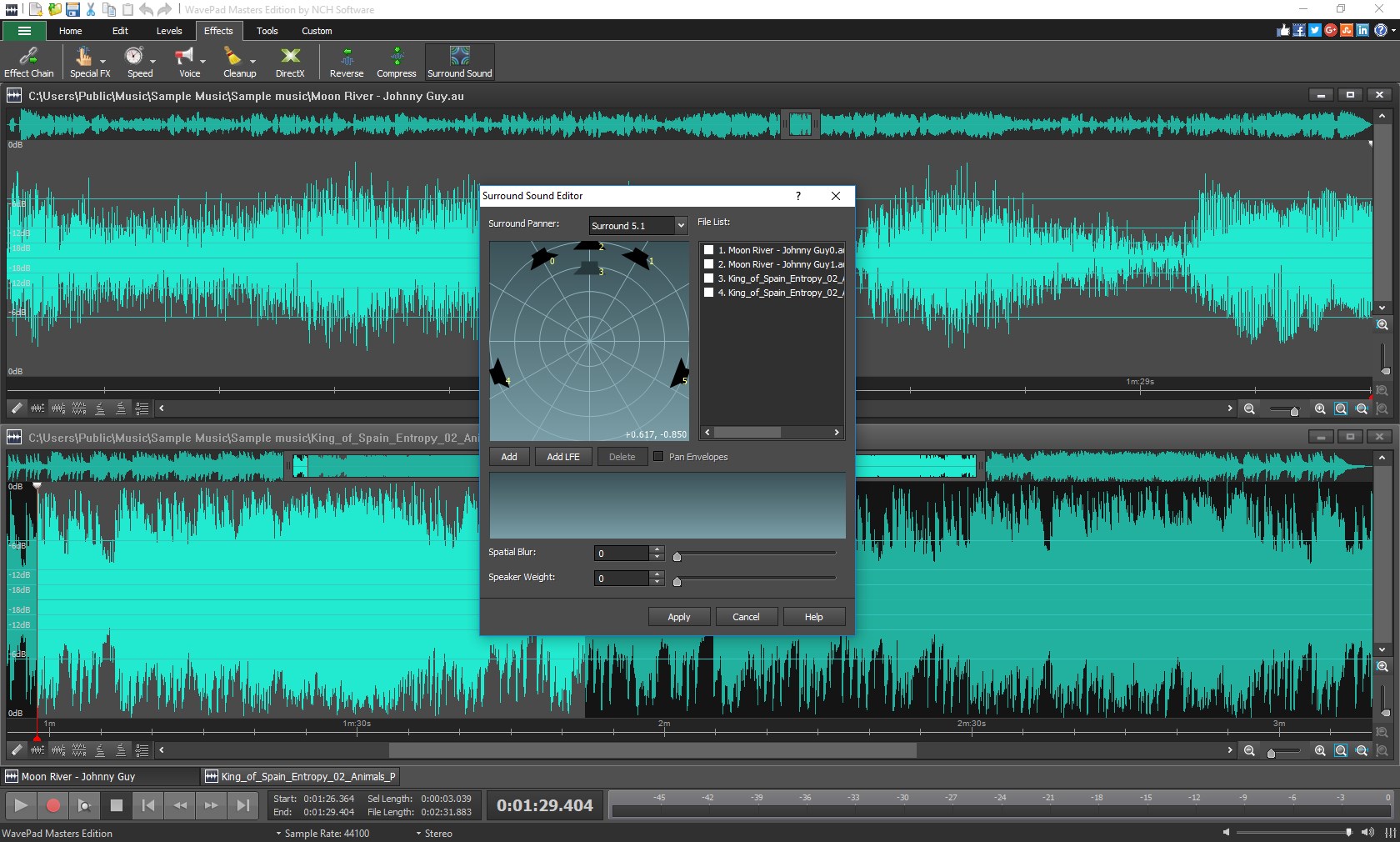
The first standout feature is WavePad's robust waveform editing, which offers precise control over your audio magnified on the timeline—think of it as having a magnifying glass over your sound waves, enabling meticulous edits. The ability to easily cut, copy, paste, and fade audio allows for creative flexibility. The second highlight is its effects suite, including reverb, equalization, pitch shifting, and compression. These tools empower users to transform a plain recording into a professional-sounding masterpiece, all within a familiar interface. What truly sets WavePad apart is its unique audio restoration feature—designed to repair and clean up audio files by reducing noise, pops, or clicks. This function is akin to giving your recordings a breath of fresh air, especially useful for restoring vintage recordings or noisy field recordings.
While many multimedia apps offer similar editing features, WavePad's emphasis on audio restoration and processing simplicity makes it a standout. Unlike overly complex DAWs or minimalist editing tools, WavePad strikes a balance—providing advanced features like batch processing and noise reduction without overwhelming the user. Its ability to effortlessly restore damaged audio sets it apart, making it an attractive choice for those working with imperfect recordings. Additionally, its cross-platform support and affordability increase its appeal, ensuring users have access to professional-grade tools without a hefty price tag.
Overall, WavePad for Windows earns a solid thumbs-up for its user-friendly approach and powerful feature set. It's particularly recommended for casual users, content creators, and small studios who need a reliable, easy-to-learn, yet capable audio editor. The most significant advantage lies in its audio restoration tools—perfect for restoring old recordings or cleaning busy soundtracks—making it a truly valuable asset in your multimedia toolbox. If you're seeking a straightforward, professional-quality audio editor that doesn't require a steep learning curve, WavePad is definitely worth trying out.
User-Friendly Interface
Wide Format Compatibility
Rich Editing Features
Batch Processing Capability
Affordable Pricing & Free Trial
Limited Advanced Features in Free Version
Occasional Crashes on Large Files
Enhanced Audio Effects Needed
Limited Support for Mobile Devices
Lack of Advanced Noise Reduction in Basic Version

for Windows
 4.8
4.8

for Windows
4.8

for Windows
4.7

for Windows
4.7

for Windows
4.6

for Windows
4.6
for Windows
4.6

for Windows
4.6

for Windows
4.5

for Windows
4.5

for Windows
4.5

for Windows
4.5

for Windows
5

for Windows
5

for Windows
5

for Windows
5

for Windows
5

for Windows
5

for Windows
5

for Windows
5

for Windows
5

for Windows
5