Personalization
PC, Mobile, Surface Hub, HoloLens
Windows 10 version 17763.0 or higher
Integrated Mouse
Arabic, Bangla, Chinese (Simplified), Chinese (Traditional Chinese), Chinese (Traditional), English, French, German, Hindi, Indonesian, Italian, Japanese, Korean, Portuguese, Russian, Spanish, Thai, Turkish, Vietnamese
In an era where our desktops serve as dynamic canvases reflecting our personality and mood, Wallpaper - Live Wallpapers Engine emerges as a comprehensive tool that transforms static backgrounds into captivating animated scenes. Developed by Wuhan Yousigan Technology Co., Ltd, this application aims to elevate your Windows experience with high-quality live wallpapers, making every glance at your screen a visual delight.
Wuhan Yousigan Technology Co., Ltd, a seasoned player in the realm of digital personalization, focuses on crafting innovative and user-centric desktop customization tools. Their expertise is reflected in the seamless and engaging user experiences offered by their apps.
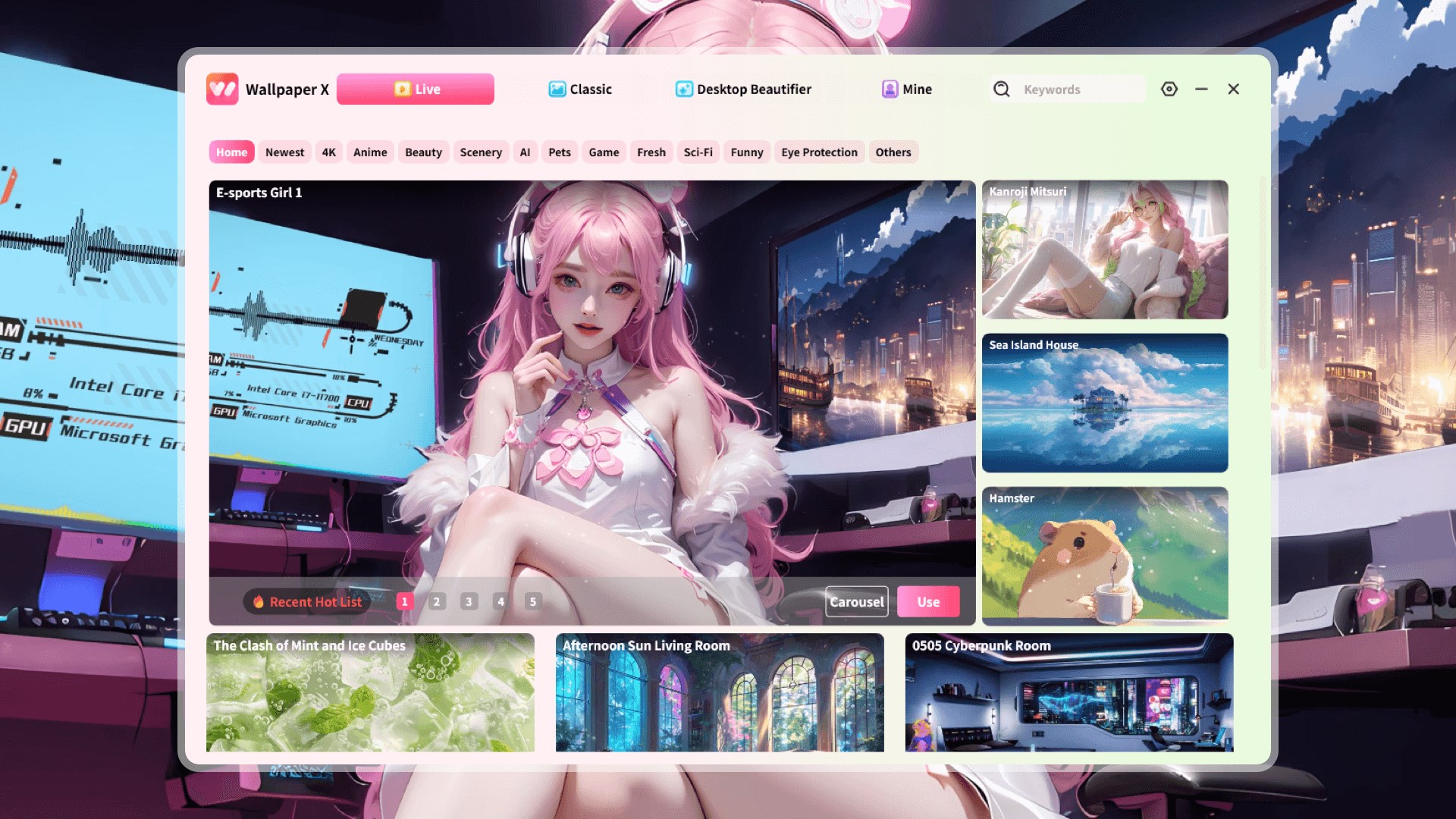
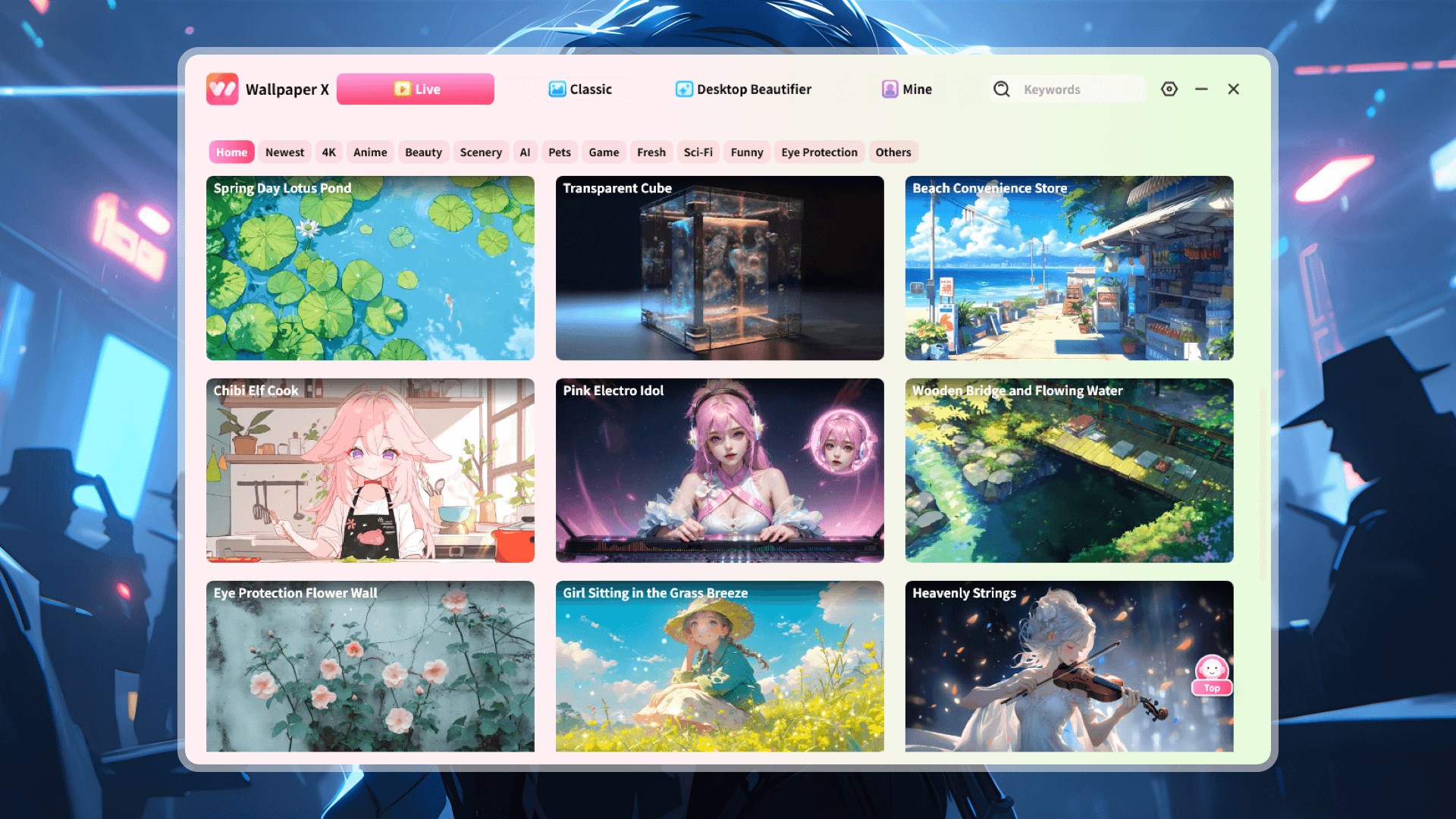
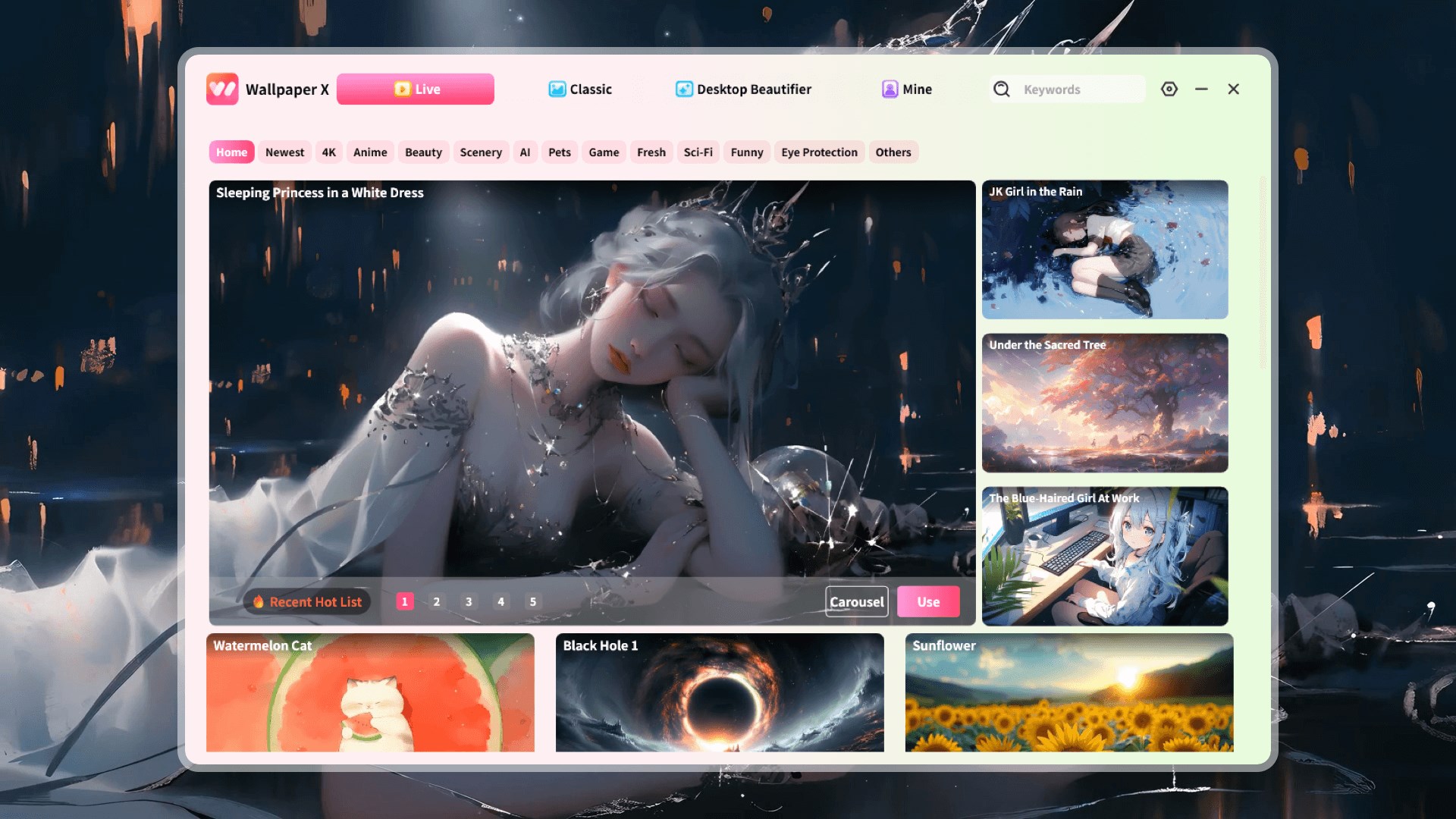
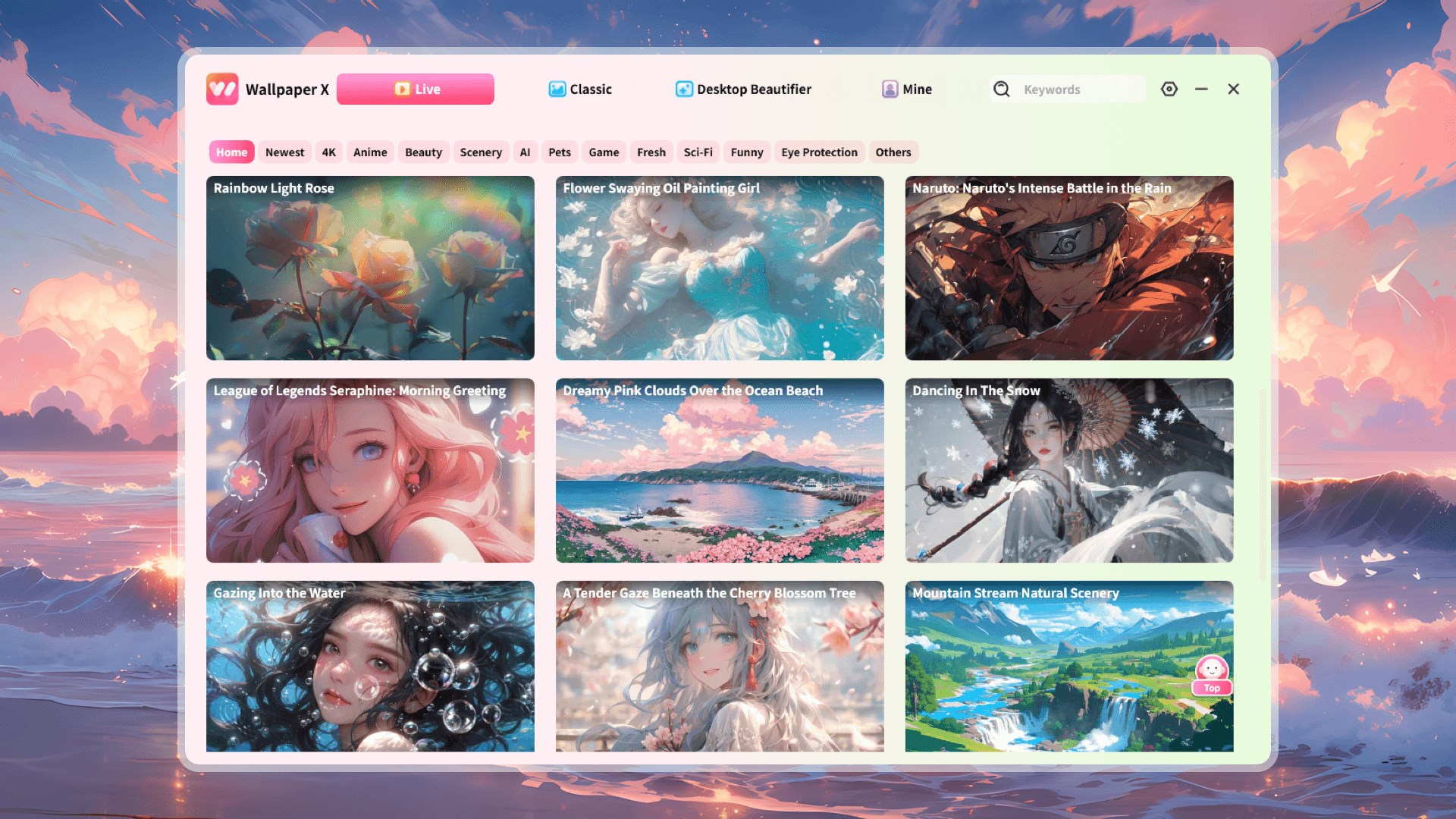
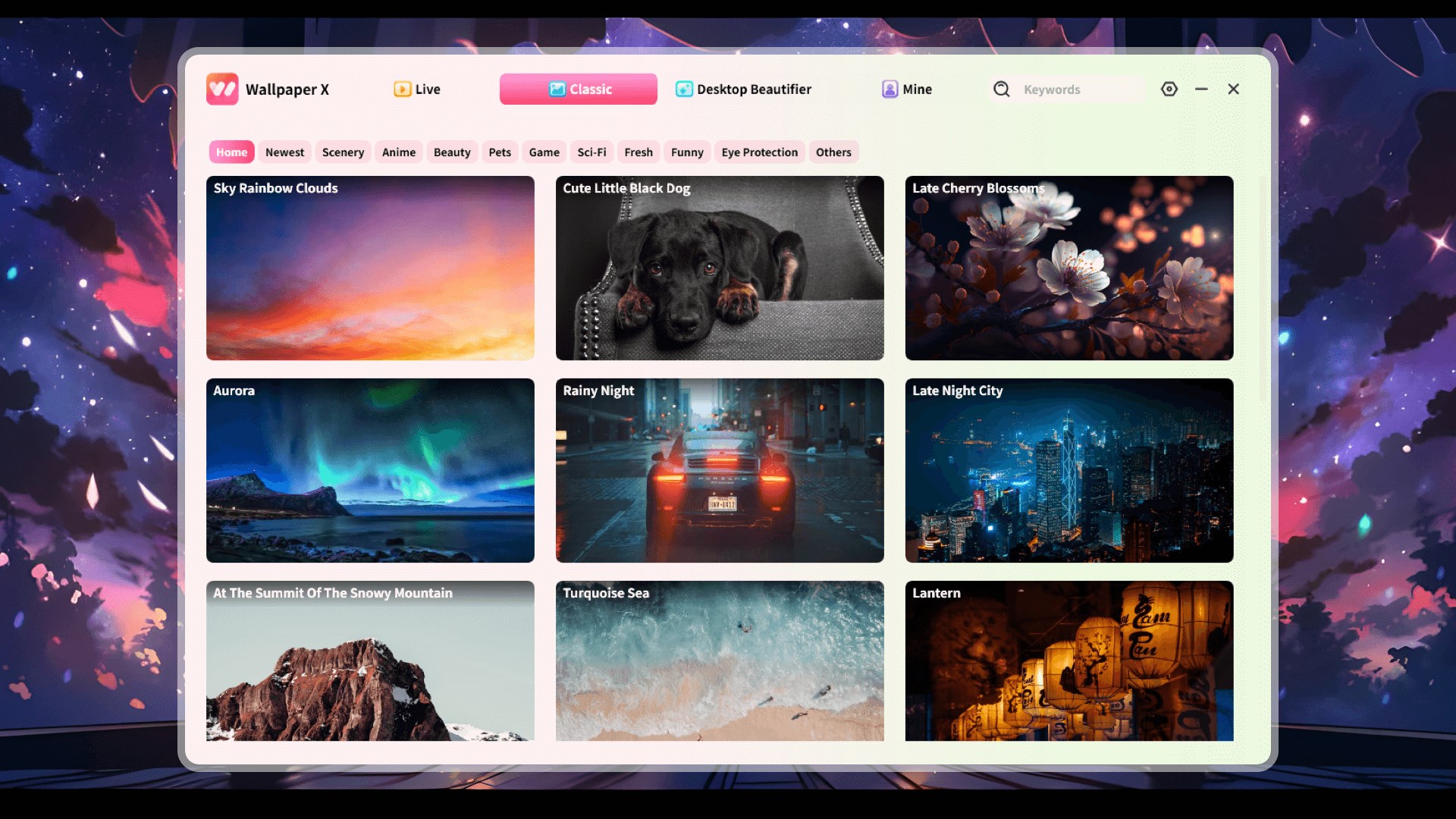
Stepping into the app feels akin to entering an artist's carefully curated gallery—sleek, intuitive, and inviting. The interface employs a modern, clean design with neatly categorized sections that make navigation a breeze. You can browse, preview, and select wallpapers effortlessly, even if you're new to customization tools. The responsiveness is noteworthy; transitions are smooth, with minimal lag, thanks to thoughtful performance optimization.
Learning curve-wise, Wallpaper - Live Wallpapers Engine is quite friendly. Its straightforward controls and organized settings mean you can jump right in—adjust parameters, preview changes, and set your favorite wallpapers within minutes. The app balances sophisticated features with accessibility, making it appealing for both casual users and tech enthusiasts.
Compared to other wallpaper or dynamic backgrounds apps, this engine stands out primarily because of its extensive customization capabilities and theme support. While many apps offer a selection of static or basic animated wallpapers, Wallpaper - Live Wallpapers Engine boasts a high variety of interactive, animated scenes that can be tweaked to fit your aesthetic. Moreover, its compatibility with Windows themes allows for a cohesive desktop environment—your background, icons, and accents blend seamlessly, creating a harmonized visual experience.
Another unique aspect is its performance efficiency. Many live wallpaper apps tend to bog down system resources, but this engine employs clever optimization techniques to ensure that your system remains snappy. It's like having a vibrant TV backdrop that doesn't overwhelm your PC's processing power.
Overall, Wallpaper - Live Wallpapers Engine for Windows earns a solid recommendation for users eager to personalize their desktops with high-quality, animated backgrounds without sacrificing system performance. It's especially appealing for those who appreciate a high degree of customization and theme integration. For best results, explore the diverse wallpaper library, experiment with customization options, and tailor your desktop environment to reflect your mood or interests.
If you're tired of static wallpapers or want to elevate your desktop's visual appeal with minimal fuss, this app offers a compelling, user-friendly solution. Think of it as giving your Windows workspace a breath of fresh, animated air—subtle yet impactful. For tech aficionados and casual users alike, Wallpaper - Live Wallpapers Engine provides an engaging way to redefine your digital surroundings.
Stunning live wallpapers with rich animations
Customizable wallpaper options
Smooth performance with minimal system impact
Easy-to-use interface
Regular updates with new wallpapers
Some live wallpapers can be resource-intensive
Limited free content compared to paid options
Occasional compatibility issues with certain Windows versions
Wallpaper customization options could be expanded
Initial setup may be slightly complex for first-time users

for Windows
 5
5

for Windows
5

for Windows
5

for Windows
5

for Windows
5

for Windows
4.9

for Windows
4.9

for Windows
4.9

for Windows
4.9

for Windows
4.8

for Windows
4.8

for Windows
4.8
for Windows
5

for Windows
5

for Windows
5

for Windows
5

for Windows
5

for Windows
5

for Windows
5

for Windows
5
for Windows
5

for Windows
5