Multimedia design
PC
Windows 10 version 14393.0 or higher
Integrated Keyboard
Integrated Mouse
Version 9
1 GB
English (United States)
VSDC Video Editor by Vector Ltd is a versatile and user-friendly video editing application designed to help creators craft professional-looking videos without the complexity often associated with more advanced software. Whether you're a beginner or an aspiring content creator, this app offers a solid set of features tailored to streamline your editing workflow.
Developed by Vector Ltd, a reputable publisher in the multimedia space, VSDC Video Editor positions itself as an accessible yet powerful video editing solution for Windows users.
Imagine sitting in front of your PC, eager to turn raw footage into a storytelling masterpiece—VSDC Video Editor feels like your creative workshop, packed with all the essential tools you need with none of the overwhelm.
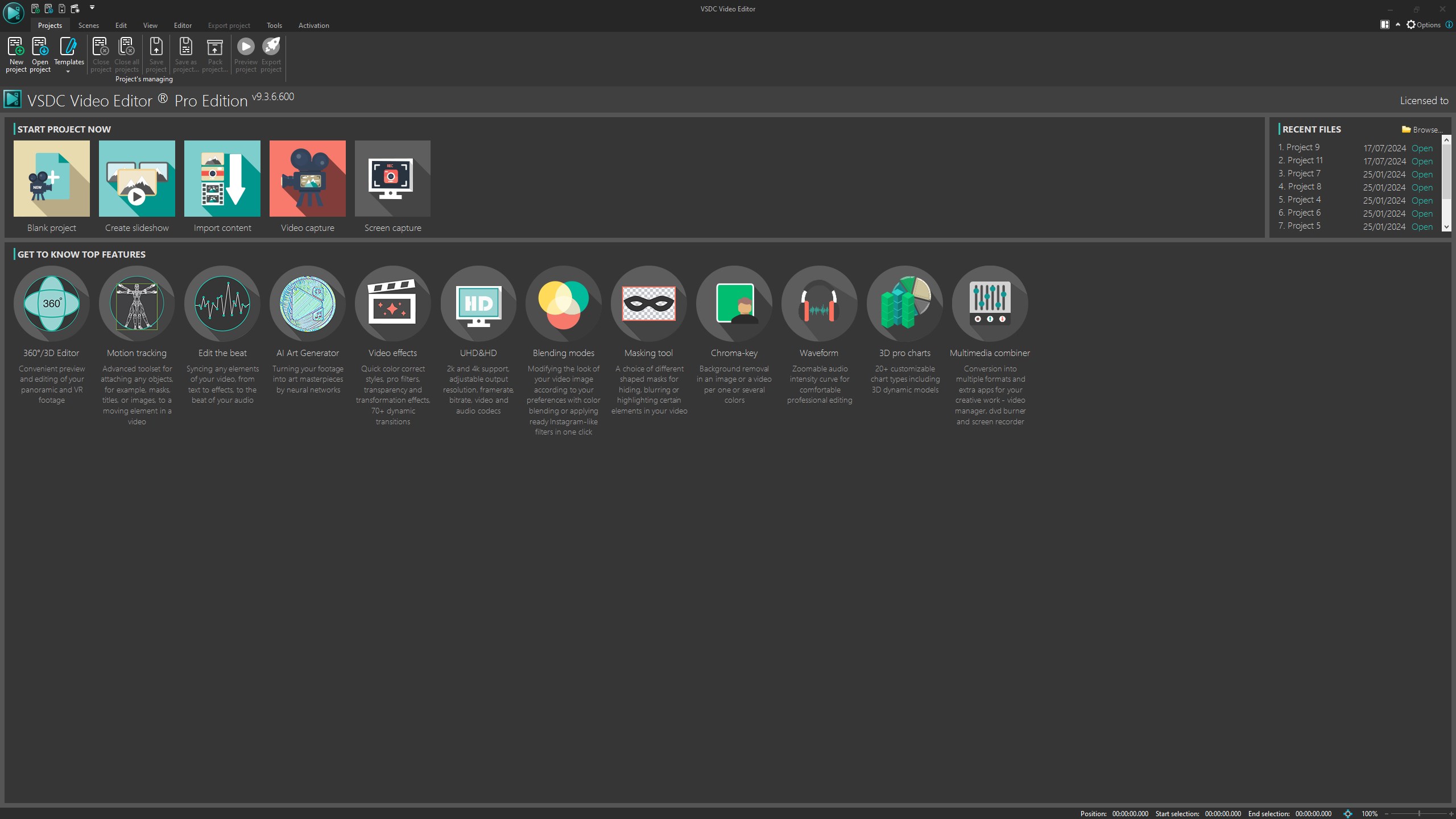
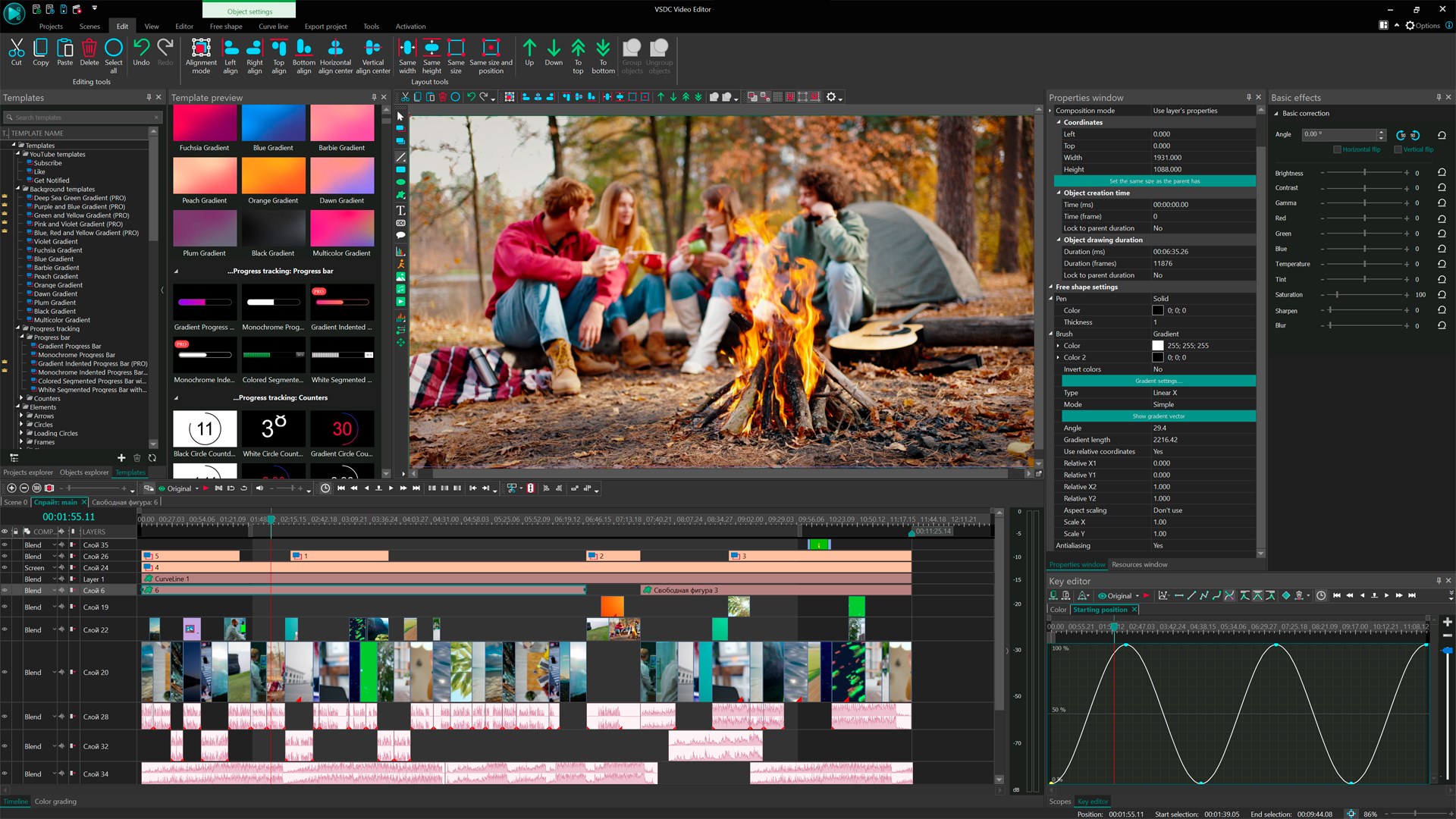
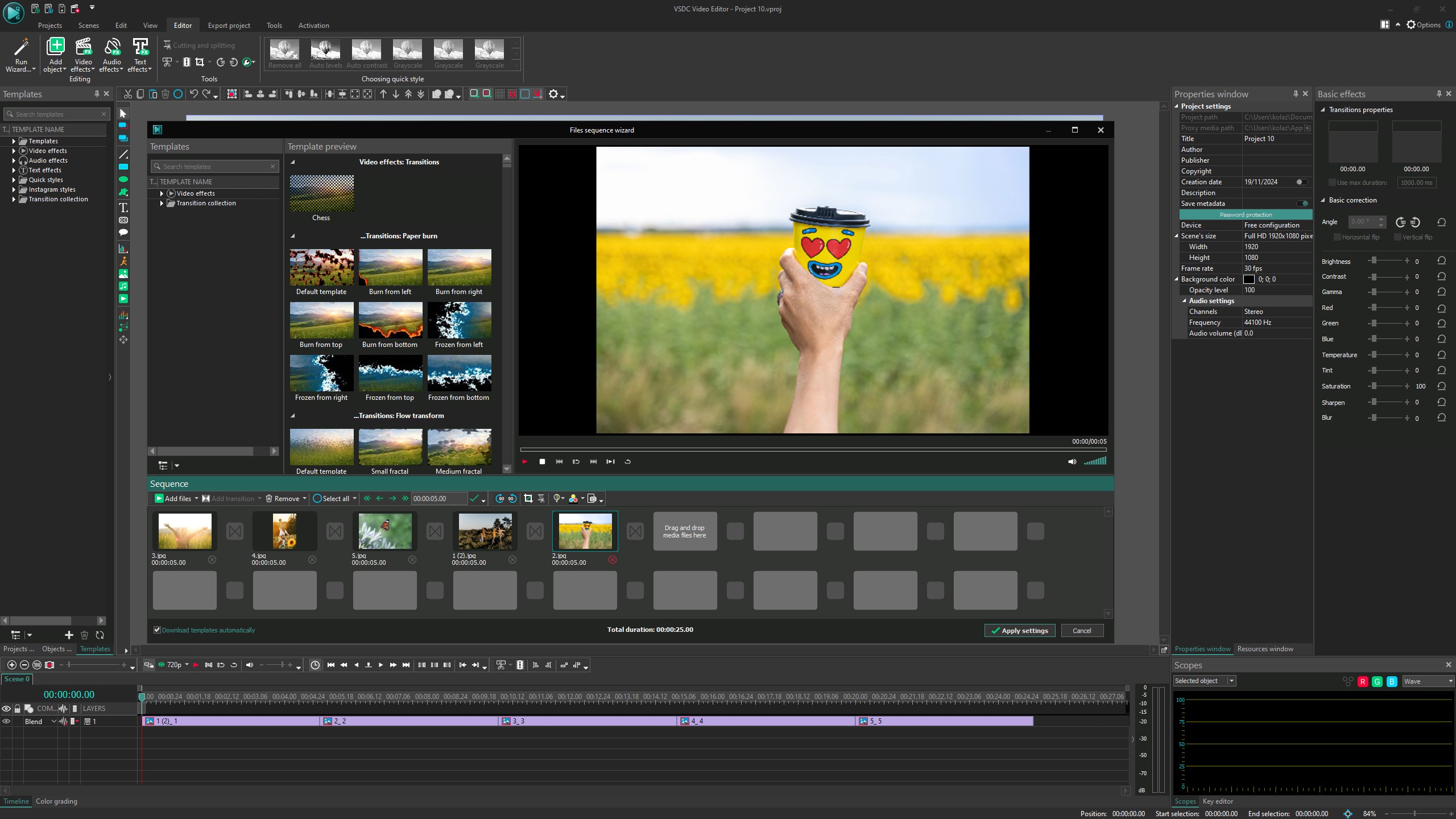
The interface strikes a fine balance between simplicity and functionality. The timeline-based layout is familiar, echoing professional editing suites but remains accessible for newcomers. The design employs a clean workspace with logically arranged controls, making the learning curve gentle. Switching between different modes and accessing effects is seamless, allowing users to focus on creative flow rather than battling software complexity.
Performance-wise, VSDC demonstrates commendable fluidity, even when handling high-definition footage. Operations such as drag-and-drop editing, trimming, and applying effects are responsive, making the editing process feel smooth and satisfying.
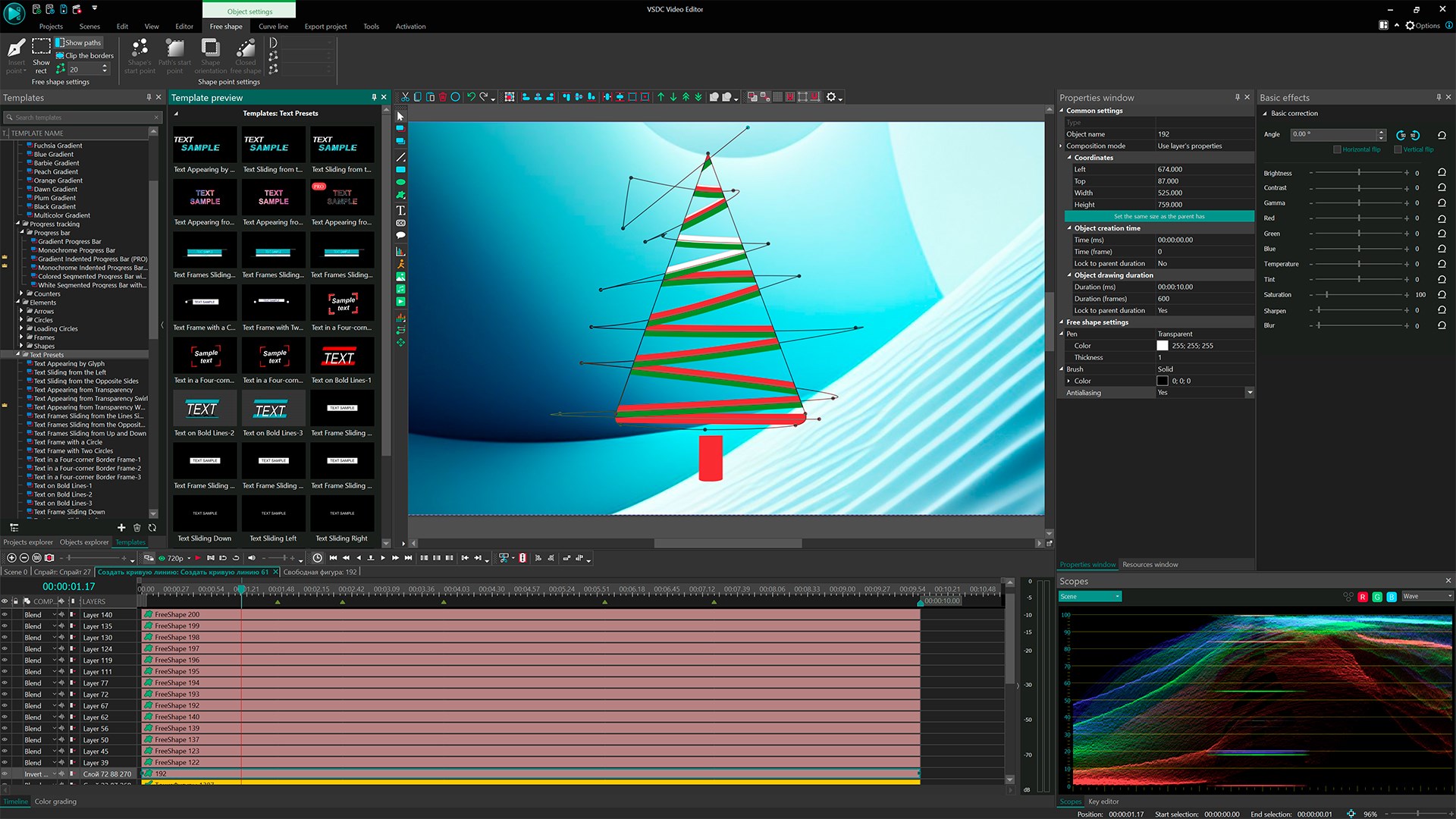
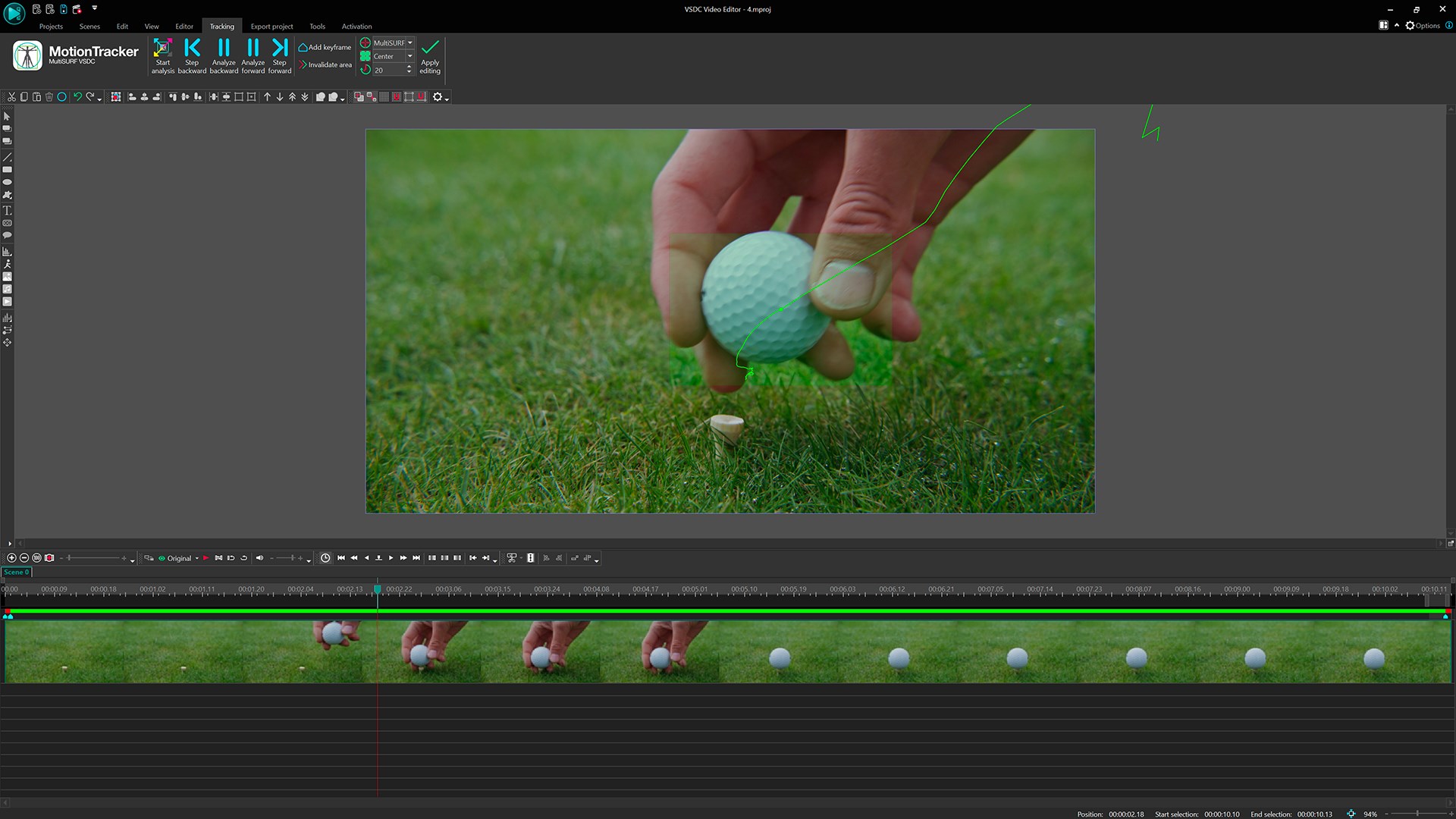
The non-linear editing (NLE) approach means you are not confined to a strict timeline sequence; instead, clips and effects can be layered and manipulated freely across the workspace. This flexibility enables complex compositions, such as overlaying multiple video streams or creating intricate animations. It's akin to working on a digital canvas—where each element is a brush stroke, and you can reposition or modify at will.
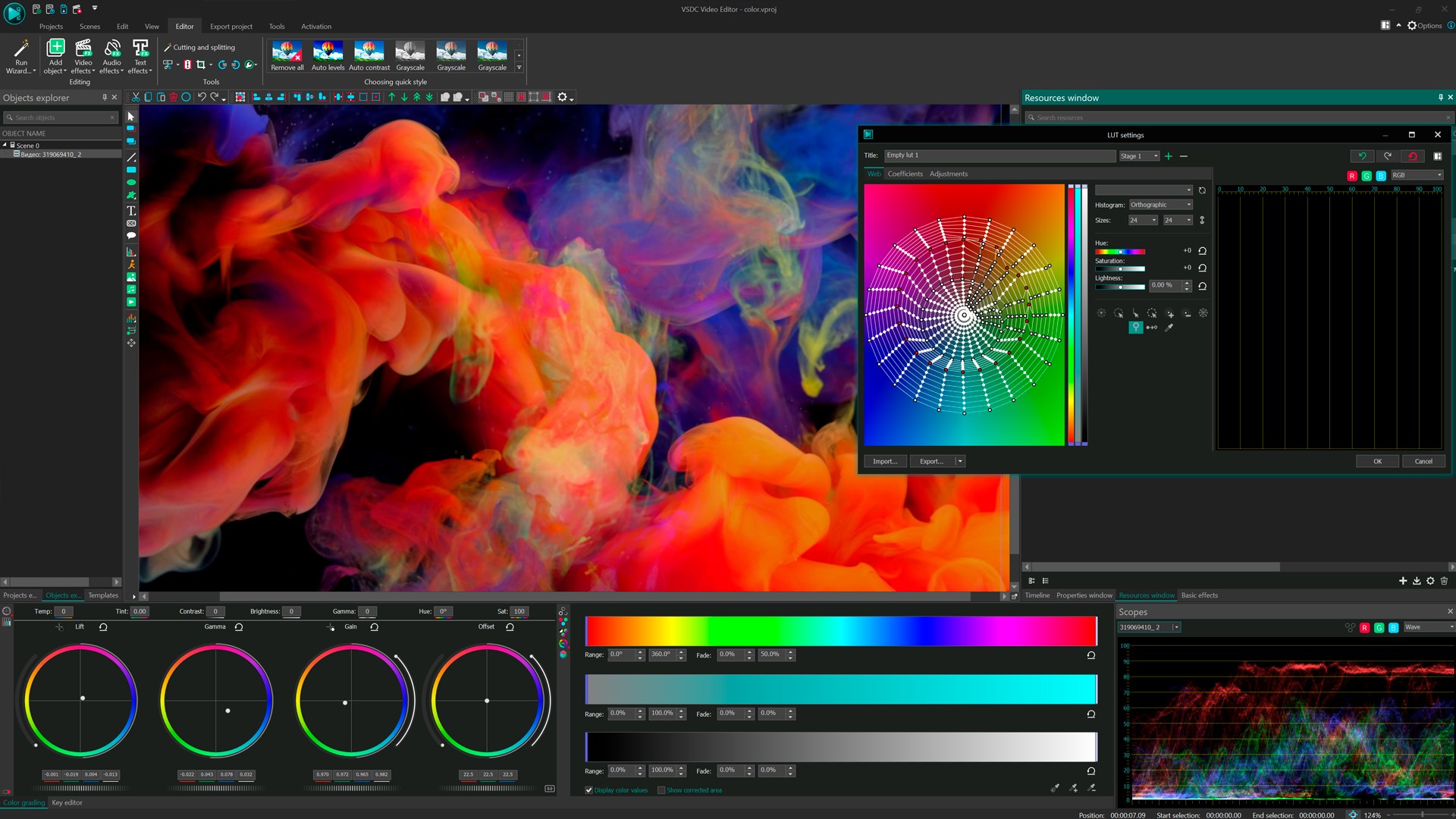
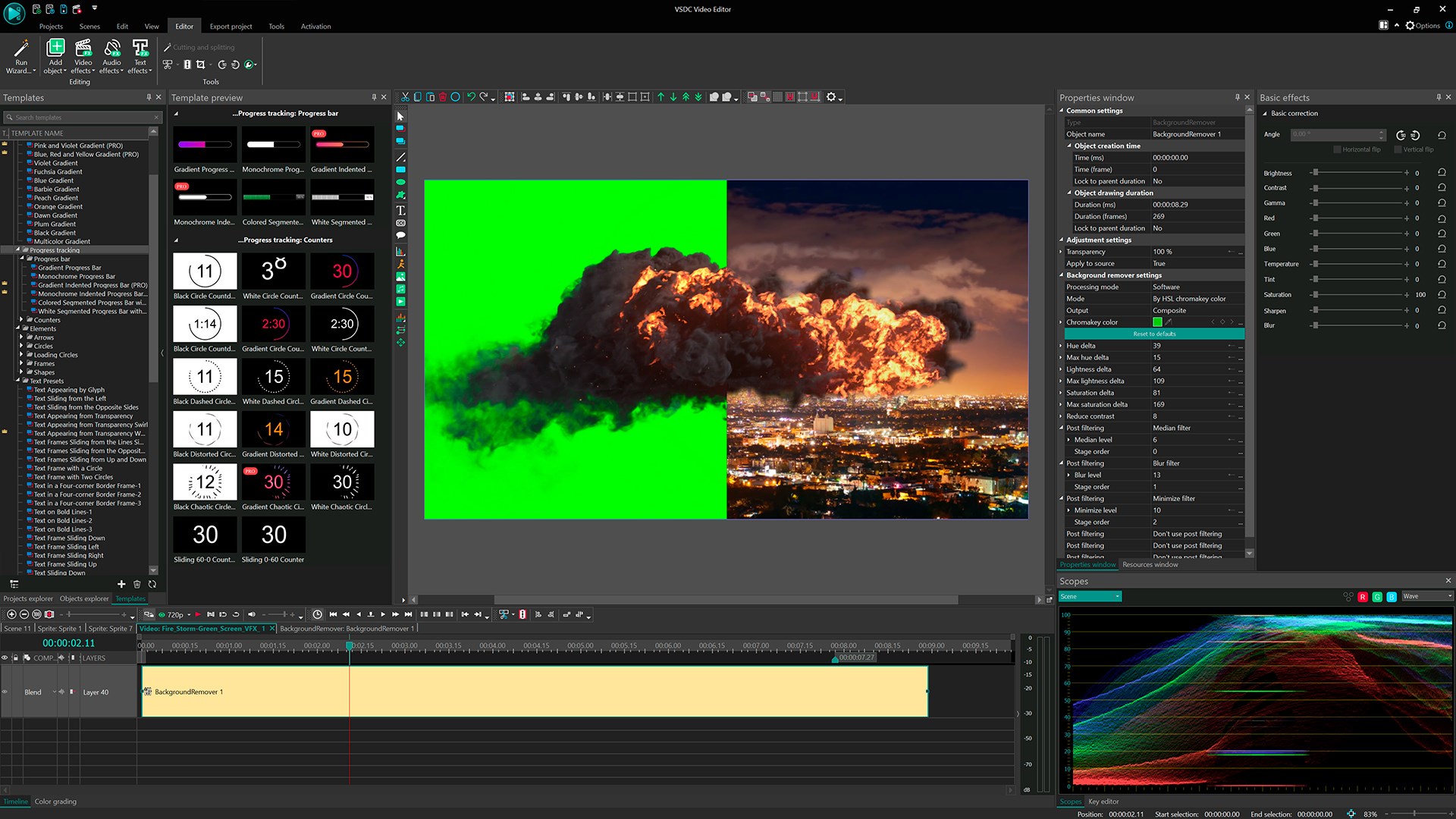
VSDC's standout feature is its robust visual effects suite. The chroma key tool, in particular, is remarkably user-friendly, allowing you to replace green backgrounds with images or videos effortlessly. Its real-time preview makes it easier to fine-tune the keying effect, which is a huge advantage for creators wanting polished results without a steep learning curve. Beyond green screen, the range of filters and transitions adds flair to your projects, giving videos a professional polish.
Sound quality can make or break a video—VSDC acknowledges this with its comprehensive audio toolkit. Removing background noise, equalizing sound, and adding audio effects are straightforward tasks. The built-in audio waveform editing provides precise control, ensuring your video's soundtrack complements the visual storytelling perfectly. This feature is particularly useful for vloggers or marketers aiming for clear, engaging audio.
While many multimedia editors focus heavily on either advanced features or user-friendliness, VSDC strikes a commendable balance. Its main advantage lies in its non-linear editing system married with powerful effects—particularly the chroma key and layered visual effects—that are often found only in more expensive or complex software. Unlike basic editors that offer limited effects, VSDC encourages creative experimentation without sacrificing accessibility.
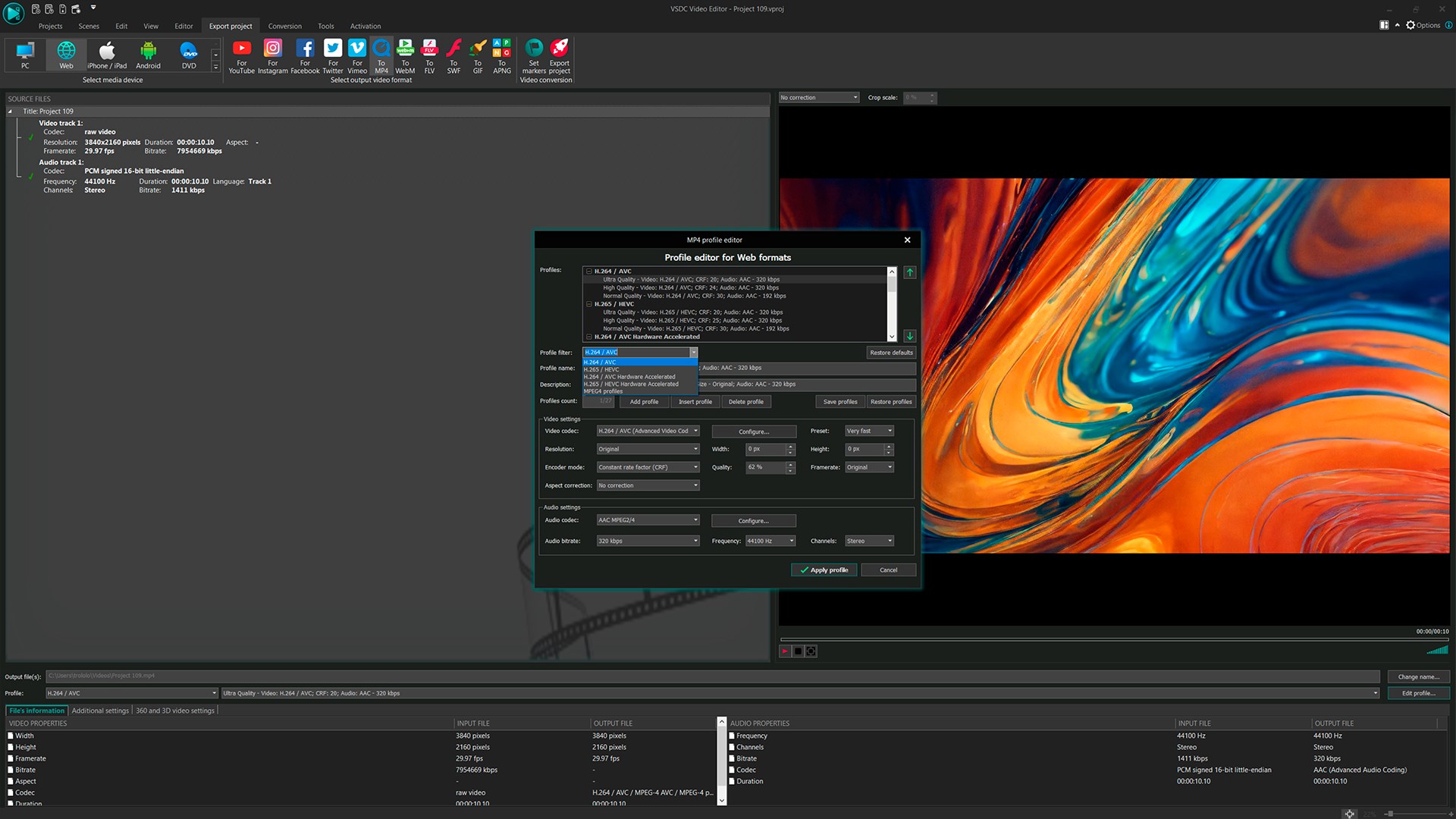
Furthermore, its support for high-resolution exports and multiple formats ensures it remains relevant for various content platforms, from YouTube to professional presentations.
If you're looking for a dependable, feature-rich editing tool that can help you produce polished videos without the burden of learning overly complicated software, VSDC Video Editor is a solid choice. Its unique ability to handle sophisticated effects like chroma key with ease makes it especially appealing for creators interested in green screen projects or layered visuals.
For beginners, a little time investment in exploring the tutorials and interface will pay off, unlocking the full potential of its capabilities. Advanced users will appreciate its depth and export options, fitting well into more demanding workflows.
In summary, VSDC is recommended as a versatile and accessible video editing solution—ideal for those who value creative flexibility with a professional edge. Dive in and see how your videos can transform with just a few clicks!
User-friendly interface
Rich feature set
Free without watermarks
Supports multiple formats
Fast rendering speed
Steep learning curve for advanced features
Limited audio editing capabilities
Occasional stability issues
Lack of cloud storage integration
Sparse tutorials and documentation

for Windows
 4.8
4.8

for Windows
4.8

for Windows
4.7

for Windows
4.7

for Windows
4.6

for Windows
4.6

for Windows
4.6

for Windows
4.6

for Windows
4.5

for Windows
4.5

for Windows
4.5

for Windows
4.5

for Windows
5

for Windows
5

for Windows
5

for Windows
5

for Windows
5

for Windows
5

for Windows
5

for Windows
5

for Windows
5

for Windows
5