Security
PC, Mobile, Surface Hub, HoloLens
Windows 10 version 17763.0 or higher
English (United States)
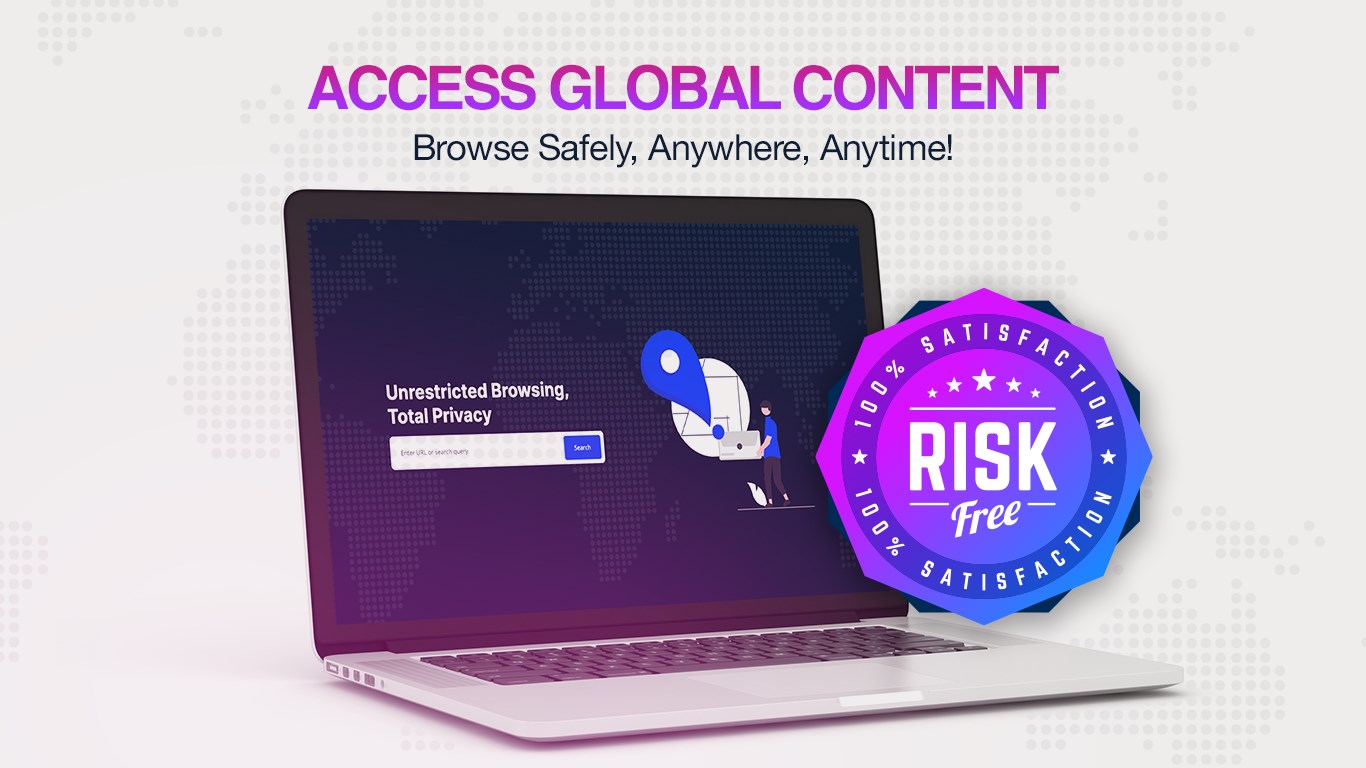
In a digital landscape filled with privacy concerns and geo-restrictions, VPN Proxy Browser: Unlimited emerges as a versatile tool promising seamless browsing while safeguarding user identity and access. Positioned as an intuitive proxy solution, this app aims to provide an easy gateway to unrestricted internet access without sacrificing user experience.
Produced by Tronlabs, a company with a focus on privacy-focused applications and internet security tools, VPN Proxy Browser: Unlimited benefits from a team dedicated to simplifying secure browsing for everyday users. Their commitment shines through in designing straightforward yet effective solutions for privacy-conscious individuals worldwide.
Imagine sitting in your favorite cozy cafe, trying to access a streaming service that's blocked in your location—frustrating, isn't it? Now, picture effortlessly switching to a different country server with just a couple of taps, transforming your device into a passport to the world. VPN Proxy Browser: Unlimited makes this scenario possible, wrapping robust privacy features in a sleek, approachable package that invites users of all levels to explore new online horizons.
The app empowers users with an intuitive interface that allows quick server switching. Think of it as having a global backpack of virtual doors; open one, and you're transported to a new digital environment instantly. The process is streamlined, with minimal configuration required, making it ideal for users wanting a hassle-free experience. Unlike traditional VPNs that might intimidate with complex settings, this app keeps things simple — simply select your preferred region and go. This core feature shines particularly for streaming enthusiasts and travelers who need reliable access to geo-restricted content without complicating their browsing experience.
The app's standout feature is its ability to encrypt your internet traffic, securing your connection against snoops and trackers. Imagine your data as a message in a sealed envelope — anyone trying to read it sees only encrypted gibberish. This layer of security is vital when connecting over public Wi-Fi or handling sensitive information. What sets VPN Proxy Browser apart is its focus on maintaining speed alongside security. While some VPNs can slow down your connection significantly, this app's optimized encryption protocols ensure that browsing remains fluid, almost like gliding on digital ice—smooth, swift, and protected.
The interface boasts a clean look, with minimal clutter—think of a well-organized toolbox that invites exploration. Navigation feels natural, even for first-time users. Its straightforward operation reduces the learning curve, making it approachable for those who might otherwise shy away from complex VPN configurations. Speed tests show that switching servers and browsing remain smooth, with virtually no lag, owing to intelligent connection algorithms. Overall, the user experience balances practicality with a touch of modern elegance, akin to having a personal digital concierge guiding your online journey.
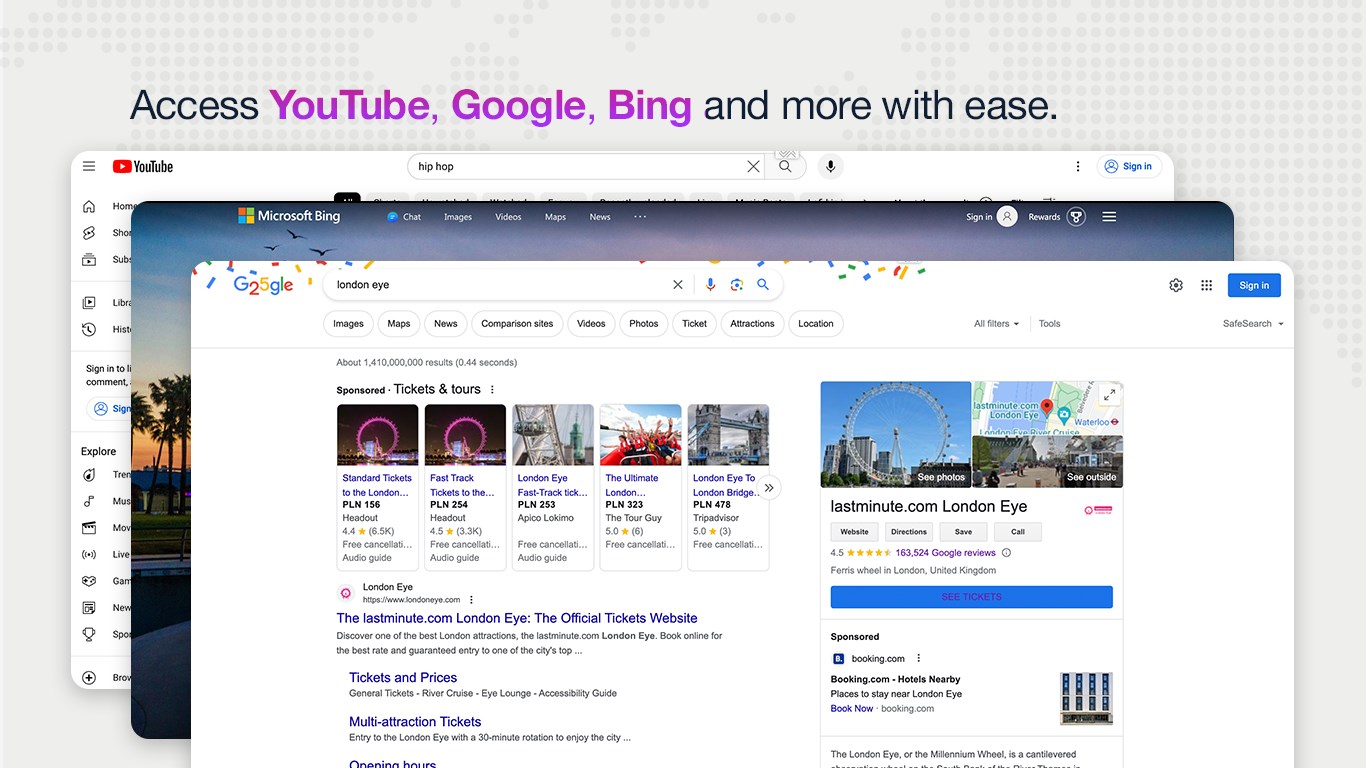
Compared to other security tools in the market, VPN Proxy Browser: Unlimited's strongest point lies in its combination of unlimited bandwidth and simple usability. While many VPN apps impose data caps or require extensive setup, this app's unlimited proxying model is akin to having an all-you-can-eat buffet—without restrictions or hidden charges. Additionally, its emphasis on multi-region server access ensures users can bypass geo-restrictions effortlessly, which is a critical advantage for content consumption and privacy in a globalized online environment.
All considered, VPN Proxy Browser: Unlimited offers a compelling package for anyone seeking straightforward, unrestricted browsing with solid privacy protections. Its unique selling points — unlimited bandwidth and user-friendly interface — make it especially suitable for casual users, travelers, and streaming enthusiasts who prioritize ease of use without compromising security. I'd recommend giving it a test run if you're after an intuitive, lightweight VPN solution that gets the job done without fuss. As with all tools, stay mindful of your specific needs and consider pairing it with other security practices for optimal online safety.
User-friendly interface
Unlimited VPN bandwidth
Multiple server locations
High connection speeds
Built-in browser for seamless browsing
Limited free features
Ads appear in free mode
Occasional connection drops
Device compatibility issues
Potential latency during peak hours

for Windows
 4.8
4.8

for Windows
4.7
for Windows
4.7

for Windows
4.7

for Windows
4.6

for Windows
4.6

for Windows
4.5

for Windows
4.4

for Windows
4.4

for Windows
4.3

for Windows
4.3

for Windows
4.3

for Windows
5

for Windows
5

for Windows
5

for Windows
5

for Windows
5

for Windows
5

for Windows
5

for Windows
5

for Windows
5

for Windows
5