Security
PC
Windows 10 version 17763.0 or higher
English (United States)
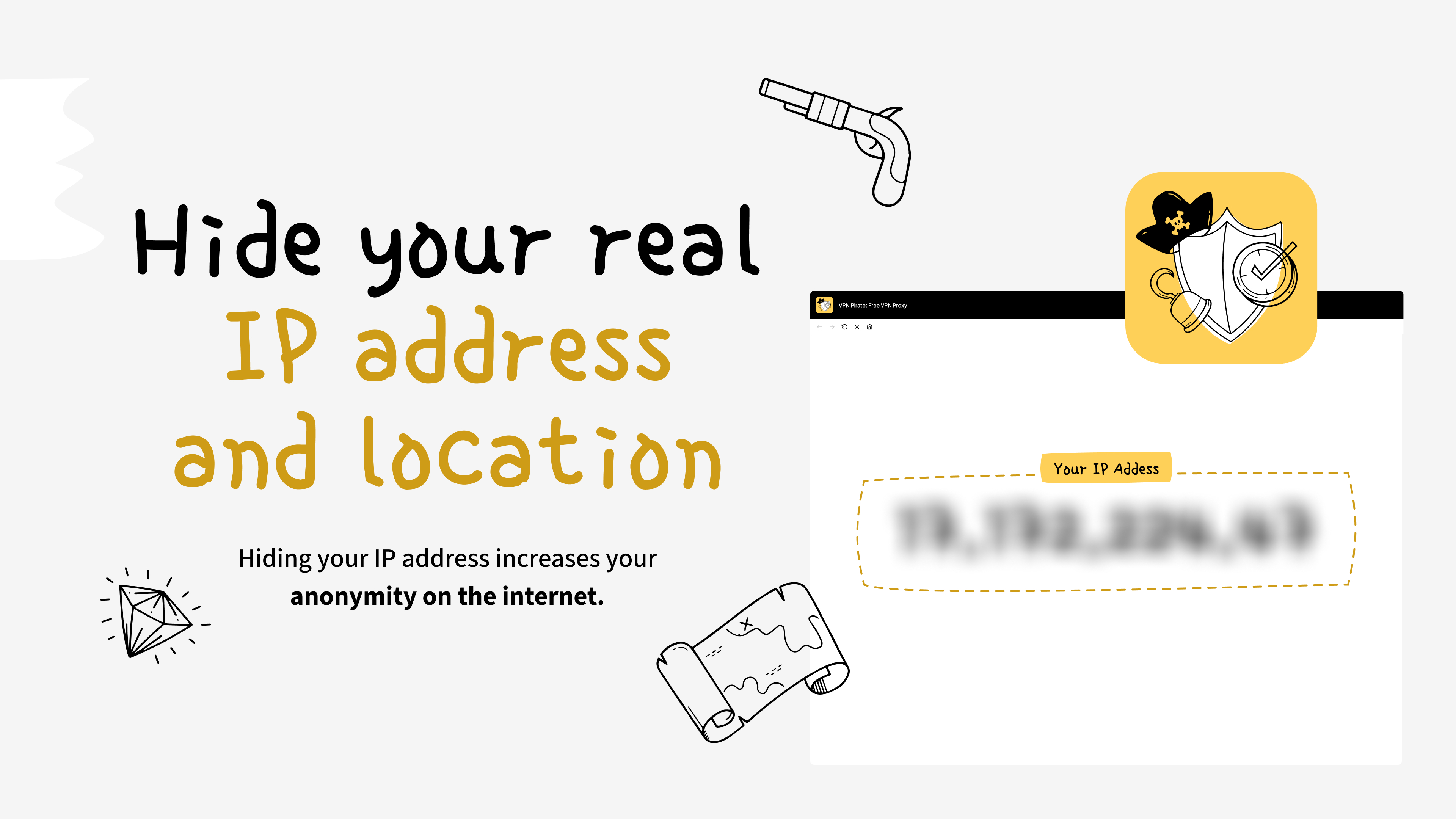
VPN Pirate by Monty Inc. presents itself as a straightforward, free VPN proxy app designed to enhance online privacy and access restrictions on Windows devices. Whether you're browsing from a coffee shop or trying to access geo-blocked services, VPN Pirate aims to be a reliable companion for everyday internet needs.
Developed by Monty Inc., a company focused on simplifying digital security, VPN Pirate offers several notable features that appeal to casual users seeking easy-to-use VPN services. Its core strengths include effortless connection setup, a variety of global server options, and a user-friendly interface—all at no cost. These features make it especially attractive for beginners or those who prefer quick solutions without fuss.
The app's primary allure is its simplicity. With just one tap or click, users can establish a VPN connection, transforming complex networking procedures into a tap-and-go experience. Imagine flipping a switch that instantly cloaks your digital footprint—quick, seamless, and straightforward, making privacy accessible even to tech novices.
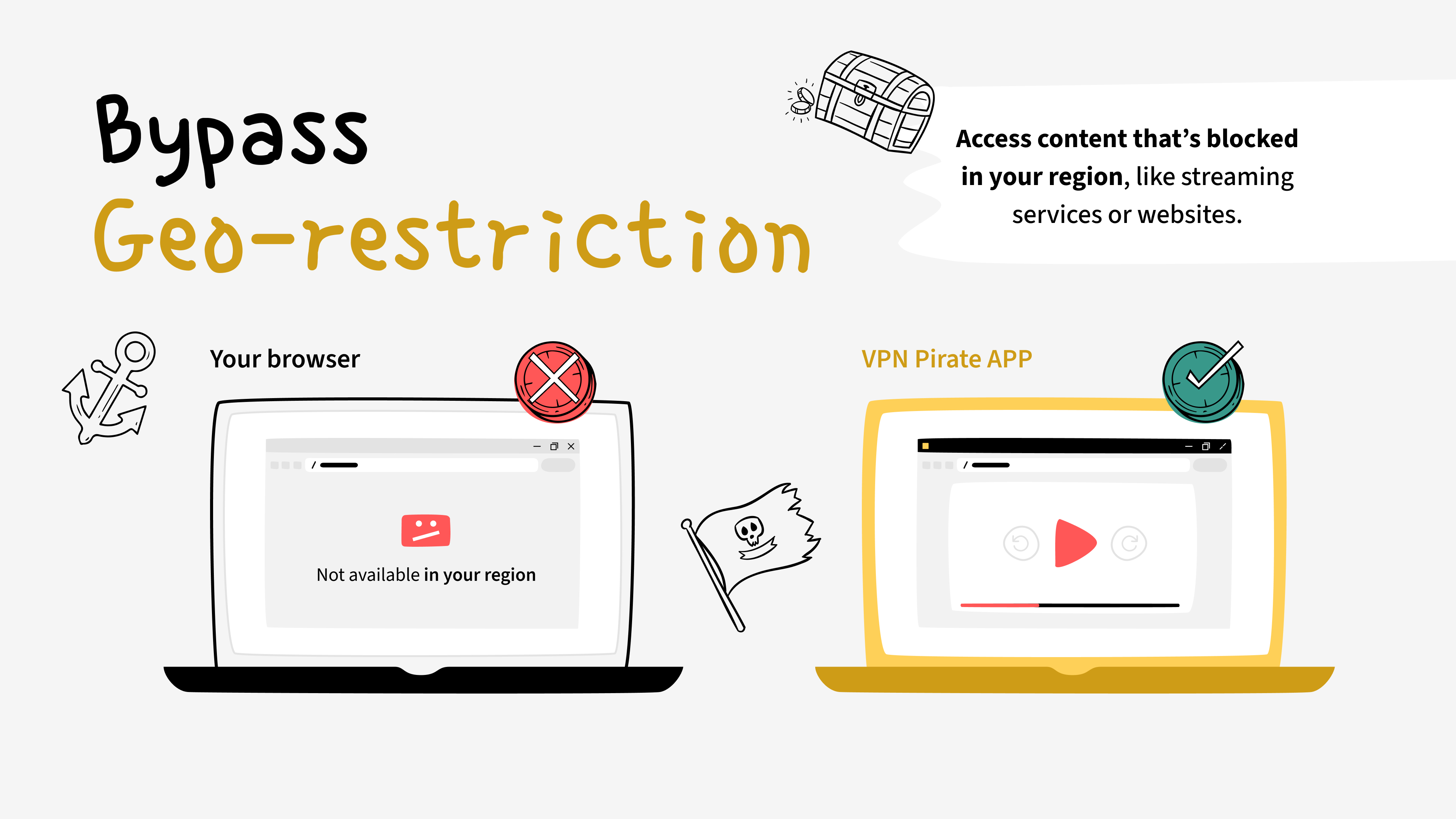
VPN Pirate grants users access to a broad set of servers across various countries. This means users can easily switch locations to access region-locked content or browse with a virtual presence in different parts of the world. Think of it as having a digital passport that opens up new horizons without leaving your chair.
While free VPNs often suffer from sluggish speeds, VPN Pirate claims to offer stable and relatively quick connections. Although actual performance can vary depending on network conditions, the app's design endeavors to optimize speed, ensuring a smoother browsing experience when compared to many peers in the free VPN arena.
From the moment you launch VPN Pirate, the interface greets you with a clean, uncluttered layout—a digital control panel that feels more like a friendly dashboard than a complex network setting. The color scheme is calming and minimalistic, reducing visual noise, which is especially helpful for first-time users.
Operations are straightforward: connect, disconnect, select server—almost like flipping a switch or choosing a channel on a TV. The app's responsiveness appears smooth, with minimal lag, and the learning curve is nearly nonexistent. This makes VPN Pirate ideal for those looking for quick setups without grappling with confusing menus or lengthy tutorials.
In a crowded market filled with feature-laden security apps, VPN Pirate positions itself as a no-fuss, zero-cost solution. Its standout feature is undoubtedly its accessibility—offering a no-registration, no-subscription experience that appeals to users wary of commitments or hidden fees. Additionally, the broad server network, coupled with a one-click connection, makes it remarkably user-friendly.
Compared to traditional VPN services that often emphasize advanced security features or extensive customization, VPN Pirate focuses on ease-of-use and quick access. For users who prioritize simple privacy and unrestricted browsing over detailed security tweaking, its minimalist approach is a refreshing change.
Overall, VPN Pirate emerges as a competent, friendly VPN proxy for Windows—a tool that doesn't demand technical expertise to operate. Its most compelling advantages are its simplicity and broad server options. For casual users, students, or travelers seeking a low-threshold, free method to safeguard privacy and bypass regional restrictions, this app merits consideration.
However, it's worth noting that as a free service, it may have limitations in speed and data stability compared to paid VPNs. Still, within its niche, VPN Pirate effectively balances ease of use and basic security, earning a solid recommendation for those wanting quick, no-cost VPN access without fuss or complexity.
User-friendly interface
Free to use
Multiple server locations
No registration required
Decent speed for casual browsing
Limited server options in some regions
Potential ads in free version
Occasional connection drops
Limited advanced features
Data encryption details unclear

for Windows
 4.8
4.8
for Windows
4.7

for Windows
4.7

for Windows
4.7

for Windows
4.6

for Windows
4.6

for Windows
4.5

for Windows
4.4

for Windows
4.4

for Windows
4.3

for Windows
4.3

for Windows
4.3

for Windows
5

for Windows
5

for Windows
5

for Windows
5

for Windows
5

for Windows
5

for Windows
5

for Windows
5

for Windows
5

for Windows
5