Photo & video
VideoLAN
PC
Windows 10 version 0.0 or higher
Integrated Keyboard
Integrated Mouse
300 MB
Version 9
Arabic, Chinese, English, French, Italian, Portuguese, Spanish
VLC for Windows, developed and published by VideoLAN, stands out as a free and open-source media player renowned for its compatibility and robust feature set. Whether you're a casual viewer or a media enthusiast, VLC aims to deliver a seamless experience across a wide array of multimedia formats.
With an intuitive interface and an impressive array of functionalities, VLC offers more than just basic playback. Its key features include support for nearly every audio and video format without needing additional codecs, a customizable and user-friendly interface, and powerful streaming capabilities. Additionally, VLC's lightweight design ensures it runs smoothly on various Windows systems without hogging resources.
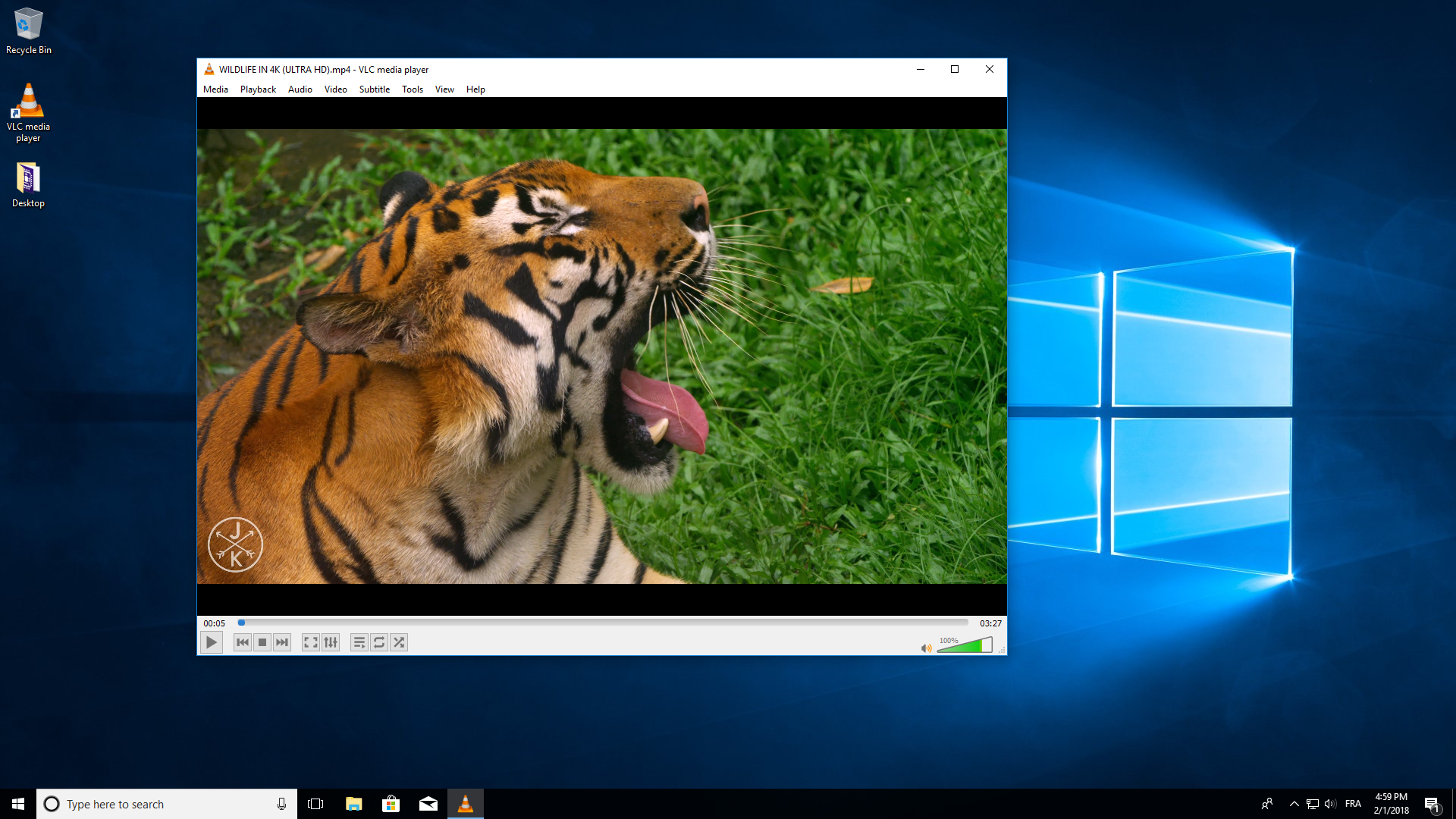
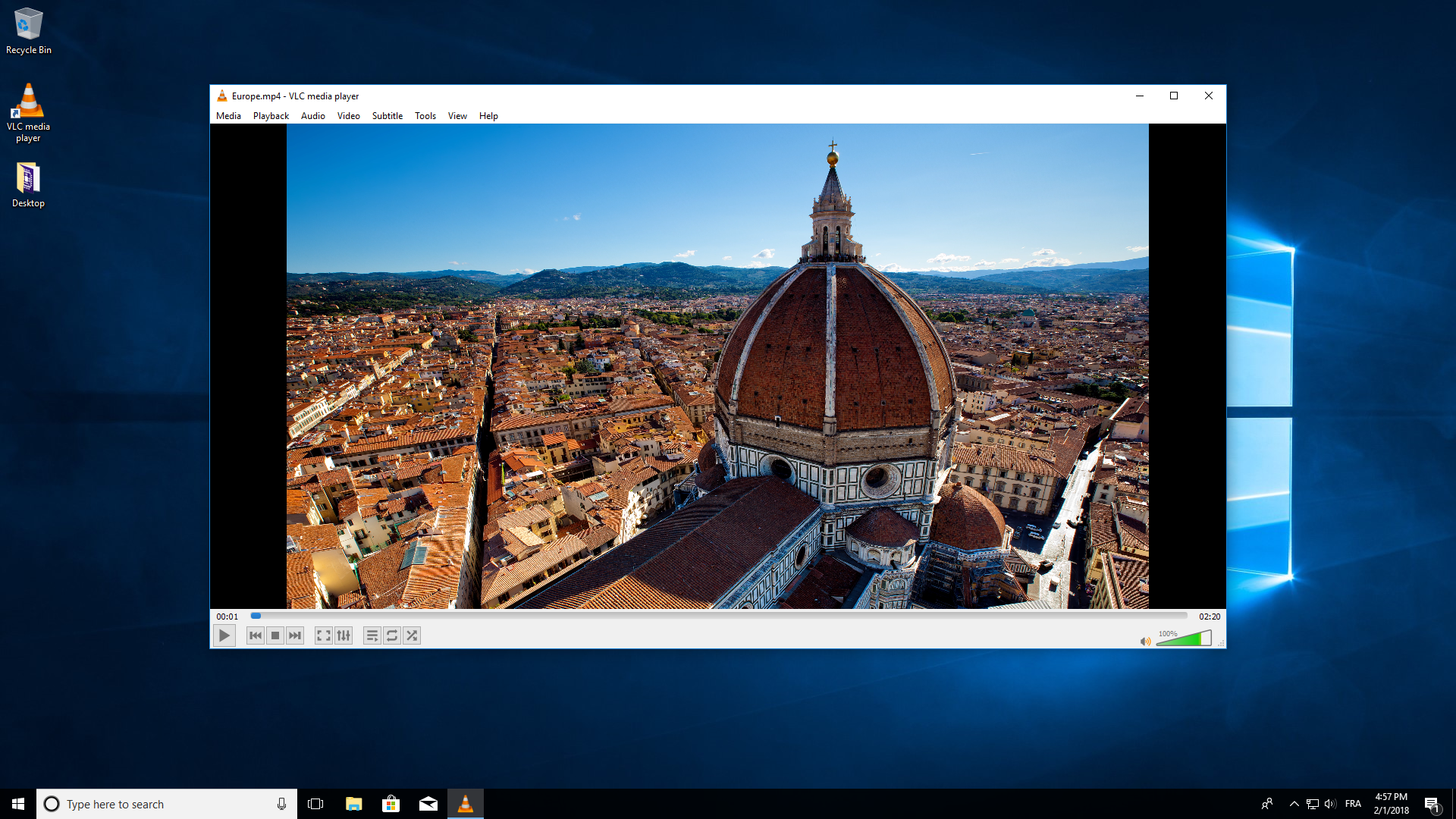
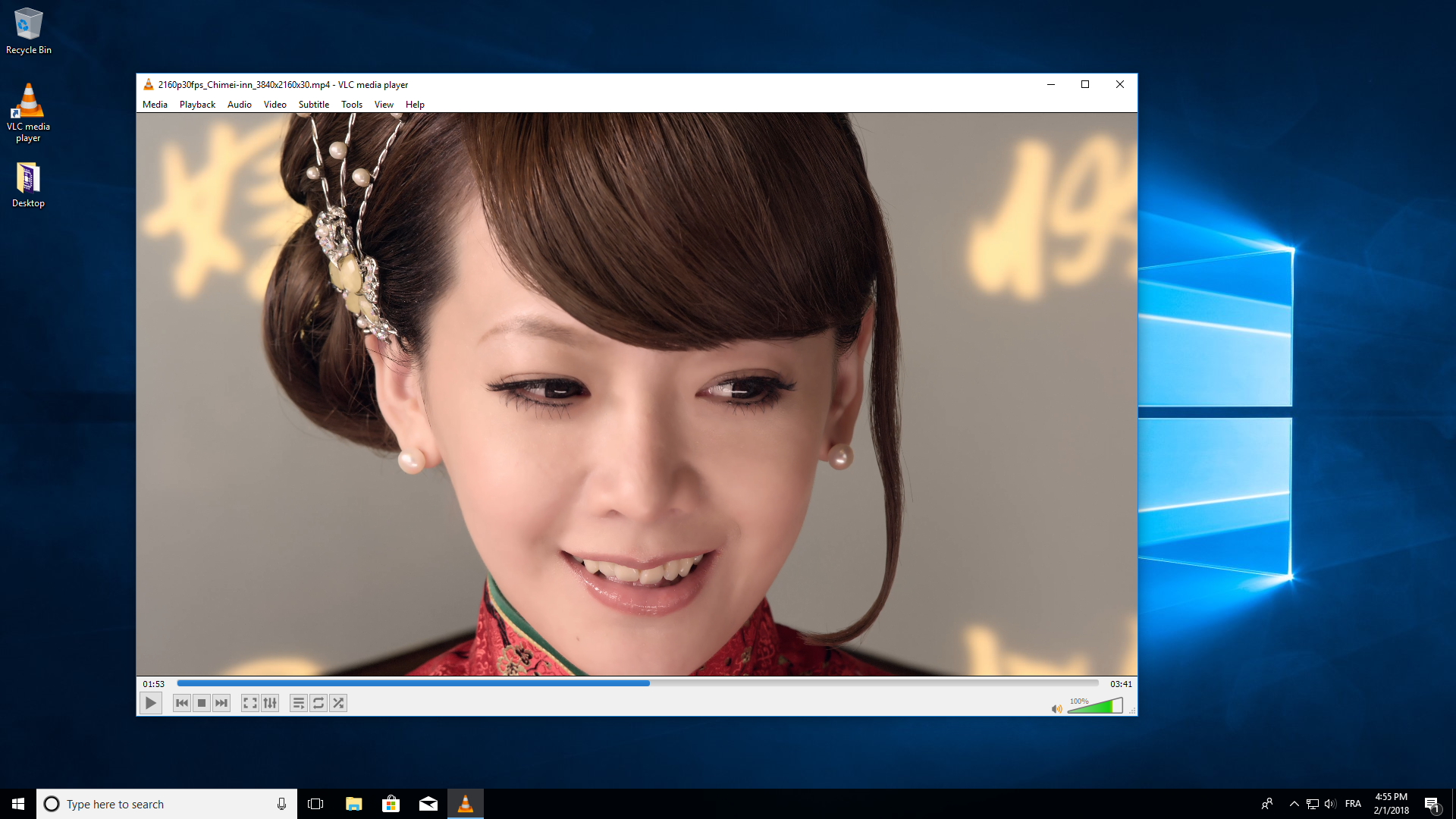
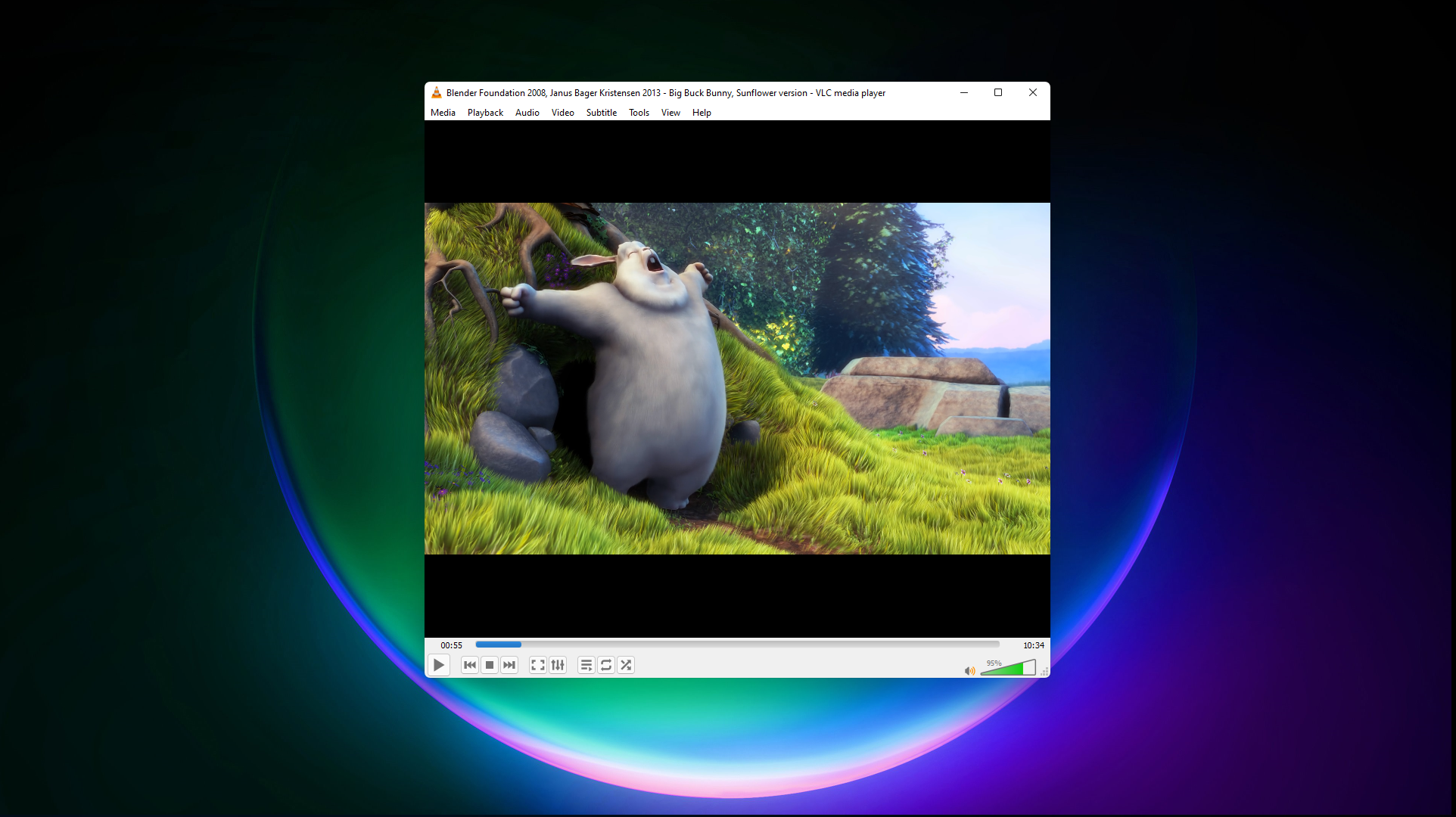
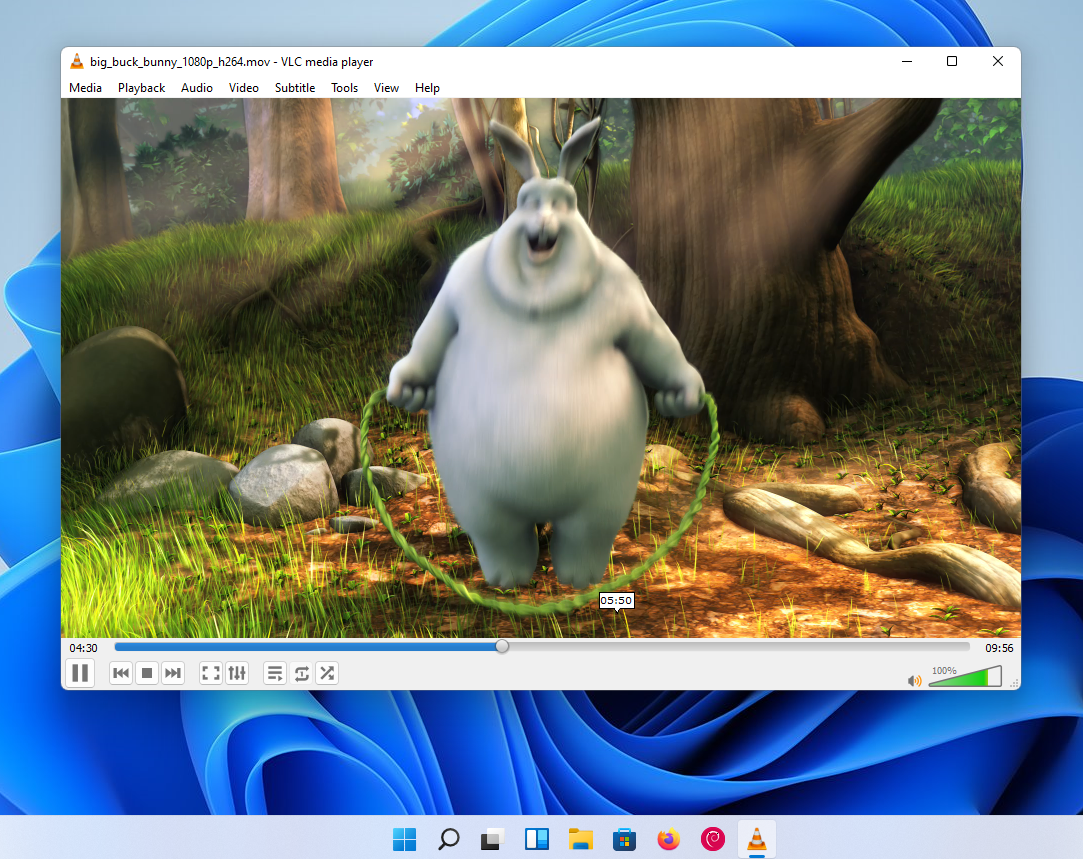
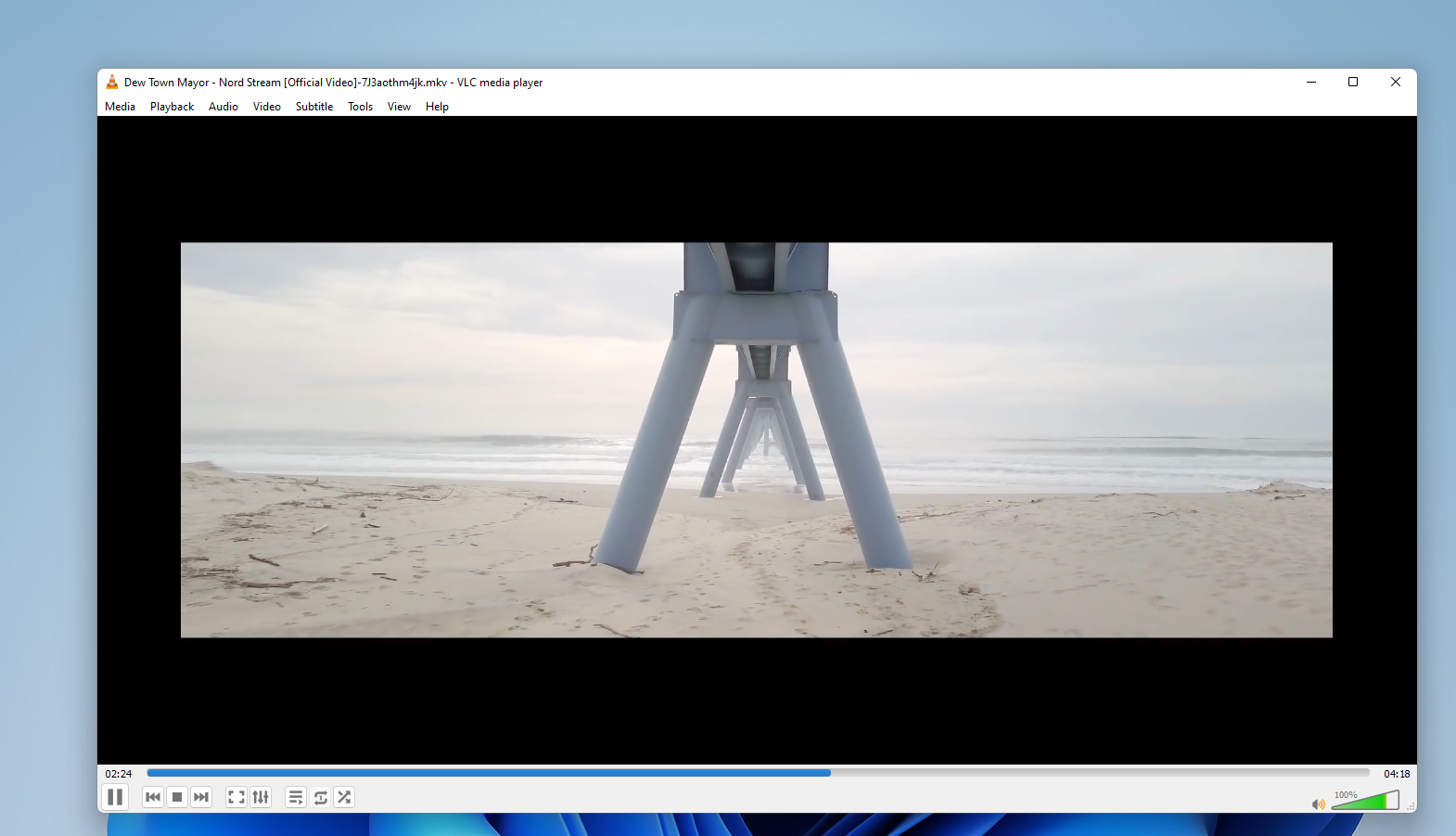
From the moment you open VLC, its sleek and clean interface feels familiar yet modern—think of it as a well-organized workshop where every tool is within arm's reach. Navigating through playlists, adjusting playback speed, or switching between subtitle tracks is straightforward, thanks to the well-thought-out layout. Operating VLC is akin to driving a car with a responsive steering wheel; the controls feel natural, making media playback feels effortless. Even newcomers can quickly grasp essential functions, owing to its simple yet powerful design. Its performance is notably smooth—loading large files or streaming internet media occurs without noticeable lag, which makes VLC a reliable companion for everyday media needs.
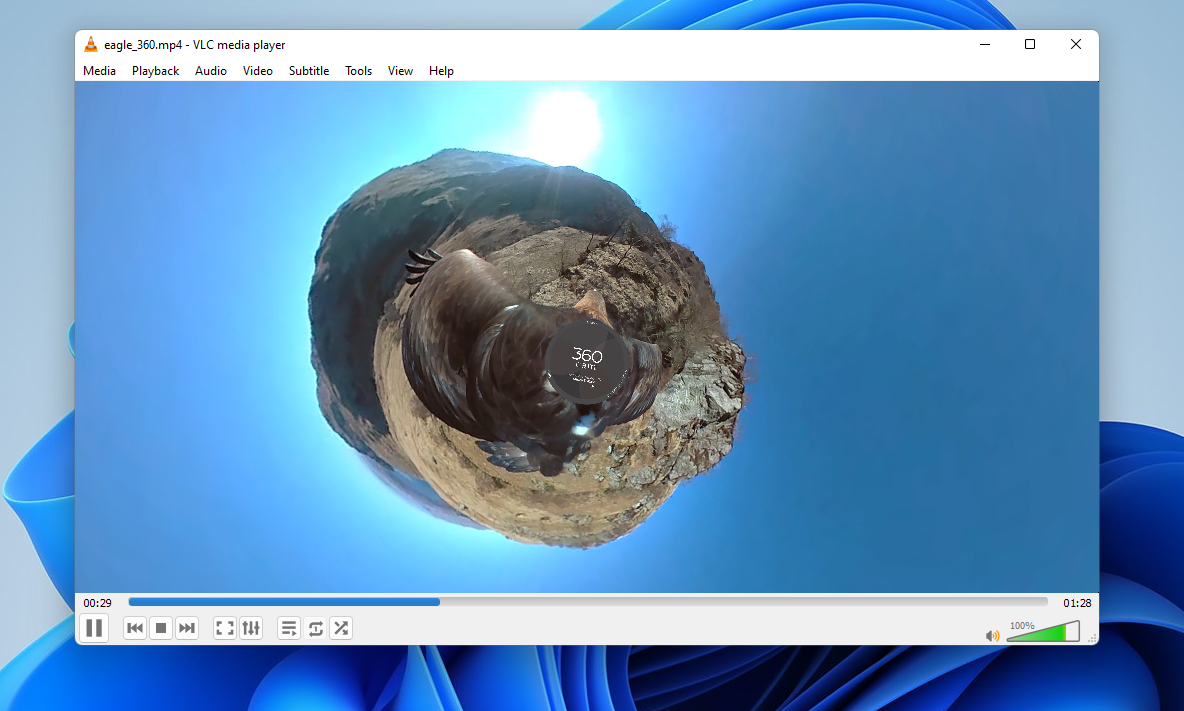
One of VLC's most remarkable traits is its ability to handle virtually any media format you throw at it—think of it as a universal translator for your multimedia files. From common formats like MP4, MP3, and AVI to niche ones like MKV or the obscure VOB files, VLC seamlessly plays everything, saving users from the hassle of installing multiple codecs or conversion tools.
Beyond local playback, VLC empowers users to stream content over networks or record live streams. Imagine turning your Windows PC into a mini media hub—recording a webinar or capturing an online concert becomes straightforward with VLC's built-in tools. Its streaming features stand out compared to typical media players, making it a handy tool for advanced users who want flexibility in managing media sources.
What elevates VLC above many other media players is its open-source nature combined with lightweight design and extensive customization options. Unlike some media contenders that require multiple plugins, VLC's integrated codec support means a clutter-free experience. Plus, its ability to stream content directly or integrate with network shares underlines its role as a central media management platform, rather than just a player.
If you're seeking a reliable, versatile, and clutter-free media player for Windows, VLC is undeniably worth considering. Its wealth of features—particularly its expansive format support and streaming capabilities—make it suitable for a broad spectrum of users, from casual viewers to tech-savvy streamers. While it may not have the flashiest interface, its focus on functionality ensures it remains a cornerstone app in the media playback sphere. I would comfortably recommend VLC as your primary media player, especially if compatibility and stability are your top concerns.
Supports a wide range of media formats
Offers extensive customization options
Includes built-in streaming capabilities
Open-source and free
Lightweight and easy to install
User interface can be complex for new users
Some feature updates may introduce bugs
Advanced features may require additional configuration
Remote control features are limited
In some cases, subtitles may not sync perfectly

for Windows
 5
5

for Windows
4.9

for Windows
4.8

for Windows
4.8

for Windows
4.8

for Windows
4.7
for Windows
4.7

for Windows
4.7

for Windows
4.7

for Windows
4.7

for Windows
4.7

for Windows
4.7

for Windows
5

for Windows
5

for Windows
5

for Windows
5

for Windows
5

for Windows
5

for Windows
5

for Windows
5

for Windows
5

for Windows
5