Education
VitalSource Technologies, LLC
PC
Windows 10 version 19041.0 or higher
Version 10
Arabic, Bulgarian, Catalan, Chinese (Simplified), Chinese (Traditional), Czech, Danish, Dutch, English (United Kingdom), English (United States), Finnish, French, French (Canada), German, Greek, Hebrew, Hindi, Hungarian, Icelandic, Irish, Italian, Japanese, Korean , Norwegian (Bokmål), Polish , Portuguese (Brazil), Portuguese (Portugal), Romanian, Russian, Spanish (Mexico), Spanish (Spain), Swedish, Thai, Turkish, Vietnamese, Welsh
If you're an avid learner or student drowning in a sea of textbooks, VitalSource Bookshelf for Windows offers a reliable lifeboat—bringing your learning materials to your fingertips with a user-friendly and efficient platform.
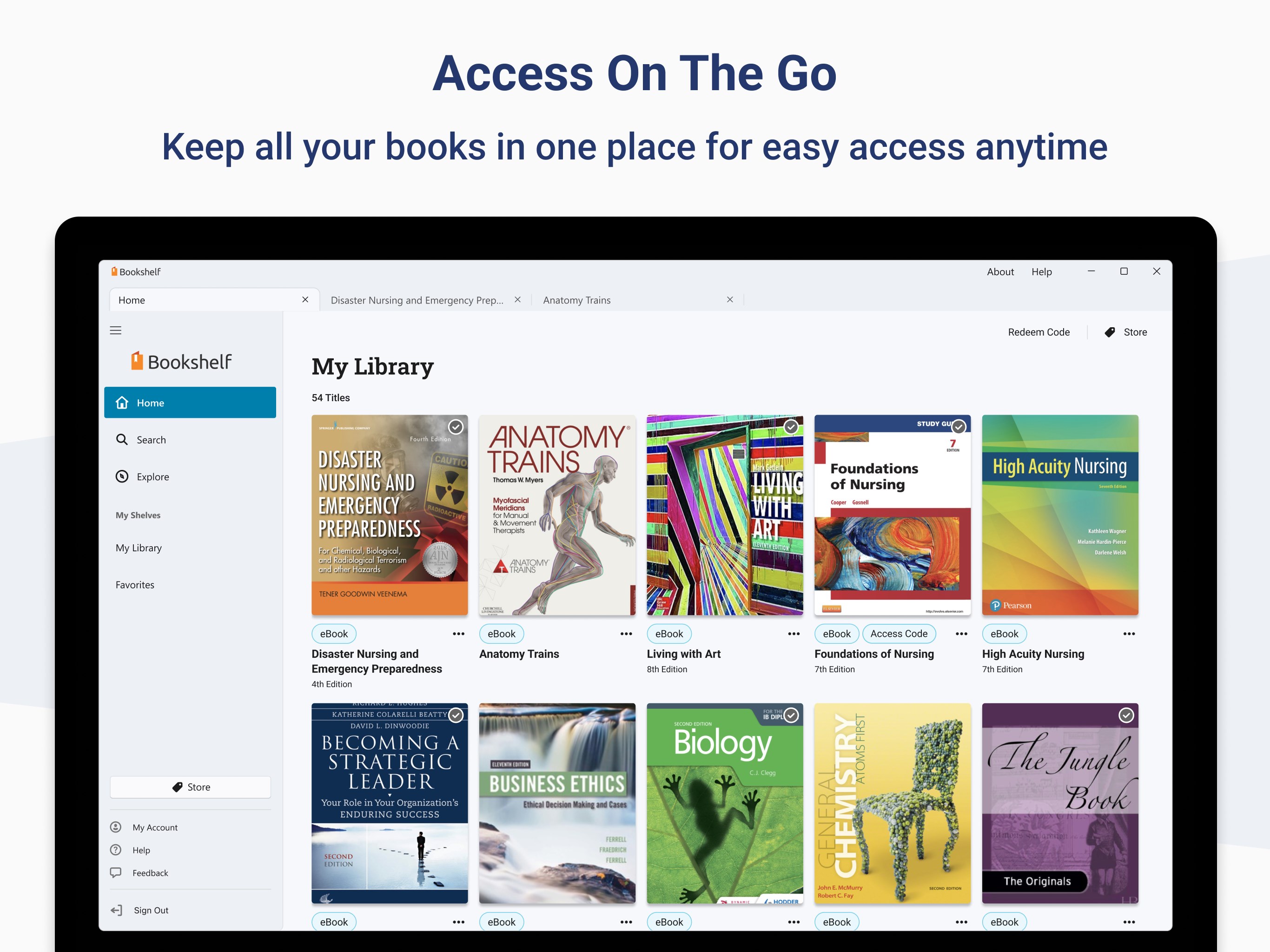
This application is designed as a comprehensive digital bookshelf aimed at enhancing the way students access, read, and annotate textbooks digitally. Developed by VitalSource Technologies, LLC, the app's core strength lies in transforming traditional textbooks into interactive, portable, and customizable digital resources. The key features include seamless integration of multimedia content, robust note-taking and highlighting tools, and adaptive learning paths tailored to individual needs. Its primary audience comprises students, educators, and lifelong learners who seek a dynamic and flexible approach to educational content.
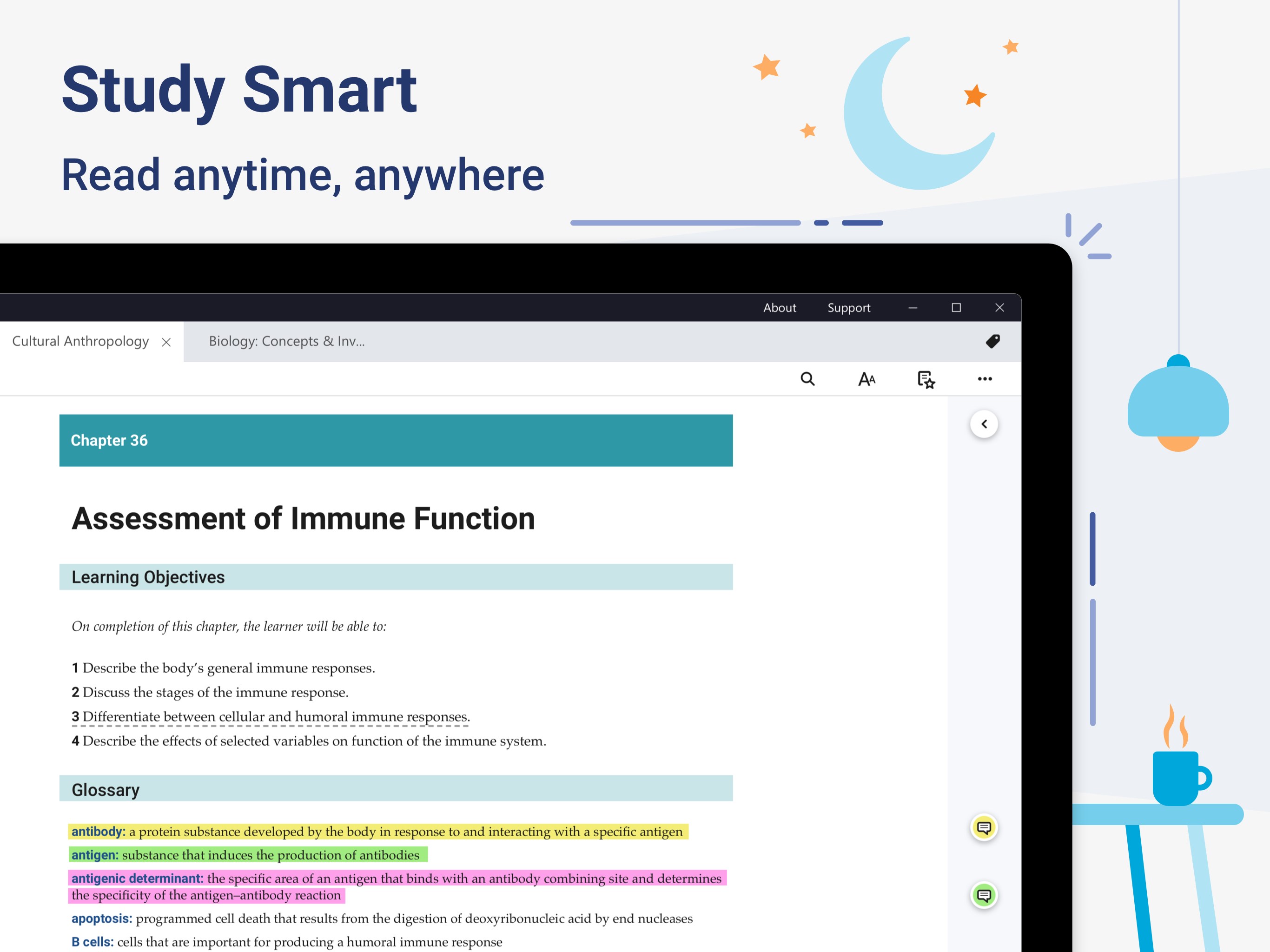
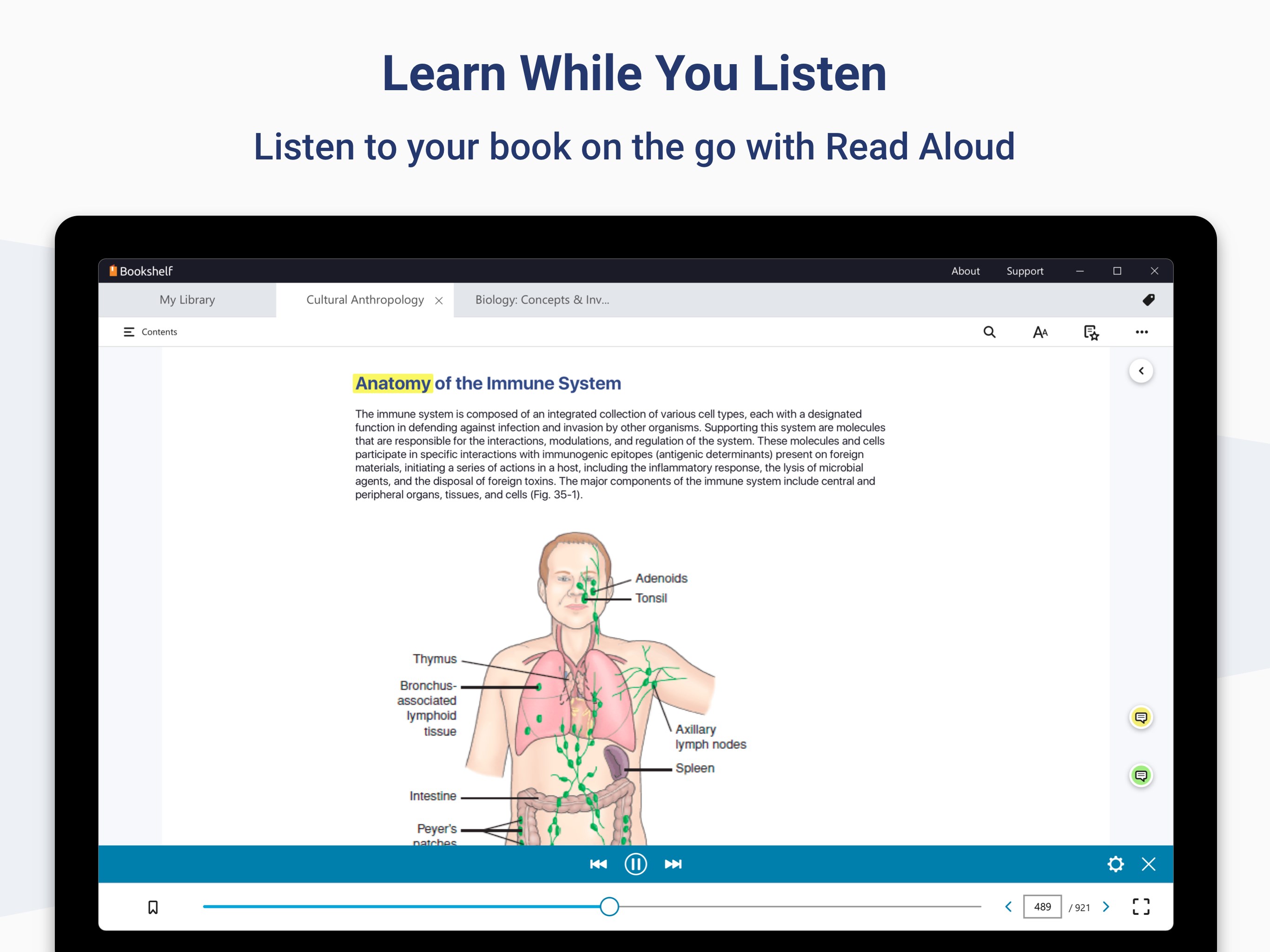
Imagine sitting in a bustling café, your laptop open, with textbooks neatly stored in a virtual pocket—ready for exploration at a moment's notice. VitalSource Bookshelf for Windows transforms your device into a personal library, where textbooks aren't just static PDF files—they're interactive worlds waiting to be explored. The app's intuitive interface and fluid performance make flipping through pages as smooth as turning a real book, yet with the added bonus of digital magic—search functions, adjustable fonts, and multimedia enhancements that elevate your learning experience.
Rich Interactive Content: Beyond simple text and images, VitalSource Bookshelf incorporates multimedia elements like videos, audio clips, and interactive quizzes embedded directly within the textbooks. This dynamic content turns passive reading into an engaging activity, catering especially to auditory and visual learners.
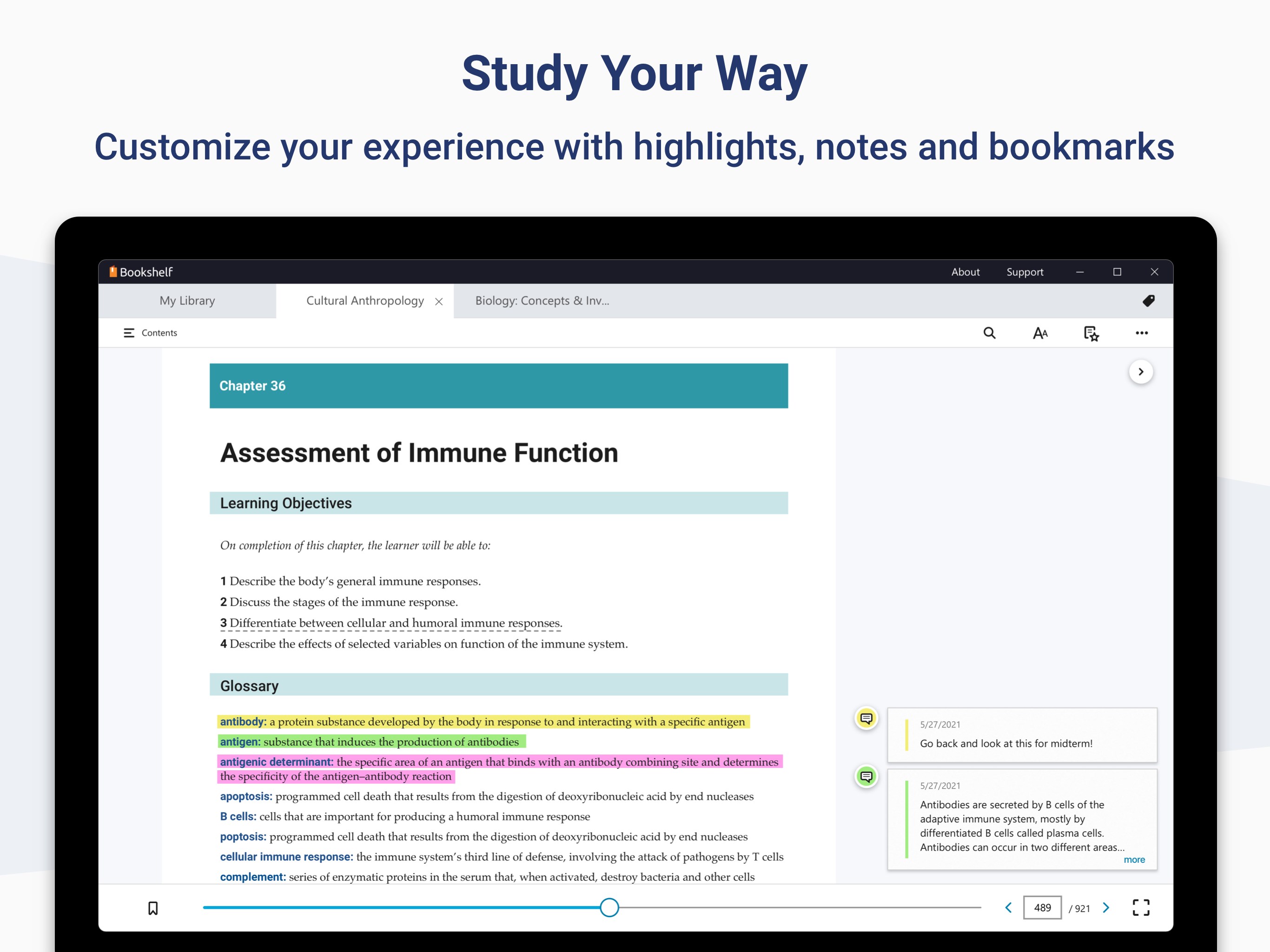
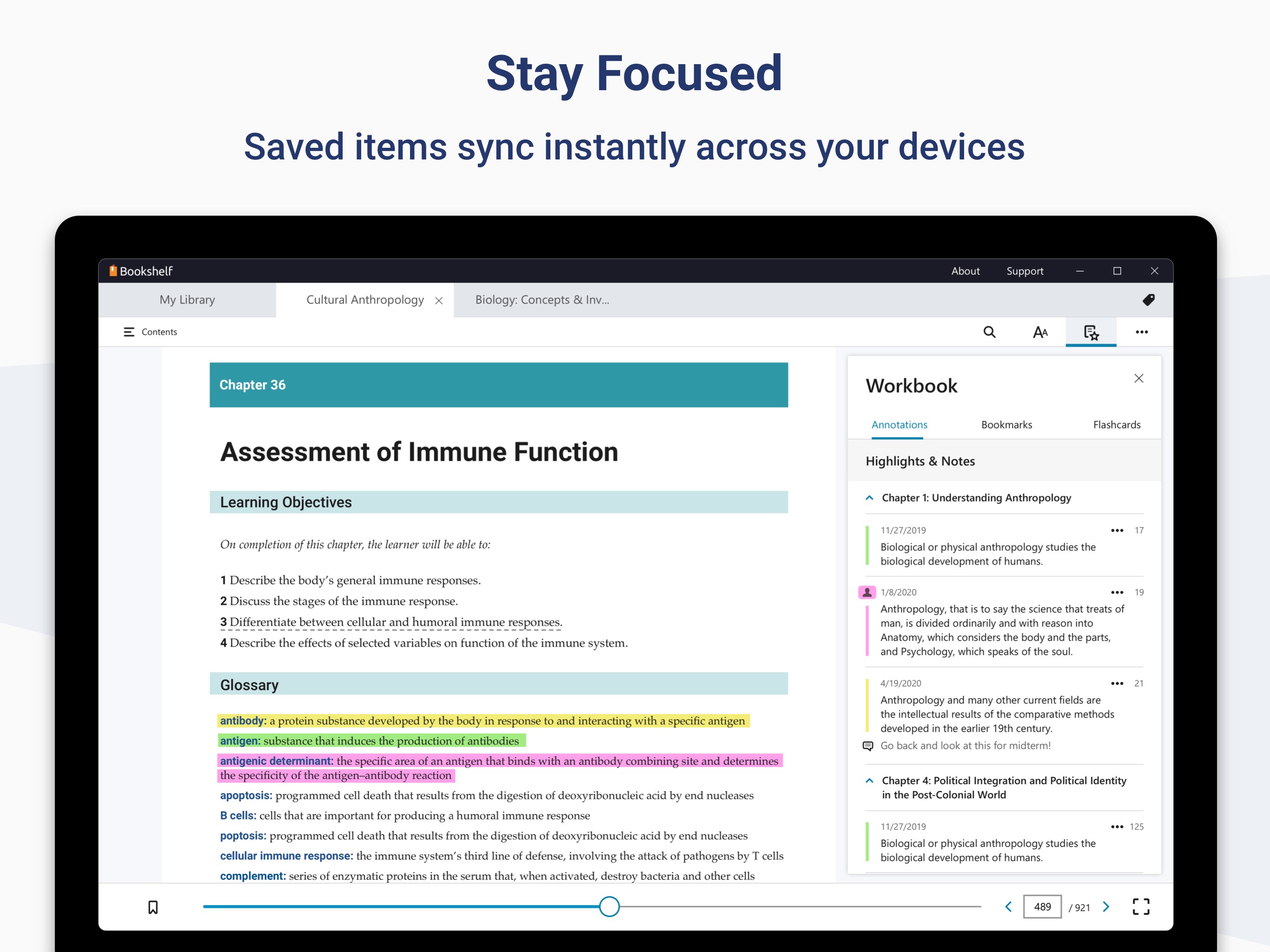
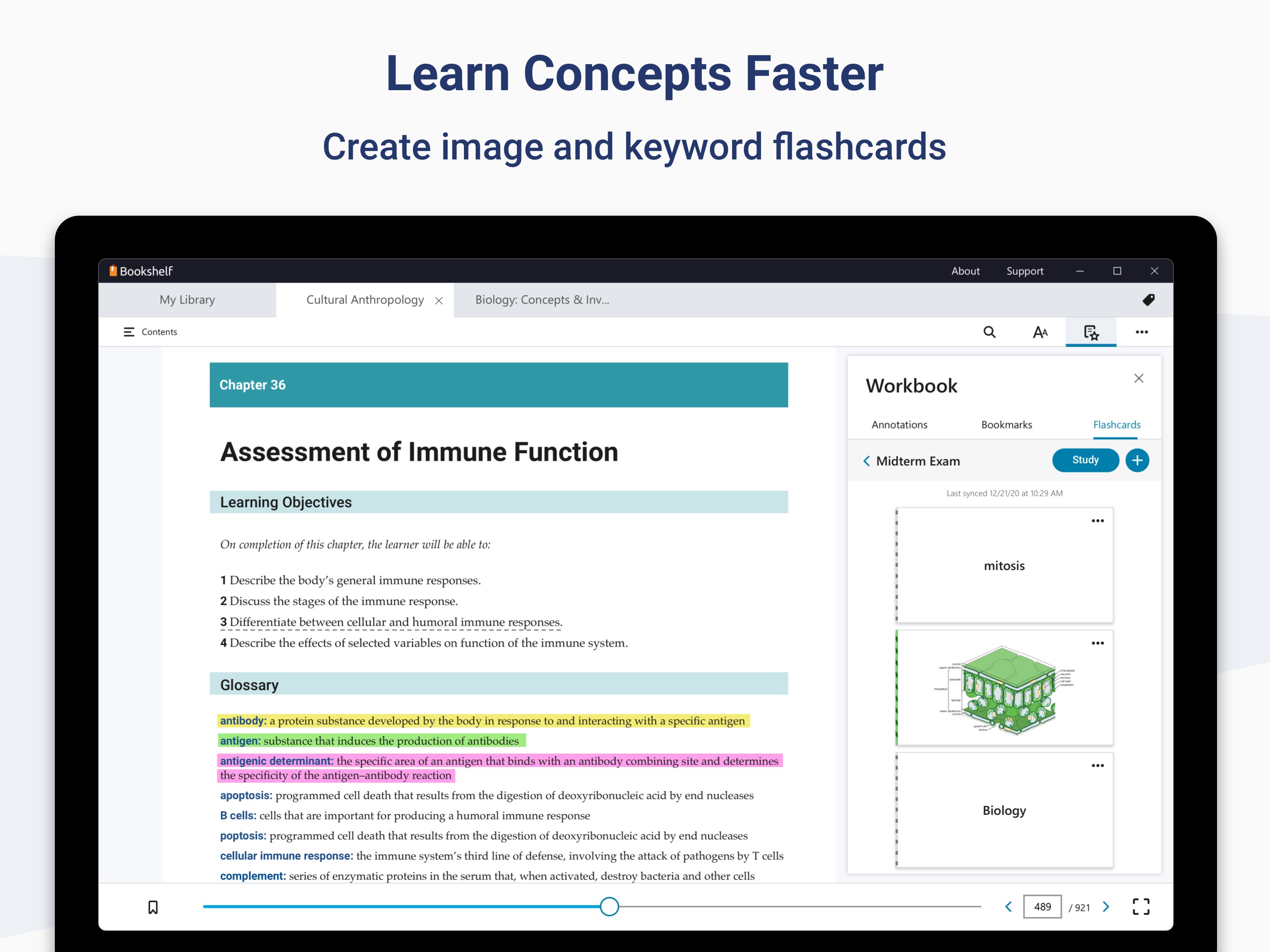
Personalized Annotations and Study Tools: The app offers comprehensive note-taking capabilities—highlighting, underlining, and adding sticky notes that sync across devices. These tools emulate the familiar sensation of marking up a paper book, but with the added flexibility of editing, searching, and organizing your annotations efficiently, making studying more productive.
Adaptive and Flexible Reading Experience: With adjustable font sizes, background colors, and even different reading modes, the app adapts to your preferences—be it a quick glance or extended study sessions. Additionally, content syncing ensures your progress and highlights are consistent across devices, giving you freedom to learn on multiple screens seamlessly.
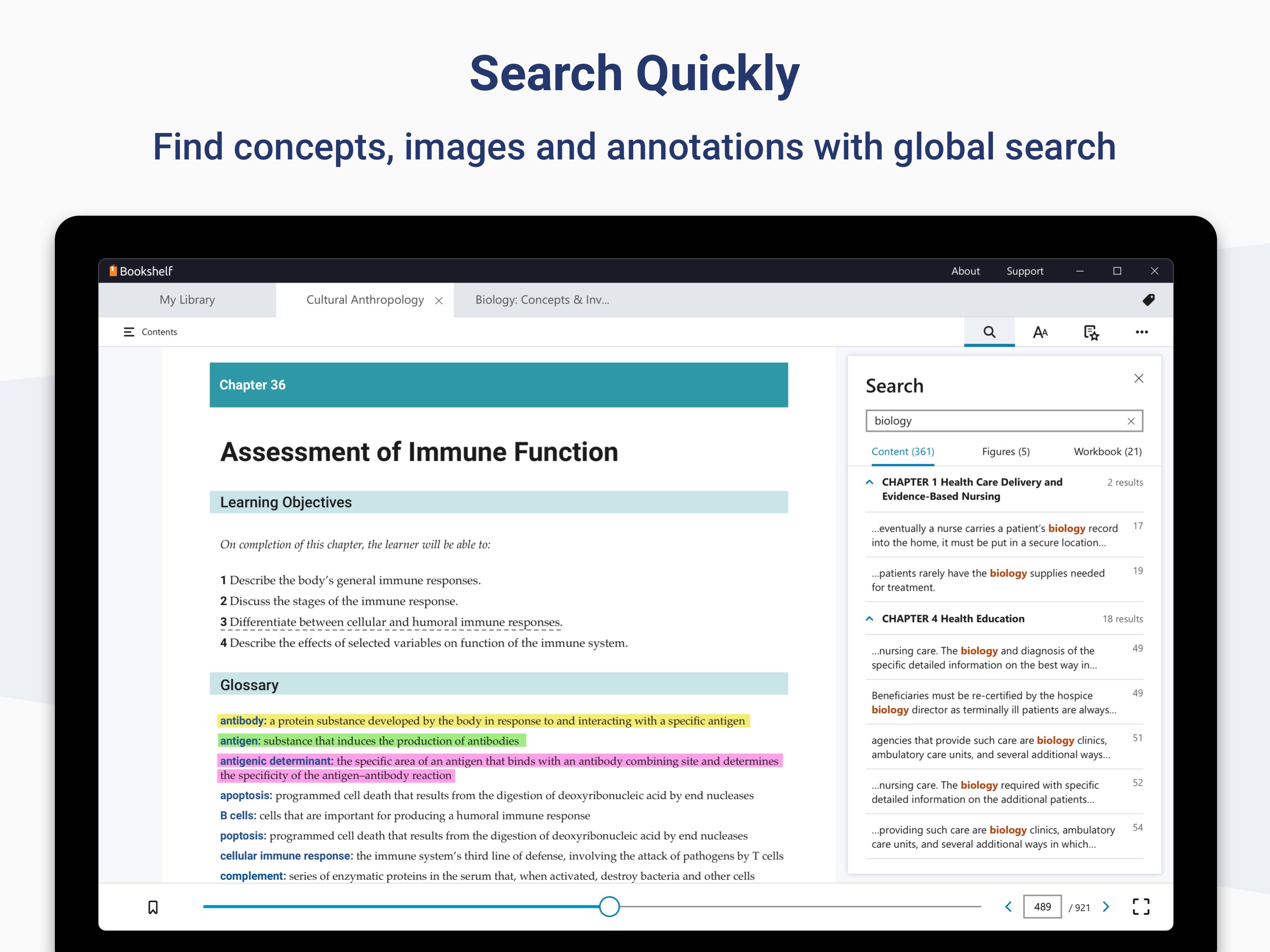
The interface design strikes a balance between simplicity and functionality, akin to a well-organized library where everything is at your fingertips. Navigating through chapters, searching keywords, and bookmarking pages happens intuitively, requiring minimal learning curve. The application performs smoothly without lag, even with large textbooks loaded, thanks to optimized performance. However, newcomers might need a brief period to fully explore all annotation and multimedia features, but overall, the learning curve remains gentle—much like learning to ride a bike with stabilizers.
While numerous e-reader applications exist, VitalSource Bookshelf's main differentiator lies in its **Content Authority & Personalization**. The platform is often used by academic publishers and institutions, providing access to authoritative, up-to-date textbooks that are often exclusive to this ecosystem. The app also offers【Personalized Learning Paths】, allowing educators and students to tailor their study plans by highlighting specific chapters or embedding interactive assessments, making learning not just passive consumption but an active journey.
If you're seeking a dependable, feature-rich platform that respects your learning style and delivers authoritative content with a touch of interactivity, VitalSource Bookshelf for Windows stands out as a commendable choice. Its unique combination of multimedia integration, customizable notes, and content authority makes it particularly suitable for academic environments or self-directed learners aiming for a more engaging study experience.
While it may not be as flashy or gamified as some newer educational apps, its focus on functionality and content quality makes it a trustworthy companion. I recommend giving it a try if you value a straightforward yet powerful digital textbook experience—especially if your learning involves a mixture of text, audio, and visual materials. Whether you're preparing for exams or just eager to dive deeper into your subject matter, this app deserves a spot in your digital study toolkit.
User-friendly reading interface
Extensive library integration
Offline access capabilities
Highlighting and note-taking features
Cross-platform synchronization
Occasional app crashes during downloading large textbooks
Limited annotation export options
Searching within texts can be slow for very large books
Some features are less intuitive for new users
Limited customization options for reading layout

for Windows
 4.8
4.8

for Windows
4.7

for Windows
4.7

for Windows
4.6

for Windows
4.6
for Windows
4.6

for Windows
4.5

for Windows
4.5

for Windows
4.4

for Windows
4.4

for Windows
4.4

for Windows
4.4

for Windows
5

for Windows
5

for Windows
5

for Windows
5

for Windows
5

for Windows
5

for Windows
5

for Windows
5

for Windows
5

for Windows
5