Music
PC
Windows 10 version 0.0 or higher
Version 9
English, Spanish, French, Portuguese, Dutch, Greek, German, Italian, Russian, Japanese, Arabic, Chinese
VirtualDJ for Windows is a versatile and robust DJ software designed to bring your mixes to life with precision and creativity. Whether you're an aspiring DJ or a seasoned professional, it offers a suite of features that streamline your workflow and elevate your performance, all wrapped in an intuitive interface.
Created by the renowned team at Atomix International, S.A., VirtualDJ leverages years of expertise in digital DJing to deliver a stable, feature-rich platform optimized for Windows users.
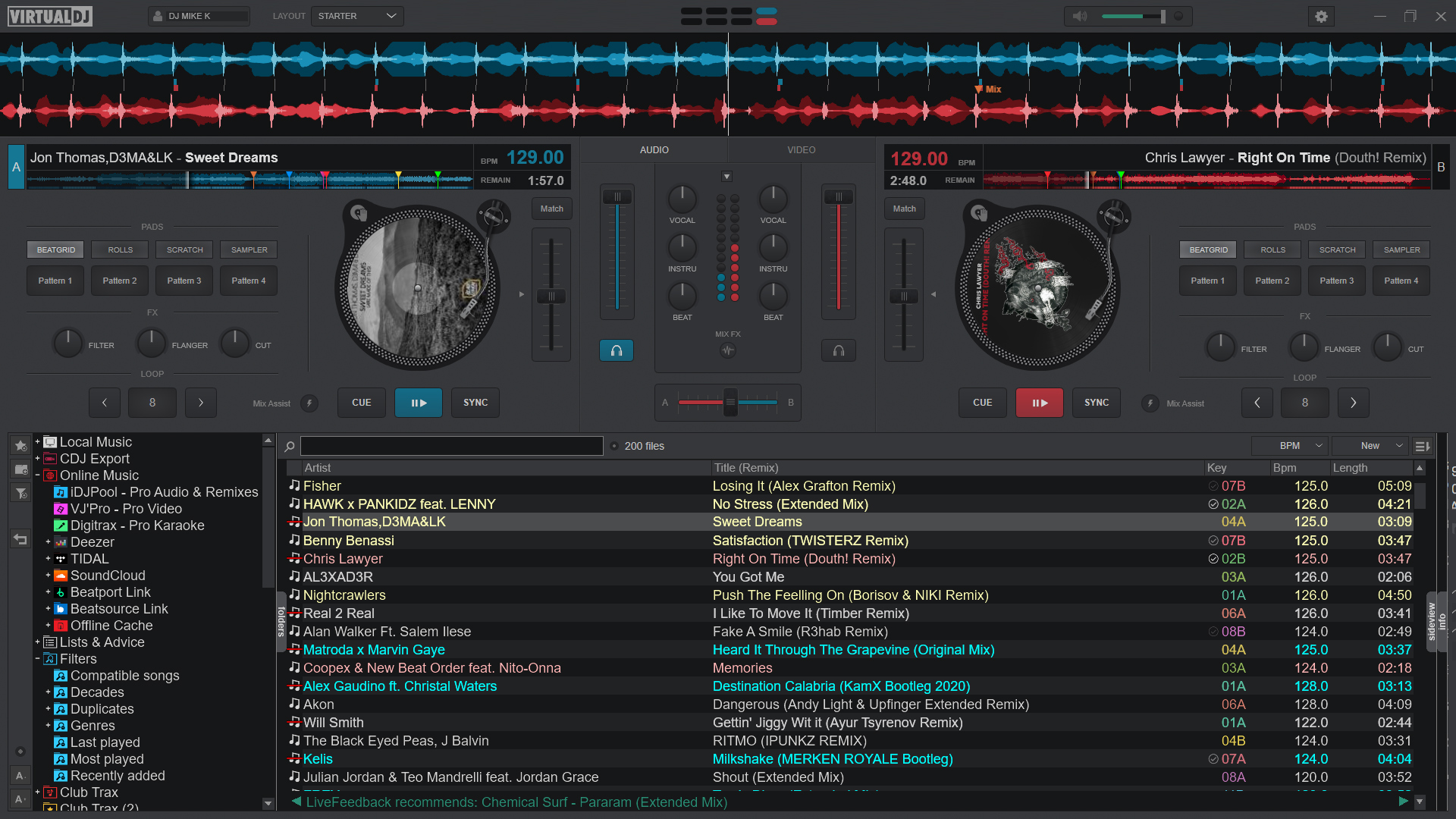
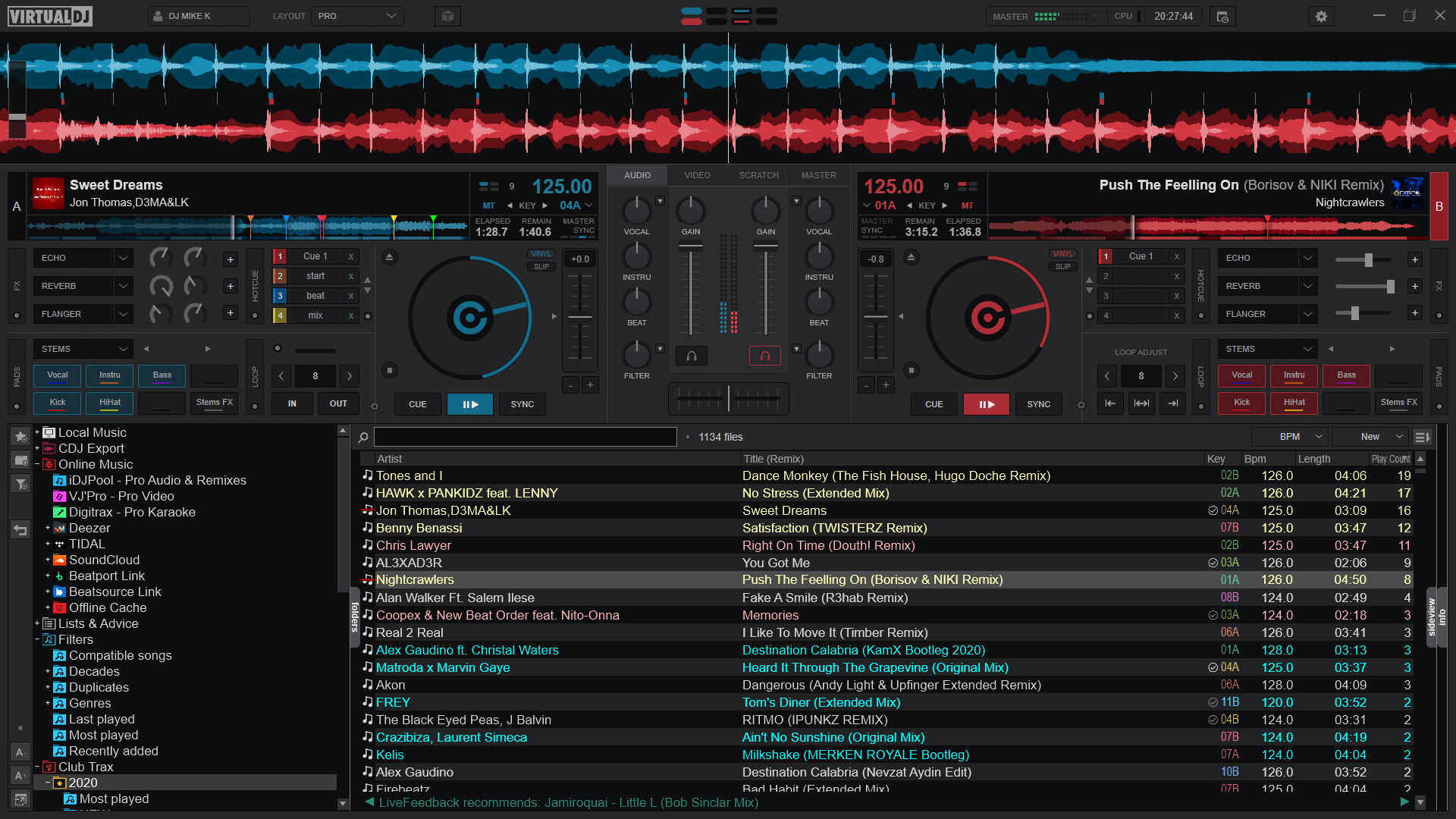
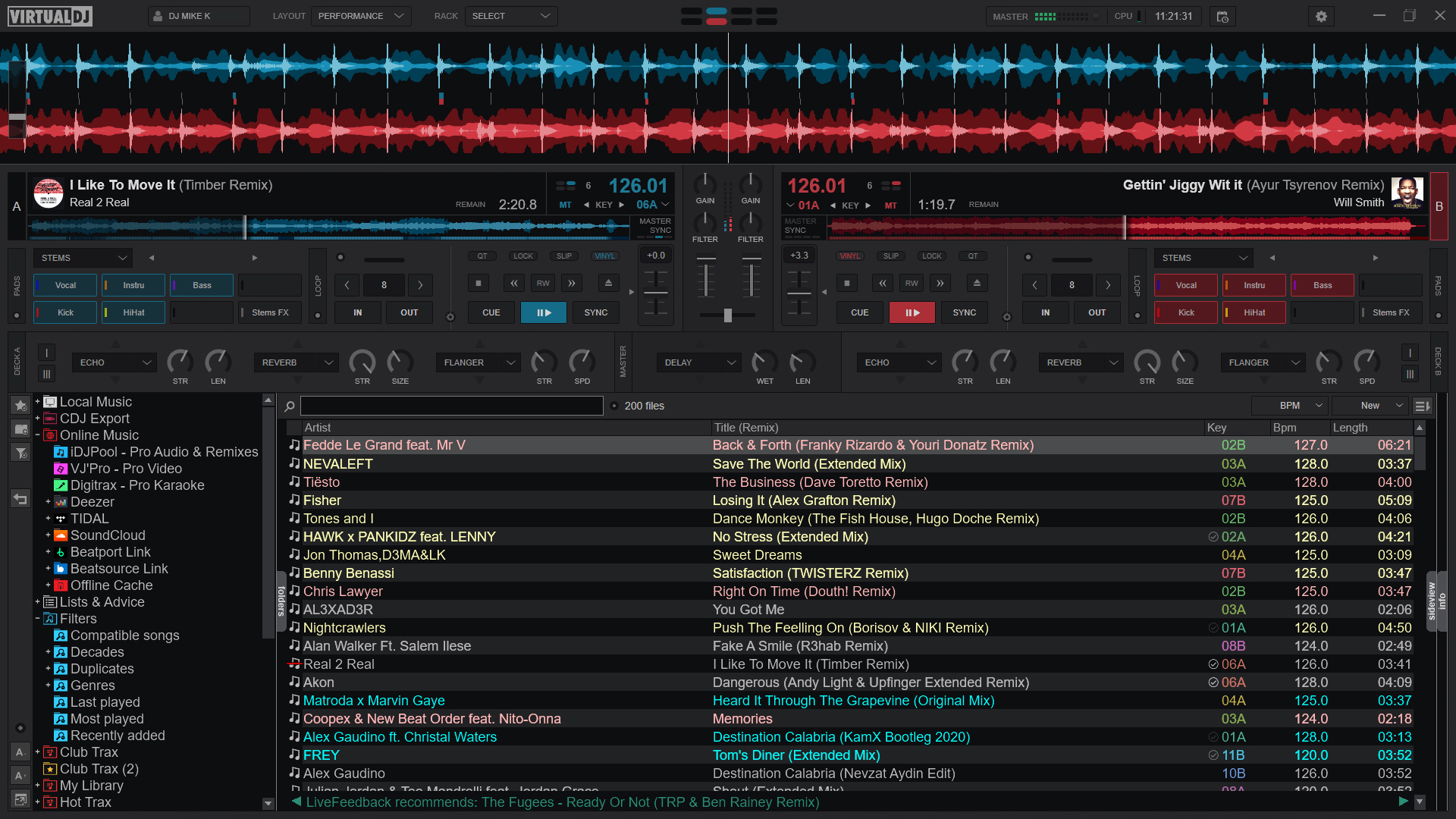
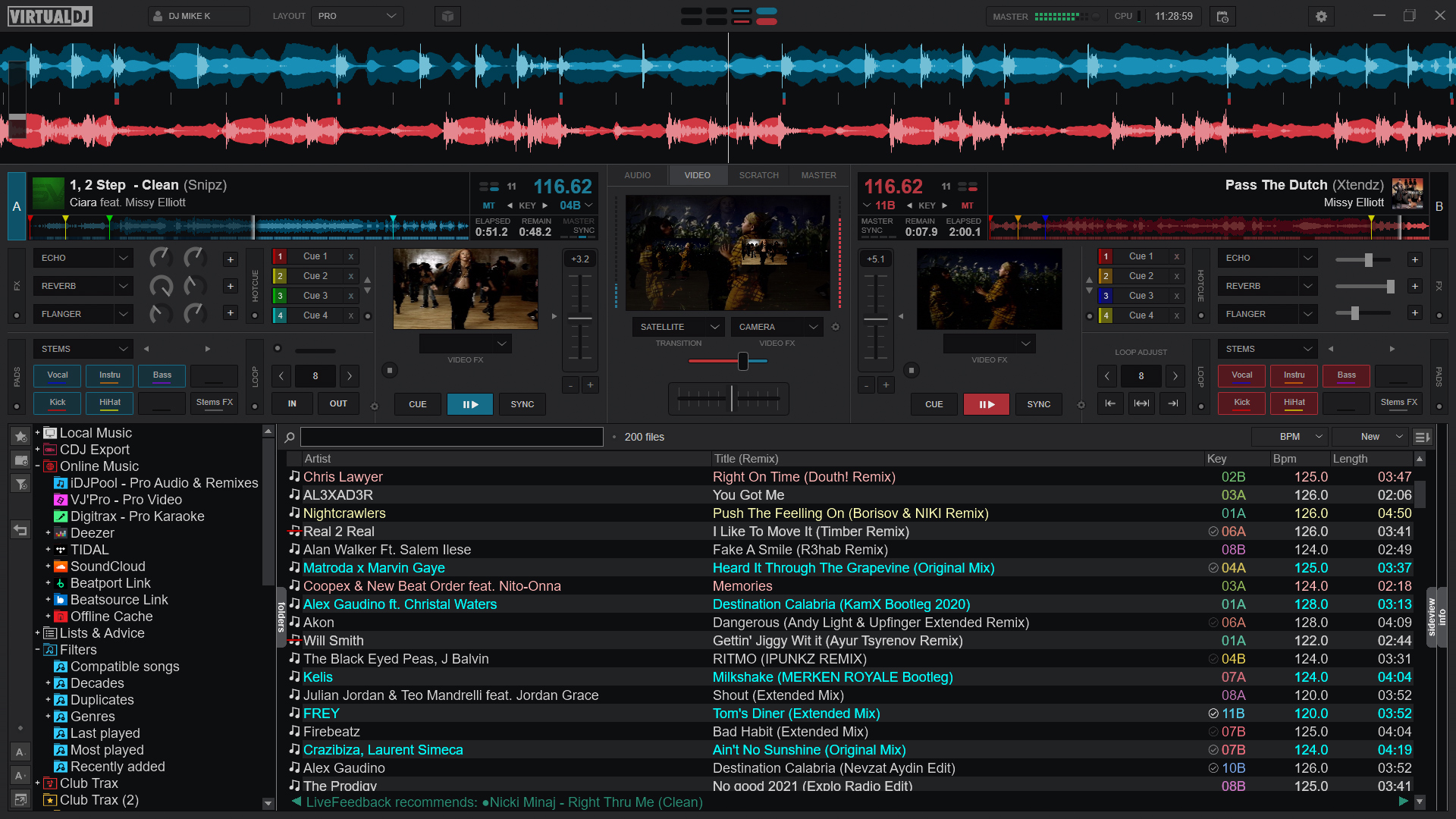
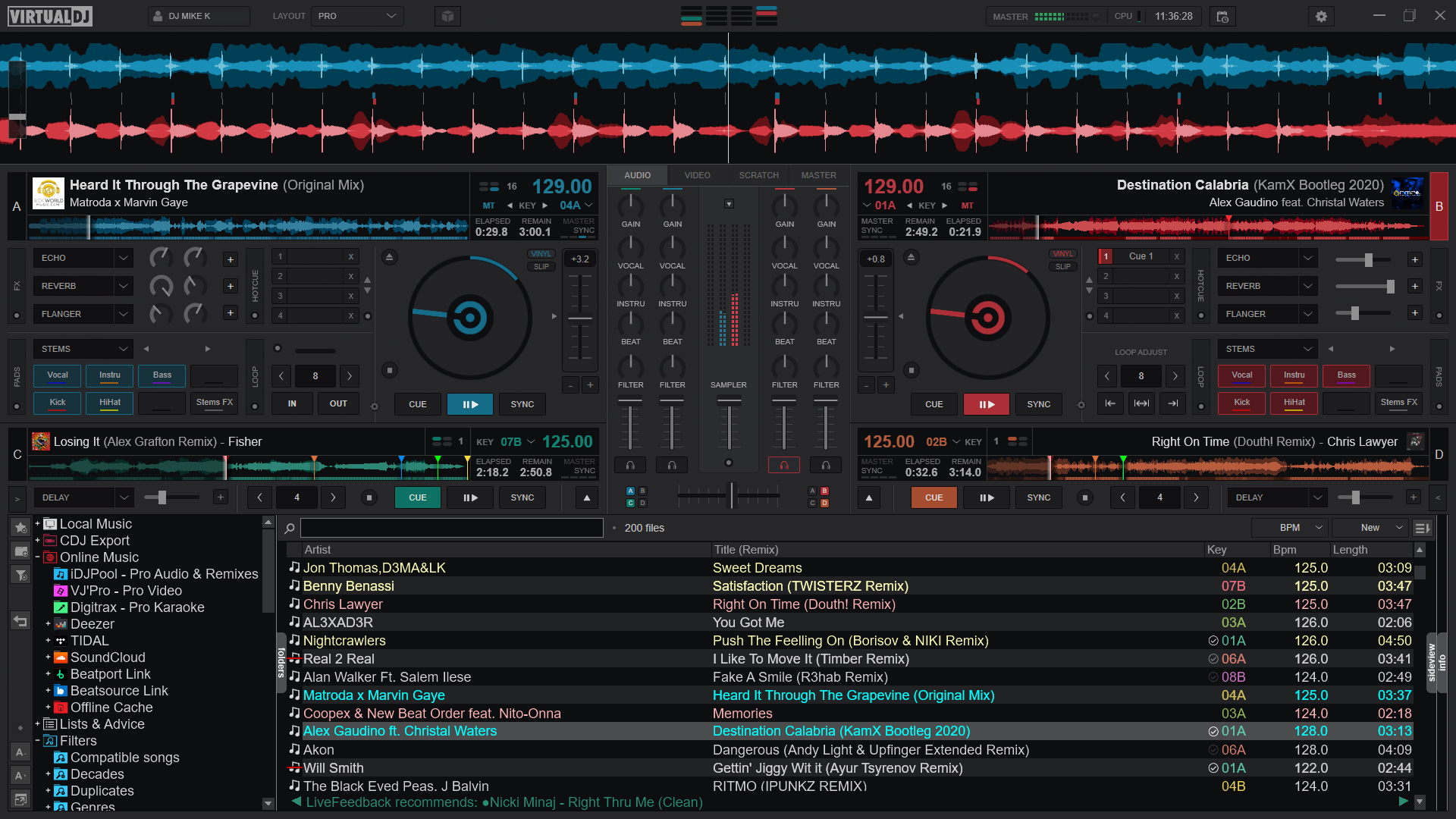
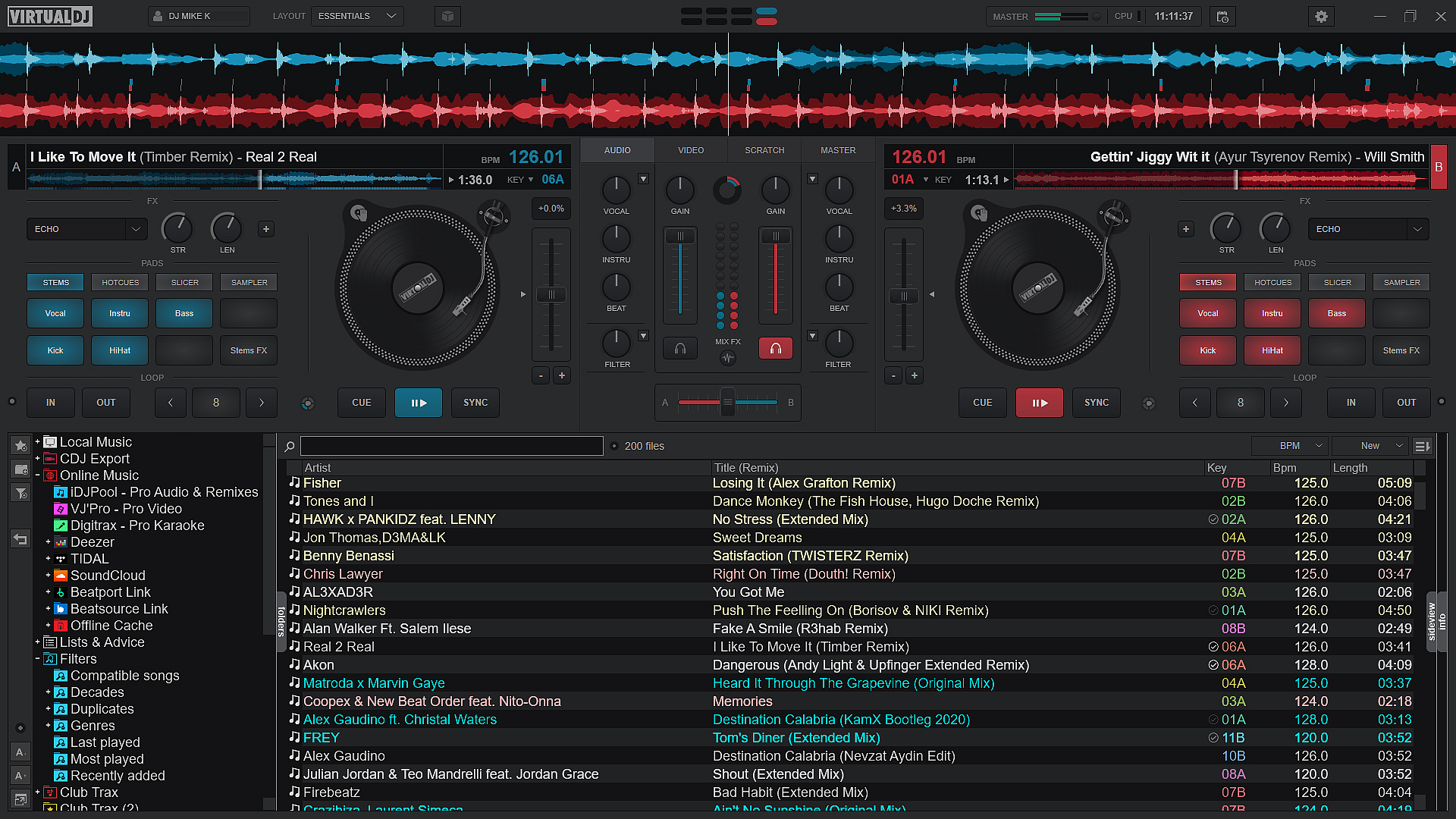
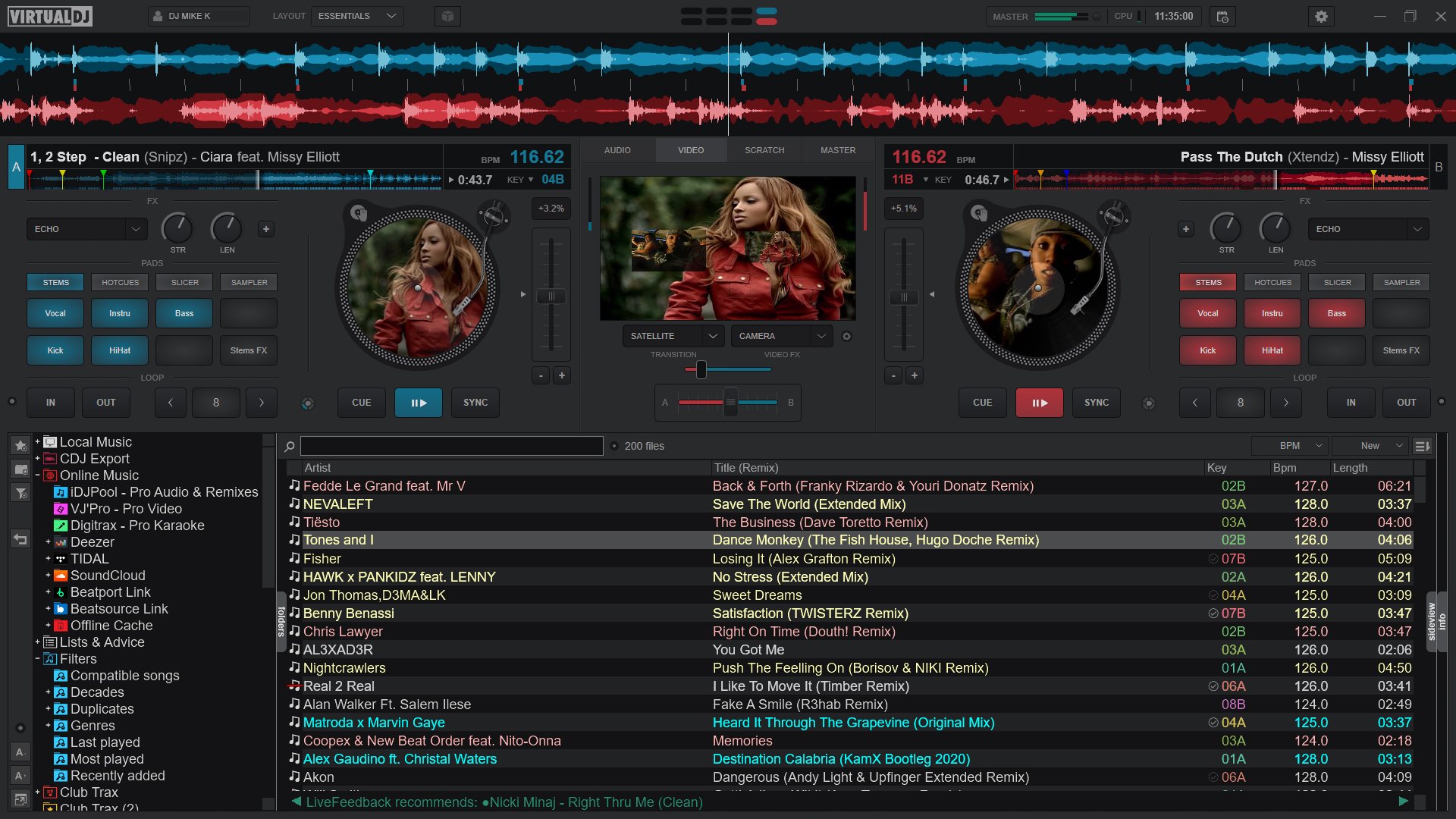
Launching VirtualDJ feels like stepping into a well-organized, high-tech studio. The interface strikes an impressive balance between simplicity and depth—imagine a cockpit where every control is within reach, yet nothing feels cluttered. Navigating through playlists, beat grids, and library management is fluid, akin to gliding on smooth ice. The software boasts a responsive performance that handles complex mixes with ease, making transitions feel almost organic. Newcomers will appreciate the straightforward onboarding process, while veterans will find advanced layers of customization that enhance their craft.
Compared to other music DJ applications, VirtualDJ excels particularly in its ability to assess rhythm pattern variety and input latency tolerance. Unlike some competitors that struggle with rhythmic accuracy, VirtualDJ's intelligent algorithms analyze your music's structure, offering real-time insights that help you select tracks that complement each other rhythmically. This means the software doesn't just blindly mash beats; it thoughtfully guides you towards harmonious blends. Its low latency input handling makes scratching and live remixing feel more natural, as if you're performing with analog equipment—only smarter and more flexible. For those who value precision in rhythm and minimal lag, VirtualDJ provides a noticeable edge.
All in all, VirtualDJ for Windows impresses with its balance of powerful features and user-friendly design. Its standout rhythm analysis and low latency responsiveness make it particularly suitable for DJs aiming for tight, creative mixes without technical frustrations holding them back. I'd recommend it to hobbyists eager to experiment and professionals seeking a dependable platform. Whether practicing at home or performing live, VirtualDJ's stability and intelligent features can elevate your craft. Just prepare to invest some time in exploring its depths—you'll find that the more you learn, the more creative possibilities unfold.
Comprehensive DJ Mixing Tools
Intuitive User Interface
High-Quality Audio Output
Stable Performance with Multiple Decks
Extensive Compatibility and Library Management
Resource Intensive Software
Learning Curve for Advanced Features
Limited Free Features in Trial Version
Occasional Audio Latency Issues
Limited Customization for Default Layouts

for Windows
 4.9
4.9

for Windows
4.9

for Windows
4.8

for Windows
4.8

for Windows
4.7

for Windows
4.7

for Windows
4.6
for Windows
4.6

for Windows
4.5

for Windows
4.5

for Windows
4.5

for Windows
4.5

for Windows
5

for Windows
5

for Windows
5

for Windows
5

for Windows
5

for Windows
5

for Windows
5

for Windows
5

for Windows
5

for Windows
5