Casino
Rick Keeney
PC, Mobile, Surface Hub
Windows 10 version 10240.0 or higher
English (United States)
Video Poker 10 for Windows is a sleek and straightforward digital rendition of the classic casino poker game, designed to provide players with an authentic video poker experience right on their desktops. Whether you're a seasoned card shark or a curious beginner, this app offers a welcoming environment to sharpen your skills or simply enjoy some relaxing gameplay.
This application is developed and published by Rick Keeney, whose focus is on delivering simple yet engaging digital card games. With a passion for replicating traditional casino nuances, Keeney's team ensures that each aspect of Video Poker 10 stays true to its roots while being accessible for digital enthusiasts.
Jumping into Video Poker 10 feels akin to stepping into a cozy casino corner—compact, inviting, and straightforward. The interface strikes a perfect balance between vintage charm and modern clarity; cards are rendered with crisp graphics, and sound effects subtly evoke that authentic casino atmosphere. Navigating through menus is seamless, with smooth animations that don't disrupt the flow of gameplay—making your experience feel fluid, familiar, and satisfying.
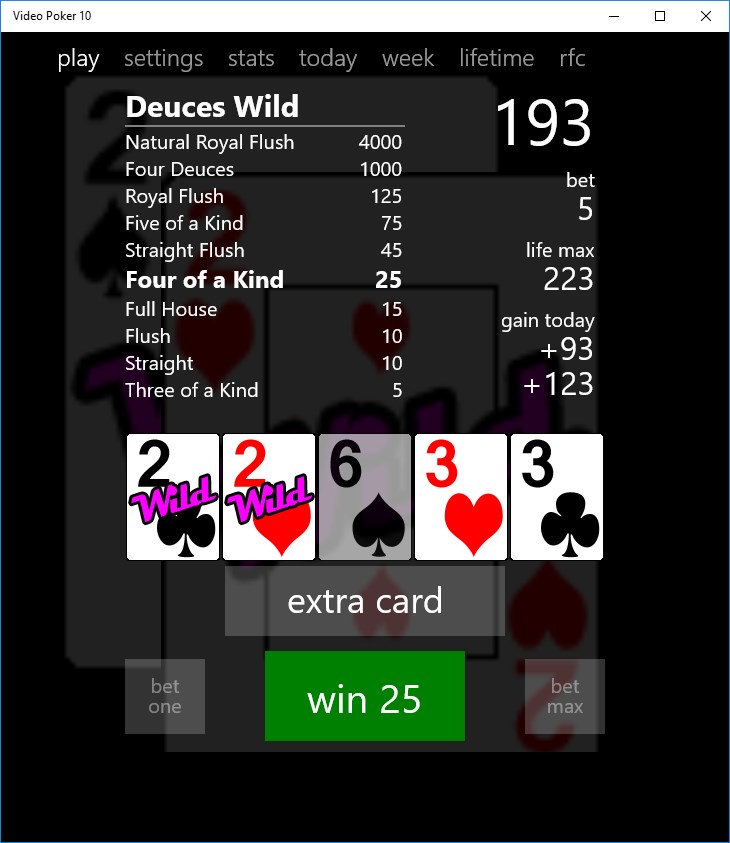
The game's UI is designed with clarity in mind. The main screen displays the cards in a well-organized layout, with clear buttons for dealing, holding, and drawing cards. Despite its simplicity, the interface offers enough visual cues to guide new players without overwhelming them, which makes the game approachable for beginners. Experienced players will appreciate how quickly they can place bets or switch game modes, thanks to the logical layout and responsive controls.
Video Poker 10 runs smoothly on typical Windows systems, with no noticeable lag or glitches. The game strikes a good balance—it's easy for newcomers to pick up, thanks to straightforward rules and optional hints, yet offers enough strategic depth to keep seasoned players engaged. The clear graphics and consistent responsiveness mean you can focus on your game rather than battling interface issues. The learning curve is gentle; with minimal practice, players can understand optimal strategies and enjoy the challenge of strategic decision-making.
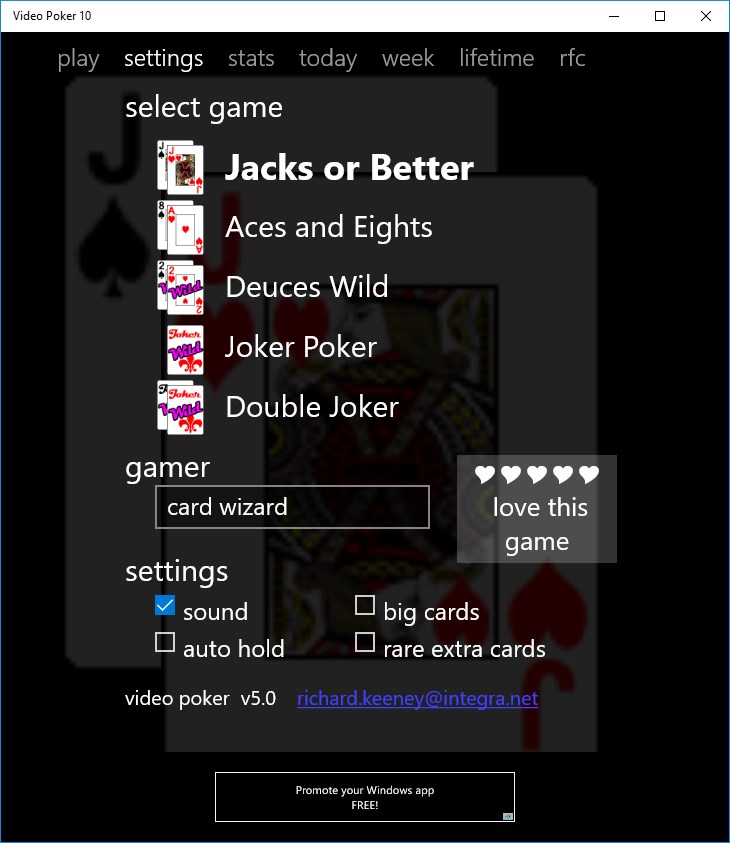
Unlike many other digital casino applications that often focus on flashy graphics and bells-and-whistles, Video Poker 10 emphasizes authenticity and usability. Its most notable feature is the inclusion of multiple game variants, allowing for varied experiences within a single application. Additionally, its straightforward design—coupled with thoughtful features like progress tracking—sets it apart from more superficial poker apps that often prioritize quick wins or extraneous content. For those seeking a genuine, no-frills virtual poker experience that still feels like the real deal, Video Poker 10 provides a compelling choice.
Considering its balance of simplicity, functionality, and authenticity, Video Poker 10 is highly suitable for casual players wanting to enjoy classic video poker on their Windows device. It's particularly good for beginners wanting to grasp the fundamentals without the distraction of complex graphics or in-app purchases. More experienced players will find value in its multiple game variants and strategic hints that aid skill improvement.
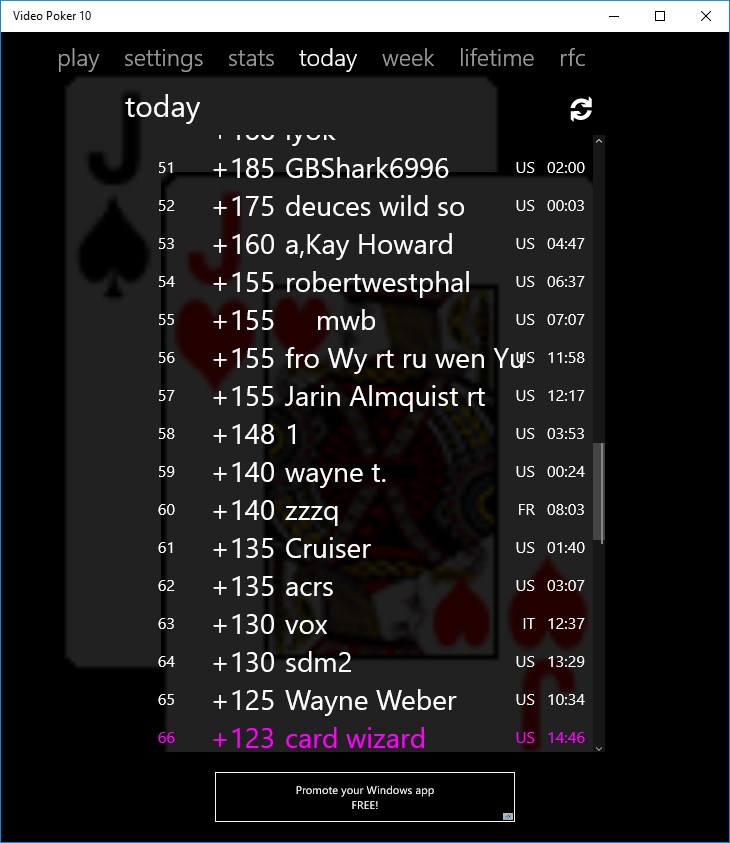
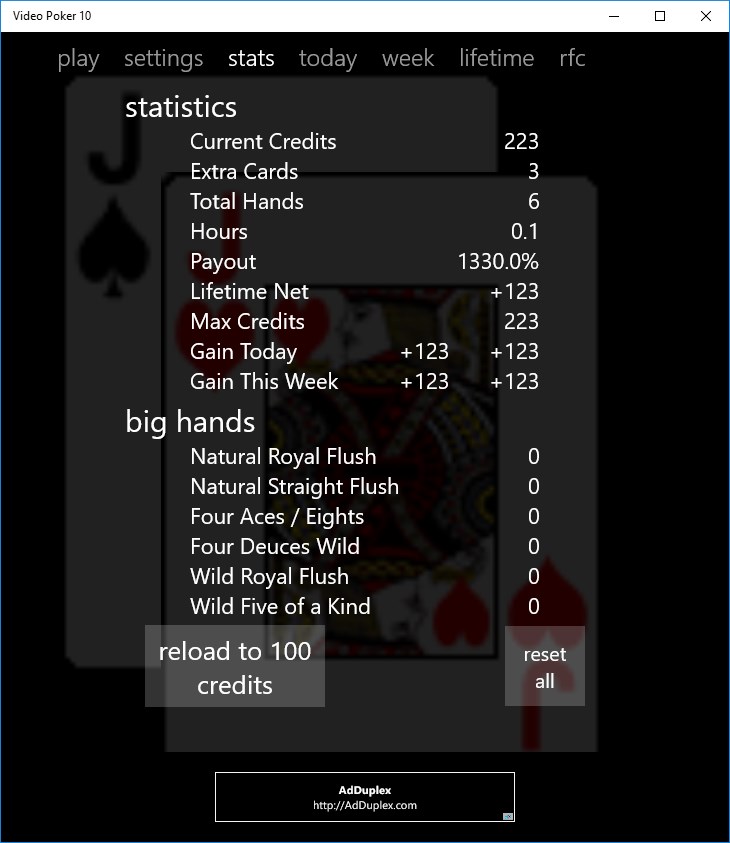
For best results, I recommend starting with the basic versions like Jacks or Better to familiarize yourself with standard strategy. Use the progress tracking feature to monitor your performance and refine your approach. Overall, if you're looking for a well-rounded, authentic digital version of video poker, this application warrants a solid recommendation—think of it as your digital poker best friend, always ready to deal a hand.
Intuitive User Interface
Realistic Poker Experience
Variety of Game Modes
Daily Challenges and Rewards
Offline Mode Available
Limited Tutorial Content
In-App Purchases Can Be Persuasive
Occasional Lag During Loading Screens
Limited Customization Options
Advertising Interruptions

for Windows
 4.9
4.9

for Windows
4.9

for Windows
4.9

for Windows
4.9

for Windows
4.9

for Windows
4.8

for Windows
4.8

for Windows
4.8

for Windows
4.7

for Windows
4.7

for Windows
4.7

for Windows
4.6

for Windows
5

for Windows
5

for Windows
5

for Windows
5

for Windows
5

for Windows
5

for Windows
5

for Windows
5

for Windows
5

for Windows
5