Social
Viber
PC
Windows 10 version 0.0 or higher
Integrated Keyboard
Integrated Mouse
English
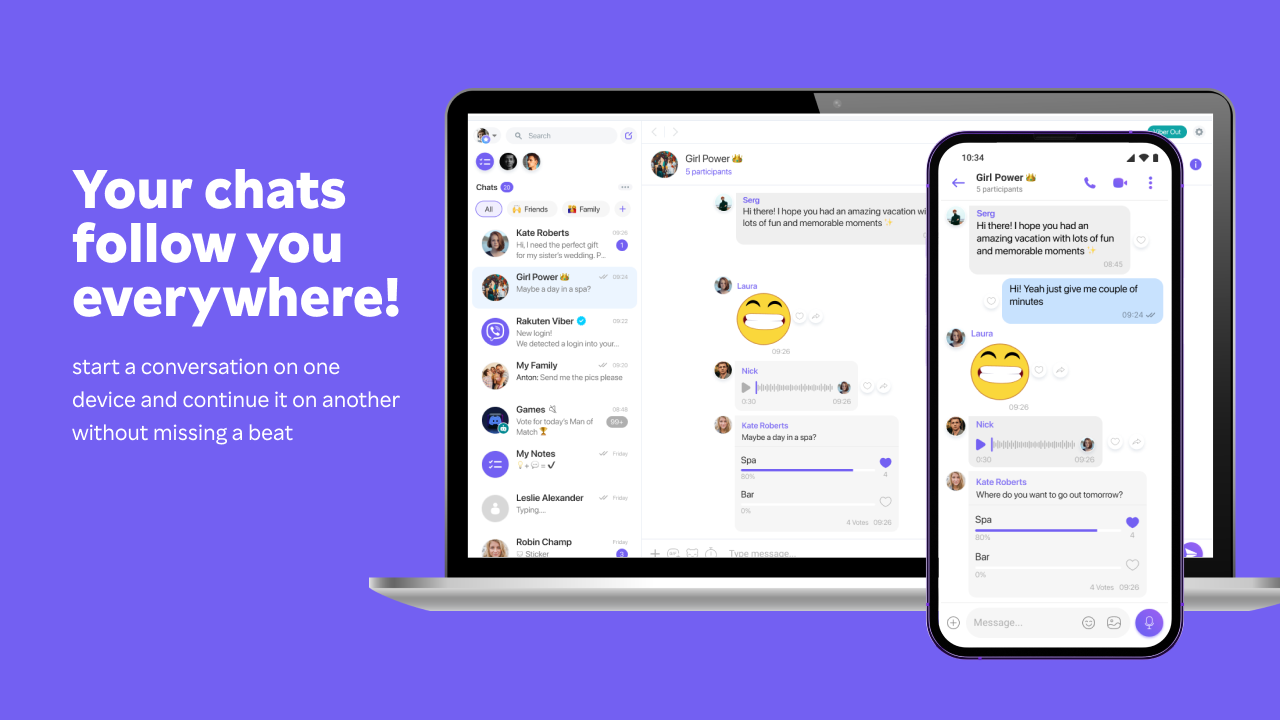
Viber for Windows stands out as a robust communication tool designed to keep your conversations seamless across devices, blending familiar chat functionalities with innovative identity verification features. Whether you're connecting with friends, family, or colleagues, Viber offers a familiar yet enhanced messaging experience tailored to modern communication needs.
Created by Viber Media S.A R.L., a well-established name in the messaging app industry, this team specializes in developing intuitive communication solutions that prioritize user privacy, reliability, and innovative features. Their commitment is evident in the app's consistent updates and focus on enhancing user engagement.
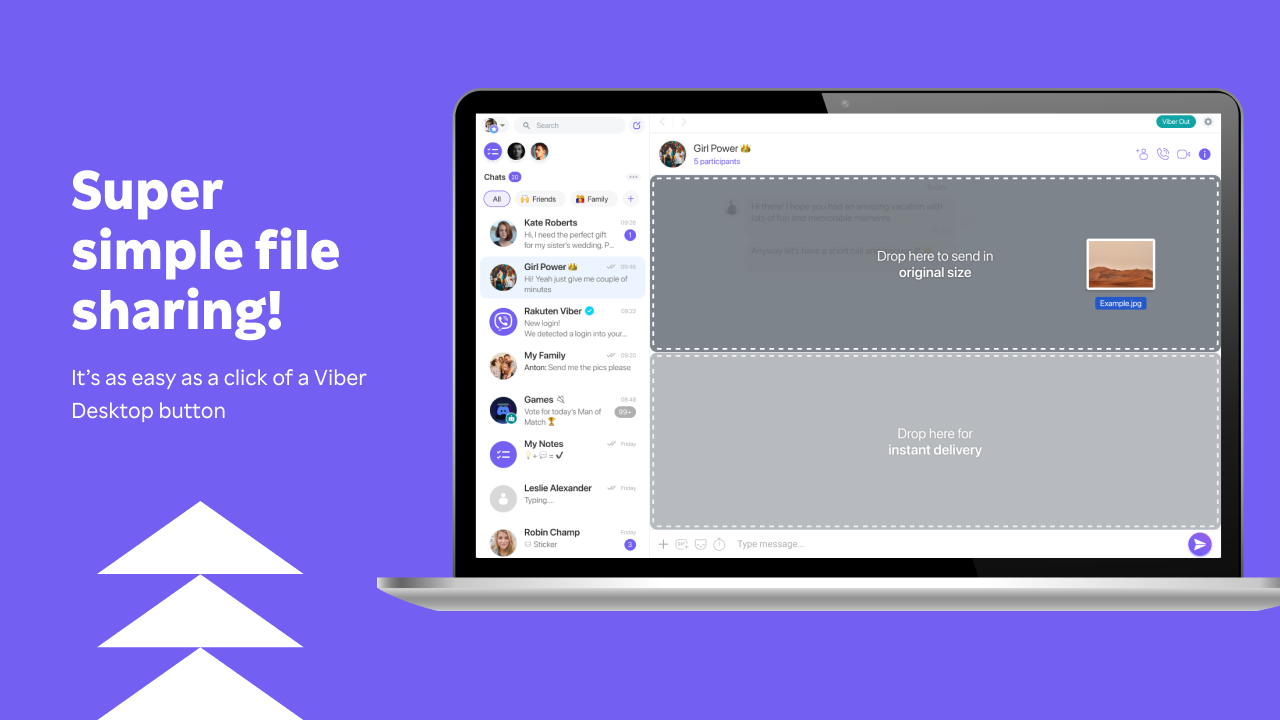
Opening Viber for Windows feels like stepping into a well-organized digital lounge. The interface boasts a sleek, minimalist design with a calming color palette that's easy on the eyes during long chat sessions. Navigating through contacts, chats, and settings is smooth and straightforward, even for users who aren't tech-savvy. The app's responsiveness is noteworthy; messages arrive instantly, and calls connect with minimal lag—a crucial aspect for maintaining natural conversations.
For those new to Viber, the learning curve is gentle. The familiar layout resembles other messaging apps, but with subtle improvements that streamline interactions. Features like emoji reactions, multimedia sharing, and quick replies are just a click away, making conversations lively yet effortless.
Many social apps excel at basic messaging, but Viber's standout attribute lies in its robust user profile customization coupled with authenticity verification. This dual approach not only allows users to craft a digital identity that truly reflects who they are but also provides a layer of security by verifying profiles, thus fostering genuine interactions. Imagine joining a community where you can confidently connect, knowing that the person on the other end has been verified—much like meeting someone face-to-face in a bustling café.
Additionally, Viber's connection discovery feature helps users find contacts through phone numbers or mutual friends effortlessly, simplifying the process of expanding your social circle. Compared to other apps that often lack such verification or easy discovery, Viber strikes a good balance between privacy and accessibility, making it particularly suitable for users who value authenticity and security.
All considered, Viber for Windows is a commendable choice for users seeking a dependable and secure messaging tool. Its strengths in profile customization and identity verification set it apart, especially for professionals or communities where authenticity matters. I'd recommend it to anyone who values privacy and genuine connections, whether for personal chats, family interactions, or small team collaborations.
If you're already a Viber user on mobile, installing the Windows version will likely feel like visiting an old friend—familiar, reliable, and ever-improving. New users should give it a try, starting with the core features and exploring the profile customization options to enjoy a personalized communication experience. For those who prioritize authenticity and seamless cross-device connectivity, Viber for Windows is definitely worth a spot on your desktop.
User-friendly interface
End-to-end encryption
Extensive multimedia sharing
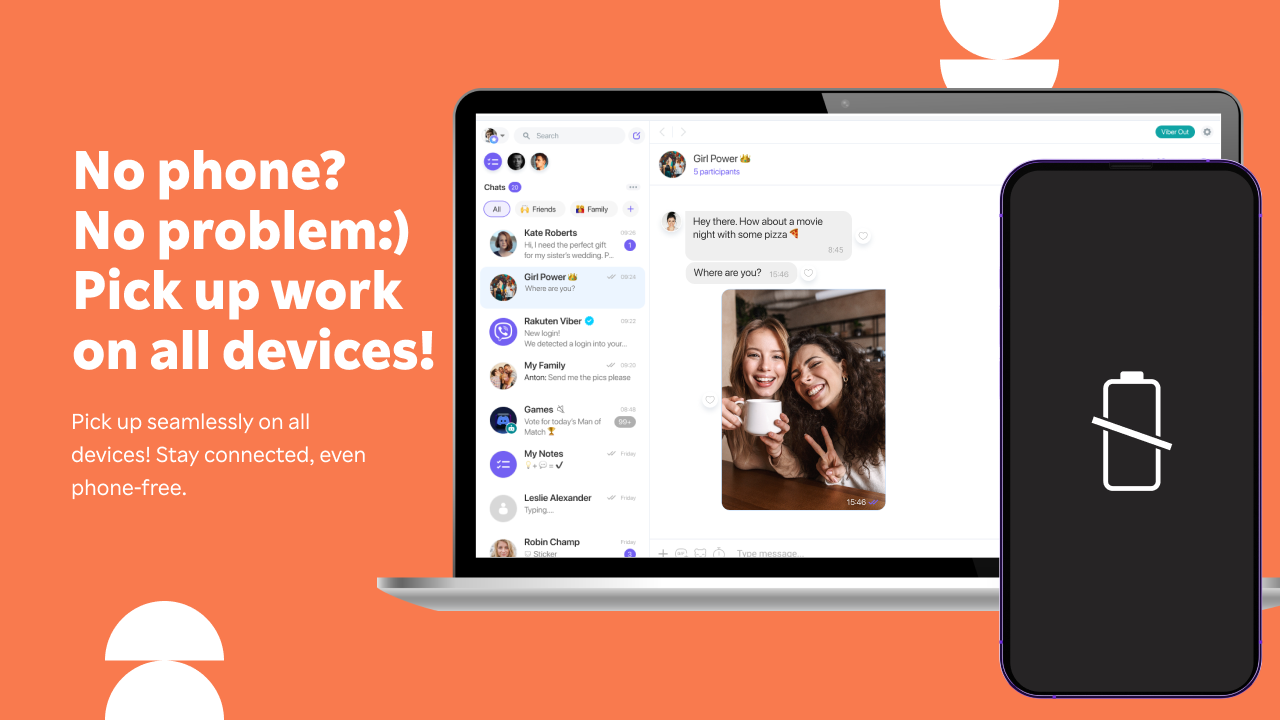
Cross-platform compatibility
Offline message delivery
Limited group chat features
Occasional call quality issues
Large file transfer restrictions
Battery consumption during use
Limited customization options

for Windows
 5
5

for Windows
4.9

for Windows
4.8

for Windows
4.7

for Windows
4.7

for Windows
4.6

for Windows
4.6

for Windows
4.5

for Windows
4.5

for Windows
4.5

for Windows
4.5

for Windows
4.4

for Windows
5

for Windows
5

for Windows
5

for Windows
5

for Windows
5
for Windows
5

for Windows
5

for Windows
5

for Windows
5

for Windows
5