Entertainment
Cubeir
PC, Mobile, Surface Hub, HoloLens
Windows 10 version 17763.0 or higher
Not specified
Not specified
Not specified
English (United States)
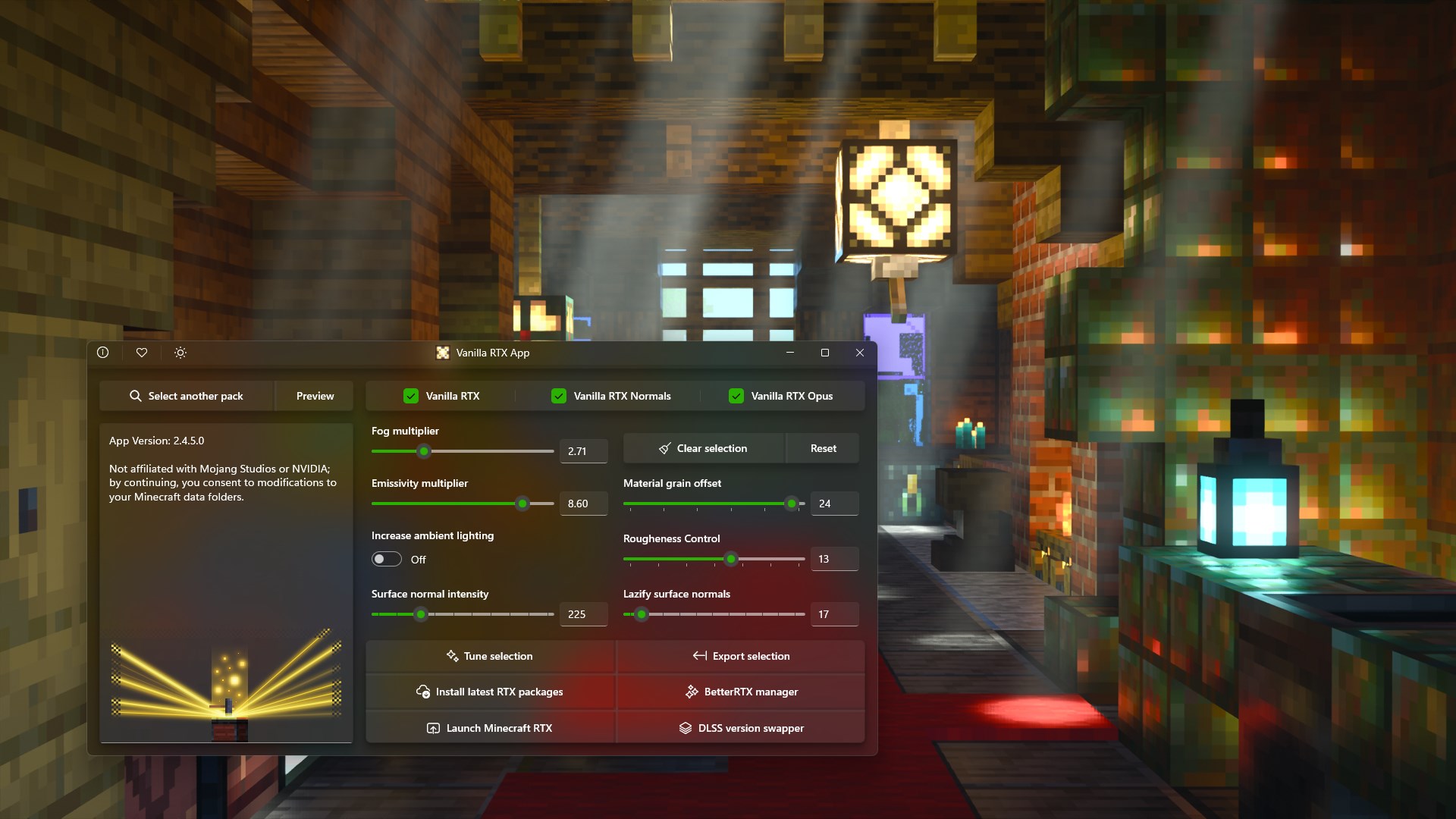
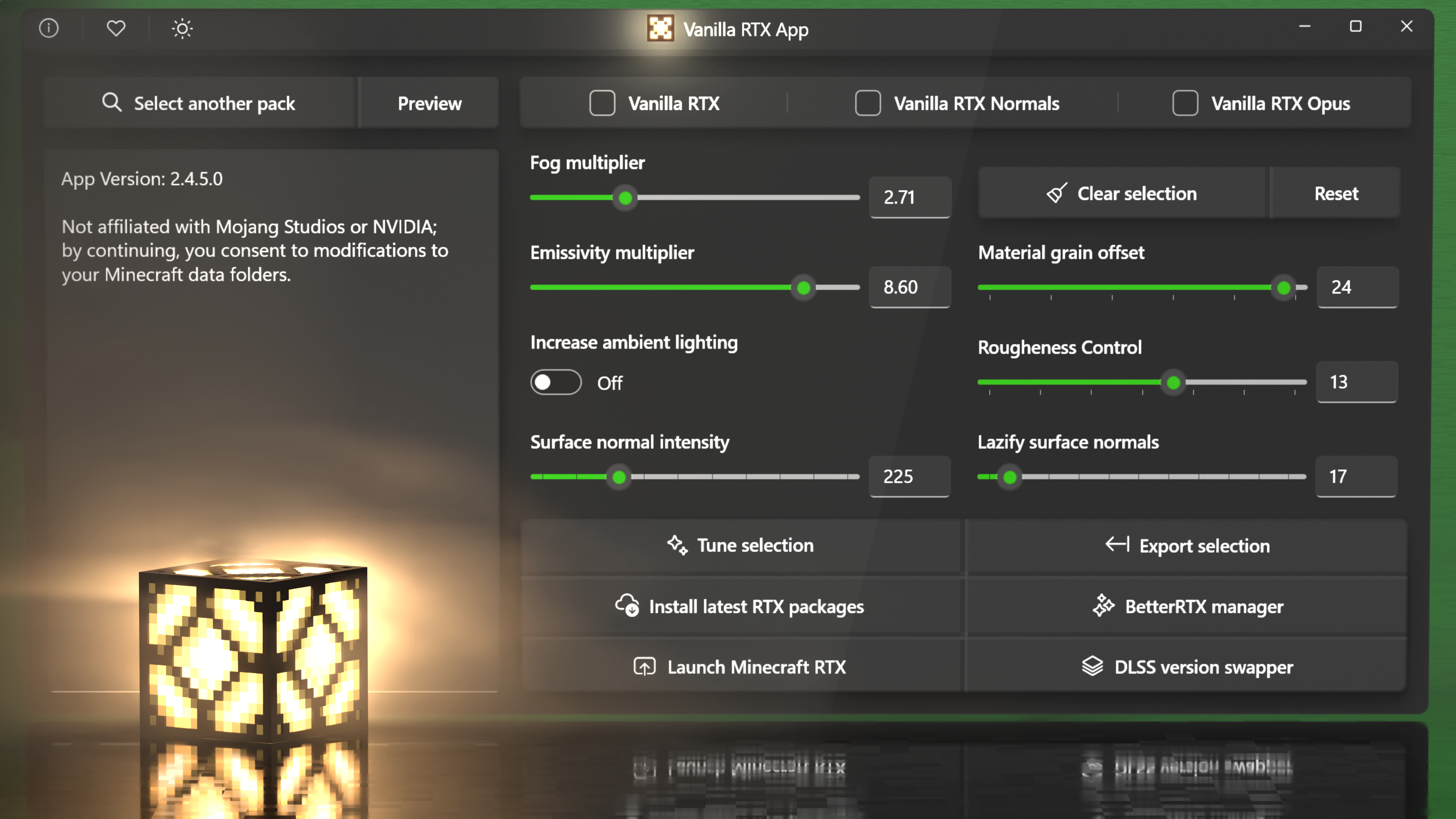
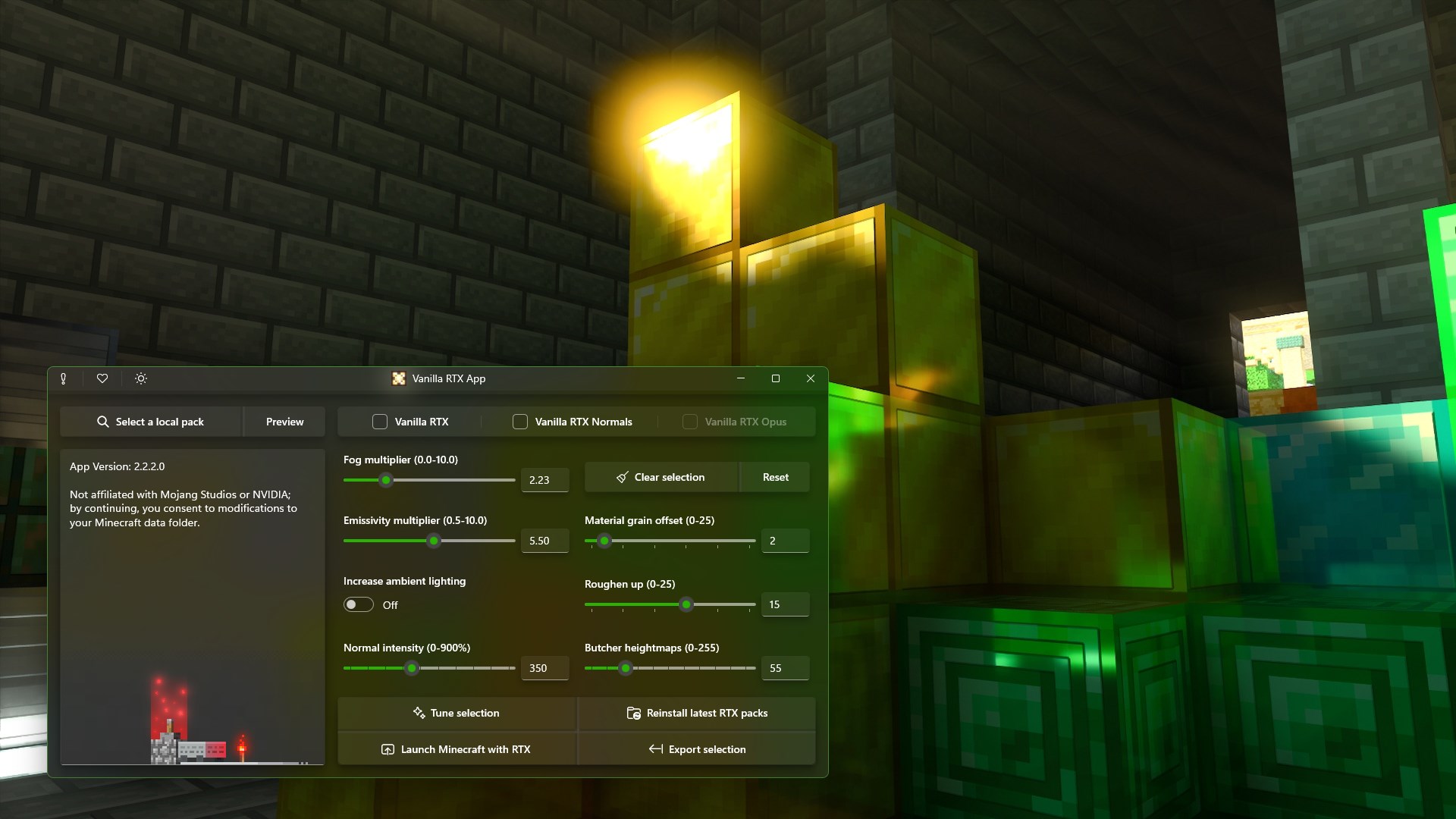
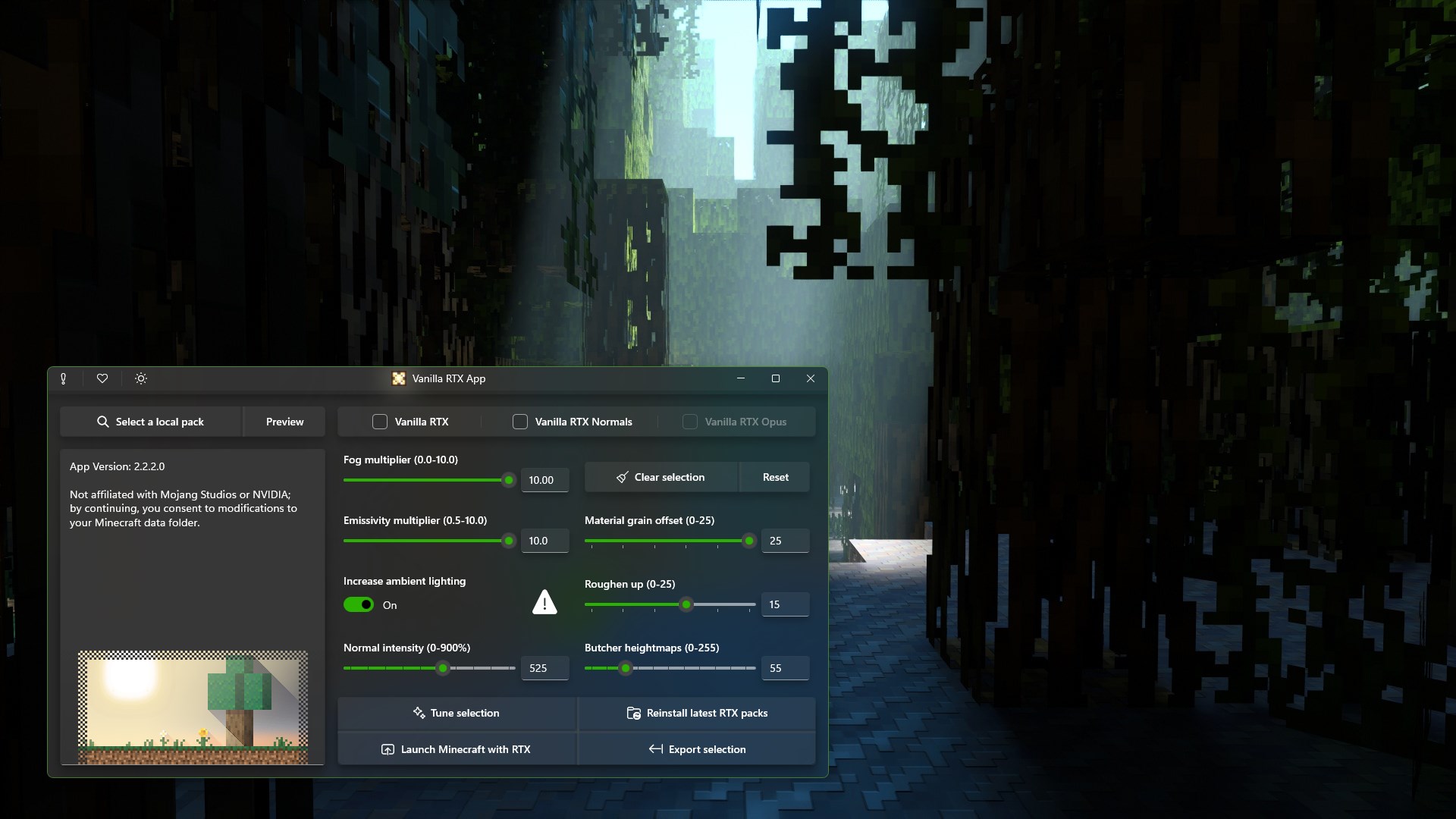
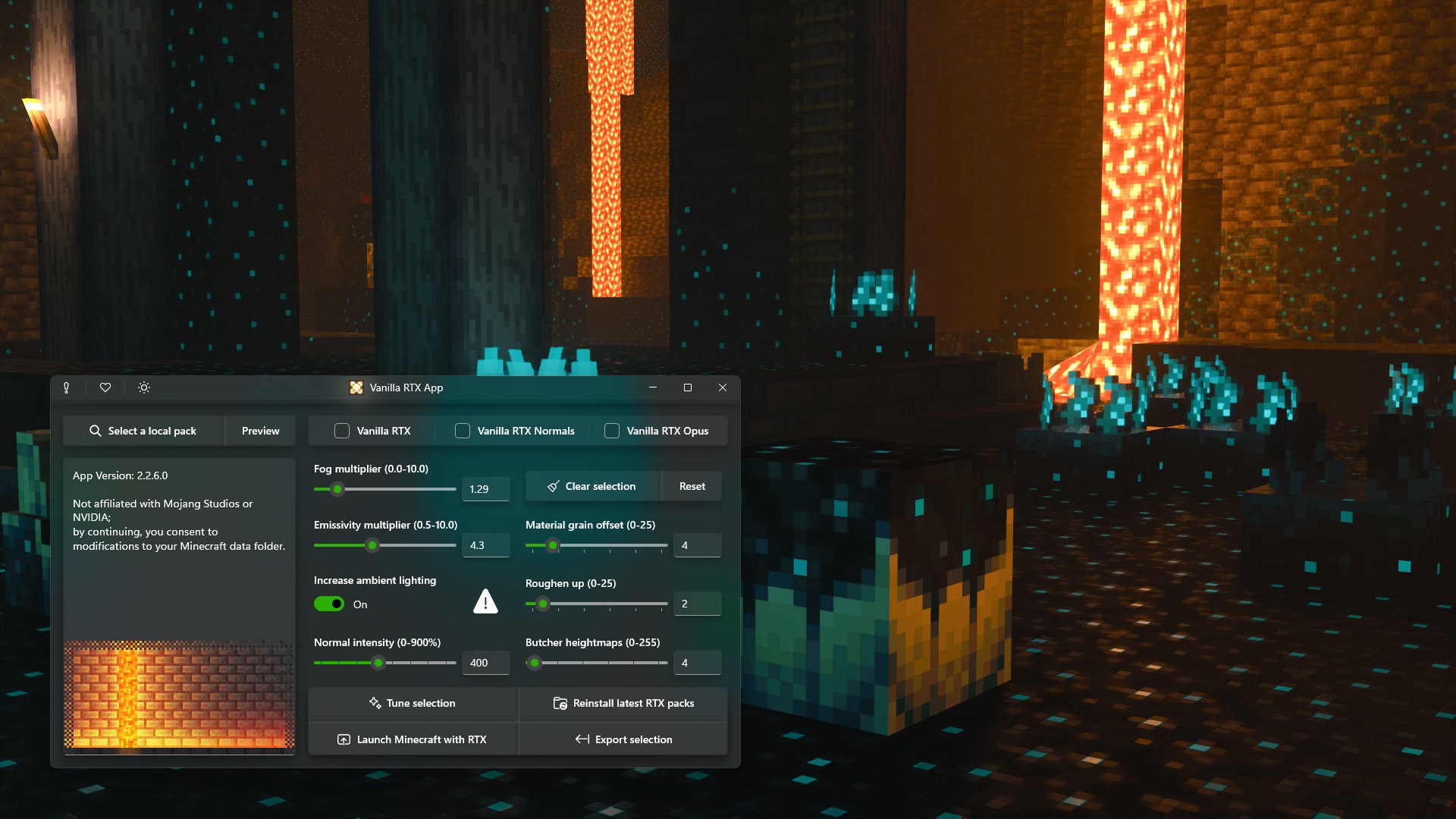
Vanilla RTX App by Cubeir emerges as a sleek tool designed to enhance real-time ray tracing visuals on Windows. It aims to bring cinematic-quality lighting and reflections right into your games and creative projects, making digital environments more immersive and realistic. This app positions itself as an accessible yet powerful solution for enthusiasts who want to optimize their visual rendering without complex setups.
Cubeir is a dedicated software development team specializing in innovative visualization tools and graphics enhancement apps. Known for their focus on user-friendly interfaces and high-quality outputs, Cubeir aims to bridge advanced graphics technology with everyday users, creating tools that are both accessible and impactful.
Imagine stepping into a digital world where shimmering reflections dance across glass surfaces, and light cascades naturally through virtual environments—that's what Vanilla RTX delivers. It's like having a personal cinema-grade lighting crew working silently behind the scenes, elevating every pixel with a touch of realism. Whether you're a gamer craving more immersive worlds or a creator seeking to spruce up your visuals, this app promises a delightful experience. Its interface is akin to a sleek dashboard—clean, intuitive, and welcoming—making your journey into advanced graphics feel effortless.
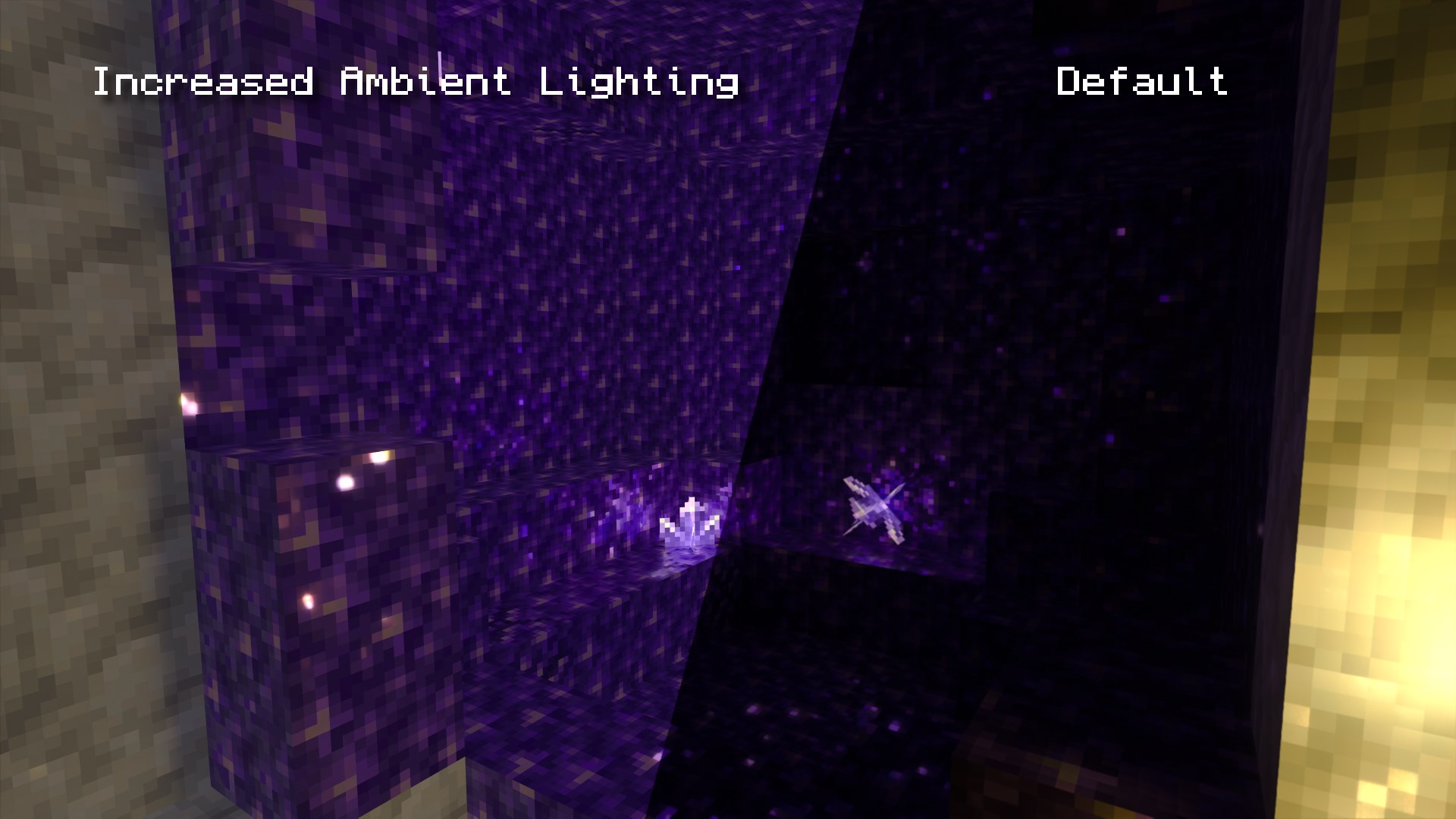
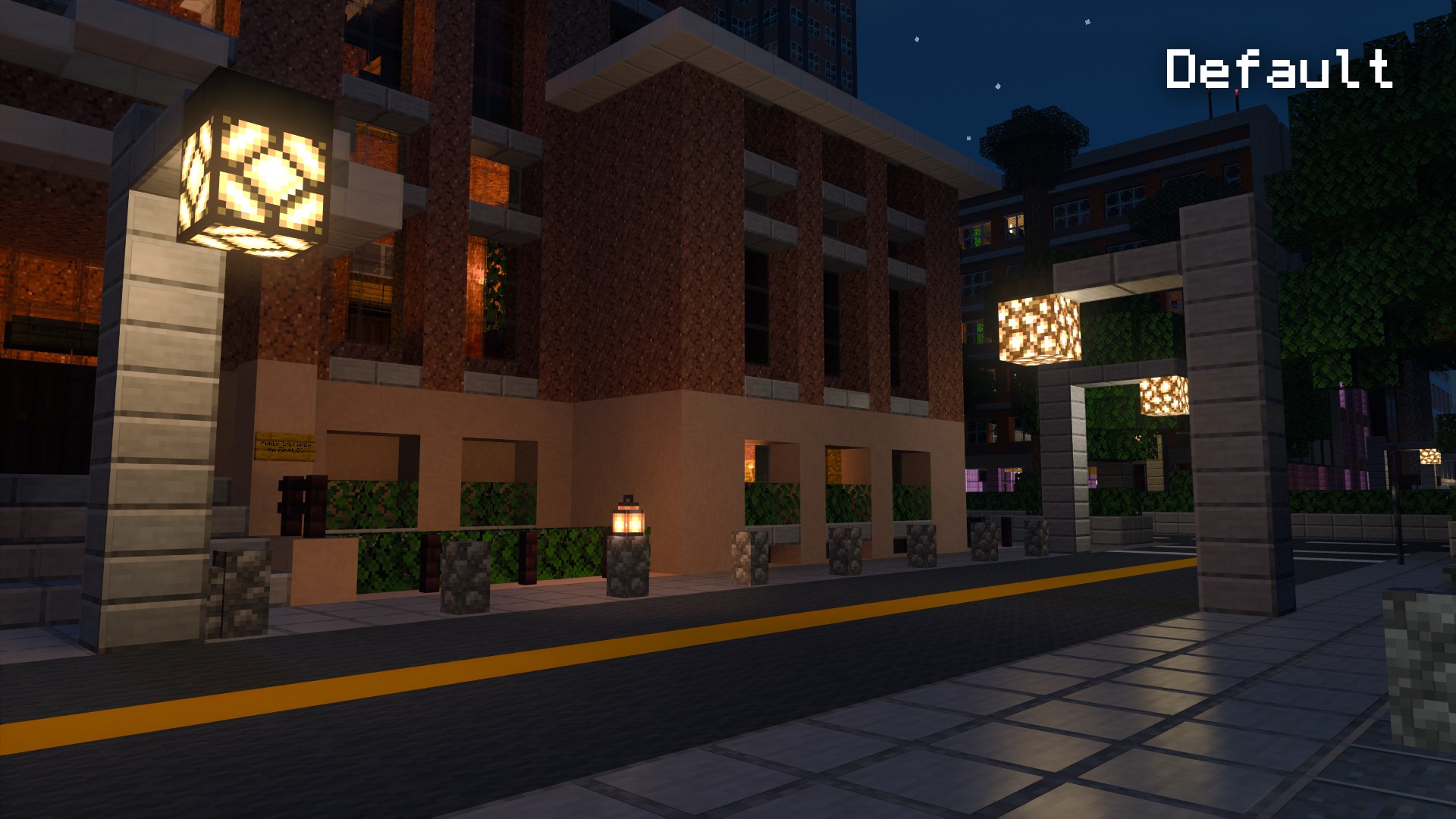
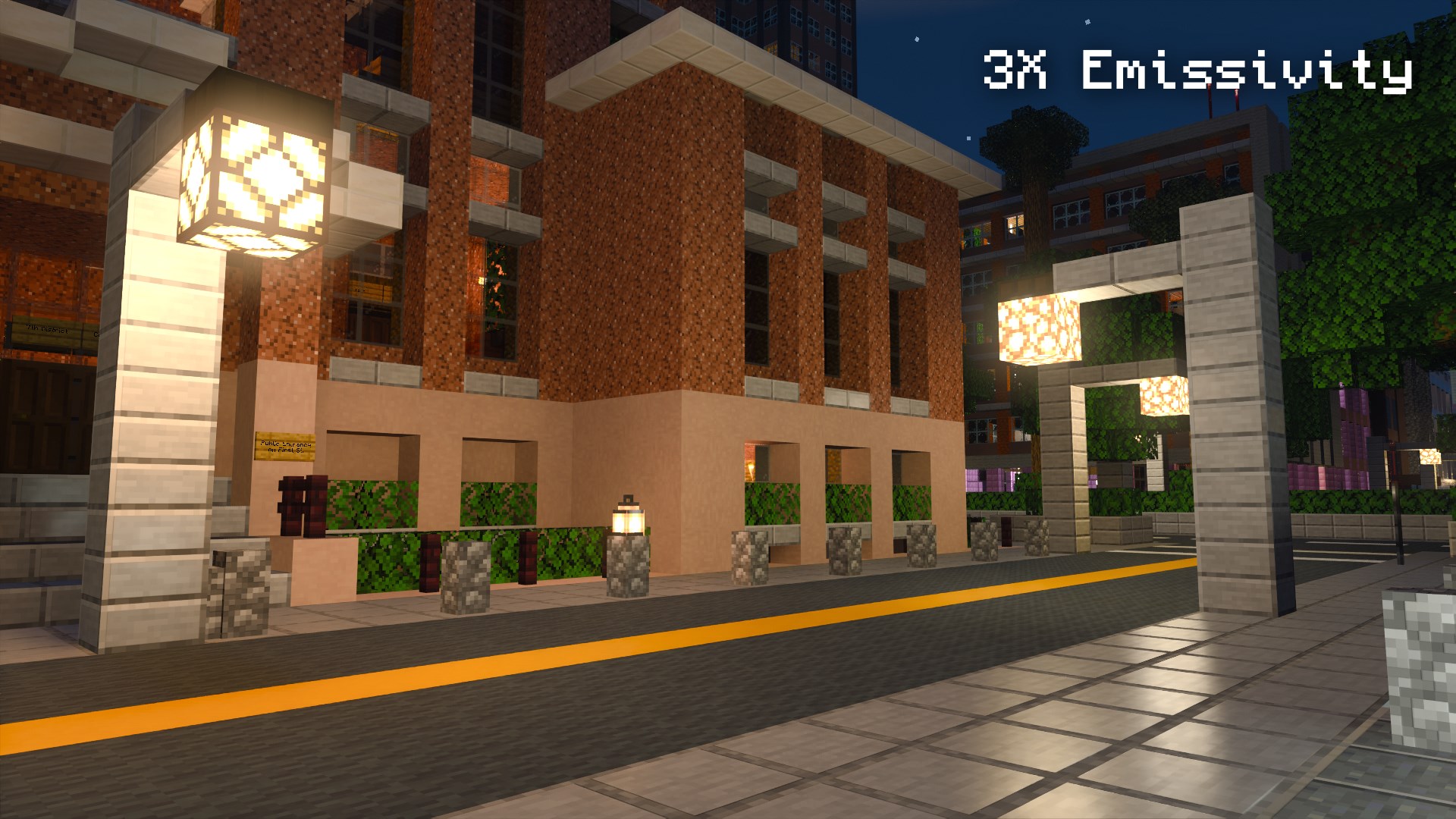
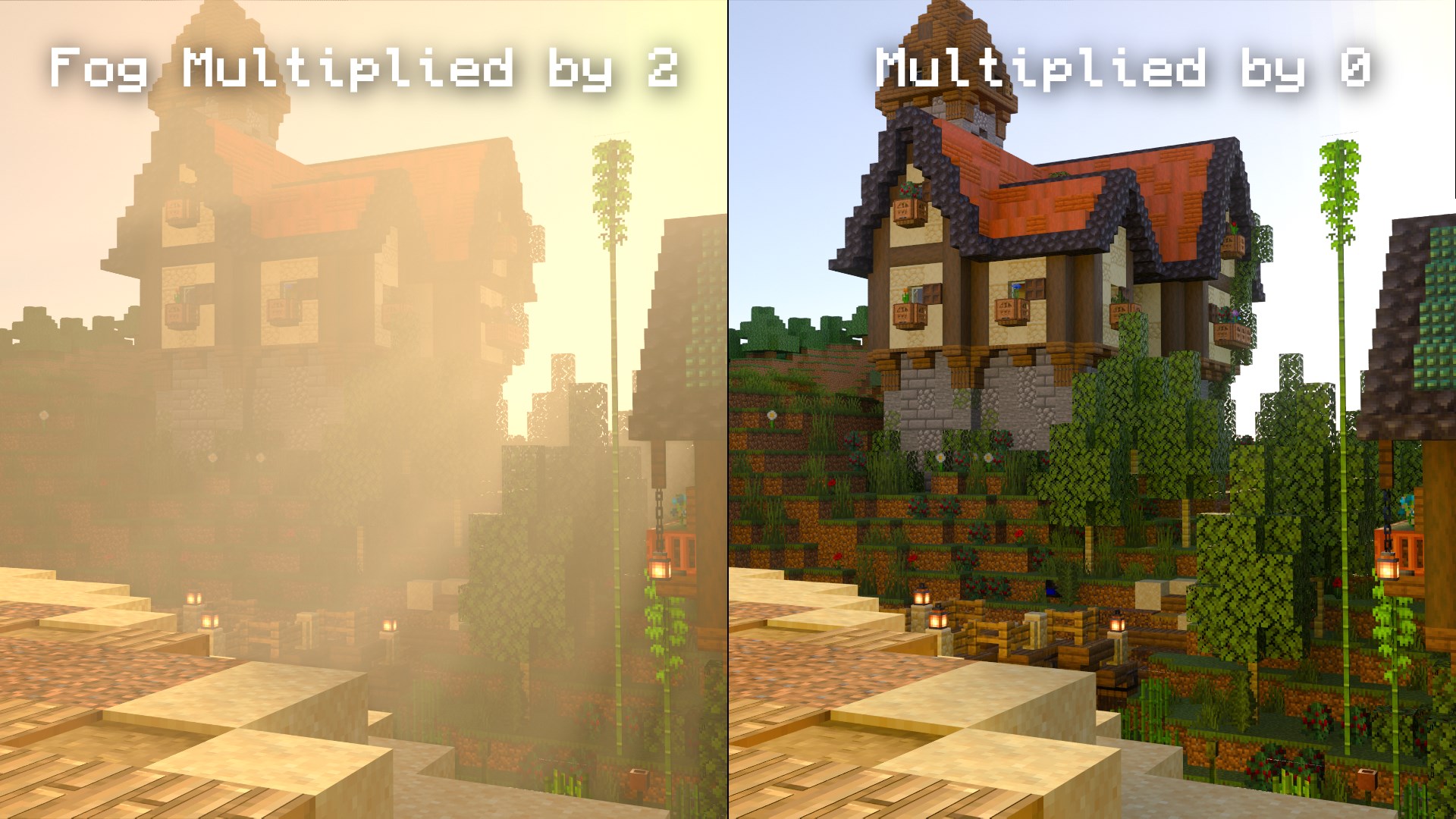
Real-Time Ray Tracing Enhancement: The heart of Vanilla RTX lies in its ability to supercharge visuals with real-time ray tracing. Unlike traditional rasterization methods, ray tracing simulates physical light paths, resulting in incredibly realistic reflections, shadows, and lighting effects. This feature is particularly impressive because it offers high fidelity without demanding exorbitant hardware, thanks to optimized rendering techniques.
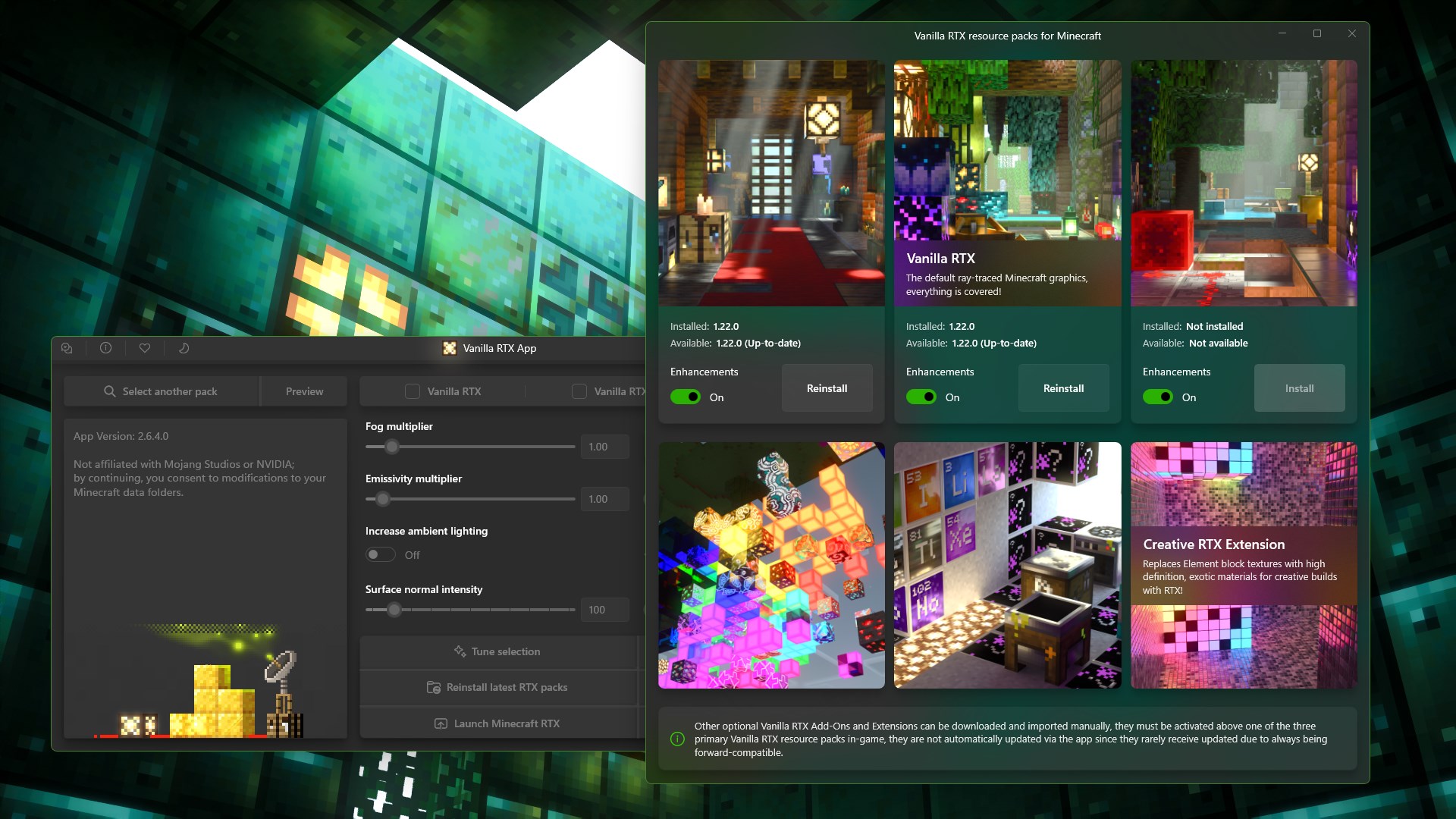
Content Discovery and Personalization: One of Vanilla RTX's standout features is its content algorithm. Unlike many similar tools that bombard users with a plethora of options, this app learns your preferences over time. It suggests resource packs and configuration settings tailored to your style—be it for gaming, creative projects, or casual experimentation. This personalization significantly enhances usability and ensures that you're not just using an app but engaging with a living, adaptive tool.
From a user experience perspective, Vanilla RTX excels in clarity and flow. Its minimalistic interface means less time hunting through menus and more time enjoying stunning visuals. Operation is smooth, with rapid rendering updates, which means you won't experience lag or stutter when tinkering with settings or loading new scenes. The learning curve is gentle, making it approachable even for newcomers to advanced graphics tech.
Compared to other entertainment or graphics apps, Vanilla RTX's personalized content recommendation stands out. By intelligently assessing your usage patterns and preferences, it offers curated suggestions that feel almost like chatting with a knowledgeable friend who understands your tastes. This level of contextual relevance reduces clutter and helps users quickly access the best resources for their specific needs.
If you're seeking a reliable, user-friendly app to enhance your Windows gaming or visualization experience with professional-grade lighting effects, Vanilla RTX deserves a serious look. Its most compelling feature—the adaptive content discovery—sets it apart from generic graphics enhancers, making every upgrade feel personalized and relevant. I would suggest it especially for creative users or gamers who crave high-quality visuals without diving into complex configurations. For those ready to elevate their digital environments seamlessly, Vanilla RTX is a recommendation worth considering.
High-Quality Real-Time Ray Tracing
Smooth Performance with RTX Hardware
User-Friendly Interface
Frequent Updates and Improvements
Enhanced Visual Customization Options
Limited Compatibility with Older GPUs
High System Requirements
Occasional Glitches in Rendering
In-App Settings Could Be More Comprehensive
Battery Consumption is Relatively High

for Windows
 5
5
for Windows
4.8

for Windows
4.8

for Windows
4.8

for Windows
4.7

for Windows
4.6

for Windows
4.6

for Windows
4.6

for Windows
4.6

for Windows
4.6

for Windows
4.6

for Windows
4.6

for Windows
5

for Windows
5

for Windows
5

for Windows
5
for Windows
5

for Windows
5

for Windows
5

for Windows
5

for Windows
5

for Windows
5