Educational
Giant Army
PC
Windows 10 version 17763.0 or higher
Integrated Keyboard
Integrated Mouse
DirectX 12 API, Hardware Feature Level 12
4 GB
English (United States)
Imagine having a miniature universe at your fingertips—where you can tweak planets, stars, and galaxies to see how they dance in cosmic harmony or chaos. That's precisely what Universe Sandbox offers: a compelling blend of scientific accuracy and engaging simulation, making the vastness of space accessible and interactive for users of all ages.
Developed and published by Giant Army, Universe Sandbox for Windows is a dynamic space simulation platform designed to ignite curiosity about our universe. Its key features include realistic physics-based modeling, intuitive interactive tools, and advanced simulation options that allow users to experiment freely with celestial objects. Whether you want to recreate planetary systems, simulate star collisions, or explore gravitational effects, this app provides a rich sandbox to do so. Its user interface is thoughtfully designed to balance complexity with accessibility, catering to both science enthusiasts and curious learners.
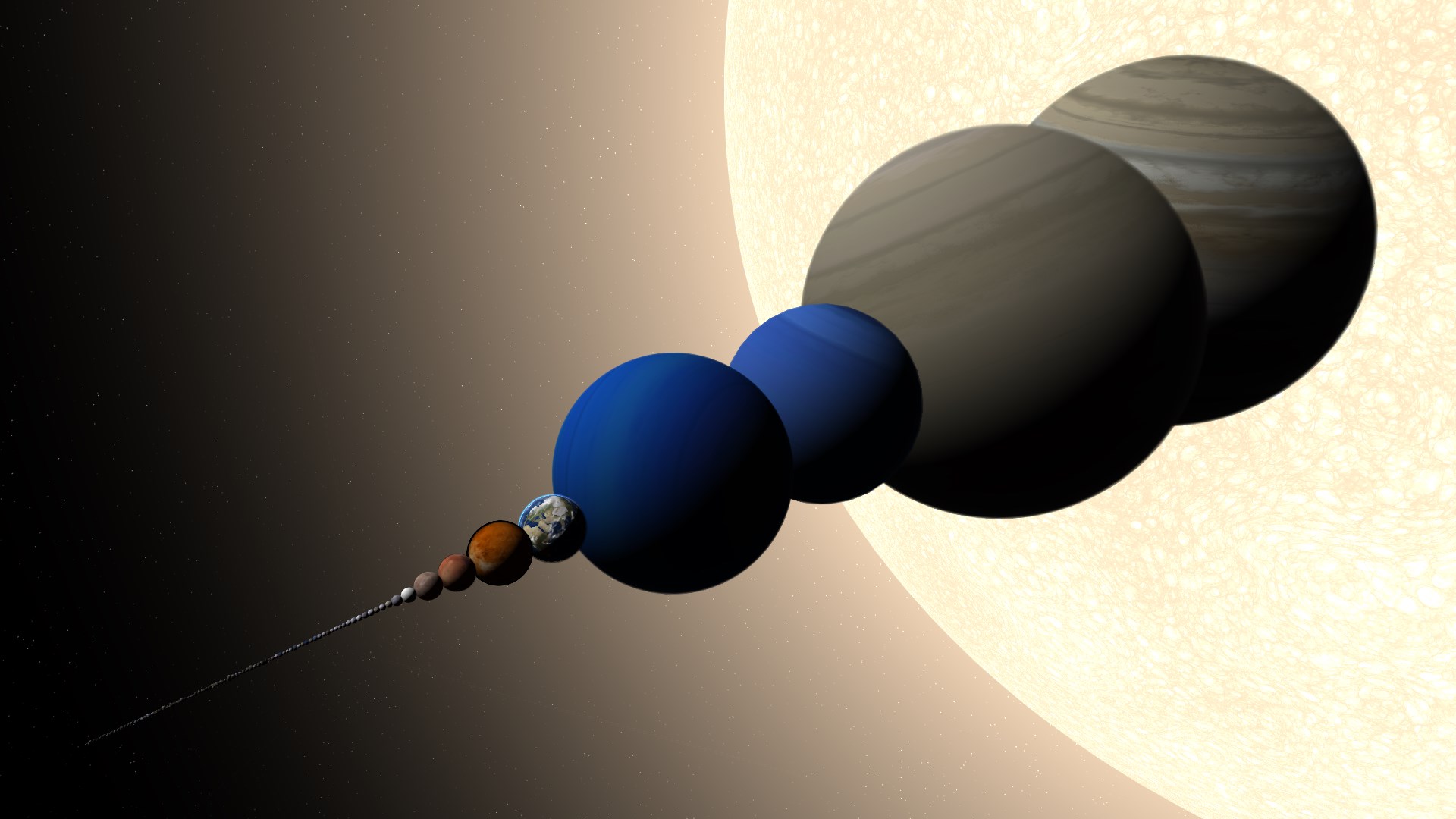
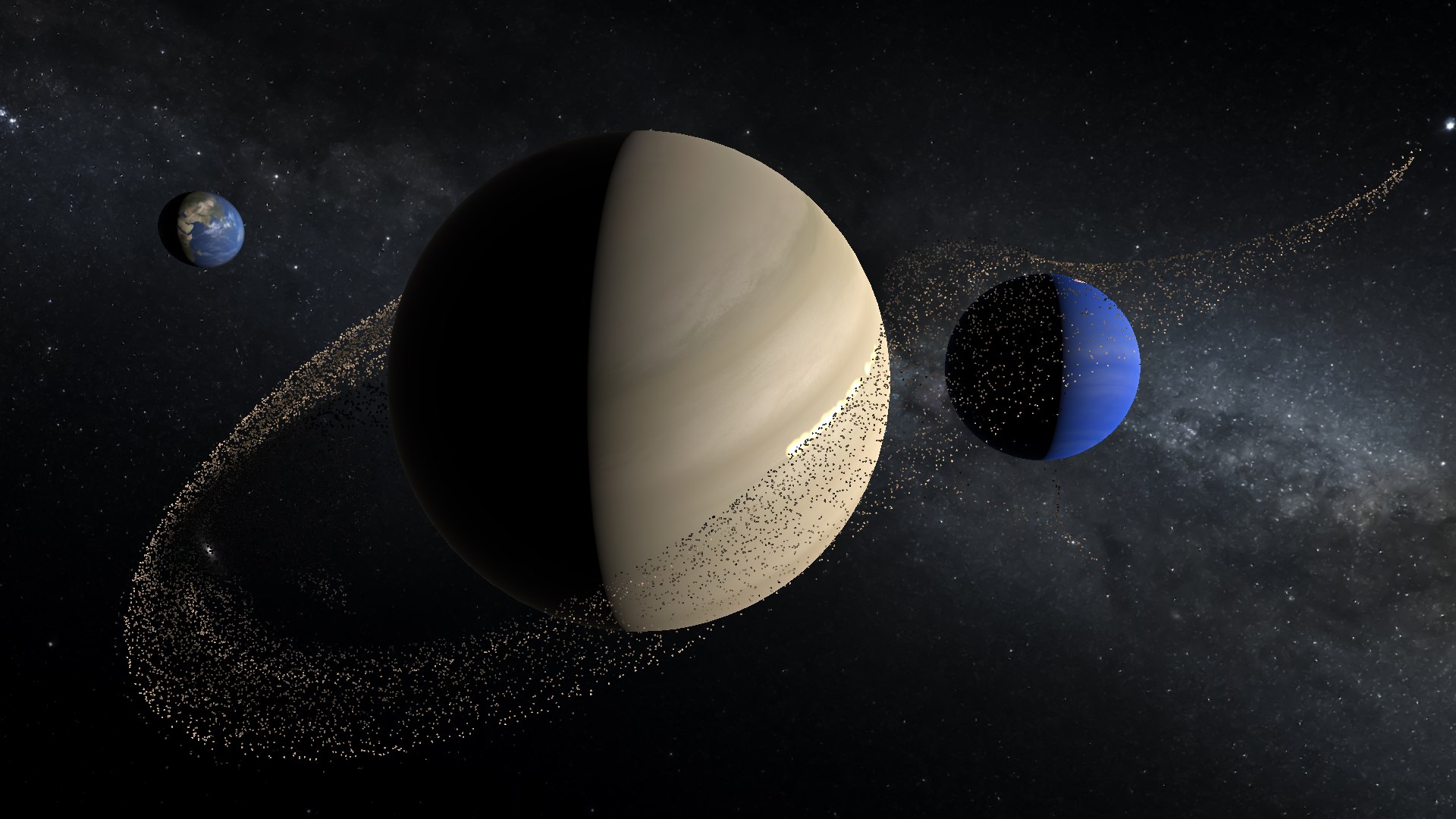
Imagine standing on an asteroid, watching planets whirl past at dizzying speeds, or forming your own galaxy from scratch. Universe Sandbox invites users into this enthralling Universe with a sense of wonder that sparks the imagination. Unlike static educational tools, it transforms space study into an interactive experience—where curiosity is the guiding star. The app feels like having your own personal space laboratory, where experiments are limited only by your imagination.
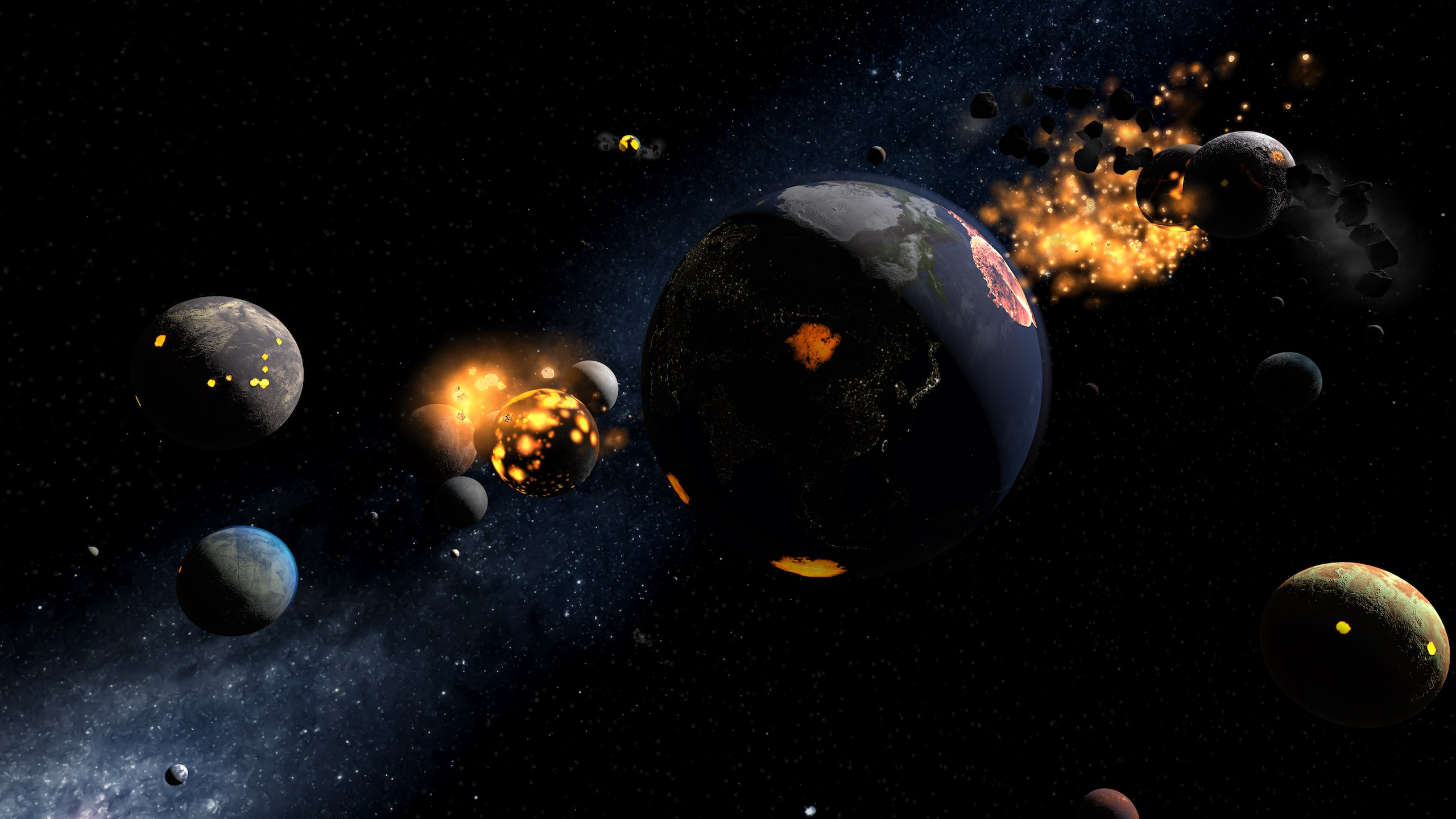
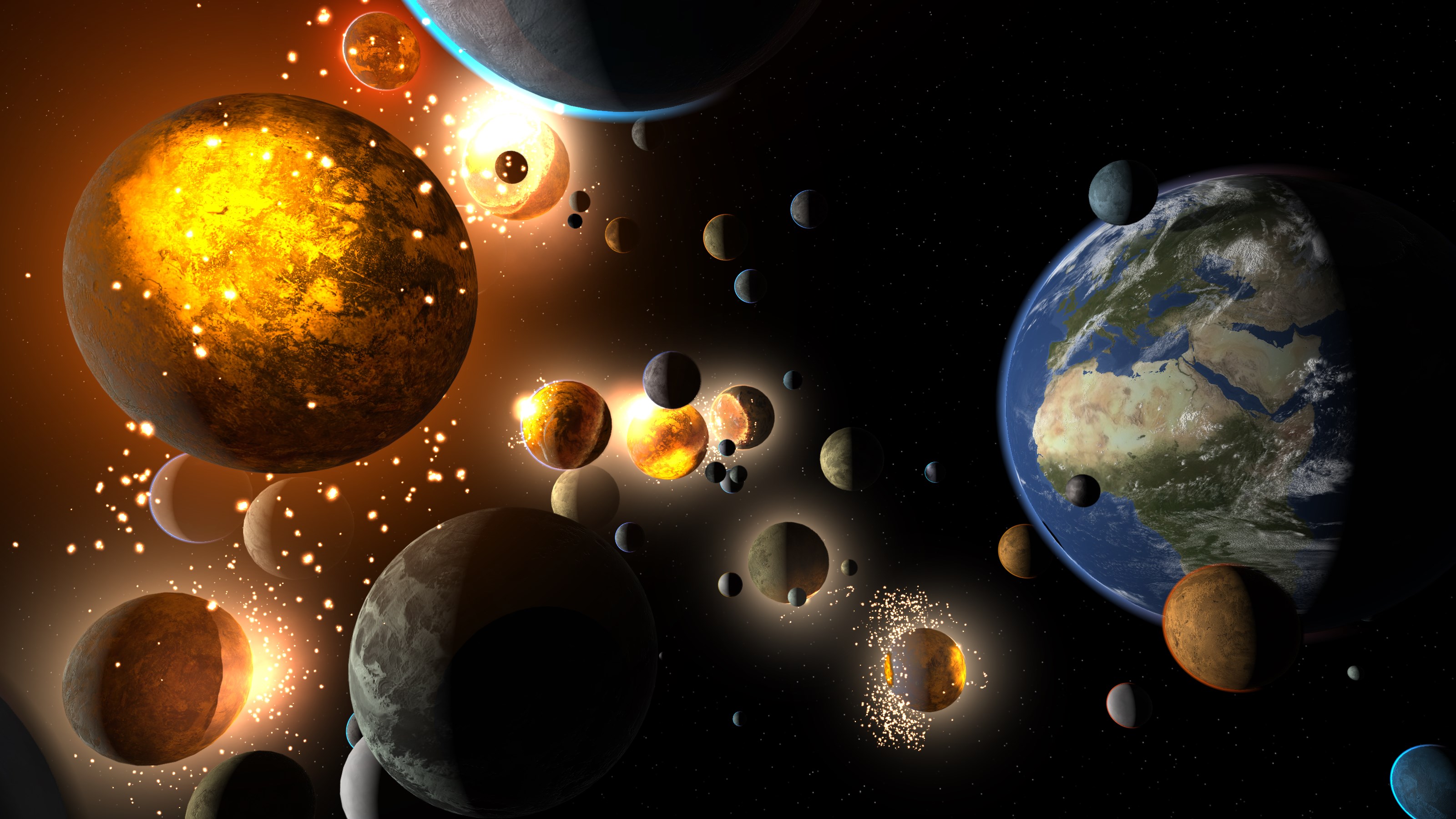
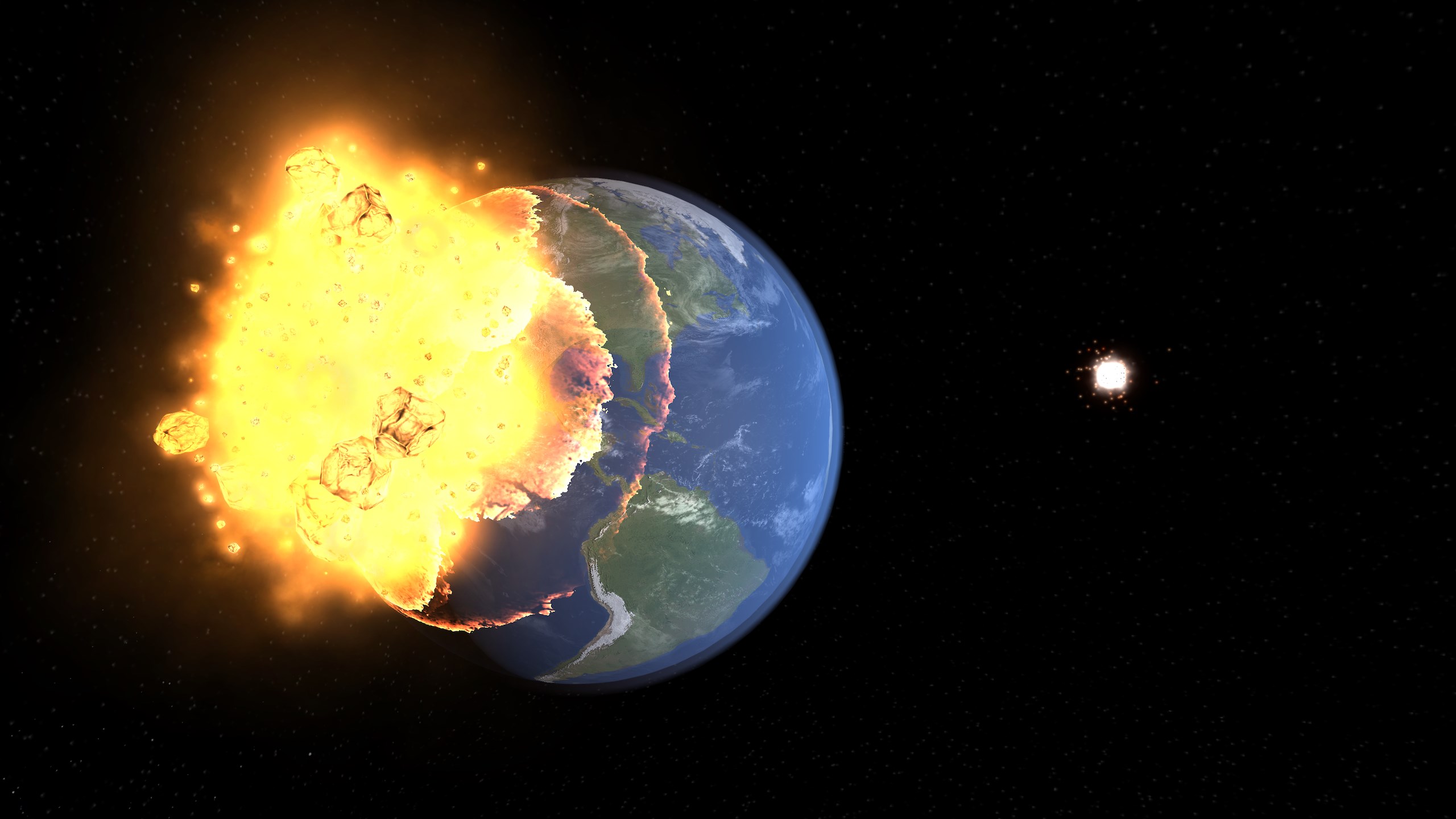
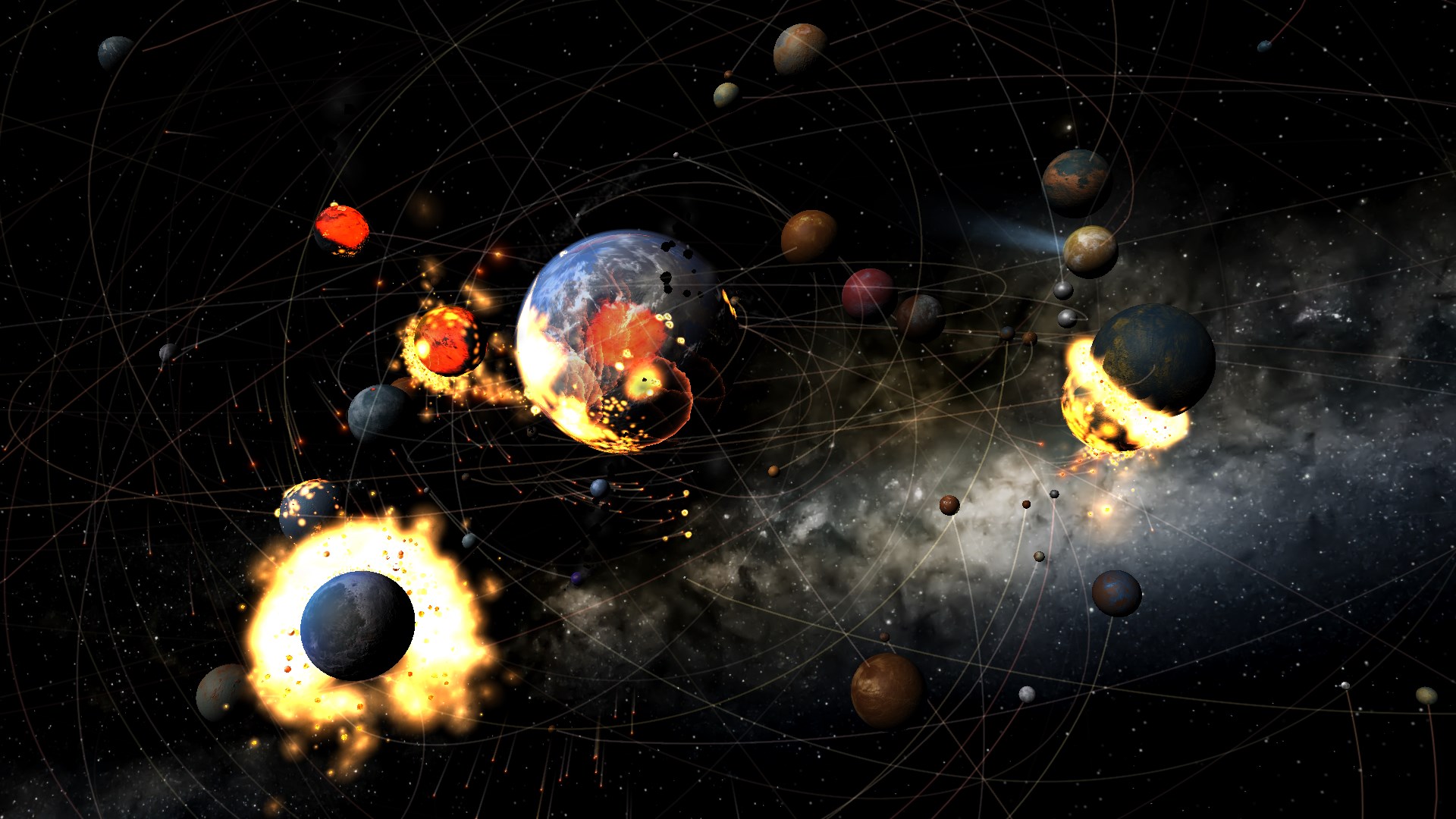
The first standout feature is its sophisticated physics engine. Universe Sandbox employs accurate gravitational models, collision detection, and orbital mechanics, enabling users to observe celestial bodies behaving naturally. For instance, creating a collision between two planets results in spectacular, scientifically plausible phenomena—this is science in motion. The simulation feels tangible, serving both educational purposes and entertainment as it vividly depicts celestial interactions that underpin our universe.
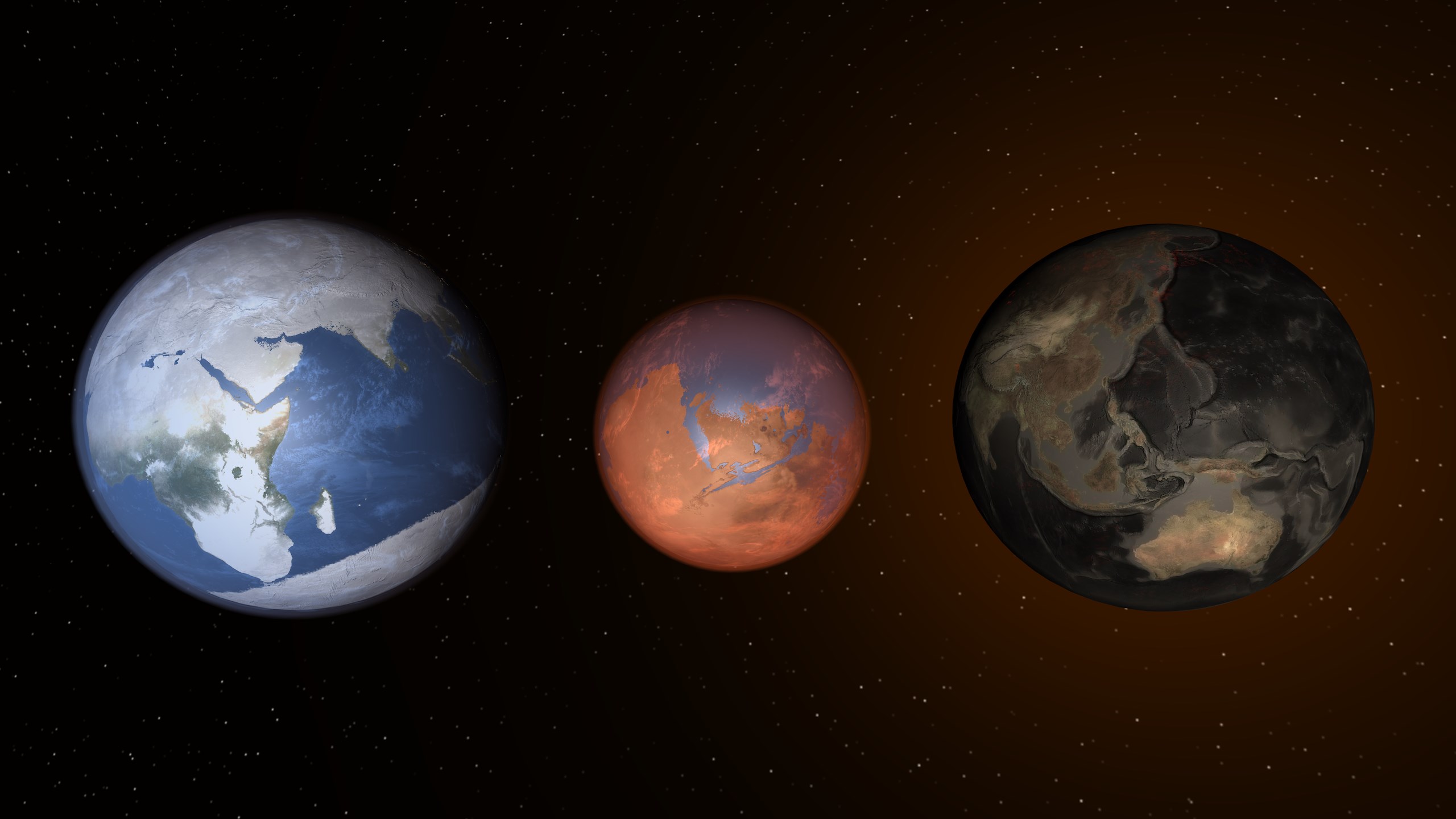
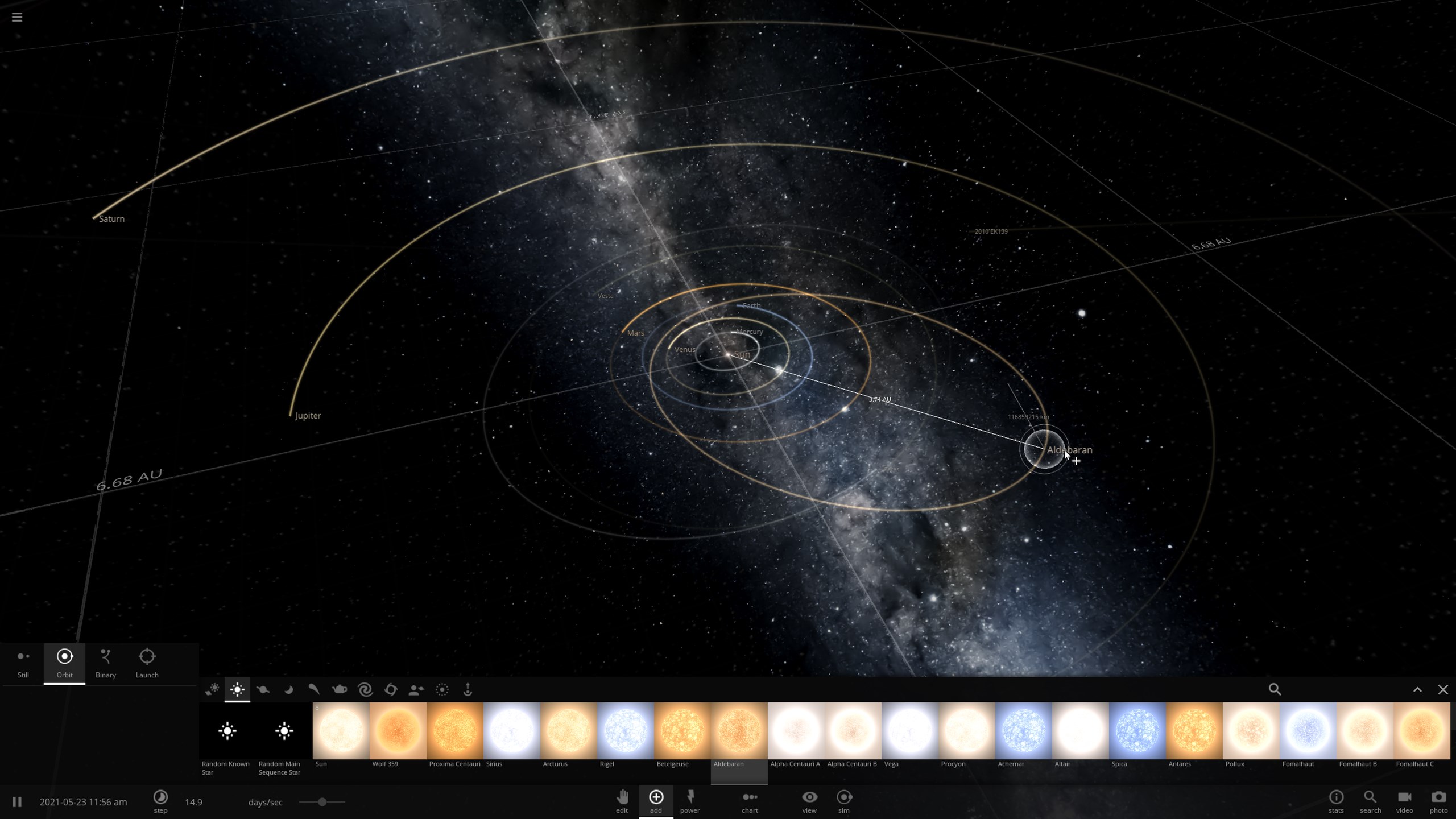
The app excels at user engagement through its intuitive controls for adding, modifying, and removing objects. Want to see what happens when you increase the Sun's mass or shift a planet's orbit? It's straightforward—drag, drop, and tweak with a few clicks. These tools foster a playful learning environment, turning abstract astrophysics into a hands-on adventure. The ability to set custom parameters makes it ideal for learners who wish to explore "what-if" scenarios, fostering deep curiosity and experimentation.
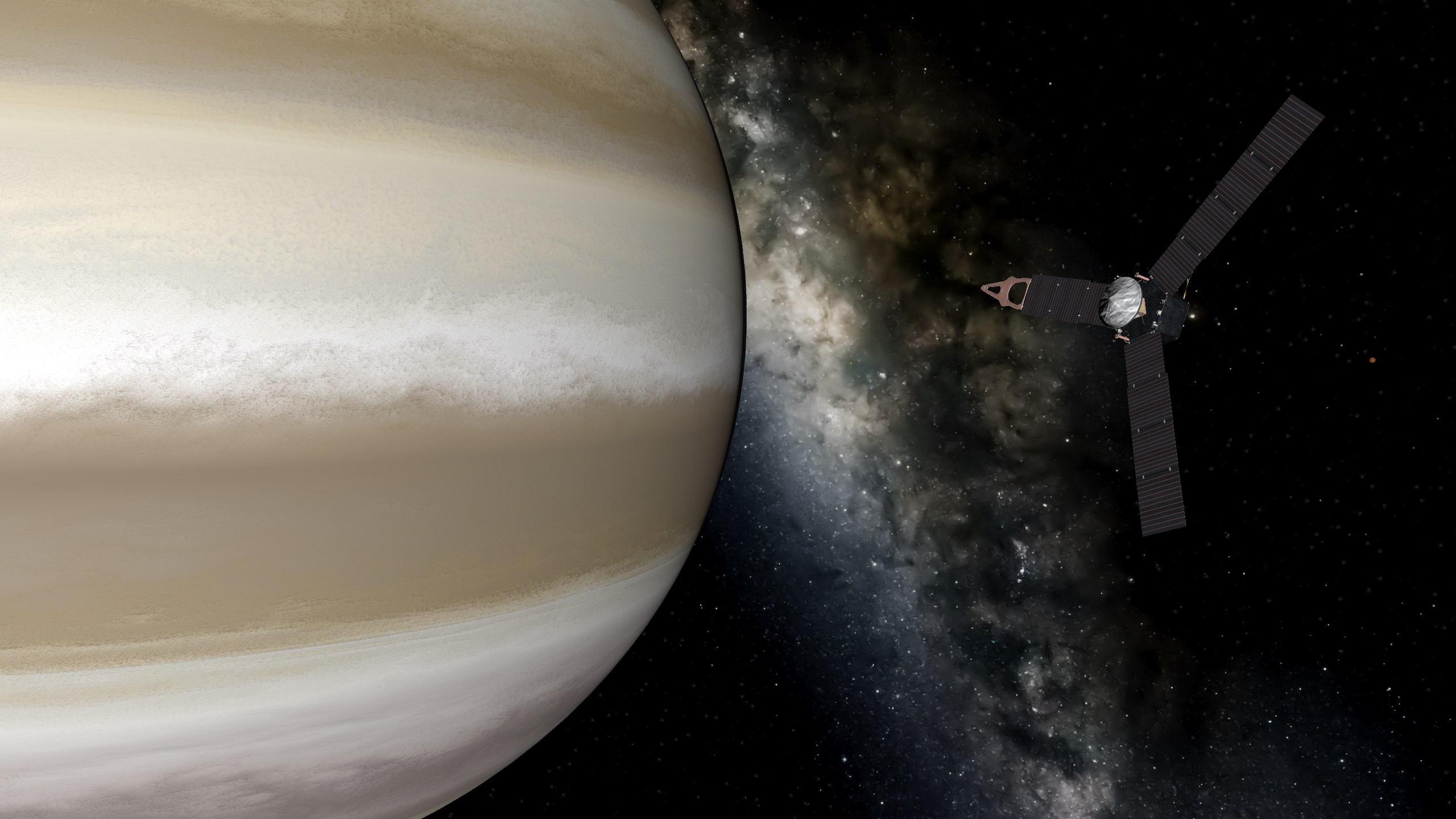
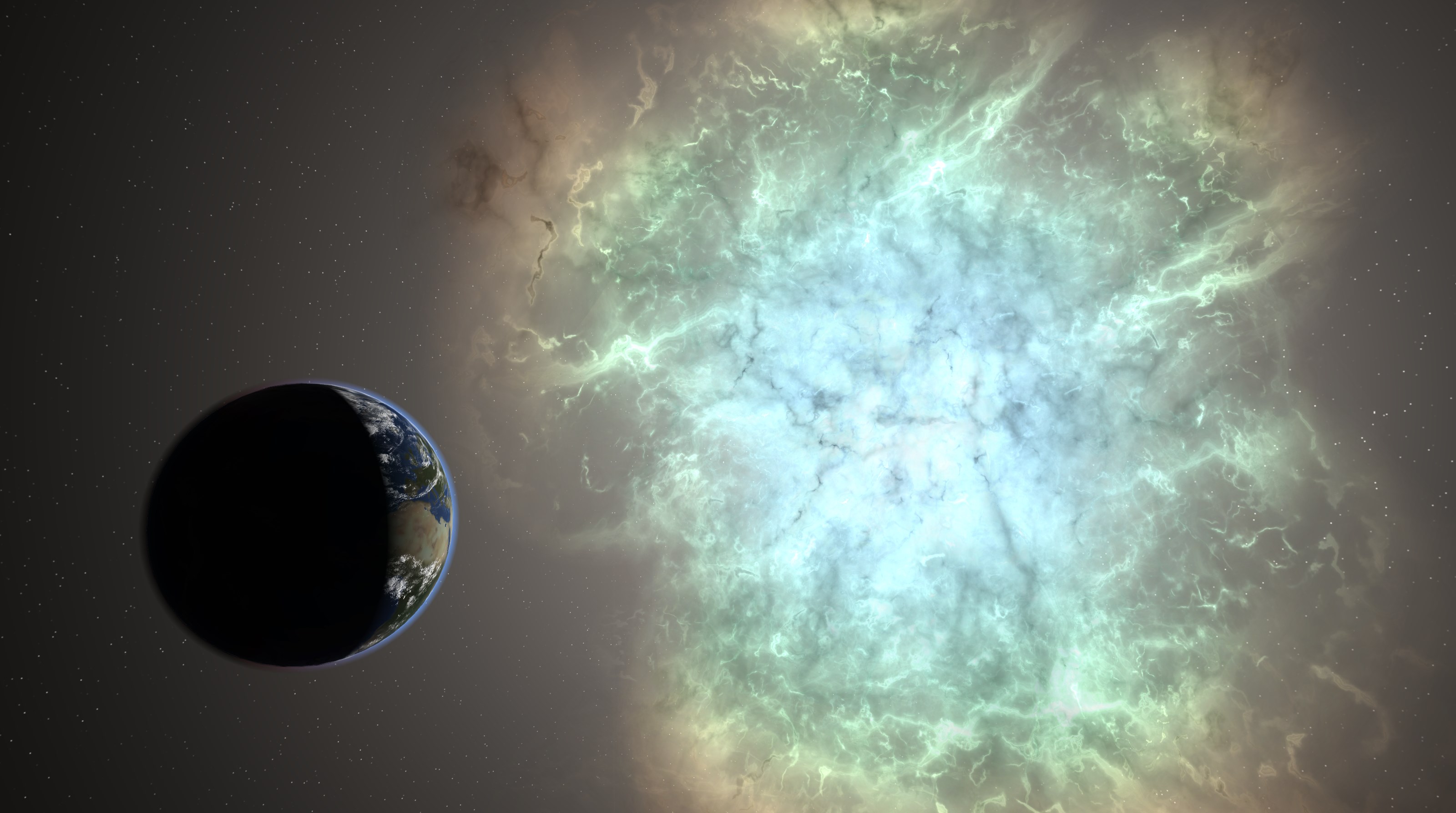
The interface of Universe Sandbox is sleek yet approachable. The layout is logically structured, with menus leading to specific features like celestial creation or physics settings. Users report that the simulation runs smoothly on modern Windows systems, with minimal lag, even during complex interactions. The learning curve is moderate; beginners can quickly grasp basic functions, while more advanced users can delve into detailed physics parameters. The visualizations are spectacular, with crisp graphics that make the simulation feel alive—like gazing into a dynamic, miniature universe unfolding before your eyes.
In the realm of educational applications, Universe Sandbox sets itself apart by seamlessly integrating learning objectives with engagement. Unlike traditional static models or text-heavy apps, it offers real-time feedback and measurable outcomes. Users can perform experiments, observe immediate results, and even track changes in real-time physical properties—an innovative approach to experiential learning. This interactive methodology not only captures interest but also enhances knowledge retention by embedding concepts within memorable, hands-on experiences.
Overall, Universe Sandbox for Windows is a highly recommended tool for anyone fascinated by space—be it students, educators, or space enthusiasts. Its realistic physics, combined with engaging interactive features, make it an excellent supplement to formal learning or pure entertainment. For those new to astrophysics, starting with predefined scenarios can provide a gentle introduction, while advanced users will appreciate the depth of control and customization available.
If you enjoy exploring the universe or want an engaging way to teach astronomy concepts, this app is a valuable addition to your digital toolkit. Its balance of educational content and hands-on experimentation makes it a standout choice among space simulators. Jump in, manipulate the cosmos, and see where your curiosity takes you—because space is truly the final frontier of interactive discovery.
Realistic and detailed simulation of celestial mechanics
Intuitive and visually stunning interface
Wide variety of celestial bodies and phenomena to explore
Interactive and engaging gameplay
Educational value for students and enthusiasts
Occasional performance lag on lower-end devices
Limited tutorial content for beginners
Some advanced features require a significant hardware setup
In-app controls can sometimes be unintuitive for first-time users
Occasional bugs or crashes during complex simulations

for Windows
 4.8
4.8
for Windows
4.7

for Windows
4.6

for Windows
4.5

for Windows
4.4

for Windows
4.4

for Windows
4.4

for Windows
4.4

for Windows
4.3

for Windows
4.2

for Windows
4.2
for Windows
1.5

for Windows
5

for Windows
5

for Windows
5

for Windows
5

for Windows
5

for Windows
5

for Windows
5

for Windows
5

for Windows
5

for Windows
5