Utilities & tools
Martí Climent
PC
Windows 10 version 0.0 or higher
English, Albanian, Arabic, Bangla, Bulgarian, Catalan, Croatian, Czech, Danish, Dutch, Estonian, Finnish, French, German, Greek, Gujarati, Hebrew, Hindi, Hungarian, Indonesian, Italian, Japanese, Kannada, Korean, Lithuanian, Macedonian, Norwegian (Bokmål), Norwegian (Nynorsk), Norwegian, Persian/Farsi, Polish, Portuguese, Portuguese (Brazil), Portuguese (Portugal), Romanian, Russian, Serbian, Chinese (Simplified) (China), Chinese (Simplified), Chinese (Traditional Chinese), Chinese (Traditional) (Taiwan), Sinhala, Slovak, Slovenian, Spanish, Swedish, Thai, Turkish, Ukrainian, Vietnamese
UniGetUI is a sleek and intuitive Windows application designed to streamline and simplify the process of managing system updates, utilities, and configurations, all within a unified interface. Developed by Martí Climent, this tool aims to bridge the gap between complex system maintenance and user-friendly design, making it accessible even for those who aren't tech experts.
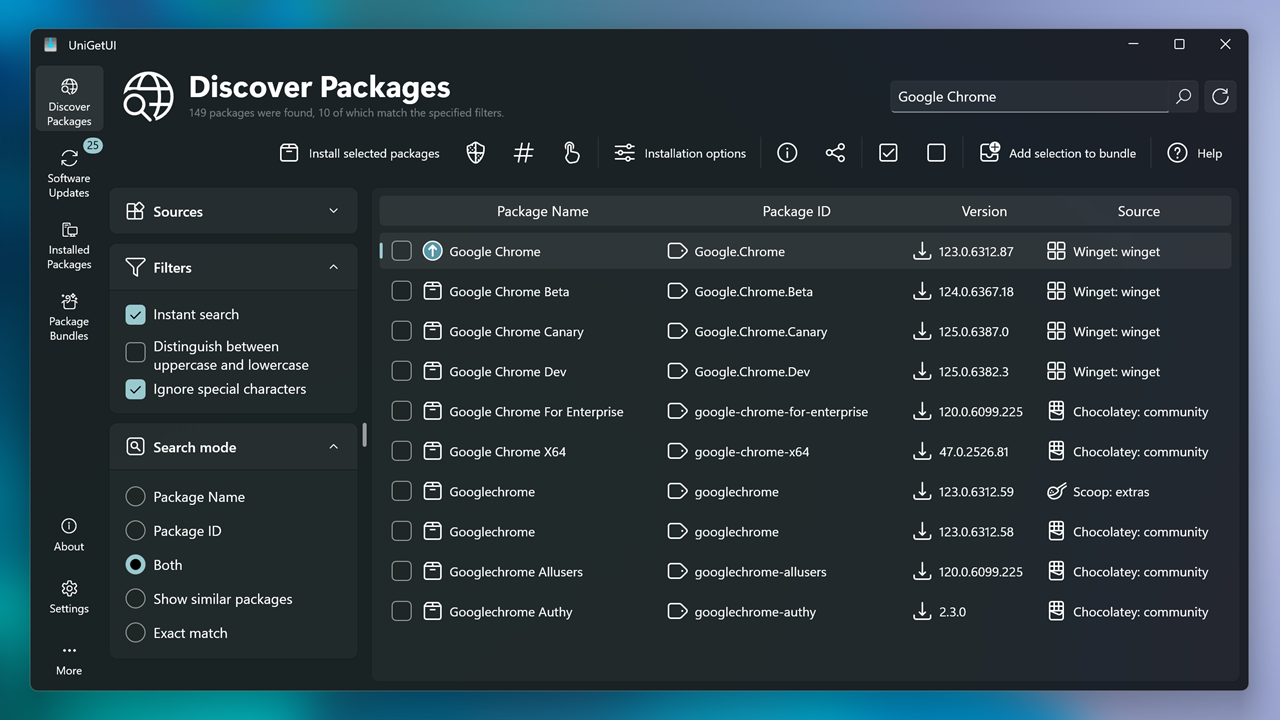
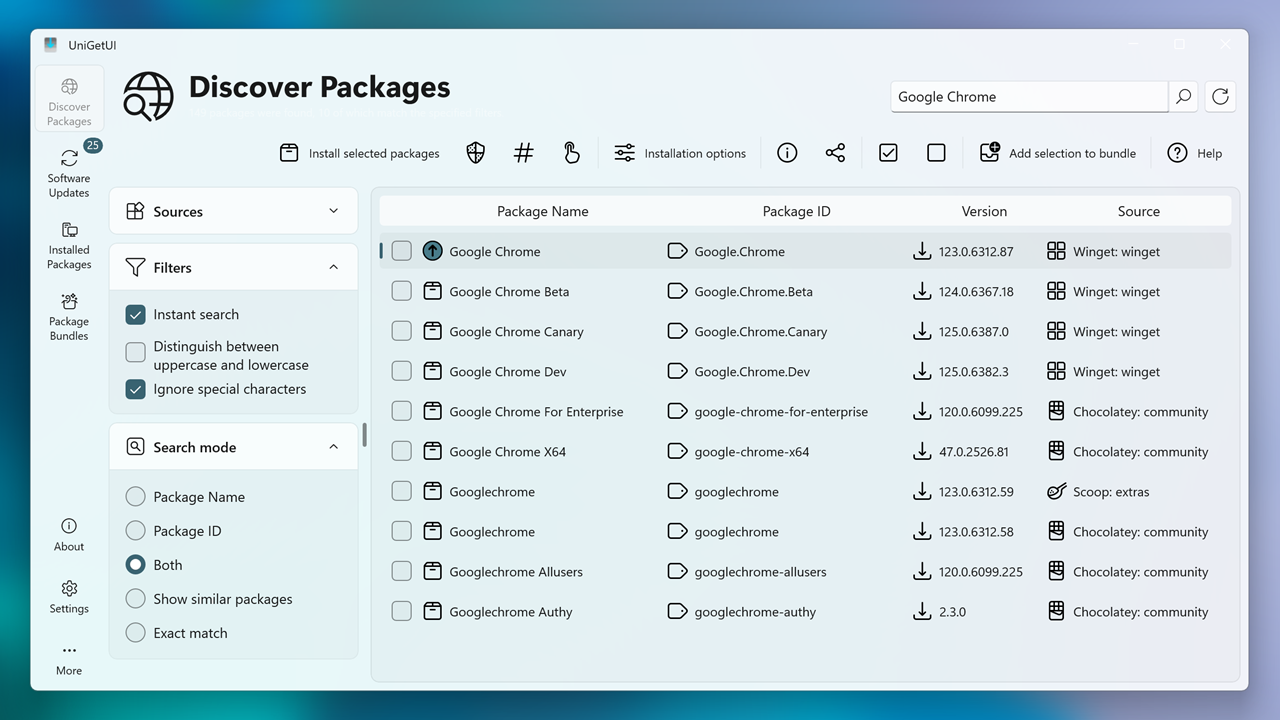
As soon as you launch UniGetUI, you're greeted with a clean, modern interface that feels like stepping into an organized workspace rather than navigating a cluttered tech toolkit. Unlike traditional utilities that often resemble dense command-line screens or overwhelming dashboards, UniGetUI offers a visual, icon-driven layout that guides users effortlessly through various functions.
The interface's simplicity doesn't compromise its power—buttons are logically grouped, and essential features are just a click away. This design minimizes the learning curve, allowing users to get started quickly, whether they're casual users or seasoned tech enthusiasts looking for efficient system management.
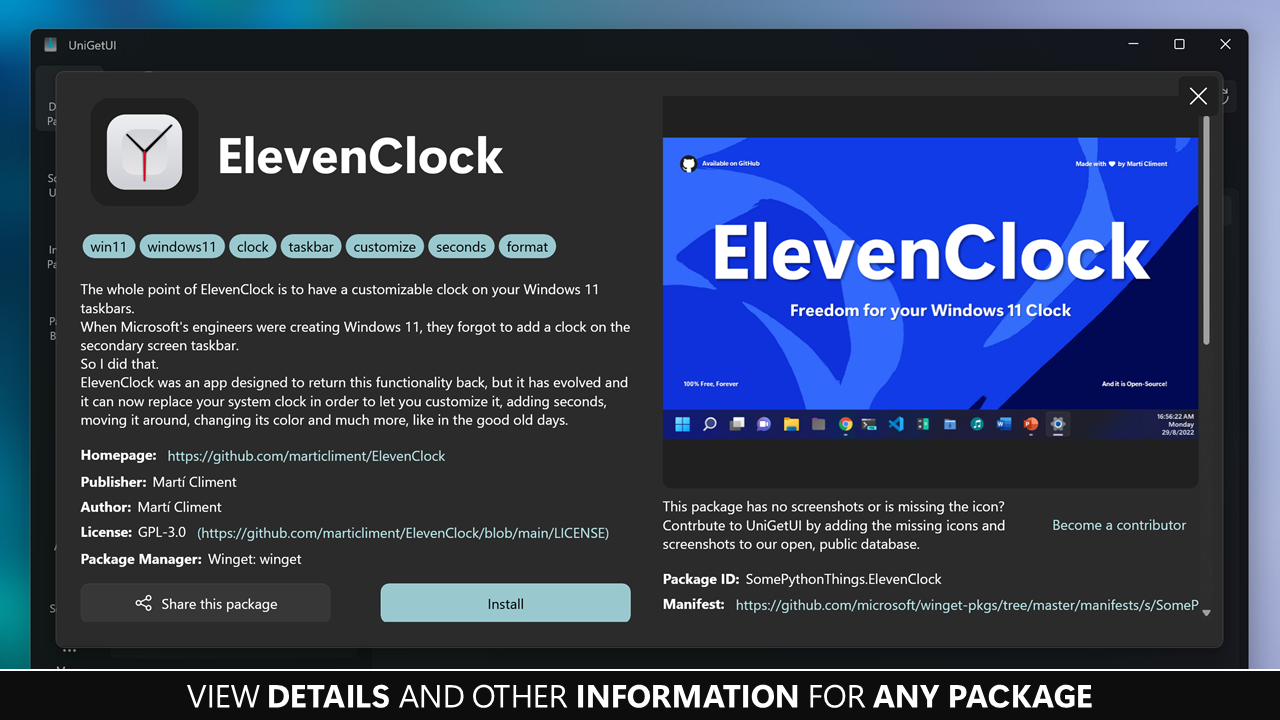
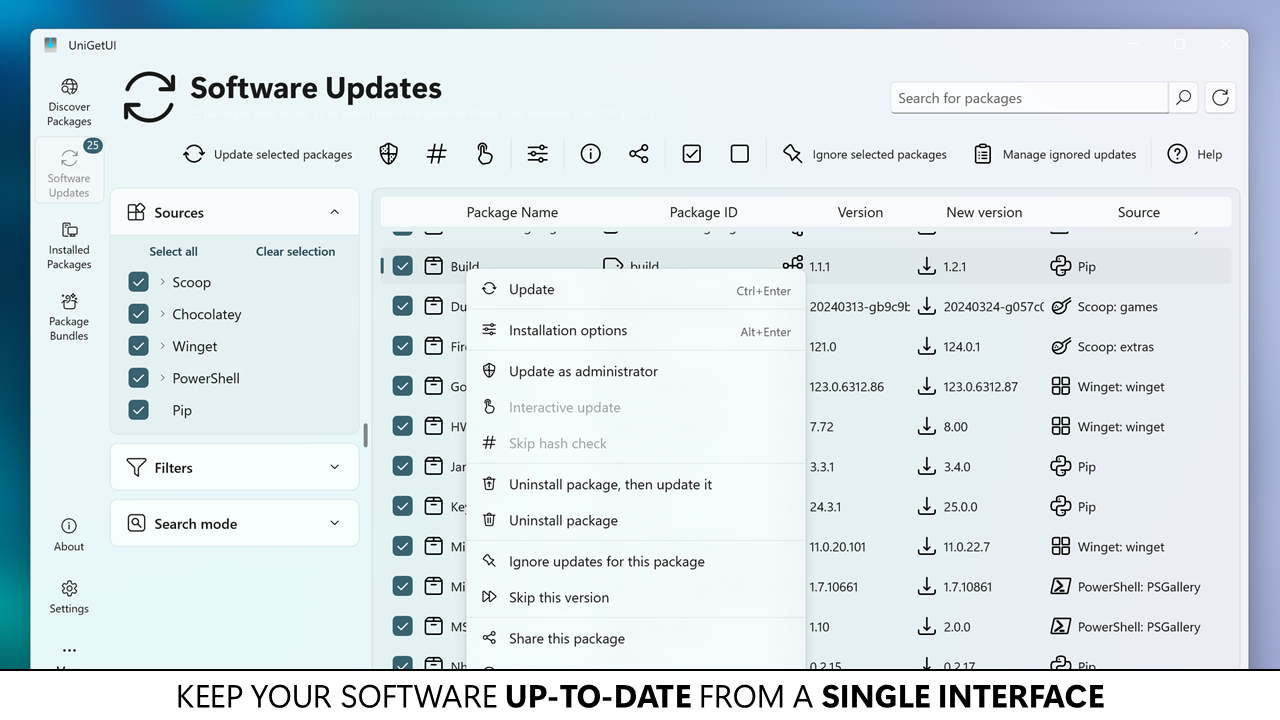
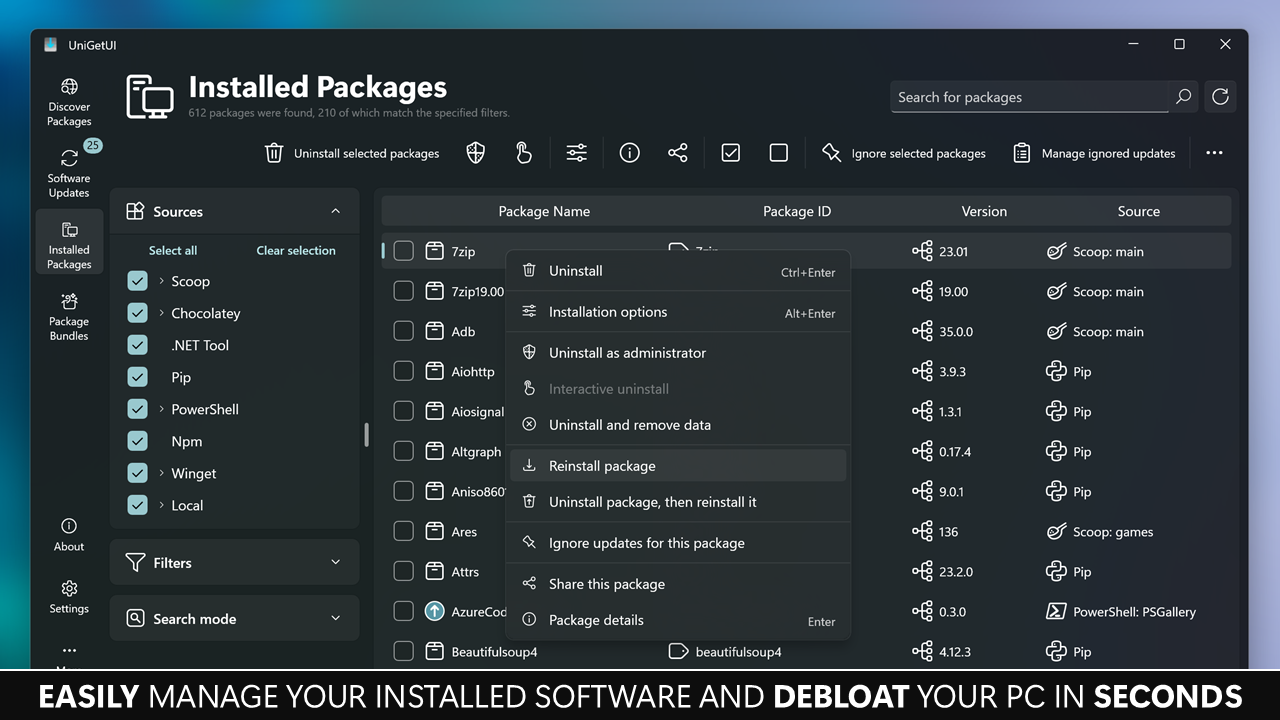
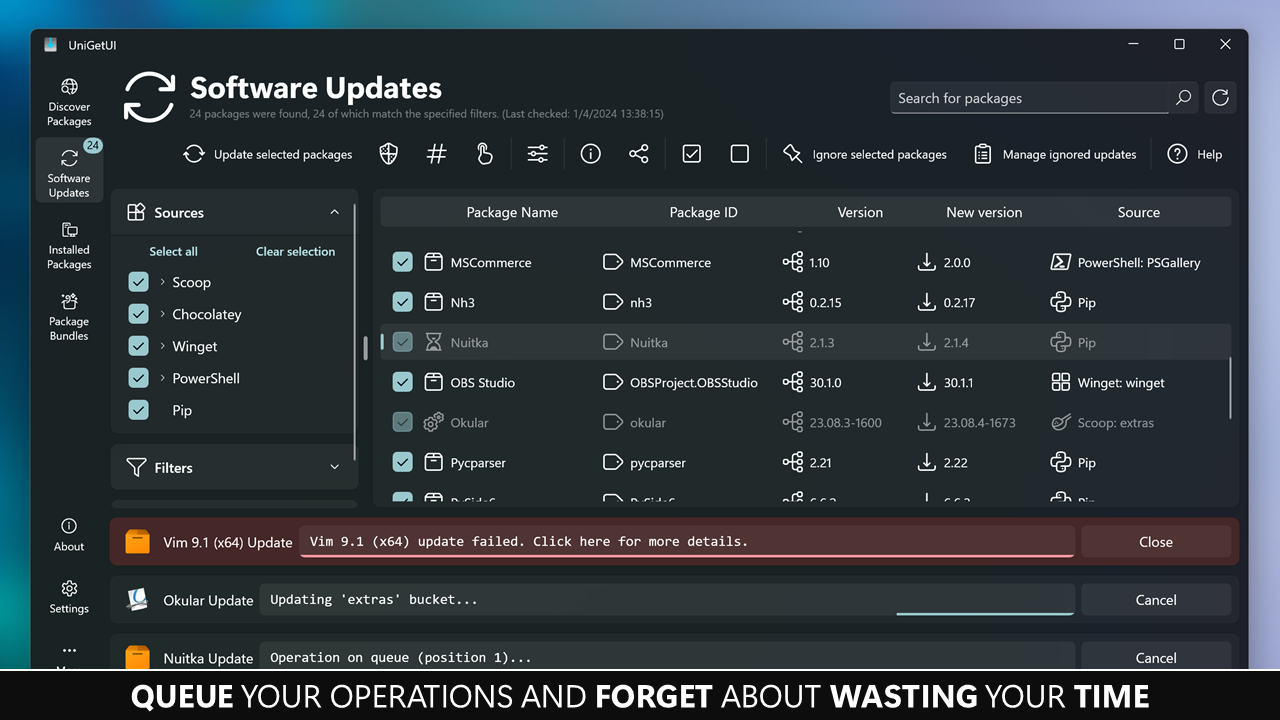
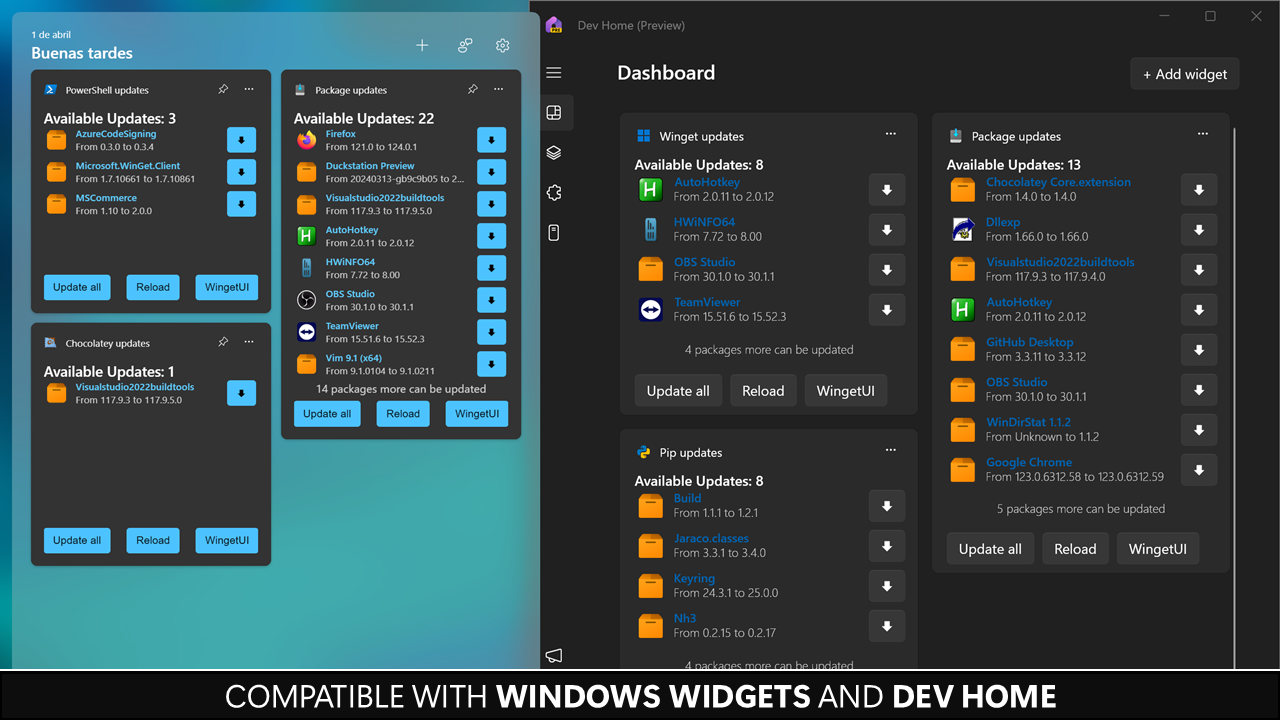
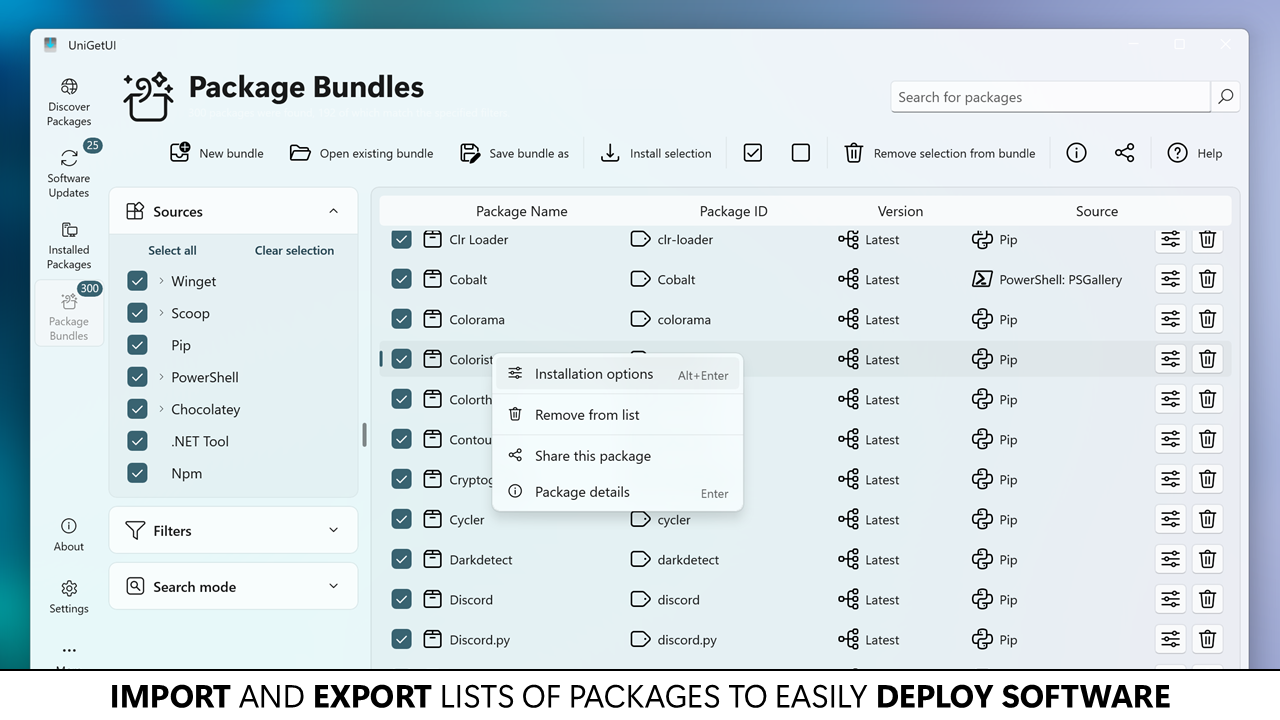
One of UniGetUI's standout features is its ability to scan and present all your installed utilities, drivers, and Windows updates in one consolidated view. Imagine having a progress bar for your system's health—it's like a digital dashboard that keeps tabs on everything. The app enables batch updates, saving time and reducing the frustration of navigating multiple system menus. It also highlights outdated or missing components, helping you keep your system secure and optimized with minimal fuss.
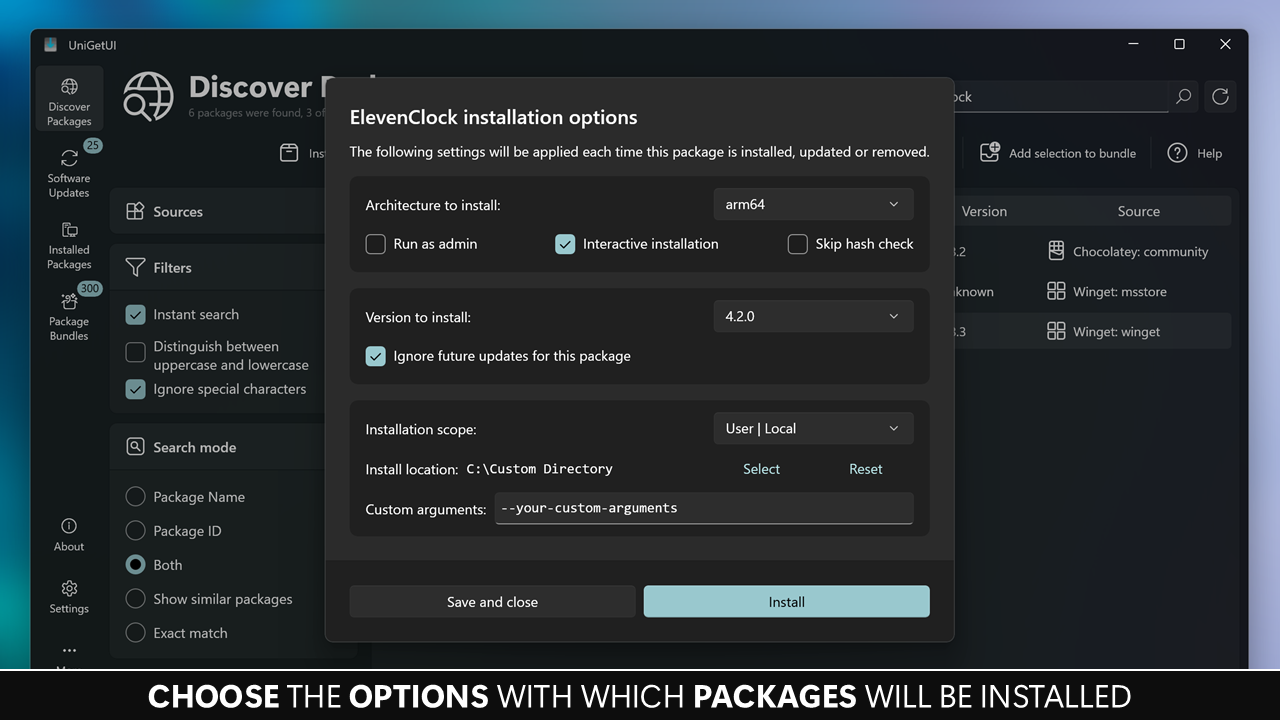
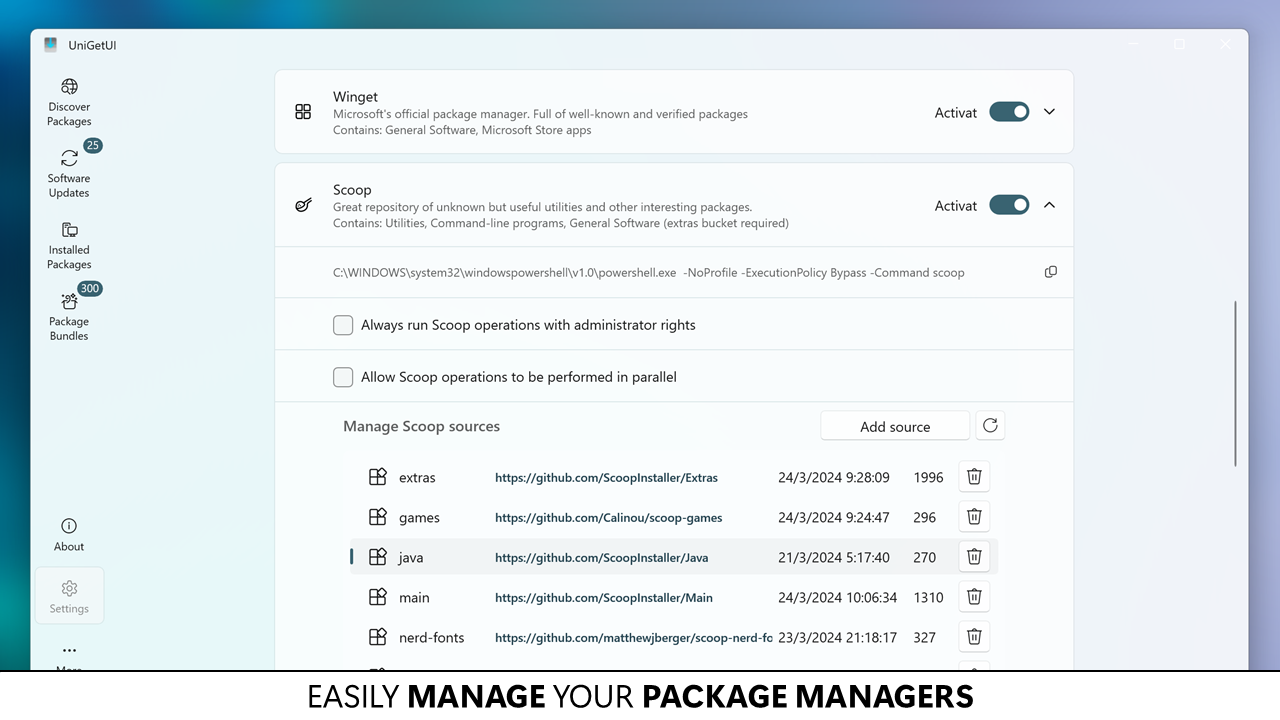
The application offers a suite of tools to tweak system settings, optimize performance, and troubleshoot issues. Think of it as your digital Swiss Army knife—covering everything from startup management to service controls. UniGetUI's design allows users to customize their experience without diving into unwieldy registry edits or command prompts, making complex adjustments accessible and safer.
UniGetUI keeps you in the loop with real-time notifications about critical updates, security alerts, or optimization suggestions. Its smart recommendation engine analyzes your system status and offers tailored advice—think of it as having a knowledgeable tech assistant quietly whispering helpful tips as you work or play. This personalized touch enhances user engagement and ensures your system remains at peak performance.
The hallmark of UniGetUI lies in its balance of simplicity and depth. The app's smooth operation—quick loading times, responsive controls, and minimal lag—speaks to thoughtful engineering. Its learning curve is gentle; even newcomers, after a brief exploration, will find navigating and utilizing its features an almost intuitive experience. Compared to many utilities that prioritize complex options over usability, UniGetUI manages to deliver a comprehensive set of tools within a clean, cohesive interface.
What truly sets UniGetUI apart from similar utilities is its proactive approach to system management through its smart notifications and the ability to batch manage updates and tweaks. While other tools might bombard you with overwhelming options or require multiple applications to perform different tasks, UniGetUI consolidates everything into a single, elegant solution. This efficiency could be likened to having a well-organized toolbox where every tool is just a click away, making routine maintenance feel almost effortless.
Considering its thoughtful design, ease of use, and comprehensive feature set, I'd confidently recommend UniGetUI for users seeking a dependable, streamlined utility management solution. It's particularly suited for users who prefer a centralized platform rather than juggling multiple tools and for those who value proactive system health monitoring.
If you're tired of navigating complicated menus or installing numerous utilities to keep your Windows PC in check, UniGetUI offers a clear, practical alternative. Its unique ability to combine update management, system tweaks, and notifications in one cohesive app makes it stand out from other utilities. Whether you're a casual user wanting to keep things simple or a power user seeking more control, UniGetUI's balanced approach makes it a valuable addition to your digital toolbox.
Intuitive User Interface
Fast Performance
Customizability
Regular Updates
Comprehensive Functionality
Limited Documentation
Occasional Compatibility Issues
Learning Curve
Limited Free Features
Minor UI Bugs

for Windows
 5
5

for Windows
5

for Windows
5

for Windows
5

for Windows
5

for Windows
4.9

for Windows
4.9

for Windows
4.9

for Windows
4.9

for Windows
4.9

for Windows
4.9

for Windows
4.9

for Windows
5

for Windows
5

for Windows
5
for Windows
5

for Windows
5

for Windows
5

for Windows
5

for Windows
5

for Windows
5

for Windows
5