Photo & video
Photo Cool Apps
PC, Mobile, Surface Hub, HoloLens
Windows 10 version 16299.0 or higher
Arabic, Catalan, Croatian, Czech, Danish, Dutch, English (United States), Finnish, French, German, Greek, Hungarian, Indonesian, Japanese, Korean, Korean , Latvian, Malay, Persian/Farsi, Polish, Portuguese, Portuguese (Brazil), Romanian, Russian, Slovak, Slovenian, Spanish, Spanish (Spain), Swedish, Thai, Turkish, Ukrainian, Vietnamese
Ultimate Photo Editor for Windows, developed by Photo Cool Apps, positions itself as a versatile, user-friendly image editing tool designed to enhance your photos with professional-grade features without the complexity of high-end software. It's tailored for hobbyists, social media enthusiasts, and even small business owners seeking quick yet polished visual results.
Photo Cool Apps is a dynamic development team dedicated to creating accessible and efficient photo editing solutions. Their approach emphasizes simplicity coupled with powerful features, making advanced editing techniques available to everyday users without the steep learning curve.
Stepping into the interface of Ultimate Photo Editor feels like embarking on a creative journey in a cozy, well-organized studio. The layout is clean, with a thoughtfully arranged toolbar that invites exploration rather than intimidation. Opening up an image, I was immediately impressed by how smoothly the app responded—no lag, no stuttering, just seamless workflow. Whether you're a beginner or someone accustomed to professional software, the learning curve remains gentle, thanks to intuitive icons and helpful tooltips that make navigation feel more like a friendly chat than a technical lecture.
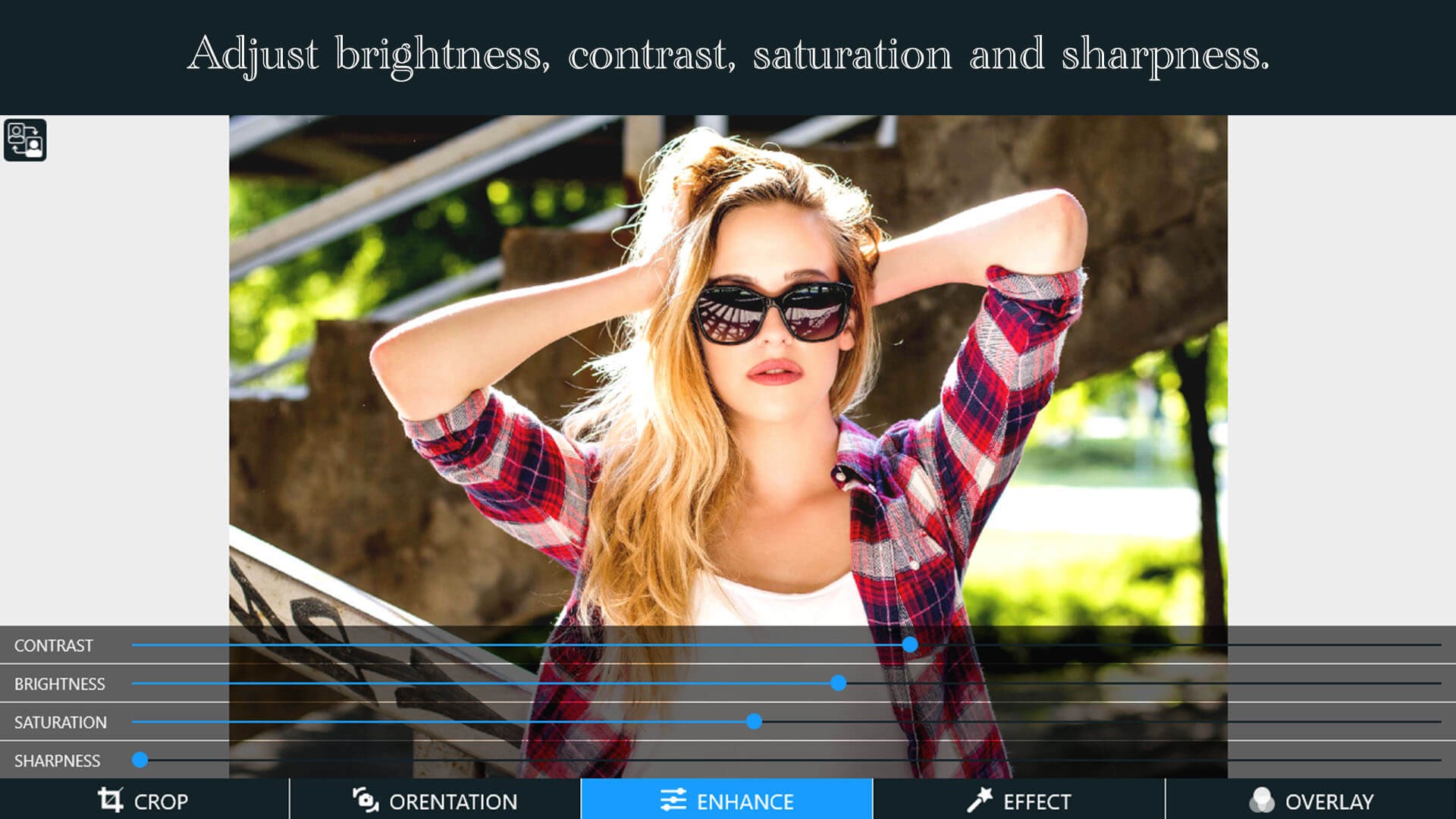
Imagine having a helpful assistant who instantly sees what's missing in your photo—poor lighting, dull colors, or distracting shadows—and automatically corrects them. The auto-enhance feature accomplishes this flawlessly with a single click, delivering brighter, more vibrant images that look professional without hours of manual tweaking. It's perfect for quick social media posts or when you want to make a good shot look even better with minimal fuss.
Among the most remarkable features is the intelligent background removal tool. Instead of painstakingly erasing details with a mouse, this feature employs smart algorithms akin to a helpful digital sculptor, delicately isolating subjects. Whether you're creating product shots or fun composites, this function cuts your editing time dramatically. Once the subject is isolated, swapping or replacing backgrounds becomes as easy as dragging and dropping—think of it as having a virtual photo studio at your fingertips.
The app's interface harmonizes beauty and function—colors are soothing, icons are logical, and options are available without overwhelming clutter. The responsiveness is commendable; a smooth glide from one tool to another mimics the experience of flipping through a well-designed magazine. Compared to heavier, more complex editors like Adobe Photoshop or Lightroom, Ultimate Photo Editor excels in accessibility and speed, making it ideal for users who want quick results and intuitive controls rather than complex workflows. Its standout feature—the background removal—is a real game-changer, especially for entrepreneurs and content creators looking to produce professional-looking visuals with minimal effort.
If you're searching for a straightforward yet capable photo editing app that combines ease of use with powerful features—particularly its standout background removal and auto-enhancement—Ultimate Photo Editor is a solid choice. I'd recommend it to casual users, small business owners, or anyone needing quick editing solutions without the hassle of steep learning curves. It's like having a trustworthy digital artist on standby, ready to elevate your photos effortlessly.
User-friendly interface
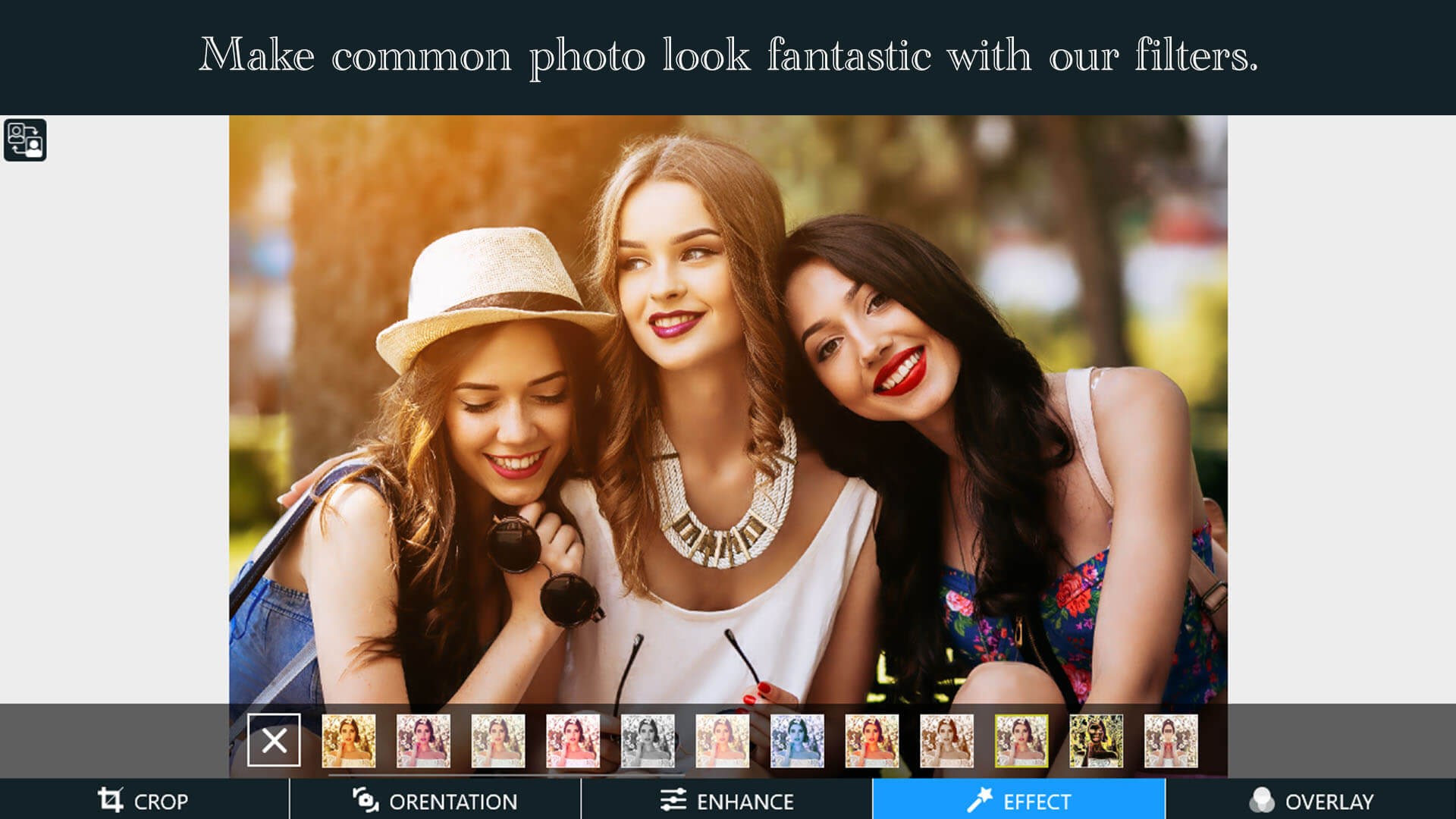
Wide range of filters and effects
High-quality editing tools
Fast processing speed
Regular updates and new features
Limited free features
Occasional app crashes
Large app size
Learning curve for advanced features
Limited export formats

for Windows
 5
5

for Windows
4.9

for Windows
4.8

for Windows
4.8

for Windows
4.8

for Windows
4.7

for Windows
4.7

for Windows
4.7

for Windows
4.7

for Windows
4.7

for Windows
4.7
for Windows
4.7

for Windows
5

for Windows
5

for Windows
5

for Windows
5

for Windows
5

for Windows
5

for Windows
5

for Windows
5

for Windows
5

for Windows
5