Developer tools
Canonical Ltd. and the OpenSource community
PC
Windows 10 version 16215.0 or higher
Integrated Keyboard
4 GB
Not specified
English (United States)
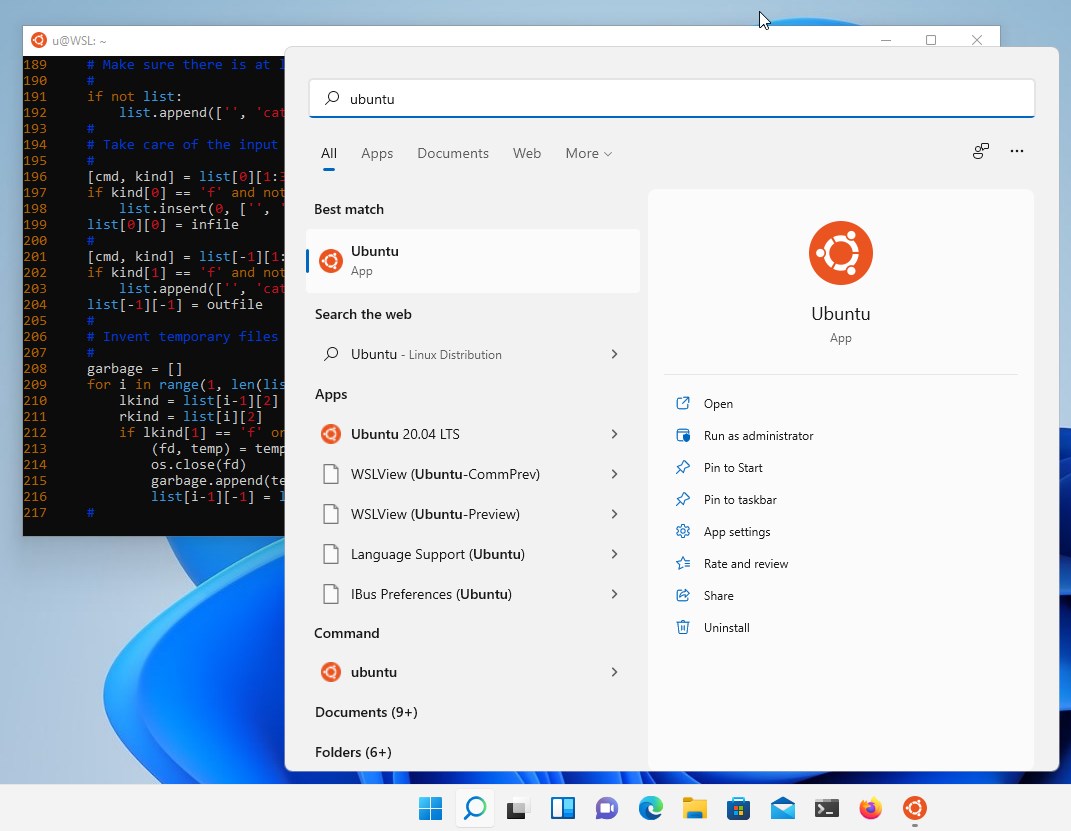
Ubuntu 24.04.1 LTS for Windows is a robust application that brings the power and flexibility of Ubuntu Linux directly into the Windows environment, enabling developers and power users to harness the best of both worlds without rebooting or dual-booting. With this tool, Ubuntu isn't just a separate OS; it's an integrated companion right at your fingertips.
Driven by Canonical Ltd., the same team behind the flagship Ubuntu Linux distribution, this application also benefits from contributions from the vibrant open source community. Their collective effort ensures regular updates, stability, and a wide array of features tailored for both novices and seasoned users.
Imagine having your favorite command-line tools, development environments, and Linux utilities right alongside your Windows applications — without the need for complicated virtualization or dual-boot setups. Ubuntu 24.04.1 LTS for Windows acts as a magic portal, transforming your Windows machine into a dual-hinged gateway where Linux and Windows applications harmoniously coexist. Whether you're coding, testing, or just exploring, this app beckons you into a familiar yet powerful Linux universe, wrapped in the comfort of your Windows ecosystem.
This app leverages Windows Subsystem for Linux 2, offering an environment that behaves almost identically to a native Ubuntu installation. The improved system call compatibility means that even resource-intensive applications perform smoothly, akin to working within a dedicated Linux box. For developers, this means compiling code, running containers, or managing package dependencies becomes straightforward, maintaining high fidelity to traditional Linux workflows.
Unlike traditional virtualization solutions, setting up Ubuntu here is as easy as installing a Windows app. The process is streamlined, with the app handling installation, configuration, and updates behind the scenes. Once installed, Ubuntu integrates seamlessly into Windows' file explorer, command prompt, and taskbar, creating an intuitive environment where Linux commands feel just as natural as Windows commands. This smooth integration lowers barriers for newcomers and accelerates workflows for seasoned users.
Access to Ubuntu's vast repositories means users can install a wide range of software—from development tools like Git, Python, and Node.js to server environments and utilities—with simple commands. This flexibility transforms your Windows machine into a versatile Linux workstation, customizable to any project's needs. Plus, updates and upgrades are handled effortlessly, keeping your environment secure and current.
The interface remains minimalistic but thoughtfully designed, with terminal windows that resemble traditional Linux shells. Navigation feels fluid, with rapid response times that mirror native systems. The learning curve is gentle for existing Linux users, while Windows users appreciate the familiar environment shaped to look and behave like native Windows applications. Compared to other developer tools and virtualization options, this app shines with its lightweight footprint, quick startup, and consistent environmental behavior. Its standout feature is leveraging WSL 2 to deliver a near-native Linux experience directly integrated within Windows, removing the hassle and performance penalties of traditional virtualization.
Ubuntu 24.04.1 LTS for Windows is highly recommended for developers, system administrators, and open source enthusiasts seeking an integrated Linux environment without sacrificing the convenience of Windows. Its ease of use, performance, and deep integration make it a standout tool in the WSL landscape. While it might not replace a full Linux machine for advanced users requiring complex configurations, it is undoubtedly the best compromise—bringing Linux's power into your Windows desktop with grace and efficiency.
Seamless Integration with Windows 10/11
Regular Updates with Ubuntu 24.04.1 LTS
Supports a Wide Range of Linux Software
User-Friendly Installation and Setup
Optimized for Performance
Limited GUI Support in the App
occasional Compatibility Issues with Hardware Drivers
Dependency on Windows Subsystem for Linux (WSL) Updates
Limited access to Linux kernel customization
Potential Performance Overhead in File Access

for Windows
 5
5

for Windows
4.6
for Windows
4.6

for Windows
4.6

for Windows
4.5

for Windows
4.4

for Windows
4.4

for Windows
4.3

for Windows
4.3

for Windows
4.3

for Windows
4.3

for Windows
4.2

for Windows
5

for Windows
5
for Windows
5

for Windows
5

for Windows
5

for Windows
5

for Windows
5

for Windows
5

for Windows
5

for Windows
5