Developer tools
Canonical Ltd. and the OpenSource community
PC
Windows 10 version 16215.0 or higher
Integrated Keyboard
4 GB
English (United States)
Ubuntu for Windows brings the power of Linux directly into the Windows environment, allowing users to run a full Ubuntu terminal alongside their familiar Windows interface. It bridges two worlds, offering a versatile platform for developers, system administrators, and open-source enthusiasts alike.
This application is a collaborative effort between Canonical Ltd., the creators of Ubuntu, and the broader open-source community. Their combined expertise ensures a reliable, secure, and continually evolving tool tailored for a wide array of users.
The user base primarily includes developers, sysadmins, and open-source fans eager to leverage Linux tools without leaving the comfort of Windows.
Imagine working on your Windows PC and suddenly thinking, “I wish I had a Linux shell now”—this is where Ubuntu for Windows makes that wish come true. It's like having a secret passage between two vibrant worlds, allowing you to switch effortlessly and accelerate your workflow. Whether you need to compile code, run scripts, or manage servers, this app promises a versatile and integrated experience that feels natural and intuitive.
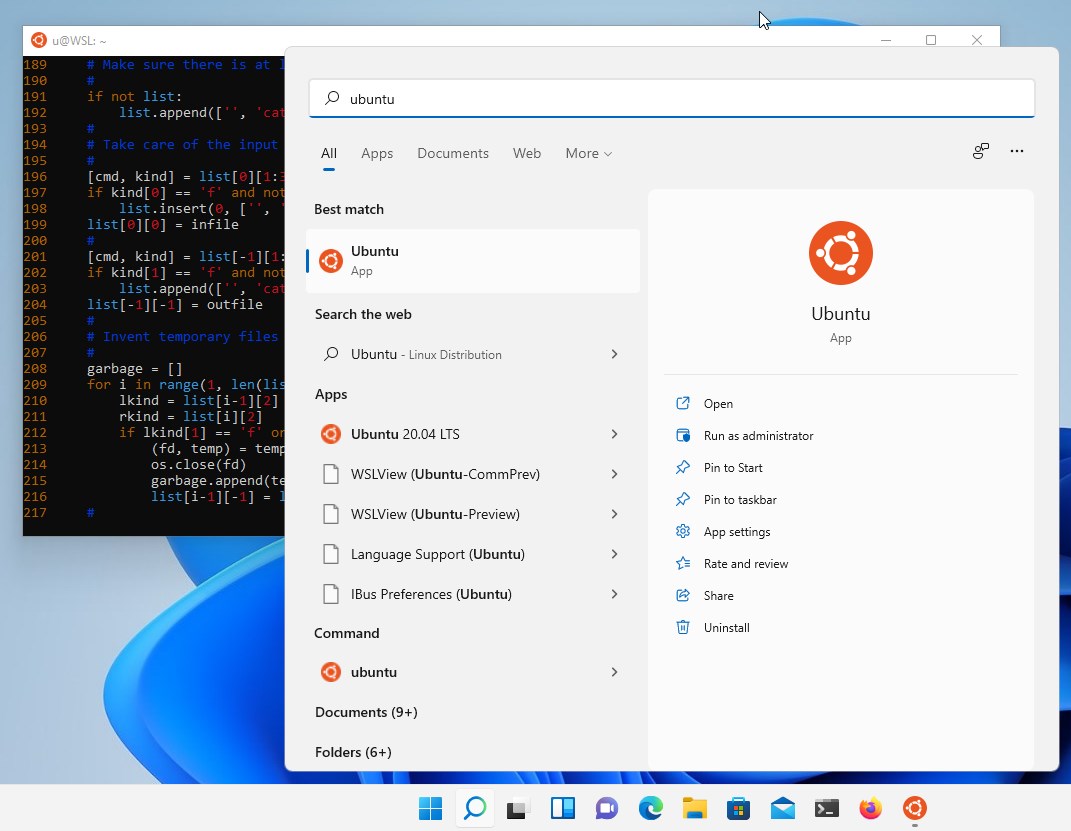
The core innovation of Ubuntu for Windows is its full Linux subsystem, which runs as a native component within Windows 10 and 11. This isn't just a command-line emulator; it's a genuine Ubuntu environment with access to Ubuntu repositories and package managers like apt. Setting it up is as straightforward as clicking a button in the Microsoft Store—no complicated VM configurations or dual boot setups needed. Once installed, launching Ubuntu from the Start menu feels as simple as opening any other app, and you're greeted with a familiar Linux prompt.
The user interface is minimalistic but functional, focusing on command-line efficiency. The app performs smoothly, with quick startup times and responsive command execution—think of it as a well-oiled machine at your fingertips. While the learning curve is moderate for newcomers, the clear documentation and community support help flatten it quickly. Plus, with integrated file access, you can seamlessly work across Windows and Linux filesystems, making complex workflows feel like a natural dance rather than a chore.
Compared to other developer tools that claim to "bring Linux to Windows," Ubuntu for Windows stands out for its deep integration. Unlike third-party emulators or virtual machines that run separate instances of Linux, this app runs as a native subsystem, ensuring better performance and stability. Its biggest unique selling point is its commitment to providing an authentic Ubuntu experience without sacrificing Windows compatibility. Furthermore, regular updates via the Microsoft Store mean users benefit from ongoing improvements aligned closely with the Ubuntu development cycle.
If you're someone who often juggles between different operating systems or needs a reliable Linux environment without dedicated hardware or complicated setups, Ubuntu for Windows is highly recommended. It's particularly useful for developers testing cross-platform applications, sysadmins managing server scripts, or hobbyists exploring open-source software. While it isn't meant to replace a full Linux install for all workflows, it certainly elevates your Windows experience with Linux's power and flexibility.
Seamless integration with Windows 10/11
Access to a wide range of Linux tools and software
Regular updates through Microsoft Store
Simple installation process
Supports GUI applications with WSLg (Windows Subsystem for Linux GUI support)
Limited hardware support for some peripherals
Initial setup can be complex for newcomers
Performance issues with heavy graphical applications
Some network configurations may require manual tweaking
Limited support for certain hardware features

for Windows
 5
5

for Windows
4.6

for Windows
4.6

for Windows
4.6

for Windows
4.5
for Windows
4.4

for Windows
4.4

for Windows
4.3

for Windows
4.3

for Windows
4.3

for Windows
4.3

for Windows
4.2

for Windows
5

for Windows
5
for Windows
5

for Windows
5

for Windows
5

for Windows
5

for Windows
5

for Windows
5

for Windows
5

for Windows
5