Education
Silamia2025
PC, Mobile, Surface Hub, HoloLens
Windows 10 version 17763.0 or higher
English (United States)
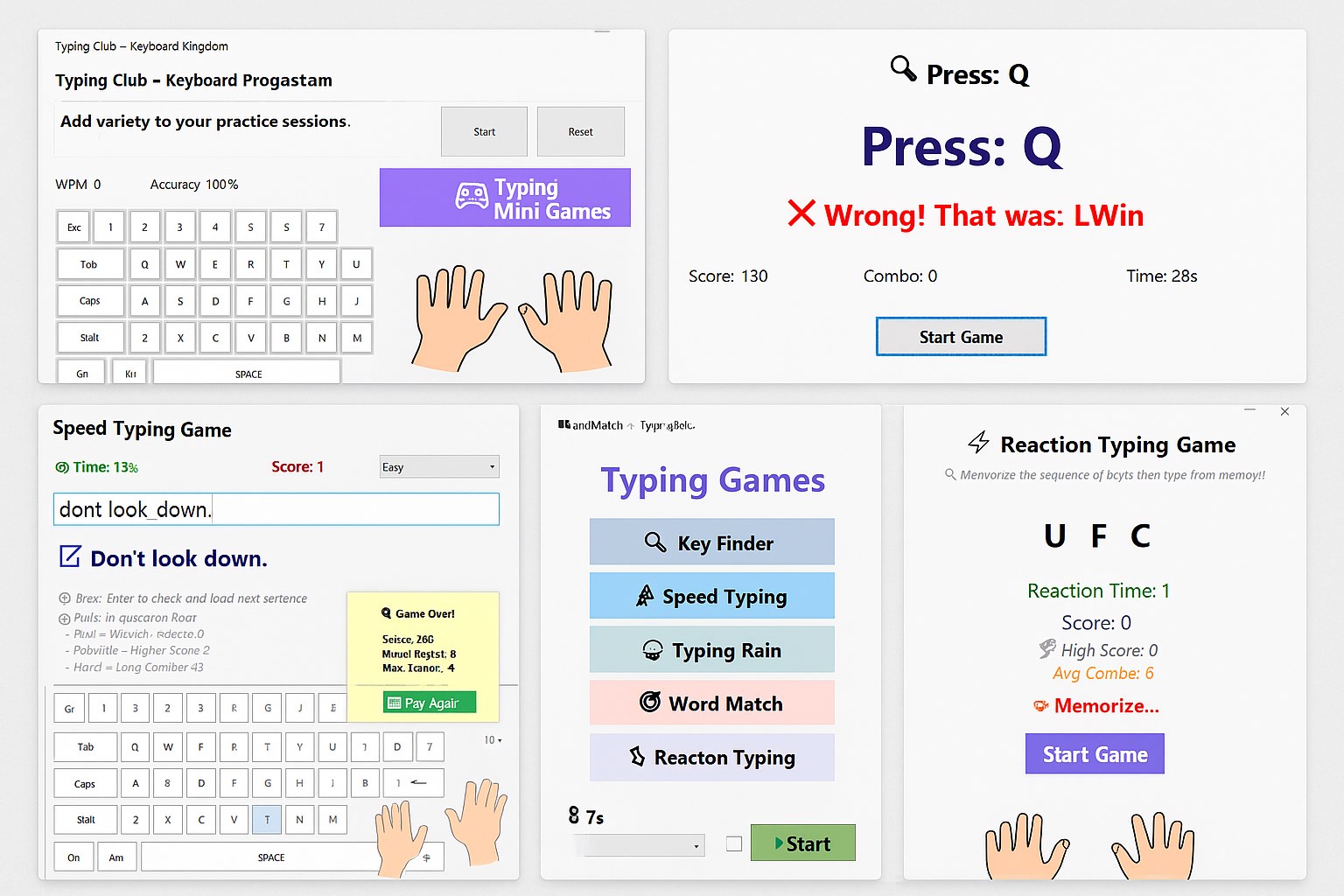
Typing Club – Keyboard Kingdom for Windows is an engaging educational application designed to help users improve their typing skills through gamified lessons and interactive exercises. It offers a fun, castle-themed environment to motivate learners of all ages, making the journey to touch typing both effective and enjoyable.
Developed and published by Silamia2025, a passionate team dedicated to creating user-friendly educational tools, Typing Club – Keyboard Kingdom aims to combine learning with entertainment. While not a massive corporate entity, Silamia2025's focus on quality and user engagement sets this app apart in the educational tech scene.
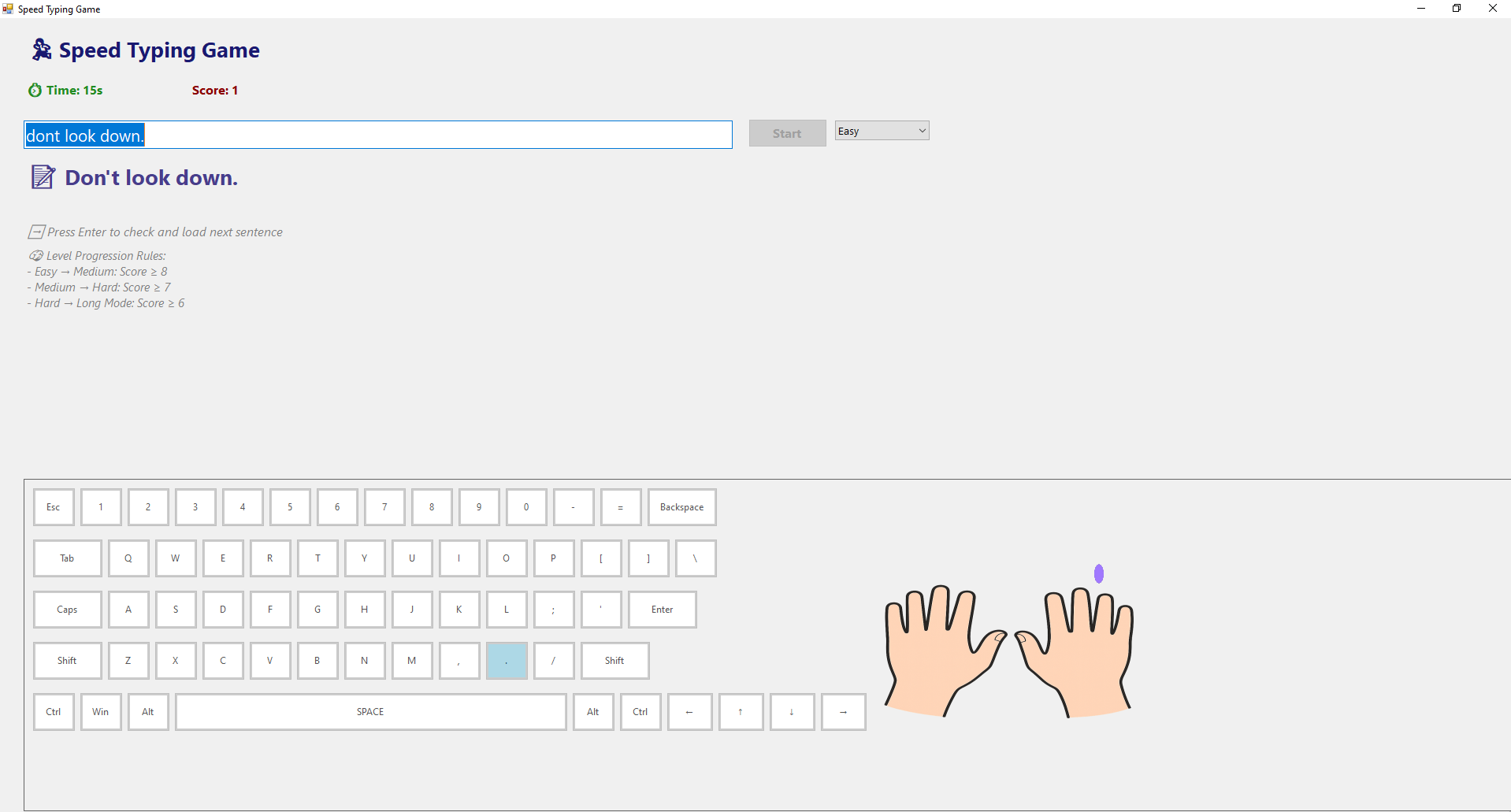
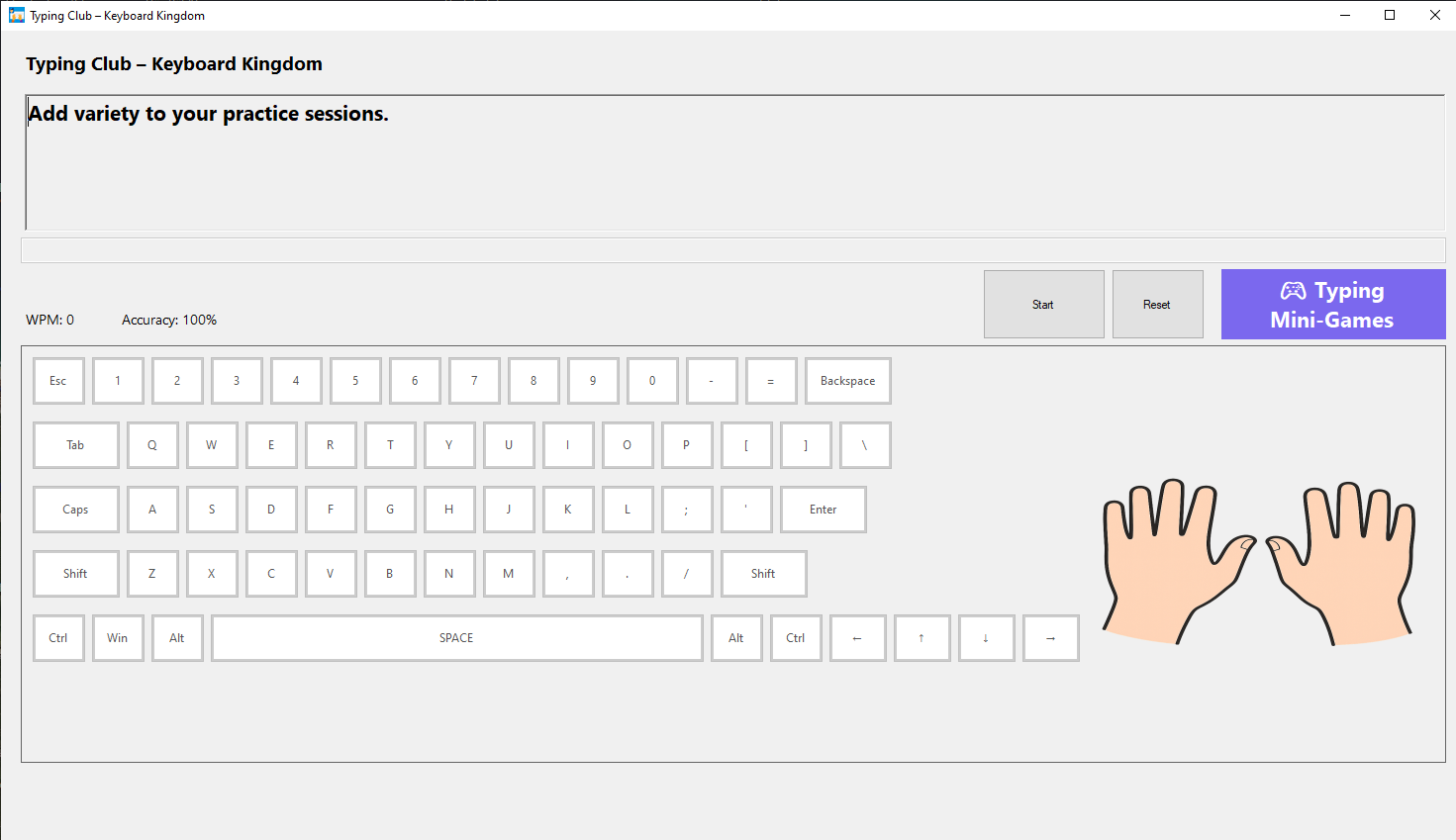
Imagine stepping into a vivid kingdom where each keystroke unlocks new territories—Typing Club's colorful castle environment immediately pulls you into a world of adventure. The interface strikes a perfect balance between playful and professional, making typing lessons less of a chore and more of a quest. The visuals are lively yet not overwhelming, providing just the right atmosphere to keep learners engaged without distraction.
Interactions within the app are smooth; transitions between lessons or exercises happen seamlessly, showing that the developers prioritized performance optimization. The controls are intuitive, with clear instructions and accessible menus, reducing the learning curve and inviting users to jump right into their typing journey. Whether you're a child exploring keyboard basics or an adult brushing up on your skills, the app's design caters to a broad demographic with equal ease.
What truly elevates Typing Club – Keyboard Kingdom from similar applications is its ability to personalize learning paths. Utilizing adaptive algorithms, it gauges the user's current skill level and tailors exercises accordingly, ensuring each session pushes just enough to foster growth without causing frustration. This bespoke approach encourages sustained engagement and faster progress—an important differentiation from many static, one-size-fits-all typing tutors.
Compared to other educational typing apps like Typing.com or Keybr, Typing Club – Keyboard Kingdom distinguishes itself through its rich gamified environment and dynamic personalization. While many platforms rely heavily on repetitive drills, this app's storyline and feedback mechanisms make the learning process feel less like a chore and more like an adventure. The interactive feedback also helps establish accurate muscle memory, ensuring skills are learned correctly the first time.
Given its engaging design, intuitive interface, and adaptive learning features, I highly recommend Typing Club – Keyboard Kingdom for students, educators, or anyone eager to improve their typing skills in a fun, motivating setting. It's especially suited for beginners or children, but even intermediate typists can find benefit in its progress tracking and personalized exercises.
Overall, this application is a thoughtful addition to the landscape of typing education tools. It balances professional learning outcomes with playful design, providing a comprehensive, engaging, and effective training experience.
Intuitive and engaging interface
Comprehensive typing lessons for all skill levels
Progress tracking and rewards system
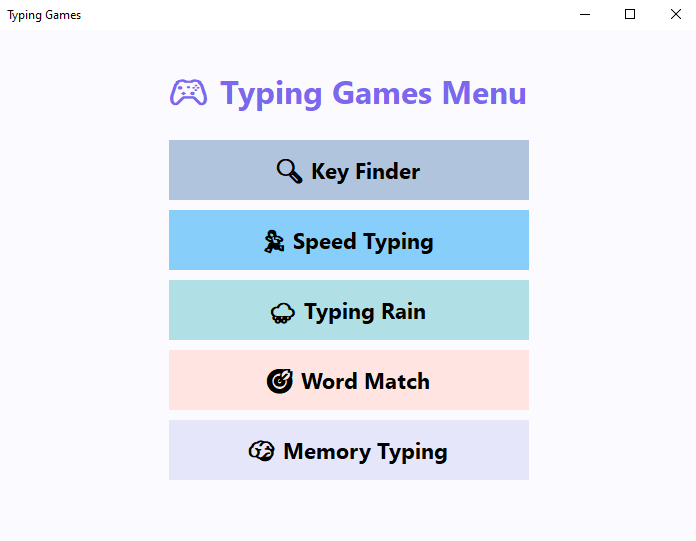
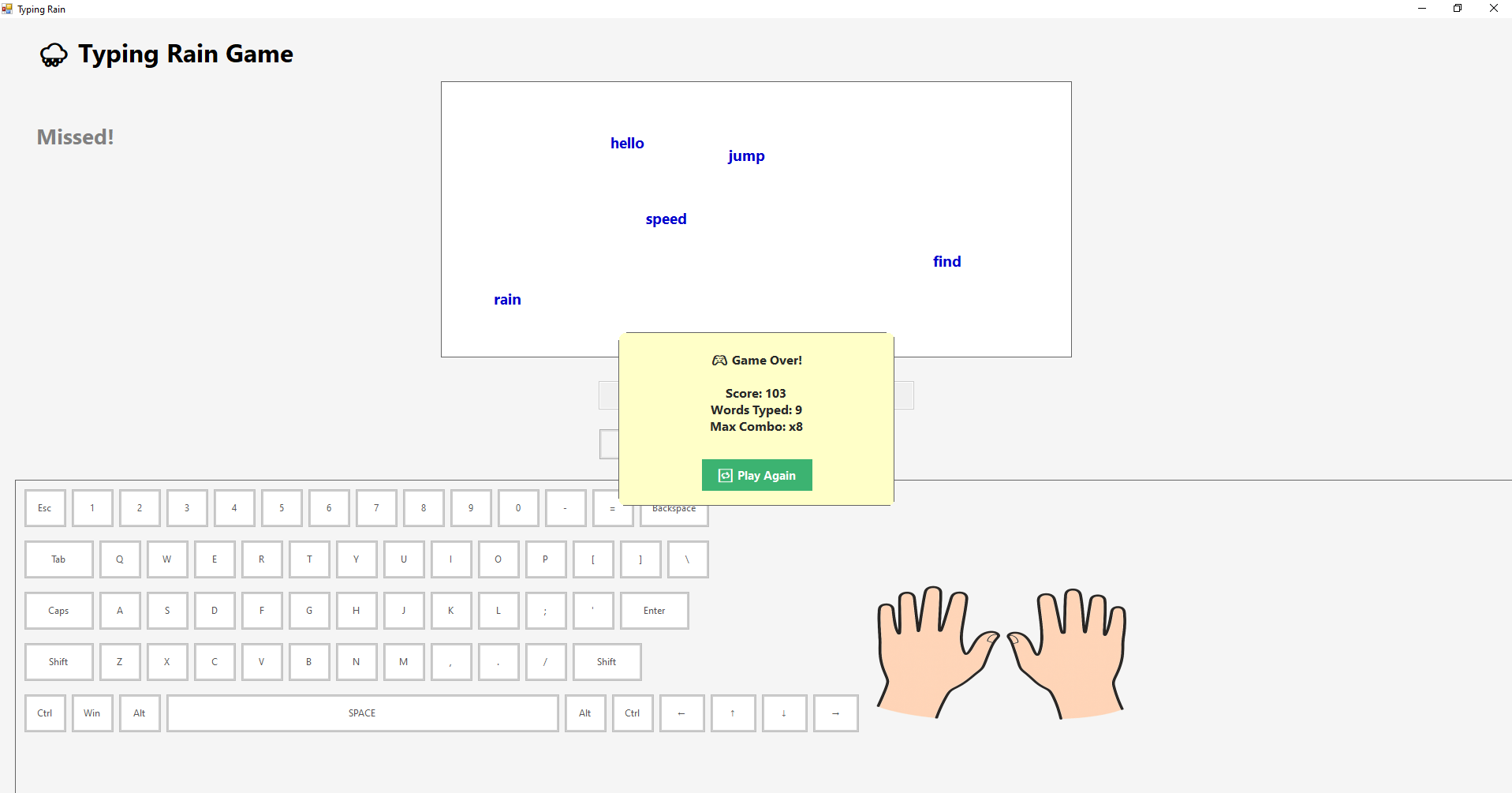
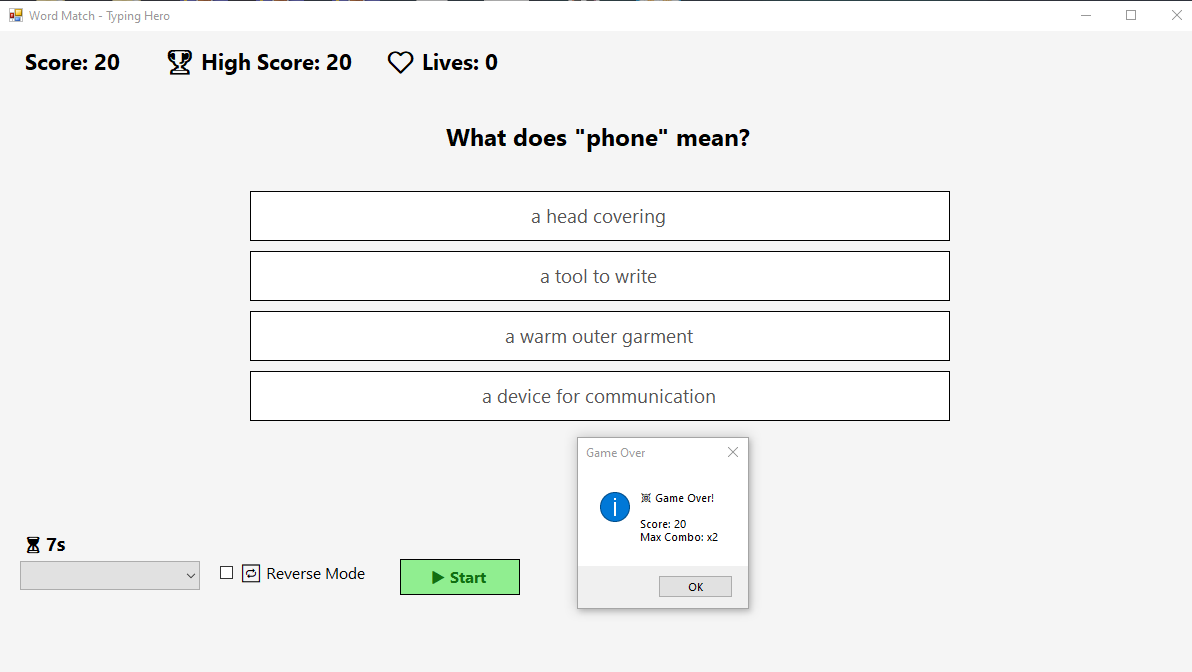
Variety of engaging activities and games
Easy to use on multiple devices
Limited customization options for lessons
Occasional lag during intense gameplay
Free version offers limited content
Feedback on typing errors could be more detailed
Some users may find the interface too colorful

for Windows
 4.8
4.8

for Windows
4.7

for Windows
4.7

for Windows
4.6

for Windows
4.6

for Windows
4.6

for Windows
4.5

for Windows
4.5

for Windows
4.4

for Windows
4.4

for Windows
4.4

for Windows
4.4

for Windows
5

for Windows
5

for Windows
5

for Windows
5

for Windows
5

for Windows
5

for Windows
5

for Windows
5

for Windows
5

for Windows
5