Entertainment
TW Play for Twitch
PC, Xbox console, Surface Hub, HoloLens
Windows 10 version 20348.0 or higher
Czech, Danish, English, Finnish, French, German, Greek, Italian, Japanese, Norwegian, Norwegian (Bokmål), Norwegian (Nynorsk), Portuguese, Russian, Spanish, Swedish, Turkish
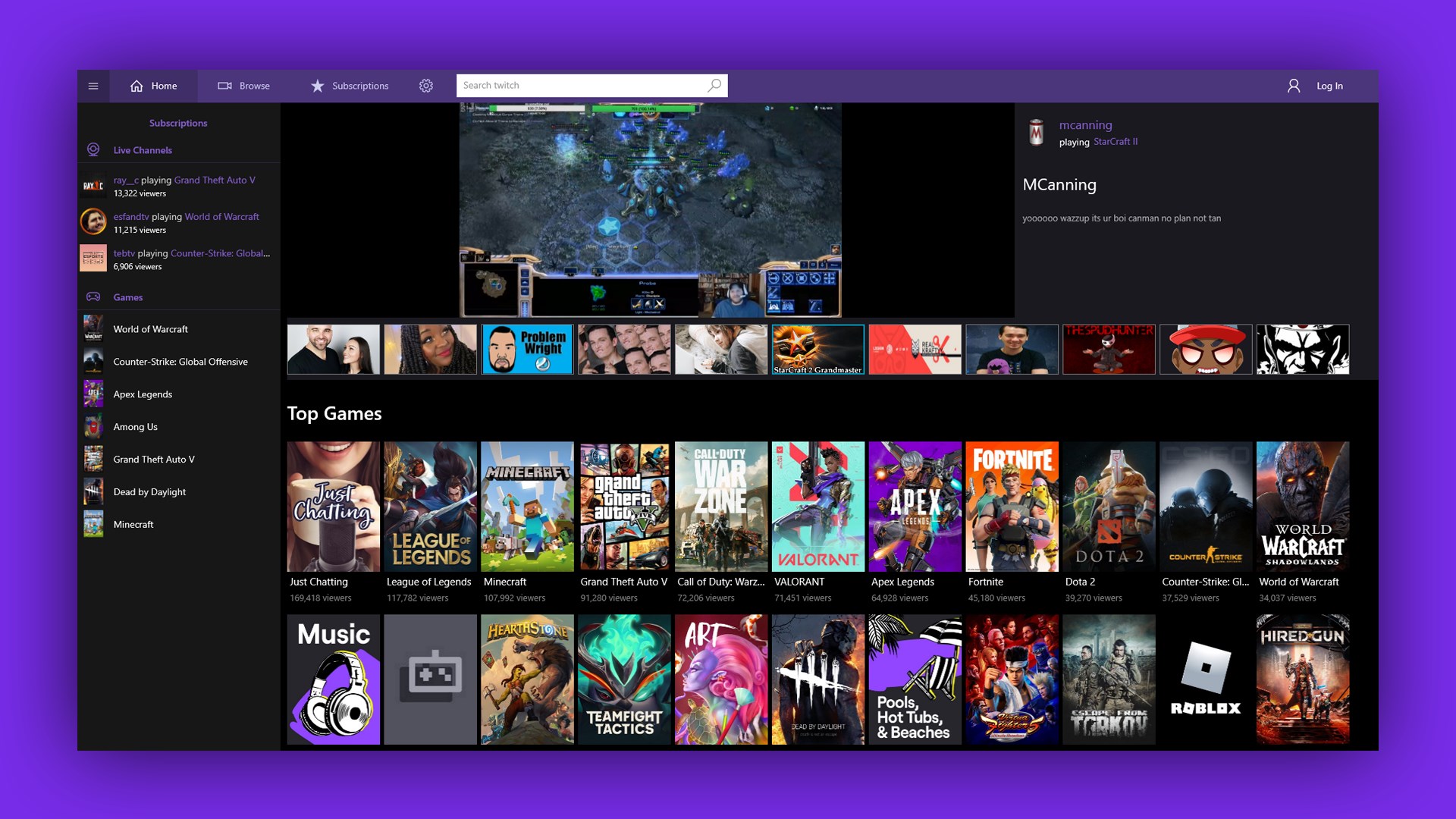
TW PLAY for Windows is a dedicated application designed to streamline your Twitch viewing experience, combining user-friendly interface with personalized content features. It aims to serve avid Twitch fans who seek a more organized, immersive, and tailored way to engage with their favorite streamers and communities.
Developed by TW Play for Twitch and published by Good Media Group, this app consolidates key functionalities to enhance how users interact with Twitch content. Its main highlights include:
Designed for gaming enthusiasts, esports fans, and casual Twitch viewers alike, TW PLAY caters to anyone looking for an improved Twitch consumption experience, either on the desktop or during casual browsing sessions.
Imagine a sleek, well-organized portal into the bustling universe of Twitch, where finding that exciting new streamer feels as effortless as flipping through channels on a cozy weekend. That's what TW PLAY for Windows offers—a fresh perspective on how you discover, engage, and enjoy Twitch content. Instead of drowning in a sea of endless streams, you get a curated, tailored experience that feels personalized and inviting. Think of it as having your own gateway, thoughtfully crafted just for your entertainment cravings—a perfect blend of simplicity and smart features that might just turn your casual browsing into a dedicated hobby.
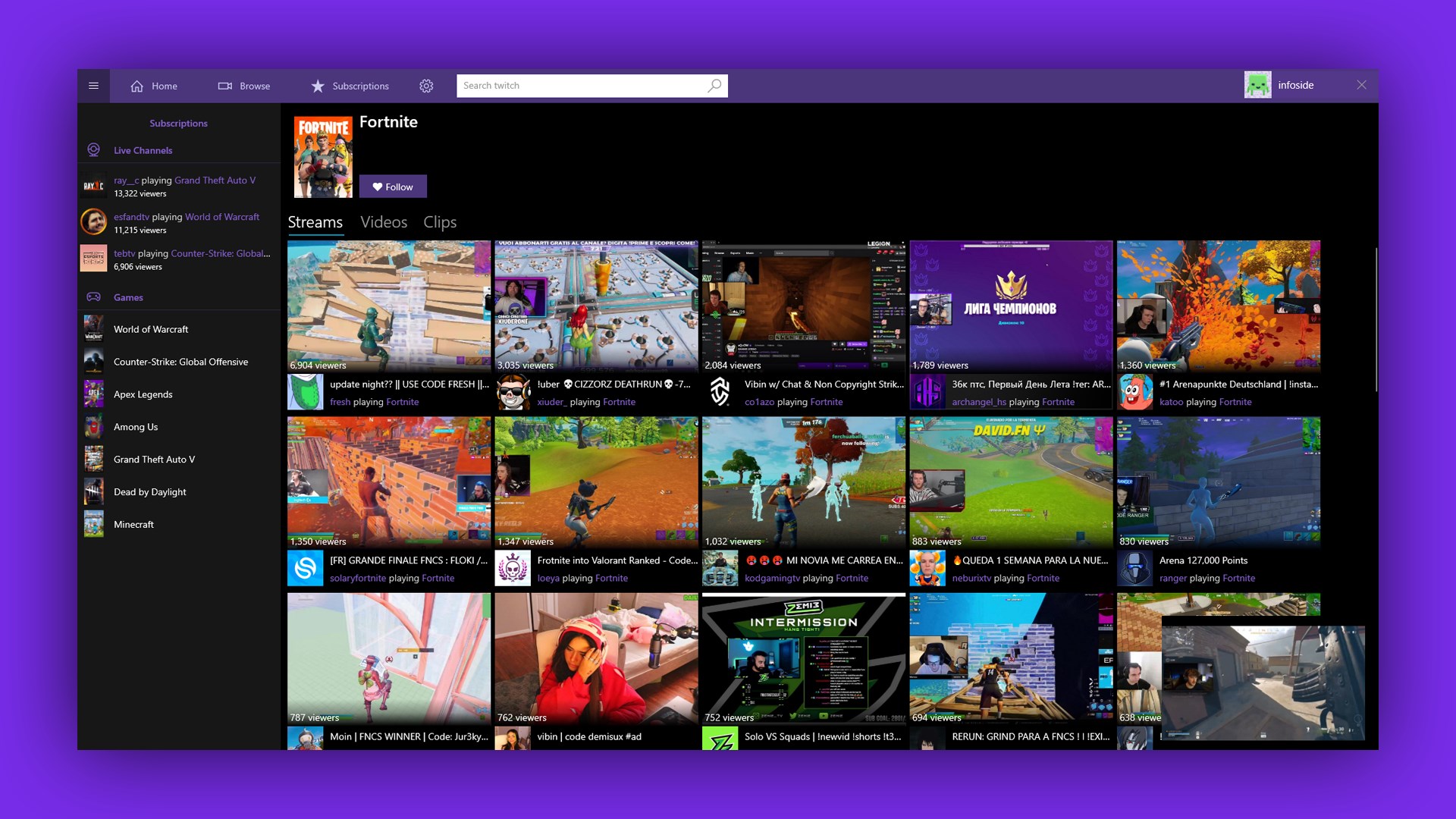
At the heart of TW PLAY is its recommendation engine, which leverages content discovery algorithms that analyze your viewing history, preferences, and interaction patterns. Unlike traditional platforms that often drown you in irrelevant content, this app acts like a seasoned guide, suggesting streams that genuinely match your interests. Whether you're into competitive gaming, casual playthroughs, or eSports tournaments, TW PLAY's personalized recommendations make the discovery process feel like chatting with a knowledgeable friend who knows exactly what you'd love.
This feature's standout aspect is its effectiveness in reducing the time spent hunting for interesting content—saving you from aimless scrolling and turning your viewing into a seamless, enjoyable experience. It highlights that TW PLAY's algorithm is not just reactive but proactively understands your preferences, giving it a user experience edge over less sophisticated recommendation systems.
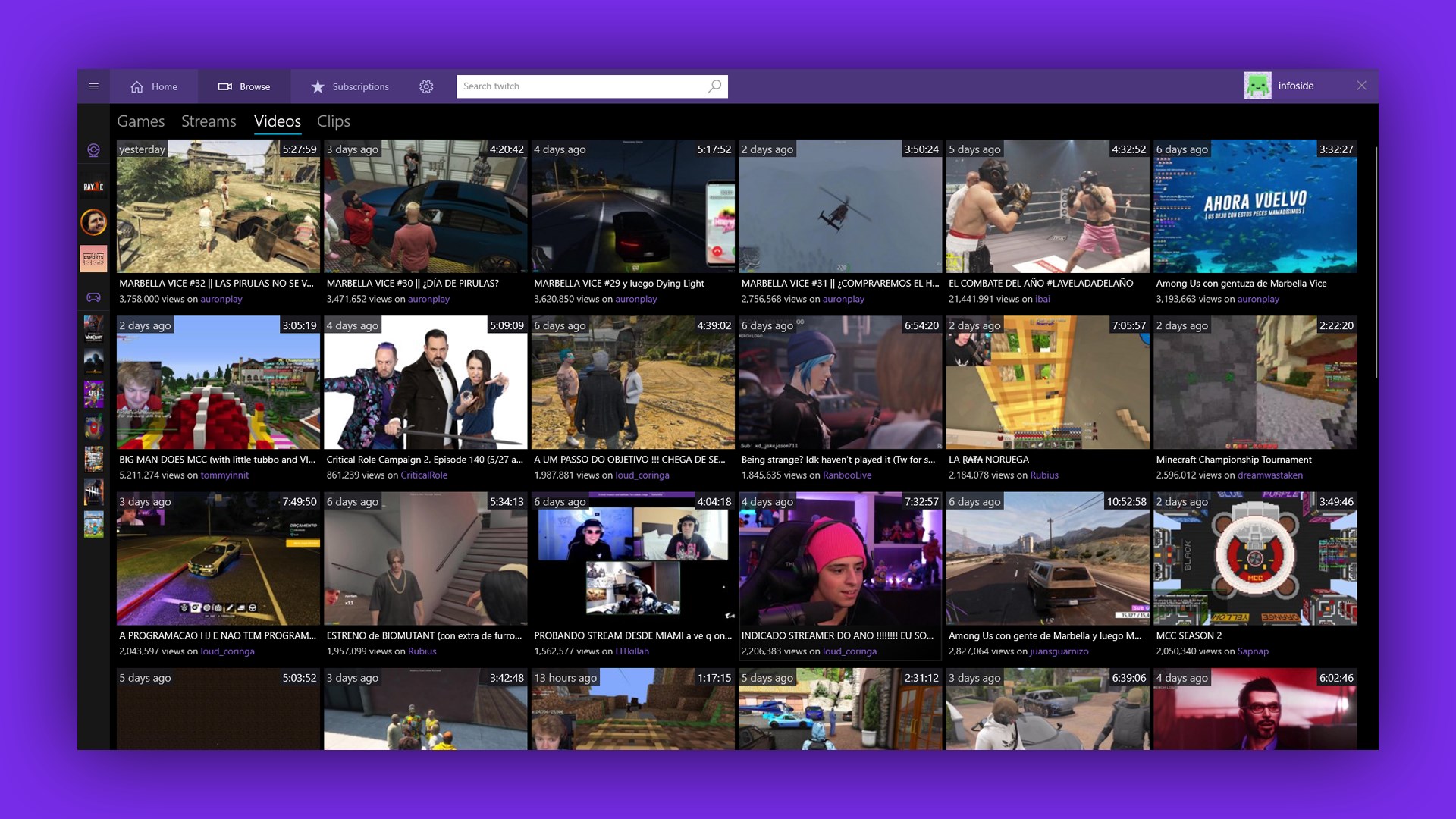
From the moment you open TW PLAY, it's evident that the interface designers prioritized clarity and ease of use. The layout resembles a well-organized dashboard—bright, clean, and uncluttered—making navigation feel natural. Browsing streams is as straightforward as flipping through a magazine, with filters and categories at your fingertips. Streaming itself is smooth, thanks to optimized playback features, and the responsive design ensures frustration-free scrolling and searching.
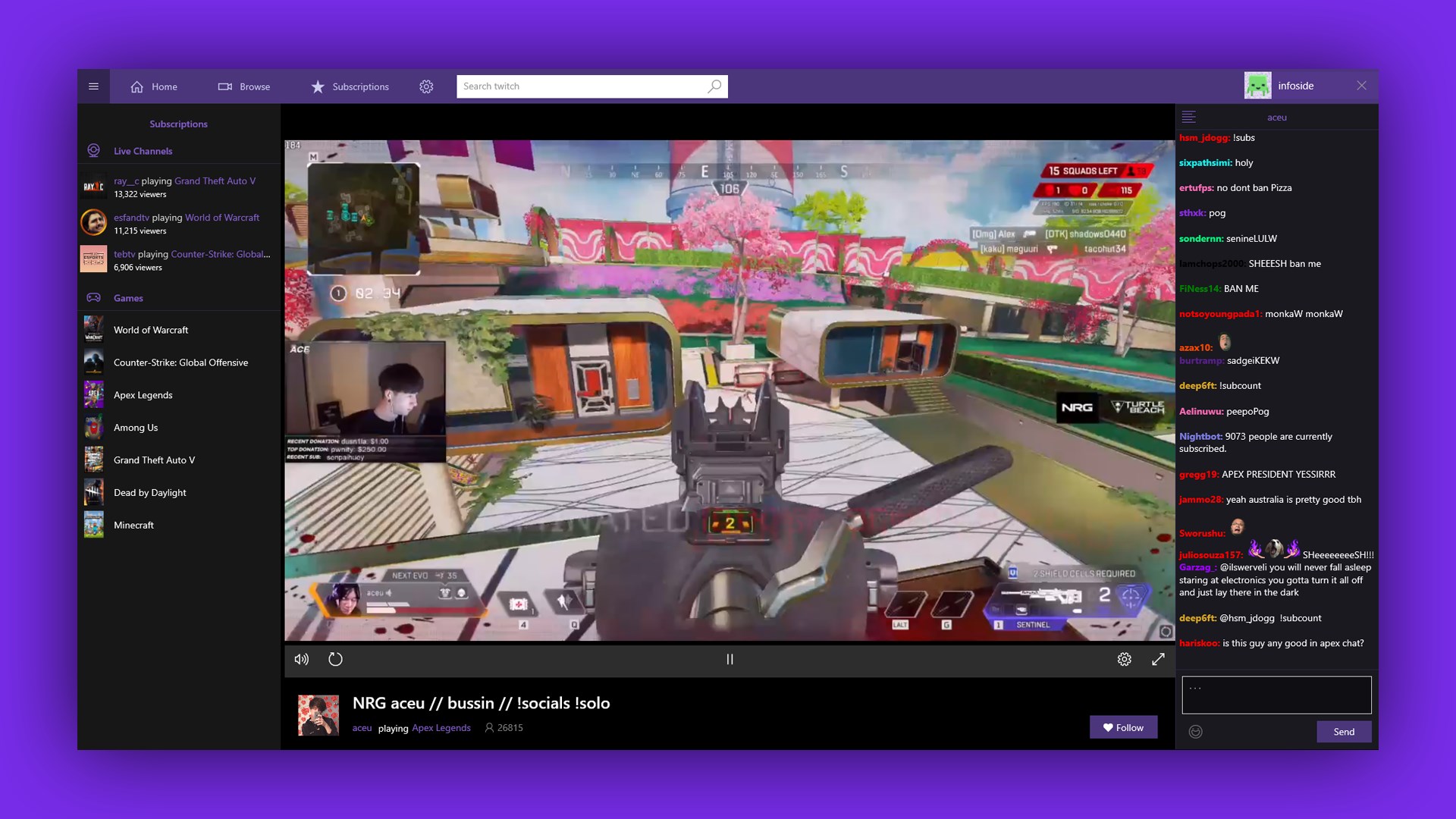
Learning curve? Minimal. If you've used similar entertainment apps before, you'll feel right at home. Even new users will find the onboarding process intuitive, aided by helpful prompts and tips. The integration of chat and community tools adds to the overall immersive feel, making it easy for users to jump into conversations or follow favorite streamers without juggling multiple windows.
While many entertainment apps aim to make content discovery easier, TW PLAY distinguishes itself through its sophisticated recommendation algorithms that analyze nuanced user preferences. Unlike generic feed-based recommendations, TW PLAY offers insights into trending streams tailored to your specific interests, effectively cutting through the noise. Additionally, its real-time chat integration and notification services foster a more lively and connected viewing experience—much like joining a vibrant Twitch community in a single, dedicated app.
Notably, TW PLAY's emphasis on personalized relevance ensures that the content feels curated, reducing the frustration of irrelevant suggestions that plague other platforms. This unique approach makes TW PLAY not just another Twitch client, but a thoughtfully crafted companion for dedicated followers seeking a richer and more engaging viewing journey.
All considered, TW PLAY for Windows offers a compelling, streamlined experience for Twitch enthusiasts. Its strongest features—smart content discovery and seamless community engagement—make it a worthy upgrade or alternative to standard Twitch browsing. I recommend it for users who value personalized content suggestions and appreciate an elegant interface that doesn't compromise performance. Whether you're a casual viewer eager for new streams or a die-hard fan craving an organized portal, TW PLAY helps you make the most of your Twitch time without feeling overwhelmed.
Of course, as with any app, individual preferences will vary. But if you're seeking an app that combines intelligent recommendation algorithms with a friendly user experience, give TW PLAY a try—you might find yourself spending fewer hours searching and more enjoying your favorite streams.
User-Friendly Interface
Wide Game Selection
Fast Download Speeds
Regular Updates
Secure Payment System
Occasional App Crashes
Limited Search Filters
Regional Content Restrictions
Inconsistent Download Speeds for Large Files
Notification Overload

for Windows
 5
5

for Windows
4.8

for Windows
4.8

for Windows
4.8
for Windows
4.7

for Windows
4.6

for Windows
4.6

for Windows
4.6

for Windows
4.6

for Windows
4.6

for Windows
4.6

for Windows
4.6

for Windows
5

for Windows
5

for Windows
5

for Windows
5
for Windows
5

for Windows
5

for Windows
5

for Windows
5

for Windows
5

for Windows
5