Entertainment
Tubi, Inc.
PC, Xbox console
Windows 10 version 19041.0 or higher
English (United States)
Imagine having a vast ocean of movies and TV shows right at your fingertips—completely free and easily accessible on your Windows device. Tubi offers just that, serving as an ad-supported streaming platform that brings a diverse library of entertainment directly to your desktop.
Developed and published by Tubi, Inc., this application aims to democratize home entertainment by providing a wide array of free content. Its main highlights include an extensive library encompassing genres from drama and comedy to documentaries, a personalized content recommendation system that adapts to viewer preferences, and an intuitive interface designed for effortless navigation. The target audience primarily comprises budget-conscious users who seek varied and accessible entertainment options without the burden of subscriptions or additional costs.
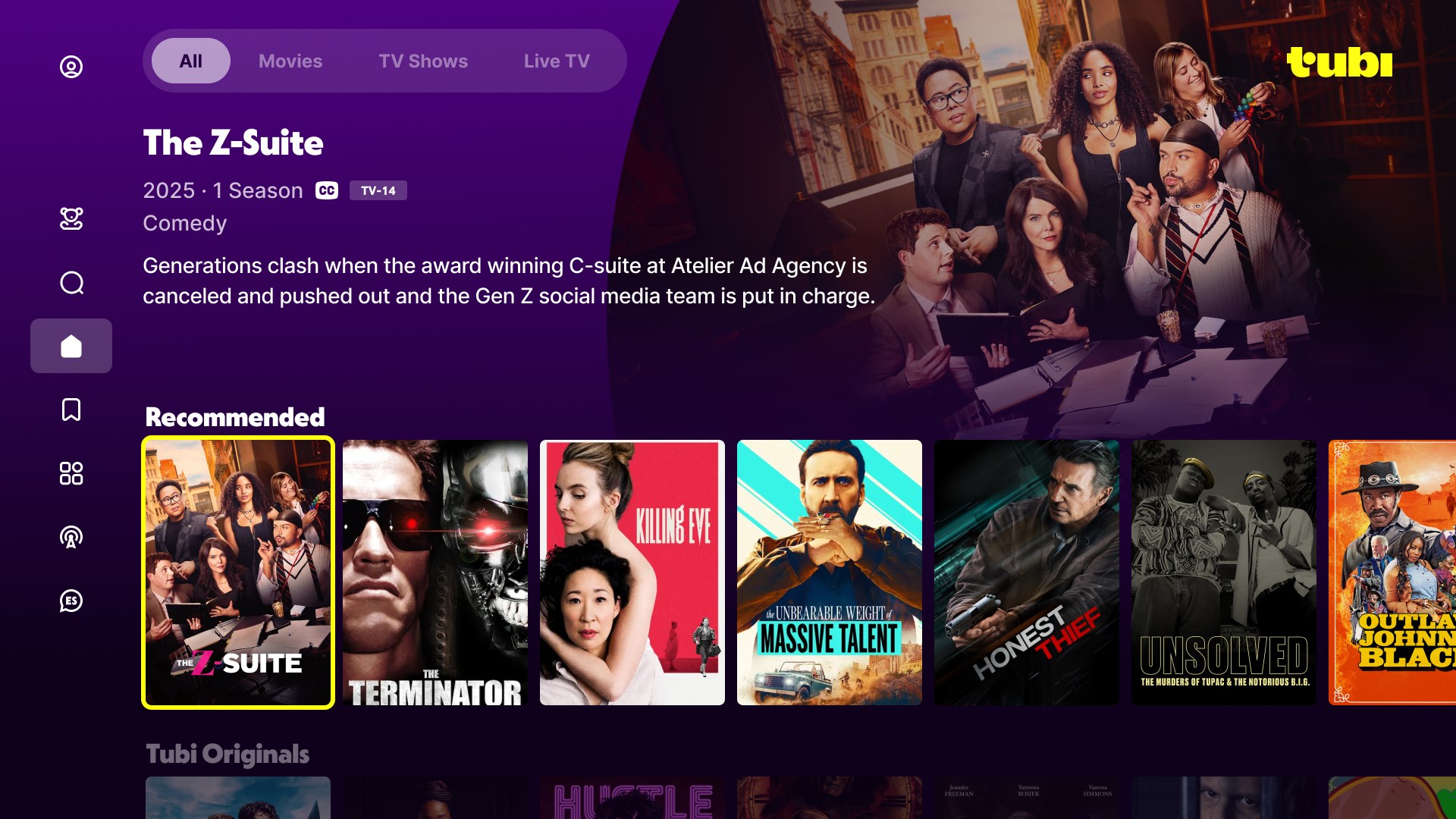
Imagine firing up your PC after a long day and effortlessly diving into a binge-worthy series or catching a classic movie—Tubi makes this scenario a reality. Its playful yet organized layout invites users into a universe of entertainment, much like stepping into your cozy living room where everyone knows your favorite snacks and shows. The app's seamless integration with Windows enhances the experience, making it feel like a natural extension of your device, rather than just another app clogging your desktop.
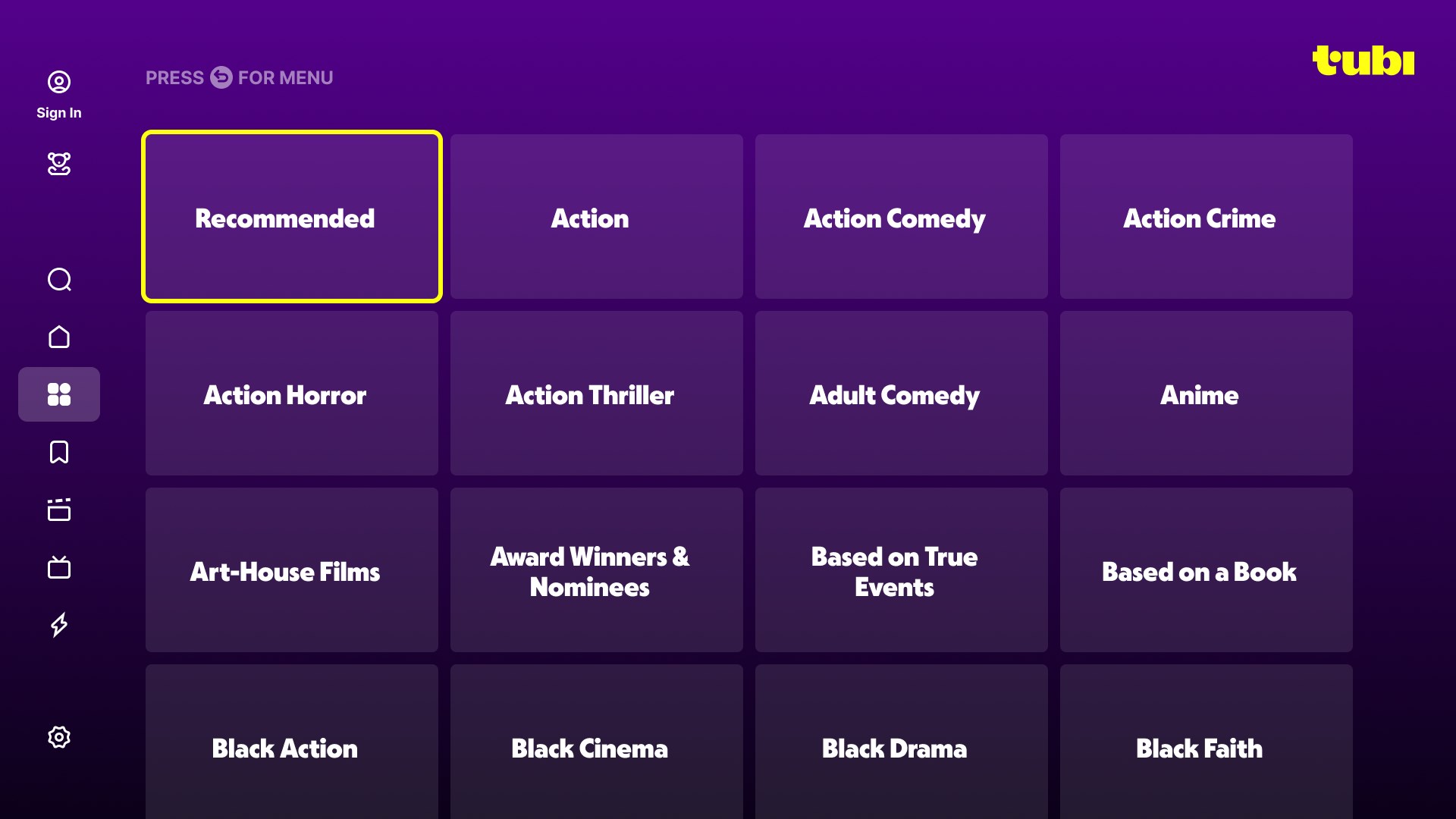
The heart of Tubi's appeal lies in its vast library, neatly categorized into genres, trending titles, and curated collections. The content discovery algorithms are designed to filter through the enormous sea of options, tailoring suggestions based on your viewing history. Unlike typical content algorithms that sometimes serve irrelevant recommendations, Tubi's approach emphasizes relevance, making each suggested title feel like a personalized gift. For instance, if you often watch sci-fi thrillers, Tubi will prioritize similar titles, guiding you effortlessly to something you'll enjoy. The app's intuitive browsing interface, with big thumbnails and smooth scrolls, ensures that finding your next movie isn't a chore but a delightful adventure.
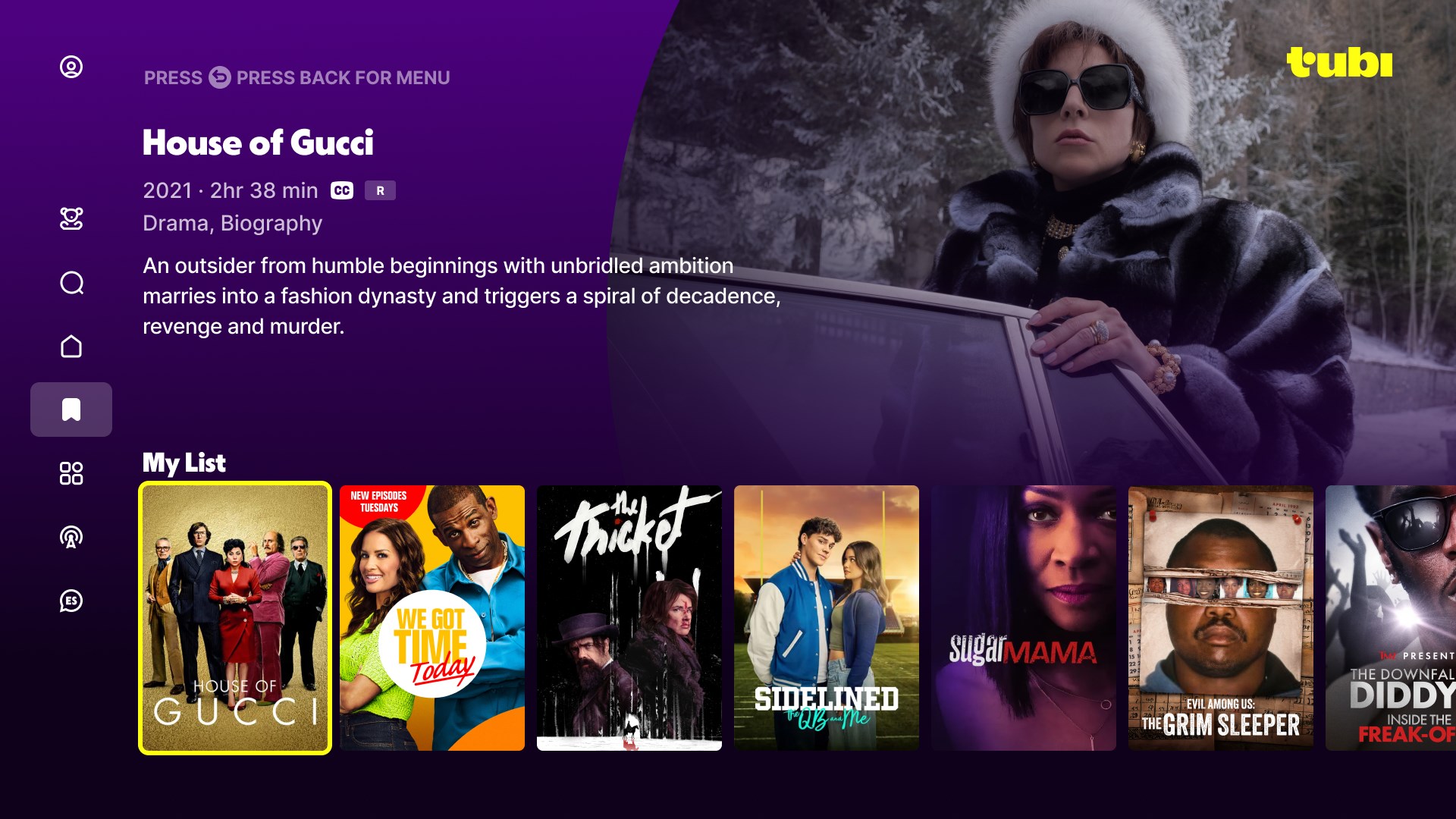
What sets Tubi apart from many free streaming apps is its sophisticated recommendation engine that balances popular trends with your individual preferences. As you watch more content, the system fine-tunes its suggestions, much like a considerate friend remembering your favorite genres. The interface design is clean and minimalistic, with easy-to-understand controls and a straightforward navigation flow that caters to both tech-savvy users and newcomers alike. Responsiveness is commendable; videos load quickly, and playback remains smooth even on modest hardware. The app's learning curve is gentle—once you understand the layout, you'll find yourself quickly navigating from suggestions to full-screen viewing, almost like flipping through channels on a familiar old TV.
While other entertainment apps often compete on the size of their content libraries, Tubi shines with its content discovery and recommendation accuracy. Its algorithms are fine-tuned to minimize irrelevant suggestions, focusing instead on relevance and personalization. This means less time scrolling through junk and more time enjoying what you love. Additionally, the app's categorization and curated collections help users quickly find specific genres or themes, making discovery easier and more enjoyable. Its ability to deliver targeted recommendations without overwhelming the user is akin to having a seasoned movie buff guiding your viewing choices—a true standout in the crowded streaming landscape.
If you're seeking a free, user-friendly streaming platform for your Windows device, Tubi is worth trying out. Its thoughtfully designed interface, personalized content recommendations, and broad library make it a practical choice for casual viewers and movie buffs alike. While it may not have the extensive original content of paid services, its focus on quality discovery and personalized relevance empowers users to enjoy entertainment without hassle or cost. I'd recommend it especially for those who appreciate a curated viewing experience that feels like chatting with a well-informed friend. For anyone looking to explore diverse titles without subscription commitments, Tubi offers a compelling, first-class free experience.
Vast Content Library
User-Friendly Interface
No Subscription Required
Compatible with Multiple Devices
Offline Viewing Options
Ad Interruptions
Limited Content Details
Quality Inconsistency
Regional Restrictions
Frequent App Updates

for Windows
 5
5

for Windows
4.8

for Windows
4.8

for Windows
4.8

for Windows
4.7

for Windows
4.6

for Windows
4.6

for Windows
4.6

for Windows
4.6

for Windows
4.6

for Windows
4.6

for Windows
4.6

for Windows
5

for Windows
5

for Windows
5

for Windows
5
for Windows
5

for Windows
5

for Windows
5

for Windows
5

for Windows
5

for Windows
5