Entertainment
PC, Mobile, Surface Hub, HoloLens
Windows 10 version 10240.0 or higher
English (United States)
In the crowded realm of multimedia downloaders, Tuber stands out as a user-friendly tool tailored for Windows users eager to save their favorite audio and video content with ease. Whether you're a casual listener or a dedicated content enthusiast, this app promises a straightforward experience to access your preferred media offline. Developed by Invotech, Tuber combines functional elegance with efficiency to cater to a broad audience—from students and commuters to media aficionados looking for quick downloads.
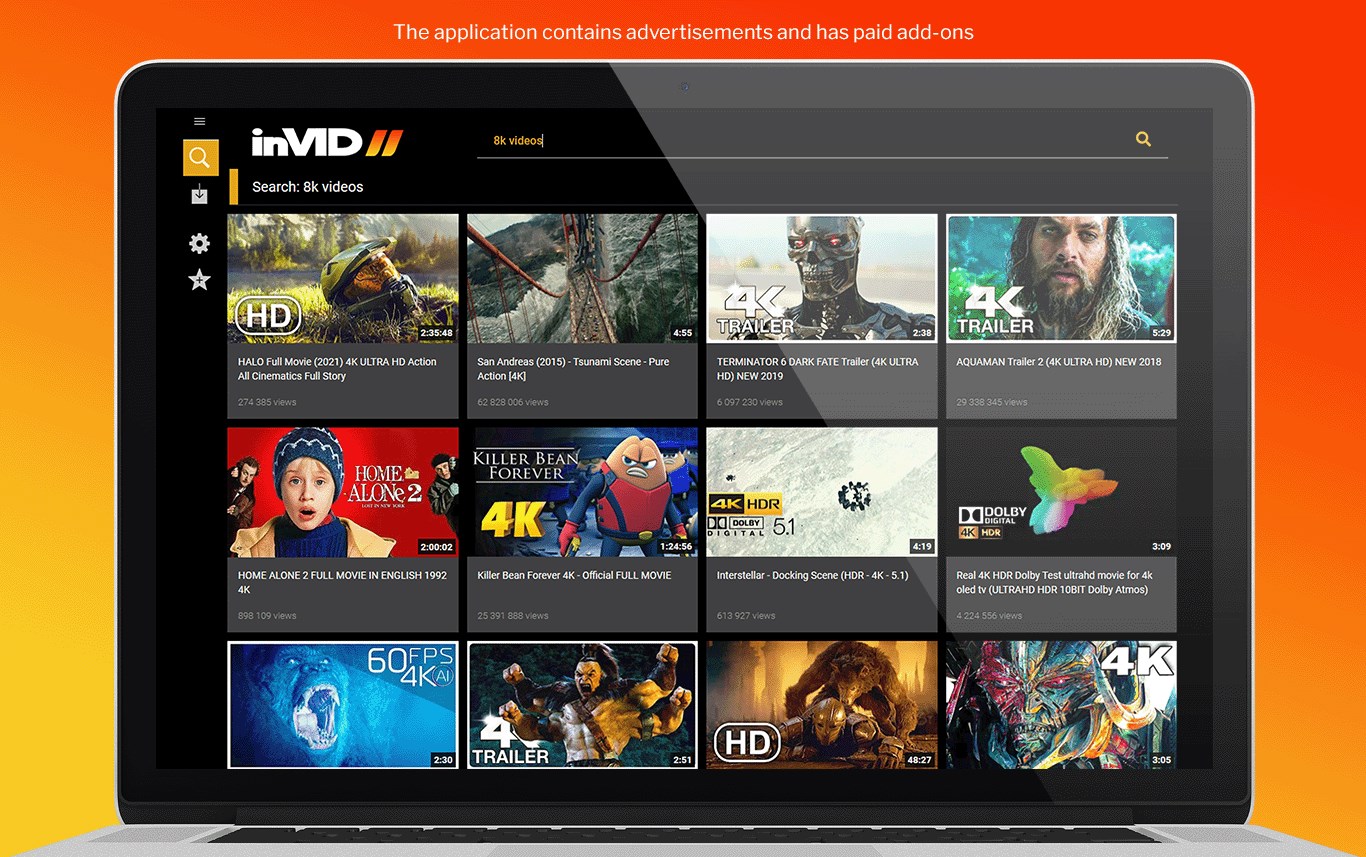
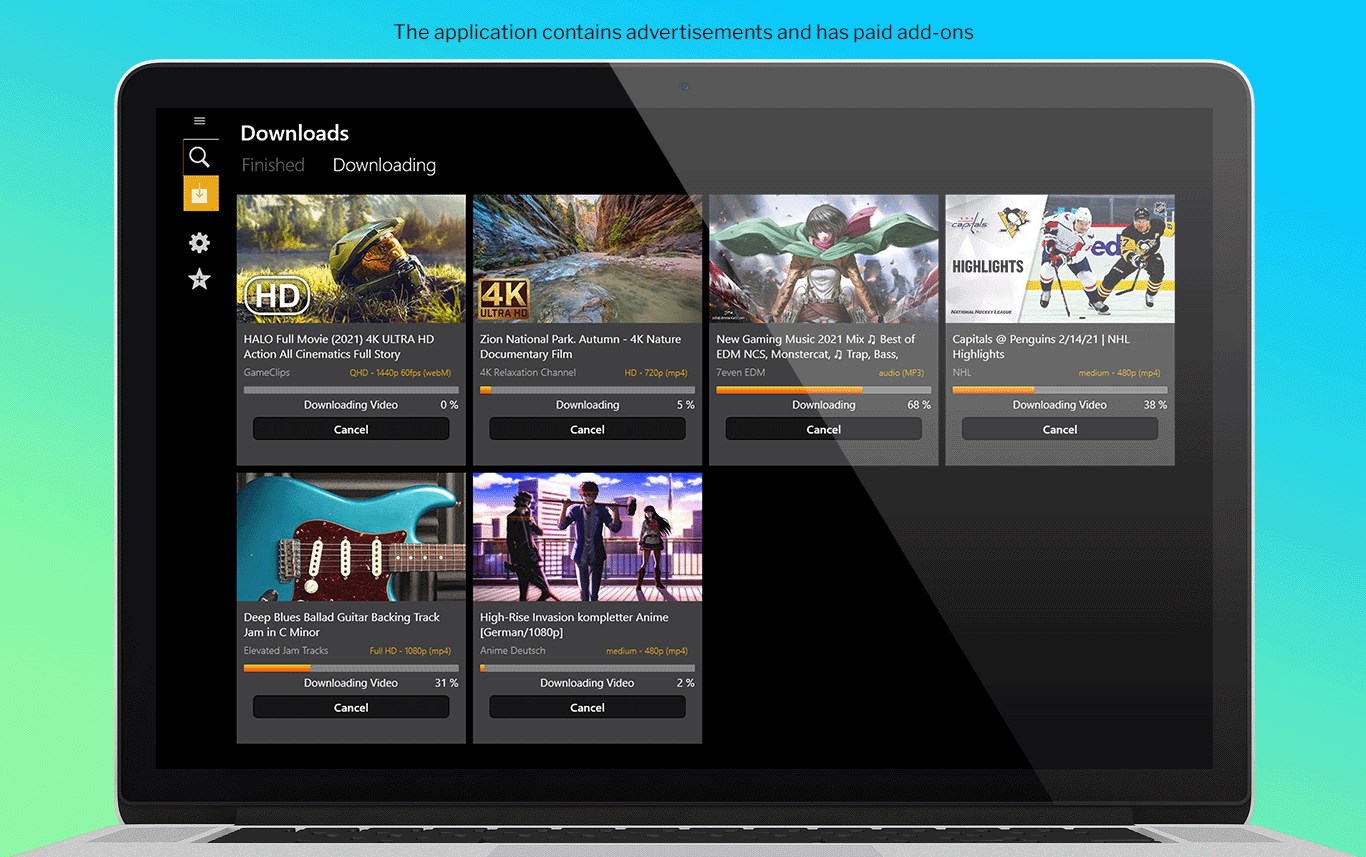
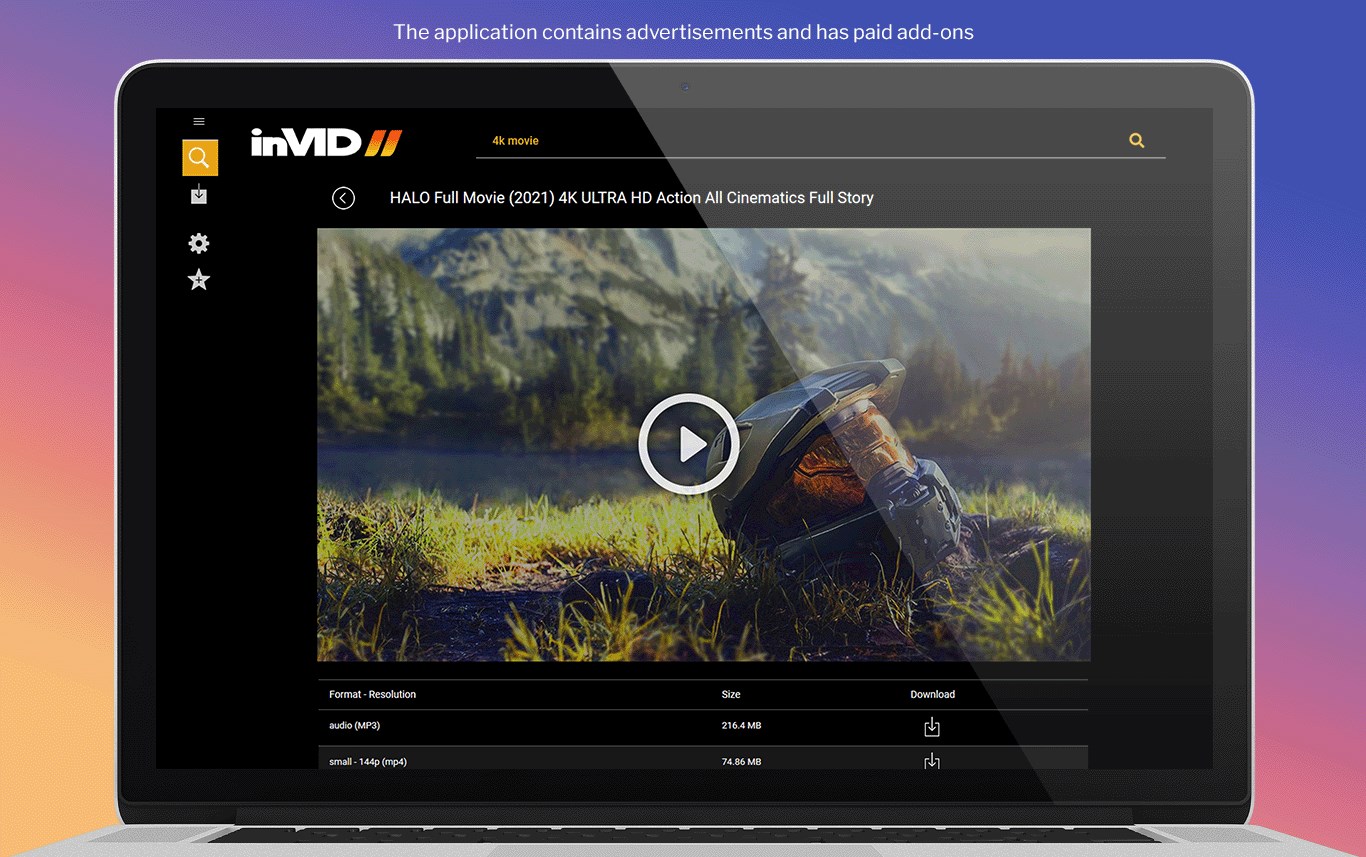
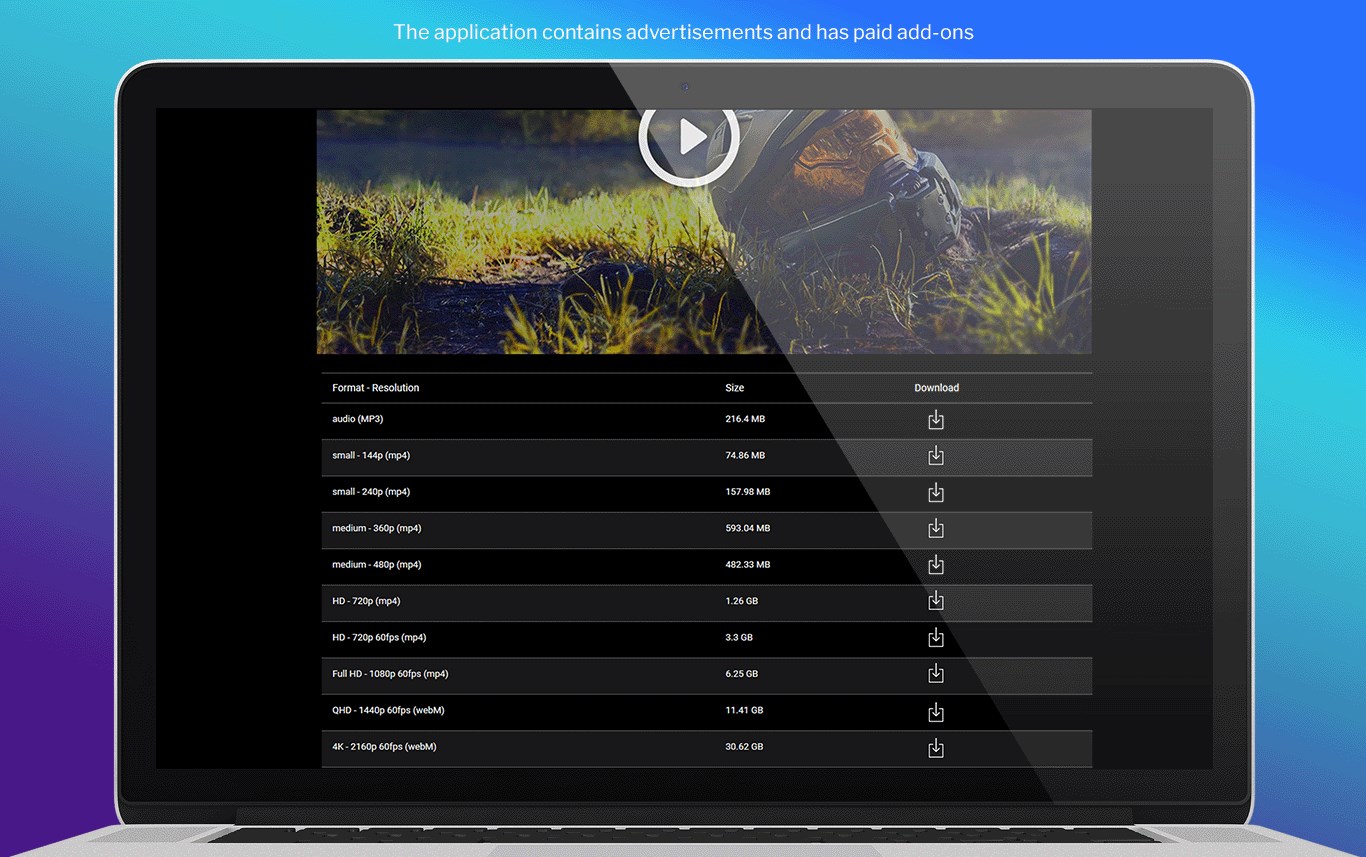
One of the app's biggest draws is its seamless download process, allowing users to capture MP3s and videos without complicated steps. Its built-in browser makes it convenient to search for desired content directly within the app, simplifying the overall workflow. Additionally, Tuber offers intelligent format selection, ensuring users get the best quality files tailored to their devices; and its batch download capability means you can queue up multiple files, saving time and effort. The interface is thoughtfully designed to be approachable, even for those less tech-savvy, ensuring a smooth journey from search to offline enjoyment.
Transitioning into daily use, Tuber's interface strikes a good balance between minimalism and functionality. The layout resembles familiar media players and download managers, making it intuitive to locate menus and options—like a trusted toolbox waiting to be explored. The app operates smoothly, with swift response times and stable performance, even when handling several downloads concurrently. The learning curve is gentle; users can pick up its features within minutes, thanks to clear icons and straightforward prompts. This friendly design reduces the frustration often associated with complex downloading tools, making it suitable for casual users and tech veterans alike.
While many similar apps focus solely on download capabilities, Tuber distinguishes itself through its emphasis on content discovery algorithms and personalized recommendations. Unlike generic downloaders, it intelligently suggests popular or trending media based on your search history, enhancing the discovery experience without drowning you in irrelevant options. Its personalized algorithms are finely tuned to prioritize relevant content, which leads to a more curated, less overwhelming browsing journey. This focus on relevance and tailored suggestions creates a more engaging and efficient user experience, akin to having a dedicated media concierge at your fingertips.
Considering its strengths, Tuber is highly recommended for users who frequently download media for offline consumption but prefer a straightforward, clutter-free experience. It's particularly well-suited for those who value relevance in content suggestions and ease of use. For casual users or anyone looking for a reliable downloader that doesn't require steep learning, Tuber offers a balanced mix of functionality and friendly design. However, power users demanding advanced editing or streaming features might find it limited and may prefer more comprehensive software. Overall, I'd suggest giving Tuber a try if your goal is quick, relevant downloads combined with an intuitive interface—think of it as your dependable media toolkit for Windows.
User-friendly interface
Supports multiple formats
Fast download speeds
No mandatory registration
Built-in media player
Limited content support for some platforms
Occasional download failures
Lack of built-in editing tools
Potential ads during use
Legal restrictions in some regions

for Windows
 5
5

for Windows
4.8

for Windows
4.8

for Windows
4.8

for Windows
4.7

for Windows
4.6

for Windows
4.6

for Windows
4.6

for Windows
4.6

for Windows
4.6

for Windows
4.6

for Windows
4.6

for Windows
5

for Windows
5

for Windows
5

for Windows
5
for Windows
5

for Windows
5

for Windows
5

for Windows
5

for Windows
5

for Windows
5