Family & kids
Klondike Solitaire Game
PC, Mobile, Surface Hub, HoloLens
Windows 10 version 10240.0 or higher
Version 10
Chinese (Simplified), English (United States)
TriPeaks Solitaire Pro for Windows offers a modern spin on the timeless card game, blending intuitive design with engaging features to keep players hooked. Developed by Klondike Solitaire Game, this app aims to deliver a seamless and enjoyable experience for solitaire enthusiasts of all ages.
TriPeaks Solitaire Pro is a dedicated Windows application that recreates the classic TriPeaks Solitaire experience with enhanced visuals and user-friendly controls. Created by the developers behind many well-received solitaire titles, Klondike Solitaire Game focuses on providing a straightforward yet engaging card game platform. Its primary features include smooth gameplay mechanics, customizable game themes, and an easy-to-follow tutorial system. Targeted at casual players, puzzle fans, and those seeking a relaxing gaming distraction, this app caters especially to players looking for a classic solitaire experience with modern touches.
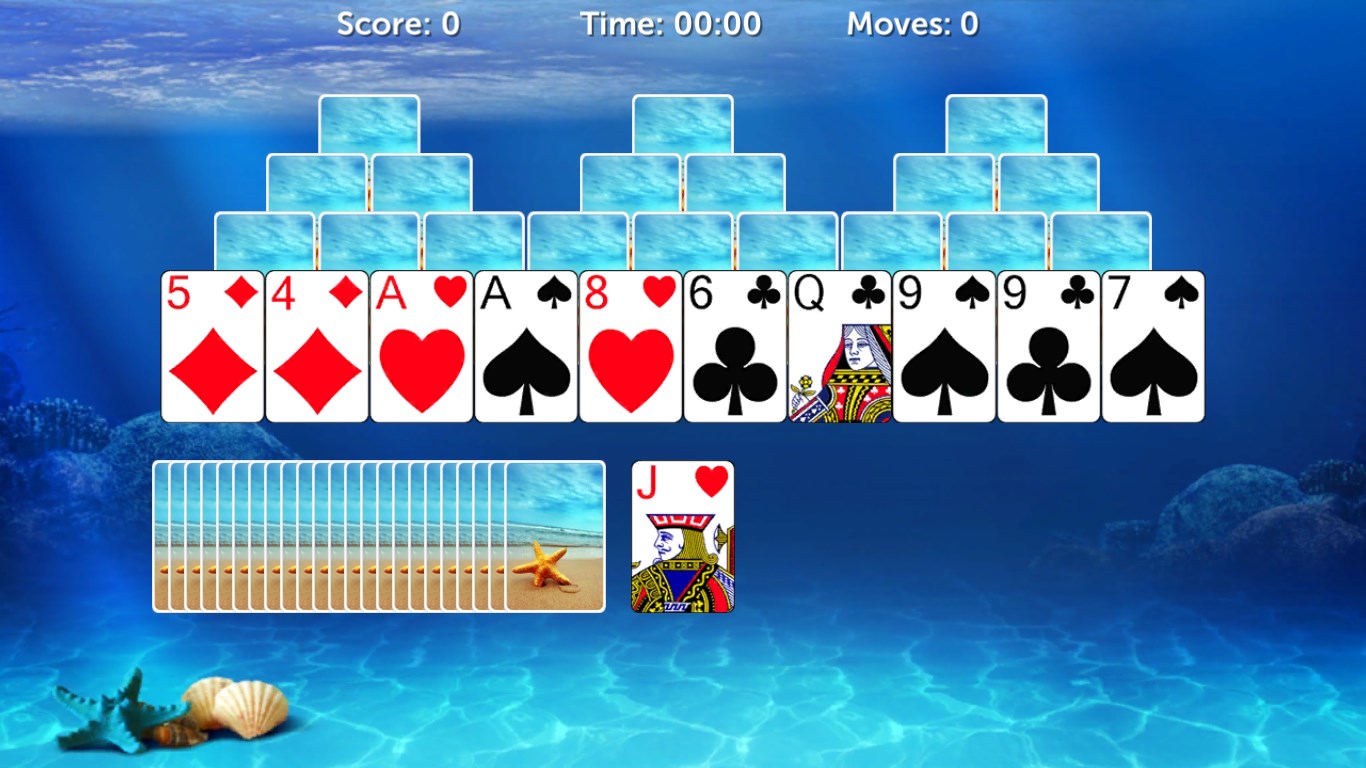
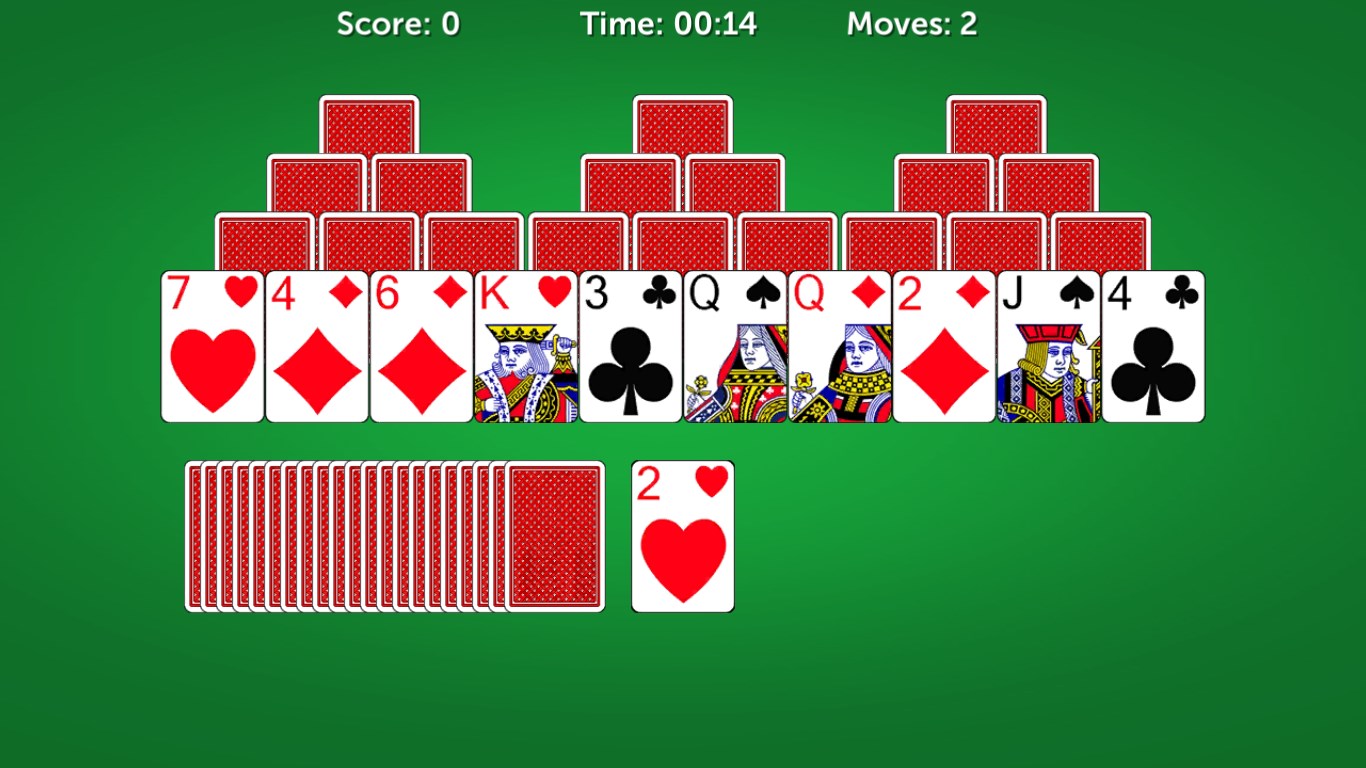
From the moment you launch TriPeaks Solitaire Pro, you're transported into a colorful, visually appealing landscape that invites you to unwind. The game's core mechanic—clearing layers of overlapping peaks by selecting cards that are one rank higher or lower—feels like a gentle walk up a scenic mountain trail. It's simple enough for beginners but offers enough strategic depth to challenge seasoned players. The intuitive drag-and-drop feature makes selecting cards feel natural, while the auto-undo option allows you to experiment without penalty, encouraging a relaxed yet thoughtful approach. Plus, the game's difficulty levels can be adjusted, making it suitable for casual gamers or those seeking a more competitive challenge.
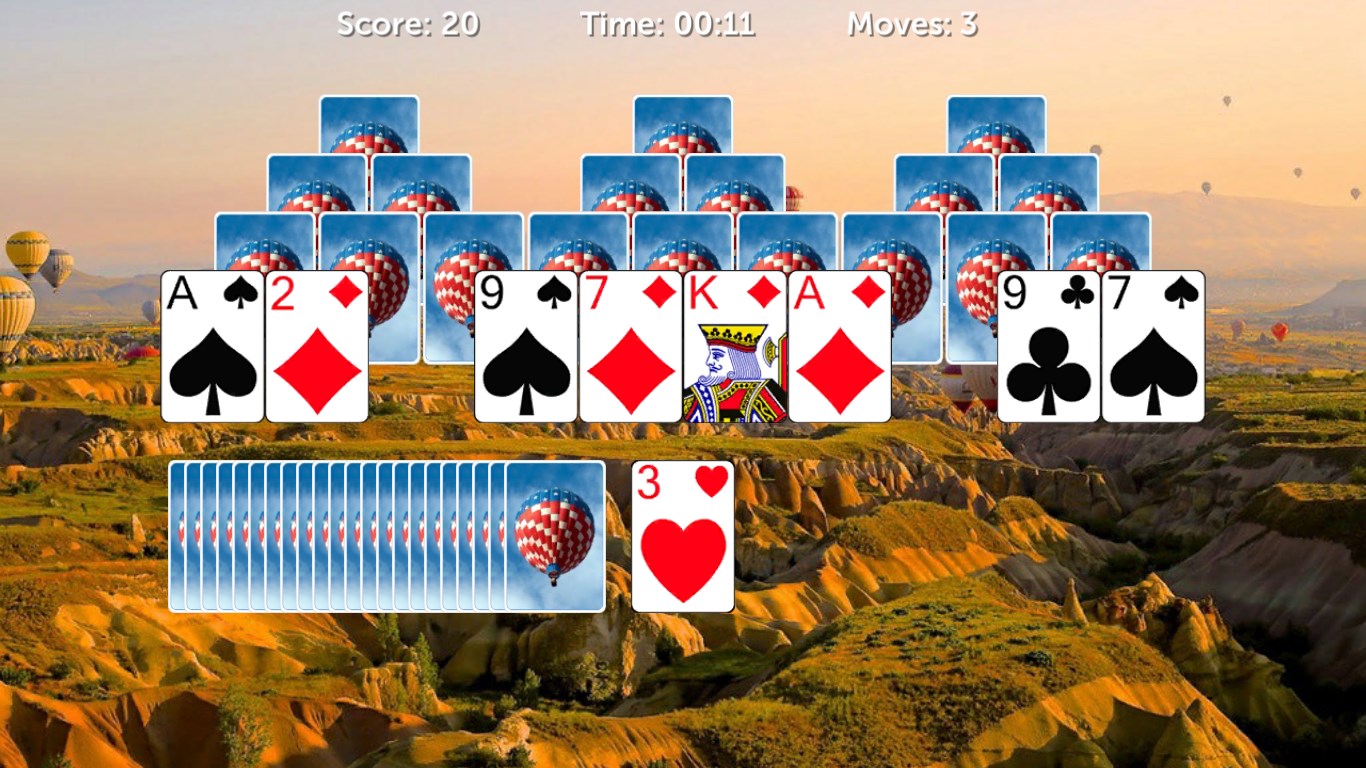
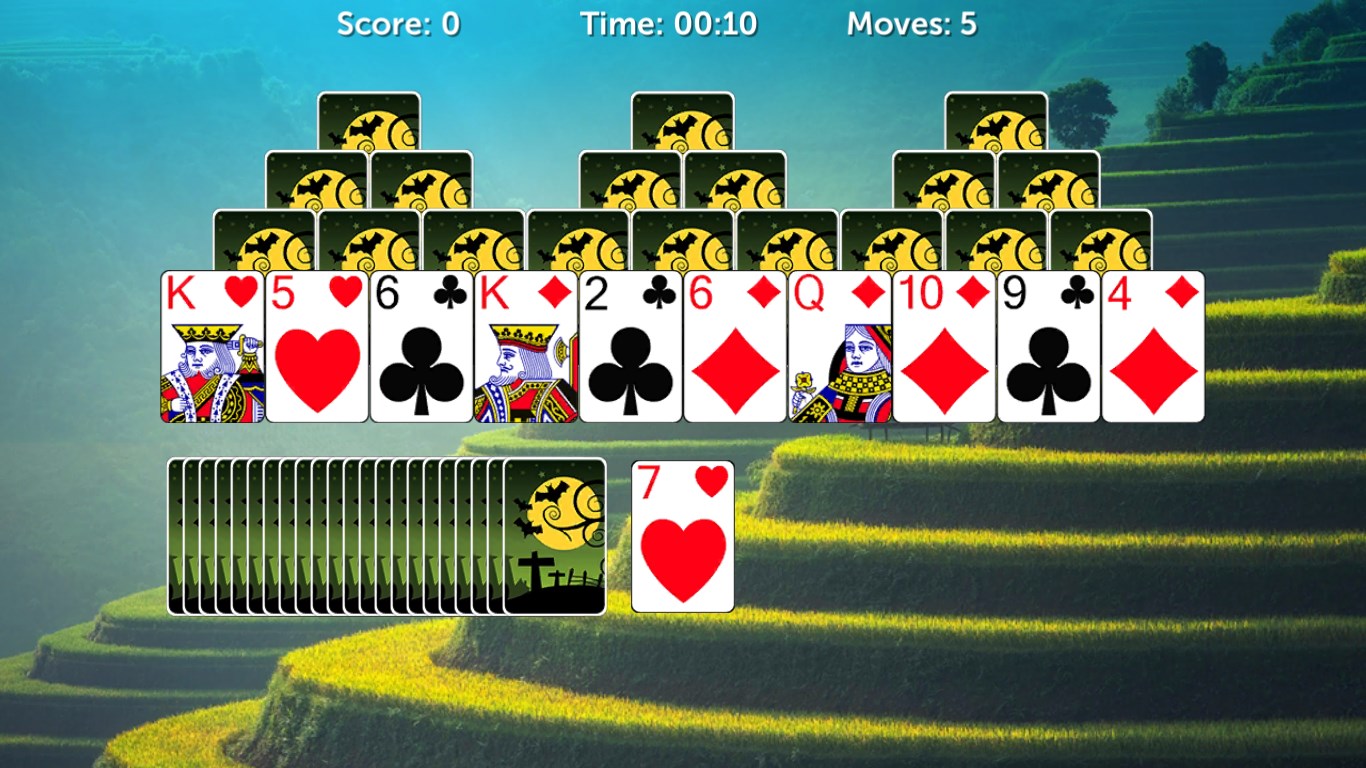
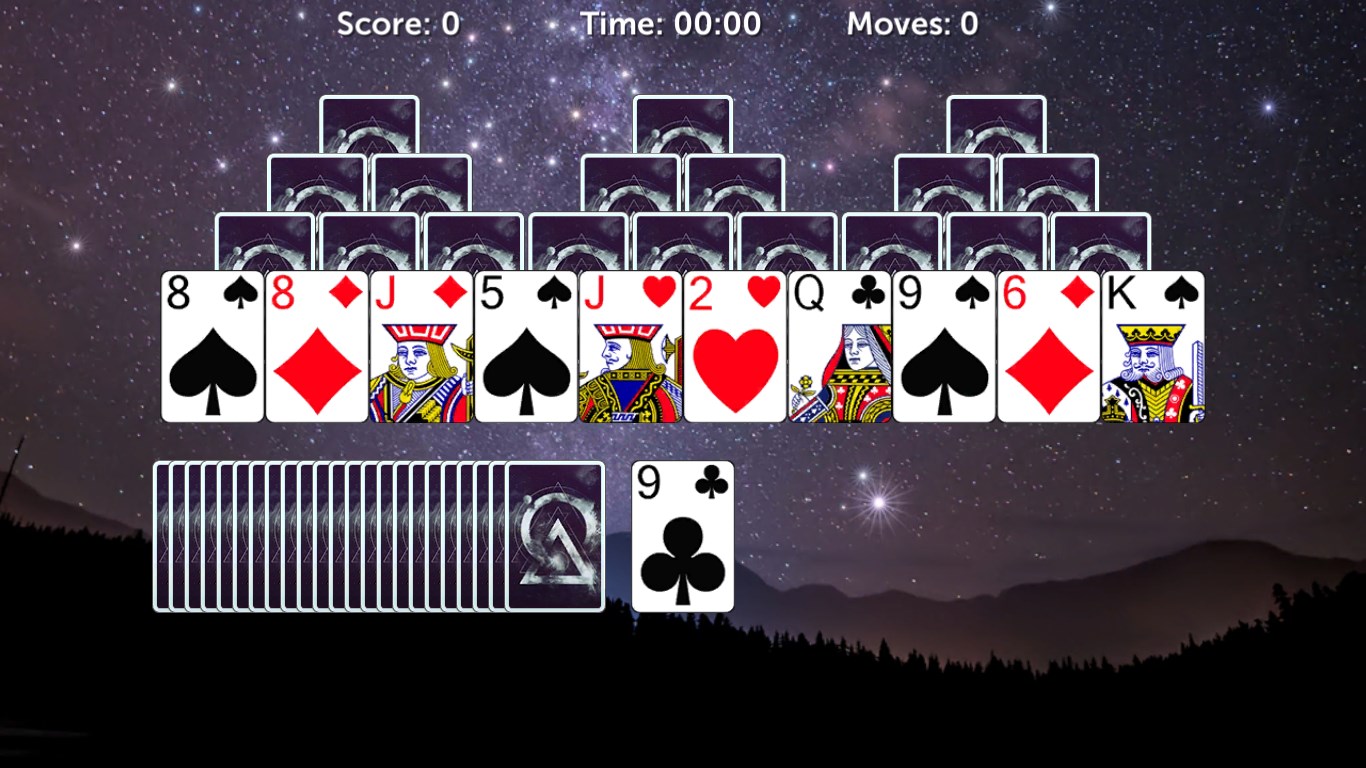
The interface design of TriPeaks Solitaire Pro mirrors the clarity and charm of a well-organized deck in a cozy coffee shop. The colorful card themes and smooth animations make gameplay visually delightful, while the customizable themes let players tailor their environment—from a classic card layout to more playful patterns. Responsiveness is excellent, with little to no lag during gameplay, ensuring a fluid experience. Learning curves are minimal; the game provides simple tutorials for new players, and seasoned solitaire players will appreciate the straightforward controls that allow focus on strategy rather than interface navigation. The game's layout is clean and uncluttered, perfect for quick sessions or extended play marathons.
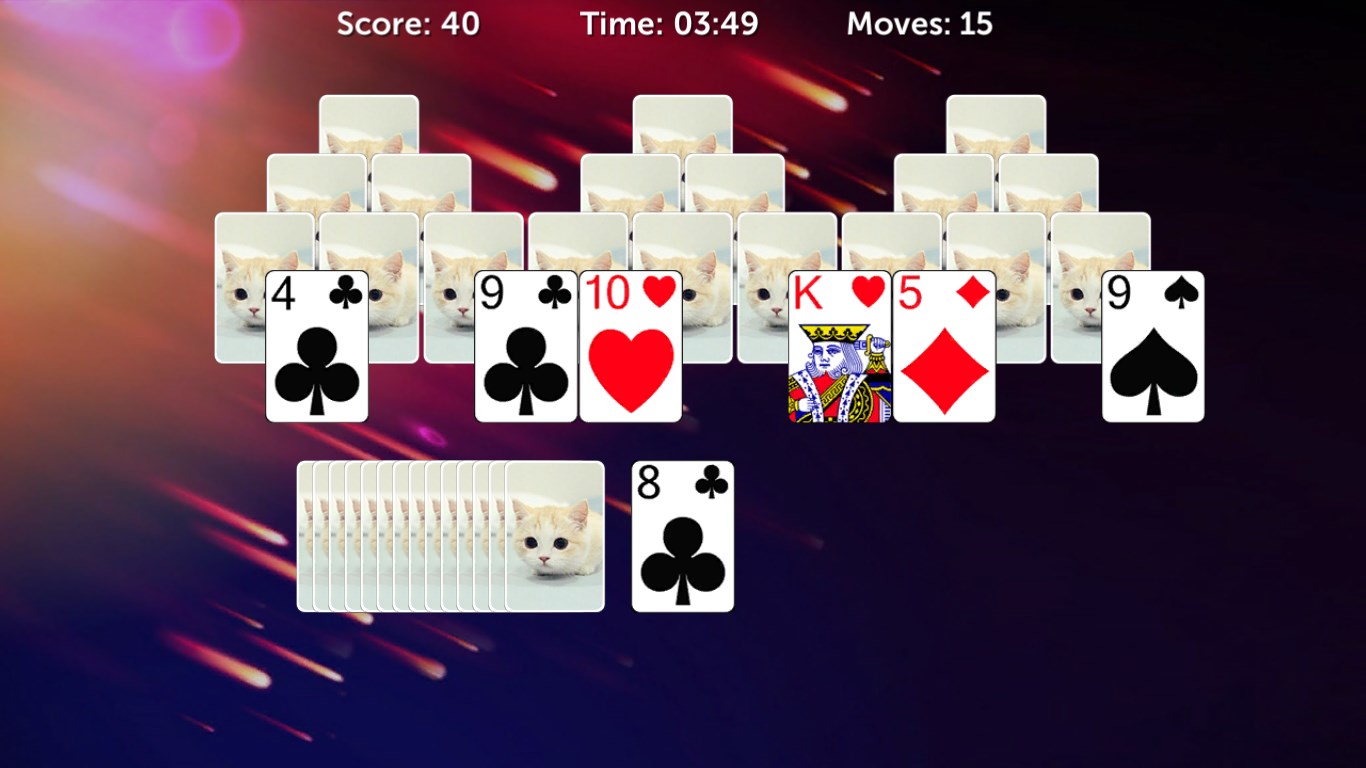
What truly distinguishes TriPeaks Solitaire Pro from similar apps are its two standout features. First, its extensive customization options—ranging from card backs to background images—offer a personalized gaming environment, making each session feel uniquely tailored. Second, its integrated daily challenges and achievement system keep players motivated, turning a relaxing pastime into a rewarding pursuit. Unlike many casual solitaire apps that stick to basic gameplay, TriPeaks Solitaire Pro introduces these elements as motivational tools, effectively merging relaxation with a sense of accomplishment.
Compared to other family-friendly or kids-oriented apps, this game excels in balancing simplicity with depth. Its visually appealing design and easy mechanics make it approachable for all ages, but the inclusion of strategic options and customization appeal more to older players or those seeking a richer experience.
Overall, TriPeaks Solitaire Pro for Windows is a solid choice for anyone craving a refined and visually inviting solitaire experience. Its focus on smooth gameplay, customization, and subtle motivational features make it appealing beyond just casual play. I would recommend this app to solitaire lovers, casual gamers, and even newcomers who want an elegant gateway into card games. Whether you enjoy quick mental breaks or longer strategic sessions, this game manages to combine ease of access with enough depth to keep players returning for more.
User-Friendly Interface
Smooth Gameplay Experience
Customizable Themes and Card Designs
Offline Mode Available
Regular Updates and New Content
Limited Tutorial for Beginners
Occasional Ads Disrupt Gameplay
Lack of Multiplayer Option
Battery Consumption Slightly High
Limited Game Modes

for Windows
 4.8
4.8

for Windows
4.7
for Windows
4.7
for Windows
4.6

for Windows
4.6

for Windows
4.5

for Windows
4.5

for Windows
4.4

for Windows
4.4

for Windows
4.2

for Windows
4.2

for Windows
4.2

for Windows
5

for Windows
5

for Windows
5

for Windows
5

for Windows
5

for Windows
5

for Windows
5

for Windows
5

for Windows
5

for Windows
5