Security
PC
Windows 10 version 0.0 or higher
2 GB
Chinese (Traditional Chinese), Danish, Dutch, English, French, German, Indonesian, Italian, Korean, Norwegian, Portuguese, Russian, Spanish, Swedish, Thai, Turkish, Vietnamese
Trend Micro Maximum Security for Windows stands as a comprehensive cybersecurity solution designed to safeguard your digital life. With its robust features and user-friendly interface, it aims to provide both potency and peace of mind in today's increasingly connected world. Whether you're a casual user or a tech-savvy professional, this security suite promises to keep your system protected against evolving threats, all while being accessible and straightforward to operate.
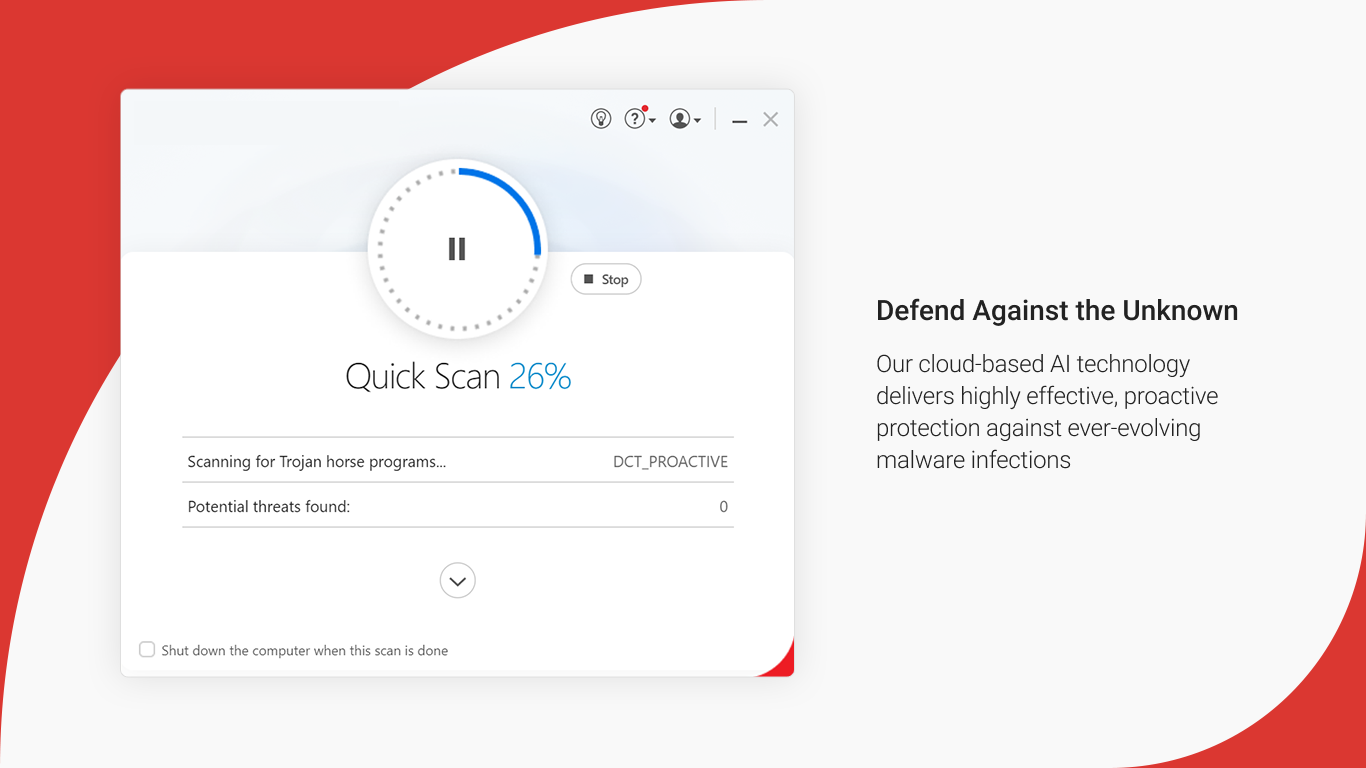
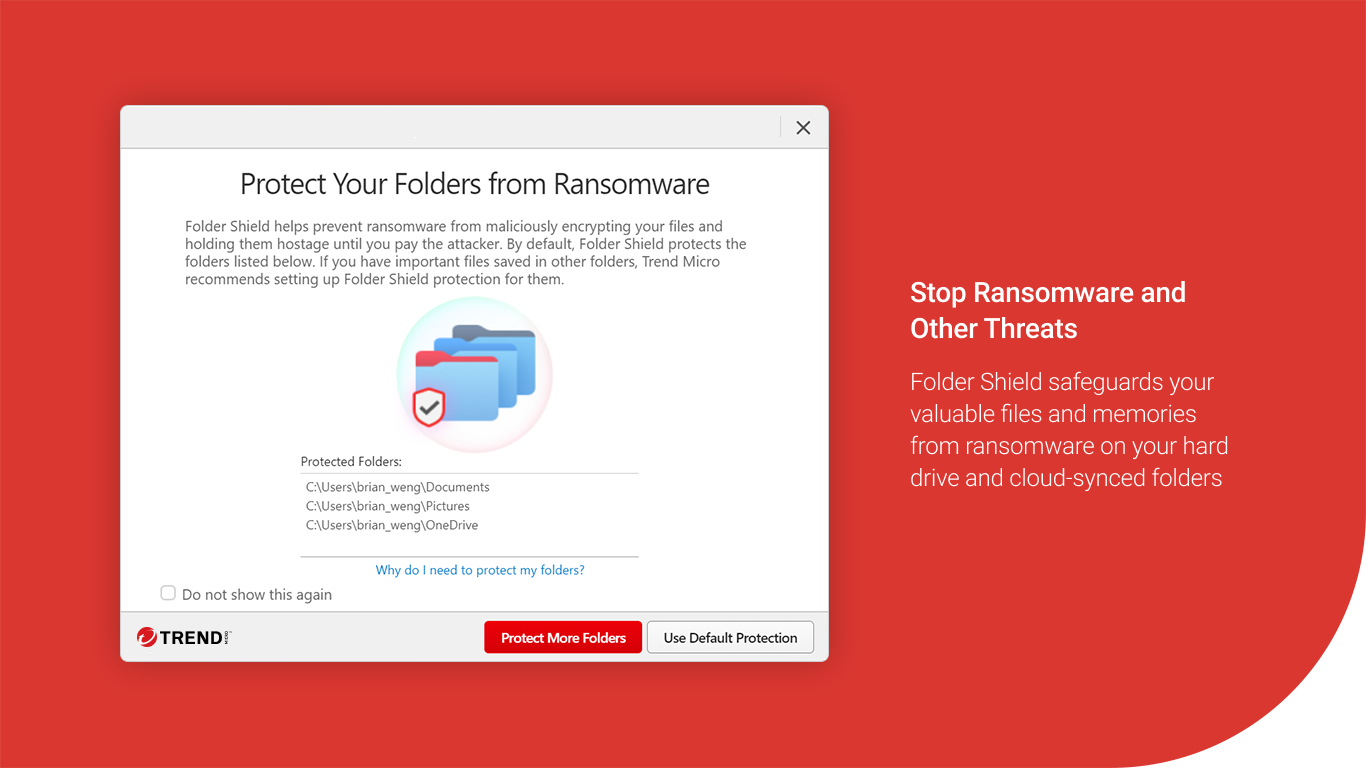
At the heart of Trend Micro Maximum Security lies its cutting-edge AI-driven threat detection engine. Unlike traditional antivirus solutions that rely solely on signature databases, this application continuously learns and adapts, identifying zero-day exploits and emerging malware patterns in real-time. Imagine having a vigilant security guard who not only reacts to known intruders but also anticipates new ones before they even make a move. This proactive approach makes the software especially effective against ransomware, phishing attacks, and other sophisticated cyber threats.
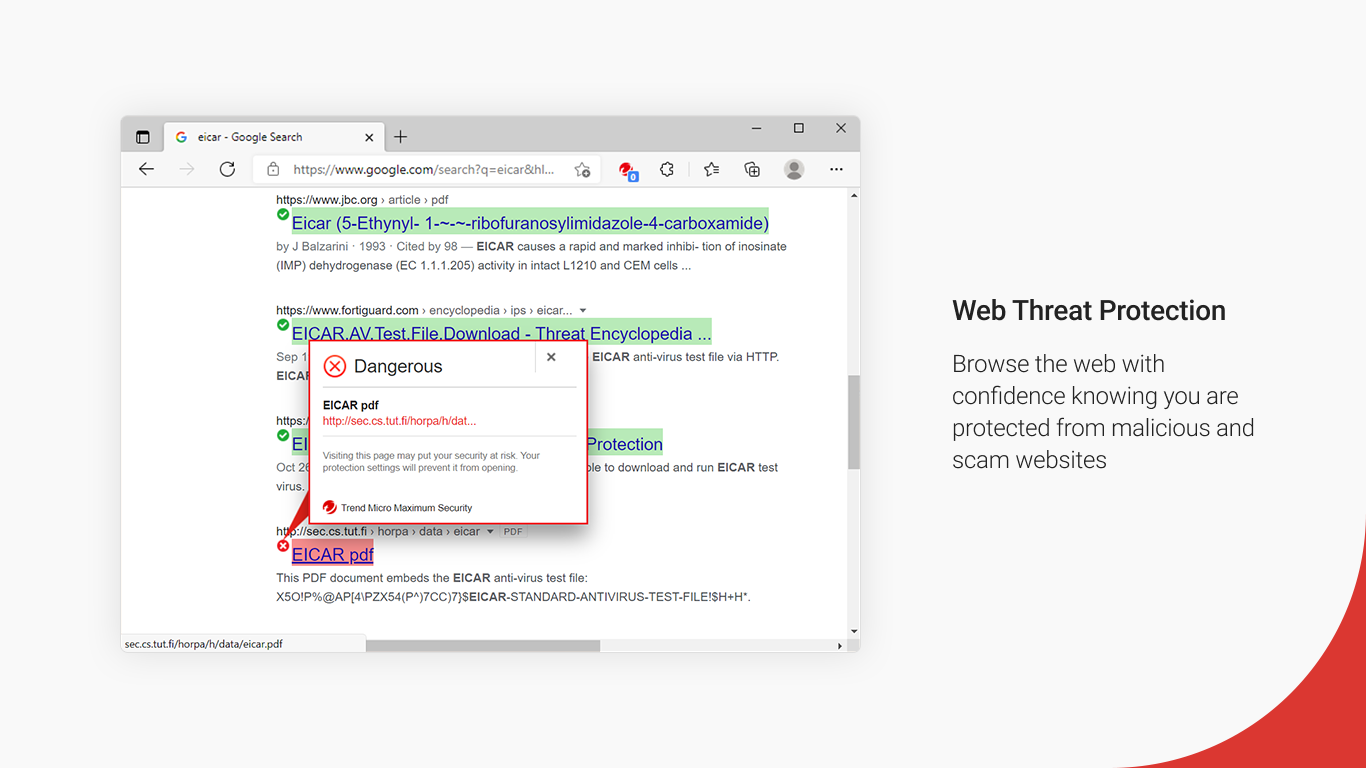
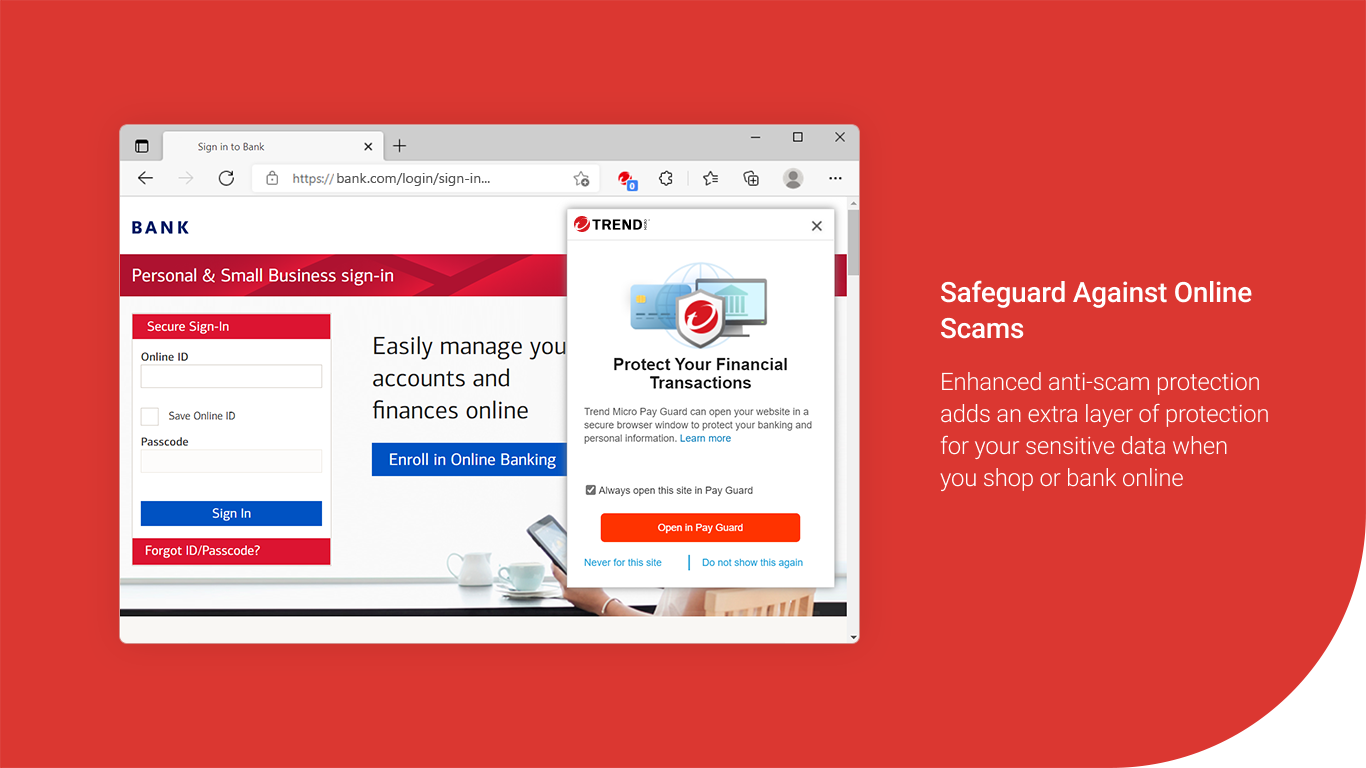
Browsing the web or opening emails is akin to walking through a digital neighborhood — full of potential hazards. Trend Micro maximizes safety by providing real-time web filtering and email scanning. It warns users about unsafe sites, blocks malicious links, and prevents phishing schemes that could compromise sensitive information. Its browser extension seamlessly integrates into your Chrome, Edge, or Firefox, turning your everyday online activities into less of a gamble and more of a safe adventure. This feature particularly shines for remote workers or students who spend hours online and need an extra layer of security.
Beyond malware protection, this suite offers tools to optimize your system's performance and privacy. It scans for vulnerabilities, such as outdated software and insecure configurations, while also helping manage privacy settings to prevent data leaks. Imagine having a friendly tech-savvy companion who not only defends your system but also ensures it runs efficiently and your personal data stays private. This holistic approach makes Trend Micro stand apart from rivals that often focus solely on malware detection.
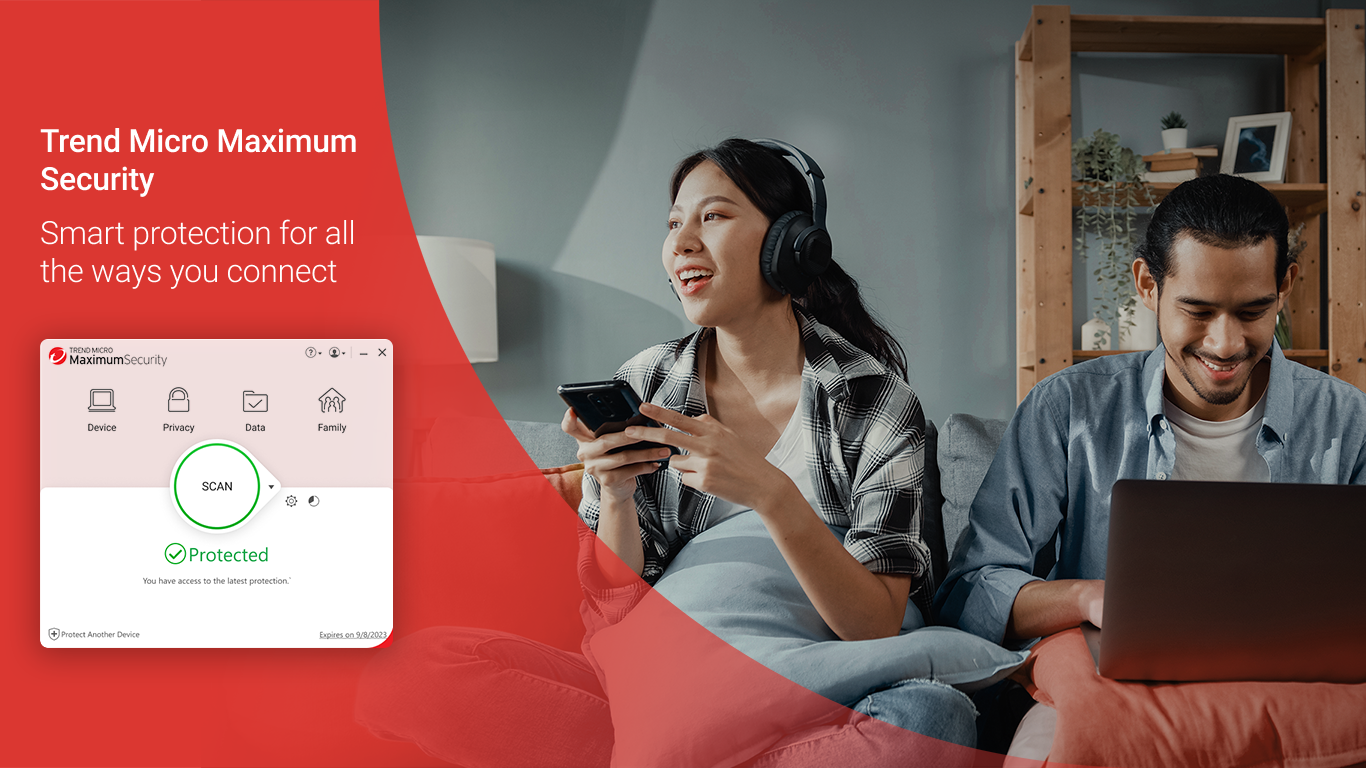
The interface of Trend Micro Maximum Security is akin to a well-organized control room — clean, intuitive, and easy to navigate. The dashboard provides a clear overview of security status, with prominent buttons for scanning, updating, and managing features. Even users who aren't tech enthusiasts will find the learning curve gentle; the setup process is straightforward, guided by step-by-step instructions, and the automated updates ensure continuous protection without fuss. The application operates smoothly in the background, with minimal impact on system performance, allowing users to multitask without lag or interruptions. Its friendly prompts and health indicators make maintaining security feel less like a chore and more like routine maintenance.
Compared to other security applications, Trend Micro Maximum Security's standout feature is its AI-powered threat detection combined with proactive privacy management. While many competitors rely heavily on signature-based detection, Trend Micro's ability to anticipate threats sets it apart, especially in an era where cyberattacks are increasingly unpredictable. Additionally, its comprehensive device optimization tools provide a unique value by not just preventing threats but also enhancing overall system health, making it a one-stop solution for digital safety and performance.
All in all, Trend Micro Maximum Security strikes a fine balance between powerful protection and user-friendly design. It's like having a seasoned security professional silently working behind the scenes, alert and ready to defend your digital realm. For home users, students, or small business owners seeking reliable, unobtrusive security, this application merits strong consideration. While it may not have the flashiest marketing, its core strengths lie in its effective threat detection and thoughtful user experience. I recommend trying it out if you want a comprehensive, adaptable shield that keeps pace with today's cyber threats — your digital safety deserves no less.
Comprehensive Security Features
User-Friendly Interface
Strong Malware Detection Rates
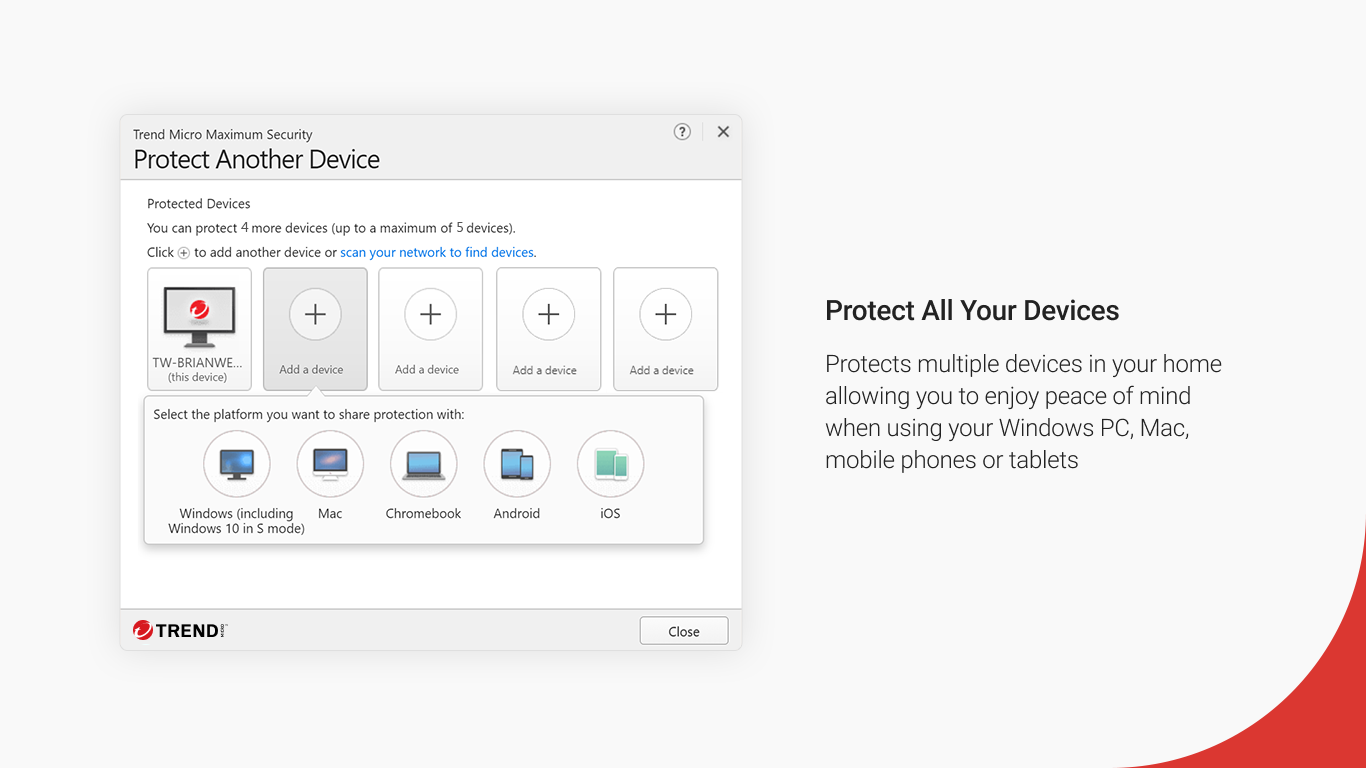
Multi-Device Support
Automatic Updates and Runs silently in the background
Occasional False Positives
High System Resource Usage
Premium Features Require Subscription
Firewall Configuration Complexity
Initial Setup Takes Time

for Windows
 4.8
4.8

for Windows
4.7

for Windows
4.7

for Windows
4.7

for Windows
4.6

for Windows
4.6

for Windows
4.5

for Windows
4.4

for Windows
4.4

for Windows
4.3

for Windows
4.3

for Windows
4.3

for Windows
5

for Windows
5

for Windows
5

for Windows
5

for Windows
5

for Windows
5

for Windows
5

for Windows
5

for Windows
5

for Windows
5