Security
PC
Windows 10 version 0.0 or higher
2 GB
English, Chinese (Traditional Chinese), Danish, Dutch, French, German, Indonesian, Italian, Korean, Norwegian, Portuguese, Russian, Spanish, Swedish, Thai, Turkish, Vietnamese
In today's connected age, safeguarding your personal data and online activity is more critical than ever. Trend Micro Internet Security for Windows positions itself as a trustworthy digital guardian, offering comprehensive protection against evolving cyber threats. Developed by the reputable Trend Micro Inc., this security suite blends advanced technology with user-friendly design to create a resilient shield for Windows users.
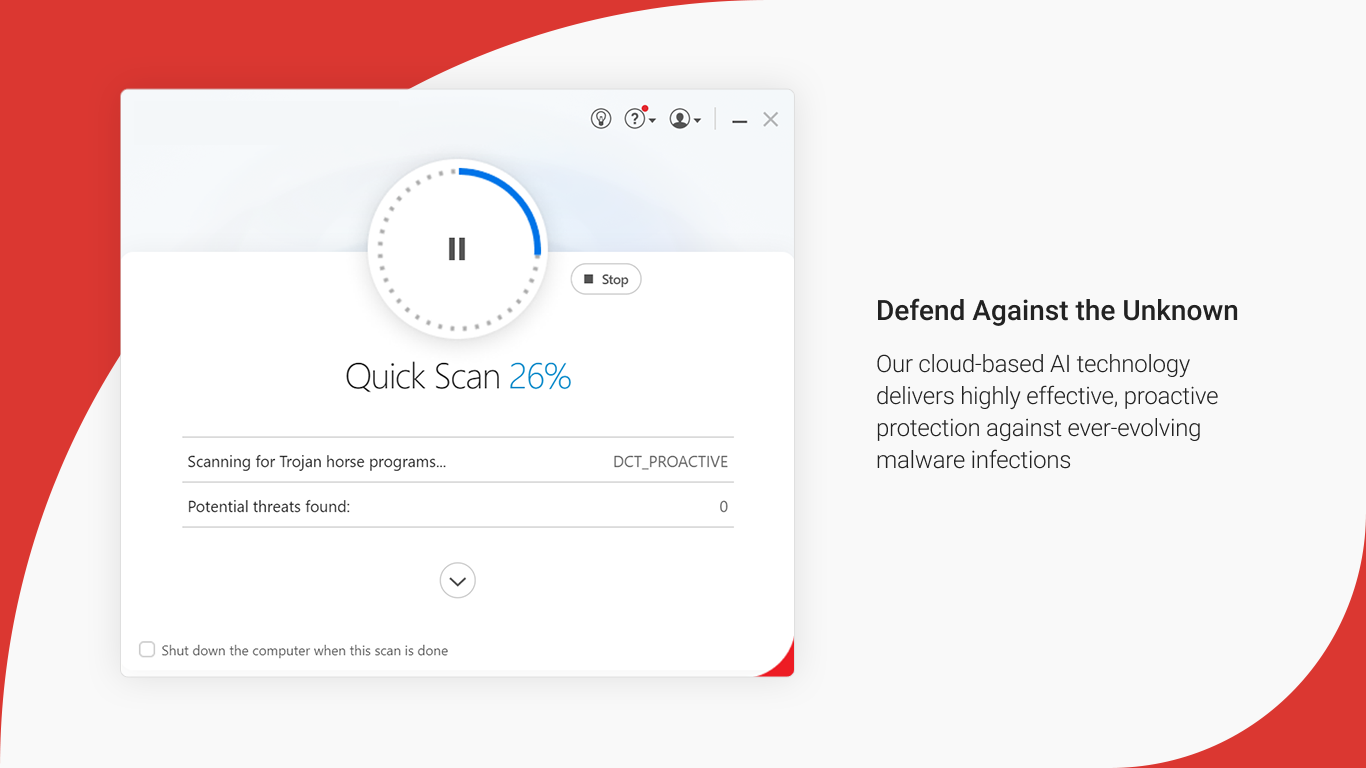
At the heart of Trend Micro's offering is its intelligent threat detection engine. Leveraging machine learning algorithms and cloud-based scanning, it actively monitors and neutralizes viruses, ransomware, spyware, and malicious URLs as they emerge. This proactive approach ensures minimal disruption and maximum security, acting like a vigilant sentinel scanning every nook and cranny of your digital activities.
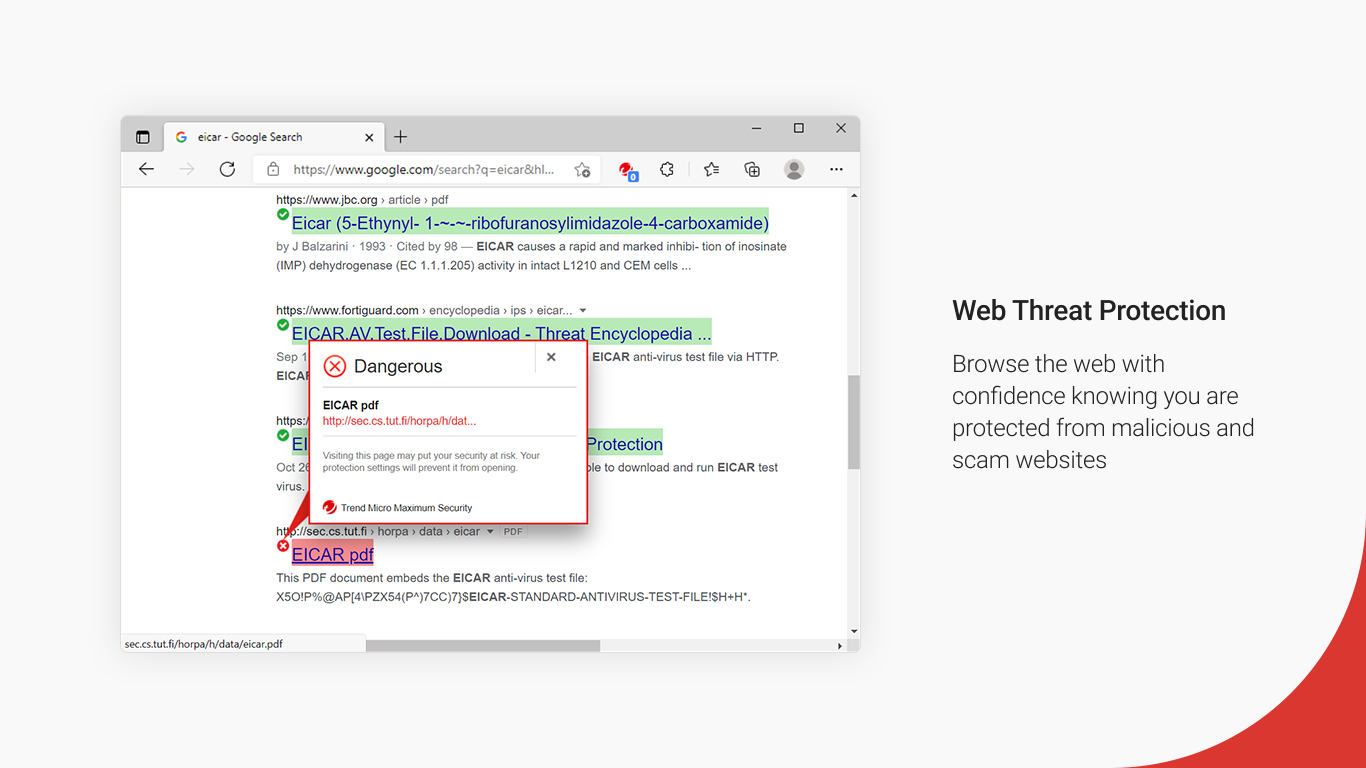
Browsing the web or managing emails can feel like navigating a bustling city—full of potential hazards. Trend Micro's web filtering and email security features serve as vigilant traffic controllers, blocking phishing sites, malicious downloads, and spam before they reach your device. It's like having a seasoned guide leading you safely through the digital labyrinth.
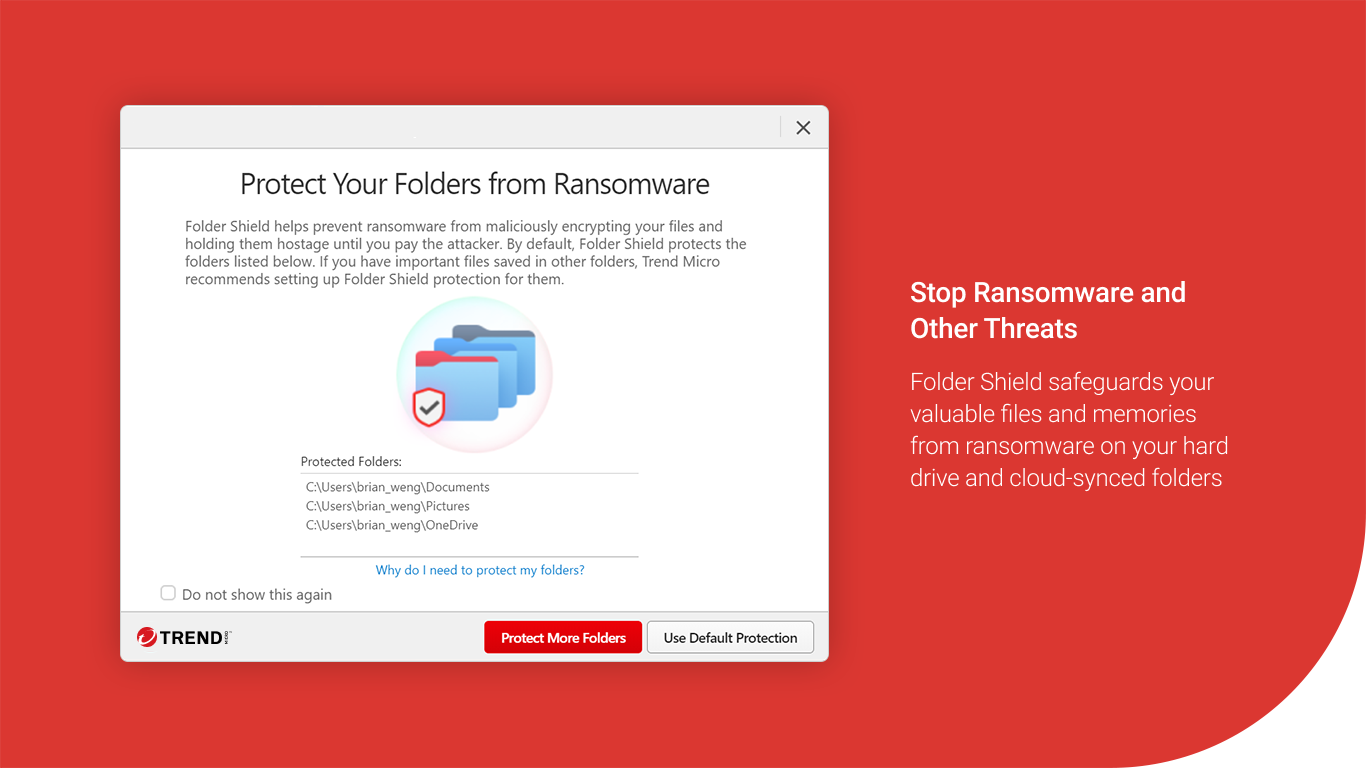
In an era where personal privacy is paramount, this app offers tools to protect sensitive information, including a Password Manager and secure file storage. These features act as a safe deposit box for your digital valuables, giving you peace of mind knowing your private data remains private, even if the online world turns hostile.
From the moment you install Trend Micro Internet Security, its sleek interface welcomes you like a friendly assistant. The layout is clean, with intuitive icons and clear labels, ensuring that even non-tech-savvy users can navigate effortlessly. The app responds smoothly to commands, with quick scans and simple configuration processes—think of it as consulting a digital Swiss Army knife designed with users in mind.
Learning curve is minimal;setup wizards guide you through initial configurations, and the dashboard provides real-time status updates at a glance. Regular notifications keep you informed without overwhelming, striking a balance between helpful guidance and unobtrusiveness.
While many security solutions offer similar core protections, Trend Micro Internet Security distinguishes itself with its **behavioral analysis engine**. Rather than solely relying on signature databases, it monitors the behavior of applications and files in real-time, quickly identifying suspicious activity that traditional signature-based scans might miss. This proactive monitoring acts like a vigilant watchdog sniffing out stealthy threats before they cause harm.
Additionally, its **cloud-enabled scanning architecture** allows for rapid updates and minimal impact on system performance. It's akin to having a security team working behind the scenes, constantly updating and adapting, so your device stays shielded without feeling weighed down.
All things considered, Trend Micro Internet Security for Windows offers a comprehensive, user-friendly security solution suitable for everyday users who want reliable protection without the hassle. Its standout features—particularly the behavioral analysis and seamless cloud integration—make it a compelling choice among many in the crowded cybersecurity landscape.
If you prioritize a straightforward setup coupled with intelligent threat detection and privacy safeguards, this app deserves a spot on your digital desk. While it's not overly aggressive in upselling additional features, its robust core protections provide peace of mind for both casual internet users and more tech-savvy individuals alike.
In short, consider Trend Micro Internet Security as your trusted digital bodyguard—always alert, unobtrusive, and ready to ward off lurking threats, so you can browse, work, and shop online with confidence.
Comprehensive malware protection
Real-time threat monitoring
User-friendly interface
Low system impact
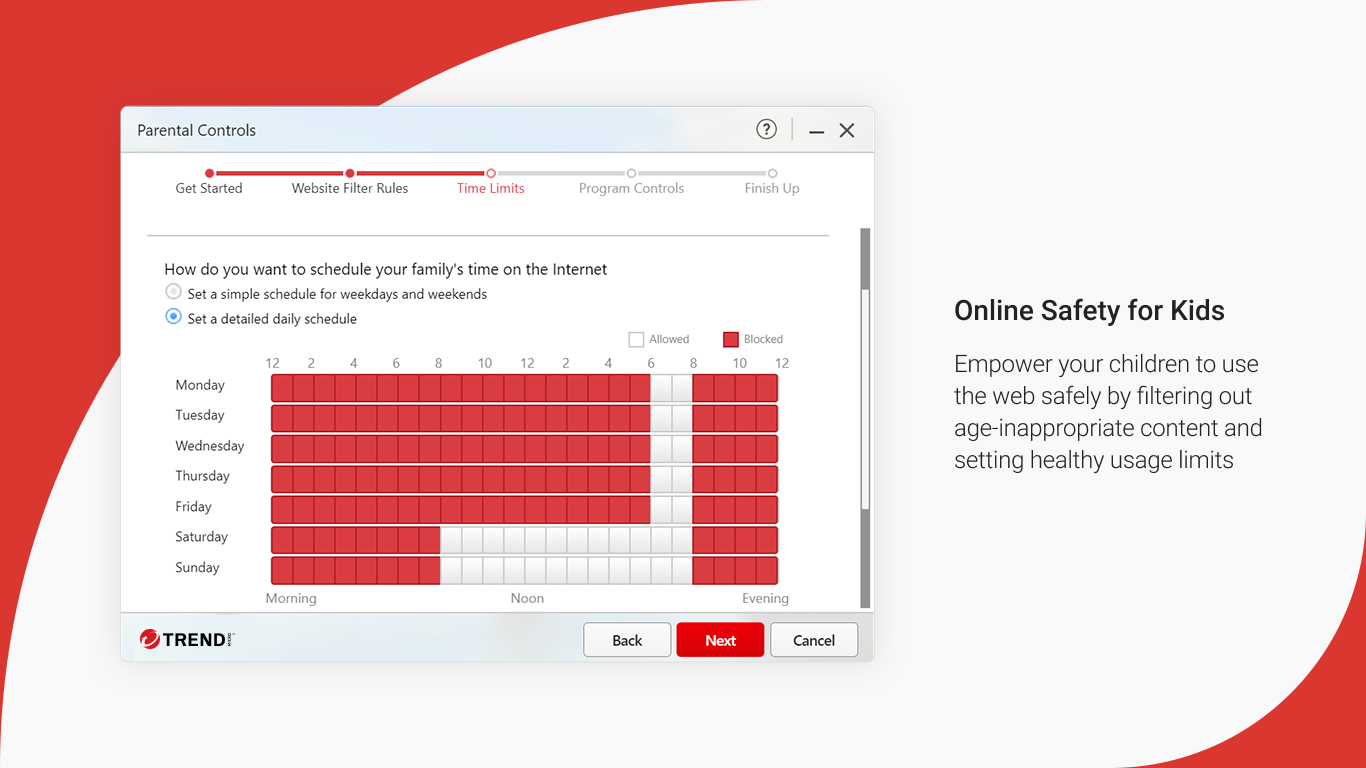
Web filtering and safe browsing
Occasional false positives
Premium features require subscription
Resource usage during scans
Update delays for new threats
Limited VPN functionality in free version

for Windows
 4.8
4.8

for Windows
4.7

for Windows
4.7

for Windows
4.7

for Windows
4.6

for Windows
4.6

for Windows
4.5

for Windows
4.4

for Windows
4.4

for Windows
4.3

for Windows
4.3

for Windows
4.3

for Windows
5

for Windows
5

for Windows
5

for Windows
5

for Windows
5

for Windows
5

for Windows
5

for Windows
5

for Windows
5

for Windows
5