Security
PC
Windows 10 version 0.0 or higher
4 GB
English, Chinese (Traditional Chinese), Spanish, Russian, Thai, Dutch, Danish, Korean, Norwegian, Portuguese, French, German, Turkish, Vietnamese, Swedish, Indonesian, Italian
If you're searching for an antivirus that combines solid protection with a user-friendly experience, Trend Micro Antivirus Plus Security for Windows might just fit the bill. Designed to safeguard your device from evolving cyber threats without turning your workflow upside down, this software positions itself as a dependable partner for everyday users.
Developed by Trend Micro Inc., a global cybersecurity powerhouse with decades of experience, the application benefits from a legacy of innovative threat detection and comprehensive security solutions. Their team leverages cutting-edge technology to craft products that aim to strike a balance between robust protection and easy usability.
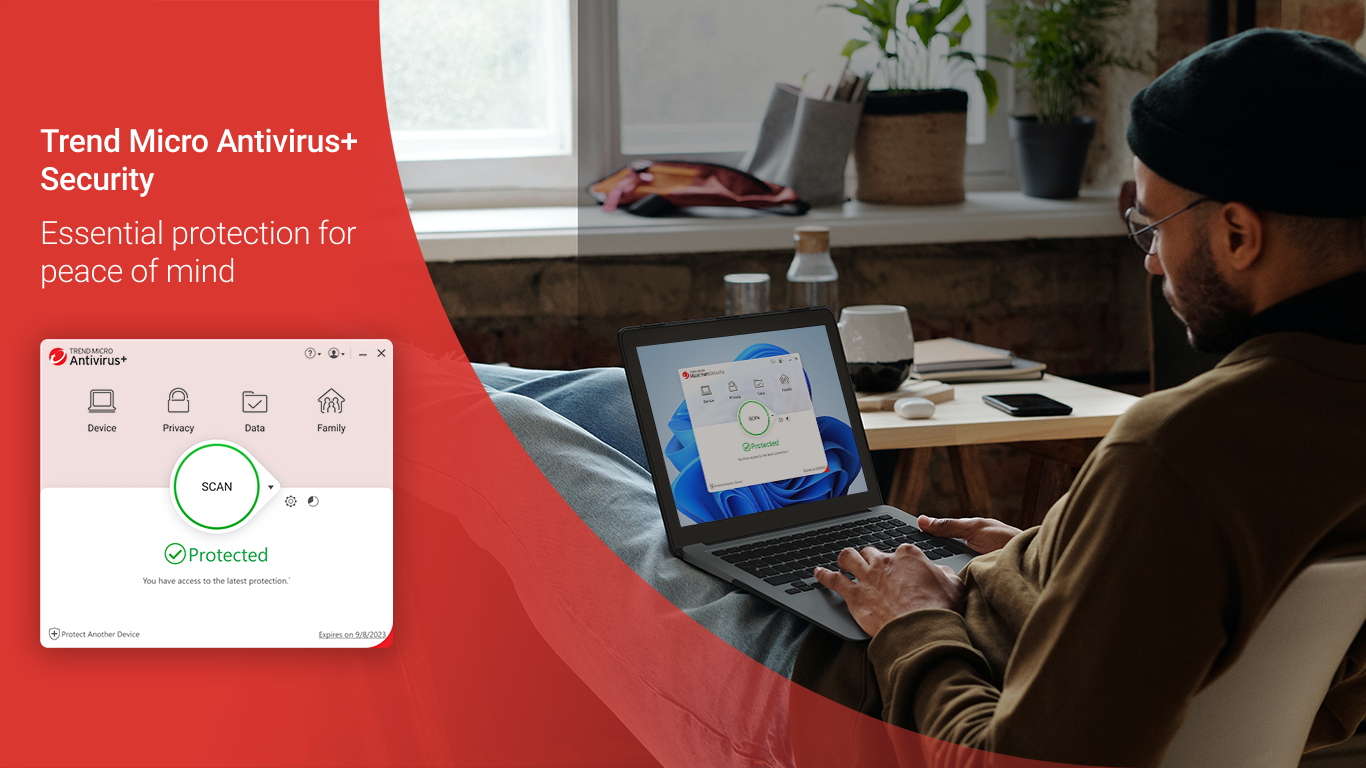
The app features a clean, modern interface that resembles a well-organized control center—think of it as your digital dashboard, easy to navigate even for those less tech-savvy. Clear icons and straightforward labels make it easy to access core features, and the overall design reduces user overwhelm, helping you focus on what matters—security.
From installation to routine scans, the application exhibits smooth operation. Initial setup guides you through essential configurations without fuss. Its background scanning doesn't interfere with your daily activities, guaranteeing a seamless experience. For new users, the learning curve is gentle—most features are self-explanatory, and additional insights are accessible via tooltip hints and detailed settings.
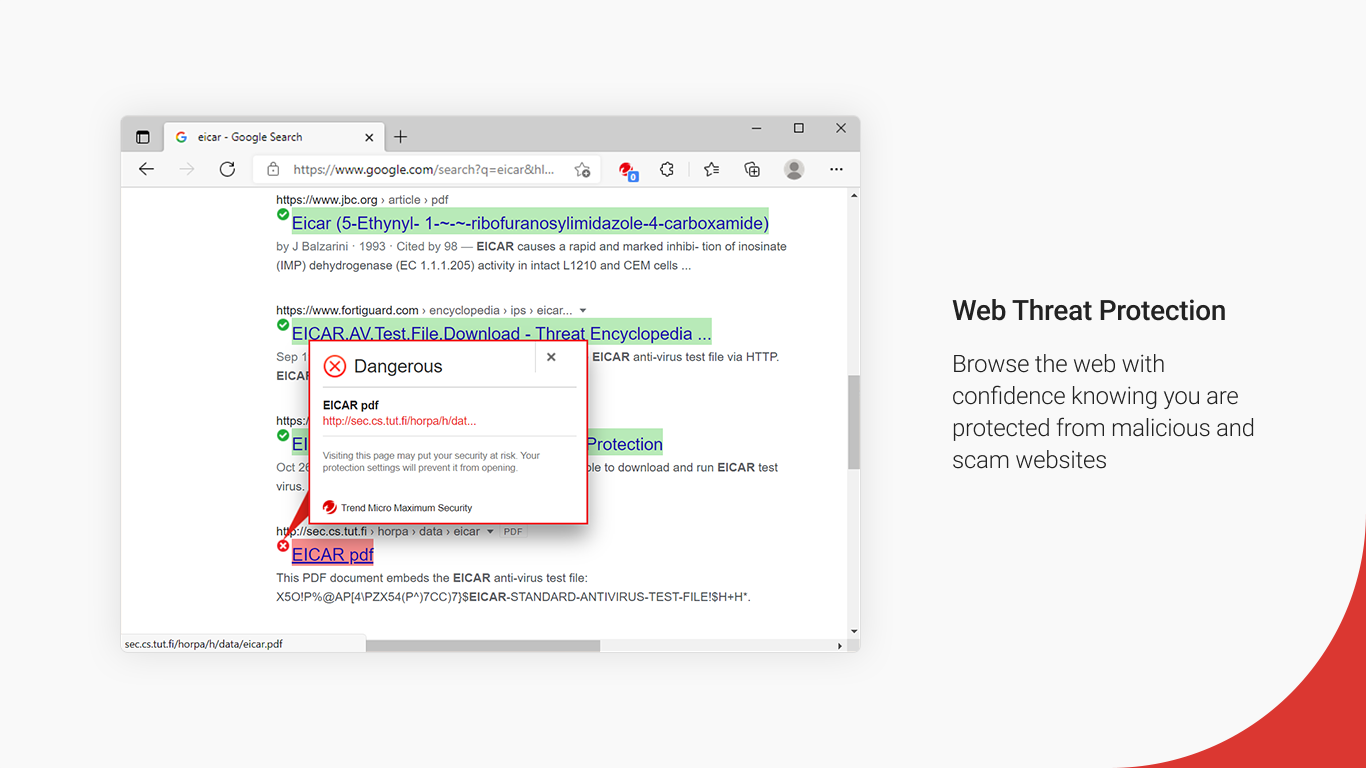
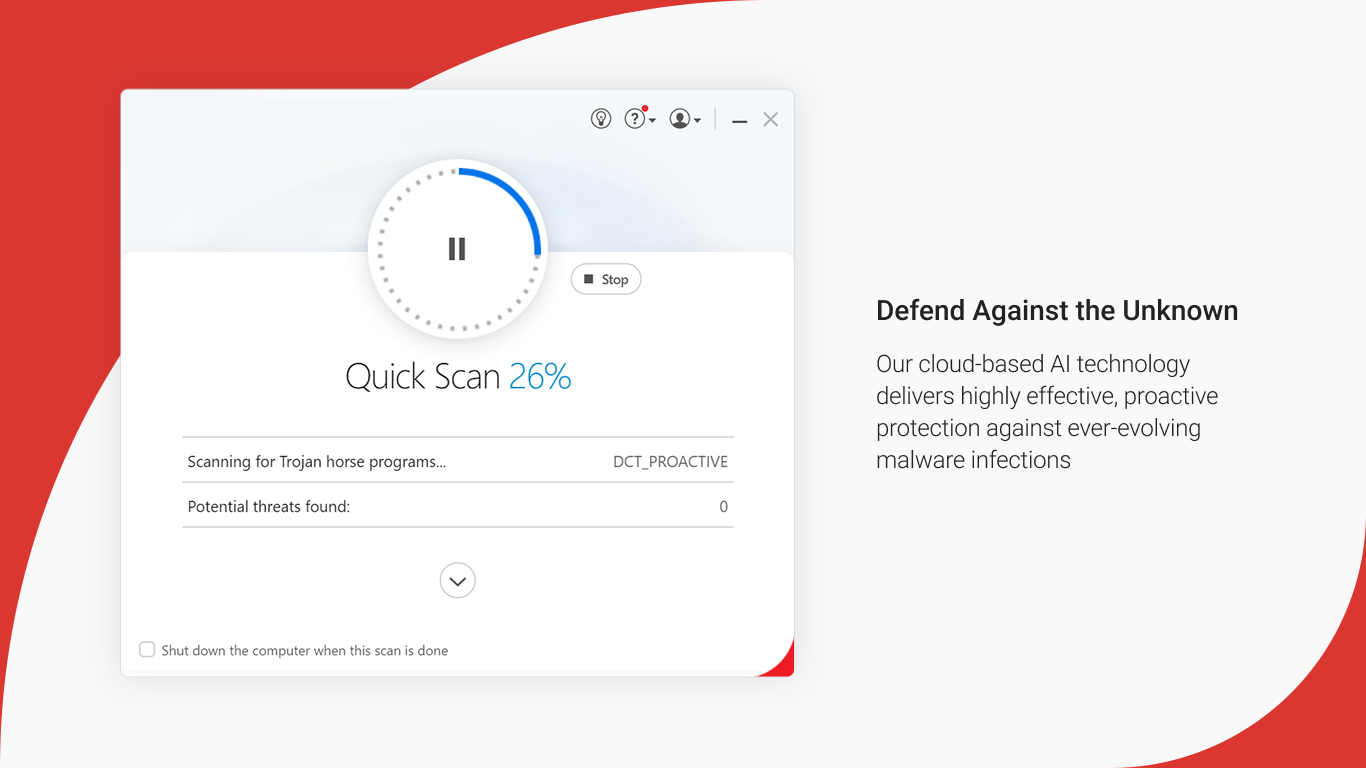
Unlike many traditional antivirus solutions that rely heavily on signature-based detection, Trend Micro Antivirus Plus Security employs advanced AI-driven threat detection, enabling it to identify emerging threats with greater accuracy. Its web protection tools are particularly noteworthy—treating safe browsing as an integral part of its security arsenal, not just an afterthought. This holistic approach makes it stand out, especially for users who appreciate an all-in-one security solution that doesn't overload their system or complicate usage.
Overall, Trend Micro Antivirus Plus Security offers a compelling blend of malware protection, user-friendly design, and innovative features like AI-powered detection and comprehensive web shield. It's particularly suitable for everyday users who want reliable, straightforward security without the fuss. I recommend this app for those prioritizing ease of use alongside effective protection, especially if web browsing safety is a primary concern. Given its lightweight operation and thoughtful interface, it's worth trying out for anyone looking for a trustworthy antivirus companion.
Excellent malware detection rates
Real-time protection updates
User-friendly interface
Fast system scans
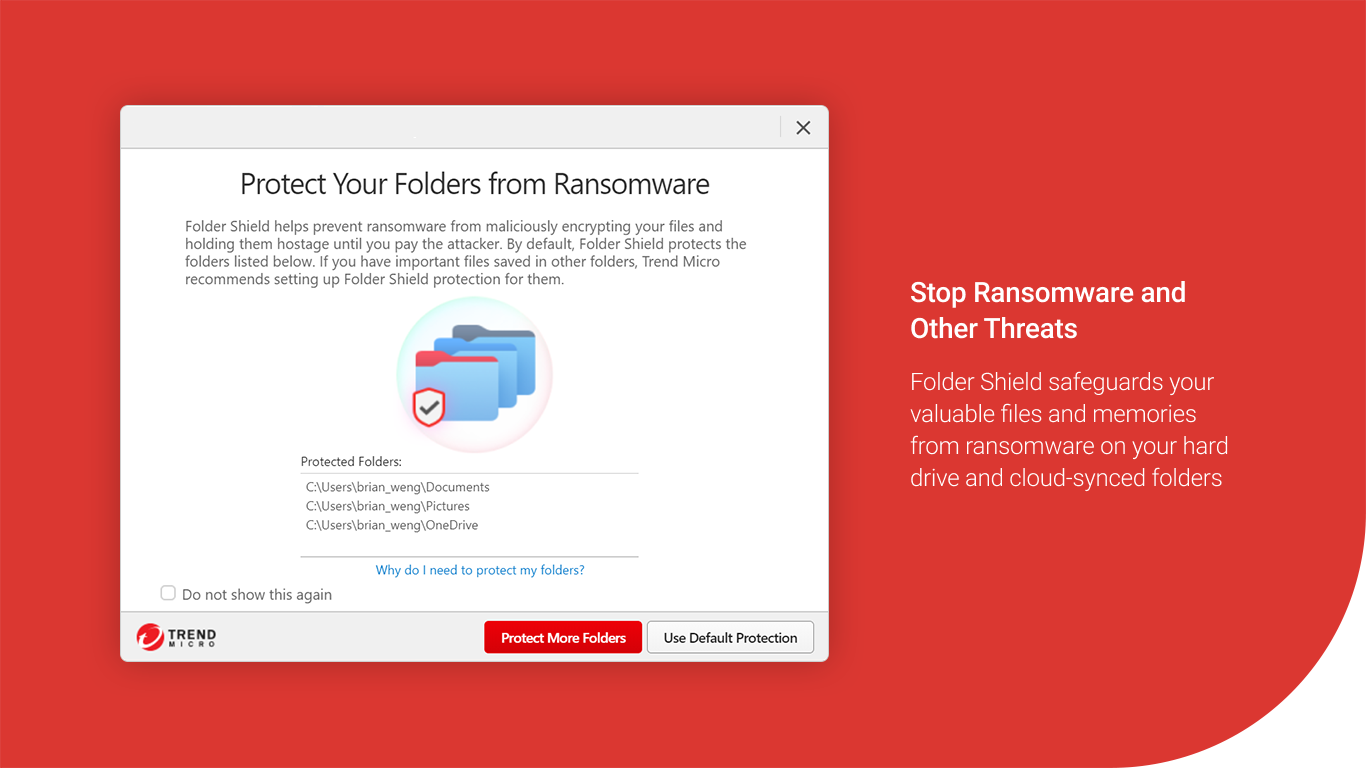
Additional privacy features
High false positive rate at times
Occasional false alerts during real-time scanning
Limited free features compared to premium versions
Resource usage can be slightly high during full scans
Customer support response times vary

for Windows
 4.8
4.8

for Windows
4.7

for Windows
4.7

for Windows
4.7

for Windows
4.6

for Windows
4.6

for Windows
4.5

for Windows
4.4
for Windows
4.4

for Windows
4.3

for Windows
4.3

for Windows
4.3

for Windows
5

for Windows
5

for Windows
5

for Windows
5

for Windows
5

for Windows
5

for Windows
5

for Windows
5

for Windows
5

for Windows
5